 ProMapRanker
Best Qualitative Software in 2026

Key takeaways
- NVivo, ATLAS.ti, and MAXQDA remain the core choices for formal coding, mixed-methods work, and long research projects.
- Dovetail and Condens suit product and UX teams that need shared repositories, tagging, and fast synthesis across interviews.
- Quirkos, Delve, and Taguette lower the barrier for small teams, students, and solo researchers who need clear coding without enterprise overhead.
- AI coding help can speed a first pass, but human review, a clear codebook, and an audit trail still decide whether findings hold up.
- Check transcription, video coding, collaboration, and export options before buying, since those details shape daily work more than a feature list.
Quick comparison
| Pick | Great for | Pricing starts at | Free tier | |
|---|---|---|---|---|
 NVivo | Mixed-methods research teams | See website | Free trial | Visit |
 ATLAS.ti | Academic and multimedia research | See website | Free trial | Visit |
 MAXQDA | Mixed-methods desktop analysis | See website | Free trial | Visit |
 Dovetail | Collaborative UX research repositories | See website | Yes | Visit |
 Dedoose | Budget-friendly team coding | See website | Free trial | Visit |
 Quirkos | Simple coding for small teams | See website | Free trial | Visit |
 Delve | Accessible grounded coding | See website | Free trial | Visit |
 Condens | Iterative UX research analysis | See website | Free trial | Visit |
 Taguette | Free open source basic coding | Free | Yes | Visit |
The best qualitative software
Qualitative software helps researchers organise interview transcripts, survey responses, field notes, audio, and video, then code them into themes that can be checked and shared. We compared official feature pages, pricing pages, documentation, privacy policies, and public reviews, with a focus on coding, collaboration, and export.
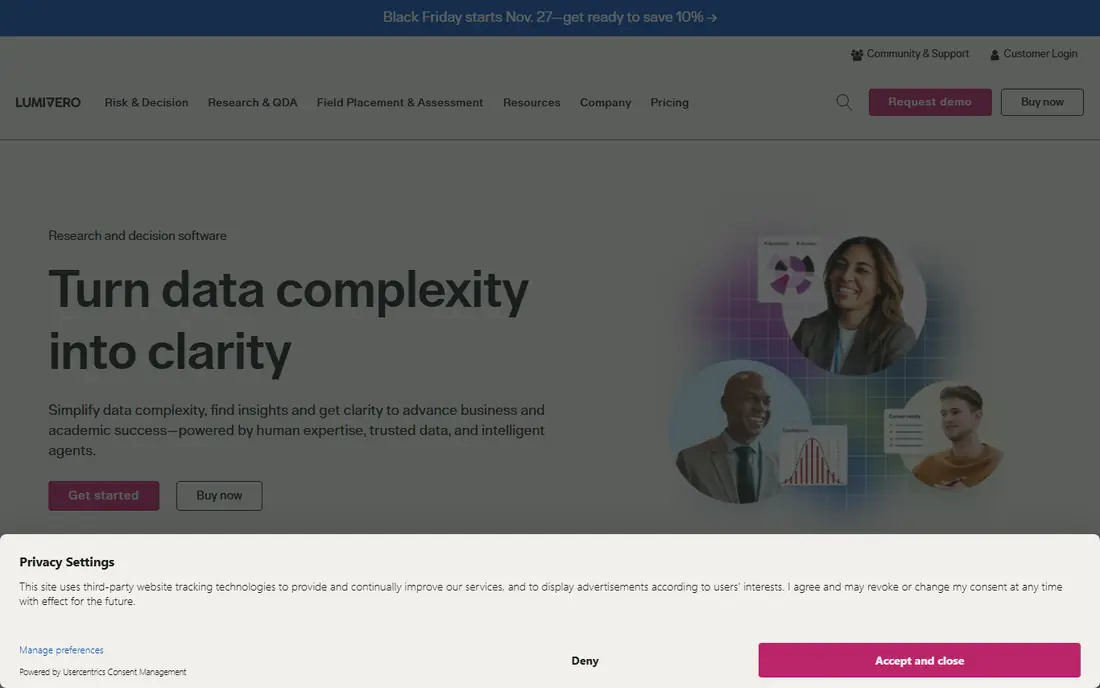
NVivo is the tool most research teams already know, and that familiarity has practical value. A student or colleague who has used it before can join a project without learning a new system from scratch. It handles text, audio, video, and images in one project, and its coding, memo, and query tools support formal analysis from first codes to final themes.
The price and learning curve are the honest limits. Commercial licences cost more than student licences, and a new user should expect time to learn project setup, coding discipline, and query design. For a long project, a thesis, or a team that needs mixed-methods links to survey data, that investment usually pays off. For a single short study, a lighter tool may be faster.
- Broad data support across text, audio, video, and images
- Strong coding and query tools
- Widely taught in universities
- Cost can be high outside student pricing
- Learning curve is real for new users
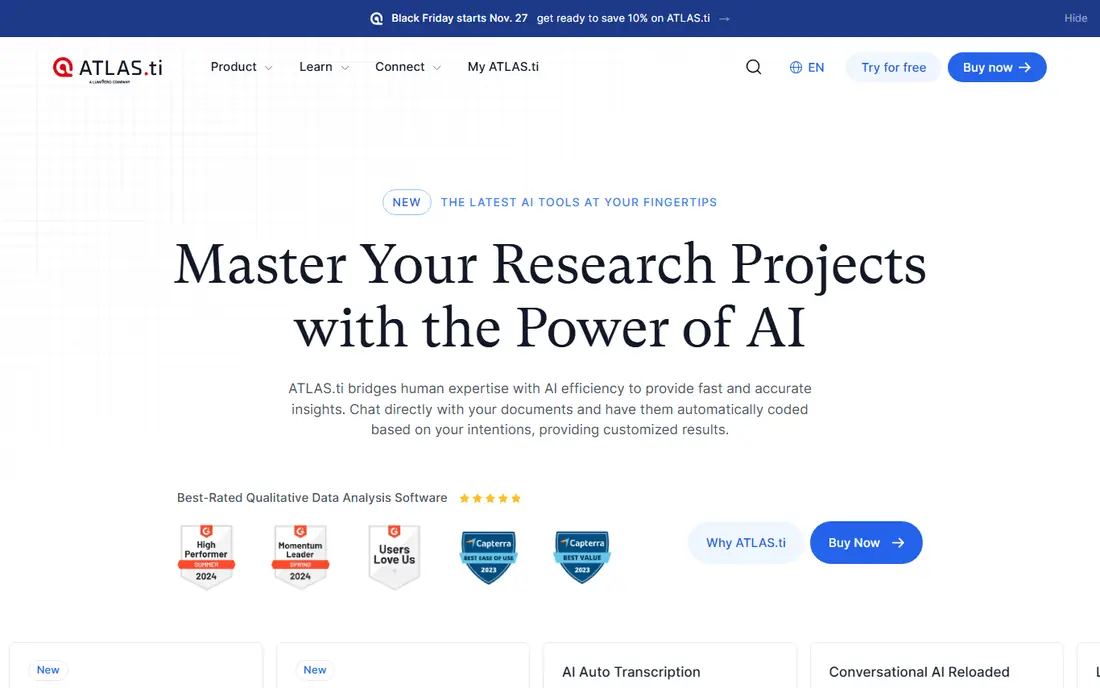
ATLAS.ti built its reputation on multimedia analysis, and that strength still shows. Coding video and audio directly, rather than treating them as attachments to text, helps teams that work with recorded interviews, focus groups, or field footage. Its network view maps codes and themes visually, which can make emerging patterns easier to discuss with a team or a client.
Pricing sits in the same premium range as NVivo, and buyers should check whether they need desktop, web, or both. The web version offers browser convenience, while the desktop version may suit heavier projects. For mixed-methods work with a strong multimedia component, ATLAS.ti is a credible first choice.
- Strong multimedia coding
- Clear network views for themes
- Desktop and web options
- Premium pricing
- Web version may differ from desktop in depth
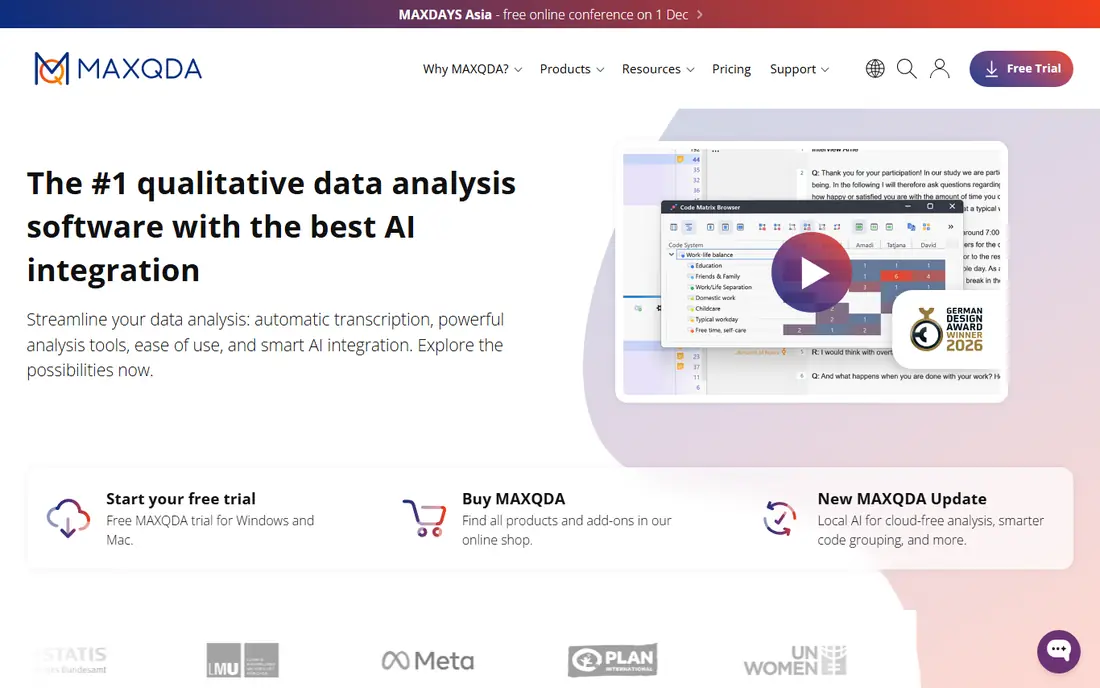
MAXQDA suits research teams that want rigorous desktop analysis with a clear path to quantitative comparison. Codes can be linked to survey variables, documents can be compared across groups, and visual tools summarise patterns without forcing a team into a single method. That mixed-methods bridge is its main advantage over simpler tagging tools.
Buyers should ask for a clear quote, since pricing is not always published in full, and should confirm which AI features are included in the plan they choose. For a social science team, a market research team, or a doctoral project with both interview and survey data, MAXQDA gives a structured, defensible workflow.
- Strong desktop coding and mixed-methods tools
- Clear visual summaries
- Good import options
- Prices are not always published
- AI features vary by plan and version
Dovetail is designed for product and UX teams that run research continuously, not as a one-off study. Interviews, notes, and highlights live in a shared repository, so a product manager can search past findings instead of commissioning the same interview again. Collaborative tagging lets several researchers code the same material and build a shared understanding.
It is less suited to formal academic coding than NVivo, ATLAS.ti, or MAXQDA, and enterprise pricing is custom. For a UX team that needs speed, sharing, and a searchable memory of user insight, Dovetail fits daily work better than a traditional desktop coding tool. For a thesis or a publication-grade codebook, a traditional tool may still be safer.
- Shared repository for research
- Collaborative tagging
- Useful synthesis and highlight tools
- Enterprise pricing is custom
- Academic depth differs from NVivo or ATLAS.ti
Dedoose has long appealed to distributed teams on a budget. It runs in the browser, supports team coding, and offers mixed-methods views without the licence cost of a large desktop suite. That combination suits university teams, nonprofits, and small research groups that need several coders working on the same project.
The interface is functional rather than flashy, and teams with heavy video work should test performance with their own files before committing. For text-led projects with a clear codebook and a need for inter-coder checks, Dedoose gives a practical balance of cost and rigour.
- Web-based team coding
- Lower entry cost than desktop suites
- Mixed-methods views
- Interface feels less polished than newer UX tools
- Large multimedia projects need testing
Quirkos stands out for clarity. Its visual coding approach, with coloured bubbles for themes, makes the coding process easy to explain to a new researcher, a student, or a non-academic stakeholder. That simplicity reduces training time and helps small teams start coding on day one.
Depth is the trade. Quirkos does not try to match NVivo or MAXQDA on complex queries or mixed-methods statistics. For a small project, a dissertation chapter, or a community research study, that limit rarely matters. For a large, multi-year project with complex sampling, a larger tool is the safer pick.
- Visual, intuitive coding
- Good for beginners and small projects
- Offline desktop option
- Less depth for large mixed-methods projects
- Smaller integration set
Delve focuses on doing one thing clearly: helping researchers code transcripts and build themes without a steep learning curve. Its interface is clean, its workflow follows common qualitative steps, and it suits teams that want to start analysis quickly. Grounded theory researchers, in particular, often value its straightforward approach to open coding.
Teams that need advanced visualisations, complex survey links, or heavy multimedia analysis may outgrow Delve. That is not a flaw so much as a design choice. If your project is interview-led and your team values clarity over breadth, Delve is worth a trial.
- Clean, accessible coding workflow
- Useful for grounded theory work
- Collaborative options
- Narrower feature set than full suites
- Pricing varies by plan
Condens suits UX teams that analyse research in cycles rather than in one final pass. Interviews can be tagged, highlights can be grouped, and findings can feed back into the next round of research. That iterative rhythm matches product work, where insight must arrive in time to shape the next release.
Academic researchers who need formal codebook management and complex queries may prefer NVivo, ATLAS.ti, or MAXQDA. Product teams, by contrast, often find Condens faster for shared synthesis. Check the contributor model and currency before buying, since both affect total cost for a growing team.
- Strong UX research workflow
- Collaborative analysis
- Useful repository features
- Pricing in euros may need conversion for US teams
- Academic coding depth is lighter
Taguette is the zero-budget option that still does real coding work. It is open source, it runs without a licence fee, and it covers the core job of highlighting text and assigning codes. For a student, a solo researcher, or a team testing whether qualitative coding fits a project, that is enough to start.
Expect limits. Taguette does not match the multimedia, query, or collaboration depth of paid tools, and support comes from documentation and community. Use it to learn coding discipline and to complete small text projects. Move to a paid tool when collaboration, video, or mixed-methods analysis becomes central.
- Free and open source
- Simple coding for text
- No licence cost for students or small teams
- Basic feature set
- Limited multimedia and AI support
How we picked these
We compared official feature pages, pricing pages, documentation, privacy policies, and public reviews for software that supports qualitative data analysis. We kept tools that are live in 2026, that support coding of interviews, surveys, or multimedia, and that cover distinct needs from academic coding to UX repositories and free entry points. We used See website where pricing is custom or not fully published, and we noted free plans and trials where vendors state them.
How to choose for your research
Start with your method, not the tool. A formal codebook project needs query, memo, and audit features. A UX repository project needs search, sharing, and highlight tools. A small interview study needs clear coding and clean export. Match the tool to that core job first, then check secondary needs such as transcription, video, and survey links.
Test with your own data before buying. Import two real transcripts, code a sample, try a query or a theme summary, and export the result. That short test reveals interface friction, transcription quality, and export limits faster than any demo. Also confirm data handling, since interview data often includes sensitive material and needs clear privacy and storage terms.
Frequently asked questions
What is the best software for qualitative data analysis?
NVivo, ATLAS.ti, and MAXQDA are the strongest choices for formal qualitative analysis, while Dovetail and Condens suit UX teams that need shared repositories. Quirkos and Delve suit smaller, interview-led projects. The best tool depends on method, team size, and whether multimedia or survey data is involved.
What is the best qualitative software for beginners?
Quirkos and Delve are the easiest starting points for beginners, thanks to clear interfaces and simpler workflows. Taguette is a free way to learn basic coding before paying. Beginners who plan academic work may still benefit from learning NVivo or ATLAS.ti early, since those skills transfer across institutions.
Can qualitative software transcribe interviews?
Many tools offer transcription or integrate with transcription services, but quality, language support, and cost vary. Check whether transcription is included, priced per hour, or handled by a separate service. Always review transcripts against audio for names, technical terms, and sensitive passages before coding.
Does AI coding replace human analysis?
No. AI can suggest codes, summarise passages, and speed a first pass, but the researcher must check codes against the original data, resolve disagreements, and write the interpretation. Keep an audit trail of code changes and AI suggestions, especially for academic or client work where findings must be defended.
How do I choose between NVivo, ATLAS.ti, and MAXQDA?
Choose NVivo for broad mixed-methods work and wide institutional familiarity. Choose ATLAS.ti for strong multimedia coding and visual theme maps. Choose MAXQDA for structured desktop analysis with clear survey links. Trial all three with the same sample project if the decision is close, since interface preference often decides daily comfort.
Sources
See where you really rank - block by block
ProMapRanker scans Google Maps across a grid of your service area. Simple monthly plans from $19, white-label on every plan.
Start freeKeep reading
 wpforms alternatives
Best WPForms Alternatives in 2026
We compare 9 wpforms alternatives for WordPress forms, with free and paid options, current pricing notes, and honest limits for small business sites in 2026.
Read → windows task scheduler alternatives
Best Windows Task Scheduler Alternatives in 2026
Looking for Windows Task Scheduler alternatives? We compare 9 schedulers for Windows and cross-platform work, from free tools to enterprise automation.
Read → which ai video service is best
Which AI Video Service Is Best in 2026
which ai video service is best? We compare 10 legitimate AI video services on price, avatars, editing and output quality to help you pick the right tool.
Read →