 ProMapRanker
Best Punch List App in 2026: 9 Apps Compared

Key takeaways
- Procore is the strongest choice for large general contractors that want punch lists inside a full project system.
- Fieldwire is the best value for field first teams that mainly need plans, tasks and punch items on mobile.
- PlanRadar leads for formal defect and snagging workflows, with an audit trail that holds up at handover.
- Autodesk Construction Cloud suits teams already working in Autodesk tools, where drawings and models drive the work.
- Residential builders should look at Buildertrend and Contractor Foreman first, since enterprise tools are priced and built for larger projects.
Quick comparison
| Pick | Great for | Pricing starts at | Free tier | |
|---|---|---|---|---|
 Procore | Large GCs and full project control | See website | No | Visit |
 Fieldwire | Field teams on mobile | See website | Yes | Visit |
 Autodesk Construction Cloud | Autodesk based design build teams | See website | No | Visit |
 PlanRadar | Formal defect and snagging | See website | Free trial | Visit |
 Buildertrend | Residential builders | See website | No | Visit |
 Bluebeam Revu | Plan markup and punch annotation | See website | Free trial | Visit |
 SafetyCulture | Inspections and punch workflows | See website | Yes | Visit |
 Raken | Daily reports plus punch items | See website | Free trial | Visit |
 Contractor Foreman | Budget all in one for small contractors | See website | Free trial | Visit |
The best punch list apps
A punch list is the list of incomplete or defective work that must be finished before a project closes out. Good punch list software pins each item to a plan location, assigns an owner, adds photos, and tracks it to sign off. The best tool depends on project size, and on whether you need a standalone punch tool or a full construction platform.
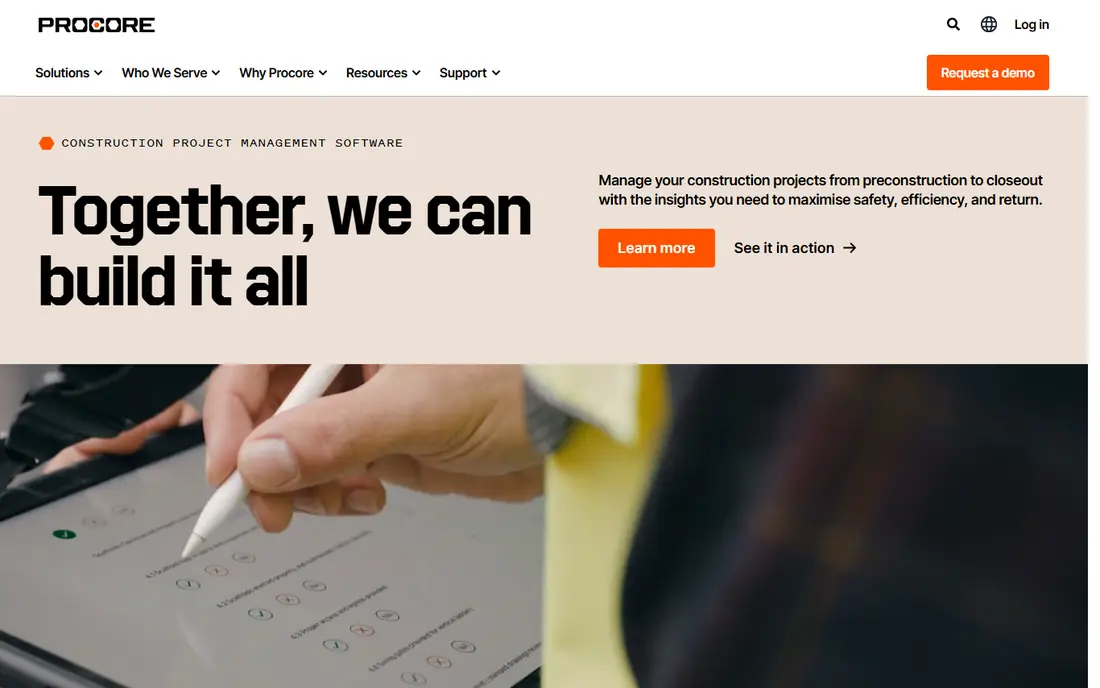
Procore is our pick for large contractors because punch lists do not live in isolation here. An item can link to the drawing sheet it came from, the RFI that raised it, and the subcontractor responsible, so closeout reporting stays connected. Field teams update items from mobile, office teams see progress in real time, and managers can filter by trade, location or status.
The catch is scale and cost. Procore is priced by quote for enterprise use, and setup rewards a proper rollout. A two person crew will find it heavy. A general contractor running several projects at once will find that the connected data is exactly what closeout meetings need.
- Punch lists linked to drawings, RFIs and submittals
- Strong mobile app for field updates
- Reporting across many projects
- Quote based enterprise pricing
- Implementation takes time
- More system than a small crew needs
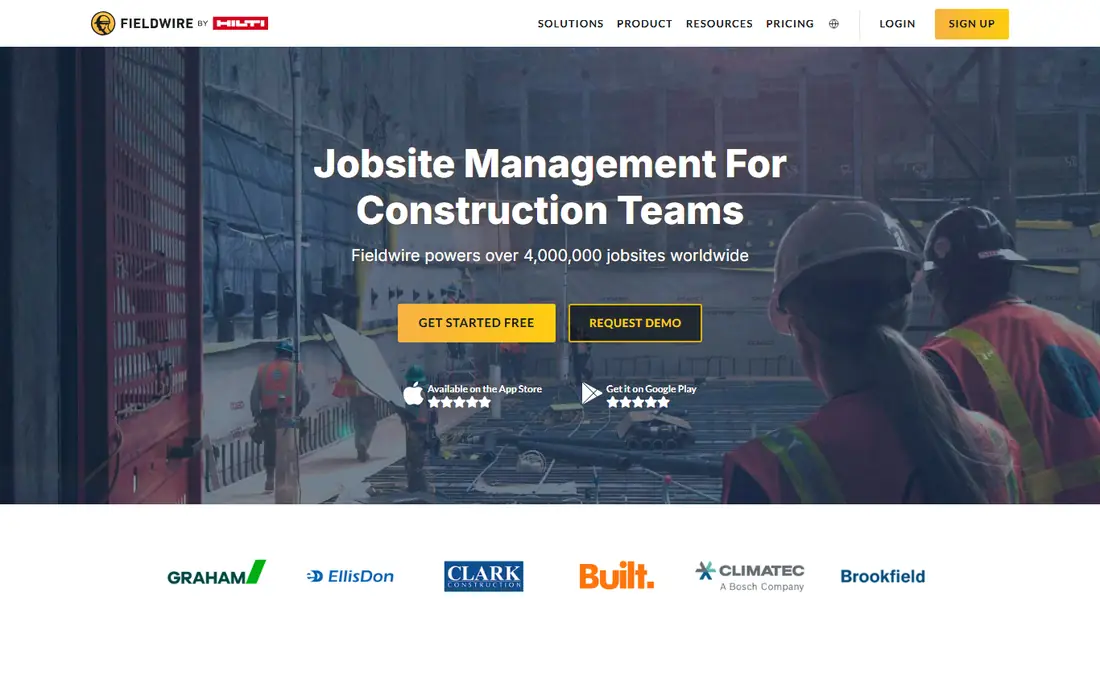
Fieldwire is the best value for teams whose work happens on site. You view plans, mark them up, pin punch items to a spot on the sheet, assign work, and export reports for the office. Offline mode matters on low signal sites, since crews can keep working and sync when they reconnect. That field first design is why many subcontractors adopt it quickly.
The limit is scope. Fieldwire does not replace a full project financial system, and some reporting and permission controls sit on higher tiers. If your main need is plans, tasks and punch lists on mobile, it is an excellent fit. If you need budgets and contracts too, pair it with a wider platform or choose Procore.
- Fast plan viewer and markup
- Tasks pinned to plan locations
- Offline mode that syncs later
- Not a full financial system
- Advanced reporting sits on paid plans
- Large enterprise features are limited
Autodesk Construction Cloud
Great for: Autodesk based design build teams
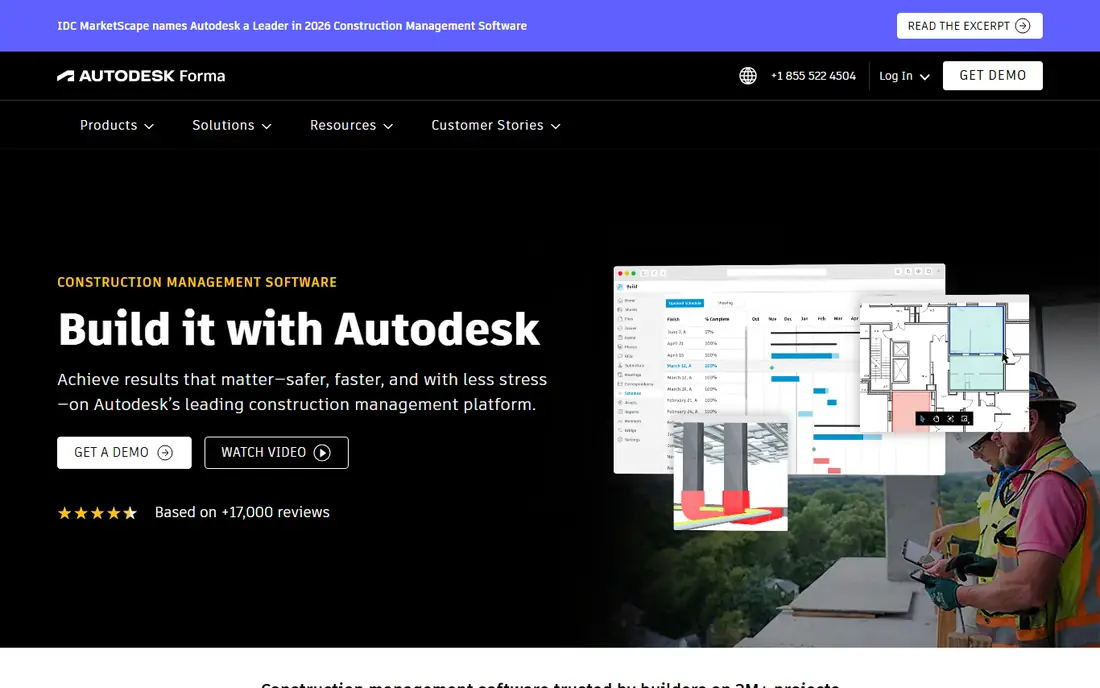
Autodesk Construction Cloud suits teams already deep in Autodesk design tools. Issues and punch items link to drawings and models, so a defect found in the field can be traced back to the design source. Drawing version control keeps field teams on the current set, which cuts rework from outdated sheets.
The downside is fit. Teams that do not use Revit or AutoCAD will pay for integration they do not need, and the platform rewards firms that adopt several modules together. For design build firms, that integration is a real advantage. For a standalone punch list need, a lighter tool launches faster.
- Centralised documents and issues
- BIM and model coordination links
- Strong drawing version control
- Quote based pricing
- Learning curve for non Autodesk teams
- Best value when used across the full suite
PlanRadar is built around tickets for defects, tasks and inspections, which makes it a natural punch list tool. You pin an issue to a 2D plan or BIM model, attach photos or video, assign it, and track each step through to sign off with an audit trail. Site diaries, checklists and one click reports keep records defensible at handover, which matters when disputes arise.
The limit is that PlanRadar does not do design or project finances, so it sits best as a field documentation layer. Teams that want a formal, evidence heavy closeout process will value it highly. Teams that want one system for everything should look at Procore or Buildertrend instead.
- Tickets pinned to plans or BIM models
- Photos, video and voice evidence
- Audit trail through to sign off
- Not a design or financial tool
- Setup benefits from a clear ticket workflow
- Pricing is quote based
Buildertrend fits residential builders and remodelers who want punch lists alongside scheduling, selections, client updates and budgeting. A punch item raised at a walkthrough can sit in the same system as the schedule and the client portal, so homeowners see progress without a separate email chain. That client visibility is a real selling point for custom home work.
The catch is price and focus. Buildertrend is a monthly platform, and its strengths are residential. Commercial GCs will find Procore or Autodesk a better structural fit. For a residential builder doing regular closeouts, the all in one scope justifies the cost.
- Punch lists inside a residential project system
- Client communication and selections included
- Scheduling and budgeting tools
- Monthly pricing adds up for small builders
- Residential focus limits commercial use
- Setup takes time to configure well
Bluebeam Revu is a different kind of punch tool, built on PDF markup rather than ticket workflows. Teams mark up drawings, add punch notes, stamps and photos, and collaborate on the same set in real time. For firms that already live in PDFs, that markup depth is hard to beat, and it pairs well with a project platform.
The limit is workflow. Revu annotates brilliantly, but assigning, aging and reporting hundreds of punch items across trades is easier in Fieldwire or PlanRadar. Use Revu where drawing markup is the core job, and add a ticket tool when punch volume grows.
- Powerful PDF markup for punch notes
- Real time collaboration on drawings
- Strong document management
- Punch tracking is document led, not a full workflow
- Per user licensing
- Needs a separate system for assignments at scale
SafetyCulture, formerly iAuditor, suits teams that run inspections and want punch actions to flow from them. Build a checklist, walk the site, raise actions with photos, assign owners, and track closure. That inspection led flow works well for quality walks, safety checks and handover inspections where punch items are found during a formal review.
The trade off is breadth. SafetyCulture covers inspections, incidents and training as well as punch work, so punch specific reporting is less deep than PlanRadar. If inspections drive your closeout, it is a strong pick. If punch lists are your only need, a dedicated ticket tool is simpler.
- Custom inspection checklists
- Punch actions linked to inspections
- Mobile first for field crews
- Broader safety focus means punch is one workflow among many
- Advanced analytics sit on paid plans
- Configuration takes planning
Raken fits foremen and superintendents who already write daily reports and want punch items in the same flow. Log manpower, weather, work completed and photos, then raise punch items against that day record. That link between daily progress and closeout items helps at handover, when owners ask what happened on a given date.
The limit is depth. Raken is a field reporting tool first, so large multi trade punch programmes with complex approvals will outgrow it. For small to mid size crews that value simple daily reporting with punch tracking attached, it is a practical, fast to adopt choice.
- Daily reports with photos and notes
- Punch items tied to daily progress
- Simple mobile experience for foremen
- Not a full project management suite
- Punch reporting is lighter than dedicated tools
- Per user pricing on paid plans
Contractor Foreman is the budget all in one pick for small contractors. Punch lists sit alongside scheduling, estimates, time tracking, invoicing and client management, so a small firm can run most of the business in one system. That breadth at a lower entry price is why many small GCs and specialty contractors choose it.
The catch is focus. Because it covers so much, punch workflows are good rather than specialist, and configuring the suite takes time. If you want the deepest punch audit trail, PlanRadar still leads. If you want one affordable system that also handles punch lists, Contractor Foreman is hard to beat.
- Punch lists inside a wide contractor suite
- Scheduling, estimates and invoicing included
- Lower entry price than enterprise tools
- Interface covers many modules, so setup takes care
- Punch features are part of a suite, not a specialist tool
- Support quality varies by plan
How we picked these
We compared official product pages, feature sets and pricing models in October 2026, and favoured tools that are live, actively sold, and clearly support punch list, snagging or defect workflows. We included full platforms, field tools and markup software, because a punch list app means different things on a large commercial site and a residential remodel. We left out tools that only manage tasks in general, with no plan pinning, photo evidence or closeout reporting.
What to check before you choose a punch list app
Start with how items are found and closed. The best tools pin each item to a plan location, require a photo, assign one owner, and record sign off with a date. Check offline mode if your sites have weak signal, and check how reports export, since owners and architects will want a clean PDF at handover. Also confirm who can create, assign and close items, because loose permissions lead to items that no one owns.
Run a pilot on one live project before you roll a tool out company wide. Create items during a real walkthrough, assign them to real subcontractors, and close a sample set. That test reveals whether the mobile app works with gloves and sunlight, whether notifications reach the right people, and whether the report format satisfies your client. A tool that passes a demo but fails a walkthrough will cost you at closeout.
Frequently asked questions
What is the best punch list app?
For large general contractors, Procore is the strongest all round choice. For field first teams, Fieldwire offers the best value on mobile. For formal defect and snagging work, PlanRadar leads on evidence and audit trail. The best pick depends on project size and whether you need a full platform or a focused tool.
What is the best punch list software for small contractors?
Fieldwire and Contractor Foreman are the strongest small contractor options. Fieldwire is best if your main need is plans and punch items on mobile, while Contractor Foreman suits firms that also want scheduling, estimates and invoicing in one system. Both are faster to adopt than enterprise platforms.
How does punch list software work?
A user creates an item during a walkthrough, pins it to a plan location, adds photos and a description, assigns an owner and a due date, and tracks it through to completion and sign off. Good tools keep an audit trail of each change, so owners can see when an item was raised, who fixed it, and who approved it.
Can punch list apps work offline?
Fieldwire and PlanRadar both offer offline mobile use, with syncing when the device reconnects. Check offline limits before you buy, since some tools only cache plans, while others let you create and update items fully offline. Offline support matters most on new builds with weak signal.
Do I need Procore just for punch lists?
No. Procore is excellent, but it is an enterprise platform priced and built for larger projects. If punch lists are your only need, Fieldwire, PlanRadar or SafetyCulture will cover the job at lower cost and with faster setup. Choose Procore when you also need drawings, RFIs, budgets and multi project reporting.
What should a punch list report include?
A useful report includes the item description, plan location, photos, owner, due date, status and sign off record. It should filter by trade, location and status, and export cleanly to PDF for owners and architects. An audit trail matters, since closeout disputes often turn on when an item was raised and approved.
Sources
See where you really rank - block by block
ProMapRanker scans Google Maps across a grid of your service area. Simple monthly plans from $19, white-label on every plan.
Start freeKeep reading
 wpforms alternatives
Best WPForms Alternatives in 2026
We compare 9 wpforms alternatives for WordPress forms, with free and paid options, current pricing notes, and honest limits for small business sites in 2026.
Read → windows task scheduler alternatives
Best Windows Task Scheduler Alternatives in 2026
Looking for Windows Task Scheduler alternatives? We compare 9 schedulers for Windows and cross-platform work, from free tools to enterprise automation.
Read → which ai video service is best
Which AI Video Service Is Best in 2026
which ai video service is best? We compare 10 legitimate AI video services on price, avatars, editing and output quality to help you pick the right tool.
Read →