 ProMapRanker
Best Project Portfolio Management Software in 2026


Executive dashboards and capacity planning · Pricing starts at: $10 per user per month
Key takeaways
- Portfolio tools differ from single project tools because they roll many projects up into one view of budget, risk, and capacity.
- Flexible platforms such as monday.com, Asana, and ClickUp suit teams that want portfolio views without a heavy enterprise rollout.
- Planview and Celoxis suit larger program offices that need scenario planning, financial tracking, and governance.
- Start with a trial on real projects, since portfolio value shows up only when status, dates, and budgets are kept current.
Quick comparison
| Pick | Great for | Pricing starts at | Free tier | |
|---|---|---|---|---|
| Wrike | Executive dashboards and capacity planning | $10 per user per month | Yes | Visit |
 Smartsheet | Spreadsheet style portfolio tracking | $9 per user per month | Free trial | Visit |
 monday.com | Visual portfolio boards | $9 per user per month | Yes | Visit |
 Asana | Goal linked portfolios | $10.99 per user per month | Yes | Visit |
 ClickUp | Customizable portfolio views | $7 per user per month | Yes | Visit |
 Planview | Enterprise portfolio governance | See website | No | Visit |
 Celoxis | Financial portfolio tracking | See website | Free trial | Visit |
 Microsoft Project | Plan driven scheduling at scale | $30 per user per month | Free trial | Visit |
The best project portfolio management software
A portfolio tool must answer three questions at a glance: which projects are on track, where people are overloaded, and what the work costs. The tools below do that in different ways, and the right one depends on your team size and how formal your planning needs to be.
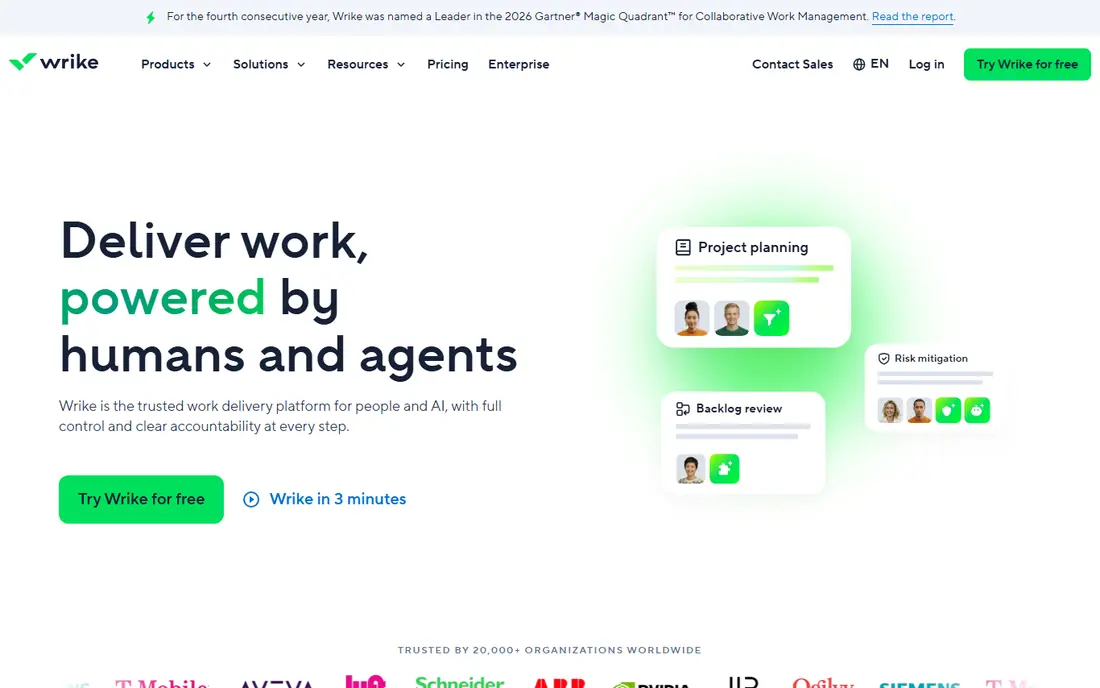
Wrike suits organizations that run many projects with shared staff, since its portfolio folders, dashboards, and capacity views show where work piles up. Custom request forms give teams one intake route, which keeps new work from arriving as scattered messages. Managers can then prioritize requests against current load instead of guessing who has room.
The trade is setup time. Wrike rewards teams that define workflows, custom fields, and reporting early, and it can feel heavy for a small team that only needs a simple list. Pricing also climbs with the features most portfolio managers want, so test the workload and reporting views on a trial before you commit the whole program office.
- Nested portfolio structures
- Custom request forms
- Strong dashboards and workload views
- Setup takes effort at scale
- Paid plans needed for full portfolio features
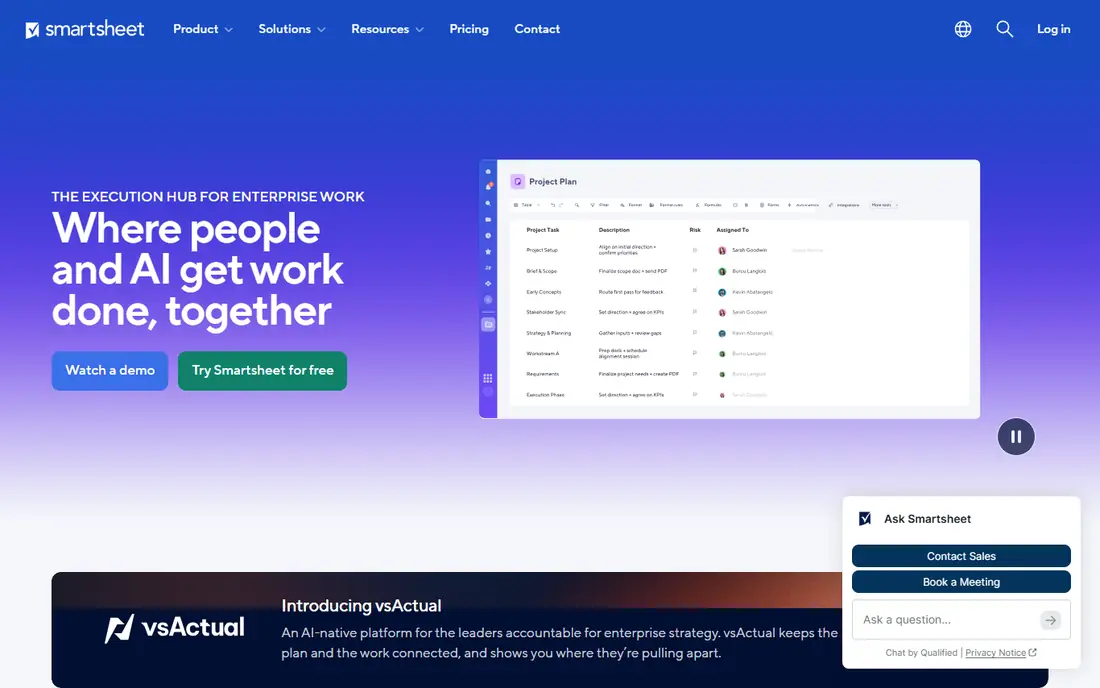
Smartsheet appeals to teams that already think in spreadsheets, because sheets, reports, and dashboards roll project data up without forcing a new way of working. Portfolio workspaces group related projects, and summary reports give leaders totals for budget, status, and milestones. Forms and automation handle intake and status updates with less manual chasing.
It is less visual than monday.com for teams that prefer boards and timelines, and resource management depth depends on the plan you choose. For program managers who live in sheets and need a portfolio view that executives can read quickly, Smartsheet is a practical middle ground between a spreadsheet and a full enterprise suite.
- Familiar sheet layout
- Portfolio rollups and dashboards
- Automation and forms
- Less visual than board tools
- Advanced resource views sit on higher plans
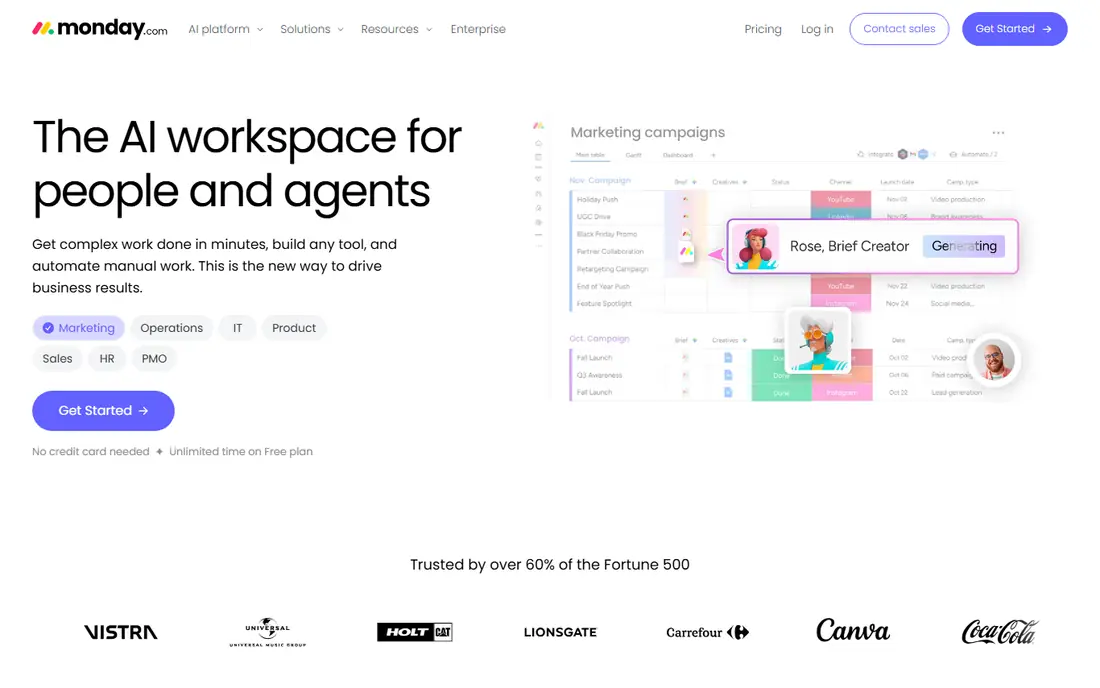
monday.com turns portfolio tracking into boards, dashboards, and workload views that a whole team can read without training. Portfolio boards collect project status in one place, and health snapshots flag projects that need attention. Automations move status updates along, which helps when project leads are busy and reporting slips.
The limit is depth. monday.com is excellent for visibility and coordination, but it does not match Planview on scenario planning or financial governance. For small and midsize teams that need a clear portfolio view and fast adoption, that trade is usually worth it. Larger program offices should test whether its reporting meets their governance needs.
- Visual boards and dashboards
- Workload views
- Easy adoption for nontechnical teams
- Costs rise with team size
- Portfolio depth is lighter than enterprise PPM tools
Asana connects everyday project work to portfolios and company goals, so leaders can see whether the projects in flight actually support the goals they set. Portfolio views roll up progress automatically, and workload views show who is overcommitted across projects. That link between goals and tasks is the feature that sets Asana apart for marketing, product, and operations teams.
Financial tracking is thinner here than in Celoxis or Planview, so teams that need detailed budget and margin reporting will need another tool or an integration. For teams that already run projects in Asana, adding portfolios is a natural step, and the free plan lets small teams test the basics before paying.
- Portfolios with progress rollups
- Goals linked to work
- Workload and timeline views
- Portfolio features need paid plans
- Financial tracking is limited
ClickUp gives teams a low-cost route to portfolio views, with custom dashboards, goals, and workload features that can be shaped around almost any process. Its free plan is generous for small teams, and the paid starting price undercuts most rivals in this list. Teams that like to build their own views, rather than accept a fixed template, will enjoy the freedom.
That freedom is also the risk. Without clear standards for status, fields, and reporting, ClickUp workspaces can grow messy, and portfolio rollups depend on consistent data entry. Set a simple standard early, keep the number of custom fields low, and ClickUp can cover portfolio tracking at a price few competitors match.
- Low starting price
- Highly customizable dashboards
- Goals, docs, and tasks in one place
- Flexibility can feel cluttered
- Portfolio setup needs careful configuration
Planview is built for enterprise program offices that must choose between competing initiatives, plan capacity across departments, and defend those choices with data. Scenario planning lets leaders model what happens if a project slips or funding shifts, and risk detection flags problems across the portfolio. For organizations with hundreds of projects, that depth is the point.
The cost is complexity and price. Planview is quote based, and rollout usually needs dedicated time from both the vendor and your own team. Small teams should not buy it for a simple portfolio view. Large enterprises with formal governance, however, will find few tools that match its planning and control.
- Strategic portfolio planning
- Scenario and capacity planning
- Strong governance controls
- Quote based pricing
- Implementation is a major project
Celoxis stands out for teams that judge a portfolio by money as well as dates. It tracks budgets, billing, and margins alongside schedules, and its what if planning helps managers test the effect of a delay or a resource change. Portfolio reports pull those numbers together for executives who want the financial picture, not just a status color.
The interface is more functional than pretty, and teams used to monday.com or Asana may find it less inviting at first. Deployment options also affect price, so get a clear quote for cloud versus on premise use. For midsize firms that need financial PPM without enterprise cost, Celoxis is a strong, focused choice.
- Budget, billing, and margin tracking
- What if scenario planning
- Portfolio reporting
- Interface feels dated next to newer tools
- Pricing varies by deployment
Microsoft Project remains the standard for plan driven scheduling, where dependencies, baselines, and critical paths matter. Roadmap views pull multiple projects together, and integration with Microsoft 365 tools fits organizations already built on Teams, SharePoint, and Excel. For construction, engineering, and IT programs with formal schedules, it is a proven choice.
It is also the hardest tool in this list to learn, and casual project members may resist it. The starting price for the full planning plan is higher than the flexible tools here, so it suits teams that genuinely need schedule rigor. If your portfolio is mostly status and capacity, a lighter tool will get adopted faster.
- Mature scheduling and dependencies
- Roadmap views across projects
- Microsoft 365 integration
- Steep learning curve
- Higher starting price for full planning features
How we picked these
We compared vendor pricing pages, product documentation, and current portfolio features, and we kept tools that offer a genuine portfolio layer, not just a single project board. We favored a mix of flexible platforms and enterprise suites, so teams of different sizes can find a fit. Prices shown are starting prices from vendor and review sources in October 2026, and quote based tools are marked as such.
Choosing the right PPM software for your team
Match the tool to the decision you need to make each week. If the question is which projects are at risk and who is overloaded, a visual platform such as Wrike, monday.com, or Asana will answer it fast. If the question is which initiatives to fund and what happens if priorities change, Planview or Celoxis give you the planning depth to answer with confidence.
Run a pilot before you buy
Pick three to five real projects, load them with real dates and budgets, and run your weekly portfolio review inside the trial. Check whether status rollups stay accurate when project leads update their own work, and whether the workload view matches what managers know about their teams. A tool that looks good in a demo but fails in a real review will not survive contact with a busy program office.
Set standards first
Portfolio tools fail when every project reports status differently. Agree on a small set of status values, a single way to record budget, and a weekly update rhythm before rollout. That standard matters more than any dashboard, since every rollup in the tool depends on consistent input from project leads.
Frequently asked questions
What is the best project portfolio management software for small teams?
ClickUp, monday.com, and Asana are the strongest small team options, since they offer free plans and portfolio views without enterprise setup. ClickUp is cheapest, monday.com is the most visual, and Asana links portfolios to goals most clearly.
What is the best project portfolio management software for enterprises?
Planview is the strongest enterprise choice for strategic planning, scenario modeling, and governance. Wrike and Celoxis also suit larger organizations, with Wrike leaning toward collaboration and Celoxis toward financial tracking.
What is the difference between project management and portfolio management software?
Project management software tracks one project at a time, while portfolio software rolls many projects together to show budget, risk, capacity, and progress across the whole program. Portfolio tools help leaders choose between projects, not just run each one well.
What are the top PPM software tools?
The top PPM tools in 2026 include Wrike, Smartsheet, monday.com, Asana, ClickUp, Planview, Celoxis, and Microsoft Project. The best choice depends on team size, budget, and whether you need financial planning, visual boards, or enterprise governance.
How much does project portfolio management software cost?
Prices range from free plans on flexible tools to quote based enterprise contracts. Starting paid prices in this list run from $7 to $30 per user per month, while Planview and Celoxis require a quote based on users, modules, and deployment.
Can I use a spreadsheet instead of PPM software?
A spreadsheet works for a handful of projects, but it breaks down as projects, people, and budgets grow. Portfolio software adds automatic rollups, workload views, and a single source of truth that a spreadsheet cannot maintain without constant manual work.
Sources
- https://www.wrike.com
- https://www.smartsheet.com
- https://www.monday.com
- https://www.asana.com
- https://www.clickup.com
- https://www.planview.com
- https://www.celoxis.com
- https://www.microsoft.com/en-us/microsoft-365/project
- https://next.techrepublic.com/article/top-project-portfolio-management-tools/
- https://ones.com/blog/10-best-project-and-portfolio-management-tools-in-2026-ranked/
See where you really rank - block by block
ProMapRanker scans Google Maps across a grid of your service area. Simple monthly plans from $19, white-label on every plan.
Start freeKeep reading
 best resource management software
Best Resource Management Software in 2026
We compared the best resource management software for scheduling, capacity and utilization, with current pricing and free trials, to help teams choose well.
Read → best reporting tools
Best Reporting Tools in 2026
Compare the best reporting tools for dashboards, scheduled reports, and business insights, from Power BI and Tableau to Looker Studio for every team size.
Read → best remote support software
Best Remote Support Software in 2026
Looking for the best remote support software? We compare 9 tools on price, security, session controls, and fit for helpdesks, MSPs, and small teams in 2026.
Read →