 ProMapRanker
Best Project Management Software for Small Business in 2026

Key takeaways
- ClickUp and Trello offer the lowest-cost entry points, with ClickUp winning on features and Trello winning on simplicity.
- Asana and monday.com suit growing teams that need timelines, portfolios, and clear ownership as headcount rises.
- Zoho Projects is the budget pick for teams already using Zoho, while Basecamp's flat rate wins once a team passes about 20 users.
- Teamwork and Notion serve specific small-business needs: client work with time tracking, and docs plus projects in one place.
Quick comparison
| Pick | Great for | Pricing starts at | Free tier | |
|---|---|---|---|---|
 Asana | growing teams and timelines | $10.99 per user per month | Yes | Visit |
 monday.com | visual boards for small teams | $9 per user per month | Yes | Visit |
 ClickUp | all-in-one value | $7 per user per month | Yes | Visit |
 Trello | simple kanban on a budget | $5 per user per month | Yes | Visit |
 Zoho Projects | budget teams in the Zoho ecosystem | $4 per user per month | Yes | Visit |
 Basecamp | flat pricing for larger teams | $15 per user per month | No | Visit |
 Teamwork | client work and billable time | $9.99 per user per month | Yes | Visit |
 Notion | docs plus light project tracking | $10 per user per month | Yes | Visit |
The best project management software for small business
A small business needs a tool that a busy owner and a small team will actually keep updated, at a price that makes sense for a handful of seats. The eight tools below cover that range, from a free board to a flat-rate system for a larger team, and each one is judged on cost at small headcounts, ease of adoption, and whether it handles client work or just internal tasks.
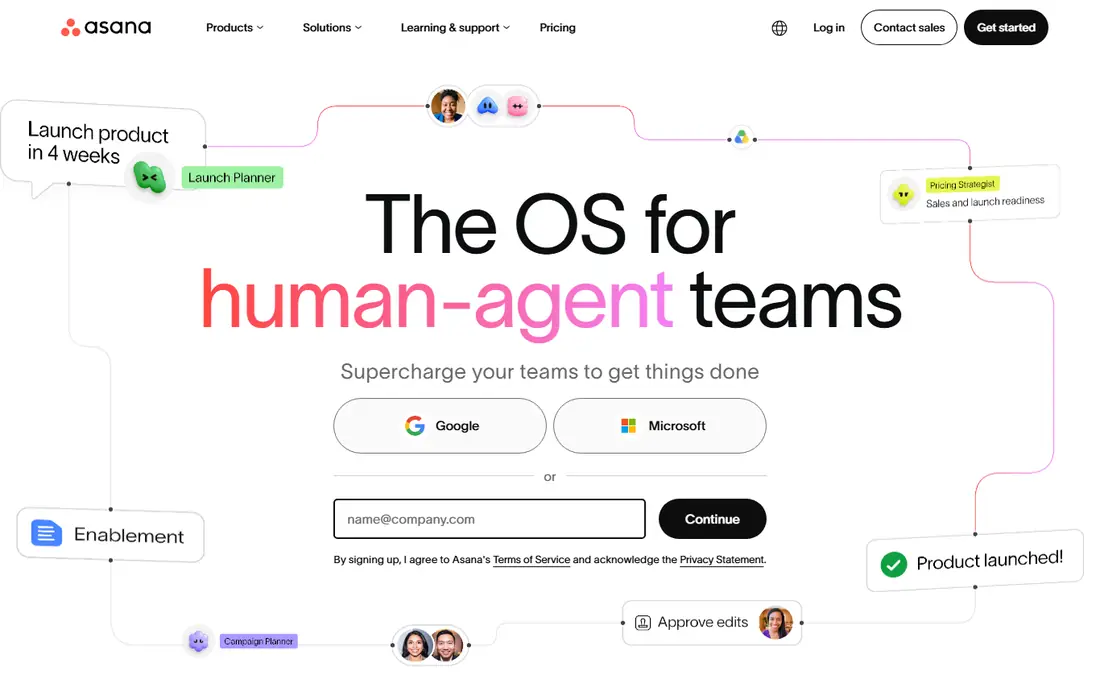
Asana is a safe choice for a small business that expects to grow, because it starts simple and scales to timelines, portfolios, and goals without switching tools. A small team can run projects on lists and boards, then add timelines as work becomes more interdependent, and templates for common projects save setup time. Integrations with email, file storage, and chat tools also help a small team that already uses several apps.
The pricing catch is the free plan, which is limited to two users in recent listings, so a team of three or more will pay from the start. Workload views and portfolios also sit on higher tiers, so the entry price does not buy the full growth picture. For a small business that wants a tool it will not outgrow quickly, Asana is a solid and well-supported pick.
- Clear timelines and templates
- Good for cross-team work
- Wide integrations
- Free plan limited to two users
- Workload and portfolios need higher tiers
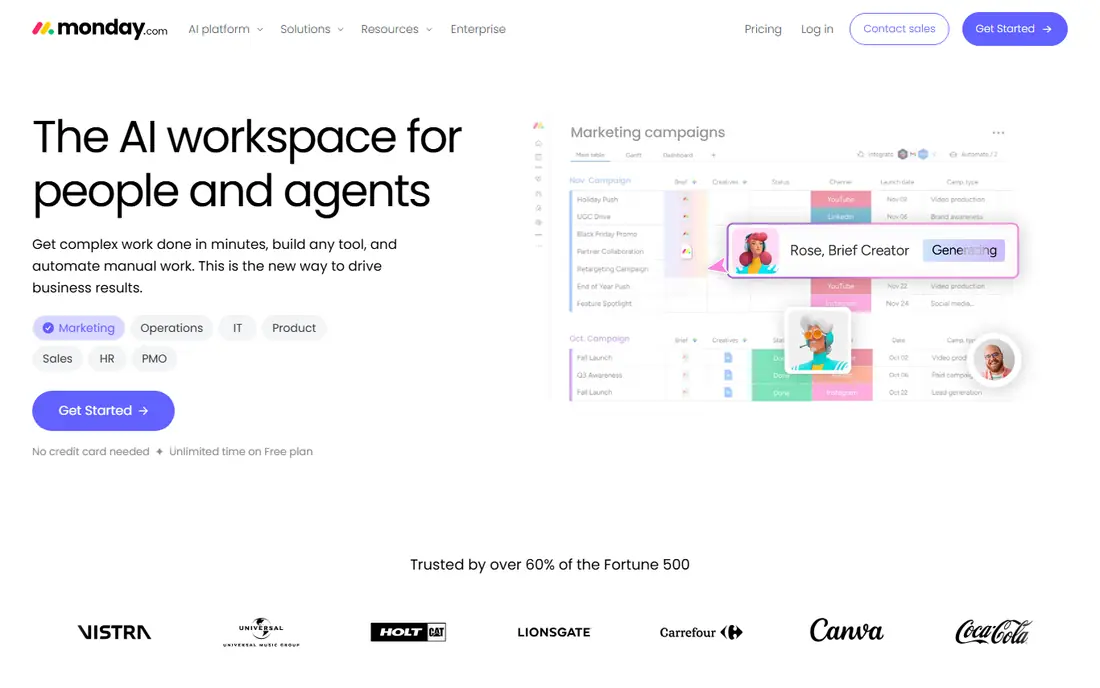
monday.com is the visual pick for a small business, because its boards make status, owner, and deadline obvious without training. A shop owner, a contractor, or a small agency can see the whole week at a glance, and the column system adapts to budgets, inventory, or client stages without custom software. That ease of adoption matters for a small team, where no one has time to administer a complex system.
The limits are tier placement and seat rules. Timelines and workload views sit above the basic tier, and paid plans carry seat minimums that can raise the cost for a very small team. The free plan is also limited to two seats. For a small business that values a clear visual workspace and fast onboarding, monday.com is worth a trial, provided you price the tier you actually need.
- Visual boards that are easy to adopt
- Flexible columns
- Fast onboarding
- Useful project features sit above the basic tier
- Seat minimums on paid plans
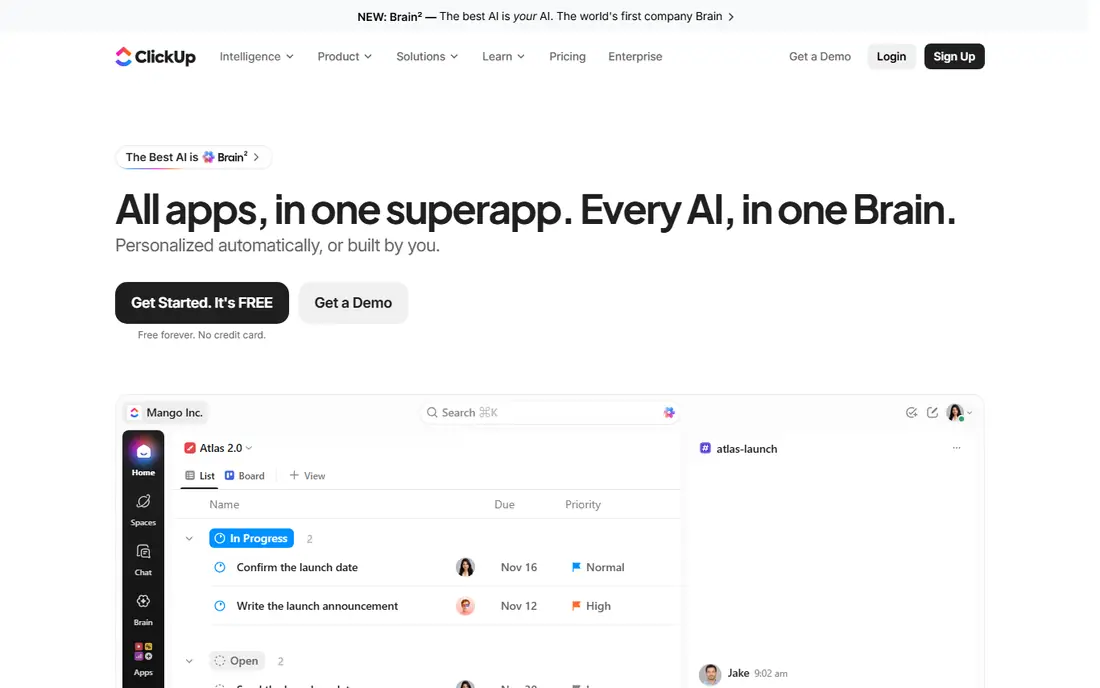
ClickUp is the value pick for a small business, because its mid-tier plan includes Gantt charts, custom fields, dashboards, docs, goals, and native time tracking for $7 per user per month on annual billing. The free plan is also genuinely usable, with unlimited tasks and members, which lets a small business run real projects before paying anything. For a team that wants one workspace instead of several subscriptions, the savings add up.
The risk is the same as with any flexible tool: without an owner, the workspace can become cluttered with half-used views and lists. That is manageable if one person owns the setup and keeps it simple, but a team that will not do that may prefer Trello. For a cost-conscious small business willing to own its setup, ClickUp offers the most capability per dollar here.
- Most features per dollar
- Generous free plan
- Docs, goals, and time tracking included
- Easy to overbuild
- Needs an owner to keep the workspace tidy
Trello is the simplest tool on this list, and for many small businesses, simple is the right answer. A board with lists for to do, doing, and done covers most small projects, and cards hold checklists, attachments, and due dates without a learning curve. The free plan supports small teams, and the paid entry price of $5 per user per month on annual billing is the lowest here, which matters when every seat counts.
The limit is depth. Trello lacks native dependencies on lower tiers and offers light reporting, so a business with complex, linked projects will outgrow it. Teams that need budgets, workload planning, or client portals should look at Teamwork or Asana instead. For a small business that needs a shared board and nothing more, Trello is the lowest-friction and lowest-cost pick.
- Fastest to learn
- Clean kanban boards
- Lowest paid entry price here
- Weak for dependencies and reporting
- Advanced views need higher tiers
Zoho Projects is the budget pick for a small business, especially one already using Zoho apps for email, CRM, or accounting. Its Premium plan is listed at $4 per user per month on annual billing in recent listings, and it includes Gantt charts, kanban boards, milestones, and time tracking that rivals charge more for. The free plan covers a small team and a couple of projects, which is enough to trial it on real work.
The interface can feel dense compared with Trello or monday.com, and the free plan limits will push a growing team to a paid tier sooner. Teams outside the Zoho ecosystem also get less value from its integrations. For a budget-conscious small business, especially one already in Zoho, Zoho Projects is hard to beat on price for the features included.
- Low entry price
- Gantt, kanban, and time tracking
- Strong Zoho integrations
- Interface can feel dense
- Free plan limited to a few users and projects
Basecamp's pricing logic flips the usual per-seat model, and that is why it belongs here. Its per-user plan costs $15 per user per month, but its Pro Unlimited plan charges a flat $299 per month on annual billing for unlimited users, which beats per-seat pricing once a team passes about 20 people. Message boards, to-do lists, schedules, and files sit in one calm place, and clients can join as guests without adding seats.
The feature trade-off is real. Basecamp skips Gantt charts, task dependencies, and detailed reporting, so a team that needs those will feel the gap. It also offers a trial rather than a free plan, so the trial should cover a real project. For a small business that is growing toward 20 or more users and values simplicity and predictable costs, Basecamp is a smart long-term pick.
- Flat-rate unlimited plan
- Simple message boards and to-dos
- Free guest access
- No Gantt charts or dependencies
- Trial only, no lasting free plan
Teamwork is the pick for a small business that bills clients, such as an agency, a consultancy, or a trades firm that tracks time against jobs. Client portals give each client a clear view of progress, time tracking ties hours to tasks, and profitability views show which projects make money. Gantt, board, list, and calendar views cover planning, so the same tool serves delivery and client communication without a separate time app.
The deeper financial and capacity features sit on higher tiers, so the entry price does not buy the full picture, and the interface can feel busy until the team settles on its core views. The free plan covers up to five users in recent listings, which is enough for a small team to trial it. For client-facing small businesses, Teamwork connects work to time and money better than the simpler tools here.
- Client portals and time tracking
- Project profitability views
- Gantt and board views
- Deeper financial features cost more
- Interface can feel busy
Notion suits a small business whose work lives in documents as much as in tasks: standard operating procedures, client notes, content plans, and project trackers in one workspace. Its databases can act as a project board, a CRM-lite, and a knowledge base, and templates speed up common setups. For a knowledge-heavy team that already writes in docs, keeping projects in the same place removes switching and lost context.
The weakness is discipline and depth. Notion needs setup to enforce deadlines and ownership, and it lacks the native time tracking and workload planning of Teamwork or ClickUp, so teams that bill by the hour or manage tight resources may need another tool. It also rewards a team willing to design its own system. For a small business that values docs and flexibility over strict project controls, Notion is a strong and affordable pick.
- Docs, wikis, and databases in one place
- Flexible templates
- Good for knowledge-heavy teams
- Needs setup for disciplined tracking
- Weaker native time tracking and workload tools
How we picked these
We compared official pricing pages, feature pages, and recent independent comparisons checked in October 2026, and we favored tools with a clear small-business price at low headcounts. We checked free plans, seat limits, and the features that matter most to small teams: simple onboarding, client access, time tracking, and cost predictability. Where prices differed across sources, we used the figure most consistent with vendor pricing pages.
How to choose for your business
Start with headcount and client work, since those two answers split this list fastest. If you have fewer than five people and no client billing, Trello or ClickUp will cover most needs at the lowest cost. If you bill clients, shortlist Teamwork first. If you expect to pass 20 users, price Basecamp's flat plan against per-seat tools before you commit to a system you will outgrow. Then trial the shortlist on one real project for two weeks and watch whether the team keeps it updated without reminders.
Frequently asked questions
What is the best project management software for small businesses?
ClickUp is our pick for most small businesses, because it offers the most features per dollar and a generous free plan. Trello is best for the simplest needs, Asana is best for teams that expect to grow, and Zoho Projects is best for budget teams in the Zoho ecosystem.
What is the best project management tool for small business on a budget?
Trello and Zoho Projects are the lowest-cost picks, with Trello at $5 per user per month and Zoho Projects Premium at $4 per user per month on annual billing. ClickUp's free plan is also a strong budget option, since it covers unlimited tasks and members.
What is the best small business project management tool for client work?
Teamwork is the best choice for client work, thanks to its client portals, time tracking, and profitability views. Basecamp is a good alternative for teams that want simple client communication with free guest access and flat pricing at larger headcounts.
Is there a free project management tool for small business?
Yes, ClickUp, Trello, Zoho Projects, and Notion all offer free plans, though each limits users, projects, or features in some way. Asana and monday.com also offer free plans, but they are limited to two users, so check the seat limit for your team size.
How much does project management software cost for a small business?
Most tools here start between $4 and $11 per user per month on annual billing, so a five-person team typically pays $20 to $55 per month at entry level. Basecamp's flat $299 per month plan becomes cheaper per seat once a team passes about 20 users, so compare total cost at your real headcount, not just the headline price.
Sources
See where you really rank - block by block
ProMapRanker scans Google Maps across a grid of your service area. Simple monthly plans from $19, white-label on every plan.
Start freeKeep reading
 eventbrite alternatives
Eventbrite Alternatives in 2026
Find Eventbrite alternatives in 2026 with lower fees, free events and better check-in, compared by pricing, features, payouts and who each platform suits.
Read → ebay alternatives
eBay Alternatives in 2026
Find the best eBay alternatives in 2026. We compare 8 marketplaces for sellers on fees, buyer reach, categories, shipping and ease of selling online today.
Read → cursor alternatives
Cursor Alternatives in 2026
Compare the best Cursor alternatives for AI coding, from GitHub Copilot and Windsurf to Zed, Claude Code, Cline, Aider, and Amazon Q Developer in 2026.
Read →