 ProMapRanker
Best Project Management Software for Mechanical Contractors (2026)

Field coordination, drawings and punch lists · Pricing starts at: $39 per user/month (billed yearly)
Direct answer
Fieldwire is the first pick on this list for field coordination, drawings and punch lists. Listed starting prices: Fieldwire from $39 per user/month, Smartsheet from $9 per user/month and monday.com from $9 per user/month. Smartsheet is better for spreadsheet style plans, Gantt and reports, and eSUB is better for commercial subcontractors and field reporting. The full list of 7 tools follows, with prices and free plan facts.
Choosing project management software for mechanical contractors usually comes down to price, fit and limits. This ProMapRanker guide sets 7 tools side by side on those three points, with the facts kept short and checkable.
Key takeaways
- Fieldwire is the opening pick, best for field coordination, drawings and punch lists.
- JobTread fits estimating, budgets and job costing.
- Fieldwire, monday.com: these are the 2 tools out of 7 that offer a free plan.
- Before buying Smartsheet, weigh this: Pro is capped at 10 Members with 250 automation runs per month.
Quick comparison
| Pick | Great for | Pricing starts at | Free tier | |
|---|---|---|---|---|
| Fieldwire | Field coordination, drawings and punch lists | $39 per user/month (billed yearly) | Yes | Visit |
 Smartsheet | Spreadsheet style plans, Gantt and reports | $9 per user/month (billed yearly) | Free trial (30 days) | Visit |
 eSUB | Commercial subcontractors and field reporting | Quote only | No | Visit |
 Buildertrend | Residential builders with scheduling needs | Quote only | No | Visit |
 Procore | Large commercial mechanical projects | Quote only | No | Visit |
 monday.com | Adaptable boards, scheduling and tracking | $9 per user/month (billed yearly) | Yes | Visit |
 JobTread | Estimating, budgets and job costing | $199 per month | No | Visit |
The best project management software for mechanical contractors

Fieldwire was built for field coordination, drawings and punch lists. Fieldwire, now Fieldwire by Hilti, is a field-first jobsite management product built around plan viewing, task management, punch lists, inspections and coordination between the field and the office. Beyond that, the catch for mechanical businesses is that change orders, RFIs, submittals and the Budget tool sit on Business Plus.
Limits to weigh: Change orders, RFIs.
So the $39 Pro figure does not handle the commercial paperwork a project manager needs. Also, pricing is published and clear. Fieldwire cost at the entry level: $39 per user/month. Fieldwire includes a free tier.
- Tasks and punch lists pinned to plan locations, with offline access
- Drawings
- Submittals and Budget sit on Business Plus at $89 per user a month billed yearly

Smartsheet works best for spreadsheet style plans, Gantt and reports. Pricing is $9 per Member a month on Pro billed yearly, or $12 billed monthly, and $19 per Member a month on Business billed annually, or $24 monthly.
What to check first: only a 30-day trial.
Price to start with Smartsheet: $9 per user/month. Free plan details: Free trial (30 days).
- Free Contributors can view
- Comment and attach files without a Member seat
- Pro is capped at 10 Members with 250 automation runs per month
eSUB is aimed squarely at commercial subcontractors and field reporting. The limit is transparency on price and scope. eSUB publishes no price on its site.
Downsides: Made for commercial subcontractors, with less depth for small residential service work.
Its pricing page returns no list, so a demo and a sales conversation are the only route to a figure. From a buyer's view, eSUB is cloud and mobile project management software aimed at commercial subcontractors, and mechanical trades are named among its core users. eSUB does not show a fixed starting price, so you request a quote. eSUB does not include a free plan.
- Progress billing tied to the schedule of values
- Daily reports
- No price is published on the vendor site, so a demo is needed for any figure
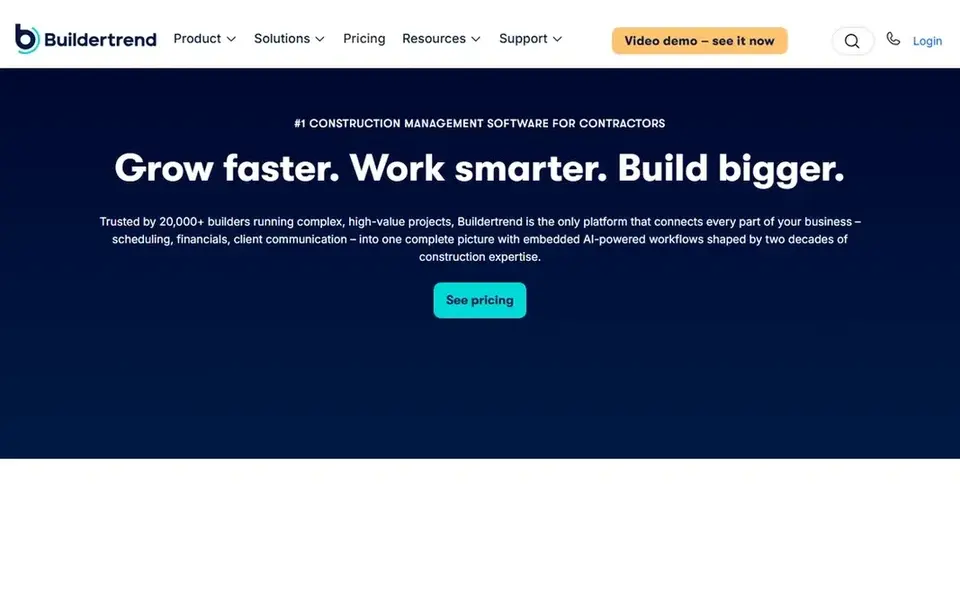
Buildertrend was built for residential builders with scheduling needs. Buildertrend no longer publishes prices.
Strengths: Unlimited users and projects on its plans.
Its estimating, change orders, purchase orders and budget tracking sit on the higher levels. The client portal provides owners a clear view of schedule, selections and payments. Buildertrend sells by quote instead of a published price. No free plan comes with Buildertrend. Limits to weigh: Residential builder focus, with less depth for commercial mechanical work.
- Scheduling
- Client portal and financial tools in one system
- No published price, with quotes based on annual construction volume

Procore is aimed squarely at large commercial mechanical projects. Procore publishes no price and quotes each customer on an annual contract priced by annual construction volume, with unlimited users.
Worth adding: ask for a quote on the exact modules you will use, and confirm implementation, training and renewal terms in writing before signing. Procore does not show a fixed starting price, so you request a quote. Procore does not include a free plan.
Downsides: Setup and training take months on a full rollout.
- Deep project financials and change order control
- Unlimited users on annual contracts
- Price is set by annual construction volume, so small businesses face a large annual contract

Choose monday.com for adaptable boards, scheduling and tracking. monday.com is a work management product built on visual boards, with timeline and Gantt views, automations, dashboards and integrations.
Points against: the 3-seat minimum makes the smallest bill $27 per month.
The limits are trade depth and seat pricing. monday.com is a general tool, so estimating, takeoff, job costing, change orders and service dispatch need boards, formulas and integrations built by the buyer, and none of that arrives ready made for mechanical work. Starting cost for monday.com: $9 per user/month. monday.com has a free plan.
- Visual boards
- Timelines and Gantt views that an entire team learns quick
- Needs building and customising before it takes care of trade costing and change orders
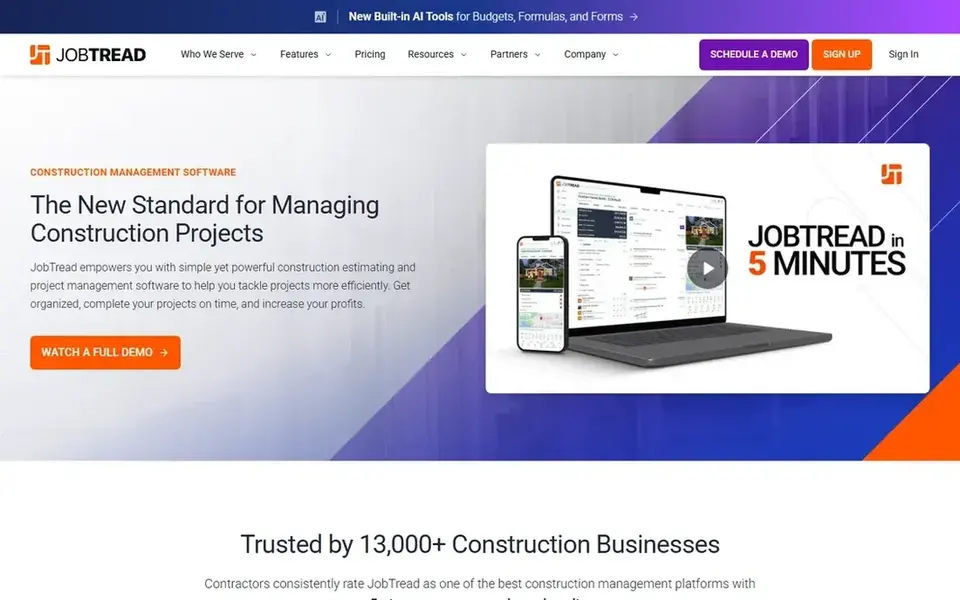
Pick JobTread if this describes you: estimating, budgets and job costing. The base plan is $199 per month and comes with one internal user, with extra internal users at $20 per month each on monthly billing or $16 on annual billing, and lower per-user rates after ten users.
Drawbacks to consider: No free trial.
Worth adding: pricing is published and straightforward. Annual billing saves 20 percent, so the annual base is $159 per month. Price to start with JobTread: $199 per month. JobTread does not include a free plan.
- Estimates link straight to budgets
- One published price with every feature included
- Only a 30-day money-back guarantee on monthly plans
What went into this list
The comparison looks at four things: starting price, free access, how well the feature set matches project management software for mechanical contractors, and the main limit of each tool. Figures are shown as the vendors publish them. Billing terms, seat minimums and add-ons can change the real cost. Position on the page reflects fit for a typical buyer first, with price clarity and free access breaking ties. Treat it as a guide, not a ruling.
Questions to settle before buying
- Ask eSUB, Buildertrend and Procore for a written quote, since no starting price is shown.
- Read the fine print on the free plans from Fieldwire and monday.com; seat, project and feature caps differ.
- Take the trial from Smartsheet and push a live task through it before you pay.
- Read the limits listed for Fieldwire first: change orders, RFIs, submittals and Budget sit on Business Plus at $89 per user a month billed yearly.
- List the apps you already depend on and check that Procore supports each one on the plan you would buy.
- Check how data leaves monday.com: formats, limits and whether exports are available on every plan.
Frequently asked questions
Do mechanical contractors need trade-specific software, or will a general tool work?
A general tool for example monday.com or Smartsheet can work when the firm has someone to build boards, formulas and workflows, and when the accounting system already takes care of job costing.
What is the cheapest option for project management software for mechanical contractors in this list?
On published monthly entry prices, Smartsheet is the lowest here at $9 per user/month. Entry price is only part of the cost, because seats, add-ons and billing terms can change the total.
Can I try these tools before paying?
Often, yes. Fieldwire and monday.com have a free plan and Smartsheet offers a free trial. Use your own data and a real task during the test, and check what the free tier or trial limits before you rely on it.
Do these tools publish their prices?
Not all of them. eSUB, Buildertrend and Procore publish no starting price, so expect a quote request for those. The rest, Fieldwire included, show a starting price, though seats and billing terms still change the final cost.
Which options for project management software for mechanical contractors have a free plan?
Fieldwire and monday.com offer a free plan in this list. Free plans usually cap users, projects or features, so check the limits on the vendor page. One other tool offers a trial instead.
Sources
See where you really rank - block by block
ProMapRanker scans Google Maps across a grid of your service area. Simple monthly plans from $19, white-label on every plan.
Start freeBrowse all guides
← Best Project Management Software for Electrical Contractors (2026)6 Best Contract Generation Software for Small Law Firms for 2026 →
 best outreach tools
Outreach Tools in 2026: Top 6 Compared
Weighing the best outreach tools? We lined up 6 products by cost, free access and fit. Fit and flaws are laid out for each entry. Reviewed in November 2026.
Read → best online contract management software
Online Contract Management Software in 2026: Top 6 Compared
Searching for the best online contract management software? Here are 6 options with prices and free plans. The catches are listed up front. Pick by budget.
Read → best legal lead management software
6 Best Legal Lead Management Software for 2026
Best legal lead management software, compared. 6 tools with published prices, free plans and limits. Plain-spoken summaries throughout. Skim the table first.
Read → best lead scraping tools
Choosing Lead Scraping Tools in 2026
Comparing the best lead scraping tools? 6 contenders, each with entry cost, free tier and best-fit buyer. Each listing flags where it falls short. Start here.
Read → best sales funnel software
Best Sales Funnel Software in 2026
We compared the best sales funnel software for small businesses in 2026, covering pricing, free plans, email, checkout, and funnel limits to choose well.
Read → alternatives to enterprise sso leaders
Best Alternatives to Enterprise SSO Leaders in 2026
Explore alternatives to enterprise sso leaders with 9 single sign-on providers compared on price, free plans, directory features, and security controls.
Read →More in Sales & CRM · All guides A to Z by date · Latest guides