 ProMapRanker
Best Professional Services Automation Software in 2026


Financial reporting and forecasting · Pricing starts at: $17 per user per month
Key takeaways
- Scoro, Productive and BigTime offer the clearest published pricing for smaller services firms, starting from $9 to $20 per user per month.
- ConnectWise PSA and Autotask PSA lead for IT service providers and MSPs, but both use quote-based pricing and longer setup.
- Kantata and Certinia suit larger firms that need deep resourcing and financials, especially firms already on Salesforce.
- A PSA should cover quoting, projects, time, resourcing and invoicing in one system, or billing will leak between tools.
Quick comparison
| Pick | Great for | Pricing starts at | Free tier | |
|---|---|---|---|---|
| Scoro | Financial reporting and forecasting | $17 per user per month | Free trial | Visit |
 Productive | Sales pipeline and proposals | $9 per user per month | Free trial | Visit |
 Kantata | Skills-based staffing and project financials | See website | No | Visit |
 Certinia | Salesforce-based services firms | See website | No | Visit |
 ConnectWise PSA | Contract profitability for MSPs | See website | No | Visit |
 Autotask PSA | MSPs in the Datto and Kaseya stack | See website | No | Visit |
 Accelo | Client work and retainers for services firms | See website | Free trial | Visit |
 BigTime | Getting paid faster on QuickBooks | $20 per user per month | Free trial | Visit |
 HaloPSA | Customizable PSA for growing MSPs | See website | Free trial | Visit |
The best professional services automation software
We compared vendor feature pages and public PSA comparisons, focusing on whether each tool covers quoting, project and task management, time tracking, resource planning and invoicing in one platform. That five-part test separates true PSA software from project tools that hand billing to another system. Here are nine tools that cover consulting, agency and IT services work.
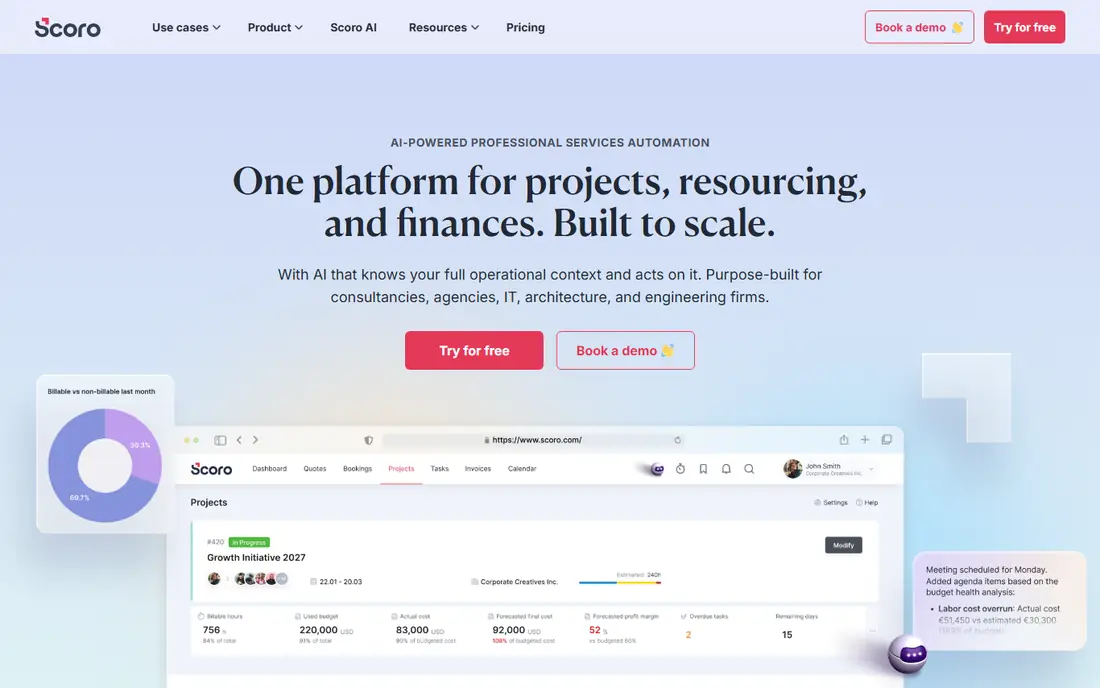
Scoro suits services firms that judge a project by margin, not only by delivery date. It tracks quotes, budgets, time, expenses and invoices together, with reporting and forecasting that show which projects and clients actually make money. Two-way sync with QuickBooks and Xero keeps accounting aligned without manual re-entry.
Entry pricing starts around $17 per user per month for time billing, while projects and quotes need higher tiers, so firms should price the tier that includes their full workflow. A minimum seat count also applies on some plans. For firms that want financial clarity across projects, Scoro is a strong pick.
- Strong project financials and forecasting
- Two-way QuickBooks and Xero sync
- Quote to invoice in one system
- Full projects and quotes need higher tiers
- Minimum seats apply on some plans
- Setup takes time for smaller teams
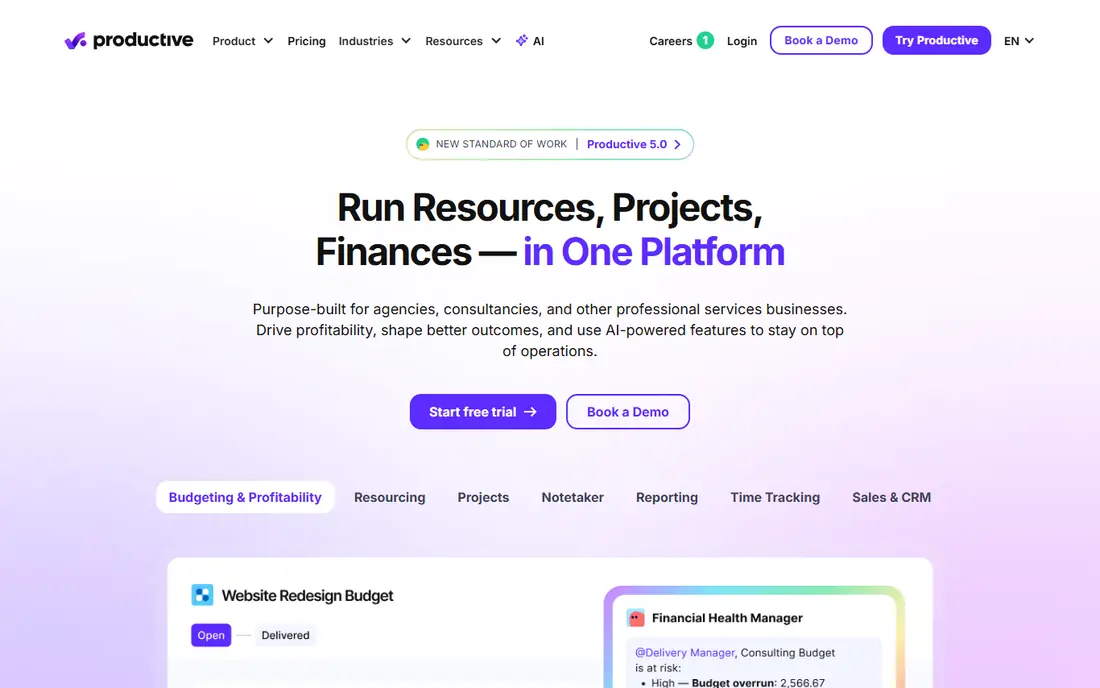
Productive, formerly Productive.io, suits agencies and consultancies that want sales and delivery in one tool. Its pipeline and proposal features feed directly into projects, budgets and resourcing, so a won deal becomes a staffed project without re-entering data. Time tracking, expenses and reporting complete the delivery side.
Entry pricing starts around $9 per user per month on annual billing, with a minimum seat count, while invoicing integrations need higher tiers. Firms that need native invoicing should check the tier carefully. For pipeline-led services firms, Productive offers strong value at a low entry price.
- Sales pipeline and proposals built in
- Budgets, resourcing and time tracking included
- Low entry price
- Invoicing integrations sit on higher tiers
- Minimum seats apply
- Accounting sync is one-way for some systems
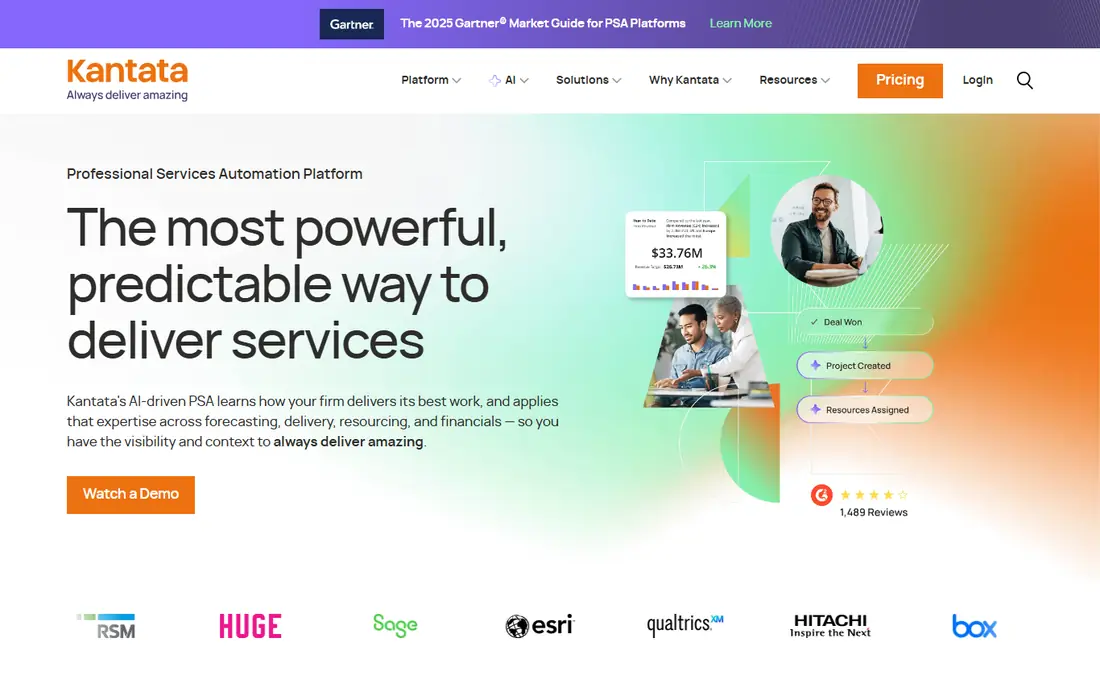
Kantata, formed from Mavenlink and Kimble, suits consulting and professional services firms that staff by skill, not only by availability. Its resource planning matches people to projects by skill, capacity and cost, while project financials track budgets, forecasts and margins. That combination helps larger firms avoid overbooking senior staff while juniors sit idle.
Pricing is quote-based, and Kantata has no native CRM, so firms pair it with Salesforce or HubSpot for sales. Implementation also needs planning for larger teams. For firms where staffing quality decides profitability, Kantata is one of the strongest PSA options.
- Deep resource management by skills and availability
- Strong project financials
- Proposal and forecasting tools
- Quote-based pricing
- No native CRM, so it pairs with Salesforce or HubSpot
- Implementation needs planning
Certinia, formerly FinancialForce, is the PSA pick for firms already running on Salesforce. Because it sits inside Salesforce, project data, resource allocation, billing and CRM records flow together without sync tools. That tight link helps firms that sell, staff and bill complex services from one platform, with enterprise reporting on top.
If your firm does not use Salesforce, Certinia is a heavy choice, since setup, licensing and learning curve all grow. Pricing is also quote-based. For Salesforce-based services firms, though, Certinia avoids the integration work that other PSA tools need, and that advantage is hard to match.
- PSA built on Salesforce
- Project, resource and financial data flow with CRM
- Strong enterprise reporting
- Quote-based pricing
- Heavy setup if you do not already use Salesforce
- Learning curve for new users
ConnectWise PSA, formerly ConnectWise Manage, is the long-standing PSA for managed service providers. It handles ticketing, agreements, procurement, projects and billing in one system, with granular agreement types that show contract profitability clearly. Its integration ecosystem covers remote monitoring, quoting and accounting tools that MSPs already use.
Pricing is quote-based and negotiated by seat count and term, and contracts often renew with price changes, so firms should read renewal terms carefully. The learning curve is also steep, and the interface feels dated compared with newer rivals. For established MSPs with complex contracts, ConnectWise PSA remains the benchmark.
- Deep agreement, procurement and billing tools
- Widest MSP integration ecosystem
- Granular contract types
- Quote-based and negotiated pricing
- Steep learning curve
- Interface feels dated in places
Autotask PSA, from Datto and now part of Kaseya, is the other enterprise-grade MSP PSA. It pairs natively with Datto remote monitoring and the wider Kaseya stack, which suits MSPs already invested in those tools. Its service desk, project management, billing and CRM cover the full service delivery cycle, with dashboards that managers can tailor.
Pricing is per user and quote-based, and users flag a clunky interface with extra clicks for routine tasks. Firms still defining their service processes may find it demanding. For mid-to-large MSPs in the Datto or Kaseya world, Autotask PSA is a proven, well-integrated choice.
- Proven service desk and billing
- Native fit with Datto RMM and Kaseya tools
- Customizable dashboards
- Quote-based pricing
- Interface needs extra clicks for common tasks
- Rewards mature processes over ad hoc work
Accelo suits services firms that run on retainers and recurring client work, such as agencies, consultancies and accounting firms. It tracks client projects, retainers, tickets and time together, with automated billing that turns tracked work into invoices. A client portal keeps communication and approvals in one place.
Pricing is quote-based, so firms need a direct quote for seats and modules, and retainer setup deserves attention during implementation. Firms with simple project needs may find Accelo more than they need. For retainer-heavy services firms, its client-work focus is a genuine advantage.
- Client work, retainers and projects in one system
- Automated time capture and billing
- Client portal included
- Quote-based pricing
- Setup needs care for retainer models
- Reporting depth varies by plan
BigTime suits professional services firms that already run on QuickBooks and want to get paid faster. Its two-way QuickBooks and Sage sync keeps time, expenses and invoices aligned, while project budgeting and reporting show which engagements are on track. Entry pricing starts at $20 per user per month, which is clear compared with quote-only rivals.
CRM and advanced resourcing are thinner here than in Kantata or Certinia, so firms that staff by skill across many projects should compare carefully. Billing rules also need setup to match firm policy. For QuickBooks-based firms focused on time, billing and payment speed, BigTime is a practical pick.
- Strong QuickBooks and Sage two-way sync
- Time, expenses and invoicing in one system
- Clear entry pricing
- CRM features are thinner than some rivals
- Higher tiers needed for advanced resourcing
- Setup needs care for billing rules
HaloPSA is the rising challenger for growing MSPs that want ConnectWise-level customization without its complexity. It offers a single all-inclusive per-agent price, a modern interface and deep customization for tickets, billing and workflows. It integrates with major remote monitoring tools rather than bundling one, which suits MSPs that already chose an RMM tool.
Pricing is published per agent but varies by region, commonly cited around $65 per agent per month, so firms should confirm the current local figure. The lack of a bundled RMM is a trade-off, not a flaw, for firms with an existing stack. For MSPs with roughly five to thirty technicians, HaloPSA is a strong modern alternative.
- Deep customization at a single per-agent price
- Modern interface
- Integrates with major RMM tools
- Pricing varies by region and billing term
- No bundled RMM, so MSPs pair it with a separate tool
- Smaller ecosystem than ConnectWise
How we picked these
We compared vendor feature pages and public PSA comparisons, favoring tools that cover quoting, projects, time, resourcing and invoicing without relying on add-ons for core billing. We included consulting, agency and MSP tools, plus published-price and quote-based options, so readers can compare by firm type and budget. Where pricing varied by region or was quote-only, we listed See website and noted the trial where offered.
What to check before you choose
Map your quote-to-cash flow first
List every step from proposal to paid invoice, including approvals, time capture, expenses and revenue recognition. Then trial that exact flow in each shortlisted tool. A PSA that handles projects well but forces billing into a spreadsheet has failed the core test, whatever its feature list claims.
Check resourcing, accounting sync and reporting together
Resourcing should show who is free, at what skill and cost, not only a calendar. Accounting sync should be two-way where you rely on QuickBooks, Xero or Sage, and reporting should show margin by project and client. Test all three with real data, since demos often use ideal numbers.
Budget for seats, tiers and implementation
Entry prices rarely cover every user or feature. Count all staff who need access, including part-time and contractor seats, and ask about implementation, training and renewal terms. Quote-based tools need a written quote for your exact seat count, and multi-year terms should be compared with annual terms before signing.
Frequently asked questions
What is the best professional service automation software?
Scoro and Productive suit smaller firms with published pricing, while Kantata and Certinia suit larger firms with deep resourcing needs. ConnectWise PSA and Autotask PSA lead for MSPs. The best choice depends on firm type, size and whether you already use Salesforce or QuickBooks.
What are the top 10 PSA software options?
This list covers nine leading options, and a tenth often shortlisted is Birdview PSA, which suits capacity scenario planning, or Ruddr for low-cost project financials. Compare any tenth option on the same five-part test: quoting, projects, time, resourcing and invoicing in one system.
What is the best professional services automation tool for small firms?
Productive, Scoro and BigTime are strong small-firm picks, with entry prices from $9 to $20 per user per month. Productive leads on sales pipeline, Scoro on financial reporting, and BigTime on QuickBooks billing. Trial the tier that includes invoicing, not only the entry tier.
Is PSA software the same as project management software?
No. Project tools manage tasks and timelines, while PSA software adds quoting, resourcing, time tracking and invoicing tied to project work. A project tool plus a separate billing tool can work, but billing often leaks between systems. PSA suits firms that bill by time, project or retainer.
How much does PSA software cost?
Published entry prices here range from $9 to $20 per user per month, while enterprise and MSP tools use quote-based pricing that varies by seats and term. Implementation, training and payment fees add to the total. Get a written quote for your seat count and tier before budgeting.
Should an MSP choose ConnectWise, Autotask or HaloPSA?
Choose ConnectWise for the deepest contract and integration range, Autotask if you already use Datto or Kaseya tools, and HaloPSA for modern customization at a clearer per-agent price. All three need a trial with real tickets, agreements and invoices before signing, since setup effort differs sharply.
Sources
- https://www.scoro.com
- https://www.productive.io
- https://www.kantata.com
- https://www.certinia.com
- https://www.connectwise.com
- https://www.autotask.com
- https://www.accelo.com
- https://www.bigtime.net
- https://www.halopsa.com
- https://www.scoro.com/blog/psa-software-examples/
- https://www.welcometotheaijungle.com/blog/professional-services-automation
See where you really rank - block by block
ProMapRanker scans Google Maps across a grid of your service area. Simple monthly plans from $19, white-label on every plan.
Start freeKeep reading
 best virtual meeting platform
Best Virtual Meeting Platforms in 2026
Searching for the best virtual meeting platform? We compare 9 video meeting tools on price, free plans, capacity, and features for teams of all sizes.
Read → best social media reporting tools
Best Social Media Reporting Tools in 2026
Compare the best social media reporting tools in 2026, with pricing and free plans, and the right pick for creators, agencies, and large marketing teams.
Read → best social media platforms for business
Best Social Media Platforms for Business in 2026
We compared the best social media platforms for business, from Facebook and Instagram to LinkedIn and TikTok, with ad strengths and who each platform suits.
Read →