 ProMapRanker
Best Productivity Apps in 2026

Key takeaways
- Todoist is our first pick for personal task capture because natural language input makes adding a task with a date and priority fast.
- Notion is the best choice when tasks, notes, and docs need to live in one workspace, though it takes more setup than a simple list.
- TickTick gives the most value in a single personal app, with tasks, habits, calendar, and a focus timer in one place.
- Asana, Trello, and ClickUp suit teams, but their free plans differ a great deal on team size, views, and automation.
- The best free apps for productivity are strong enough for most solo users, so pay only when a limit, such as projects, members, or storage, actually blocks your work.
Quick comparison
| Pick | Great for | Pricing starts at | Free tier | |
|---|---|---|---|---|
 Todoist | Fast personal task lists | $5 per month | Yes | Visit |
 Notion | Docs, wikis, and tasks together | $10 per month | Yes | Visit |
 TickTick | Tasks, habits, and focus time | $2.99 per month | Yes | Visit |
 Trello | Visual boards for small teams | $5 per month | Yes | Visit |
 Asana | Clean team task coordination | $10.99 per month | Yes | Visit |
 ClickUp | Feature rich all in one work hub | $7 per month | Yes | Visit |
 Obsidian | Private local notes and knowledge | Free | Yes | Visit |
 Microsoft To Do | Simple free lists for Microsoft users | Free | Yes | Visit |
 Evernote | Notes, clips, and searchable archives | See website | Yes | Visit |
The best productivity apps
We compared official feature pages, pricing pages, app store listings, and public reviews for apps that help people plan work, capture tasks, and keep notes in order. The list below covers solo lists, team boards, and knowledge tools, so you can pick by workflow rather than by feature count alone. Prices shown are the common paid starting rates in recent listings, usually billed annually where stated, so check the vendor page for your region and term.
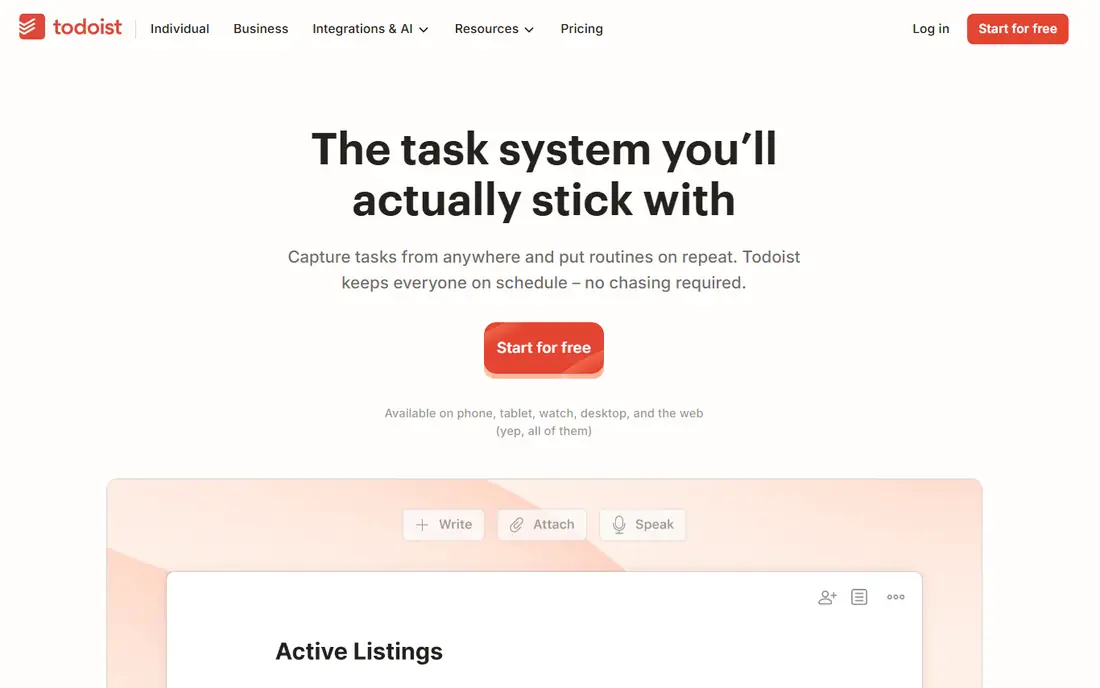
Todoist earns its place at the top because capture is where most productivity systems fail. You can type a task in plain language, add a date and a priority in the same line, and move on. Projects, sections, labels, and filters give enough structure for most personal and shared lists without turning the app into a project management suite.
The free plan covers personal use well, with a limited number of active projects, filters, and upload size. Paid Pro adds reminders, more filters, comments, and activity history, which are worth it if you live in the app daily. The honest catch is scope. Todoist is not the best tool for complex team portfolios, document wikis, or heavy reporting. For a personal list that you will actually keep using, it is our pick.
- Natural language Quick Add for dates and priorities
- Available on almost every platform
- Clean list view that stays usable at scale
- Free plan limits projects, filters, and uploads
- Full team workspaces need a higher tier
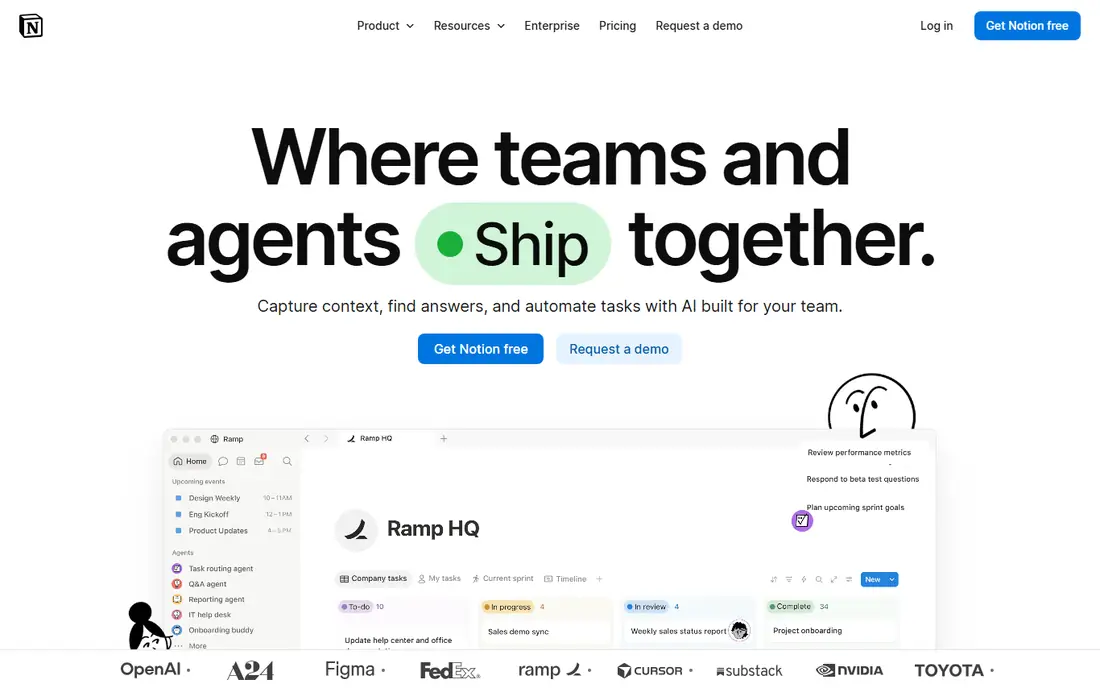
Notion is the best productivity software choice when your work is a mix of notes, docs, and tasks that need to link together. A project page can hold a brief, a task database, and a meeting note in one place, and a team wiki can grow from the same building blocks.
Flexibility is also the cost. A blank Notion workspace does not tell you how to organise your work, and it is easy to spend a week building a system instead of doing the work itself. Start from a simple template, keep the structure small, and add databases only when a plain page stops working. If you mainly need a fast task list, Todoist or TickTick will feel lighter. If you need docs and tasks together, Notion is the stronger long term home.
- Flexible pages, databases, and templates in one workspace
- Strong for wikis and shared docs
- Large template community
- Setup takes time and can become a project itself
- Simple task lists feel heavier than in Todoist or TickTick
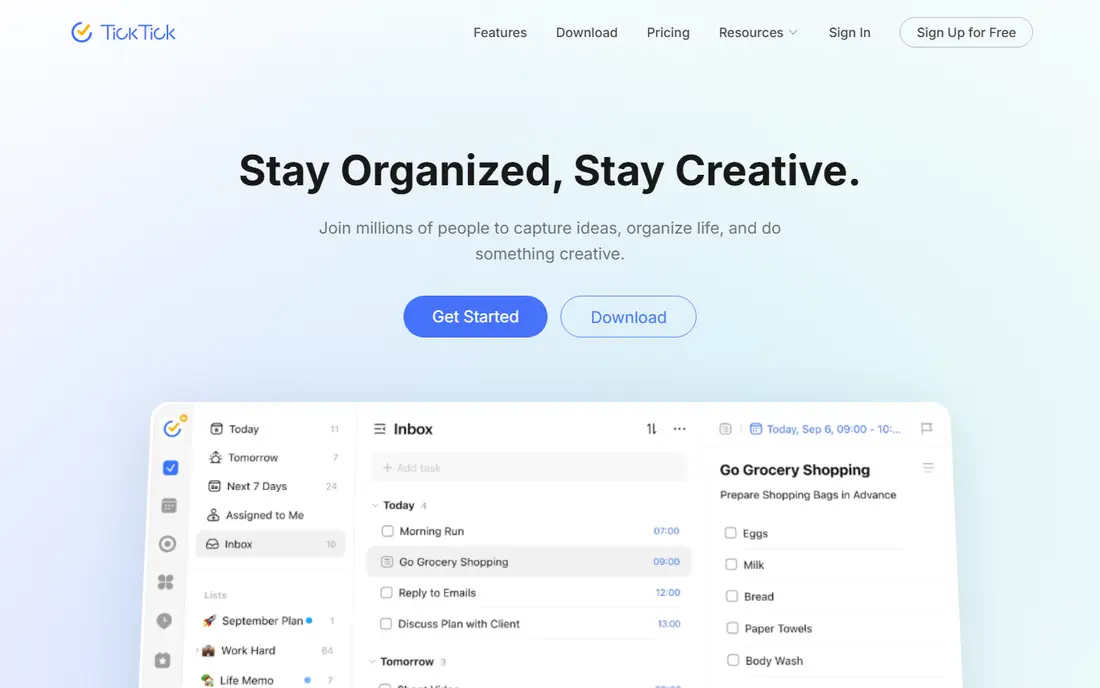
TickTick is the best app for productivity if you want several personal tools in one place without paying for a suite. Tasks sit next to a calendar view, a habit tracker, and a Pomodoro focus timer, so a daily plan, a habit streak, and a focused work session can all live in the same app. That mix suits students and freelancers who track routines as well as deadlines.
The free plan is generous for solo use, with limits on lists, tasks per list, and checklist items that most users will only hit after heavy use. Premium, listed at $2.99 a month in some sources and around $35.99 a year in others, removes those caps and adds more calendar and focus features. The catch is team depth. TickTick is not a full team project platform, so larger teams should look at Asana, Trello, or ClickUp instead.
- Combines tasks, calendar, habits, and Pomodoro timer
- Low paid price in recent listings
- Good cross platform apps
- Free plan limits lists, tasks per list, and habits
- Shared lists cap at a modest member count
Trello remains the easiest board to adopt for a small team. A card moves from left to right, a checklist tracks the steps, and a due date keeps the work visible. That visual simplicity is why it works for content calendars, hiring pipelines, and event plans. New members need almost no training.
The limits show up as work grows. Trello has no native task dependencies in the same way as Asana or ClickUp, and reporting stays basic even on paid plans. Power-Ups and Butler automation help, but they add setup and cost. For a small team with a clear stage based flow, Trello is our pick. For complex dependencies or portfolio reporting, choose Asana or ClickUp.
- Kanban boards anyone can learn in minutes
- Butler automation on paid plans
- Wide integration list
- Reporting and task dependencies are thin
- Large projects can become hard to scan on a single board
Asana suits teams that want coordination without a steep learning curve. Tasks have a clear owner, a due date, and a project home, and views such as list, board, and timeline let different people see the same work in the way that suits them. That clarity helps marketing, operations, and creative teams who run many small projects at once and need to know who owns what this week.
The free plan is useful for very small teams, but recent listings place a low cap on free team size, and advanced tools sit on paid tiers. Starter is listed at $10.99 per user a month billed annually in recent comparisons.
- Clear task ownership, due dates, and project views
- Timeline and workload tools on paid plans
- Strong for marketing and creative teams
- Free Personal plan is limited to a small team size in recent listings
- Paid price is higher than Trello or ClickUp entry tiers
ClickUp is the best productivity tool for teams that want one hub for tasks, docs, goals, and time tracking, rather than a stack of separate apps. The free plan is generous on tasks and members, which makes it easy to try with a real team before paying. Paid Unlimited, listed at $7 per user a month billed annually, adds more storage, integrations, and views, and higher tiers add deeper automation and reporting.
The trade off is complexity. A new workspace can feel busy, and a team needs a short setup phase to agree on how tasks and views will be used.
- Many views including list, board, Gantt, and calendar
- Free plan covers unlimited tasks and members in recent listings
- Docs and goals in the same hub
- Setup and settings can feel overwhelming at first
- Storage limits on the free plan push files elsewhere
Obsidian is a different kind of best productivity app, because it starts with notes and knowledge rather than tasks. Your vault is a folder of plain text Markdown files on your own device, so your notes stay readable even if you stop using the app.
The core app is free for personal and commercial use in recent listings, with Sync listed at around $4 to $5 a month and Publish as a separate paid add on. That makes Obsidian the cheapest long term home for notes, though it is not a team workspace out of the box. If you want private, offline notes with full ownership, choose Obsidian. If you need shared docs and team editing, Notion or ClickUp will serve you better.
- Notes are plain Markdown files you control
- Works offline
- Large plugin community for graphs, tasks, and calendars
- No built in team collaboration in the core app
- Sync and publish are paid add ons
- Setup rewards users who like to tinker
Microsoft To Do is the simplest pick on this list, and that is its strength. It is free with a Microsoft account, it syncs across web, desktop, and mobile, and its My Day view gives you a clean daily list without a long setup. For Outlook users, tasks from email and calendar flow into the same place, which reduces the need to copy work between apps.
The limits are also clear. Recurring tasks and natural language dates are weaker than in Todoist, and there is no full project management layer. That is fine if you need a daily list and shared household or work lists. If you need habits, focus timers, or team portfolios, TickTick or Asana will give you more. For a free, calm list inside the Microsoft world, To Do is hard to fault.
- Fully free with a Microsoft account
- My Day view for daily planning
- Integrates with Outlook tasks and Microsoft 365
- Weaker on recurring tasks and natural language input than Todoist
- Fewer power features for complex projects
Evernote remains a strong choice for people whose productivity starts with capture and reference, not only with tasks. The web clipper saves full pages, articles, and selections with tags, and search covers typed text, text in images, and PDF text. That makes it a good archive for research, receipts, articles, and project reference material that you need to find again months later.
The free plan is now limited, with caps on notes, notebooks, and synced devices in recent listings, so heavy users will need a paid plan. Pricing has also varied by region and over time, which is why we list it as See website rather than a single figure. If your work is note heavy and search matters most, Evernote still earns a place. If your work is task heavy, Todoist or TickTick will feel faster day to day.
- Strong search across notes, images, and PDFs
- Polished web clipper
- Good for research archives and reference notes
- Free plan limits notes, notebooks, and synced devices
- Paid pricing varies by region and has changed in recent listings
How we picked these
We compared official feature pages, pricing pages, app store listings, privacy policies, and public reviews for apps that are still available in October 2026. We favoured apps with a usable free plan, clear paid pricing, and a track record of maintenance, and we gave weight to how well each app fits a specific workflow rather than to feature count alone. We did not claim hands-on testing, and we did not present a trial as a free plan. Where pricing sources disagreed, we used the most recent vendor aligned listing and advised checking the vendor page.
Finding the right fit for your workflow
Solo, team, or knowledge work
Solo task work needs speed and a low friction list, which points to Todoist, TickTick, or Microsoft To Do. Team work needs shared ownership, views, and permissions, which points to Trello, Asana, or ClickUp. Knowledge work needs linked notes and search, which points to Notion, Obsidian, or Evernote. Many people need two of these, such as Todoist for tasks plus Obsidian for notes, and that split is often better than forcing one app to do everything badly.
Test the free plan with real work
Use the free plan for two weeks with your actual tasks, not with sample data. Check the limits that matter, such as project count, team size, storage, and device sync, before you pay. A free plan that covers your real load is better than a paid plan with features you never open. If you hit a limit in week two, that limit tells you which paid tier to buy, and whether a different app would be cheaper.
Keep the system small
The best productivity software is the one you still use in three months. Start with one list, one board, or one vault, and add structure only when a plain setup fails. Avoid copying a complex template on day one, avoid adding five integrations before you have a habit, and review the system monthly. A small system that survives a busy week beats a large system that collapses under its own setup.
Frequently asked questions
What are the best apps for productivity for personal use?
Todoist is our top pick for personal tasks, TickTick is best if you also want habits and a focus timer, and Microsoft To Do is best for a simple free list. The best productivity app for you depends on whether you need speed, habits, or a free Microsoft linked list most.
What is the best productivity app for teams?
Asana is best for clean team coordination, Trello is best for simple visual boards, and ClickUp is best for a feature rich all in one hub. Asana suits teams that want clear ownership, Trello suits stage based flows, and ClickUp suits teams that want many views and docs in one place.
What are the best free apps for productivity?
Todoist, TickTick, Trello, Asana, ClickUp, Notion, Obsidian, and Microsoft To Do all offer free plans in recent listings. Obsidian and Microsoft To Do are the most generous for solo note and list use, while ClickUp offers the broadest free team features. Check project, member, and storage caps before you commit to a free plan.
What is the best productivity software for notes and tasks together?
Notion is the strongest pick when notes, docs, and tasks need to live together in one workspace. Obsidian is better for private local notes, and ClickUp is better when tasks and team docs need to sit in a project hub. Choose Notion for shared wikis, Obsidian for ownership, and ClickUp for team delivery.
Are there best new productivity apps worth trying?
Newer tools appear often, but most solo and team needs are still covered well by the apps on this list, which are maintained and widely integrated. If you try a newer app, check its export options, pricing, and integration list first, so you can leave without losing your tasks and notes.
Is Notion or Todoist better for daily tasks?
Todoist is better for fast daily task capture and a simple list, while Notion is better when a task needs context from docs, notes, and databases. Many people use both, with Todoist for the daily list and Notion for project docs, rather than forcing one app to cover both jobs.
Sources
See where you really rank - block by block
ProMapRanker scans Google Maps across a grid of your service area. Simple monthly plans from $19, white-label on every plan.
Start freeKeep reading
 best resource management software
Best Resource Management Software in 2026
We compared the best resource management software for scheduling, capacity and utilization, with current pricing and free trials, to help teams choose well.
Read → best reporting tools
Best Reporting Tools in 2026
Compare the best reporting tools for dashboards, scheduled reports, and business insights, from Power BI and Tableau to Looker Studio for every team size.
Read → best remote support software
Best Remote Support Software in 2026
Looking for the best remote support software? We compare 9 tools on price, security, session controls, and fit for helpdesks, MSPs, and small teams in 2026.
Read →