 ProMapRanker
Best Product Management Software in 2026


Feedback-led planning for product teams · Pricing starts at: See website
Key takeaways
- Productboard suits teams that plan from customer feedback, while Aha suits larger orgs standardizing strategy and roadmaps.
- Jira Product Discovery suits teams already living in Jira, with less need for a separate tool.
- Notion, ClickUp, and Monday suit smaller teams that want roadmaps inside a workspace they already use.
- Check who counts as a paid maker or editor, because that rule often decides the real monthly cost.
Quick comparison
| Pick | Great for | Pricing starts at | Free tier | |
|---|---|---|---|---|
| Productboard | Feedback-led planning for product teams | See website | Yes | Visit |
 Aha Roadmaps | Strategy, roadmaps, and releases at scale | See website | No | Visit |
 Jira Product Discovery | Jira-native product discovery | See website | Yes | Visit |
 Monday | Visual workspace for cross-functional teams | See website | Yes | Visit |
 ClickUp | Low-cost all-in-one workspace | Free | Yes | Visit |
 Notion | Docs-first roadmaps for small teams | Free | Yes | Visit |
 Craft.io | Purpose-built planning without enterprise price | See website | No | Visit |
 ProdPad | Discovery and idea triage for product teams | See website | No | Visit |
The best product management software overall
The best product management software starts with Productboard for feedback-led planning and Aha for strategy-led roadmaps.
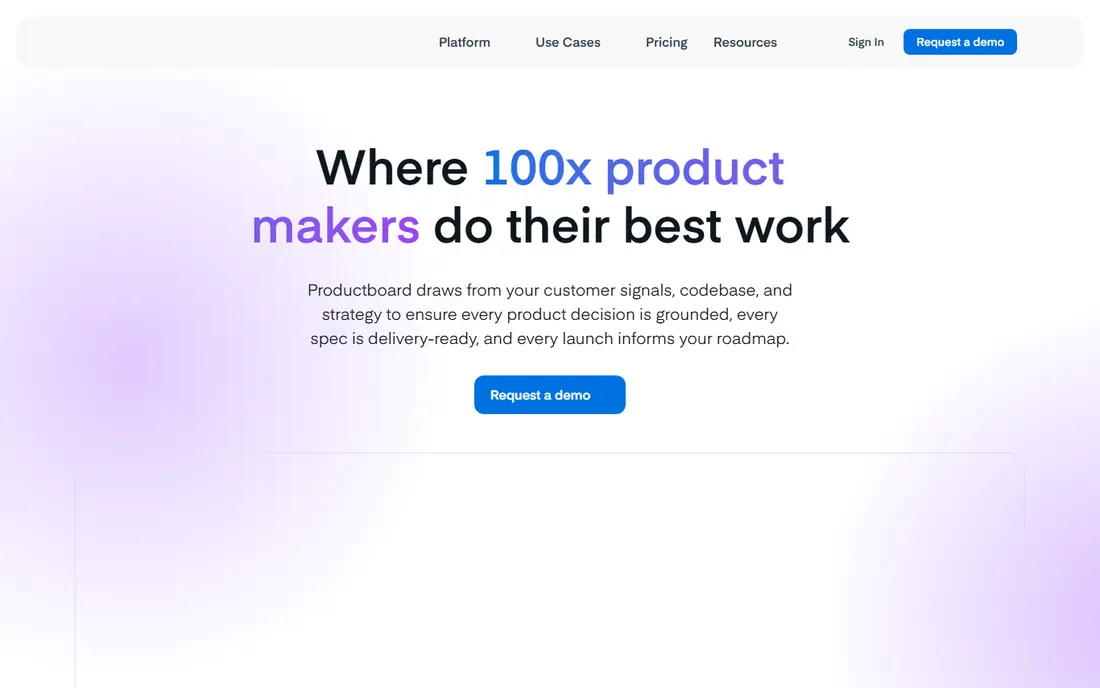
Productboard suits teams whose roadmap starts with what customers actually ask for. It collects feedback from many sources, links notes to features, and helps teams prioritize with a clear, visual roadmap.
The catch is seat math. Pricing centers on makers, so count who edits and prioritizes before you estimate the monthly total. It suits product teams in growing SaaS companies that live on customer insight.
Productboard offers a free Starter plan, with paid plans listed on its site. For most readers in this group, Productboard is worth a trial before you commit to a paid plan or a long program, because fit shows up faster in use than in a feature list.
- Strong feedback capture and prioritization
- Clear roadmaps
- Good integrations with delivery tools
- Paid maker pricing can grow with team size
- Learning curve for full prioritization
- Some features need higher plans
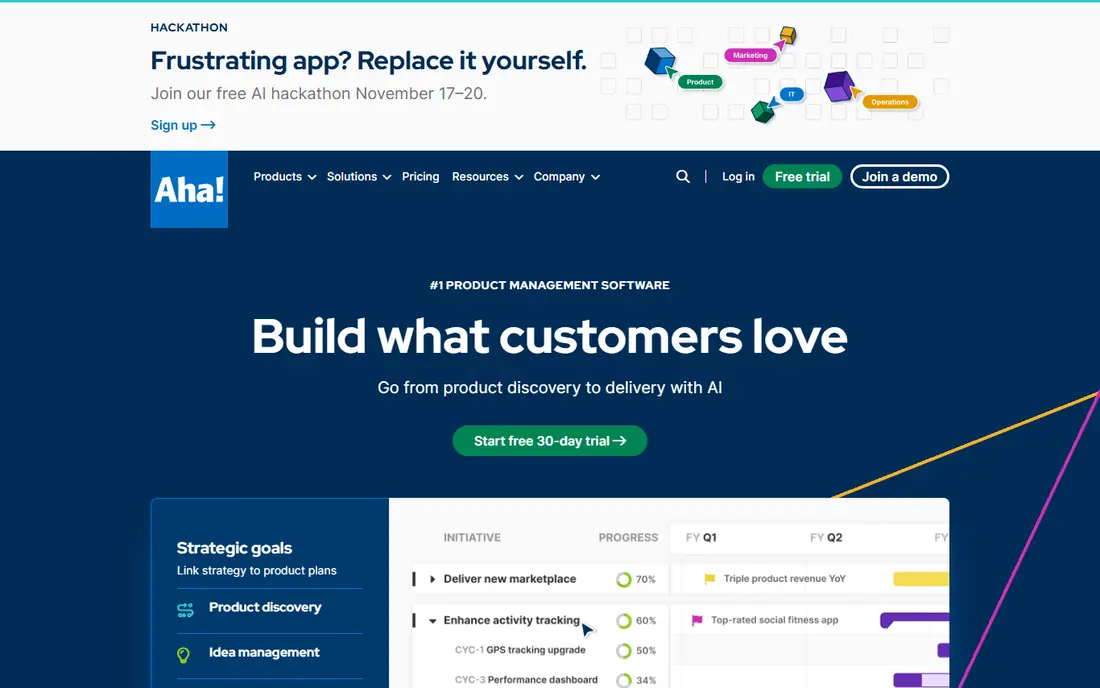
Aha Roadmaps suits larger product orgs that need one standard way to plan. It links goals to initiatives, roadmaps, and releases, with presentation views for executives and stakeholders.
The weakness is weight and price. Smaller teams may pay for structure they do not yet need, and setup takes real planning time. It suits mid-size and enterprise product teams standardizing across several products.
Aha Roadmaps pricing is listed on its site, with a trial available and per-user plans. For most readers in this group, Aha Roadmaps is worth a trial before you commit to a paid plan or a long program, because fit shows up faster in use than in a feature list.
- Strong strategy and roadmap views
- Goals and release planning
- Many integrations
- High per-user price
- Setup takes time
- Smaller teams may find it heavy
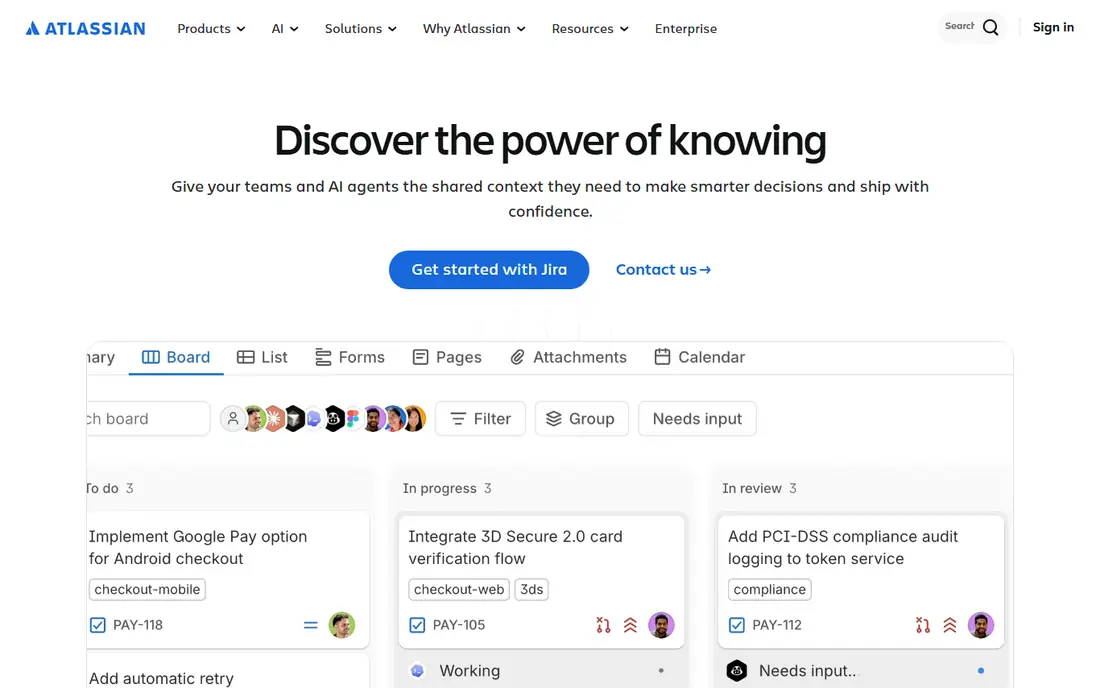
Jira Product Discovery suits software teams that already plan delivery in Jira. It adds idea capture, prioritization, and roadmap views without forcing a separate product system on the team.
The limit is scope. Roadmap and feedback features are simpler than Productboard or Aha, and value drops sharply outside Jira. It suits Jira-heavy engineering orgs that want discovery close to delivery.
Jira Product Discovery pricing is listed on Atlassian's site, with a free tier for small teams in many cases. For most readers in this group, Jira Product Discovery is worth a trial before you commit to a paid plan or a long program, because fit shows up faster in use than in a feature list.
- Lives inside Jira
- Idea capture and prioritization
- Links ideas to delivery issues
- Best inside Jira only
- Roadmap views are simpler than dedicated tools
- Plan packaging changes over time
Monday suits teams that want one visual workspace for product work alongside other teams. Boards, timelines, and dashboards make plans easy to see, and templates help a new team start fast.
The trade-off is depth. It is a flexible work platform, not a dedicated product strategy tool, so prioritization and feedback features are lighter. It suits cross-functional teams that value visibility over deep product methodology.
Monday offers a free tier for individuals, with paid plans listed on its site. For most readers in this group, Monday is worth a trial before you commit to a paid plan or a long program, because fit shows up faster in use than in a feature list.
- Visual boards and timelines
- Flexible for product and marketing work
- Many templates
- Not purpose-built for product strategy
- Roadmap depth is limited
- Costs rise with seats and features
ClickUp suits teams that want product planning inside one low-cost workspace. It combines tasks, docs, goals, and dashboards, so a small team can run roadmaps, sprints, and notes without several tools.
The weakness is focus. It covers many jobs, so product-specific features like feedback portals and prioritization frameworks are lighter. It suits startups and small teams that need one hub at a low price.
ClickUp offers a Free Forever tier, with paid plans listed on its site. For most readers in this group, ClickUp is worth a trial before you commit to a paid plan or a long program, because fit shows up faster in use than in a feature list.
- Free Forever tier
- Docs, tasks, and goals in one place
- Low paid entry price
- Product-specific planning is lighter than dedicated tools
- Feature depth can feel cluttered
- Setup needs care
Notion suits small product teams that already live in docs. Databases, timelines, and linked pages let a team build a roadmap, track feedback, and share plans without buying a dedicated tool.
The limit is method. Prioritization, feedback portals, and release planning need manual setup, and large roadmaps can grow messy. It suits docs-first teams, early startups, and solo product managers.
Notion offers a free plan for individuals, with paid plans listed on its site. For most readers in this group, Notion is worth a trial before you commit to a paid plan or a long program, because fit shows up faster in use than in a feature list.
- Flexible docs, databases, and roadmaps
- Free for individuals
- Easy sharing
- Not purpose-built for product planning
- Prioritization needs manual setup
- Large roadmaps can get messy
Craft.io suits product teams that want a dedicated tool without an enterprise price tag. It offers roadmaps, prioritization, feedback capture, and planning views built for product work, not adapted from a task tool.
The catch is ecosystem size. Integrations and community resources are smaller than the largest tools, so check your stack first. It suits growing product teams moving off spreadsheets or general workspaces.
Craft.io pricing is listed on its site, with a trial available in many cases. For most readers in this group, Craft.io is worth a trial before you commit to a paid plan or a long program, because fit shows up faster in use than in a feature list.
- Purpose-built roadmaps and prioritization
- Feedback capture
- Cleaner than a general workspace
- Smaller ecosystem than Aha or Productboard
- Pricing needs a site check
- Some integrations are limited
ProdPad suits teams whose main problem is too many ideas and no clear order. It captures ideas, links feedback to them, and uses Now-Next-Later roadmaps to show what matters now, next, and later.
The limit is breadth. Strategy, goals, and release planning are lighter than in Aha, so larger orgs may need a second tool. It suits discovery-focused teams and product managers who triage ideas daily.
ProdPad pricing is listed on its site, with a trial available in many cases. For most readers in this group, ProdPad is worth a trial before you commit to a paid plan or a long program, because fit shows up faster in use than in a feature list.
- Strong idea capture and triage
- Now-Next-Later roadmaps
- Feedback linked to ideas
- Roadmap views are simpler than Aha
- Pricing is plan-based
- Smaller vendor than the leaders
How we picked these
We started from official feature pages, pricing pages, app store listings, and privacy policies, then checked those claims against public reviews and help docs. Products that were discontinued, unavailable, or missing a clear fit for the topic were left out, even when they appeared on older lists.
We also weighed the limits that matter in daily use, such as free-tier caps, account rules, and what a paid plan actually adds. A product earned a place when its core job was clear, its pricing was checkable, and its weakness could be stated plainly.
How to pick a product tool without paying for seats you do not need
Start with the planning job. Feedback-led teams need strong idea capture and prioritization, while strategy-led teams need goals, roadmaps, and release planning. Count paid seats honestly, because some tools charge only makers or editors, while viewers are free. Test the tool on a real product problem, such as turning ten feedback notes into a ranked roadmap item, before you migrate a full backlog. Check integrations with your issue tracker, docs, and customer tools, and confirm export options so your roadmap data is not locked in.
Revisit the choice after a month of real use. The best tool on paper is not always the one you open each week, and a simpler pick you actually use beats a larger tool that sits idle.
Frequently asked questions
What does product management software do?
It centralizes feedback, ideas, roadmaps, and releases in one place. Teams use it to prioritize work, share plans with stakeholders, and track what ships against the plan.
Is product management software the same as Jira?
No. Jira tracks delivery work, such as issues and sprints. Product tools sit above delivery, covering strategy, feedback, prioritization, and roadmaps, though some teams use Jira Product Discovery to bridge the two.
Which tool is best for a small team?
Notion and ClickUp suit small teams that want roadmaps inside a general workspace. Productboard suits small product teams that want feedback-led planning without a large enterprise suite.
Do these tools have free plans?
Some do. Productboard, Jira Product Discovery, Notion, ClickUp, and Monday offer free tiers or free viewers, but limits and paid seat rules vary, so check the current pricing page.
What is the difference between a roadmap and a backlog?
A roadmap shows direction, timing, and priorities at a high level. A backlog lists specific work items ready for delivery. Good product tools keep both linked, so a roadmap item traces to delivery work.
Can I share a roadmap with customers?
Many tools offer public or shared roadmaps and feedback portals. Check sharing controls, because some plans limit public portals or charge for portal features.
Sources
See where you really rank - block by block
ProMapRanker scans Google Maps across a grid of your service area. Simple monthly plans from $19, white-label on every plan.
Start freeKeep reading
 free alternatives to grok imagine
Free Alternatives to Grok Imagine in 2026
We compared the best free alternatives to grok imagine for image generation, from fast daily credits to design tools, so you can create without paying.
Read → best tools for instagram content creation
Best Tools for Instagram Content Creation in 2026
Compare the best tools for Instagram content creation, from Canva and CapCut to Later and Buffer, on design, video, planning, scheduling, and price in 2026.
Read → best tool to split pdf files
Best Tool to Split PDF Files in 2026
We compared the best tool to split pdf files on split modes, file limits, privacy and price, so you can split a PDF cleanly and keep every page in one go.
Read →