 ProMapRanker
Best Product Demo Software in 2026


Teams that need several demo formats in one tool · Pricing starts at: $40 per month
Key takeaways
- Storylane covers the widest mix of demo formats, while Navattic is the clearer pick for HTML demos at the centre of a marketing site.
- Supademo and Guideflow offer the lowest paid starting prices in this list, which matters for small teams that need guided tours without an enterprise contract.
- Walnut, Reprise, and Demostack-style enterprise tools trade a higher price and longer setup for personalization, sandboxes, and cloned product environments.
- Check which format is gated behind which plan before you buy, since HTML capture, sandbox access, and single sign-on often sit on higher tiers.
Quick comparison
| Pick | Great for | Pricing starts at | Free tier | |
|---|---|---|---|---|
| Storylane | Teams that need several demo formats in one tool | $40 per month | Yes | Visit |
 Navattic | HTML demos as the main marketing format | See website | Yes | Visit |
 Supademo | Small teams that want a low entry price | $38 per month | Yes | Visit |
 Arcade | Marketing teams that need polished demos fast | See website | Yes | Visit |
 Guideflow | Solo creators and small teams on a budget | $35 per month | Yes | Visit |
 Walnut | Sales-led teams that personalize demos per deal | $575 per month | No | Visit |
 HowdyGo | Flat-priced HTML demos with unlimited users | $159 per month | Free trial | Visit |
 Reprise | Enterprises that need cloned product environments | See website | No | Visit |
 Consensus | Video-led demos for large buying groups | See website | No | Visit |
The best product demo software
Interactive demos let a prospect click through a product before a sales call, and the tools below differ mainly in format, price, and how much setup they demand.
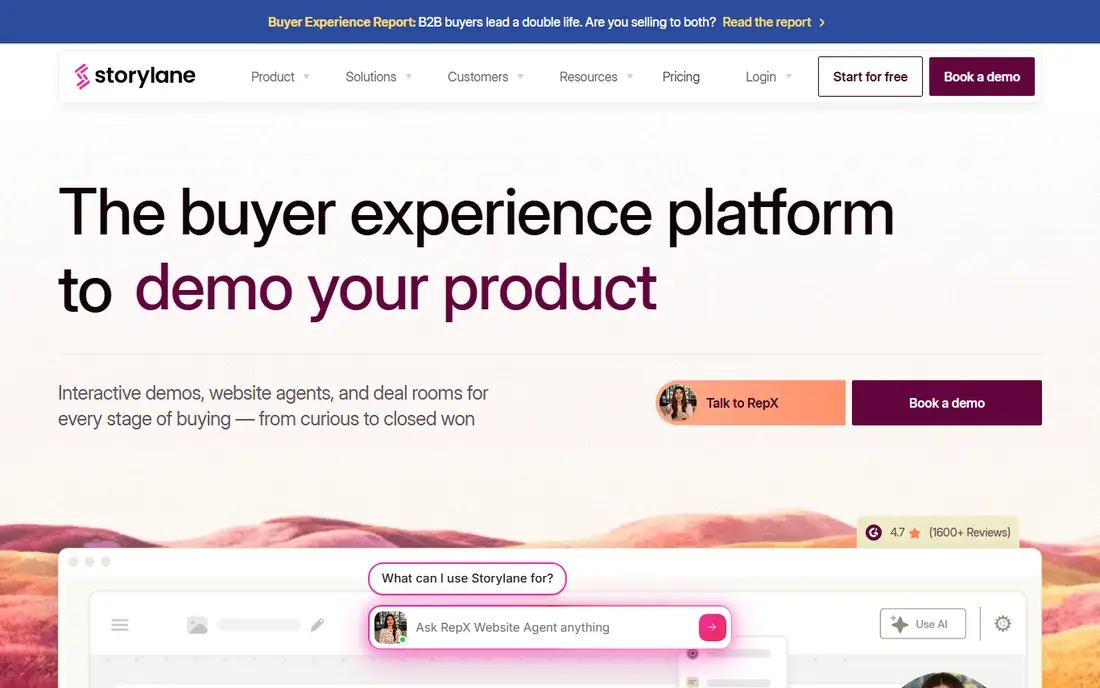
Storylane is our pick for most teams because it covers more ground than most rivals in one subscription. A marketing team can publish a guided tour on a landing page, a sales rep can walk through the same demo on a live call, and a product team can group related demos into a hub for a deal. That range reduces the chance of buying a second tool a few months later.
The catch is plan gating. The starter price looks friendly, but teams that want the full HTML editor or sandbox demos will pay more. Read the plan page against the format you actually need, and test the free plan with a real product flow before committing.
- Screenshot, HTML, and video demos in one editor
- Demo hubs for marketing and sales
- Presenter mode for live calls
- HTML editing sits on higher plans
- Sandbox demos are limited to the top tier
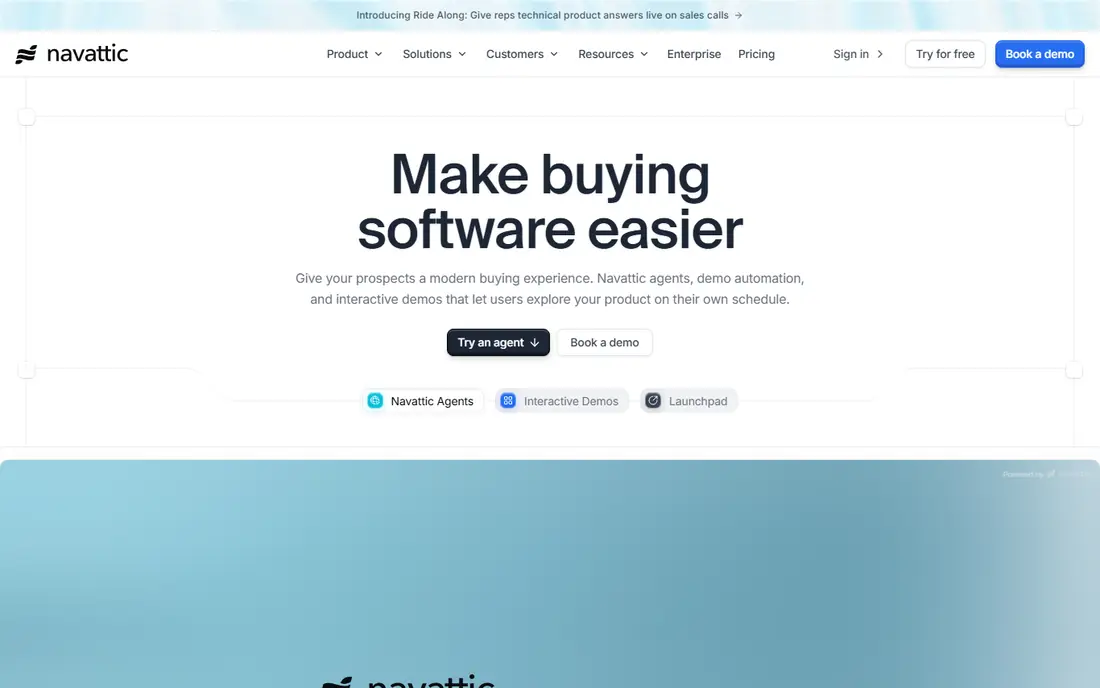
Navattic suits teams that want a demo that feels like the real product rather than a set of screenshots. Its HTML capture keeps the look and feel of the live application, which helps when a prospect is judging design and workflow, not just features. The AI Copilot can speed up drafting, and Launchpad gives sales a tidy way to share demos after a call.
Pricing is the main friction. The free starter plan covers one demo, but paid pricing is handled on request, so budgeting takes a sales conversation. If price transparency matters to you, ask for the full plan comparison in writing before a trial ends.
- Mature HTML capture
- AI-assisted demo drafting
- Launchpad for sales follow-up
- Paid plan prices are not published
- Sandbox and single sign-on sit on higher tiers
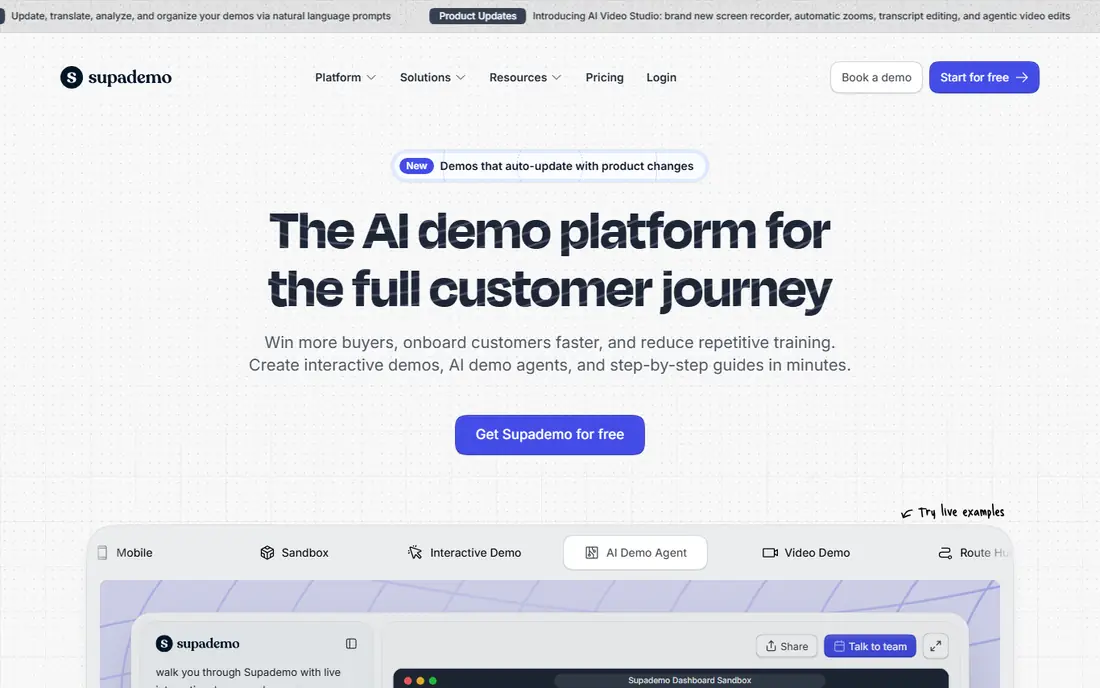
Supademo is a strong value pick for startups and small marketing teams. The free tier allows several demos, and the paid entry point stays well below most enterprise demo platforms. It also handles screenshot, HTML, and video formats, so a team is not locked into one style from day one.
The limits are familiar: the cheapest paid plan does not include everything, and HTML and sandbox features appear higher up. For a team that mainly needs screenshot tours and simple video walkthroughs, that trade is easy to accept. For a team that needs HTML capture from the start, compare the next tier before deciding.
- Low paid starting price
- Screenshot, HTML, and video formats
- Generous free tier
- HTML demos start on a higher plan
- Sandbox demos are gated to a higher plan
Arcade earns its place for speed and polish. A marketer can record a flow, tidy it up, and publish a demo that looks good on a landing page without a long production cycle. Exports and branching help teams turn one recording into a guided story rather than a plain screen capture.
The trade is depth. Teams that need true HTML capture should check the enterprise tier, since lower plans focus on screenshot-style demos. Pricing has also been reported differently across comparison pages, so confirm the current plan price on the vendor site before budgeting.
- Fast recording-to-publish workflow
- Polished visual output
- AI voiceovers
- HTML capture is limited to the top tier
- Published pricing has varied across sources
Guideflow is worth a close look if cost is the main constraint. The solo plan is priced below most rivals, and the free tier lets a single creator test the workflow before paying. It also covers screenshot, mobile, and live demo formats, which is more breadth than the entry price suggests.
HTML capture is the gap at the low end, starting on a much pricier growth plan. If your product is a web application and the demo must feel like the live app, that gap matters. If a guided screenshot tour is enough, Guideflow is hard to beat on price.
- Lowest paid starting price in this list
- Several demo formats
- Mobile demo support
- HTML capture starts on a higher plan
- Advanced plans rise sharply in price
Walnut is built for sales teams that tailor every demo to a specific prospect. Editing data inside a demo means a rep can show a prospect their own company name, numbers, and workflow without rebuilding the demo from scratch. Playlists and AI drafting help a team reuse strong demos across similar deals.
The price puts it out of reach for many small teams, and there is no free plan to test it casually. Walnut makes sense when demo personalization is a core part of winning deals and the team can justify an annual commitment. Smaller teams should start with a cheaper tool and move up only when personalization becomes a bottleneck.
- In-demo data editing
- AI-assisted demo drafting
- Sandbox demos on higher plans
- No self-serve free plan
- High starting price for small teams
HowdyGo appeals to teams that dislike per-seat pricing. One flat monthly fee covers unlimited users and demos, which keeps costs predictable as a team grows. The HTML-first approach also suits web products where a screenshot tour would feel too static.
The downside is breadth. HowdyGo does less across video and screenshot formats than the all-rounders in this list, and there is no ongoing free plan. It is a good fit for a team that knows it wants HTML demos and wants simple pricing, and a weaker fit for a team that wants one tool for every demo style.
- Flat monthly pricing
- Unlimited users and demos on paid plans
- HTML-first approach
- No free plan beyond the trial
- Fewer format options than some rivals
Reprise sits at the enterprise end of this list. Its cloning approach creates a working copy of a product that prospects can explore, rather than a fixed tour with preset clicks. Data injection lets a team swap in realistic, prospect-specific data, which matters for complex products where a generic demo hides the real value.
That depth comes with cost and setup time. Pricing is quote-based, and onboarding is longer than a capture tool that can be learned in an afternoon. Reprise fits presales teams at larger companies with complex products and a dedicated demo owner. Smaller teams will find the simpler tools faster and cheaper.
- Cloned product environments
- Data injection
- Tours and live demos in one platform
- Quote-based pricing
- Longer onboarding than simpler tools
Consensus takes a different route from the click-through tools above. It focuses on video demos that can be shared across a buying group, with analytics showing which stakeholders watched and what they engaged with. That visibility helps a sales team see where a deal is stuck and who still needs convincing.
The video-first format is also its limit. Buyers who want to click around a product themselves may prefer an interactive tour, so Consensus works best alongside a hands-on demo rather than as a full replacement. Pricing is quote-based, so expect a sales conversation and an annual-style arrangement.
- Video demo automation
- Stakeholder insight reports
- Live demo support
- Quote-based pricing
- Video-first format can feel passive for some buyers
How we picked these
We compared official feature pages, pricing pages, and public comparison coverage checked in October 2026, and kept only tools that are live, sold as product demo software, and still offer the formats described. We favored a mix of low-cost tools and enterprise platforms, and we left out tools whose pricing or core format could not be confirmed. Where a vendor does not publish a price, we wrote See website rather than guessing.
What to check before you buy
Start with the format, not the feature list. A screenshot tour, an HTML capture, a sandbox, and a live demo are different products in practice, and a tool that does one well may gate another behind a costly tier. Record one real flow from your own product in a trial, then share it with a colleague who has never seen the product and ask where they got stuck.
Next, check sharing and measurement. A demo that cannot be embedded on your site, shared in a deal room, or tracked for views and clicks will be hard to justify after the first month. Ask how analytics work on the plan you would actually buy, not the top plan in a sales deck. Finally, confirm who will own the demos. A tool with no clear owner tends to go stale, with old screens and outdated pricing, and a stale demo hurts more than no demo at all.
Questions to ask on a trial
- Does the demo still look right on mobile and in a narrow browser window?
- Can a rep personalize data for one prospect without editing the master demo?
- What happens to published demos if you downgrade or cancel?
Frequently asked questions
What is product demo software?
Product demo software creates guided, clickable, or video versions of a product that prospects can explore without a live sales call. It sits between a marketing page and a full trial, giving buyers a sense of the workflow before they commit time to an evaluation.
Are interactive demos better than video demos?
Neither format wins for every buyer. Interactive demos suit buyers who want to click and explore, while video demos suit buying groups that need a short, shareable overview. Many teams use video for the first touch and an interactive demo for the deeper evaluation stage.
How much does product demo software cost?
Prices in this list range from free tiers and plans around $35 to $40 per month up to enterprise platforms priced by quote. The cheapest plan is rarely the full product, so check which formats and limits apply to the plan you would actually use.
Can small teams use product demo software?
Yes. Supademo, Guideflow, and Storylane all offer free tiers or low-cost starter plans that suit a small team. Start with one demo for your most common use case, measure how prospects respond, and expand only if the demo clearly helps move deals forward.
Do I need a sandbox demo?
A sandbox suits complex products where buyers need to try realistic data and settings. For simpler products, a guided tour or HTML demo usually answers the same questions with far less setup. Buy a sandbox only when prospects keep asking to test things a tour cannot show.
How do I keep demos up to date?
Assign one owner, review demos after each major product release, and retire demos that show old screens or retired features. A short monthly check takes less time than rebuilding a full demo library after it has drifted out of date.
Sources
See where you really rank - block by block
ProMapRanker scans Google Maps across a grid of your service area. Simple monthly plans from $19, white-label on every plan.
Start freeKeep reading
 wpforms alternatives
Best WPForms Alternatives in 2026
We compare 9 wpforms alternatives for WordPress forms, with free and paid options, current pricing notes, and honest limits for small business sites in 2026.
Read → windows task scheduler alternatives
Best Windows Task Scheduler Alternatives in 2026
Looking for Windows Task Scheduler alternatives? We compare 9 schedulers for Windows and cross-platform work, from free tools to enterprise automation.
Read → which ai video service is best
Which AI Video Service Is Best in 2026
which ai video service is best? We compare 10 legitimate AI video services on price, avatars, editing and output quality to help you pick the right tool.
Read →