 ProMapRanker
Best Process Management Software in 2026

Key takeaways
- Kissflow and Pipefy are the most approachable process tools for teams that want results without a large IT project.
- Nintex, Appian, Pega and Camunda suit larger organizations with complex, regulated or high-volume processes.
- ProcessMaker and Bizagi sit in the middle, with strong modeling and automation for IT-led teams.
- Price process software by users, cases or platform fees, since vendors measure value in different ways.
Quick comparison
| Pick | Great for | Pricing starts at | Free tier | |
|---|---|---|---|---|
 Nintex | Enterprise process automation | See website | Free trial | Visit |
 Kissflow | No-code process apps for teams | $1,500 per month | Free trial | Visit |
 ProcessMaker | Open, model-driven automation | $1,500 per month | Free trial | Visit |
 Bizagi | Process modeling and automation | See website | Free trial | Visit |
 Camunda | Developer-led process orchestration | See website | Free trial | Visit |
 Appian | Low-code process applications | See website | Free trial | Visit |
 Pega | Enterprise workflow and decisions | See website | No | Visit |
 Pipefy | Visual process management | See website | Free trial | Visit |
 Flowable | Open source process engine | See website | Yes | Visit |
The best process management software
Process management software turns repeatable work, such as approvals, onboarding, procurement and claims, into defined steps with owners, deadlines and audit trails. These nine tools range from simple visual pipelines to enterprise automation platforms, so the right pick depends on process complexity and who will build it.
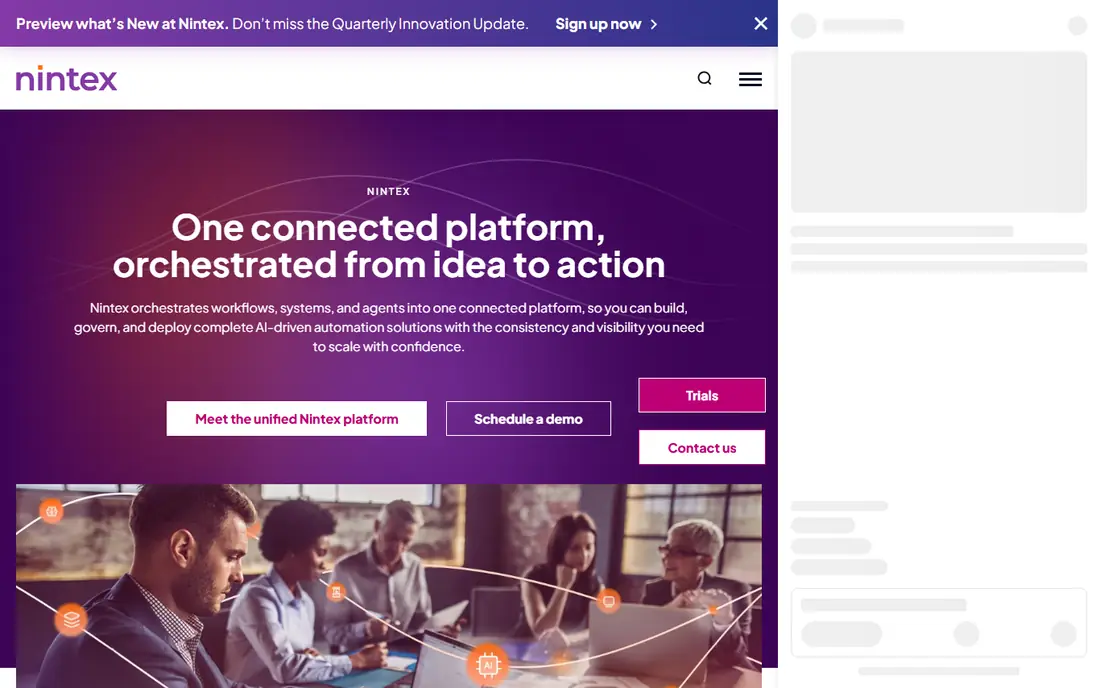
Nintex covers the full process lifecycle: map a process, automate it with workflows and forms, generate documents from it, and monitor how it performs. Its strength in Microsoft 365 and SharePoint environments makes it a natural choice for organizations already invested in that stack, and its process intelligence tools help teams find bottlenecks before automating them.
The portfolio is broad, so a proposal can include capabilities a buyer does not need, and pricing is quote based. Nintex suits mid-size and large organizations with many repeatable processes and a clear automation backlog. A small team with one or two workflows will get faster value from Kissflow or Pipefy.
- Process mapping, workflow automation and document generation together
- Strong Microsoft 365 and SharePoint fit
- Process intelligence features
- Quote-only pricing
- Broad portfolio needs scoping
- Smaller teams may find it heavy
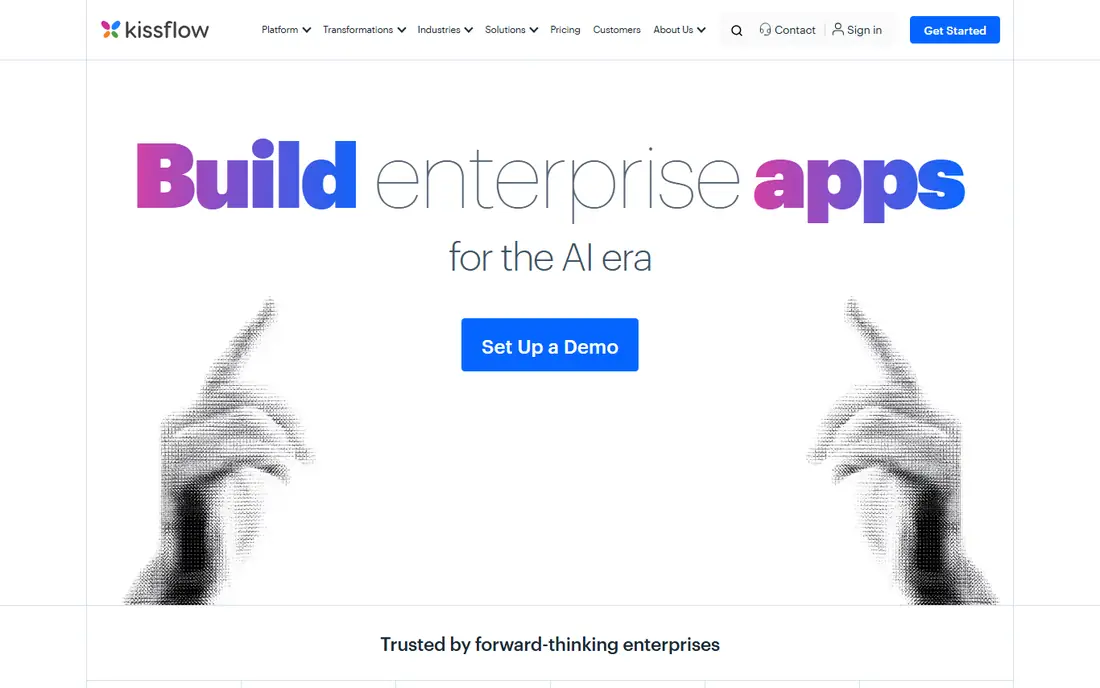
Kissflow lets process owners build workflows, forms and apps without code, covering approvals, onboarding, procurement and similar internal processes. Published comparisons list a Basic plan at $1,500 per month for 50 regular users, with additional users at $30 per user per month, and an Enterprise plan by quote. That platform pricing makes sense for a department or company, less so for a team of five.
The appeal is speed and governance together: business teams can build, while IT keeps control over permissions, data and integrations. Kissflow integrates with common tools including Google Workspace, Salesforce, Slack and QuickBooks Online. For organizations that want business-led automation without losing control, it is one of the strongest options here.
- No-code process and app building
- Visual workflows and forms
- Governance controls for business-led automation
- Platform pricing starts high for tiny teams
- Deep integrations may need IT help
- Complex rules need careful design
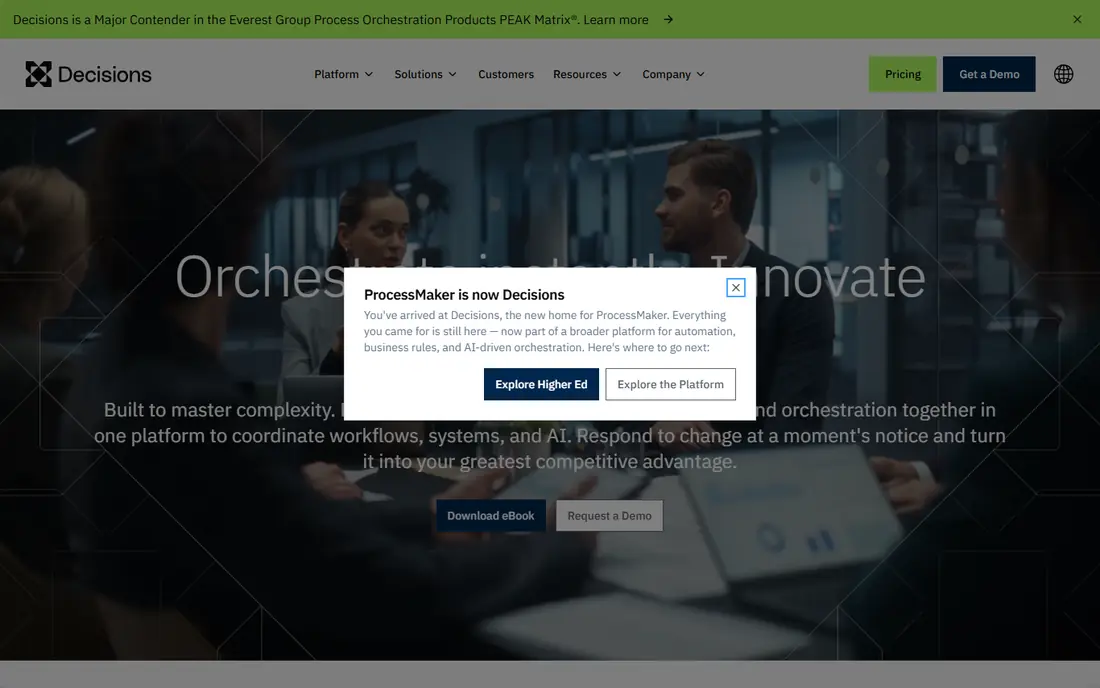
ProcessMaker is a business process management platform built around BPMN modeling, letting teams design processes visually and then run them with forms, cases, dashboards and output documents. It supports industries from education and insurance to banking, manufacturing and government, and it offers a REST API for integration with other systems. Published comparisons list pricing from $1,500 per month.
ProcessMaker rewards teams that think in process models and want an auditable, standards-based design. Business users can build simpler workflows, but the full value appears when a process owner or analyst models the process properly. For IT-led automation with clear compliance or audit needs, it is a solid middle ground between simple pipeline tools and enterprise suites.
- BPMN-based process modeling
- Forms, dashboards and document output
- Open API and integration options
- Platform pricing starts at $1,500 per month in comparisons
- Modeling skill helps
- Enterprise features sit in higher tiers
Bizagi offers a free Modeler for drawing BPMN processes, plus a platform that turns those models into running applications with forms, business rules, integrations and case management. That path from model to live process is its main strength: teams document how work should flow, then automate that same model rather than rebuilding it in a separate tool. It suits organizations that already value process documentation.
The full automation platform is quote priced, and advanced features take time to learn, so a small team should start with the Modeler and a single pilot process. For mid-size and large firms that want modeling discipline plus automation in one vendor, Bizagi is a strong contender against Nintex and Appian.
- Free Modeler for process design
- Strong automation and case management
- Low-code app building
- Full platform pricing is quote based
- Learning curve for advanced features
- Implementation planning matters
Camunda is a process orchestration platform built for developers and architects, using BPMN for workflows and DMN for decision tables to coordinate services, human tasks and systems. Its open source roots and strong standards support make it popular for technical teams automating complex, high-volume processes across microservices and legacy systems. A free trial and open source components lower the barrier to evaluation.
Camunda is not a no-code tool for business users. Process design, deployment and monitoring assume technical skill, and a non-technical team will need developer support. For organizations with engineering capacity and processes that span many systems, Camunda gives control and scale that simpler tools cannot match.
- Powerful BPMN and DMN orchestration
- Open source core
- Designed for high-volume, technical processes
- Needs developer skills
- Business-user building is limited
- Pricing for managed cloud is quote based
Appian is a low-code platform for building process applications that combine workflows, data, documents, case management and integrations. It suits organizations that need custom applications for claims, onboarding, procurement or service delivery, with audit trails and enterprise controls built in. Teams can build faster than with traditional development while keeping IT governance.
Appian is priced by quote and positioned for mid-size and large organizations, so a small team with a single approval workflow will find it disproportionate. The value appears when several processes share data and need a governed application layer. Demo it with a real end-to-end process, including exceptions and reporting, rather than a simple approval demo.
- Low-code app building with process, data and AI features
- Strong case management
- Enterprise security and governance
- Quote-only pricing
- Enterprise implementation effort
- Smaller teams may find it more than they need
Pega Platform combines workflow, case management, decisioning and AI-assisted automation for large enterprises, particularly in financial services, insurance, healthcare and government. Its decision engine can route work, apply rules and personalize next steps at scale, which suits organizations with high volumes and complex policy logic. Pega has a long track record in regulated environments where auditability matters.
The cost is enterprise in every sense: quote-based pricing, implementation projects and specialist skills. Pega is not a tool for a small team automating expense approvals. For a large organization replacing legacy workflow systems or unifying customer and back-office processes, it belongs on the shortlist alongside Appian.
- Deep workflow, case management and decisioning
- Proven at very large scale
- Strong regulated industry fit
- Quote-only enterprise pricing
- Long implementation cycles
- Needs specialist skills
Pipefy organizes work as visual pipelines, where each card moves through stages with forms, checklists, automations and approvals. Templates cover hiring, procurement, finance requests, customer onboarding and many other common processes, so a team can start from a working example rather than a blank canvas. Published comparisons note per-user billing around $20 per user per month, though current plans should be confirmed on the vendor site.
Pipefy is weaker for strict BPMN modeling or highly technical orchestration, and complex processes with many branches may outgrow it. For operations, HR, finance and service teams that want a clear, shared view of work in progress, it is one of the easiest tools on this list to adopt. Start with one pipeline, prove the time saved, then expand.
- Visual pipelines with templates for common processes
- Automations and integrations
- Easy for non-technical teams
- Less depth for complex BPMN modeling
- Pricing varies by billing model
- Advanced reporting needs higher tiers
Flowable provides open source process engines for BPMN workflows, CMMN cases and DMN decisions, with commercial editions adding support, tooling and cloud options. Developer teams can embed it in applications or run it as a service, orchestrating human tasks, service calls and decisions with standards-based models. That openness appeals to organizations that want control over their process platform.
Flowable is a platform for builders, not a ready-made business app. Non-technical teams will need developer help, and the commercial offering should be priced for support and tooling needs. For engineering-led organizations that want an open, embeddable engine rather than a closed suite, Flowable is a credible alternative to Camunda.
- Open source BPMN, CMMN and DMN engines
- Flexible deployment
- Strong fit for developer-led teams
- Needs technical skill to implement
- Commercial support and cloud are paid
- Business-user tooling is thinner
How we picked these
We compared official product pages, pricing pages and independent comparisons, and kept only tools that manage business processes end to end in October 2026, from modeling through automation and monitoring. We favored tools with a live platform and a distinct audience, from no-code team tools to developer engines, and we wrote See website where pricing was quote based rather than estimating a figure.
What to check before you buy
Map one real process before you buy anything. Write down every step, decision, exception and handoff, and time how long each takes today. Then run that same process in each shortlisted tool, including an exception case, a rejection and a report the manager needs. A tool that handles only the happy path will disappoint in production, where exceptions are the work.
Next, check who builds and maintains processes. No-code tools shift building to business teams but still need governance, while developer platforms need engineering time that must be budgeted. Finally, price by your real measure: some vendors charge per user, others per platform or per case, so compare the annual total at your expected volume, including integrations, support and training.
Frequently asked questions
What is the best process management software?
Kissflow and Pipefy are the best picks for most teams that want fast, visual process automation without a large IT project. Nintex, Appian and Pega suit larger organizations with complex or regulated processes, while Camunda and Flowable suit developer-led teams.
What is the best software for process management in a small business?
Pipefy is the best small-business starting point thanks to templates and visual pipelines, with Kissflow a strong option once a whole department needs governed automation. Start with one process, measure the time saved, and expand only after the first pipeline proves itself.
Is process management software the same as workflow software?
Workflow software usually automates a sequence of tasks, while process management software adds modeling, monitoring, case handling and improvement over time. Many tools here do both, but enterprise platforms such as Nintex, Bizagi and Appian cover the fuller lifecycle.
How much does process management software cost?
Entry points vary by pricing model. Kissflow and ProcessMaker are listed from $1,500 per month as platforms, Pipefy is billed per user, and Nintex, Appian, Pega, Bizagi and Camunda are quote based. Always compare the annual total at your user count and case volume.
Do I need technical skills to use process management software?
No-code tools such as Kissflow and Pipefy are designed for business users, though complex rules still need care. Camunda and Flowable need developer skills, and enterprise platforms sit in between, with low-code building plus IT governance.
How long does it take to implement process software?
A single pipeline in Pipefy or Kissflow can go live in days, while an enterprise platform such as Pega or Appian may take months for a full rollout. Pilot one process first, and use the pilot to estimate the wider rollout honestly.
Sources
See where you really rank - block by block
ProMapRanker scans Google Maps across a grid of your service area. Simple monthly plans from $19, white-label on every plan.
Start freeKeep reading
 wpforms alternatives
Best WPForms Alternatives in 2026
We compare 9 wpforms alternatives for WordPress forms, with free and paid options, current pricing notes, and honest limits for small business sites in 2026.
Read → windows task scheduler alternatives
Best Windows Task Scheduler Alternatives in 2026
Looking for Windows Task Scheduler alternatives? We compare 9 schedulers for Windows and cross-platform work, from free tools to enterprise automation.
Read → which ai video service is best
Which AI Video Service Is Best in 2026
which ai video service is best? We compare 10 legitimate AI video services on price, avatars, editing and output quality to help you pick the right tool.
Read →