 ProMapRanker
Best Print Management Software in 2026


Schools and offices with mixed fleets · Pricing starts at: See website
Key takeaways
- PaperCut MF is the most widely used on-premise option here, while PaperCut Hive and Printix suit teams that want cloud management without print servers.
- Secure release, user quotas, and reporting are the features that actually cut waste, so weigh those above a long feature list.
- Several vendors price by quote or per user, so get a quote based on your real printer and user counts before comparing totals.
- Check printer and copier compatibility early, since driver and device support decides whether a tool works in your office at all.
Quick comparison
| Pick | Great for | Pricing starts at | Free tier | |
|---|---|---|---|---|
| PaperCut MF | Schools and offices with mixed fleets | See website | Free trial | Visit |
 Printix | Cloud printing without print servers | $1.99 per user per month | Free trial | Visit |
 YSoft SafeQ | Secure enterprise printing and scanning | See website | No | Visit |
 PrinterLogic | Serverless printing for larger networks | See website | Free trial | Visit |
 PaperCut Hive | Small teams wanting cloud print control | See website | Free trial | Visit |
 MyQ | Offices needing print, copy, and scan control | See website | Free trial | Visit |
 ezeep | Cloud printing for coworking and remote teams | See website | Free trial | Visit |
 Print Manager Plus | Simple tracking and quotas on Windows | See website | Free trial | Visit |
The best print management software
These tools help offices control who prints, what gets printed, and what it costs. We compared official product pages, pricing pages, documentation, and public reviews.
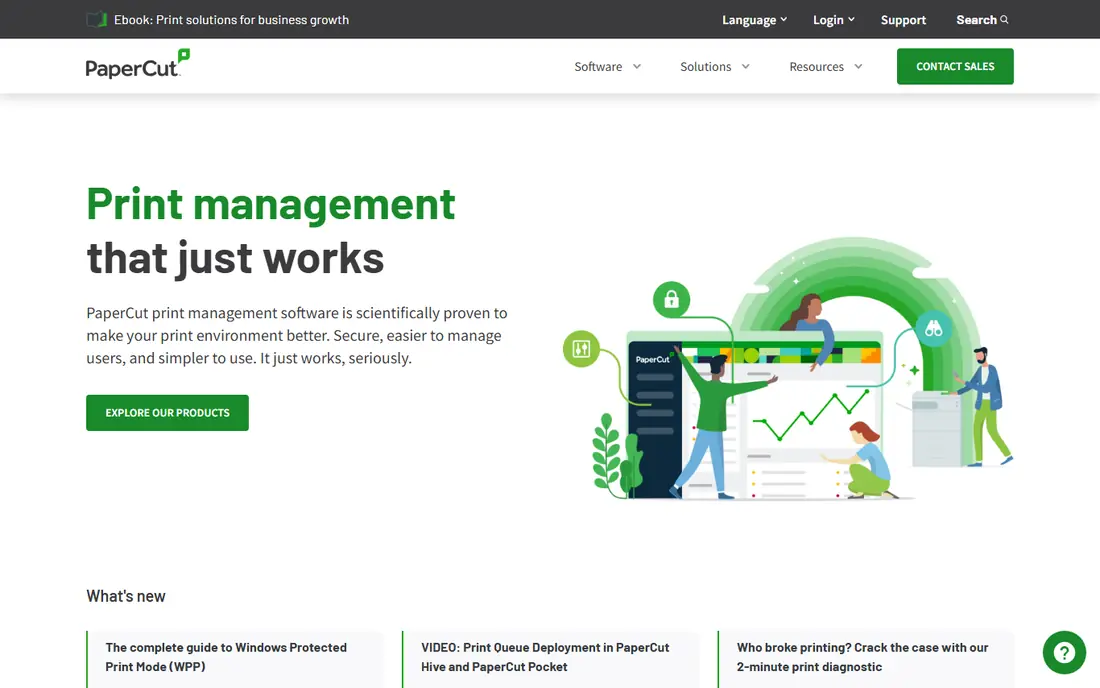
PaperCut MF is the default pick for many schools and offices because it works across a wide mix of printers and copiers. It tracks printing, copying, and scanning, applies user quotas and charging rules, and supports secure release so jobs only print when the user is at the device. That combination cuts abandoned prints and gives IT a clear view of costs by user, department, and device.
The trade-off is buying. Pricing is handled through resellers and quotes, so small teams cannot simply check out online. Implementation also needs care around device integration and user directories, but once it is running, PaperCut MF is one of the most complete tools in this category.
- Broad printer and copier support
- Secure release and quotas
- Detailed reporting
- Quote-based pricing
- Setup takes planning for large fleets
Printix moves print management to the cloud and removes the print servers that many offices still maintain. Users install a client, IT manages queues and drivers centrally, and secure release holds jobs until the user authenticates at a printer. That model suits hybrid teams and multi-site offices that do not want a server in every location.
Pricing is clearer than most rivals, with a published small-business rate per user per month and a free trial. Larger organizations move to enterprise terms, and very small tenants should check the minimum monthly fee. If your office already runs well on local servers, the cloud shift may not be worth it, but for distributed teams it is a strong fit.
- Removes print servers
- Simple per-user pricing
- Secure release and guest printing
- Enterprise pricing needs a quote
- Very small teams face a minimum fee
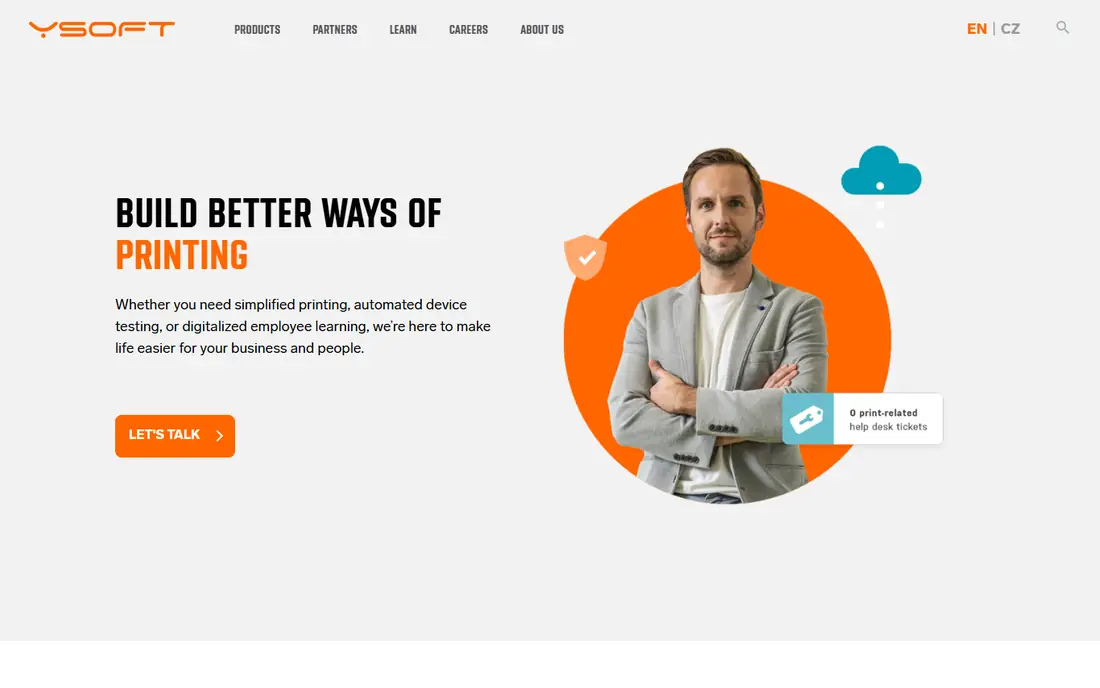
YSoft SafeQ is built for larger organizations that treat printing as a security and compliance issue, not just a cost. It offers secure release, authentication at the device, scan workflows, and accounting for print, copy, and scan activity. That depth suits enterprises, universities, and public sector offices with strict document handling needs.
The honest limit is audience. SafeQ is an enterprise platform with quote-based pricing and implementation support, so a ten-person office will find it heavy. Teams that need that level of control, though, will value its device support and workflow options.
- Strong secure print and scan workflows
- Enterprise device support
- Reporting and accounting
- Quote-only pricing
- Aimed at larger organizations
PrinterLogic takes a serverless approach, letting workstations print directly while IT manages printers, drivers, and queues from a central console. That design reduces server maintenance and single points of failure, and it scales across sites without adding a server per office. Secure release and reporting add the control that larger networks need.
Pricing is quote-based, and the product is pitched at organizations with enough printers to justify the change. Small offices with one or two printers will not see the same benefit. For multi-site companies, though, removing print servers can save real IT time.
- Eliminates print servers
- Central driver and queue management
- Secure release options
- Quote-based pricing
- Best value at larger scale
PaperCut Hive is the cloud sibling of PaperCut MF, aimed at smaller teams that want secure printing without running their own server. It offers cloud queue management, secure release, and basic reporting, with a simpler setup path than the full MF platform. Offices moving to cloud tools will find the model familiar.
The trade-off is depth. Hive does not match every MF control for large, complex fleets, so schools and enterprises with heavy copier integration should compare both. For a small office that just wants controlled, secure printing from anywhere, Hive is the easier PaperCut path.
- Cloud-managed with no local server
- Secure release
- Simpler setup than PaperCut MF
- Fewer enterprise controls than MF
- Pricing varies by user count
MyQ covers the full multifunction device workflow, not just printing. It manages secure release, user accounting, quotas, and scan routing, and it supports a wide range of copier brands. Offices that copy and scan as much as they print will get more from MyQ than from a print-only tool.
The catch is buying and learning. Pricing is quote-based, and administrators should allow time to configure device profiles and workflows. Once set up, MyQ gives a clear picture of document costs across an office, which is exactly what finance teams ask for.
- Print, copy, and scan management in one system
- Secure release
- Broad device support
- Quote-based pricing
- Interface takes time to learn
ezeep is built for printing in places where users and printers do not belong to one fixed office, such as coworking spaces, shared offices, and remote teams. Users print from the cloud without installing drivers for every printer, and administrators manage access and charging centrally. That simplicity is the whole appeal.
The limit is control depth. ezeep does not aim to replace a full enterprise suite for a large fleet with complex scan and accounting needs. For shared spaces and distributed teams, though, its cloud model solves the exact problem that local print servers handle poorly.
- Cloud printing without local drivers
- Good for coworking and shared spaces
- Simple user management
- Less deep than enterprise suites
- Per-user costs add up at scale
Print Manager Plus is a practical option for Windows-based offices that mainly need tracking, quotas, and reports without a large platform change. It monitors print activity, applies limits, and produces reports that show where printing costs concentrate. Smaller IT teams often prefer that direct approach.
The trade-off is scope. Print Manager Plus does not offer the same cloud management or copier depth as the larger tools here, so multi-site or heavily copier-based offices should check compatibility first. For a single office that wants visibility and limits fast, it is a sensible pick.
- Straightforward tracking and reporting
- Quotas and charging
- Windows-focused simplicity
- Narrower device ecosystem than larger suites
- Fewer cloud features
How we picked these
We compared official product pages, pricing pages, documentation, and public reviews, and we kept only tools that are still sold and supported in October 2026. We mixed cloud and on-premise options, small-team and enterprise tools, so readers can match deployment style to their office. Where pricing was not published, we list See website rather than repeating reseller figures as official prices.
What to check before you choose
Start with your printers. List every printer and copier brand and model, then confirm each vendor supports secure release and accounting on those devices, since unsupported devices break the whole plan. Next, decide on cloud versus on-premise: cloud tools remove servers but need reliable internet, while on-premise tools suit offices with strict data rules.
Count users and printers honestly before requesting quotes, since most pricing in this market scales with one or both. Finally, run a trial on a small group first. Secure release changes how people print, so a short pilot will surface badge, login, and driver issues before the whole office is affected.
Frequently asked questions
What is the best print management software for small businesses?
Printix and PaperCut Hive are strong small-business starting points, since both are cloud-managed and avoid print servers. Print Manager Plus also suits a small Windows office that mainly needs tracking and quotas.
What is the best free print management software?
There is no strong fully free option in this category for business use. Most tools offer a free trial instead, and Printix publishes a low per-user starting price. Check trial length and limits before committing.
Does print management software work with any printer?
No. Support varies by brand, model, and whether you need secure release on the device itself. Always confirm your exact models with the vendor before buying.
How does secure release printing work?
A user sends a job to a shared queue, then releases it at a printer by signing in with a badge, PIN, or account. Unreleased jobs expire instead of sitting on the printer, which cuts waste and keeps documents private.
Can print management software cut printing costs?
Yes, mainly through quotas, secure release, and reporting that shows waste by user and department. The savings come from fewer abandoned and unnecessary prints, not from the software alone.
Sources
See where you really rank - block by block
ProMapRanker scans Google Maps across a grid of your service area. Simple monthly plans from $19, white-label on every plan.
Start freeKeep reading
 wpforms alternatives
Best WPForms Alternatives in 2026
We compare 9 wpforms alternatives for WordPress forms, with free and paid options, current pricing notes, and honest limits for small business sites in 2026.
Read → windows task scheduler alternatives
Best Windows Task Scheduler Alternatives in 2026
Looking for Windows Task Scheduler alternatives? We compare 9 schedulers for Windows and cross-platform work, from free tools to enterprise automation.
Read → which ai video service is best
Which AI Video Service Is Best in 2026
which ai video service is best? We compare 10 legitimate AI video services on price, avatars, editing and output quality to help you pick the right tool.
Read →