 ProMapRanker
Best Presentation Software in 2026


File deliverables and corporate templates · Pricing starts at: $9.99 per month
Key takeaways
- PowerPoint remains the safest choice for file delivery, while Google Slides is the best free option for live collaboration.
- Canva suits marketing teams that need templates and brand assets, while Beautiful.ai suits teams that want consistent layouts without design work.
- Gamma and Pitch are the fastest routes to a shareable deck, with Gamma best for AI drafts and Pitch best for tracking viewers.
- Prezi stands apart for non-linear, conversational talks, but its format does not suit every audience or file requirement.
Quick comparison
| Pick | Great for | Pricing starts at | Free tier | |
|---|---|---|---|---|
| Microsoft PowerPoint | File deliverables and corporate templates | $9.99 per month | No | Visit |
 Google Slides Google Slides | Free real-time collaboration | Free | Yes | Visit |
 Apple Keynote Apple Keynote | Apple users and polished animation | Free | Yes | Visit |
 Canva Canva | Marketing design and templates | $12 per month | Yes | Visit |
 Prezi Prezi | Non-linear zoomable talks | Free | Yes | Visit |
 Gamma Gamma | Fast AI decks shared by link | Free | Yes | Visit |
 Beautiful.ai Beautiful.ai | Consistent business layouts | $14.50 per month | Free trial | Visit |
 Pitch Pitch | Collaborative pitch decks | Free | Yes | Visit |
The best presentation software
We compared official feature pages, pricing pages, and public documentation for tools that create, edit, present, and share slide decks.
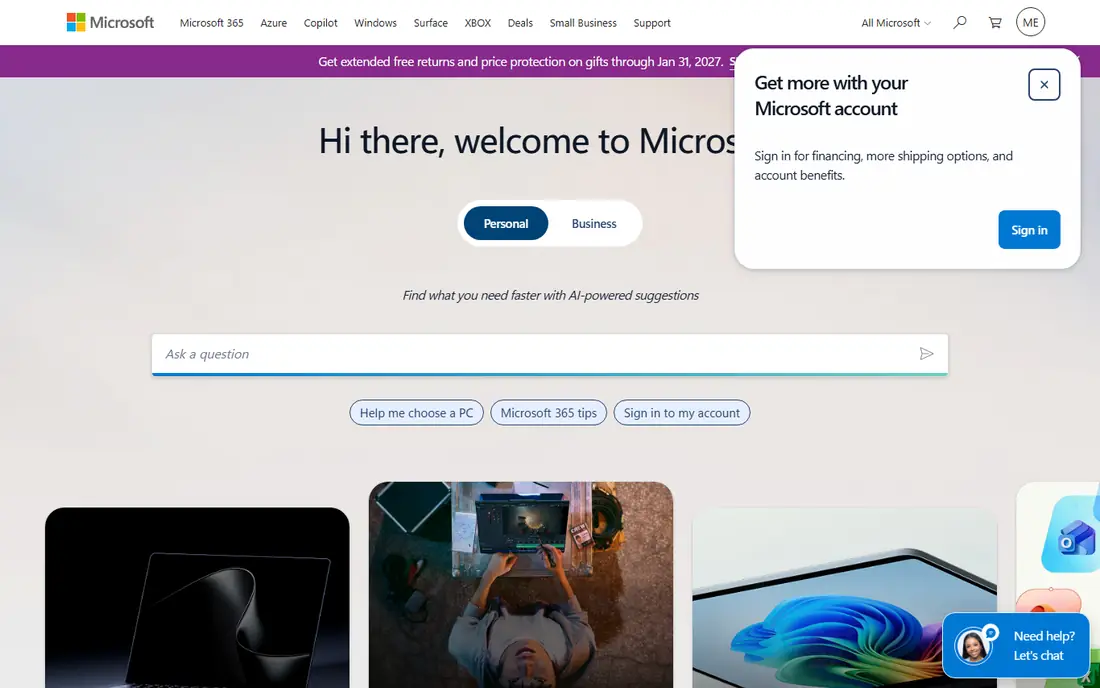
PowerPoint remains the default when a deck must be delivered as a file, opened by anyone, and matched to a corporate template. Its formatting, chart, and animation controls are deeper than most rivals, and it handles large, complex decks with embedded Excel data better than browser tools. Microsoft 365 Personal starts at $9.99 per month or $99.99 per year, with a free web version for basic editing.
The trade-off is collaboration and cost. Real-time co-editing works, but it is not as fluid as Google Slides, and the best AI features need a paid Copilot plan on top of Microsoft 365. For enterprise work, client delivery, and strict template compliance, PowerPoint is still the safest pick, and most other tools in this list export to its format for that reason.
- Industry standard file format
- Deepest formatting and chart control
- Wide template support
- Full features need a Microsoft 365 subscription
- Collaboration is weaker than Google Slides
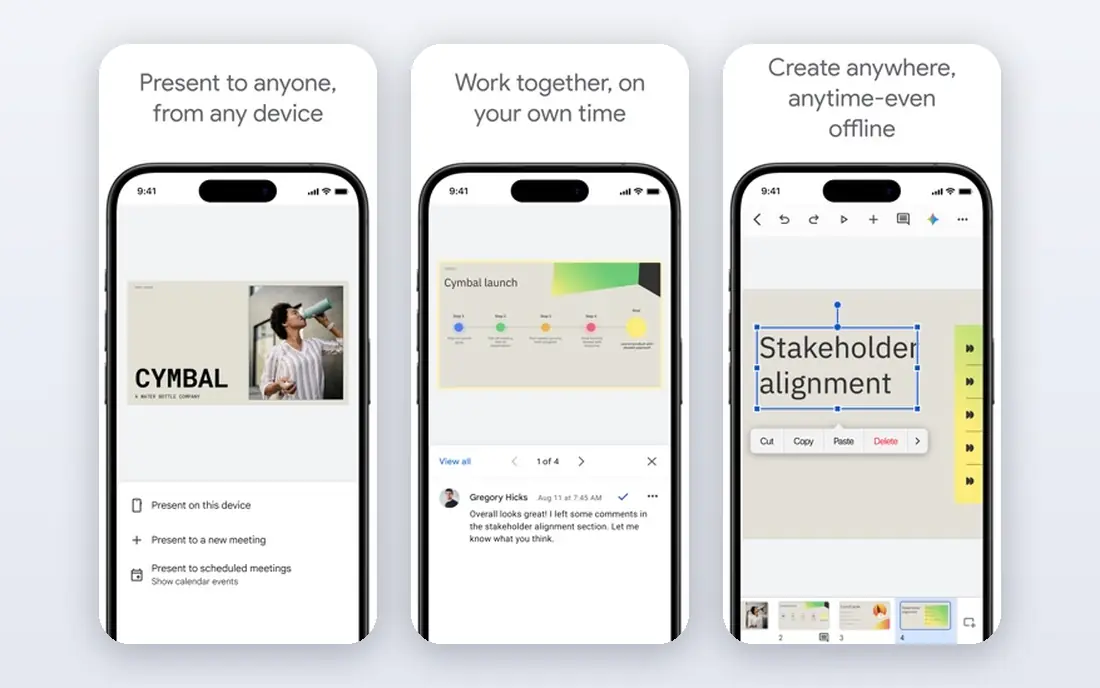
Google Slides is free with a Google account and is the easiest way for a team to edit the same deck at the same time, with changes, comments, and version history built in. It runs in a browser, so there is nothing to install, and it integrates with Google Sheets for live data and with Google Classroom for teaching. For students, small teams, and anyone who values collaboration over advanced animation, it is hard to beat.
Design control is the limit. Slides has fewer templates, transitions, and chart options than PowerPoint or Canva, and heavy decks can feel slower in a browser. Paid Google Workspace plans add storage and AI features, but the free version already covers most presentation needs. If cost is zero and collaboration matters, start here.
- Free with a Google account
- Excellent live co-editing
- Works in any browser
- Fewer advanced design features
- Offline work needs setup
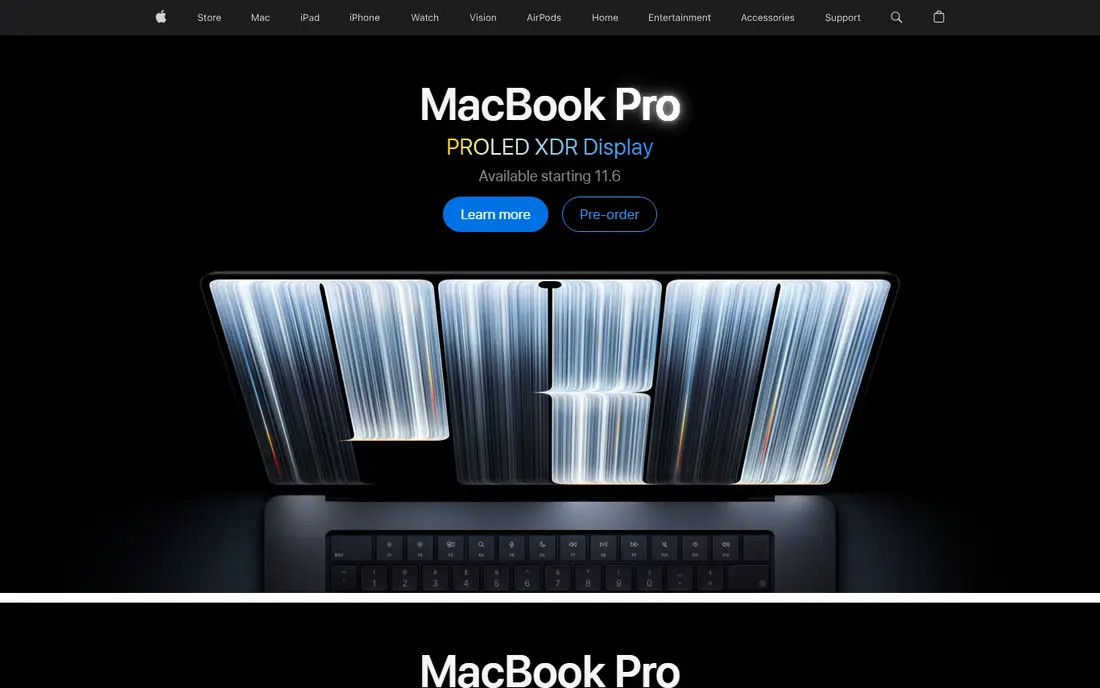
Keynote is free on Mac, iPhone, and iPad, and it is known for polished animation and typography that make a deck look designed with little effort. Magic Move transitions, which animate objects between slides, give talks a fluid feel that is hard to match in other tools without manual work. It also exports to PowerPoint and PDF, so you can present on Apple hardware and still share a file with others.
The catch is platform. Full editing is Apple only, and complex animations may not survive a PowerPoint export exactly, so check a delivered file before sending it to a client. For Apple users presenting from a Mac or iPad, Keynote is a beautiful, free choice that needs no subscription.
- Free on Apple devices
- Polished transitions such as Magic Move
- Clean typography
- Apple only for full editing
- PowerPoint compatibility needs checking before delivery
Canva is a design platform that also makes presentations, with a huge library of templates, photos, icons, and fonts, plus brand kit tools for teams. That breadth suits marketing teams that need a deck, a social post, and a one pager from the same brand assets, without learning a separate design tool. Canva Pro costs $144 per year for one person, which works out to $12 per month, and a free plan covers basic decks.
Presentation layout is more manual than in Beautiful.ai or Gamma, because you choose a template and adjust each slide yourself, and resizing content when it overflows takes time. AI design allowances also vary by plan, so check what your plan includes. For visual teams that value templates and brand consistency across many kinds of content, Canva is a strong all-rounder.
- Huge template and asset library
- Brand kit tools
- Easy for non-designers
- Slide layout work is manual
- AI allowances vary by plan
Prezi replaces the slide-by-slide flow with a zoomable canvas, so a presenter can move between topics in any order, zoom into detail, and return to an overview. That suits teaching, training, and sales conversations where questions change the order of the talk. It also includes live polls, quizzes, and Q and A inside the presentation, which most rivals need a second app to provide. A free Basic plan exists, with Standard from $7 per month.
The format is also its limit. Prezi decks do not behave like standard slide files, so they suit live talks more than emailed deliverables or strict corporate templates. If your audience expects a standard deck file, PowerPoint or Google Slides will be safer. If you present live and want a more conversational feel, Prezi is distinct and worth trying.
- Zoomable canvas for conversational talks
- Live polls and Q and A
- AI deck starting points
- Non-standard format
- Not ideal for file delivery or formal corporate decks
Gamma turns a prompt or a set of notes into a deck in minutes, using a card based web format that is easy to share by link and present from a browser. The free plan starts with 400 credits at signup, while Plus costs $9 per seat per month on annual billing and Pro costs $18 per seat per month. That speed suits founders, consultants, and teams that need a good first draft fast, then refine it.
Credit limits are the honest catch. Free credits do not refill, and larger decks or frequent regenerations use credits quickly, so heavy users need a paid plan. Exports and branding also differ by plan. For a fast, shareable first draft, Gamma is the quickest tool in this list, but check the final deck carefully, because AI drafts still need human editing.
- Prompt to deck in minutes
- Card based web format
- Easy sharing by link
- Credit limits on free and lower plans
- Branding on free exports
Beautiful.ai uses smart slides that reformat automatically as you add or remove content, so a deck stays aligned and consistent without manual nudging. That suits business teams that produce regular reports, sales decks, and board updates, where consistency matters more than freeform design. Pro starts at $14.50 per month on annual billing, with a 14 day trial, and Team plans add shared workspaces and brand controls.
There is no permanent free plan, only a trial, and designers who want full manual control may find the smart layout system restrictive. For teams that want every deck to look on brand without a designer checking each slide, Beautiful.ai saves time and arguments about formatting, which is exactly its point.
- Smart layouts that reformat as you add content
- Strong brand consistency
- Good for teams
- No permanent free plan
- Less freeform design control than Canva
Pitch is built for collaborative pitch decks, with real-time editing, templates for startups and sales teams, and analytics that show how viewers engage with a shared deck. That last feature matters for founders sending decks to investors, because you can see which slides held attention and follow up with the right people. The free plan includes unlimited presentations with 100 one-time AI credits, while Plus starts at $13 per month.
AI credits on lower plans are limited, and Pitch is narrower than Canva if you also need social graphics and print design. For its core job, though, it is focused and well judged: build a deck together, share it by link, and learn how it was read. For startup and sales teams, that feedback loop is a real advantage over a static file.
- Free plan with unlimited presentations
- Viewer analytics
- Good collaboration
- AI credits are limited on free and lower plans
- Less broad than Canva for other design work
How we picked these
We compared official feature pages, pricing pages, and public documentation, and we favoured tools that are actively maintained, cover real presentation work, and publish clear pricing or a genuine free tier. We included file based tools, browser tools, and AI tools because presentation work now spans all three, and we noted where a tool suits live talks, file delivery, or link sharing. We did not claim hands-on testing, and prices are starting points that change with billing term and team size.
How to choose presentation software for your next deck
Start with where the deck will end up. If it must be emailed as a file and opened by anyone, PowerPoint is the safest choice, with Google Slides a strong free alternative for collaboration. If it will be presented live and shared by link, Gamma, Pitch, and Prezi offer faster creation and better sharing, with Prezi best for conversational talks and Pitch best for tracking viewers.
Then check design effort. If you want consistent layouts without design work, Beautiful.ai does the formatting for you. If you want templates and brand assets across many kinds of content, Canva gives the widest library. Run a real deck through your top two choices, including an export or a share, before you pay, because a tool that looks good in a demo can still fail on your template, your charts, or your audience.
Frequently asked questions
What is the best presentation software?
The best presentation software depends on the job. PowerPoint is best for file delivery and corporate templates, Google Slides is best for free collaboration, Canva is best for marketing design, and Gamma is best for fast AI drafts. Most teams use two tools: one for delivery and one for drafting or collaboration.
What are the best presentation apps for free?
Google Slides and Apple Keynote are the strongest free presentation apps, with Keynote free on Apple devices and Slides free with a Google account. Canva, Prezi, Gamma, and Pitch also offer free plans, with limits on AI credits, exports, or branding. For a fully free, no limits workflow, Google Slides is the safest pick.
What is the best slideshow presentation software for business?
For business use, PowerPoint remains the standard for formal decks and corporate templates, while Beautiful.ai suits teams that want consistent layouts without design work. Pitch suits sales and startup teams that need collaboration and viewer analytics. Choose by whether the deck will be emailed as a file, presented live, or shared by link.
Is Prezi better than PowerPoint?
Prezi is better than PowerPoint for live, conversational talks where the order changes with questions, thanks to its zoomable canvas and built-in polls. PowerPoint is better for file delivery, corporate templates, and audiences that expect standard slides. Many presenters use Prezi for the talk and PowerPoint for the handout file.
What is the best software for presentations with AI?
Gamma is the fastest AI presentation tool in this list, turning a prompt into a shareable deck in minutes, with a free plan to test it. Beautiful.ai uses AI style layouts for consistency, while Pitch and Canva add AI drafting inside a more traditional editor. Check credit limits and export options, because AI plans differ widely in what they include.
Sources
See where you really rank - block by block
ProMapRanker scans Google Maps across a grid of your service area. Simple monthly plans from $19, white-label on every plan.
Start freeKeep reading
 zoom alternatives
Best Zoom Alternatives in 2026
Compare Zoom alternatives in 2026, with free meeting limits and prices, so you can pick the best alternative to Zoom for your team, class, or community.
Read → which software is best for remote work
Which Software Is Best for Remote Work in 2026
Answering which software is best for remote work, we compare Slack, Zoom, Asana, Notion, Teams and more, with pricing and honest tradeoffs in 2026 now.
Read → which ai tool is best for content writing
Which AI Tool Is Best for Content Writing in 2026
Wondering which ai tool is best for content writing? We compare ChatGPT, Claude, Jasper, Grammarly, and more on price, quality, and best use in 2026 now.
Read →