 ProMapRanker
Best Portrait Editing Software in 2026


Portrait RAW workflow and batch edits · Pricing starts at: $11.99 per month
Key takeaways
- Lightroom and Photoshop remain the foundation for most portrait workflows, with dedicated retouchers layered on top.
- Evoto, Aftershoot, and Aperty lead for fast, consistent retouching across large portrait galleries.
- PortraitPro offers the deepest manual face control for single hero portraits that need detailed work.
- We compared official feature pages, pricing pages, and public reviews, and used See website where pricing was unclear.
- These are legitimate creative tools for your own photos or photos you have permission to edit. Never edit photos of people without consent, and never use retouching to mislead or harass.
Quick comparison
| Pick | Great for | Pricing starts at | Free tier | |
|---|---|---|---|---|
| Adobe Lightroom | Portrait RAW workflow and batch edits | $11.99 per month | Free trial | Visit |
 Adobe Photoshop | Detailed portrait retouching | $22.99 per month | Free trial | Visit |
 Evoto | Fast AI retouching at scale | See website | Free trial | Visit |
 PortraitPro | Manual face retouching control | See website | Free trial | Visit |
 Aftershoot | High-volume portrait galleries | See website | Free trial | Visit |
 Luminar Neo | Guided portrait looks | See website | Free trial | Visit |
 Capture One | Studio portrait color and tethering | See website | Free trial | Visit |
 Retouch4me | Photoshop plugin retouching | See website | Free trial | Visit |
 Aperty | Dedicated AI portrait editor | See website | Free trial | Visit |
The best portrait editing software
Portrait editing splits into two jobs: developing the photo, and retouching the face. Lightroom and Capture One handle development and batch consistency, while Evoto, PortraitPro, and Retouch4me handle skin, eyes, and face work. The nine tools below cover both jobs, so build a workflow that pairs a developer with a retoucher if you shoot portraits often.
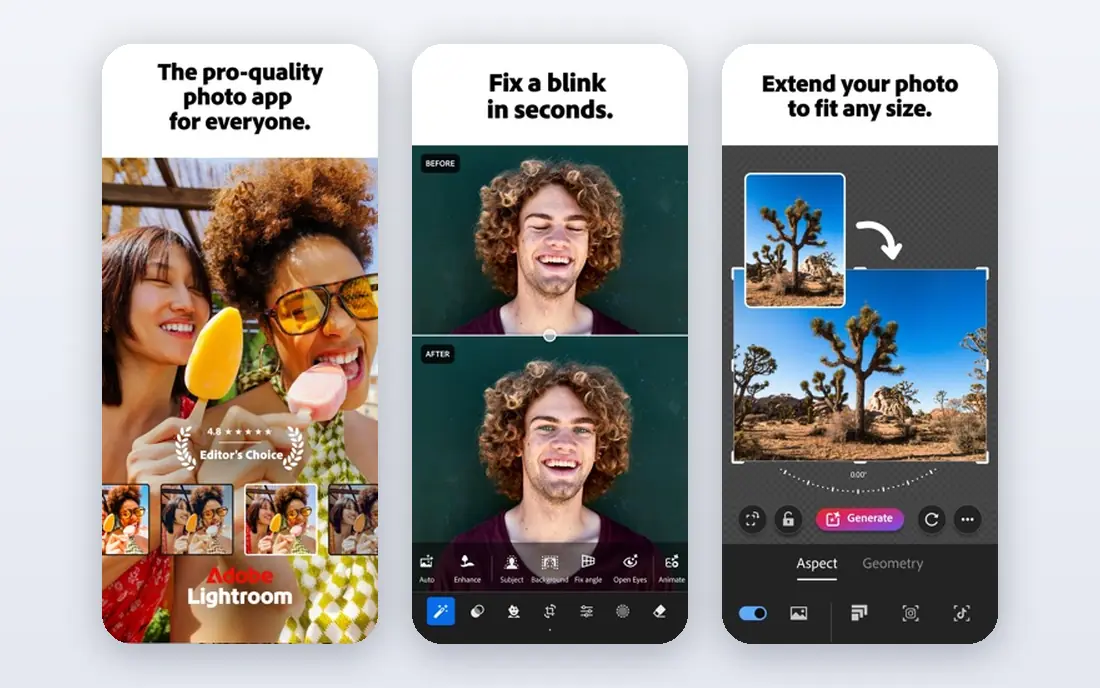
Lightroom is where most portrait galleries start. RAW development, color, and exposure stay consistent across a full session when edits sync, and masking tools let you adjust skin, eyes, and backgrounds separately. For headshot batches and family sessions, that consistency matters more than any single retouching trick.
Deep face work still needs another tool. Lightroom will not sculpt features or run detailed skin passes the way PortraitPro or Retouch4me do. Use Lightroom as the hub, then send hero images elsewhere for finishing.
- Batch edits keep a gallery consistent
- Strong masking for skin and background
- Catalog for portrait sessions
- Subscription only
- Less face-specific control than dedicated retouchers
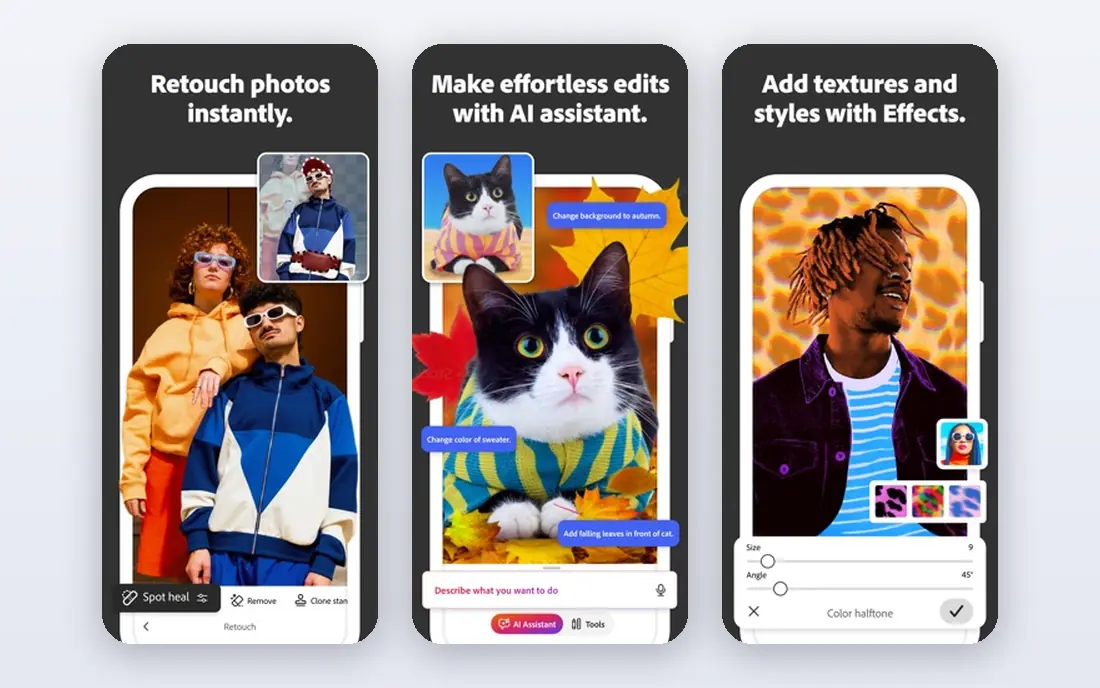
Photoshop is the finisher for hero portraits. Frequency separation, dodge and burn, detailed masking, and layered edits give a retoucher full control over skin texture and tone. When one portrait must be perfect for print or a client, Photoshop remains the standard.
It is slow for galleries. Retouching 200 portraits by hand in Photoshop takes far longer than an AI batch pass in Evoto or Aftershoot. Reserve Photoshop for hero frames, and let a batch tool handle the rest.
- Pixel-level skin and face control
- Layers and frequency separation
- Industry-standard file sharing
- Subscription only
- Slow for large batches
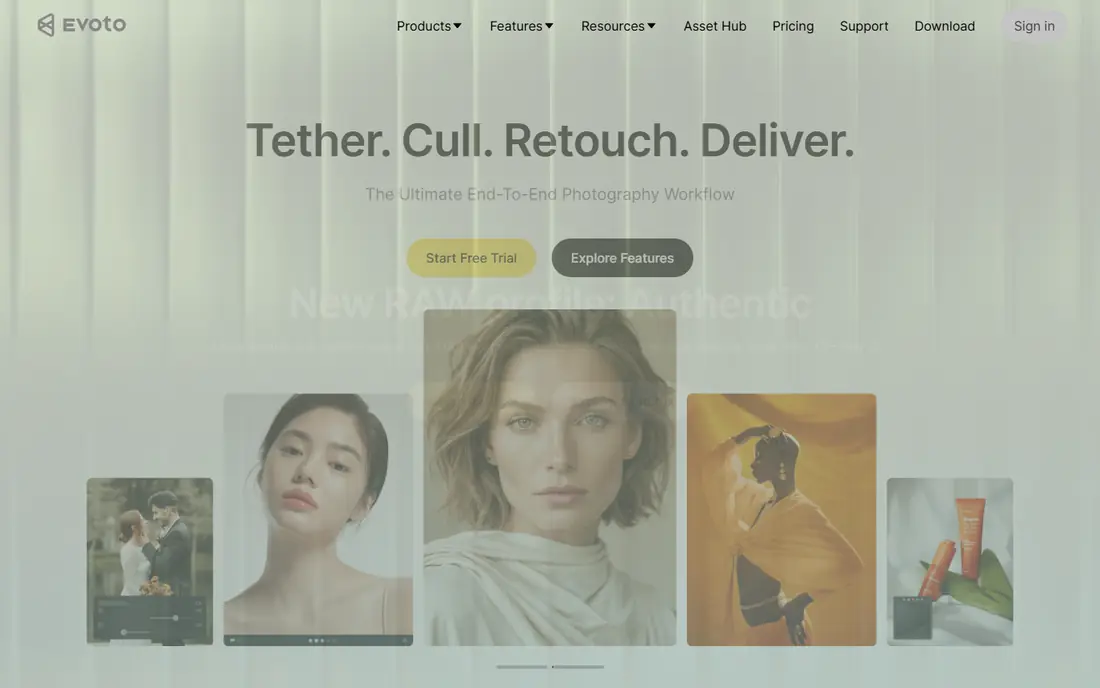
Evoto suits portrait photographers with volume. Face-aware presets handle skin, blemish cleanup, and tone across headshots and team photos, with batch processing that keeps results consistent. Studios shooting school photos, corporate headshots, or events gain the most time here.
Heavy volume brings credit costs, so price a full season before committing. Manual control is also thinner than Photoshop for unusual faces or creative looks. For consistent, natural batch retouching, Evoto is one of the strongest picks here.
- Face-aware presets for headshots and teams
- Batch retouching with consistent results
- Keeps skin texture well
- Credit or plan costs rise with volume
- Less manual control than Photoshop
PortraitPro is the dedicated face specialist. It detects facial features and offers detailed sliders for skin, eyes, lips, hair, and face shape, with presets for different looks. Photographers who want hands-on control over a single portrait, rather than a one-click batch pass, will appreciate that depth.
Restraint matters. Pushing sliders too far creates plastic skin and unnatural faces, so keep texture visible and check results at full size. Used with care, PortraitPro gives hero portraits a polished finish that batch tools cannot match.
- Granular face, skin, eye, and makeup controls
- Guided editing for specific looks
- Long track record
- Style can drift toward over-retouching if pushed
- Batch tools are less modern than Evoto
Aftershoot pairs culling with retouching, which suits wedding and portrait photographers drowning in galleries. It selects keepers, applies consistent retouching, and lets you adjust per person in group photos. That joined workflow saves the step of moving files between separate culling and retouching apps.
Hero portraits still benefit from a Photoshop pass after Aftershoot. Think of it as the gallery engine, not the final finisher. For photographers whose bottleneck is volume, Aftershoot's consistency is its main value.
- Culling plus retouching in one workflow
- Consistent results across a gallery
- Per-person controls in group shots
- Subscription cost for high-volume plans
- Less hero-level control than Photoshop
Luminar Neo offers guided portrait tools that work fast on single images. Skin, face light, and background tools sit behind simple sliders, with presets for stylized looks. Casual portrait editors and hobbyists will get pleasing results without learning Photoshop.
Professional batch work exposes limits. Consistency across hundreds of portraits and fine skin control trail Evoto and Aftershoot. Use Luminar Neo for hero frames and creative looks, not as a high-volume portrait engine.
- Simple portrait sliders and presets
- Creative looks for hero frames
- Approachable for newer editors
- Less precise than dedicated retouchers
- Batch portrait control is limited
Capture One earns its place in studio portrait work. Tethered capture lets photographer and client review shots live, while color tools keep skin tones accurate under studio light. Sessions with controlled lighting benefit most from that control.
Face-specific retouching is thinner than in Evoto or PortraitPro, so pair Capture One with a retoucher for finished delivery. As a studio hub for capture, color, and session management, it remains excellent.
- Precise color for studio portraits
- Reliable tethered shooting
- Strong detail and skin tone rendering
- Higher price than many rivals
- Retouching tools are less face-specific
Retouch4me sells task-specific plugins: skin, eyes, backdrop, fabric, and more, each bought separately. Photoshop users can add just the retouching they need, without paying for a full new editor. Plugins run in batches too, which helps with larger sets.
Buying many plugins adds up, so price the set you actually need. Retouch4me also assumes you already use Photoshop or Lightroom. For photographers inside Adobe, it is a flexible way to add AI retouching piece by piece.
- Buy only the retouching tasks you need
- Plugins work inside Photoshop and Lightroom
- Batch-friendly passes
- Costs add up if you buy many plugins
- Needs Photoshop or Lightroom as a host
Aperty is a dedicated portrait editor built around face mapping and studio lighting tools. It handles skin, face, and light adjustments for portraits specifically, with batch handling through Lightroom Classic integration. Portrait studios that want a focused retouching app, not a general editor, will like its scope.
General photo editing still needs another app, since Aperty centers on portraits. Price also runs higher than some rivals. For studios whose work is mostly portraits, that focus is a strength, not a limitation.
- Dedicated portrait editing with face mapping
- Batch work through Lightroom Classic links
- Studio light tools
- Subscription or higher perpetual cost
- Narrower than a general photo editor
How we picked these
We compared official feature pages, pricing pages, and public reviews, and we kept only legitimate creative tools that exist and work today. Apps built for deceptive face swaps, non-consensual editing, or removing clothing were excluded entirely. Where pricing varied by plan or credit model, we wrote See website rather than presenting one figure as fixed.
We also weighed batch consistency against hero control, since portrait photographers need both. A tool that excels at one hero image but fails across 200 headshots solves only half the job.
What to decide before you buy
Start with your volume. High-volume headshot and event photographers should trial Evoto, Aftershoot, or Aperty on a real gallery and check consistency at full size. Low-volume portrait artists should trial PortraitPro or Photoshop on hero images and judge control and texture.
Also set a retouching standard before you buy. Decide how much skin texture to keep, how far face shaping may go, and what clients should expect. A consistent, natural standard protects your work and your subjects far better than any single tool setting. Always edit only photos you own or have permission to edit, and keep the subject's consent in mind for any published retouch.
Frequently asked questions
What editing software is best for portrait photography?
Lightroom is best for portrait RAW workflow and batch consistency, while Photoshop is best for detailed hero retouching. Many photographers pair Lightroom with Evoto, Aftershoot, or Retouch4me for the retouching pass.
Do I need a dedicated portrait retoucher if I have Lightroom?
Not always. Lightroom covers color, exposure, masking, and light batch retouching. A dedicated retoucher helps when you need faster batch skin work, face-specific controls, or consistent results across large headshot galleries.
Which portrait editor is best for beginners?
Luminar Neo and Evoto are the most approachable here, since guided sliders and presets handle common portrait fixes quickly. Lightroom is also friendly once you learn its masking and preset tools.
Can portrait software retouch a whole gallery at once?
Yes. Evoto, Aftershoot, and Aperty are built for batch portrait retouching, with presets and per-person controls. Always review batch results at full size, since automated passes can miss unusual lighting or skin tones.
Is it okay to heavily retouch portraits?
Keep retouching honest and consensual. Preserve skin texture, avoid changing a person's appearance in misleading ways, and follow client and publication standards. Never edit photos of people without permission.
Sources
See where you really rank - block by block
ProMapRanker scans Google Maps across a grid of your service area. Simple monthly plans from $19, white-label on every plan.
Start freeKeep reading
 wpforms alternatives
Best WPForms Alternatives in 2026
We compare 9 wpforms alternatives for WordPress forms, with free and paid options, current pricing notes, and honest limits for small business sites in 2026.
Read → windows task scheduler alternatives
Best Windows Task Scheduler Alternatives in 2026
Looking for Windows Task Scheduler alternatives? We compare 9 schedulers for Windows and cross-platform work, from free tools to enterprise automation.
Read → which ai video service is best
Which AI Video Service Is Best in 2026
which ai video service is best? We compare 10 legitimate AI video services on price, avatars, editing and output quality to help you pick the right tool.
Read →