 ProMapRanker
Best Portfolio Management Software in 2026

Key takeaways
- Empower is our pick for most investors who want a free dashboard that links accounts and shows allocation and fees.
- Morningstar Investor is the stronger choice for research and holdings level analysis, at a paid annual price.
- Sharesight stands out for tax reporting and true performance that includes dividends and fees.
- Kubera is the best fit in this list for property, crypto, and other assets held outside a brokerage account.
Quick comparison
| Pick | Great for | Pricing starts at | Free tier | |
|---|---|---|---|---|
 Empower | Free all in one tracking | Free | Yes | Visit |
 Morningstar Investor | Research and analysis | $249 per year | No | Visit |
 Sharesight | Tax and dividend tracking | See website | Yes | Visit |
 Kubera | Net worth across asset types | $15 per month | No | Visit |
 Quicken | Budgeting plus investments | See website | No | Visit |
 Monarch Money | All in one money dashboard | $14.99 per month | No | Visit |
 Snowball Analytics | Rebalancing help | $6.70 per month | Yes | Visit |
 YCharts | Professional reporting | See website | No | Visit |
The best portfolio management software
We compared account linking, performance reporting, fee analysis, tax tools, and price. This is not financial advice, and investing carries risk. Use these tools to see what you own, then make decisions based on your own goals or advice from a qualified professional.
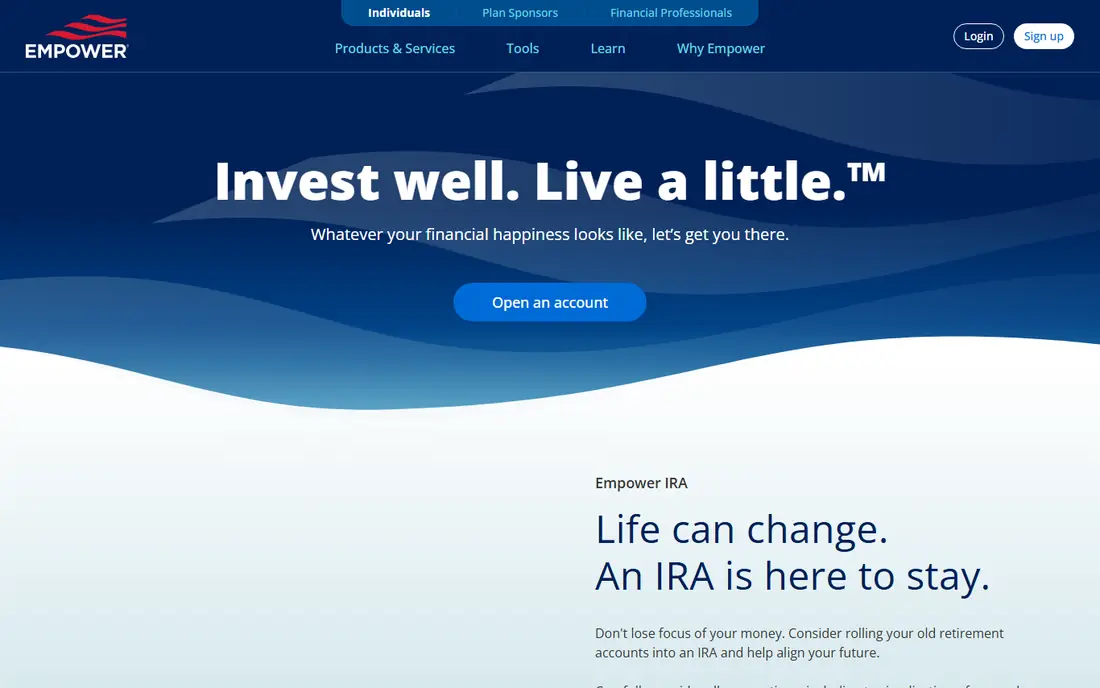
Empower, formerly Personal Capital, gives most US investors a clear free starting point. Link your accounts once and you get net worth, allocation, performance, and a fee check in one place. The retirement planner adds a long term view that many free trackers leave out.
The catch is the business model. Empower sells advisory services, so larger account holders can expect outreach about managed portfolios. The dashboard still works if you decline, but the calls and emails are part of the deal. It also does not execute trades, so you still log in to your brokerage to act.
- Free dashboard
- Links banks, brokerages, and retirement accounts
- Fee and retirement planning tools
- Advisory sales outreach can be frequent
- No research tools
- US accounts work best
Morningstar Investor is for investors who want to understand what is inside a fund, not just its balance. Portfolio X-Ray breaks down holdings, style, fees, and overlap across funds, which helps you spot duplicated exposure. The research library adds analyst views and ratings to that picture.
The price rules out casual use. At around 249 dollars a year, it only makes sense if you use the research often or manage a larger portfolio. New investors may also find the depth overwhelming at first, so use the trial period to test the tools you will actually open each week.
- Independent research and ratings
- Portfolio X-Ray holdings analysis
- Analyst reports
- Annual price is high for casual investors
- Learning curve for new users
- US focused research depth
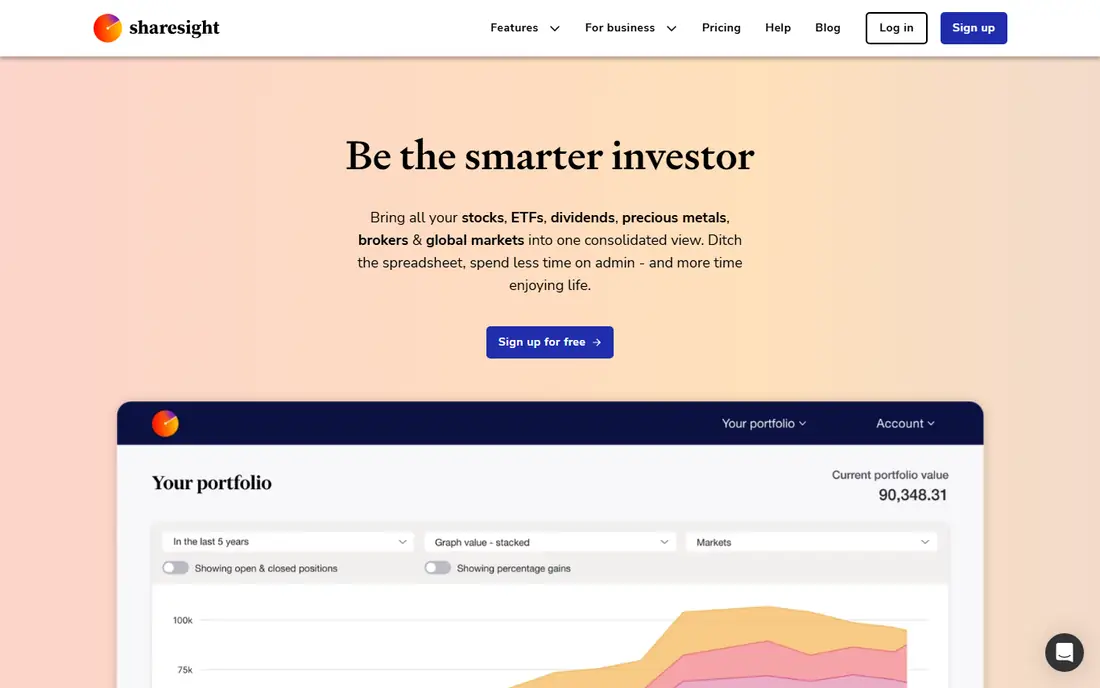
Sharesight is built for investors who care about accurate returns. It tracks dividends, fees, and currency effects, so performance figures reflect what you really earned rather than price moves alone. Tax reports are a major draw at tax time, especially for investors with holdings across markets.
The free plan is limited to 10 holdings, which suits a small portfolio but not a large one. Some accounts need manual entry or file imports rather than automatic sync. If your main need is a clean tax record and honest performance, those limits are worth accepting.
- True performance including dividends and fees
- Strong tax reporting
- Supports many markets
- Free plan covers up to 10 holdings
- Manual entry needed for some accounts
- No trading
Kubera answers a different question from most trackers: what is everything worth, in one place. Stocks and funds sit next to crypto, property, vehicles, and bank accounts, with multi currency support for global holdings. That breadth suits investors whose wealth is not all in a brokerage account.
It is not a budgeting app or a trading platform. You will not get deep spending analysis or research reports here. The value is the single balance sheet, updated automatically where connections exist, and entered manually where they do not.
- Tracks stocks, crypto, property, and vehicles
- Multi currency support
- Clean balance sheet view
- Subscription only
- No budgeting depth
- No trading or advice
Quicken suits households that want investments next to everyday money. Budgeting, bill tracking, debt, and retirement planning sit in the same subscription as investment tracking. That mix helps when a portfolio decision depends on cash flow, not just market moves.
The trade off is focus. Quicken is broader than a pure portfolio tracker, so its investment analysis is less deep than Morningstar or Sharesight. It is also built mainly for US and Canadian users, and the desktop heritage shows in parts of the interface.
- Budgeting, bills, and investments in one app
- Long history as a desktop finance tool
- Retirement planning
- Subscription pricing
- US and Canada focus
- Interface can feel dated
Monarch Money is the closest modern replacement for Mint style all in one tracking. Banks, cards, and investments sync into one dashboard, with flexible budgets and goals alongside portfolio views. Couples and households can share access, which helps when money is managed jointly.
There is no free tier, so you pay from day one, with a lower monthly equivalent on annual billing. Monarch also does not trade or give advice. It is a viewing and planning tool, and that clarity is part of its appeal for people who want one clean dashboard.
- Clean dashboard
- Budgeting plus investment tracking
- Partner and household sharing
- No free tier
- No trading
- Price rises with monthly billing
Snowball Analytics is a focused tracker for investors who want to keep allocation on target. Link accounts or enter holdings manually, then see allocation, performance, and dividend detail in a simple layout. The rebalancing view shows what to adjust, which is useful for investors who review on a schedule.
Coverage is narrower than Empower or Kubera, and some accounts may need manual entry. Research depth is also limited. Pick Snowball when rebalancing and dividend tracking matter more than a full financial dashboard.
- Allocation and rebalancing tools
- Dividend tracking
- Simple interface
- Smaller broker coverage than large rivals
- Advanced features need a paid plan
- Limited research
YCharts is aimed at advisers and serious investors who need presentation ready reporting. Performance charts, benchmark comparisons, and portfolio reports are its core strength. It suits people who share reports with clients or who compare many portfolios side by side.
For a personal investor with a few accounts, YCharts is more tool than needed, and pricing reflects the professional audience. Check the current plan details with sales before you commit, since published prices vary by plan and use.
- Strong performance reporting
- Benchmark comparisons
- Professional charts
- Priced for professionals
- Overkill for a small personal portfolio
- Sales led pricing
How we picked these
We compared official feature and pricing pages, plus public reviews of account linking, reporting, and tax tools. We kept tools that are live in October 2026 and that track real portfolios, not just stock prices. Where a price could not be confirmed on the vendor site, we wrote See website. This article is not financial advice, and rates, fees, and features change, so confirm current terms before you subscribe.
What to check before you choose
Start with what you own. A tracker is only useful if it covers your accounts, your asset types, and your country. Check broker connections first, then tax reporting, then research depth. A beautiful dashboard that misses your main account will not last a month in use.
Security matters as much as features. Account linking uses bank level connections in most cases, but read the privacy policy and check whether you can use read only access where offered. Turn on two factor authentication, and review connected accounts once a quarter.
Tracking or managing
Some tools only show what you own, while others help you trade, rebalance, or plan retirement. Decide which you need before you pay. A tracker plus your brokerage is often cheaper than a managed service, but it needs more of your time.
Fees and tax
Look at the subscription cost and the fees inside your investments. A tracker that shows fund fees can save more than its own price. At tax time, dividend and capital gains reports matter more than charts, so test the tax export before you rely on it.
Free or paid
Free dashboards are funded by advisory sales or other services, while paid tools sell the product itself. Neither model is wrong, but the trade off should be clear. If outreach annoys you, a paid tool may be worth the price for a quieter experience.
Frequently asked questions
What is the best investment management software for beginners?
Empower is a strong free starting point, since it links accounts and shows allocation without a subscription. Monarch Money suits beginners who also want budgeting in the same app. Start free, learn what reports you actually use, then pay for depth only if you need it.
What is the best portfolio tracking software for taxes?
Sharesight is the strongest pick in this list for tax reporting, with performance that includes dividends and fees. Quicken also helps at tax time through its broader finance tools. Confirm that the tax reports match your country's rules before you file from them.
Is Empower really free?
The Empower dashboard is free to use, and it makes money from advisory services. Expect outreach about managed portfolios, especially on larger balances. You can use the dashboard without buying advice, but the sales contact is part of the free model.
Can portfolio software trade for me?
Most tools in this list only track and report, and do not execute trades. Robo advisers and managed services are a separate category. If you want automatic trading, compare a managed portfolio service rather than a tracker.
How often should I check my portfolio?
Monthly or quarterly reviews suit most long term investors, with rebalancing once or twice a year. Daily checking often leads to reactive decisions. Set a review schedule and use alerts for allocation drift instead of watching prices every day.
Sources
See where you really rank - block by block
ProMapRanker scans Google Maps across a grid of your service area. Simple monthly plans from $19, white-label on every plan.
Start freeKeep reading
 best resource management software
Best Resource Management Software in 2026
We compared the best resource management software for scheduling, capacity and utilization, with current pricing and free trials, to help teams choose well.
Read → best reporting tools
Best Reporting Tools in 2026
Compare the best reporting tools for dashboards, scheduled reports, and business insights, from Power BI and Tableau to Looker Studio for every team size.
Read → best remote support software
Best Remote Support Software in 2026
Looking for the best remote support software? We compare 9 tools on price, security, session controls, and fit for helpdesks, MSPs, and small teams in 2026.
Read →