 ProMapRanker
Best PNG Maker Apps in 2026: 9 Apps Compared

Key takeaways
- A PNG maker is mainly a background remover plus a transparent export, so check resolution and watermark rules before you pick one.
- Canva and Adobe Express suit people who also design social posts, while Remove.bg and PhotoRoom suit fast cutouts.
- Photopea and GIMP suit careful manual editing, since they give layer and selection control that one-tap tools do not.
- Free tiers often limit high-resolution downloads, so a tool that looks free may charge for the file you actually need.
- JPG files cannot hold transparency, so always export as PNG and check the result on a colored background before publishing.
Quick comparison
| Pick | Great for | Pricing starts at | Free tier | |
|---|---|---|---|---|
 Canva | Design plus transparent export | Free | Yes | Visit |
 Adobe Express | Quick design and transparent PNGs | Free | Yes | Visit |
 Remove.bg | Fast one-click background removal | Free | Yes | Visit |
 PhotoRoom | Product photos for sellers | Free | Yes | Visit |
 Pixelcut | Seller workflows and backdrops | Free | Yes | Visit |
 Photopea | Free browser editing with layers | Free | Yes | Visit |
 Pixlr | Browser editing with templates | Free | Yes | Visit |
 GIMP | Full manual control on desktop | Free | Yes | Visit |
 Fotor | Simple editing plus background tools | Free | Yes | Visit |
The best png maker apps
We compared official feature pages, app store listings, and export options for tools that create transparent PNG files. The list covers quick mobile cutouts, browser editors, and desktop tools for finer work.
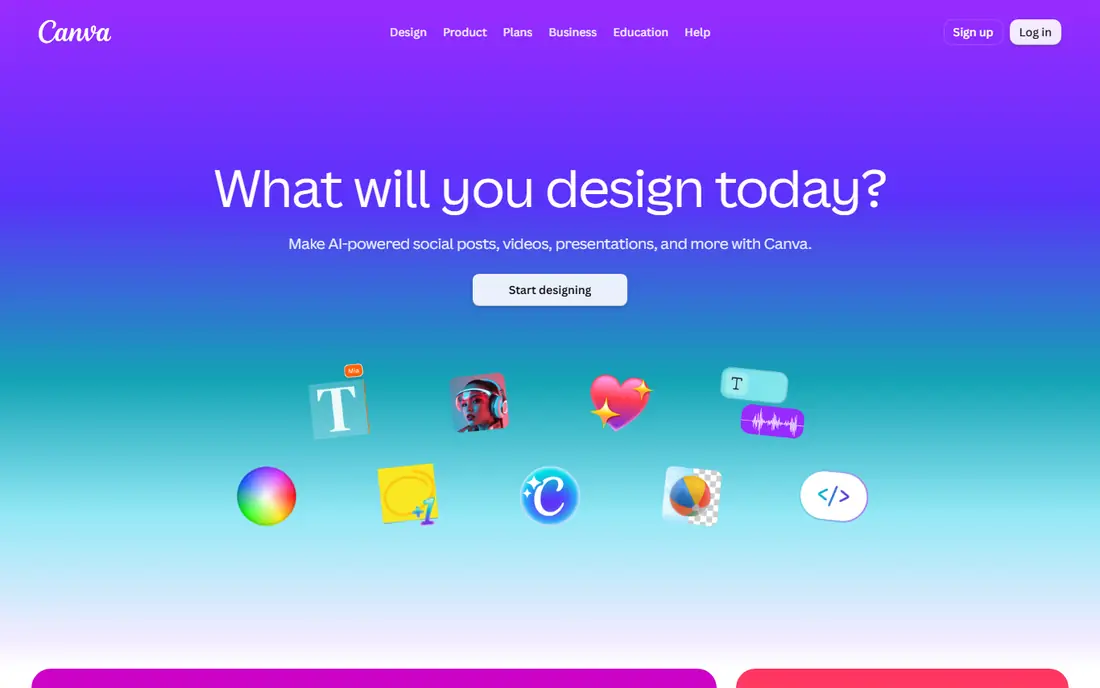
Canva is the easiest route for someone who wants a finished design, not just a cutout. You can build a logo, social post, or product graphic from a template, remove or adjust the background, and export the result as a PNG with transparency. That all-in-one flow saves time when the image also needs text, shapes, or brand colors.
The catch is that transparent PNG download sits behind a paid plan in most cases, so free users should check current terms before starting a project. Canva also works best for design-led work rather than pixel-level photo editing. If you only need to strip a background from one photo, a dedicated remover will be faster.
- Huge template library
- Easy design tools
- Transparent PNG export on paid plans
- Transparent download is a paid feature
- Free tier has limits on some assets
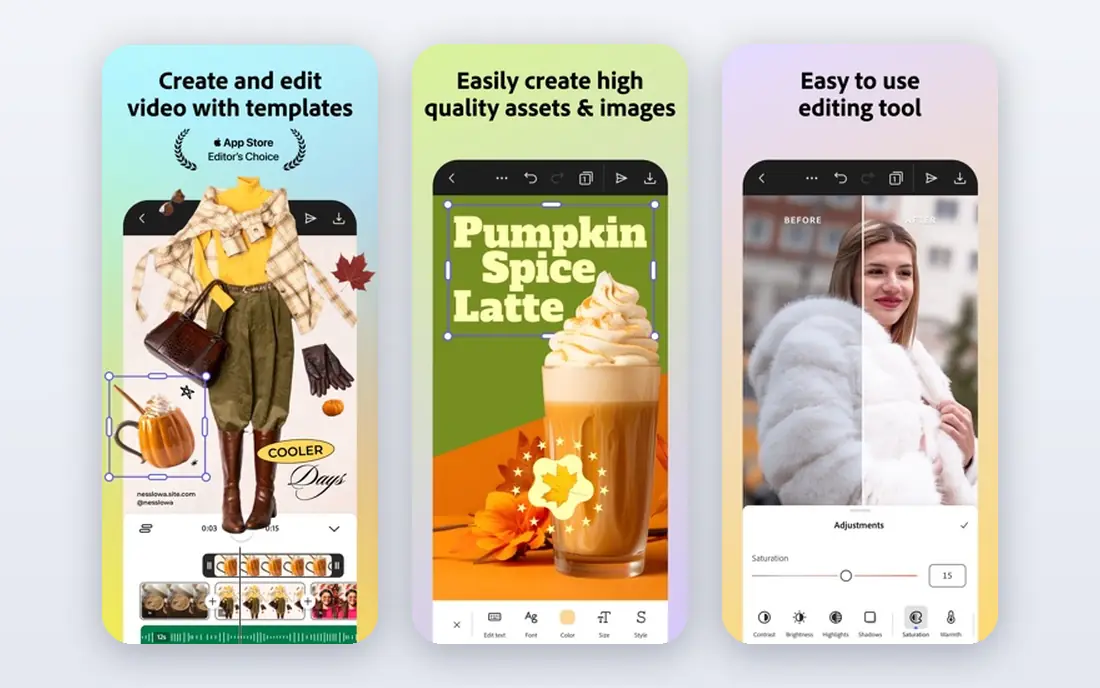
Adobe Express pairs simple design tools with background removal, so you can turn a photo into a transparent PNG and place it into a post, flyer, or presentation. The template range is broad, and the interface stays approachable for people who do not use full desktop design software.
Free users get a useful set of tools, but premium assets and some export options sit behind a paid plan. Check the current free and premium split before relying on a feature for client work. Adobe Express still suits beginners and small business owners who want polished output without learning a complex editor.
- Strong templates and fonts
- Background removal tools
- Adobe file compatibility
- Some premium features need a paid plan
- Mobile and web features differ
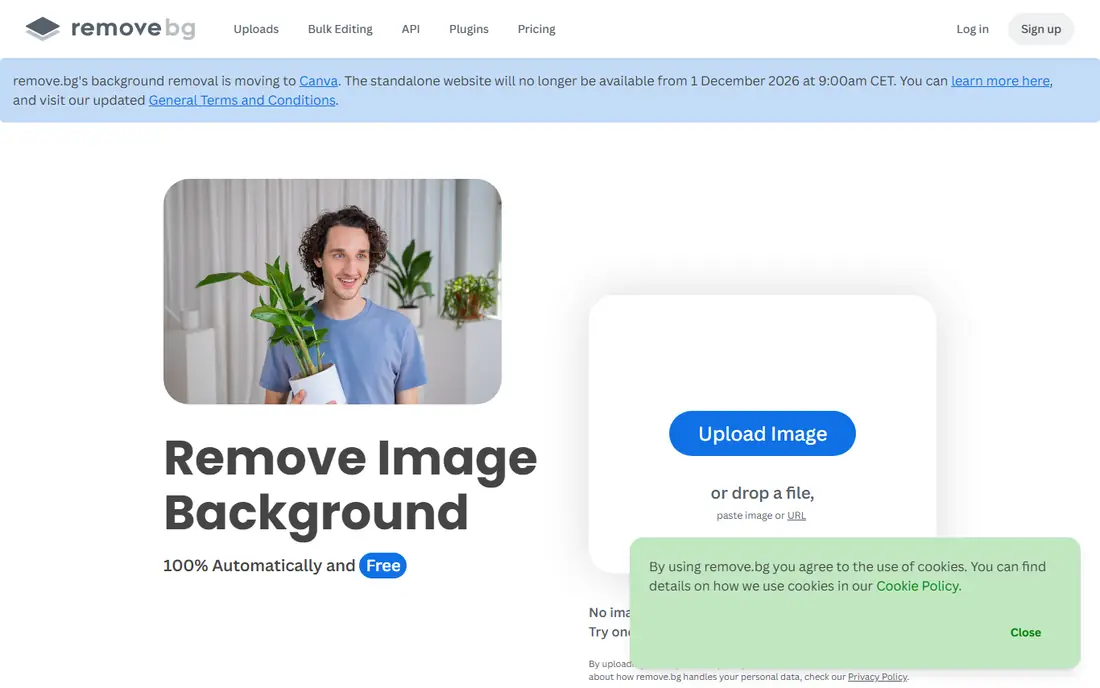
Remove.bg does one job well: it strips a background in seconds and returns a transparent PNG. People, products, and cars tend to come out clean, including tricky edges such as hair in many cases. It also offers an API and desktop tools, which helps teams that process many images.
The free tier is best for previews and small web use, since high-resolution downloads need credits or a subscription. If you need print quality or bulk processing, compare credit packs against a monthly plan. For a single quick cutout, few tools beat it for speed.
- Very fast automatic removal
- Good results on people and products
- API and desktop app
- Free downloads are lower resolution
- High-resolution and batch use are paid
PhotoRoom is built for sellers who photograph products on a phone and need clean listing images. It removes backgrounds automatically, offers studio-style backdrops, and supports batch edits for a set of similar products. That workflow fits online shops, resale listings, and social selling.
Free use is useful for testing, but high-resolution exports and some batch features sit behind a paid plan. Read the current free terms carefully, since watermark and resolution rules affect whether a free export works for a store listing. For sellers, the paid tier often pays for itself in saved editing time.
- Product-focused templates
- Batch editing
- Background and backdrop options
- Free exports can carry limits or watermarks
- Full resolution needs a paid plan
Pixelcut covers the same seller ground as PhotoRoom, with background removal, backdrops, and resizing for common marketplace sizes. It is handy when a photo needs to fit several listing formats without opening a desktop editor. The mobile app keeps the whole job on a phone, from shoot to export.
As with other freemium tools, the free tier is a starting point rather than a full studio. High-resolution downloads and some templates need a subscription. Pixelcut suits sellers who want speed and consistency across listings, and who are willing to pay once volume grows.
- Background removal plus resizing
- Templates for marketplaces
- Mobile friendly
- Advanced exports need a paid plan
- Free tier limits apply
Photopea is a full browser editor that opens in a tab and handles layers, masks, and advanced selections. That makes it the best free choice when automatic removal fails on hair, glass, or a busy background. You can refine an edge by hand, add a mask, and export a transparent PNG at a chosen size.
The trade-off is skill and patience. Photopea looks and feels like professional desktop software, so beginners may need a tutorial before tackling a hard cutout. The free tier shows ads, and a paid plan removes them. For careful work at no software cost, it is hard to beat.
- Layers, masks, and selection tools
- PSD support
- No install needed
- Ads on the free tier
- Learning curve for beginners
- Browser performance varies
Pixlr offers a lighter editor for quick jobs and a more advanced editor for layered work, both in the browser. That split helps people who want a quick background removal today and more control later, without switching tools. Templates, filters, and text tools cover social posts and simple graphics.
Free use includes ads and some limits, and premium features sit behind a subscription. Pixlr suits casual creators who want browser convenience and a gentler learning curve than Photopea. For hard manual cutouts, Photopea or GIMP still gives finer control.
- Two editor modes for different skill levels
- Templates and filters
- Fast browser use
- Some tools and exports need a paid plan
- Ads on the free tier
GIMP is a free desktop editor for people who want full control over a cutout. Selection tools, layer masks, and path tools let you trace a subject by hand and refine edges to a standard that automatic tools cannot always reach. It also handles large files and many formats, including PNG export with transparency.
GIMP is not a one-tap app. A first cutout takes longer, and the interface can feel dated next to modern mobile tools. For product photographers, designers, and anyone who fixes difficult edges often, that effort is worth it. GIMP also works offline, which matters when photos should not be uploaded to a web service.
- Completely free
- Powerful selection and mask tools
- Plugin support
- Interface takes learning
- No automatic AI removal built in by default
Fotor blends a simple photo editor with background removal, templates, and batch processing. It suits people who want to clean up a photo, add text or a frame, and export a PNG without learning a complex tool. The interface stays friendly, and the web version needs no install.
Paid plans add higher resolution and more features, so check what the free tier exports before using it for print or client work. Fotor is a solid middle ground: easier than GIMP and Photopea, more capable than a single-purpose remover, and fast enough for everyday social and listing images.
- Easy background remover
- Templates and batch tools
- Web and mobile versions
- Some features need a paid plan
- Free exports have limits
How we picked these
We compared official feature pages, pricing pages, and app store listings for tools that export transparent PNG files in October 2026. We favored tools that are live, clearly state export options, and cover different needs: fast automatic removal, design, manual editing, and seller workflows. We left out tools that only export JPG, tools with no clear official homepage, and single-purpose web pages that could not be verified.
How to get a clean transparent PNG
Start with a sharp photo with clear contrast between subject and background. Automatic tools handle plain backgrounds well, but hair, fur, glass, and shadows still need manual cleanup in many cases. Zoom in on edges at full size before exporting, since a cutout that looks fine as a thumbnail can show a halo on a dark page.
Export as PNG, not JPG, and test the file on both light and dark backgrounds. Some platforms flatten transparency to white on upload, so check the destination rules for social posts and marketplaces. Save the layered source file when your editor supports it, so you can fix an edge later without redoing the whole cutout.
Frequently asked questions
What is the best png maker tool for beginners?
Canva or Adobe Express suit most beginners, since templates and one-click removal keep the job simple. If you only need a cutout, Remove.bg is faster, and PhotoRoom is better for product photos.
Can I make a transparent PNG for free?
Yes, with limits. Photopea and GIMP are free and export full transparent PNG files, while freemium tools often limit free downloads to lower resolution or add watermarks. Check resolution before using a free export for print.
Why does my transparent PNG show a white background?
You may have exported as JPG, which cannot hold transparency, or the platform you uploaded to may flatten transparency to white. Re-export as PNG and test the file in a design tool or on a colored background.
Do PNG maker apps work on phones?
Yes. Canva, Adobe Express, PhotoRoom, and Pixelcut all offer mobile apps, and browser tools such as Photopea and Pixlr work on a phone browser. For fine manual edges, a desktop editor is usually easier.
Is a PNG file always larger than a JPG?
Often, yes, especially for photos with many colors. PNG uses lossless compression, which preserves sharp edges and transparency but can produce larger files. Resize and compress the final PNG for web use when file size matters.
Can I use a transparent PNG for a logo?
Yes, if you own the design or have a license to use it. Export at a high resolution, keep a master copy, and test the logo on light, dark, and colored backgrounds before publishing.
Sources
See where you really rank - block by block
ProMapRanker scans Google Maps across a grid of your service area. Simple monthly plans from $19, white-label on every plan.
Start freeKeep reading
 wpforms alternatives
Best WPForms Alternatives in 2026
We compare 9 wpforms alternatives for WordPress forms, with free and paid options, current pricing notes, and honest limits for small business sites in 2026.
Read → windows task scheduler alternatives
Best Windows Task Scheduler Alternatives in 2026
Looking for Windows Task Scheduler alternatives? We compare 9 schedulers for Windows and cross-platform work, from free tools to enterprise automation.
Read → which ai video service is best
Which AI Video Service Is Best in 2026
which ai video service is best? We compare 10 legitimate AI video services on price, avatars, editing and output quality to help you pick the right tool.
Read →