 ProMapRanker
Best Plumbing Service Software in 2026

Key takeaways
- Small plumbing shops should start with Jobber or Housecall Pro, while larger shops should shortlist ServiceTitan and FieldEdge.
- Flat pricing helps larger teams, while per-user pricing helps solo owners and small crews.
- Check payment processing fees, QuickBooks sync, and mobile app quality before committing, since those affect daily work most.
- A free trial or demo with your real job types is worth more than a feature list.
Quick comparison
| Pick | Great for | Pricing starts at | Free tier | |
|---|---|---|---|---|
 Jobber | Small plumbing crews | $49 per month | Free trial | Visit |
 Housecall Pro | Booking and customer experience | $59 per month | Free trial | Visit |
 ServiceTitan | Large multi-tech operations | See website | No | Visit |
 FieldEdge | QuickBooks-centred trade shops | See website | No | Visit |
 Service Fusion | Flat pricing for growing teams | $208 per month | No | Visit |
 Workiz | Communication and dispatch | See website | Free trial | Visit |
 Kickserv | Simple low-cost field service | Free | Yes | Visit |
 FieldPulse | Quote-based trade management | See website | No | Visit |
The best plumbing service software
Plumbing service software, also called field service software, covers scheduling, dispatch, estimates, invoicing, payments, and customer records for a plumbing business. The right choice depends mainly on team size. A solo plumber needs simple scheduling and invoicing, while a shop with ten technicians needs dispatch boards, pricebooks, memberships, and reporting. Our pick for most small shops is Jobber for simplicity, with Housecall Pro close behind for booking and review tools.
Note on keywords: the slug for this article is best-plumbing-service-software, while the main keyword is best software for plumbing business. Both describe the same category, and the products below cover scheduling, dispatch, and invoicing for plumbing businesses of different sizes.
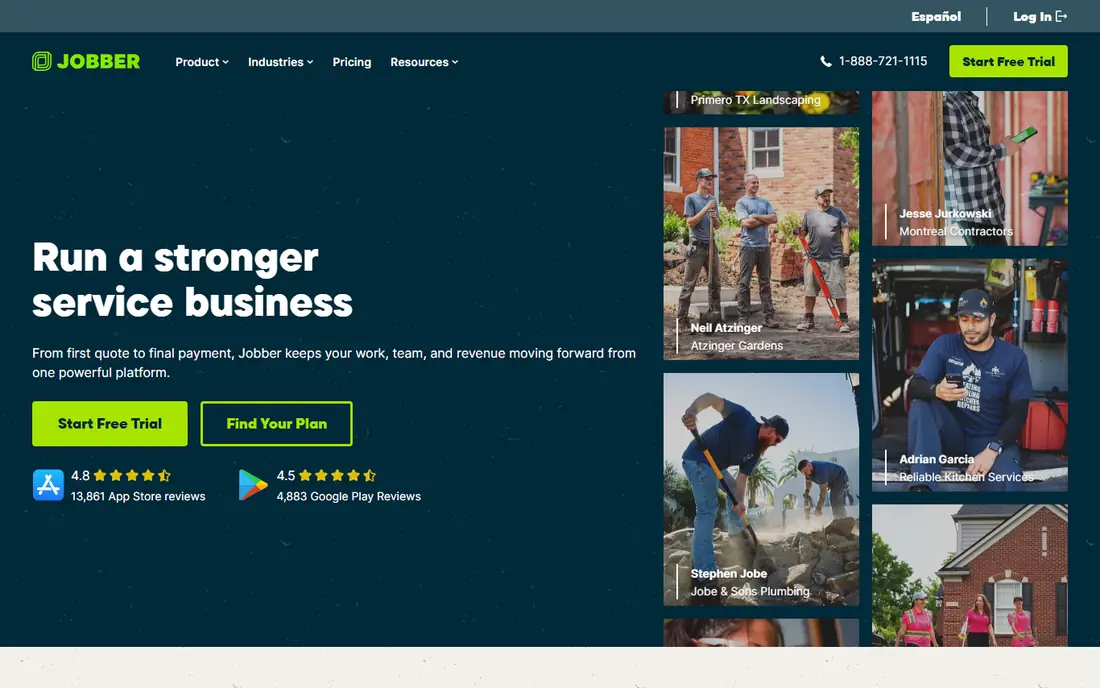
Jobber is the easiest starting point for a small plumbing business. You can schedule jobs on a drag-and-drop calendar, send quotes, invoice customers, and let clients approve quotes and pay online through a client hub. Most owner-operators can set it up in a day, without a long implementation project.
The limits appear as you grow. Marketing tools are minimal, reporting on lower tiers is basic, and dispatching for a large team is less powerful than ServiceTitan or FieldEdge. Jobber pricing in recent guides ranged from $49 per month on Core to higher tiers for more users, with a 14-day trial in reports we reviewed. Start here if you have a small crew and want software that works without a dedicated office manager.
- Clean scheduling and invoicing
- Client hub for quotes and payments
- QuickBooks and Xero integrations
- Marketing tools are basic
- Reporting is limited on lower tiers
- Dispatch depth is lighter than enterprise tools
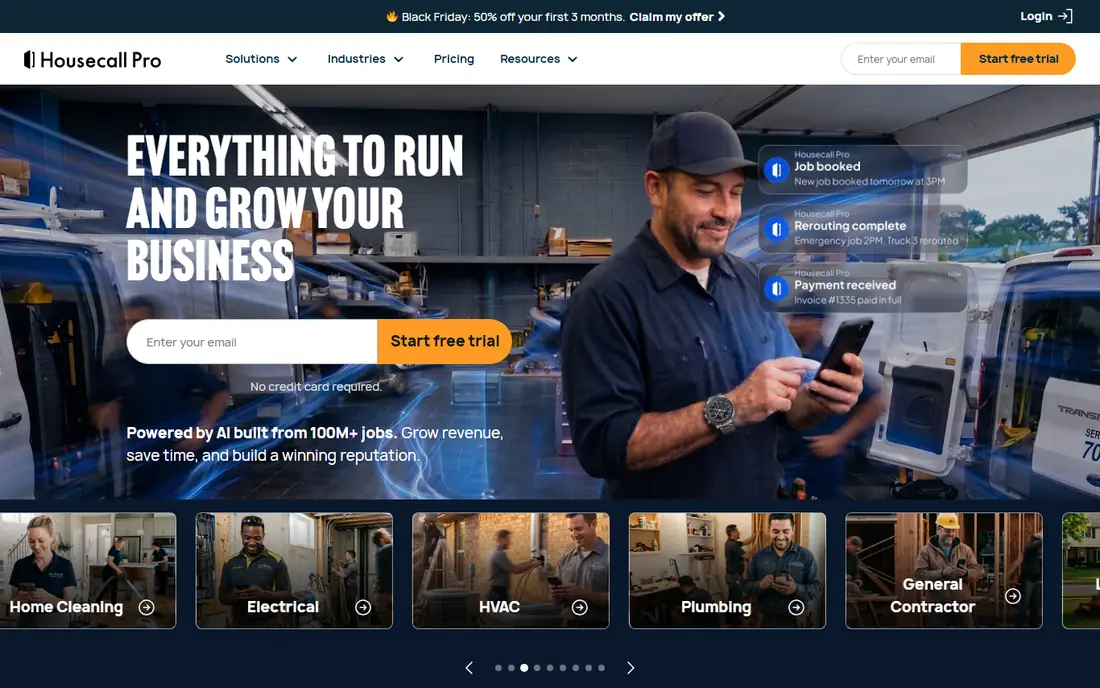
Housecall Pro suits plumbing shops that win work through online booking and customer reviews. Customers can book online, receive automated reminders, and leave reviews after the job, while the office handles estimates, dispatch, invoicing, and payments in one system. Its mobile app is widely praised for field use, which matters when technicians work from a phone all day.
Pricing in recent guides started at $59 per month billed annually for Basic, with higher tiers for more users and features, and a 14-day trial in reports we reviewed. The main gaps are inventory depth and advanced dispatch for very large teams. Choose Housecall Pro when customer experience and booking matter as much as back-office control.
- Online booking and review requests
- Strong mobile app
- Estimates, invoicing, and payments in one place
- Inventory management is limited
- Advanced features sit on higher tiers
- QuickBooks only for accounting sync in guides we reviewed
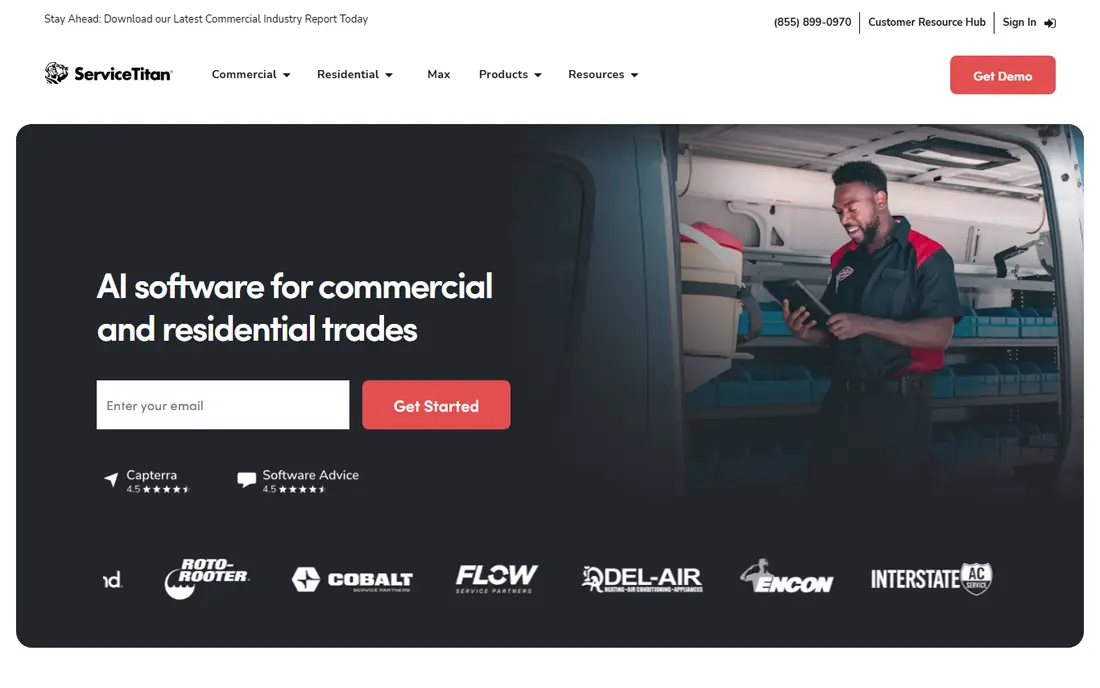
ServiceTitan is the enterprise choice for plumbing and HVAC shops with many technicians. It covers dispatch boards, dynamic pricebooks, memberships and service agreements, marketing automation, call tracking, and detailed reporting in one platform. For a large shop, that depth can replace several separate tools and give managers a clear view of revenue per technician.
The cost is the barrier. ServiceTitan does not publish a simple price, and third-party estimates place it in the hundreds per technician per month, plus implementation. It also takes weeks to implement properly. Only choose ServiceTitan when you have the team size and revenue to use its depth, and get a written quote that includes implementation and add-ons.
- Deep dispatch, pricebook, and membership tools
- Strong reporting and marketing suite
- Call booking and tracking
- Quote-only pricing
- Per-technician cost is high
- Implementation takes time
FieldEdge suits established plumbing, HVAC, and electrical shops that run their accounting in QuickBooks. Its integration with QuickBooks Online and Desktop keeps invoices, payments, and customer records in sync, which reduces double entry for the office. Dispatch, inventory, and customer management cover the daily field workflow, with a mobile app for technicians.
Pricing is quote-only, with plans named Select, Premier, and Elite that differ on mobile licences. Third-party estimates place FieldEdge in the $100-plus per user per month range, but the real quote depends on how many mobile licences you need. Ask the vendor to price your full field team, not just office users, before comparing it with flat-priced rivals.
- Strong QuickBooks Online and Desktop integration
- Dispatch and inventory for trade shops
- Mobile app for field technicians
- Quote-only pricing
- Mobile licences are tiered
- Contract terms need careful reading
Service Fusion removes seat count from the calculation by including unlimited users across its tiers. Starter was listed at $208 per month billed annually, with Plus and Pro higher, in recent guides. For a shop with many technicians, that flat price can be far cheaper than per-user pricing, and its QuickBooks integration is well regarded.
The catch is add-ons. Job costing, inventory, customer portal access, recurring invoicing, and GPS tracking were listed as add-ons in recent guides, so the headline price is not the full cost for every shop. Request a written total that includes the add-ons you need, and use a demo with your real job types to check whether the base tier covers your daily work.
- Unlimited users on all tiers in reports we reviewed
- Strong QuickBooks integration
- Flat price helps larger teams budget
- Several features are add-ons, not included
- No free trial in reports we reviewed
- Starter tier is less complete than it looks
Workiz covers scheduling, dispatch, lead management, automations, and customer communication for field service businesses, including plumbing. Its communication tools, including call masking and AI add-ons in recent guides, suit shops where missed calls mean lost jobs. Online booking, estimates, invoicing, and payments round out the daily workflow.
Pricing moved to quote-only in guides we reviewed, with a 7-day trial available. That makes direct price comparison harder, so get a written quote for your team size and add-ons before shortlisting it against Jobber or Housecall Pro. Workiz fits shops where communication and lead handling are the main bottleneck, rather than shops that need the deepest pricebook tools.
- Scheduling, dispatch, and automations
- Communication tools including call handling
- Online booking and payments
- Quote-only pricing since 2026 in guides we reviewed
- AI and phone add-ons cost extra
- Pricing is harder to compare
Kickserv is a low-cost, simple field service tool with a free plan in reports we reviewed, and paid tiers starting at $60 per month for five users. It covers scheduling, dispatch, invoicing, and customer records without the complexity of enterprise software. For a solo plumber or a very small crew, that simplicity is a strength, not a weakness.
It will not match ServiceTitan on pricebooks, memberships, or reporting, and its paid tiers are still simpler than mid-market rivals. Choose Kickserv when budget and simplicity matter most, and you do not need advanced dispatch or marketing tools. Test the free plan with real jobs before paying for a higher tier.
- Free plan for small teams
- Simple scheduling and invoicing
- QuickBooks and Stripe integrations in reports we reviewed
- Fewer advanced features than larger rivals
- Paid tiers still limited next to ServiceTitan
- Support hours may suit US time zones less well for some teams
FieldPulse provides CRM, scheduling, dispatch, invoicing, and field tools for trade businesses, including plumbing. Its seat model separates full office access from limited field seats, which can suit a shop where most technicians need field tools but only a small office team needs broader admin access. That distinction can lower the total cost compared with charging every technician the full seat price.
The downside is transparency. FieldPulse does not publish a standard dollar price, so you need a quote that separates each seat type. Ask for that breakdown in writing, and compare the total for your full team with flat-priced options like Service Fusion and per-plan options like Jobber before deciding.
- Field service tools for trade businesses
- Separate office and field seat types
- CRM, scheduling, and invoicing in one system
- No published standard price
- Quote depends on seat mix
- Harder to compare without a sales conversation
How we picked these
We compared official product pages and recent field service pricing guides for October 2026, and we kept only live products that cover scheduling, dispatch, and invoicing for plumbing and trade businesses. We favoured tools with a clear fit for a team size, from solo owners to large shops. Where prices conflicted across guides, we used the most recent vendor-linked figure we could confirm, or See website where pricing is quote-only or disputed.
How to choose plumbing service software
Match the pricing model to your headcount
Per-plan tools like Jobber and Housecall Pro suit small crews, while flat-priced Service Fusion suits larger teams that would pay heavily per seat elsewhere. Per-technician tools like ServiceTitan suit large shops that use the full feature set. Work out the monthly total for your actual team, including add-ons, before comparing headline prices.
Test the mobile app with real jobs
Technicians live in the mobile app, so test it on a real job: accept a dispatch, check job details, add photos, collect a signature, and invoice on site. If that workflow feels slow or confusing, the office features will not save it. A trial with your own job types is the best test.
Check payments, accounting, and dispatch together
Payment fees, QuickBooks sync, and dispatch quality affect daily profit more than minor feature differences. Confirm card processing rates, how invoices sync to accounting, and how dispatch handles urgent jobs and rescheduling. Get those answers in writing before signing an annual contract.
Frequently asked questions
What is the best software for plumbing business owners just starting out?
Jobber is our starting pick for new plumbing businesses, because it covers scheduling, quoting, invoicing, and payments in a simple system with a trial. Housecall Pro is close behind for shops that want stronger online booking and review tools. Start with one, and only move to larger software when your team outgrows it.
What is the best plumbing service software for a large shop?
ServiceTitan suits large multi-technician shops that need deep dispatch, pricebooks, memberships, and reporting. FieldEdge suits large shops centred on QuickBooks, while Service Fusion suits large teams that want flat pricing with unlimited users. Get written quotes for all three with your full team size before choosing.
How much does plumbing service software cost?
Small shops can start at $49 to $59 per month on Jobber or Housecall Pro, while flat-priced Service Fusion starts around $208 per month. Large enterprise tools like ServiceTitan are quote-only and cost far more per technician. Add payment fees and add-ons to the subscription price for a true monthly total.
Does plumbing software work with QuickBooks?
Yes, most tools on this list sync with QuickBooks, though the depth varies. Jobber syncs with QuickBooks and Xero, Housecall Pro syncs with QuickBooks, and FieldEdge and Service Fusion are known for strong QuickBooks integration. Confirm whether your version, Online or Desktop, is supported before subscribing.
Can plumbing software handle emergency dispatch?
Yes, dispatch tools in Jobber, Housecall Pro, ServiceTitan, FieldEdge, and Workiz let office staff assign urgent jobs, notify technicians, and reschedule other work. Test emergency dispatch during a trial, including how technicians receive the job and how customers are notified. A dispatch board that works for planned jobs may still struggle with urgent changes.
Should a solo plumber pay for plumbing software?
A solo plumber can start free with Kickserv or with a trial of Jobber or Housecall Pro, and pay only when scheduling, invoicing, and payments take too much time by hand. If you handle only a few jobs a month, a simple invoicing tool may be enough. If you book online, send quotes, and chase payments weekly, dedicated plumbing software usually pays for itself in time saved.
Sources
See where you really rank - block by block
ProMapRanker scans Google Maps across a grid of your service area. Simple monthly plans from $19, white-label on every plan.
Start freeKeep reading
 wpforms alternatives
Best WPForms Alternatives in 2026
We compare 9 wpforms alternatives for WordPress forms, with free and paid options, current pricing notes, and honest limits for small business sites in 2026.
Read → windows task scheduler alternatives
Best Windows Task Scheduler Alternatives in 2026
Looking for Windows Task Scheduler alternatives? We compare 9 schedulers for Windows and cross-platform work, from free tools to enterprise automation.
Read → which ai video service is best
Which AI Video Service Is Best in 2026
which ai video service is best? We compare 10 legitimate AI video services on price, avatars, editing and output quality to help you pick the right tool.
Read →