 ProMapRanker
Best Play to Earn Apps in 2026

Key takeaways
- Mistplay and Cash Giraffe suit steady playtime rewards, while Freecash and Swagbucks suit milestone offers that pay more per task.
- Cashout minimums vary a lot, from under $1 on some apps to $10 or more on others, so check the threshold before you grind.
- Most of the real money comes from new-game milestones, not from playing one favourite game for months.
- Rewards are small and vary by country, game, and offer, and these apps are not a way to earn a living.
- Avoid any app that asks for a large deposit to release a payout or promises a fixed daily income.
Quick comparison
| Pick | Great for | Pricing starts at | Free tier | |
|---|---|---|---|---|
 Mistplay | Discovering new mobile games | Free | Yes | Visit |
 Swagbucks | Games plus surveys and shopping | Free | Yes | Visit |
 Freecash | High-value game milestones | Free | Yes | Visit |
 KashKick | Game milestones plus surveys | Free | Yes | Visit |
 InboxDollars | Games plus paid surveys and offers | Free | Yes | Visit |
 Rewarded Play | Gift cards for Android playtime | Free | Yes | Visit |
 Cash Giraffe | Per-minute playtime rewards | Free | Yes | Visit |
 JustPlay | Simple playtime payouts | Free | Yes | Visit |
The best play to earn apps for small rewards in 2026
These apps pay you in points, coins, or units that convert to gift cards or PayPal payouts. They are best treated as a small bonus for games you would enjoy anyway, not as a job. The notes below focus on how each app pays, what the cashout bar looks like, and where the limits sit.
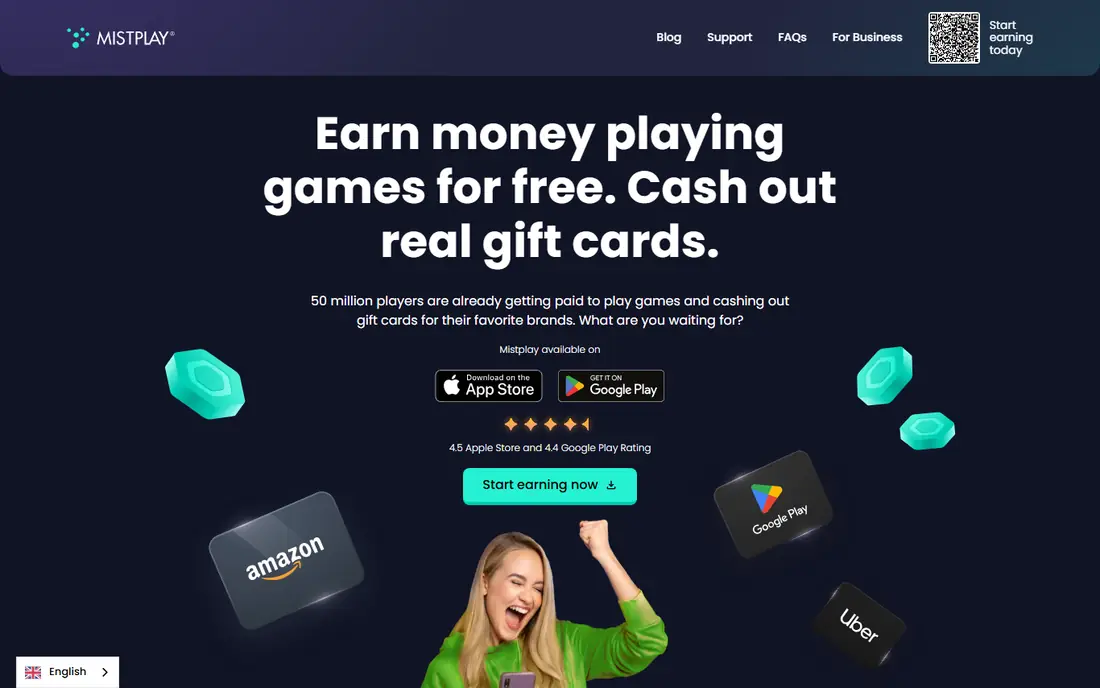
Mistplay rewards you with units for playing featured games through its app. On Android, rewards are mainly tied to playtime in games from its catalog, while its iPhone app, launched in 2025, rewards in-game events instead. You redeem units for gift cards, with a first reward often reachable after a few hours of play, though later rewards take longer. The strength is discovery. If you like trying new mobile games, Mistplay gives you a reason to rotate through them and a small reward for doing so. The weakness is pace. Once you have cleared the early milestones in a game, the same game pays less, so steady earners keep switching to new titles rather than sticking with one favourite.
- Large game catalog
- Gift card rewards
- Loyalty units grow as you play featured games
- Android-focused playtime tracking
- Rewards build slowly after early milestones
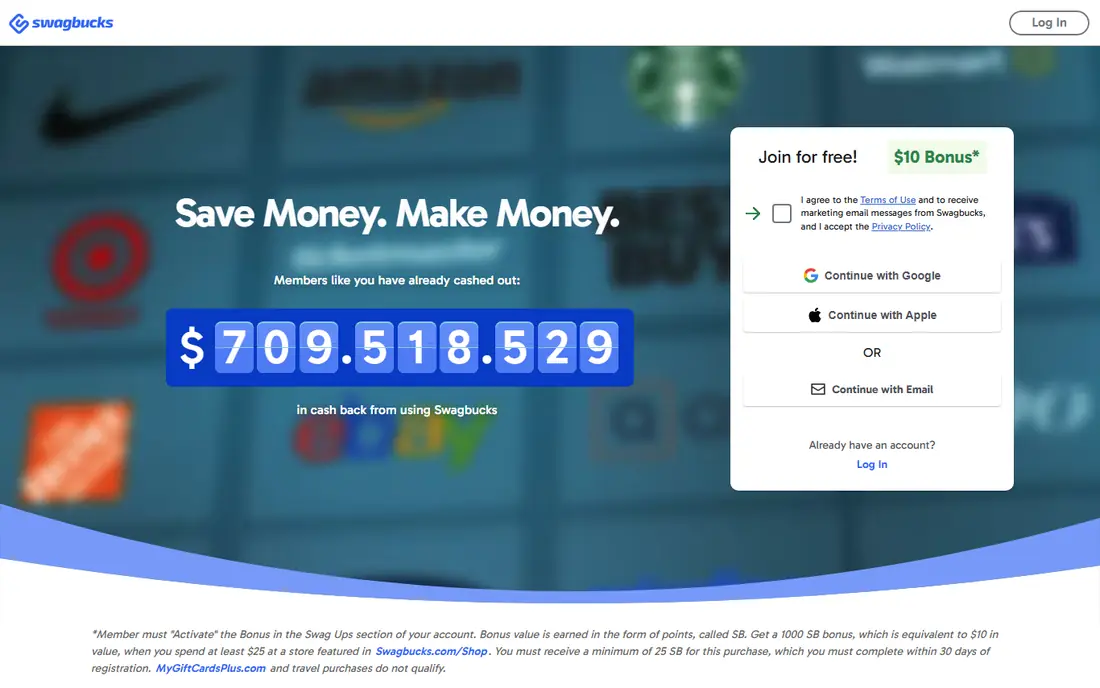
Swagbucks is a broader rewards site with a game section built on offerwalls. You earn points, called SB, for reaching milestones in partner games, and you can also earn from surveys, shopping, and other tasks. Gift card redemptions start at $1 in many regions, while PayPal payouts commonly start at $3, though exact thresholds vary by reward and country. That breadth is useful when game offers dry up, since you can switch to another task type without leaving the app. The downside is focus. Swagbucks is not a game-only app, and the game section rewards patience and careful reading of offer terms. Always check the deadline, the exact milestone, and whether the offer is for new installs only before you start a game.
- Many ways to earn beyond games
- PayPal and gift card payouts
- Low gift card minimum
- Game earnings are only one part of the app
- Some offers take days to credit
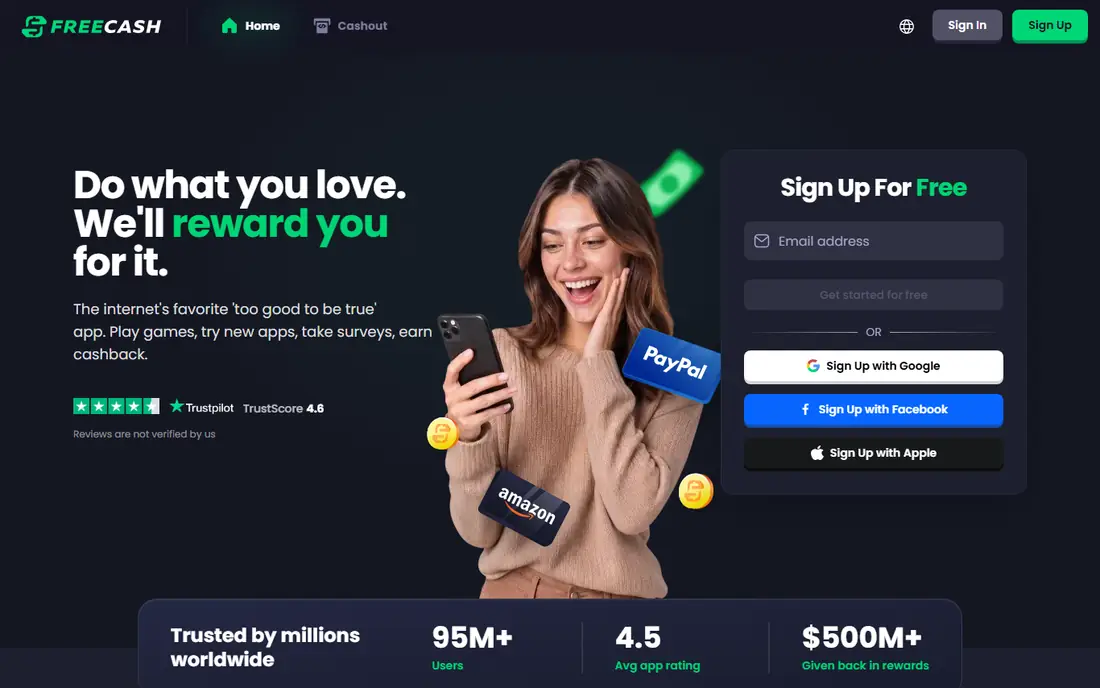
Freecash is an offerwall platform where game offers sit alongside surveys and app tests. Many game offers pay in tiers, with smaller amounts for early levels and larger amounts for later chapters or levels reached within a set number of days. Cashout minimums start at $0.50 in some regions, and payouts are often fast once an offer is confirmed. The appeal is the ceiling. A few long game offers pay far more than simple playtime tracking, sometimes tens of dollars for weeks of play. The catch is commitment. Those larger offers need regular play inside the deadline, and missing the deadline can mean losing the larger tier. Read the full offer terms, take a screenshot of the requirements, and do not spend money inside a game unless the offer terms clearly count that spend.
- Low cashout minimum in many regions
- PayPal, crypto, and gift card options
- Many game offers
- Best offers need sustained play over days or weeks
- Payout options vary by country
KashKick shows earnings in dollars rather than points, which makes it easier to judge whether an offer is worth your time. Game offers pay for reaching levels or completing tasks, and surveys and deals fill the gaps between games. PayPal withdrawal commonly requires a $10 available balance and a US PayPal account, so it takes longer to reach a first payout than on apps with a $1 minimum. The clear pricing is the main strength. You can compare two game offers side by side in dollars and pick the one with the better return for the time involved. The limit is reach. KashKick is US-focused, and users outside the US may find fewer offers or no access at all. Check eligibility for your country before you invest time in a long game offer.
- Clear dollar amounts instead of points
- PayPal payouts
- Game and survey mix
- $10 PayPal minimum
- US-only eligibility for many users
InboxDollars is a long-running rewards site where games sit alongside surveys, offers, and other paid tasks. Like KashKick, it shows earnings in dollars, which avoids point conversion math. The first cashout is commonly $15, with later cashouts at $10, and payouts can take 3 to 10 business days depending on the method. That higher bar is the main drawback. If you only play games now and then, it can take a while to reach $15, and the wait can feel long compared with apps that pay out at $1 or less. InboxDollars suits users who already use the site for surveys and offers and treat games as one more earning route inside the same balance, rather than as a standalone game app.
- Dollar-based earnings
- PayPal, gift card, and check options
- Long-running platform
- Higher first cashout bar
- Payouts can take several days to process
Rewarded Play is an Android app that rewards playtime in featured games with points that convert to gift cards from listed retailers. Redemption commonly starts at $5, which equals 75,000 points in the app, and processing can take up to 48 hours and sometimes longer. Amazon cards are a popular choice among users because they are easy to spend. The app is simple to understand, which is part of its appeal. You play, you earn points, and you swap them for a card. The limits are platform and payout type. There is no iPhone version, and you cannot withdraw straight to a bank account or PayPal balance. If you shop at the listed retailers anyway, that trade is fine. If you want cash, pick Freecash, KashKick, or JustPlay instead.
- Gift card focus for shoppers
- Simple playtime model
- Low $5 redemption bar
- Android only
- Gift cards only, no direct cash transfer
Cash Giraffe pays gems for time spent playing featured games, with extra rewards for challenges and milestones inside those games. Payout minimums are low, with gift cards from around $0.20 and PayPal from around $0.50 in some regions, which makes a first payout reachable far sooner than on apps with a $10 bar. That low bar is a real advantage for testing whether an app actually pays you. The rate itself is still low, as with every playtime app here. You earn a little per session, and the total for a month of casual play is modest. Cash Giraffe is also Android only, so iPhone users need a different pick. Use it for short, casual sessions and new games you enjoy, and do not expect the per-minute rate to compete with any paid work.
- Very low payout minimum
- PayPal and gift card options
- Extra challenges on top of playtime
- Android only
- Per-minute rates are low
JustPlay tracks playtime in partner games and converts it into coins or points that you redeem for PayPal payouts or gift cards. Cashout minimums are low in many regions, often around $0.50, and payouts are commonly same-day or within 24 hours once approved. That speed and low bar make it a good first app to test the whole model with. The same front-loaded pattern applies here as elsewhere. New games and early milestones pay best, and the rate drops as you stay with one game. JustPlay also varies by country in both game catalog and payout options, so check what is available where you live before you plan around a specific reward. Treat it as a small bonus for casual play, and rotate games when the rate drops.
- Simple playtime tracking
- PayPal and gift card payouts
- Low cashout bar in many regions
- Availability varies by country
- Earnings fall once early milestones are done
How we picked these
We checked each app store listing, official site, and payout help page for platform availability, payout methods, and cashout minimums in October 2026. We kept apps that are live now, that pay without a deposit, and that have a clear payout route to gift cards or PayPal. Skill tournament apps that need entry fees to win cash were left out, since they mix gambling-style risk into what should be a free reward app comparison.
How to get the most from a play to earn app without wasting time
Set a time limit before you start. Pick one or two apps, not eight, and use them only during time you would already spend playing. Read each offer fully, note the deadline and the exact milestone, and skip any offer that needs a purchase unless you already wanted that purchase for the game itself. Rotate to a new game when the rate drops, and cash out as soon as you hit the minimum, rather than saving a large balance in an app you do not control. Keep expectations plain. Rewards are small and vary, and this is not a way to earn a living. If an app promises a fixed daily income, asks for your bank login, or needs a large deposit to release a payout, stop and delete it. A legit reward app earns its money from game studios that pay for new players, and it passes a small share of that fee to you.
Frequently asked questions
Do play to earn apps really pay?
Yes, the apps in this list do pay when you follow the offer terms and reach the cashout minimum, but amounts are small. Expect a few dollars a month from casual play, not a wage. Cash out early to confirm the payout route works for you before you invest more time.
Which play to earn app pays the fastest?
Freecash and JustPlay often pay fastest, with low minimums and payouts in minutes to a day in many regions. Mistplay and InboxDollars take longer, since gift card processing and higher minimums slow the first payout. Speed varies by country and reward type, so check the terms inside the app.
Are play to earn apps available on iPhone?
Some are, and some are not. Swagbucks, Freecash, and InboxDollars work on iPhone through apps or the web, while Mistplay playtime tracking, Rewarded Play, and Cash Giraffe are Android-focused. Check the store listing for your phone before you start a long offer.
Why do earnings drop after the first week in a game?
Game studios pay most for new players who try a game and reach early milestones. Once you have passed those milestones, the studio has less reason to pay for the same player, so the rate falls. That is why earners rotate to new games instead of staying with one title for months.
Is it safe to play games through these apps?
The apps listed here are free and do not ask for bank logins, but you should still be careful. Use a separate email if you prefer, do not use a VPN to fake your location, and never pay a deposit to release a payout. Read the privacy policy for any app that tracks playtime on your phone.
Can I use several play to earn apps at once?
You can, but keep it to one or two. Running many apps at once splits your playtime, slows every cashout, and makes it harder to track offer deadlines. Pick the app with the best offers for your country, cash out, and only add a second app if the first one runs out of games you like.
Sources
See where you really rank - block by block
ProMapRanker scans Google Maps across a grid of your service area. Simple monthly plans from $19, white-label on every plan.
Start freeKeep reading
 free alternatives to grok imagine
Free Alternatives to Grok Imagine in 2026
We compared the best free alternatives to grok imagine for image generation, from fast daily credits to design tools, so you can create without paying.
Read → best tools for instagram content creation
Best Tools for Instagram Content Creation in 2026
Compare the best tools for Instagram content creation, from Canva and CapCut to Later and Buffer, on design, video, planning, scheduling, and price in 2026.
Read → best tool to split pdf files
Best Tool to Split PDF Files in 2026
We compared the best tool to split pdf files on split modes, file limits, privacy and price, so you can split a PDF cleanly and keep every page in one go.
Read →