 ProMapRanker
Platforms for Real Time Design Feedback: Best Picks of 2026

Large teams needing flat-rate proofing · Pricing starts at: $249 per month (flat rate)
Direct answer
PageProof comes first here, mainly for large teams needing flat-rate proofing. Listed starting prices: PageProof from $249 per month (flat rate), Markup.io from $79 per month (50 MarkUps) and Ziflow from $199 a month. Markup.io is better for high-volume markup across file types, and Ziflow is better for multi-stage creative approvals. The other 3 tools in the list cover narrower or pricier cases.
If you are comparing platforms for real time design feedback, this page covers 6 tools in one place: what each is best for, what it costs to start, whether it has a free plan, and the main limit to know about.
Key takeaways
- The list opens with PageProof, aimed at large teams needing flat-rate proofing.
- A free plan is available from 4 of the 6 tools: Ziflow, Figma, Frame.io, Miro.
- One limit worth knowing about Figma: organization plan jumps to $55 per full seat/month.
- Miro suits workshops and early concept feedback.
Quick comparison
| Pick | Great for | Pricing starts at | Free tier | |
|---|---|---|---|---|
| PageProof | Large teams needing flat-rate proofing | $249 per month (flat rate) | Free trial (14 days) | Visit |
 Markup.io | High-volume markup across file types | $79 per month (50 MarkUps) | Free trial (14 days) | Visit |
 Ziflow | Multi-stage creative approvals | $199 a month (billed yearly) | Yes | Visit |
 Figma | Product teams designing in live files | $16 per full seat/month (billed yearly) | Yes | Visit |
 Frame.io | Video teams reviewing cuts and media | $15 per member/month (billed per month) | Yes | Visit |
 Miro | Workshops and early concept feedback | $8 per member/month (billed yearly) | Yes | Visit |
The full platforms for real time design feedback list
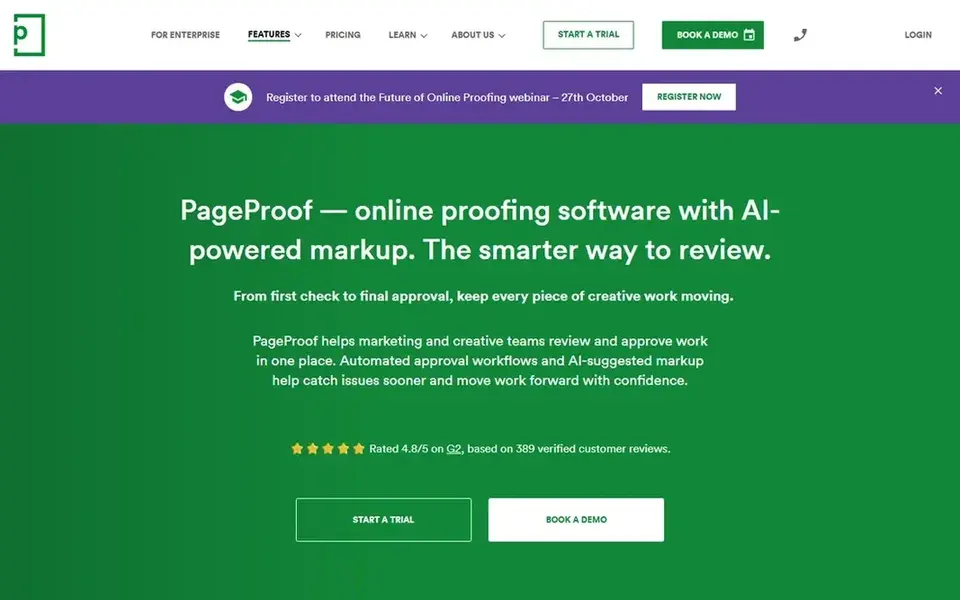
PageProof is aimed squarely at large teams needing flat-rate proofing. There is no permanent free plan for creating proofs.
Beyond that, choose PageProof when your team is large and per-seat pricing would grow quick, or when numerous people inside one domain have to send proofs. Entry price for PageProof: $249 per month. Free options: Free trial (14 days).
Where it falls short: No permanent free plan for proof creators.
- Flat rate with no per-seat charge
- Team Plus costs $499 a month
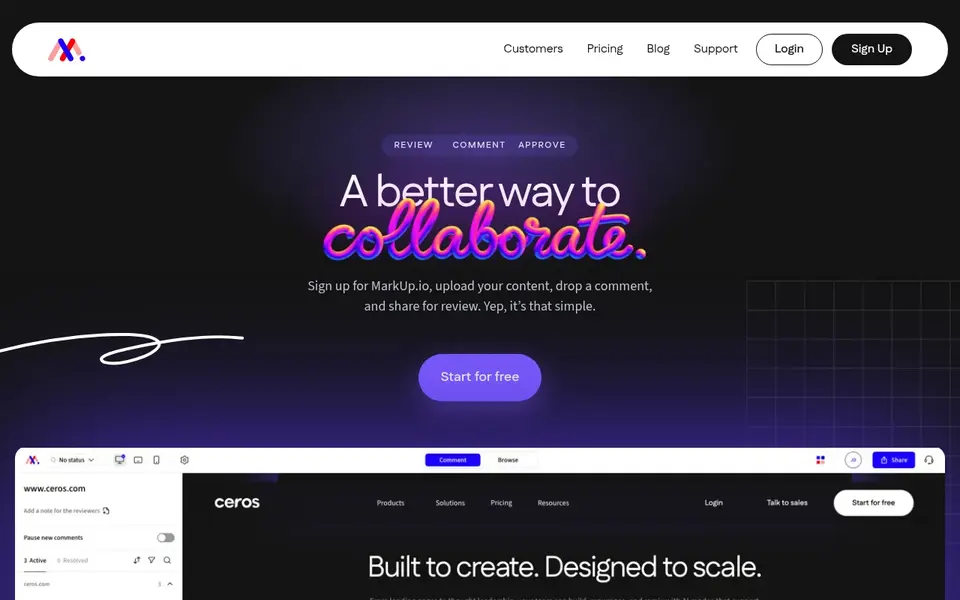
Markup.io is aimed squarely at high-volume markup across file types. There is no free plan, and Pro and Business bundle a 14-day trial.
As for the details, additional MarkUps cost $4 each, sold in tens. Starting cost for Markup.io: $79 per month. As for free access: Free trial (14 days).
Drawbacks to consider: pricing is by MarkUp volume, so heavy use costs more.
- Unlimited users on every plan
- Includes over 30 file types including video
- No free plan
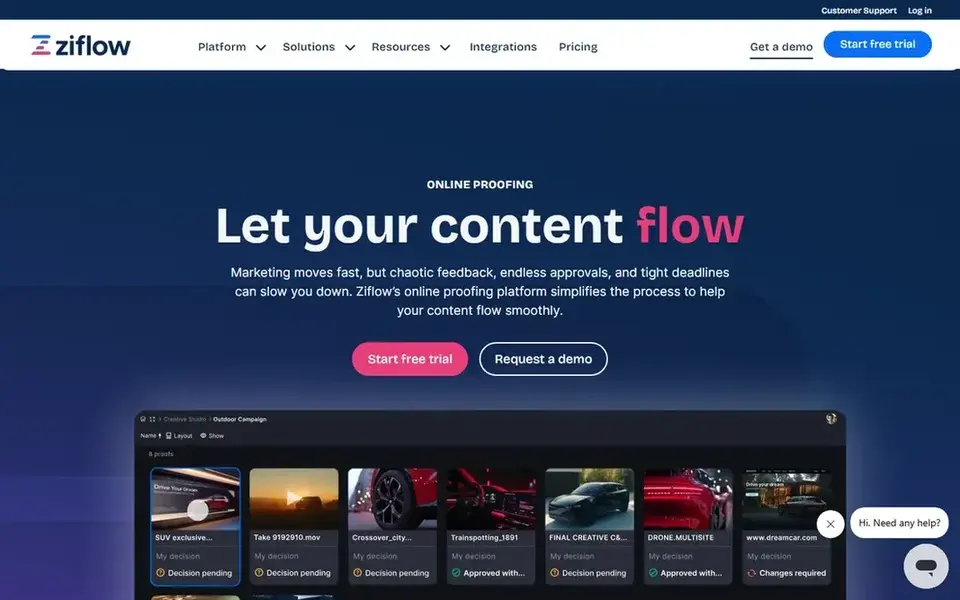
Ziflow was built for multi-stage creative approvals. Ziflow is aimed at creative teams that route work through multiple approval stages, like internal review, legal review, and client sign-off.
Standard costs $199 a month when billed yearly, handles 15 users, and layers on 1 TB of storage. Ziflow starts at: $199 per month. Ziflow includes a free tier.
Honest limits: Standard lets only 1 workflow stage on the free plan.
- Supports over 1,200 file types
- Flat pricing with users included
- ReviewAI sits on Enterprise
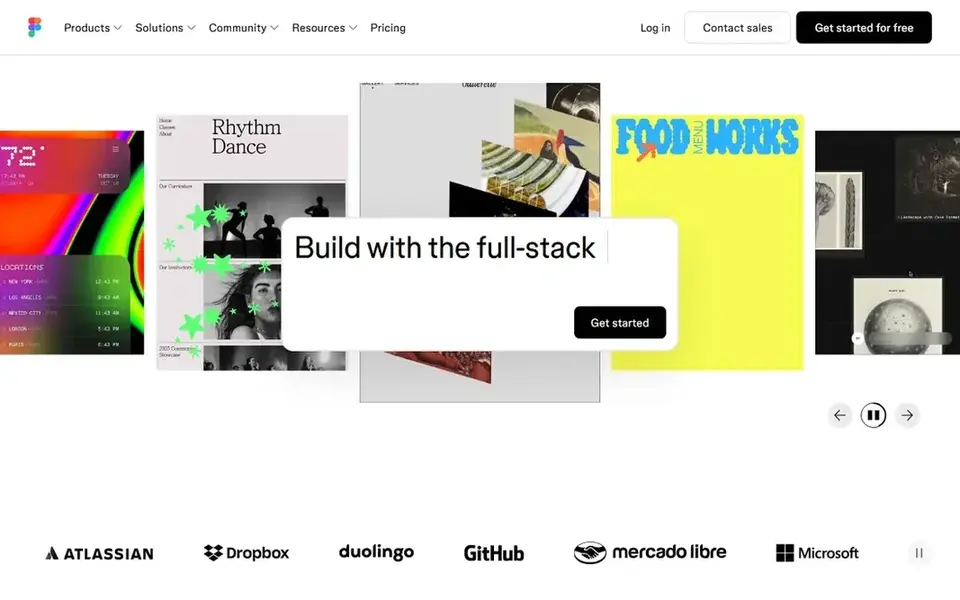
In short, Figma is for product teams designing in live files. Figma puts design and feedback in one live canvas. In practice, enterprise costs $90 per full seat per month.
Honest limits: free Starter limits team files.
More specifically, the step up to Organization costs $55 per full seat a month and is billed yearly only. It layers on shared libraries across the company, branching, Also, the Professional plan costs $16 per full seat a month when billed yearly. Price to start with Figma: $16 per full seat/month. Figma includes a free tier.
- Viewers comment at no cost
- Live cursors and comments in the same file
- Organization plan jumps to $55 per full seat/month
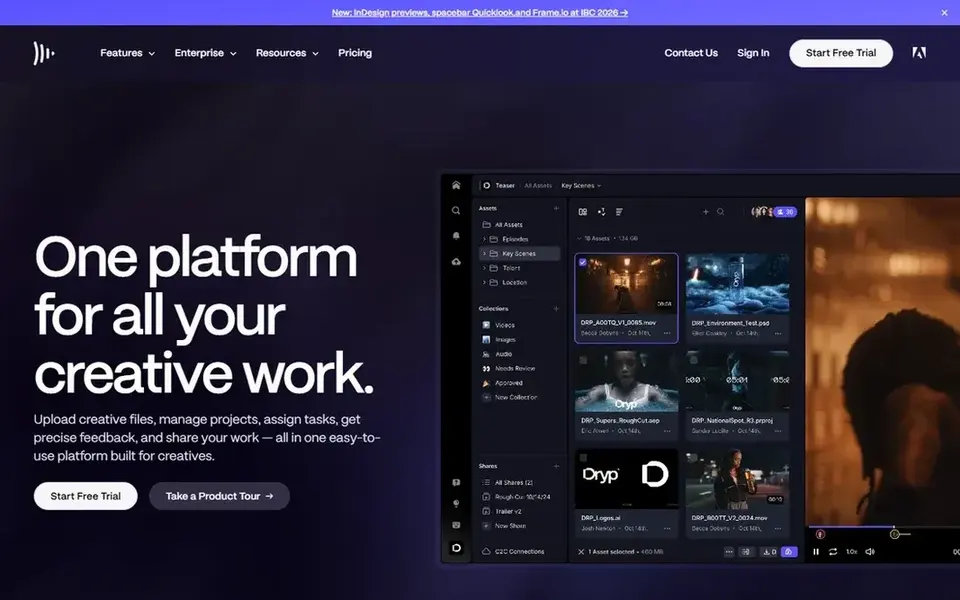
Frame.io was built for video teams reviewing cuts and media. A sixth member moves the entire account to Team at $25 per member a month, which handles up to 15 members with 3 TB of storage plus 2 TB for each extr On top of that, the member cap is the number to watch.
Watch-outs: Team plan costs $25 per member/month.
Annual billing cuts about 13 percent. Pro costs $15 per member a month and spans up to 5 members with 2 TB of storage plus 2 TB for each additional member. Frame.io cost at the entry level: $15 per member/month. Frame.io has a free plan.
- Frame-accurate comments on video
- Pro caps at 5 members

Miro is built with workshops and early concept feedback in mind. The free plan permits unlimited team members but only 3 editable boards, so a team running weekly sessions will hit the cap quick.
Business costs $20 per member a month when billed yearly and layers on single sign-on, unlimited guests, two-way links with Jira and Asana, and 50 AI c On top of that, skip it when you need version compare or formal sign-off, since Miro is a canvas first and a proofing tool second. Starting cost for Miro: $8 per member/month. You can start on Miro without paying.
Honest limits: AI credits are capped per member.
- Guests and visitors can join without a seat
- Unlimited boards on entry plans
- Free plan permits only 3 editable boards
What to confirm before you sign up
- Confirm the entry price on the vendor page: Miro starts at $8 per member/month, but seat counts and billing terms change the total.
- Read the fine print on the free plans from Ziflow, Figma, Frame.io and Miro; seat, project and feature caps differ.
- Use real work to test the free trial from PageProof and Markup.io, rather than a demo project.
- Before choosing PageProof, weigh its main limit: no permanent free plan for proof creators.
- Check the integration list for Markup.io against the tools you run today, and note which ones need a higher plan.
- Confirm the exact PageProof plan that includes your must-have features.
Frequently asked questions
Why does Figma cost more than the headline price for some teams?
The jump to Organization costs $55 per full seat a month. It is billed yearly only, so governance features triple the seat cost.
What is the cheapest option for platforms for real time design feedback in this list?
On published monthly entry prices, Miro is the lowest here at $8 per member/month. Entry price is only part of the cost, because seats, add-ons and billing terms can change the total.
Can I try these tools before paying?
Often, yes. Ziflow, Figma, Frame.io and Miro have a free plan and PageProof and Markup.io offer a free trial. Use your own data and a real task during the test, and check what the free tier or trial limits before you rely on it.
Which tool is a good match for formal approval stages?
PageProof comes first here and is built for large teams needing flat-rate proofing. Buyers with other needs may prefer Markup.io (for high-volume markup across file types) or Ziflow (for multi-stage creative approvals). Compare costs and limits first.
What is the best platform for live design feedback?
The first pick on this list is PageProof, because it suits large teams needing flat-rate proofing. Markup.io is better for high-volume markup across file types, and Ziflow for multi-stage creative approvals. Check price and limits against your own needs before choosing.
How are the tools for platforms for real time design feedback ordered?
The order follows typical fit for platforms for real time design feedback, with PageProof first and Miro last, then price clarity and free access. It is editorial judgement, not a score, so another team could rank the tools differently.
Sources
See where you really rank - block by block
ProMapRanker scans Google Maps across a grid of your service area. Simple monthly plans from $19, white-label on every plan.
Start freeBrowse all guides
← Best Peer Feedback Platform for University Seminars (2026)Survey Software for Product Research in 2026: Top 5 Compared →
 best event feedback survey software for organizers
6 Best Event Feedback Survey Software for Organizers in 2026
Best event feedback Survey software for organizers in 2026: 6 contenders with entry costs and free tiers. Strengths and gaps are listed per tool. Plain facts.
Read → best enterprise survey software
Enterprise Survey Software in 2026: Top 6 Compared
Shortlisting the best enterprise Survey software? 6 products compared on cost, free access and ideal buyer. Plus the drawbacks of each tool. See which fits.
Read → best customer service survey questions
Best Customer Service Survey Questions in 2026
Need the best customer service survey questions? We compare 5 tools on cost, free access and who each suits. Concise write-ups of every option. See which fits.
Read →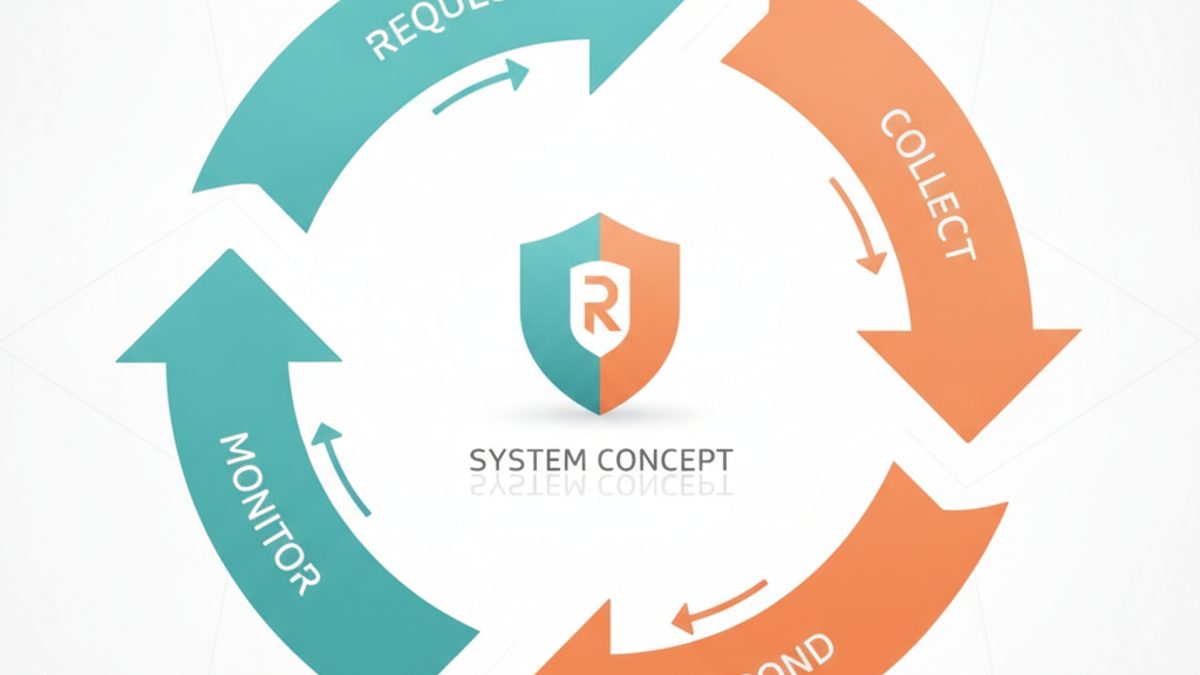 online review management
Online Review Management: A System for Reputation at Scale
Build an online review management system that consistently grows and protects your reputation.
Read → best nps survey tools
Best NPS Survey Tools in 2026
Compare the best nps survey tools for email, in-app and SMS surveys, with closed-loop follow-up, segmentation and pricing explained here for your business.
Read → best code review tools for distributed teams
Best Code Review Tools for Distributed Teams in 2026
Best code review tools for distributed teams compared for 2026, with pull request workflows, AI review, stacked changes, and async controls for remote work.
Read →More in Reviews & Reputation · All guides A to Z by date · Latest guides