 ProMapRanker
Best Code Review Tools for Distributed Teams in 2026

Key takeaways
- For most teams, the built-in review in GitHub or GitLab is enough, and an AI reviewer should be added only when PR volume is the bottleneck.
- Graphite helps GitHub teams that struggle with large PRs, while Reviewable helps GitHub teams that need clearer large-PR discussions.
- CodeRabbit and Qodo Merge give the fastest AI first pass, but neither replaces human review for design, security, or product logic.
- Gerrit suits strict, large-scale control, while Bitbucket suits teams already tied to Jira and Atlassian tools.
- Async success depends more on small PRs, clear ownership, and a 24 hour review target than on any single tool.
Quick comparison
| Pick | Great for | Pricing starts at | Free tier | |
|---|---|---|---|---|
 GitHub Pull Requests GitHub Pull Requests | most teams already on GitHub | Free | Yes | Visit |
 GitLab Merge Requests GitLab Merge Requests | teams that want review plus CI in one platform | Free | Yes | Visit |
 Bitbucket Pull Requests Bitbucket Pull Requests | teams in the Atlassian range | Free | Yes | Visit |
 Gerrit Gerrit | large teams that need strict change control | Free | Yes | Visit |
 Reviewable Reviewable | GitHub teams that want better large PR review | See website | Free trial | Visit |
 CodeRabbit CodeRabbit | teams that want AI first-pass review | See website | Free trial | Visit |
 Graphite Graphite | teams that ship small stacked changes | See website | Free trial | Visit |
 Qodo Merge Qodo Merge | teams that want multi-agent AI review | See website | Free trial | Visit |
The best code review tools for distributed teams
We compared pull request and merge request tools on async review, small-change workflows, AI first-pass review, and how well each one works across time zones.
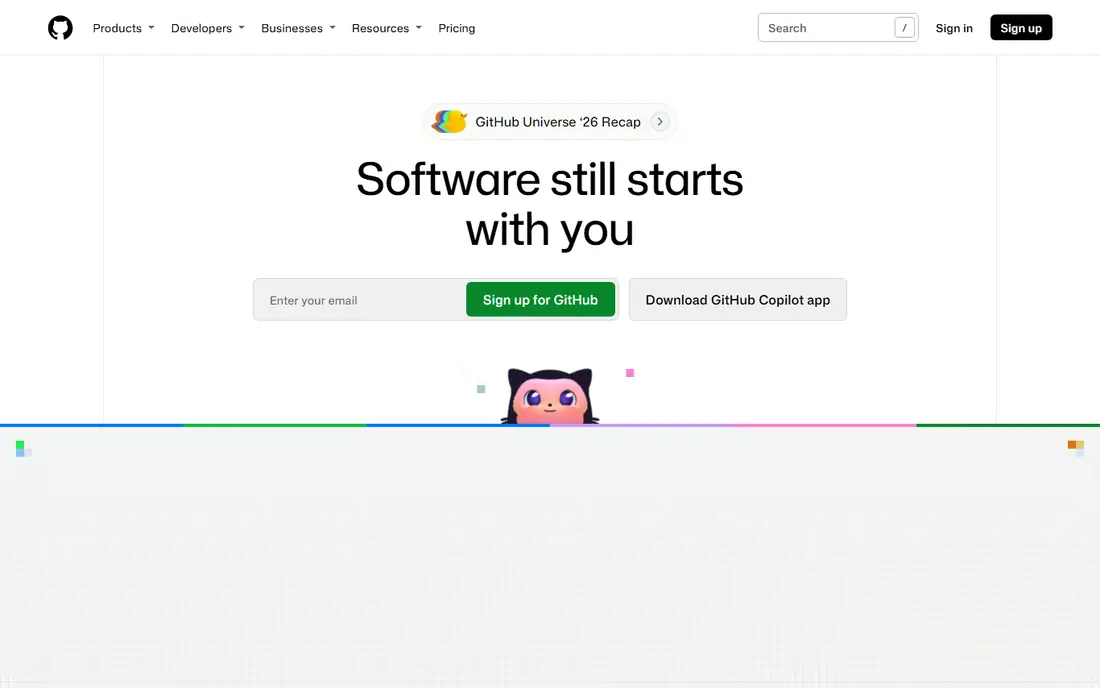
For development teams on GitHub, GitHub Pull Requests is a practical starting point because it keeps the core workflow in one place. It is built around pull request review with inline comments, approvals, and status checks. The design favours routine use over occasional use, which matters when a tool only helps if people return to it every week. What stands out in GitHub Pull Requests is a familiar workflow that new hires already know. It also helps a team keep one version of the truth, instead of keeping the same detail in email, chat, and a spreadsheet at the same time. The catch is large changes still slow review unless teams keep them small. A short trial with real data gives a clearer answer than a feature list alone.
- Built into the platform most teams already use
- Review, comments, approvals, and checks in one place
- Huge integration range
- Stacked changes need manual care or an add-on
- AI review sits in paid Copilot plans
GitLab Merge Requests
Great for: teams that want review plus CI in one platform

If teams that use GitLab for delivery need a tool that is easy to explain to a new team member, GitLab Merge Requests deserves a close look. It is built around merge request review tied to built-in CI and issue tracking. The design favours routine use over occasional use, which matters when a tool only helps if people return to it every week. What stands out in GitLab Merge Requests is approval rules that fit regulated or larger teams. It also helps a team keep one version of the truth, instead of keeping the same detail in email, chat, and a spreadsheet at the same time. The catch is teams on GitHub gain little by moving for review alone. A short trial with real data gives a clearer answer than a feature list alone.
- Merge requests, CI, issues, and wiki in one platform
- Approval rules and protected branches on the free tier in published guides
- Strong self-host option
- AI review sits in paid Duo tiers
- Interface can feel broad for a team that only needs review
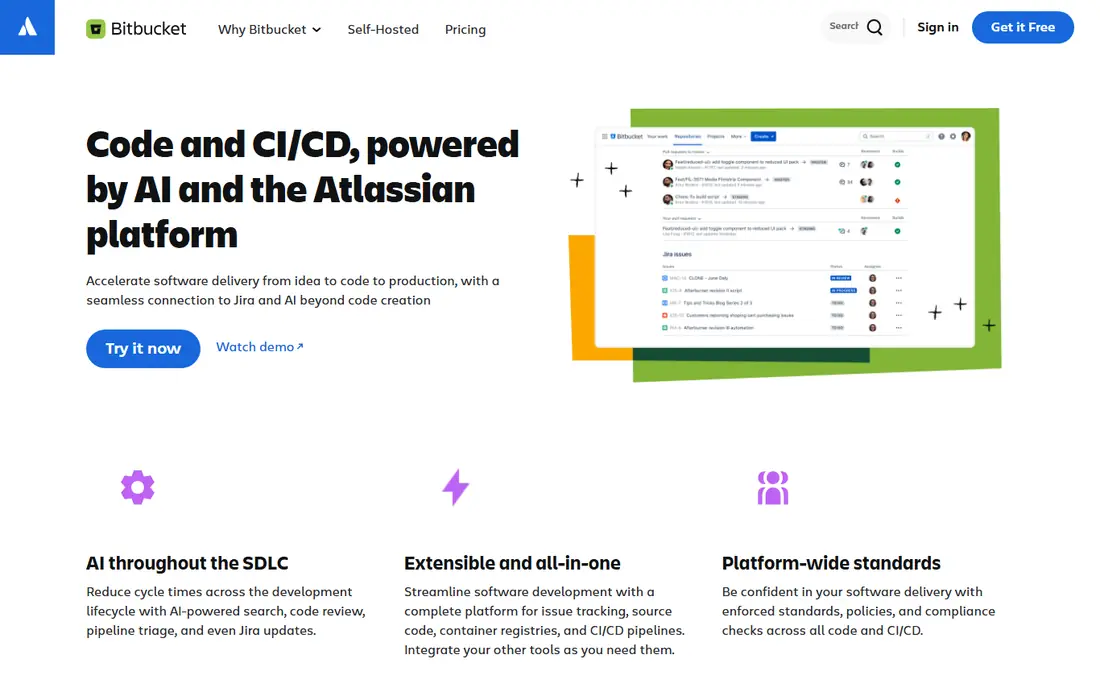
A good fit when Atlassian users want depth without a long setup, Bitbucket Pull Requests focuses on the work that matters most. It is built around pull request review linked to Jira work items. The design favours routine use over occasional use, which matters when a tool only helps if people return to it every week. What stands out in Bitbucket Pull Requests is traceability from issue to code change to release. It also helps a team keep one version of the truth, instead of keeping the same detail in email, chat, and a spreadsheet at the same time. The catch is teams outside Atlassian may find the range less compelling. A short trial with real data gives a clearer answer than a feature list alone.
- Pull requests tied to Jira issues
- Inline comments and approvals
- Cloud and self-host options for different teams
- Smaller third-party range than GitHub
- AI review options depend on add-ons
Teams that value clarity over a long feature list often settle on Gerrit after a short trial. It is built around patch-set review with fine-grained access control. The design favours routine use over occasional use, which matters when a tool only helps if people return to it every week. What stands out in Gerrit is a workflow built for large, regulated codebases. It also helps a team keep one version of the truth, instead of keeping the same detail in email, chat, and a spreadsheet at the same time. The catch is small teams may find setup and upkeep heavy. A short trial with real data gives a clearer answer than a feature list alone.
- Change-based review with patch sets that suit strict control
- Strong access controls
- Open source and self-hosted
- Interface and setup feel dated for small teams
- Learning curve for reviewers new to patch sets
When GitHub teams with large pull requests need to move from scattered files to one shared record, Reviewable makes that shift plain. It is built around review state and discussion handling for GitHub pull requests. The design favours routine use over occasional use, which matters when a tool only helps if people return to it every week. What stands out in Reviewable is a clearer view of what is reviewed, what is new, and what is still open. It also helps a team keep one version of the truth, instead of keeping the same detail in email, chat, and a spreadsheet at the same time. The catch is buyers should check pricing for larger teams before rollout. A short trial with real data gives a clearer answer than a feature list alone.
- Better handling of large and stacked GitHub pull requests
- Discussion threading that stays readable
- Review state that is easy to follow
- GitHub only, so it does not help GitLab or Bitbucket teams
- Adds another tool to the stack
For busy teams with high PR volume who want a clear daily routine, CodeRabbit puts the next step in front of the user. It is built around AI first-pass review with summaries and suggested fixes. The design favours routine use over occasional use, which matters when a tool only helps if people return to it every week. What stands out in CodeRabbit is a fast first pass that catches style and simple logic issues. It also helps a team keep one version of the truth, instead of keeping the same detail in email, chat, and a spreadsheet at the same time. The catch is teams must still review security and design choices themselves. A short trial with real data gives a clearer answer than a feature list alone.
- AI summaries, line comments, and issue detection before human review
- Works with GitHub, GitLab, and Bitbucket in published guides
- Learns team patterns over time
- AI comments still need human judgement
- Pricing varies by plan and has changed in published comparisons
A steady choice for fast-moving GitHub teams, Graphite balances useful controls with a layout that stays readable. It is built around stacked pull requests with automatic rebasing for GitHub. The design favours routine use over occasional use, which matters when a tool only helps if people return to it every week. What stands out in Graphite is small changes that reviewers can approve in minutes. It also helps a team keep one version of the truth, instead of keeping the same detail in email, chat, and a spreadsheet at the same time. The catch is teams that prefer one large PR per feature may resist the change. A short trial with real data gives a clearer answer than a feature list alone.
- Stacked pull requests that keep changes small and reviewable
- Fast review cycles for GitHub teams
- AI feedback in current plans
- GitHub only in published guides
- Stacked workflow needs team buy-in to work well
If teams with complex codebases care most about follow-through, Qodo Merge is built to turn a plan into visible progress. It is built around AI review with codebase context and suggested fixes. The design favours routine use over occasional use, which matters when a tool only helps if people return to it every week. What stands out in Qodo Merge is context-aware comments that go beyond line-by-line style checks. It also helps a team keep one version of the truth, instead of keeping the same detail in email, chat, and a spreadsheet at the same time. The catch is setup and tuning take time before the value is clear. A short trial with real data gives a clearer answer than a feature list alone.
- Multi-agent review with context from the codebase
- Self-host option built on an open source engine in published guides
- GitHub and GitLab support
- Pricing and credit model need a careful check
- AI output still needs human review for design decisions
How we picked these
We compared official feature pages, pricing pages, app store listings, privacy policies, and public reviews for each product in this guide. We checked whether each product exists and works in October 2026, whether it fits the topic, and whether its price, free tier, and plan limits could be confirmed from a vendor source or a recent published guide. We did not claim hands-on testing, and we did not invent awards, user counts, ratings, or features. Where a price could not be confirmed from a vendor page at the time of writing, we wrote See website, so a reader can check the live price before buying. Prices and plan limits change, so the vendor page remains the final source.
How to run code review across time zones
Distributed review fails when changes are large, ownership is vague, or feedback waits for one person in one time zone. The tool should make small changes easy, make review state visible, and let a reviewer in any zone pick up the work without a meeting.
Keep changes small and reviewable
Aim for changes a reviewer can read in under 30 minutes. Split a feature into stacked or sequential changes where the tool allows it. Small changes also make AI review more useful, because the summary stays accurate and the comments stay focused.
Set async rules before you buy a tool
Agree on who reviews, how fast a first response should come, and what counts as approval. Use code owners, approval rules, and status checks to make those rules visible. A tool cannot fix a team that leaves PRs open for days without a named reviewer.
Use AI review as a first pass, not a verdict
Let AI catch style, simple bugs, and missing tests, then let humans focus on design, edge cases, and security. Review AI comments with the same care as human comments, and tune or disable rules that create noise. Noise is the fastest way to lose trust in a review tool.
Frequently asked questions
What is the best code review tool for distributed teams?
GitHub Pull Requests and GitLab Merge Requests cover most distributed teams, because review, checks, and discussion live where the code lives. Add Graphite for stacked changes or CodeRabbit for AI first-pass review when volume or PR size becomes the problem.
Are stacked pull requests worth it?
Yes, when large PRs are a recurring problem. Stacked changes break a feature into small, independent pieces that reviewers can approve faster. The trade-off is a new workflow that the whole team must learn and follow.
Can AI code review replace human review?
No. AI review is good for style, simple bugs, and summaries, but design choices, security trade-offs, and product logic still need a human reviewer. Use AI to save reviewer time, not to approve changes on its own.
How fast should distributed code review be?
Many teams aim for a first response within one working day and keep PRs small enough to review in minutes. A clear reviewer assignment and a visible review state matter more than a strict deadline that no one can meet across zones.
Do I need a separate code review tool if I use GitHub?
Not at first. GitHub review covers comments, approvals, and checks. A separate tool makes sense when PRs are routinely large, when AI first-pass review would save real hours, or when stacked changes are part of your workflow.
Sources
See where you really rank - block by block
ProMapRanker scans Google Maps across a grid of your service area. Simple monthly plans from $19, white-label on every plan.
Start freeKeep reading
 zendesk alternatives
Best Zendesk Alternatives in 2026
Compare the best Zendesk alternatives in 2026, from budget help desks to AI-first support tools, with current pricing, free plans, and honest trade-offs.
Read → wordpress alternatives
Best WordPress Alternatives in 2026
Looking for the best WordPress alternatives? We compare 8 free and paid options for blogs, business sites, stores, and developer-led projects in 2026.
Read → which real estate company has the best training
Best Real Estate Company Training in 2026
Compare which real estate company has the best training, from Keller Williams and eXp to Compass and Coldwell Banker, by program, mentor, and fit in 2026.
Read →