 ProMapRanker
Best Platforms for Online Course Creation in 2026

Key takeaways
- The cheapest monthly plan is not always the cheapest choice, because transaction fees can take a large share of each sale.
- Teachable and Thinkific suit course-first creators, while Kajabi and Podia bundle marketing tools that replace other subscriptions.
- Marketplaces like Udemy bring students to you, but they control pricing and take a much larger share of revenue.
- Check limits on students, products and email subscribers before you buy, since those caps decide when you must upgrade.
- Our pick for most new creators is Thinkific for its learning tools, with Podia close behind for all-in-one simplicity.
Quick comparison
| Pick | Great for | Pricing starts at | Free tier | |
|---|---|---|---|---|
 Teachable | first courses on a budget | $29 per month | Free trial | Visit |
 Thinkific | course-first schools | $40 per month | Free trial | Visit |
 Kajabi | all-in-one course businesses | $143 per month | Free trial | Visit |
 Podia | courses plus email and community | $42 per month | Free trial | Visit |
 LearnWorlds | interactive and branded courses | $24 per month | Free trial | Visit |
 Udemy | marketplace reach | Free | Yes | Visit |
 Skillshare | creative classes by subscription | See website | Free trial | Visit |
 Skool | community-led courses | See website | No | Visit |
 Teachery | simple courses with no transaction fees | $49 per month | Free trial | Visit |
The best platforms for online course creation
These platforms let you host video lessons, take payments and manage students without building a website from scratch.
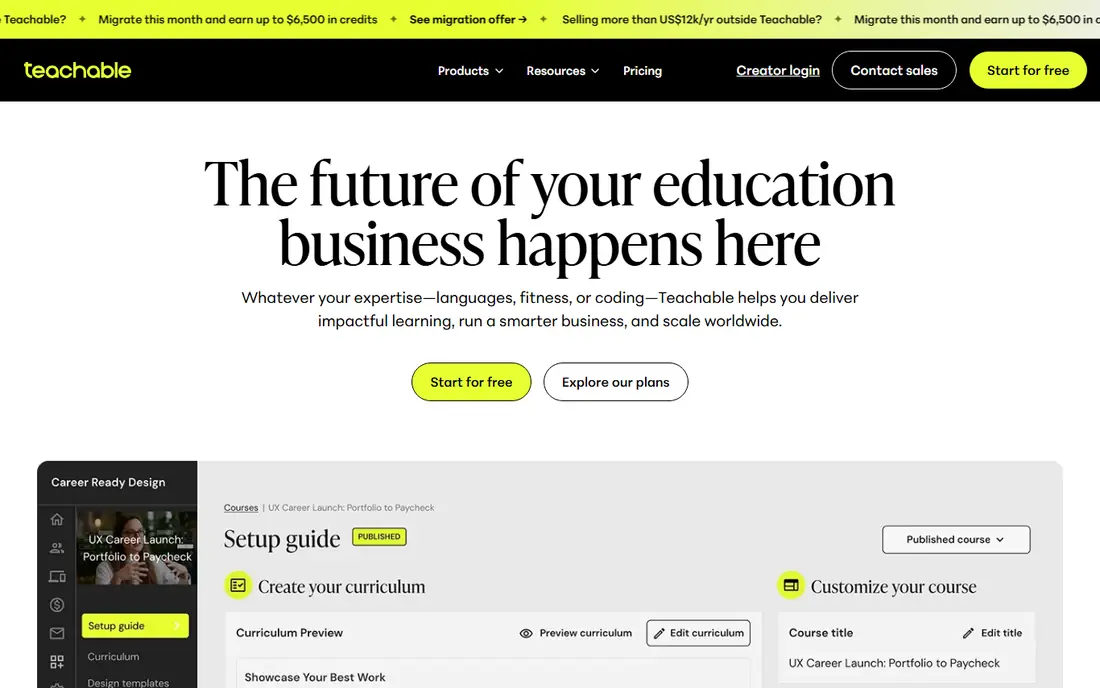
Teachable is a friendly starting point if you have one course and a small audience. The builder handles video lessons, quizzes and drip schedules without extra plugins, and students get a clean player on desktop and mobile. Checkout is built in, so you can start selling without wiring up a separate store.
The entry plan is where you need to read the fine print. It charges a 7.5 percent fee on each sale on top of card processing, which adds up fast once sales grow. Moving to the Builder plan removes that platform fee, so plan your upgrade point in advance. If you need full email marketing or a community, you will likely pair Teachable with other tools.
- Low entry price
- Simple course builder
- Built-in checkout
- Entry plan takes a 7.5 percent transaction fee
- Email tools are basic
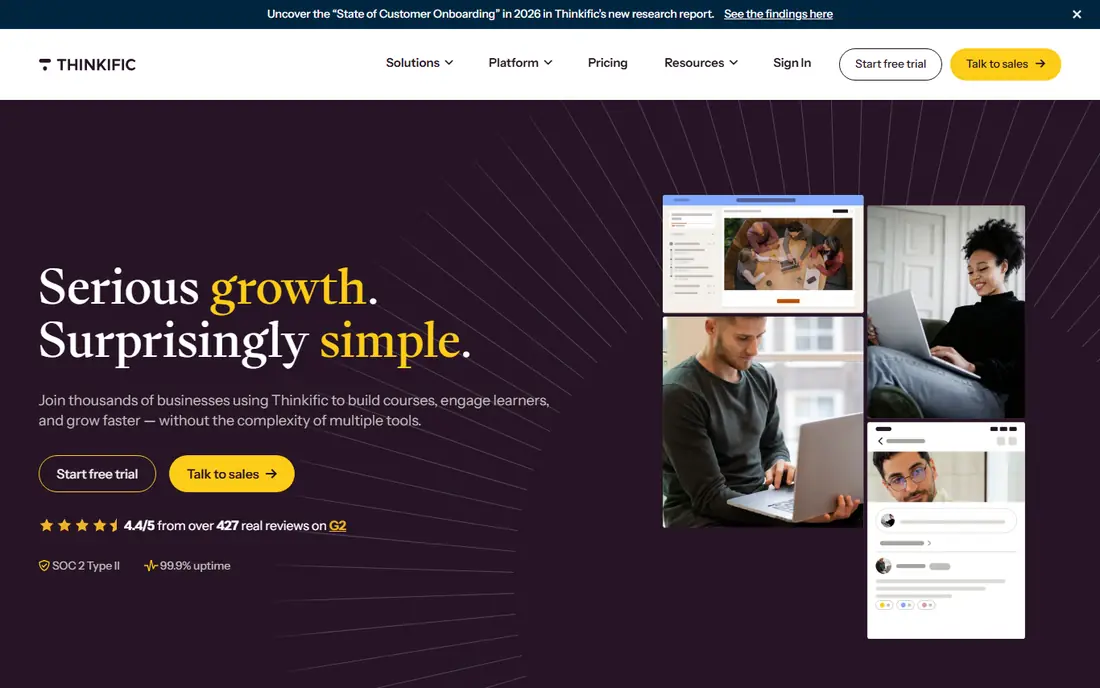
Thinkific puts learning first, with a course builder that handles structured lessons, assignments, quizzes and certificates in a way that suits schools and professional training. When you use Thinkific Payments, the platform itself takes no cut of each sale, which keeps the maths simple as you scale. It also supports memberships and bundles, so one student can buy a path of courses rather than a single class.
Marketing is the weaker side. Email sequences and funnels exist, but they are not as deep as the all-in-one tools on this list, so many Thinkific owners still run a separate email service. That trade is worth it when course quality and student progress matter more than having every marketing tool under one roof.
- Strong learning tools
- No platform fee with its own payments
- Certificates and assignments
- Marketing tools are lighter than Kajabi
- Higher plans cost more
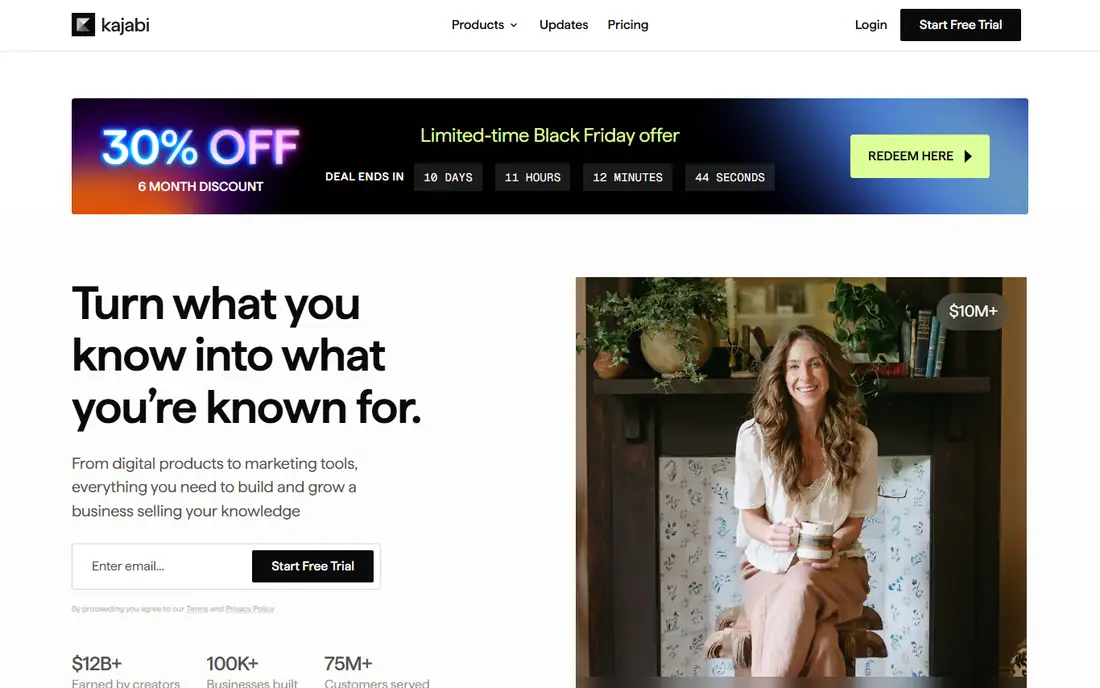
Kajabi is built for creators who want one subscription to cover a website, course hosting, email marketing and sales funnels. The templates look polished out of the box, and the pipeline builder connects a landing page, an email sequence and a checkout without extra software. With Kajabi Payments there is no platform fee on sales, which helps justify the monthly cost once revenue is steady.
The price is the barrier. At 143 dollars a month billed annually for the entry plan, it only makes sense when courses are a real business rather than a side experiment. Entry limits on products and contacts also mean a growing school will need a higher plan sooner than the headline price suggests. Try it when you plan to use most of the bundle, not just the course player.
- Website, email and funnels in one place
- No platform fee with Kajabi Payments
- Polished templates
- Highest entry price here
- Limits on products and contacts at entry level
Podia bundles courses, digital downloads, email marketing and a community into one tidy dashboard, which suits creators who want fewer subscriptions to manage. Setup is quick, the storefront looks clean, and students can move between a course and a community without a second login. That simplicity is a real advantage when you are the only person running the business.
Watch two limits on the entry plan. It takes a 5 percent fee on sales, and the email subscriber cap can run out before your course sales do. The Shaker plan removes the fee and raises the caps, so treat the entry plan as a proving ground and budget for the step up. If email is central to your sales, that upgrade timing matters.
- Email marketing included
- Community features
- Simple setup
- Entry plan takes a 5 percent fee
- Email subscriber cap is low at entry level
LearnWorlds stands out for creators who want courses that feel like their own brand, not a generic template. The player supports interactive video, branded pages and a custom mobile app on higher plans, and SCORM support matters for corporate training buyers who need standard course files. At 24 dollars a month billed annually, the entry price is the lowest paid option here.
The catch is a per-enrolment charge on the entry plan, which means costs rise with each paying student rather than staying flat. The plan without that charge costs more per month, so work out your expected student numbers before you choose. LearnWorlds suits trainers and schools that care about presentation and interactivity and can forecast enrolments.
- Low entry price
- Interactive video and branded player
- SCORM support
- Entry plan charges per paid enrolment
- Advanced features sit on higher plans
Udemy works differently from the rest of this list, because it is a marketplace rather than your own school. You publish a course for free, Udemy hosts it and promotes it to millions of learners, and you earn a share of each sale. That reach is valuable for a first course with no audience of your own, and you do not pay a monthly fee while you learn what sells.
The price of that reach is control. Udemy sets frequent discounts and takes a large share of sales it drives, so revenue per student is far lower than on your own platform. You also cannot build an email list or a brand experience in the same way. Use Udemy to find students and prove a topic, then move your best course to your own platform when you have an audience.
- Huge built-in audience
- Free to publish
- Handles payments and hosting
- Marketplace takes a large revenue share
- You do not control pricing
Skillshare pays teachers from a subscription pool, so students watch classes as part of a membership rather than buying each course outright. That model suits short, practical creative classes in design, illustration, photography and similar topics, where learners browse and try several teachers. You avoid checkout, hosting and payment work, and a good class can keep earning as new members discover it.
Earnings are less predictable than direct sales, since pay follows minutes watched and the platform sets the terms. Branding and pricing control are limited, and business or technical topics have a smaller audience here than creative ones. Treat Skillshare as a discovery channel and a side income stream, not as the sole home for a premium course business.
- Subscription audience for creative topics
- Simple class format
- No checkout to run
- Earnings depend on watch time
- Limited control over pricing and branding
Skool combines a community feed with course hosting, so students discuss lessons, share wins and stay in one place instead of splitting attention between a course site and a separate group. The game-like levels and leaderboards suit coaches and cohort programs where peer support keeps people finishing. Pricing is simple, with one main plan rather than a maze of tiers.
The course tools themselves are lighter than those on Thinkific or LearnWorlds, with less depth for quizzes, certificates and structured paths. If your course is mostly video lessons plus a lively group, that trade is fine. If you need formal assessment or corporate compliance features, a dedicated learning platform will serve you better.
- Community and courses in one feed
- Simple pricing
- Gamified engagement
- Fewer course features than Thinkific
- No free plan
Teachery keeps the promise simple: a flat monthly price, no transaction fees and no caps on courses or students that force an upgrade. The editor is plain and fast, which suits creators who want to publish lessons and sell them without learning a complex system. For a teacher with steady sales, the absence of a per-sale fee can save real money over a year.
The range of built-in marketing tools is narrower than Kajabi or Podia, so you may still need an email service for launches. Templates are also fewer, which means your school will look clean but less custom. Teachery fits creators who value predictable costs and a simple setup over an all-in-one marketing suite.
- No transaction fees
- Unlimited courses and students
- Simple editor
- Fewer marketing tools
- Smaller template range than Kajabi
How we picked these
We compared official pricing pages and feature lists for the main course platforms in October 2026, and we kept only platforms that are live, accept new creators and handle payments for course sales. We weighed entry price against transaction fees, since a low monthly fee paired with a high per-sale cut can cost more than a higher flat price. We also checked student, product and email limits, because those caps are what force most creators onto a higher plan.
How to choose the right course platform
Count the total cost, not just the monthly fee
Add the monthly price, the transaction fee on your expected sales and the cost of any extra tools you still need, such as email marketing. A platform that looks cheap at 29 dollars a month can cost more than a 69 dollar plan once fees are included.
Match the tool to how you teach
A lecture-style course needs a good video player and a clean checkout. A cohort program needs community and live sessions. A corporate training offer needs certificates, SCORM files and reporting. Pick the platform whose strengths match your teaching style, not the one with the longest feature list.
Test with a real lesson before you migrate
Build one full lesson, run a test purchase and watch it on a phone before you move your whole catalogue. Check how students find the next lesson, how emails look and how refunds work. A short trial with real content reveals friction that a feature page never shows.
Frequently asked questions
What are the best online course creation platforms for beginners?
Teachable and Thinkific are strong beginner choices, because both offer a guided setup, a free trial and a course builder that does not require technical skill. Podia is also friendly for beginners who want email and community in the same place. Start with the platform whose trial feels easiest for your first lesson, not the one with the most features.
What is the best online course creation software for selling courses?
The best online course creation software for selling depends on your sales model. Kajabi and Podia bundle marketing tools that help you sell without extra subscriptions, while Thinkific and Teachable suit creators who already have an email tool. If you have no audience at all, Udemy can bring students, but you give up pricing control and a large revenue share.
Do course platforms take a cut of my sales?
Some do and some do not, and the answer often depends on the plan and the payment method you use. Teachable charges 7.5 percent on its entry plan, Podia charges 5 percent on its entry plan, and higher plans on both remove the fee. Thinkific, Kajabi and Teachery take no platform fee when you use their own payment systems, though card processing still applies.
Can I move my course to another platform later?
Yes, in most cases you can rebuild a course on a new platform, but video files, lesson text and student lists rarely move in one click. Keep your original video files and lesson scripts in your own storage, and export your student list regularly. That habit makes a future move far less painful, even when the platforms do not offer a direct transfer.
Is a marketplace or my own course site better?
A marketplace is better for reaching new students with no audience, while your own site is better for keeping more revenue and controlling pricing, branding and student data. Many creators use both, with a marketplace course to attract learners and their own platform for premium programs. The right mix depends on how much of your income you want tied to another company's rules.
Sources
- https://teachable.com
- https://thinkific.com
- https://kajabi.com
- https://podia.com
- https://learnworlds.com
- https://udemy.com
- https://skillshare.com
- https://skool.com
- https://teachery.co
- https://iimagined.ai/blog/online-course-platform-comparison-teachable-gumroad-thinkific
- https://www.learningrevolution.net/teachable-pricing/
See where you really rank - block by block
ProMapRanker scans Google Maps across a grid of your service area. Simple monthly plans from $19, white-label on every plan.
Start freeKeep reading
 wpforms alternatives
Best WPForms Alternatives in 2026
We compare 9 wpforms alternatives for WordPress forms, with free and paid options, current pricing notes, and honest limits for small business sites in 2026.
Read → windows task scheduler alternatives
Best Windows Task Scheduler Alternatives in 2026
Looking for Windows Task Scheduler alternatives? We compare 9 schedulers for Windows and cross-platform work, from free tools to enterprise automation.
Read → which ai video service is best
Which AI Video Service Is Best in 2026
which ai video service is best? We compare 10 legitimate AI video services on price, avatars, editing and output quality to help you pick the right tool.
Read →