 ProMapRanker
Best Platforms for Multimodal Data Analysis (2026)

Plenty of models in one product · Pricing starts at: Pay as you go per token; platform itself is free to use and explore
Direct answer
For plenty of models in one system, Microsoft Azure AI Foundry is where this list starts. Listed starting prices: Twelve Labs free $0; Plus from $29 per month, Pro $99 a month, Databricks from Pay as you go per DBU; Model Serving listed at $0.070 per DBU and Clarifai from Pay as you go; $0.0012 per request example for pre-trained image classification. If your case is different, Twelve Labs suits video understanding and search and Databricks suits unified data, SQL, ML and AI workloads. The other 3 tools in the list cover narrower or pricier cases.
ProMapRanker put together this guide to platforms for multimodal data analysis for readers who want a clear shortlist without reading every vendor page. It compares 6 tools on starting price, free plans, who each one suits and where each one falls short.
Key takeaways
- Microsoft Azure AI Foundry sits first on this list: plenty of models in one system.
- Only 3 of the 6 tools have a free plan (Twelve Labs, Labelbox, Hugging Face), so check the caps.
- The main caution on Databricks: classic compute brings a separate cloud-provider bill for VMs, storage and networking.
- Hugging Face fits open models, datasets and Spaces.
Quick comparison
| Pick | Great for | Pricing starts at | Free tier | |
|---|---|---|---|---|
| Microsoft Azure AI Foundry | Plenty of models in one product | Pay as you go per token; platform itself is free to use and explore | Free trial (30 days) | Visit |
 Twelve Labs | Video understanding and search | Free $0; Plus from $29 per month, Pro $99 a month | Yes | Visit |
 Databricks | Unified data, SQL, ML and AI workloads | Pay as you go per DBU; Model Serving listed at $0.070 per DBU | Free trial (14 days) | Visit |
 Clarifai | Multimodal AI models and inference | Pay as you go; $0.0012 per request example for pre-trained image classification | Free trial (14 days) | Visit |
 Labelbox | Data labeling and model training data | $0.10 per Labelbox Unit (LBU) on Starter, usage-based | Yes | Visit |
 Hugging Face | Open models, datasets and Spaces | Free $0; PRO from $9 a month | Yes | Visit |
Tool-by-tool breakdown
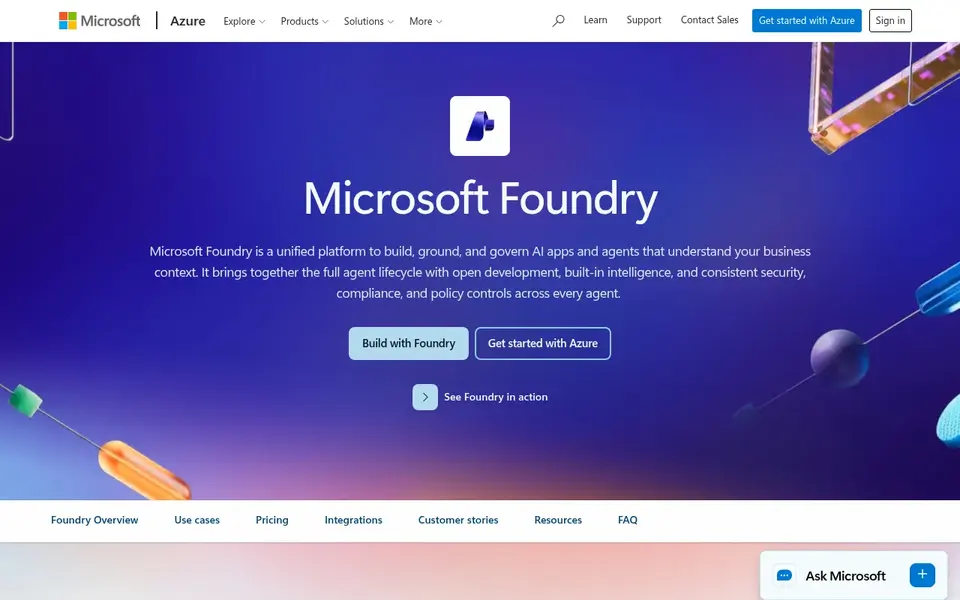
Microsoft Azure AI Foundry works best for plenty of models in one system. The product itself is free to use and explore, and a new Azure free account contains a 30-day trial with a $200 credit. On top of that, the vendor page states that prices are estimates only, not actual quotes, and the token prices rendered as placeholders in the page opened today, so n On top of that, Supporting Azure infrastructure, like AI Search, Blob Storage and networking, is billed separately from model tokens.
Drawbacks to consider: Vendor page states prices are estimates only, not actual quotes.
Microsoft Azure AI Foundry, now called Microsoft Foundry, is a catalog and workspace for building AI apps on Azure. It lists more than 11,000 models, including multimodal models, and provides both pay-as-you-go token billing and provisioned throughput for steady workloads. What you pay to start with Microsoft Azure AI Foundry: Pay as you go per token. Free access: Free trial (30 days).
- 11,000+ models including multimodal models, with pay-as-you-go and provisioned throughput choices
- Supporting Azure infrastructure such as AI Search
Twelve Labs makes the most sense for video understanding and search. The Plus plan opens at $29 a month and Pro at $99 a month, with usage also billed per workload, for instance Pegasus 1.6 Analyze input at $1.75 pe The free plan costs $0, needs no credit card and includes 600 minutes of video indexing.
More specifically, Twelve Labs is aimed at video. Its Marengo model manages search and retrieval across video, and Pegasus takes care of understanding and generation, so a team can find a moment in a long video by describing it, or ask questions about what happens on screen. Twelve Labs starts at: Free $0. A free plan is available with Twelve Labs.
Trade-offs to know: Free indexes expire after 90 days and the 600-minute limit is cumulative; requests are blocked when allowance is exhausted.
- Text and documents in one product
- Re-indexing for new models included in monthly fee for Managed Intelligence assets
- Free and Plus do not support overage
Databricks makes the most sense for unified data, SQL, ML and AI workloads. Pricing is pay as you go per Databricks Unit, with rates that vary by SKU, cloud, region and level, and Model Serving is listed at $0.070 per DBU.
Where it shines: ML and AI workloads.
Honest limits: a workload must be priced in the calculator, as the page presents no flat starting price.
As for the details, Databricks runs data engineering, SQL analytics, machine learning and AI on one lakehouse product. So a team can store raw data, clean it, train models and serve them without moving data between systems. The starting price for Databricks: Pay as you go per DBU. On free options: Free trial (14 days).
- Pay as you go with no upfront cost
- Unified lakehouse for data, SQL
- Classic compute layers on a separate cloud-provider bill for VMs, storage and networking
For Multimodal AI models and inference, Clarifai is a natural candidate. The vendor pricing page lists a pay-as-you-go model with no flat monthly price, and provides an example of $0.0012 per request for pre-trained image classification, which makes small tests cheap to run. The caps are the detail to plan around.
More specifically, teams that require dedicated capacity can move to hosted nodes, though those carry a one-year commitment. Enterprise pricing is custom, and the page presents no dollar amount for Essential or Professional plans. Beyond that, pay As You Go is capped at 100,000 monthly requests and 100 requests per second, so a workload above that level needs a different plan or a conversati What you pay to start with Clarifai: Pay as you go. Trial and free access: Free trial (14 days).
Downsides: Pay As You Go capped at 100,000 monthly requests and 100 requests per second.
- 500+ language, multimodal, image
- One system for building and running AI workflows
- Dedicated nodes need a one-year commitment
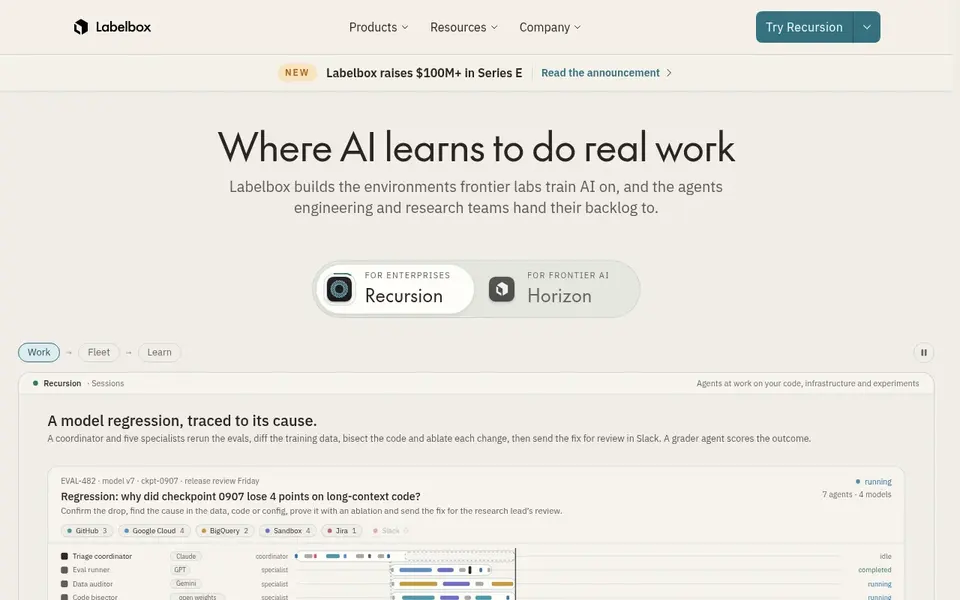
Labelbox is designed for data labeling and model training data. There is no public marketing pricing page, and labelbox.com/pricing returns a 404. So the $0.10 per LBU figure comes from vendor docs instead of a pr The pricing page is the weak point.
Drawbacks to consider: Foundry inference, labeling services; No public marketing pricing page, labelbox.com/pricing returns 404.
The pricing is usage based at $0.10 per Labelbox Unit on the Starter level, with one LBU system including image, video, text, audio, document and multimodal rows. Enterprise is quote only, and Foundry inference, labeling services, single sign-on and HIPAA support are billed separately or quoted by sales. On cost, Labelbox starts like this: $0.10 per Labelbox Unit. Labelbox includes a free tier.
- One LBU system includes image, video, text, audio
- Annotate and Model, with model-assisted labeling
- SSO and HIPAA are billed separately or sales-quoted
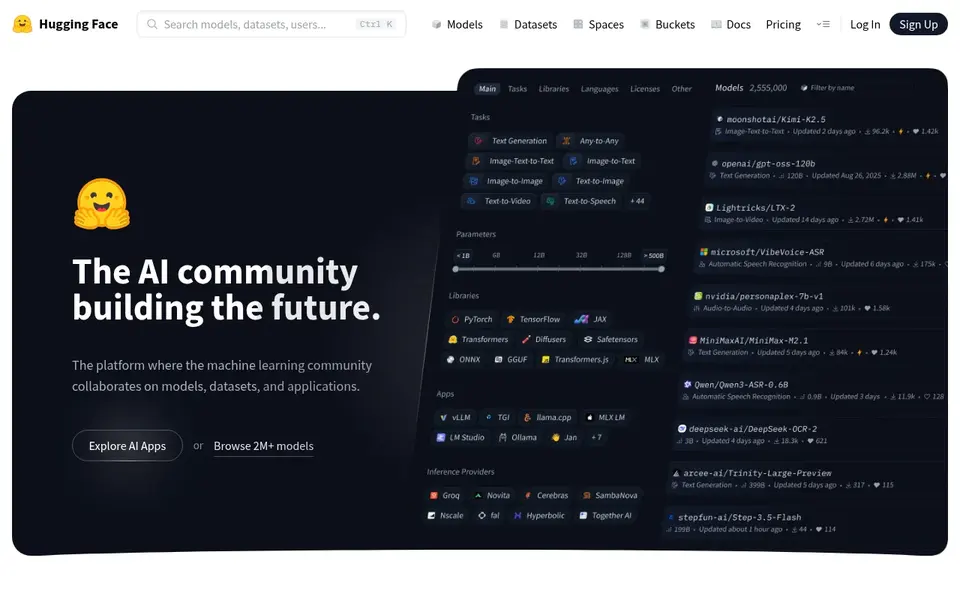
Hugging Face targets open models, datasets and Spaces. The Hub hosts models, datasets and Spaces across text, image, video and audio, and more than 10,000 models are available through Inference Providers. In daily use, the PRO plan opens at $9 a month and brings 1 TB of private storage and $2 of monthly inference credits.
That low entry price makes Hugging Face the easiest place to start experimenting with multimodal models. The $9 subscription is only part of the cost for serious work. GPU Spaces and Inference Endpoints are billed separately on a pay-as-you-go basis, so sustained GPU compute brings up quick. Price to start with Hugging Face: Free $0. Hugging Face offers a free plan.
The main drawbacks: for instance Nvidia T4 small $0.40 per hour, so the $9 subscription does not handle sustained GPU compute.
- Video and audio, with 10,000+ models available through Inference Providers
- Hub hosts models
- GPU Spaces and Inference Endpoints are billed separately pay as you go
How we compared the tools
ProMapRanker looked at what each vendor publishes: pricing, plan limits, feature coverage for platforms for multimodal data analysis and stated drawbacks. No hands-on testing is claimed. Plan names, prices and limits change often. Treat the figures here as a starting point and verify them with the vendor. Order on the page follows fit for the typical buyer first, then price transparency and free access. Your own requirements should decide the final pick.
Before you commit
- Confirm the entry price on the vendor page for Microsoft Azure AI Foundry and the others: seat counts and billing terms change the total.
- Check what the free option really includes: Twelve Labs, Labelbox and Hugging Face offer a free plan, and usage caps differ.
- Run a trial of Microsoft Azure AI Foundry, Databricks and Clarifai with real work before paying for a year; your own workflow is the best test.
- Read the limits listed for Microsoft Azure AI Foundry first: vendor page states prices are estimates only, not actual quotes.
- Work out what Labelbox costs with your real seat count, add-ons and usage, not just the entry price.
- Let daily users try Clarifai on real work; their feedback beats any feature checklist.
Frequently asked questions
How are the tools for platforms for multimodal data analysis ordered?
The order follows typical fit for platforms for multimodal data analysis, with Microsoft Azure AI Foundry first and Hugging Face last, then price clarity and free access. It is editorial judgement, not a score, so another team could rank the tools differently.
How is multimodal AI pricing normally charged?
Most products bill by usage, not by a flat monthly fee. Typical units are requests, tokens, compute units and video minutes. For instance, Clarifai lists $0.0012 per request for image classification, Vertex AI lists Gemini 4 Argon at $2 input and $10 output per 1M tokens, and Labelbox lists $0.10 per Labelbox Unit. In daily use, add storage, GPU compute and supporting services to get the real monthly total.
Which options for platforms for multimodal data analysis have a free plan?
Twelve Labs, Labelbox and Hugging Face offer a free plan in this list. Free plans usually cap users, projects or features, so check the limits on the vendor page. Several others offer a trial instead.
Do I have to write code to use these platforms?
Hugging Face Spaces and Twelve Labs offer interfaces that non-coders can use for demos and search, whereas Databricks, Vertex AI and Azure AI Foundry are aimed at teams that write code and handle data pipelines.
Which product is a good match for video analysis?
Start with Microsoft Azure AI Foundry if you need numerous models in one system. Twelve Labs is the better match for video understanding and search, and Databricks for unified data, SQL, ML and AI workloads. The best choice depends on budget, team size and workflow.
Do these tools publish their prices?
Yes. Every tool from Microsoft Azure AI Foundry to Hugging Face shows a starting price, though seats, add-ons and billing terms still change the final cost.
Sources
See where you really rank - block by block
ProMapRanker scans Google Maps across a grid of your service area. Simple monthly plans from $19, white-label on every plan.
Start freeBrowse all guides
← Best Platform for Travel Route Planning (2026)Best Process Intelligence Platforms in 2026 →
 best no code database platform for teams
Best No Code Database Platform for Teams in 2026
Shortlisting the best no code database platform for teams? 6 products compared on cost, free access and ideal buyer. Strengths and weak spots are spelled out.
Read → best legal scheduling software for litigation firms
Best Legal Scheduling Software for Litigation Firms in 2026
Best legal scheduling software for litigation firms, compared. 5 tools with published prices, free plans and limits. Honest caveats for every entry. Facts only.
Read → best fleet scheduling software
Top 7 Fleet Scheduling Software, Compared on Price (2026)
Searching for the best fleet scheduling software? Here are 7 options with prices and free plans. Each listing flags where it falls short. See which fits.
Read → clearscope alternatives
Clearscope Alternatives in 2026
Find the best clearscope alternatives for content scoring, briefs, and topic research, with pricing and strengths compared for teams in 2026 today here.
Read → vmware by broadcom alternatives
Best VMware by Broadcom Alternatives in 2026
Compare 9 VMware by Broadcom alternatives for server virtualisation, with open source and enterprise platforms, pricing, migration, and fit for teams.
Read → best human capital management platforms
Best Human Capital Management Platforms in 2026
Compare the best human capital management platforms in 2026, from Workday and SAP to Rippling and BambooHR, with pricing and fit by company size. for teams
Read →More in Project Management & Productivity · All guides A to Z by date · Latest guides