 ProMapRanker
Best No Code Database Platform for Teams in 2026

Teams that want a self-hosted database choice · Pricing starts at: $10 per user/month (billed yearly)
Direct answer
Baserow is the first pick on this list for teams that want a self-hosted database choice. Listed starting prices: Baserow from $10 per user/month, Notion from $10 per user/month and NocoDB from $12 per seat/month. For a different need, Notion covers teams that want docs and databases in one place and NocoDB covers teams that want an open source database choice. The other 3 tools in the list cover narrower or pricier cases.
This ProMapRanker guide covers 6 no code database platform for teams. Each profile lists a starting price, free plan details, strengths and drawbacks, so you can drop poor fits quickly.
Key takeaways
- Baserow is the opening pick, best for teams that want a self-hosted database choice.
- Airtable suits teams that want linked records and interfaces.
- For the cheapest start, look at Smartsheet: $9 per member/month.
- The main caution on Baserow: role-based permissions and single sign-on need Advanced at $18 per user a month.
Quick comparison
| Pick | Great for | Pricing starts at | Free tier | |
|---|---|---|---|---|
| Baserow | Teams that want a self-hosted database choice | $10 per user/month (billed yearly) | Yes | Visit |
 Notion | Teams that want docs and databases in one place | $10 per user/month (billed yearly) | Yes | Visit |
 NocoDB | Teams that want an open source database choice | $12 per seat/month (billed yearly) | Yes | Visit |
 Coda | Teams with few builders and plenty of readers | $12 per Doc Maker/month (billed annually) | Yes | Visit |
 Smartsheet | Teams that track work in grid and timeline views | $9 per member/month (billed yearly) | Free trial (30 days) | Visit |
 Airtable | Teams that want linked records and interfaces | $20 per user/month (billed annually) | Yes | Visit |
The best no code database platform for teams
For teams that want a self-hosted database choice, Baserow is a natural candidate. Baserow Cloud Free costs $0 and comes with 3,000 rows per workspace, 2 GB of storage, and Grid, Form, and Gallery views.
As for the details, premium costs $10 per user a month when billed yearly, or $12 when billed monthly, and comes with 50,000 rows per workspace, 20 GB of storage, all view types, and AI features. Entry price for Baserow: $10 per user/month. Baserow includes a free tier.
The main drawbacks: Role-based permissions and single sign-on need Advanced at $18 per user a month.
- Self-hosted Community edition has no row cap
- Premium contains 50,000 rows
- Free cloud plan caps at 3,000 rows per workspace
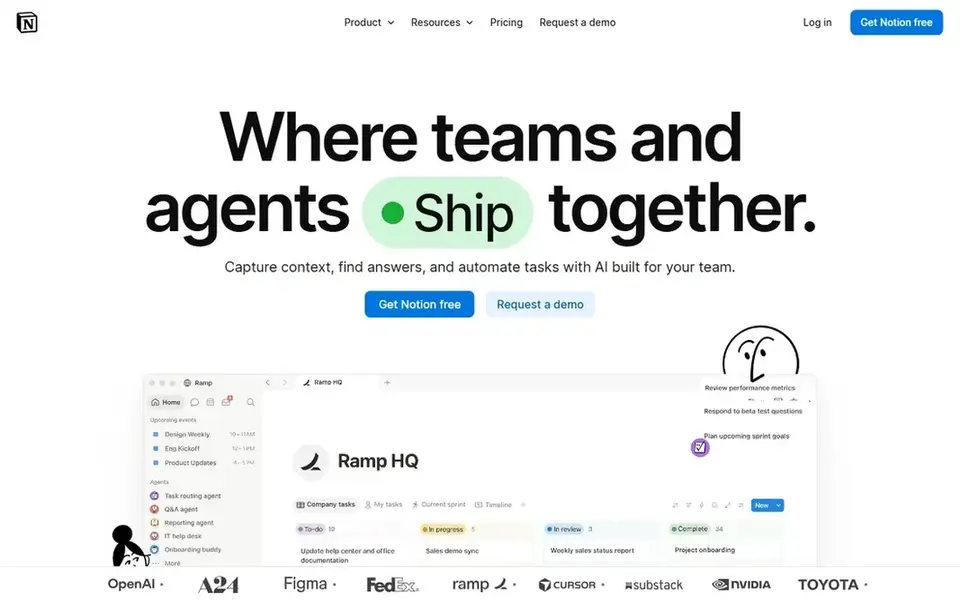
Think of Notion for teams that want docs and databases in one place. That makes Notion cheap for a small team that lives in docs and wants databases for tracking work, projects, and notes in the same place.
Starting cost for Notion: $10 per user/month. Free access exists with Notion.
Downsides: Full AI features sit only on Business at $20 per member a month.
- Plus comes with unlimited file uploads and 30 days of page history
- Guests are free on shared pages
- Free plan limits blocks for workspaces with 2 or more members
In short, NocoDB is for teams that want an open source database choice. NocoDB Cloud Free costs $0 and comes with 3 editor seats, 10 commenter seats, 1,000 records, 1 GB of storage, 100 automation runs, and 1,000 API calls a month.
The main drawbacks: Scale needs a 3-seat minimum at $45 per seat a month.
Worth adding: plus costs $12 per seat a month when billed annually, or $15 when billed monthly, and comes with 50,000 records and 20 GB of storage, with unlimited seats for $108 a month when billed yearly. Choose NocoDB when you already have a database to link, or when you want a free self-hosted choice with a clear upgrade path. Entry price for NocoDB: $12 per seat/month. Free access exists with NocoDB.
- Then additional editors are free
- Cloud Plus caps billing at 9 editors
- Plus does not support external database connections
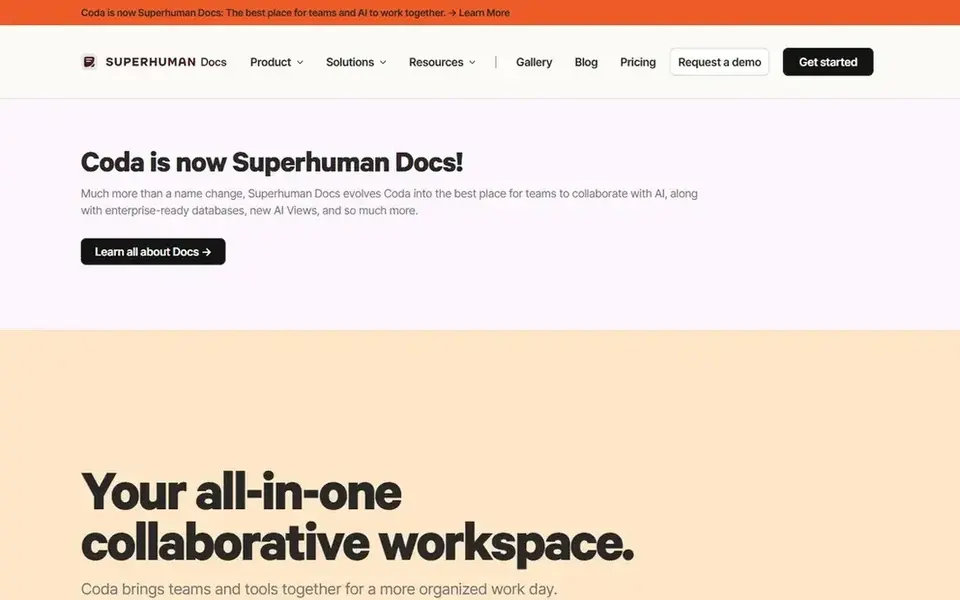
In short, Coda is for teams with few builders and plenty of readers. Choose Coda when a small group builds trackers, docs, and tables for a bigger group that mainly reads and edits.
Trade-offs to know: a steep step from Pro.
Strengths: Only Doc Makers are billed.
That billing model changes the math for a team where 3 people build and 22 people read. Starting cost for Coda: $12 per Doc Maker/month. A free plan is available with Coda.
- Pro bundles unlimited doc size and 30-day version history
- Editors and viewers are free
- Business costs $33 per Doc Maker a month
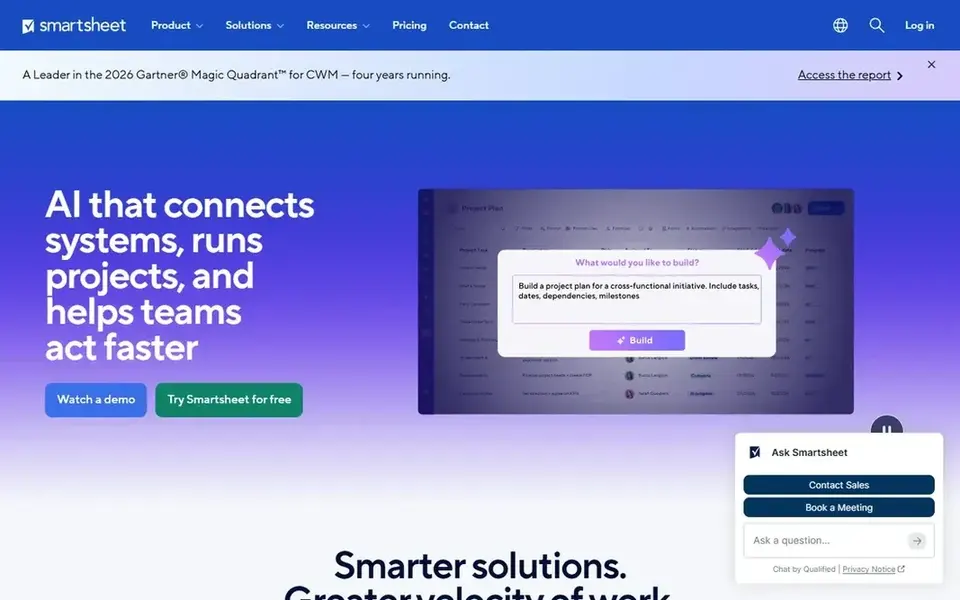
Smartsheet is built with teams that track work in grid and timeline views in mind. The trade-off: Pro stops at 10 members, so an 11-person team must move to Business and more than doubles the per-member rate.
Entry price for Smartsheet: $9 per member/month. As for free access: Free trial (30 days).
Limits to weigh: only a 30-day trial.
- 250 automation runs a month on Pro
- Calendar views on Pro
- Pro caps at 10 members
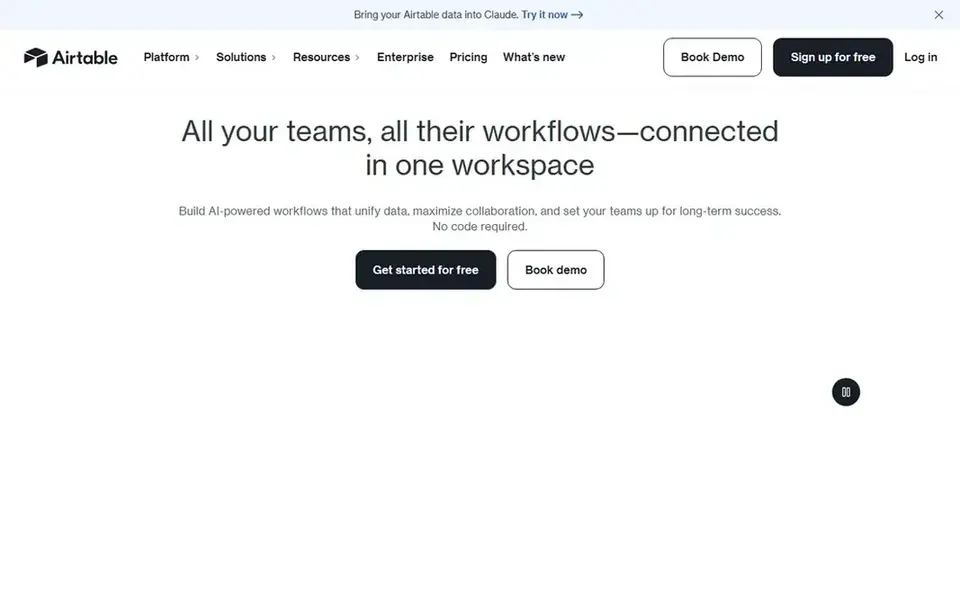
Choose Airtable for teams that want linked records and interfaces. Airtable starts with a free plan that contains 1,000 records per base, 1 GB of attachment storage per base, and up to 5 editors. From a buyer's view, the Business plan costs $45 per user a month when billed yearly and raises the limit to 125,000 records per base and 100 GB of attachment storage per base.
Where it is weaker: Free plan caps at 1,000 records per base.
Airtable charges only for users with edit rights on a minimum of one base, so read-only collaborators, form submissions, and share links do not add seats. The Team plan costs $20 per user a month when billed yearly, or $24 when billed monthly, and raises the limit to 50,000 records per base and 20 GB of attachment storage per base. Airtable pricing: $20 per user/month. Free access exists with Airtable.
- Linked records across tables
- Interfaces builder for team dashboards
- Only users with edit rights are billed, so each editor brings $20 a month
How we chose
ProMapRanker looked at what each vendor publishes: pricing, plan limits, feature coverage for no code database platform for teams and stated drawbacks. No hands-on testing is claimed. Seat minimums, billing terms and add-ons can move the real cost, so the starting prices here are a guide and not a quote. The order reflects how well each tool fits the most common buying scenario for no code database platform for teams, then price clarity, then free plan access. It is a starting point, not a verdict.
What to confirm before you sign up
- Confirm the entry price on the vendor page: Smartsheet starts at $9 per member/month, but seat counts and billing terms change the total.
- Check what the free option really includes: Baserow, Notion, NocoDB and others offer a free plan, and usage caps differ.
- Run a trial of Smartsheet with real work before paying for a year; your own workflow is the best test.
- Before choosing Baserow, weigh its main limit: role-based permissions and single sign-on need Advanced at $18 per user per month.
- Confirm you can export your data from Coda, so leaving later does not mean losing records.
- Ask Airtable which support channels and response times come with the plan you would buy.
Frequently asked questions
Which tool is a good match for teams that want to self-host?
This list starts with Baserow, which fits teams that want a self-hosted database choice. For other needs, Notion is aimed at teams that want docs and databases in one place, and NocoDB at teams that want an open source database choice. Check each tool's price and main limit first.
What is the cheapest option for no code database platform for teams in this list?
On published monthly entry prices, Smartsheet is the lowest here at $9 per member/month. Entry price is only part of the cost, because seats, add-ons and billing terms can change the total. Prices, free plan details and limits for all 6 tools in this no code database platform for teams roundup sit on the individual cards above.
Do these tools publish their prices?
Yes. Every tool from Baserow to Airtable shows a starting price, though seats, add-ons and billing terms still change the final cost.
Can I try these tools before paying?
Often, yes. Baserow, Notion, NocoDB and others have a free plan and Smartsheet offers a free trial. Use your own data and a real task during the test, and check what the free tier or trial limits before you rely on it.
Which tool is a good match for a team with plenty of readers and few builders?
Baserow is the pick this page puts first, mainly for teams that want a self-hosted database choice. If your situation differs, Notion suits teams that want docs and databases in one place, and NocoDB suits teams that want an open source database choice. Compare price and limits before you decide.
Is Baserow the right pick for everyone comparing no code database platform for teams?
No single tool suits every team. Baserow comes first because it fits teams that want a self-hosted database option, while Notion suits teams that want docs and databases in one place and NocoDB suits teams that want an open source database option. Match the tool to your own size, budget and workflow before deciding.
Sources
See where you really rank - block by block
ProMapRanker scans Google Maps across a grid of your service area. Simple monthly plans from $19, white-label on every plan.
Start freeBrowse all guides
← Best Legal Scheduling Software for Litigation Firms in 2026Best Platform for Travel Route Planning (2026) →
 best fleet scheduling software
Top 7 Fleet Scheduling Software, Compared on Price (2026)
Searching for the best fleet scheduling software? Here are 7 options with prices and free plans. Each listing flags where it falls short. See which fits.
Read → best data integration platform for small business
Best Data Integration Platform for Small Business in 2026
Best data integration platform for small business in 2026: 7 contenders with entry costs and free tiers. Plus the drawbacks of each tool. Full profiles inside.
Read → best analytics platforms for startups
Analytics Platforms for Startups in 2026: Top 6 Compared
6 products for the best analytics platforms for startups, ranked by fit, with starting costs and free tiers. Short verdicts, no fluff. Full profiles inside.
Read → best collaboration software
Best Collaboration Software in 2026
Searching for the best collaboration software? We compare 8 leading tools for chat, projects, docs, and whiteboards, with free plans and pricing for teams.
Read → when i work alternatives
Best When I Work Alternatives in 2026
Looking for when i work alternatives? We compare 8 scheduling apps for hourly teams, covering pricing, free plans, time clocks and the best fit for business.
Read → best appointment scheduler software
Best Appointment Scheduler Software in 2026
Weighing the best appointment scheduler software? We lined up 7 products by cost, free access and fit. The catches are listed up front. Full profiles inside.
Read →More in Project Management & Productivity · All guides A to Z by date · Latest guides