 ProMapRanker
Best Platform for Photography Website in 2026


Design forward portfolio sites · Pricing starts at: $16 per month
Key takeaways
- Squarespace suits photographers who want design first, while Format, Pixpa, Pixieset, and Zenfolio are built for photography workflows.
- Pixpa and Format give the best value for working photographers, with client proofing and selling tools included.
- Adobe Portfolio costs nothing extra for Creative Cloud subscribers, making it the cheapest option inside that ecosystem.
- Test two or three platforms with your own images before committing, since image quality and gallery flow vary more than templates suggest.
Quick comparison
| Pick | Great for | Pricing starts at | Free tier | |
|---|---|---|---|---|
| Squarespace | Design forward portfolio sites | $16 per month | Free trial (14 days) | Visit |
 Wix | Flexible builder with free tier | $17 per month | Yes | Visit |
 Format | Photographers needing proofing | $7 per month | Free trial (14 days) | Visit |
 Pixpa | Budget all-in-one portfolio and store | $5.40 per month | Free trial (15 days) | Visit |
 SmugMug | Print sales and unlimited storage | $20 per month | Free trial (14 days) | Visit |
 Zenfolio | Studios with booking and sales | $7 per month | Free trial (14 days) | Visit |
 Pixieset | Client galleries and delivery | $10 per month | Yes | Visit |
 Adobe Portfolio | Creative Cloud subscribers | See website | No | Visit |
 WordPress | Maximum control and flexibility | See website | Yes | Visit |
The best platform for photography website
A photography website must show images at full quality, load fast, and, for working photographers, handle client galleries, proofing, and print sales. These nine platforms cover that range, from simple portfolios to full photography businesses.
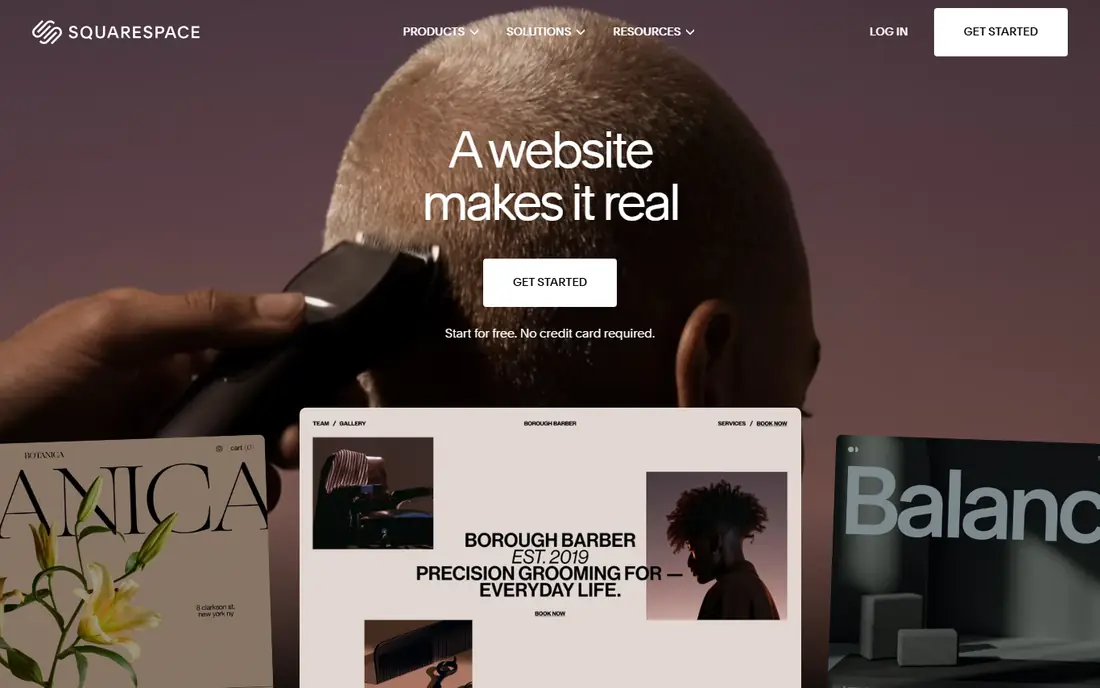
Squarespace is the best general choice for most photographers who want a site that looks polished without hiring a designer. Templates are built around large images, typography is clean, and the editor keeps the focus on the work. A photographer can add a store, appointment booking through Acuity, and a blog on the same bill, which suits portrait, wedding, and commercial photographers who also sell prints or sessions.
Pricing starts at $16 per month billed annually, with a 14-day trial, though some current listings show $19 per month for newer plans, so confirm the plan before buying. The main gap is client proofing: Squarespace does not offer the dedicated proofing workflow of Format or Pixieset. Photographers who deliver many client galleries may need a second tool, while photographers who mainly need a portfolio will find Squarespace hard to beat.
- Beautiful templates with strong image handling
- Store, bookings, and blogging in one place
- Custom domain included
- Client proofing is limited
- Higher price than photography specific tools
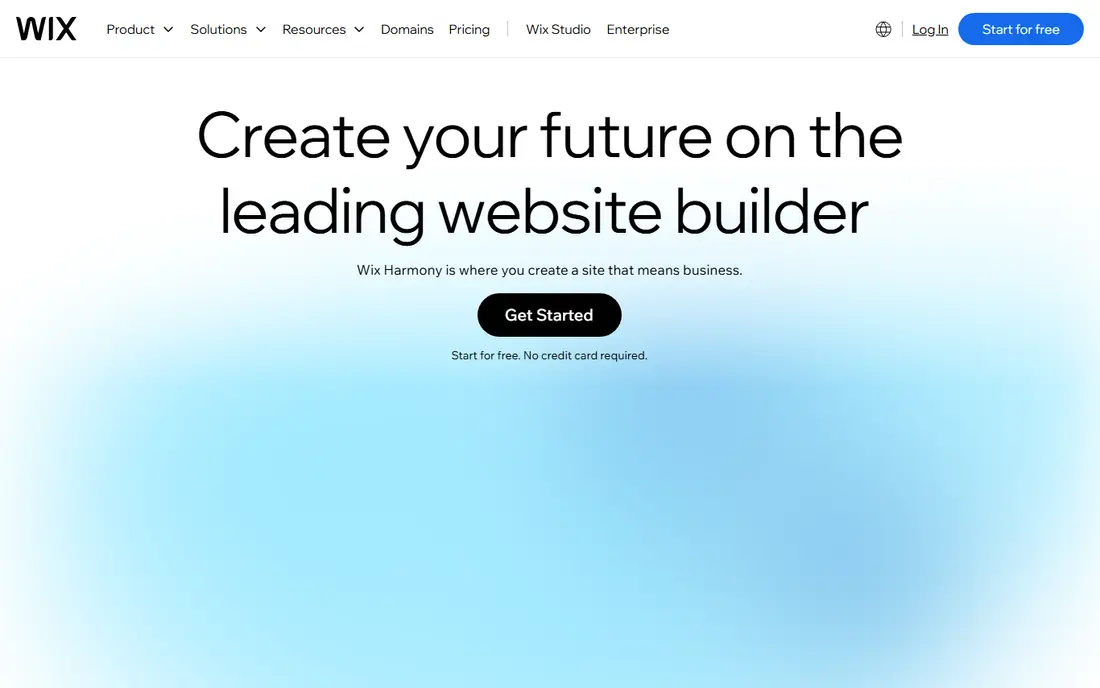
Wix gives photographers the most design freedom of any general builder, with hundreds of templates and a drag and drop editor that can place images exactly where the photographer wants them. The free plan lets a new photographer publish a basic site before paying, and paid plans from $17 per month billed annually add a custom domain, more storage, and store features. Wix Bookings and photo album apps cover client work at a basic level.
That freedom is also the risk. Without discipline, a Wix site can end up cluttered, with inconsistent galleries and slow pages. Photography specific tools such as Format and Pixpa make better default choices for client workflow, since their galleries and proofing are built in. Wix suits photographers who want full control, who enjoy designing, and who are willing to keep the layout simple.
- Huge template choice
- Free plan to start
- Bookings, store, and apps in one platform
- Design freedom can lead to messy sites
- Photography specific proofing needs apps
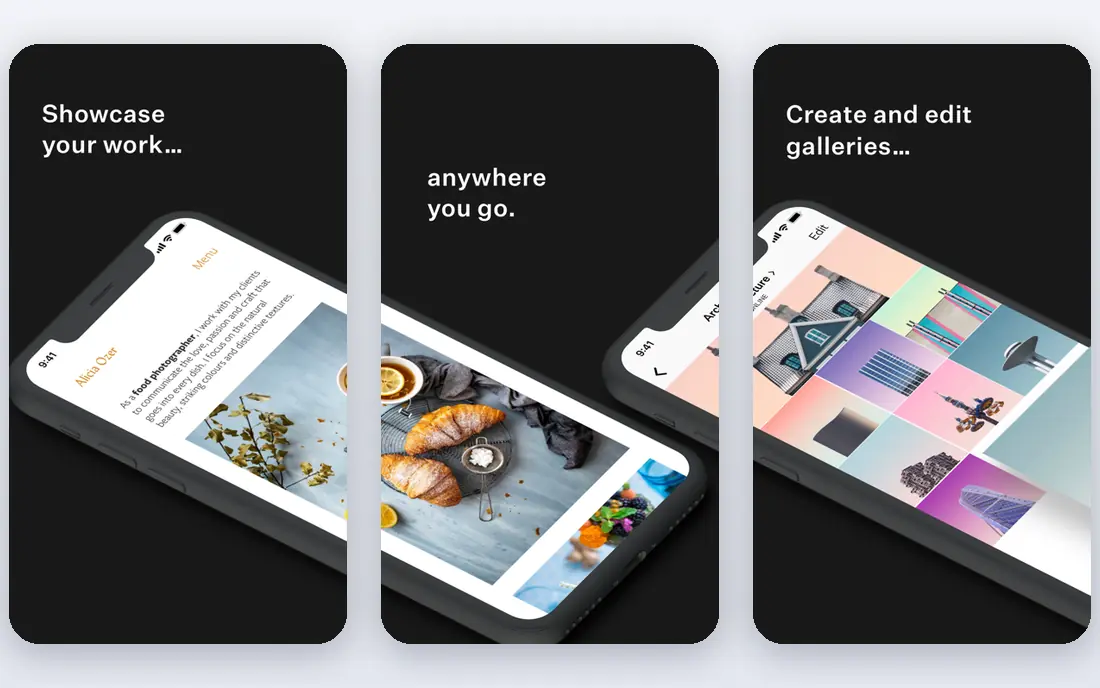
Format is built only for photographers, filmmakers, and visual artists, and that focus shows in its galleries and client tools. Client proofing lets clients select favorites from a private gallery, and portfolio templates are designed around images rather than text blocks. Pricing starts at $7 per month billed annually on older listings, with newer listings showing higher entry prices, so confirm the current plan.
Format is a strong pick for a working photographer who delivers client work regularly. Its store and print features are less deep than a general ecommerce platform, and booking needs an integration rather than a native tool. For a portfolio plus proofing workflow, though, Format gives a photographer exactly what is needed, without the clutter of a general builder.
- Built only for visual creatives
- Client proofing and galleries included
- Clean portfolio templates
- Store features are less deep than Squarespace or Shopify
- No native booking on lower plans
Pixpa is the budget all-in-one for photographers. It combines a portfolio, client galleries with proofing, a store with zero commission, and a blog, starting at $5.40 per month billed annually, with a 15-day trial. Print fulfillment through labs such as WHCC is included, which means a photographer can sell prints without a separate fulfillment setup. For the price, no other platform here covers as much photography workflow.
The trade-offs are template range and polish. Pixpa templates are good, but there are fewer of them than Squarespace offers, and the brand is less known to clients. Neither matters much once a site is live with strong images. For a photographer on a tight budget who needs portfolio, galleries, and selling in one place, Pixpa is the best value pick in this list.
- Portfolio, galleries, store, and blog on one bill
- Zero commission on sales
- Client proofing included
- Smaller template catalog than Squarespace
- Brand recognition is lower
SmugMug is built around storage and selling. Unlimited photo storage means a photographer can upload full resolution archives without worrying about limits, and print fulfillment through labs such as Bay Photo and WHCC handles orders without the photographer packing prints. Client galleries with proofing cover wedding and portrait delivery, and the platform has served photographers for many years.
Pricing starts at $20 per month billed annually on current listings, with older listings showing $13 per month for a basic plan, so confirm the tier. Design templates feel less modern than Squarespace or Format, and a photographer who only needs a simple portfolio may find SmugMug more than necessary. For photographers who sell prints at volume, SmugMug's storage and lab integration make it a serious contender.
- Unlimited photo storage
- Print fulfillment through pro labs
- Client galleries with proofing
- Design is less modern than Squarespace
- Higher price for portfolio only use
Zenfolio suits photography studios that need business tools behind the portfolio. It covers client galleries, print fulfillment, booking, and studio management, with marketing features for email and promotions. Volume photographers, such as school and sports photographers, benefit from its workflow for large numbers of clients and orders. Pricing starts at $7 per month billed annually, with a 14-day trial.
The interface and templates feel less modern than Squarespace or Format, and a design led photographer may prefer a prettier portfolio. For a studio that values bookings, sales, and client management over award style design, Zenfolio gives a complete business system at a low entry price. It is a workhorse platform, not a showcase platform, and that is its strength.
- Galleries, print fulfillment, booking, and studio tools
- Good for volume photography
- Marketing features included
- Interface feels dated next to newer builders
- Template design is less striking
Pixieset started as a client gallery tool, and that remains its strength. Photographers can deliver galleries, let clients proof and select favorites, and sell prints through pro labs, starting with a free plan that covers basic gallery use. Paid plans from $10 per month add more storage and features, and the Studio Manager and website tools extend it toward a full business platform.
The website builder is more limited than Squarespace or Wix, so a photographer who wants a highly designed portfolio site may pair Pixieset galleries with another site, or accept its simpler templates. For wedding, family, and event photographers whose business runs on client galleries, Pixieset is the most focused tool here, and the free start makes it easy to test with a real client.
- Free plan for client galleries
- Strong proofing and delivery workflow
- Store and studio tools available
- Website builder is more limited than Squarespace
- Full suite pricing is higher
Adobe Portfolio is included with Creative Cloud, which makes it effectively free for photographers who already pay for Lightroom and Photoshop. Sites are simple and clean, with layouts that suit a portfolio of strong images, and Lightroom integration makes publishing a collection straightforward. A photographer can have a credible portfolio live in an afternoon, without learning a new builder.
The limits are clear: no serious client proofing, no deep store, and no booking system. Portfolio is a showcase, not a business platform. For a photographer who already pays for Creative Cloud and only needs a portfolio, it is the cheapest credible option here. For a photographer who sells prints or delivers client galleries, pair it with Pixieset or SmugMug, or choose Pixpa or Format instead.
- Included with Creative Cloud at no extra cost
- Simple, clean portfolio sites
- Syncs with Lightroom collections
- No client proofing or store depth
- Needs a Creative Cloud subscription
WordPress, the self-hosted open source software, gives photographers maximum control. Themes built for photography, gallery and proofing plugins, and ecommerce plugins can combine into any workflow a photographer wants, from a simple portfolio to a full print store. The software itself is free, and hosting starts at a few dollars a month, though a good host, a premium theme, and plugins add to the total.
That control comes with responsibility. The photographer, or their developer, must handle hosting, updates, backups, and security. For a photographer who wants a site that no platform can limit, WordPress is the right choice. For a photographer who wants to shoot, not maintain software, a hosted platform such as Squarespace, Format, or Pixpa will save time and trouble.
- Free open source software
- Huge theme and plugin choice
- Full control over hosting, SEO, and design
- Needs hosting, updates, and maintenance
- Photography workflow needs plugins
How we picked these
We compared official pricing pages, feature pages, and public reviews, and we weighted image quality, gallery and proofing workflow, print sales, ease of use, and price. We excluded builders with no photography focus and no gallery features, and tools that no longer offer a current product. Prices are annual billing unless noted, and monthly billing usually costs more, so confirm the term before buying.
How to choose a photography platform
Start with the job the site must do. A portfolio only site needs design and speed. A client business needs galleries, proofing, and delivery. A print business needs lab fulfillment and a store. List the must have features, then test two or three platforms with your own images, not stock photos, since your files will show compression, color, and loading issues that demos hide.
Check the full cost, including storage limits, transaction fees, and print lab margins, not only the monthly plan. Also check how easy it is to leave: can you export images, client lists, and order history if you switch later. A platform that locks in your business data is a risk, even if its templates look good today.
Frequently asked questions
What is the best photography website platform for beginners?
Squarespace is the easiest polished start, while Pixpa gives more photography workflow for less money. Wix suits beginners who want a free plan and full design control. Try the free trials with your own photos before paying.
Do I need client proofing on my photography website?
If you shoot weddings, portraits, families, or events, yes. Proofing lets clients select favorites from a private gallery, which saves email back and forth and speeds up delivery. Portfolio only photographers, such as fine art or commercial shooters, can skip it.
Can I sell prints directly from my photography website?
Yes, on most platforms here. Pixpa, SmugMug, Zenfolio, and Pixieset offer print fulfillment through pro labs, while Squarespace and Wix offer store features that can sell prints with a fulfillment partner. Check lab options, margins, and shipping regions before choosing.
Is Adobe Portfolio really free?
It is included with a paid Creative Cloud subscription, so it costs nothing extra for subscribers. It is not free on its own. Photographers without Creative Cloud should compare Pixpa, Format, or Wix instead.
Should I use WordPress or a hosted platform?
Use WordPress if you want full control and are comfortable with hosting and maintenance, or if you have a developer. Use a hosted platform if you want to publish quickly and let the vendor handle updates, security, and speed. Most working photographers are better served by a hosted platform.
Sources
See where you really rank - block by block
ProMapRanker scans Google Maps across a grid of your service area. Simple monthly plans from $19, white-label on every plan.
Start freeKeep reading
 wpforms alternatives
Best WPForms Alternatives in 2026
We compare 9 wpforms alternatives for WordPress forms, with free and paid options, current pricing notes, and honest limits for small business sites in 2026.
Read → windows task scheduler alternatives
Best Windows Task Scheduler Alternatives in 2026
Looking for Windows Task Scheduler alternatives? We compare 9 schedulers for Windows and cross-platform work, from free tools to enterprise automation.
Read → which ai video service is best
Which AI Video Service Is Best in 2026
which ai video service is best? We compare 10 legitimate AI video services on price, avatars, editing and output quality to help you pick the right tool.
Read →