 ProMapRanker
Best Photo Storage App in 2026

Key takeaways
- Google Photos suits Android and mixed device households, with strong search and a 15 GB shared free tier.
- iCloud Photos suits Apple only households, with deep iPhone and Mac integration and a low cost entry plan.
- Amazon Photos suits Prime members, who get unlimited full resolution photo storage as part of Prime.
- Dropbox, OneDrive and pCloud suit people who want photo backup inside a broader file storage service.
- Flickr and Mylio suit photographers who want sharing, community or local library control rather than just backup.
Quick comparison
| Pick | Great for | Pricing starts at | Free tier | |
|---|---|---|---|---|
 Google Photos | Search and mixed devices | Free | Yes | Visit |
 iCloud Photos | Apple devices | Free | Yes | Visit |
 Amazon Photos | Prime members | Free | Yes | Visit |
 Dropbox | File storage plus photos | Free | Yes | Visit |
 Microsoft OneDrive | Windows and Microsoft 365 users | Free | Yes | Visit |
 Flickr | Sharing and community | Free | Yes | Visit |
 Mylio Photos | Local library control | Free | Yes | Visit |
 pCloud | Lifetime and encrypted storage | Free | Yes | Visit |
The best photo storage app
We compared official storage pages, pricing pages and app store listings for photo services active in October 2026. All eight back up photos and videos, but they differ on free space, device fit, search and sharing. The best choice usually follows the devices you already use and the subscriptions you already pay for.
Google Photos is the default for many Android users, and it works well on iPhone and the web too. Its search is the standout feature: you can find photos by person, place, pet or object without manual tagging, and albums, memories and sharing tools are built in. Automatic backup over Wi-Fi keeps new photos safe, and shared albums make it easy to collect photos from family events. For mixed device households, Google Photos is the easiest common ground.
The limit is quota. The 15 GB free tier is shared with Gmail and Google Drive, so photos, email and documents compete for the same space. Paid Google One plans start at a low monthly price for 100 GB, which most phone photographers find enough for a year or two. Google Photos is our pick for most people who want strong search and cross platform backup without a device lock in.
- 15 GB free shared across Google services
- Strong search by person, place and object
- Works on Android, iOS and web
- Free space is shared with Gmail and Drive
- Full resolution backup uses quota quickly
iCloud Photos is built into every iPhone, iPad and Mac, so backup starts with almost no setup. Photos sync across Apple devices, edits stay in sync, and shared libraries let family members contribute to one collection. The entry paid plan is low cost for 50 GB, which suits light photographers, while larger plans cover families with years of photos and videos. For Apple only households, nothing else feels as integrated.
The catch is the small free tier and the Apple focus. Five GB fills fast with photos and videos, and Android users cannot contribute to an iCloud shared library in the same native way. If your household mixes iPhone and Android, Google Photos or Amazon Photos may be fairer. iCloud Photos is best for households that are all in on Apple and want backup to just work in the background.
- Deep iPhone, iPad and Mac integration
- Shared library options for families
- Low cost entry plan
- Only 5 GB free
- Experience is weaker on Android and Windows
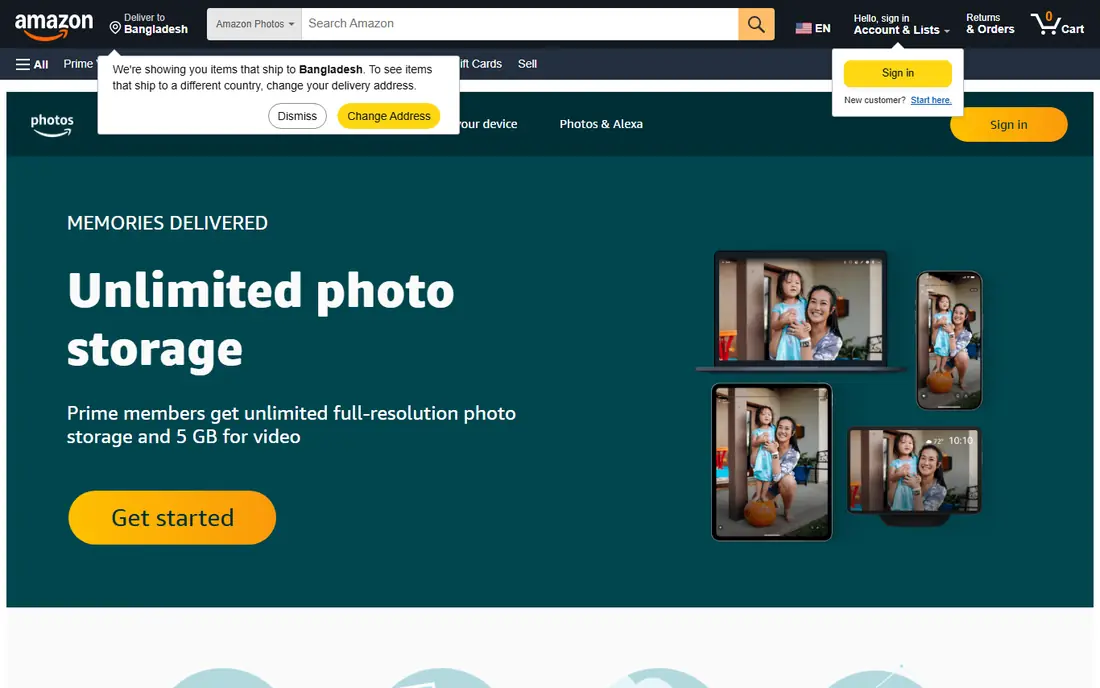
Amazon Photos is easy to overlook, which is a shame for Prime members. Prime includes unlimited full resolution photo storage, with videos counting toward a 5 GB allowance unless you buy more space. That makes it one of the best values in photo backup if you already pay for Prime for shipping and video. The app backs up automatically, supports shared albums and family vault features, and runs on both major phone platforms.
The limit is video. Videos fill the small allowance fast, and non Prime users get only 5 GB total, so the free tier alone is not generous. Extra storage plans start at a low monthly price, but check if you need them for video. Amazon Photos is our pick for Prime households who want unlimited photo backup without a new subscription.
- Unlimited full resolution photo storage for Prime members
- 5 GB video allowance
- Apps for iOS and Android
- Video storage is limited without a paid plan
- Best value requires a Prime membership
Dropbox is a general file service that also handles photo backup well. Camera uploads send new photos to your Dropbox automatically, and you can share folders and links with tight controls. That makes Dropbox useful if you already use it for work files, documents and large attachments, and want photos in the same place. Sync is reliable, and the web, desktop and mobile apps are polished.
The downside is price for photo only use. The free tier is only 2 GB, and paid plans start at a higher monthly price than Google One or iCloud entry plans. Dropbox suits people who need general file storage anyway and want photos backed up inside that system. If you only need photo backup, Google Photos, iCloud or Amazon Photos give you more free space for less money.
- Reliable sync across devices
- Strong sharing and file controls
- Camera uploads in the app
- Only 2 GB free
- Paid plans start higher than photo only services
OneDrive is the natural photo backup choice for Windows and Microsoft 365 users. It syncs photos from your phone, keeps them alongside documents, and gives Microsoft 365 Personal subscribers 1 TB of space plus Office apps. That bundle is strong value if you already use Word, Excel and PowerPoint. OneDrive also supports shared folders and albums, though its photo organization is more file based than Google Photos.
The free tier is only 5 GB, so most users will need a paid plan or a Microsoft 365 subscription. Photo search is serviceable but not as strong as Google Photos for finding people or objects. OneDrive is best for households that live in Windows and Office and want one storage service for files and photos. For pure photo search, Google Photos still leads.
- Deep Windows and Office integration
- 1 TB included with Microsoft 365 Personal
- Photo backup on mobile
- Only 5 GB free without a plan
- Photo search and albums are weaker than Google Photos
Flickr is different from the backup services above. It is a photo sharing community where photographers post work, join groups and get feedback, as well as a storage service. The free tier allows 1,000 photos, which suits active photographers who want to showcase a portfolio rather than back up every phone snapshot. Flickr Pro offers unlimited storage and removes ads, with tools for stats and portfolio presentation.
The limit is the photo count cap on free accounts and the public focus. Flickr is not the best choice for private family backup alone, since its strength is sharing and discovery. Use Flickr alongside a backup service: back up everything in Google Photos or iCloud, then post your best work to Flickr for community and exposure. For photographers who want an audience, Flickr remains a distinct and useful pick.
- 1,000 free photos for sharing
- Strong photographer community
- Pro offers unlimited storage
- Free tier caps photo count, not just space
- Less suited to private family backup alone
Mylio Photos takes a local first approach. Instead of forcing every photo into one cloud, it builds a library across your phones, computers and external drives, and syncs between them. That gives you control over where originals live, which suits photographers who distrust a single cloud or who work with large RAW files. Mylio also offers organization, face tagging and sharing tools without requiring a cloud subscription for basic use.
The trade off is effort. Setup takes more time than turning on Google Photos or iCloud, and you need to manage your own drives and backups. Paid plans add more devices and cloud options, so check the current pricing before you commit. Mylio is best for photographers and privacy minded users who want local control and are willing to manage their own storage.
- Keeps your library on your own devices
- Syncs across phones, computers and drives
- No forced cloud lock in
- Setup is more hands on than cloud backup
- Advanced features sit behind paid plans
pCloud is a general cloud storage service with a strong photo backup app and an optional encryption add on for sensitive files. It offers a free tier, monthly plans and lifetime plans, where you pay once for a set amount of storage. That lifetime model appeals to people who dislike monthly subscriptions and want to pay once for years of photo storage. The app backs up photos automatically and supports sharing and playback.
The limit is photo specific features. Search, albums and memories are less polished than Google Photos, and lifetime plans require a large upfront payment that only makes sense if you will use the service for many years. pCloud suits long term planners who want encrypted storage and a one time payment option. For most casual photographers, a low monthly Google One or iCloud plan is simpler.
- Free tier for testing
- Lifetime plans for long term storage
- Optional client side encryption add on
- Photo features are weaker than Google Photos
- Lifetime plans need a large one time payment
How we picked these
We compared official storage pages, pricing pages and app store listings for photo services active in October 2026. We kept only services that back up photos and videos, offer a free tier or a low cost entry plan, and work on current phones and computers. We favored services with automatic backup, sharing tools and clear storage limits, and we noted where free space is shared with other services.
We did not claim hands on testing that did not happen. Our view comes from vendor pages, pricing pages and public comparisons. Storage prices and free tiers change, so check the vendor pricing page before you buy. Keep a second copy of irreplaceable photos, since no single cloud service should be your only backup.
How to choose a photo storage app
Start with your devices and subscriptions. Apple only households should start with iCloud, Android and mixed households with Google Photos, and Prime households should check Amazon Photos before paying for anything new. If you already pay for Microsoft 365, OneDrive may already cover your needs. That subscription first check can save you a monthly fee.
Next, check free space against your library size. Look at how many gigabytes your phone photos use, add video, and choose a plan with room to grow for a year. Turn on automatic backup over Wi-Fi, check that original quality is kept if that matters to you, and test restore by downloading a few photos to another device. Share albums with family only after you check privacy settings, and keep a local copy on an external drive for photos you cannot replace.
Frequently asked questions
What is the best storage app for photos?
Google Photos is the best all round choice for most people, thanks to search, cross platform apps and a 15 GB free tier. iCloud Photos is best for Apple only households, while Amazon Photos is best for Prime members. Your devices and existing subscriptions should decide the shortlist.
What is the best app to store photos for free?
Google Photos offers the most generous free tier on this list at 15 GB shared across Google services. Flickr offers 1,000 free photos for sharing, while iCloud and OneDrive offer 5 GB each. Free space fills fast with video, so check your library size before you rely on free alone.
What is the best app to save photos long term?
For long term storage, choose a service with a stable pricing model and a way to download originals at any time. Google Photos, iCloud and Amazon Photos all allow full downloads, while pCloud lifetime plans suit people who want a one time payment. Keep a second local copy on a drive for irreplaceable photos.
What are the best photo storage apps for photographers?
Flickr suits photographers who want community and portfolio sharing, while Mylio suits those who want local library control. Google Photos and Amazon Photos both handle RAW files and full resolution backup, though they use quota quickly. For large RAW libraries, check storage size and download options before you commit.
Is Amazon Photos really unlimited for Prime members?
Yes, for photos. Prime members get unlimited full resolution photo storage, while videos count toward a 5 GB allowance unless you buy more space. Non Prime users get 5 GB total. Check the current Amazon Photos page for video limits and family sharing rules.
Should I use more than one photo backup app?
Using two services is wise for irreplaceable photos. Back up automatically to your main service, then keep a second copy in another cloud or on an external drive. That way a billing issue, account lockout or service change does not leave you with no copy at all.
Sources
See where you really rank - block by block
ProMapRanker scans Google Maps across a grid of your service area. Simple monthly plans from $19, white-label on every plan.
Start freeKeep reading
 free alternatives to grok imagine
Free Alternatives to Grok Imagine in 2026
We compared the best free alternatives to grok imagine for image generation, from fast daily credits to design tools, so you can create without paying.
Read → best tools for instagram content creation
Best Tools for Instagram Content Creation in 2026
Compare the best tools for Instagram content creation, from Canva and CapCut to Later and Buffer, on design, video, planning, scheduling, and price in 2026.
Read → best tool to split pdf files
Best Tool to Split PDF Files in 2026
We compared the best tool to split pdf files on split modes, file limits, privacy and price, so you can split a PDF cleanly and keep every page in one go.
Read →