 ProMapRanker
Best Photo Sharing Platforms in 2026

Key takeaways
- Google Photos remains our pick for most people because search, shared albums, and automatic backup work across phones and the web.
- Flickr and 500px suit photographers who want public work, community feedback, and visible camera details.
- Amazon Photos gives Prime members strong value with unlimited full-resolution photo storage, while iCloud Photos fits Apple households best.
- SmugMug and Pixieset are the stronger choices when you need client galleries, print sales, or a polished portfolio site.
- Private family sharing needs a different check than public sharing, so confirm who can view, download, and comment before you upload a full library.
Quick comparison
| Pick | Great for | Pricing starts at | Free tier | |
|---|---|---|---|---|
 Google Photos | Everyday backup and search | Free | Yes | Visit |
 Flickr | Photographer community | $11 per month | Yes | Visit |
 Amazon Photos | Prime members | Free | Yes | Visit |
 iCloud Photos | Apple households | $0.99 per month | Yes | Visit |
 SmugMug | Selling prints and portfolios | See website | Free trial | Visit |
 500px | Discovery and licensing | Free | Yes | Visit |
 Imgur | Quick public image links | Free | Yes | Visit |
 FamilyAlbum | Private family sharing | Free | Yes | Visit |
 Pixieset | Client galleries | Free | Yes | Visit |
The best photo sharing platforms
Sharing photos sounds simple until you count the trade-offs. Storage limits, privacy controls, print options, and how easily relatives can actually open an album all matter. The nine platforms below cover everyday backup, private family albums, public photography communities, and professional delivery.
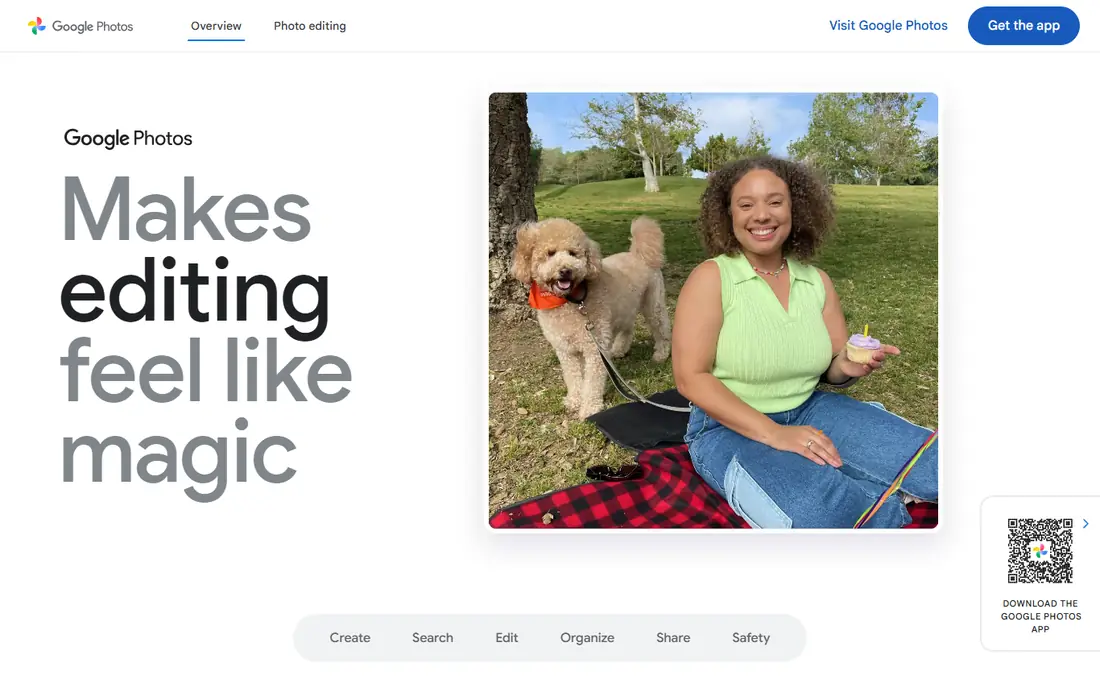
For most households, Google Photos is the easiest place to start. Back up photos from an Android phone or an iPhone, then search by a person, a place, or an object instead of scrolling through years of files. Shared albums let several people add photos to one trip or event, and a link can give viewing access without forcing everyone to install the same app.
The catch is storage math. The free 15 GB is shared across Google services, so a busy phone library plus email attachments can use it up faster than expected. Paid Google One plans add storage, starting at 100 GB for $1.99 per month based on current published pricing, and that storage also covers Drive and Gmail. If you already live in Google services, that bundle keeps the cost simple. If you want full-resolution originals for a very large library, check the plan size before you turn on backup for every device in the house.
- Strong search and automatic organization
- Shared albums work across devices
- Easy backup from phone and web
- Free storage is shared with Gmail and Drive
- Full-resolution libraries can fill 15 GB quickly
- Some advanced editing sits in paid storage plans
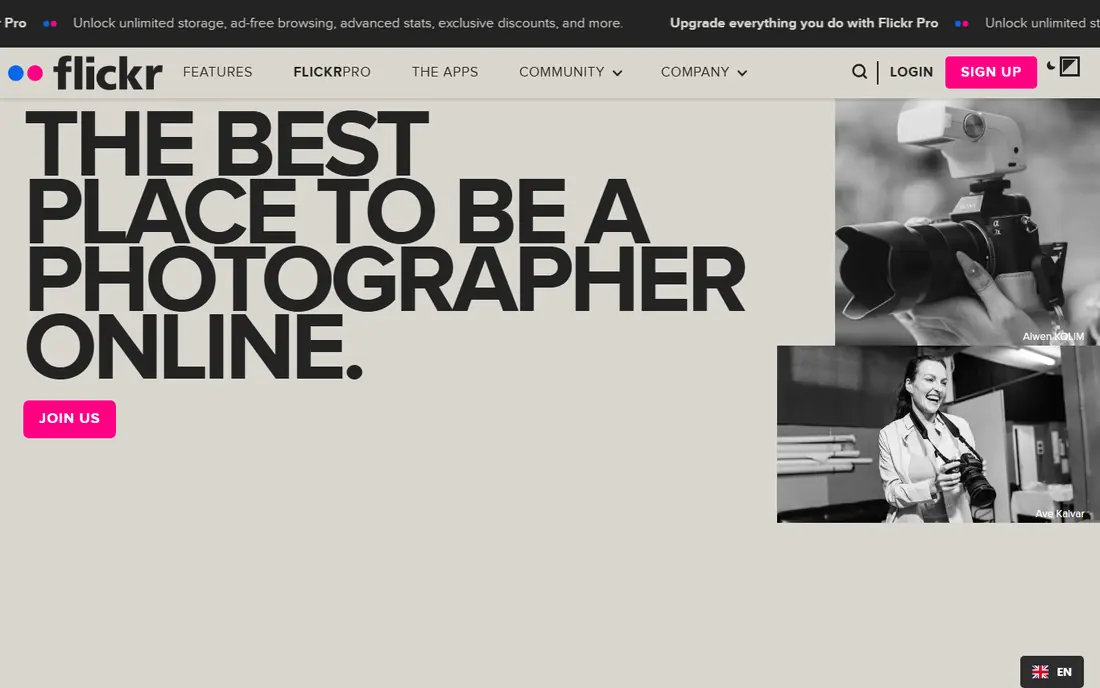
Flickr has stayed relevant because it treats photography as a craft, not just a file to store. Groups organized by subject, camera, or style give new work a real audience, and comments often focus on composition and technique rather than quick reactions.
Free accounts cap uploads at 1,000 photos and videos, which is fine for a curated set but not for a full backup library. Flickr Pro, listed at $11 per month or $82 per year in US pricing, removes that cap and adds unlimited uploads plus extra stats and an ad-free view. Before posting, check the privacy setting on each album. Public work gets discovered more easily, but family photos and location details deserve a private setting.
- Active photography groups and comments
- Camera and exposure details stay visible
- Albums and collections suit large bodies of work
- Free accounts are limited to 1,000 items
- Public-by-default habits need care
- Pro pricing varies by billing period
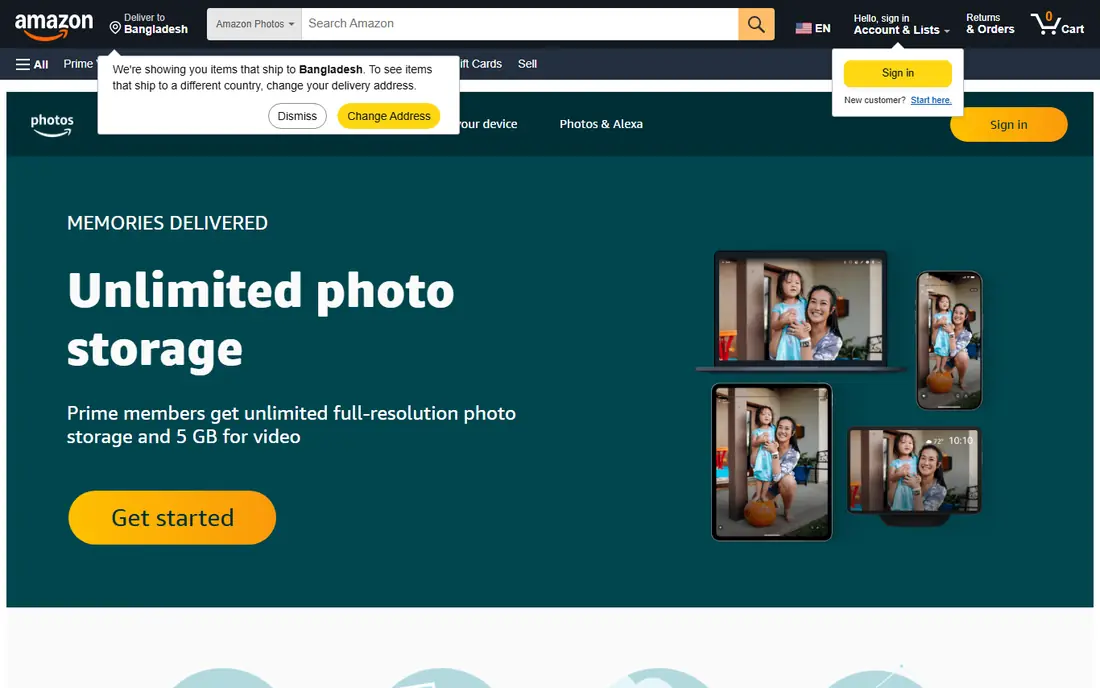
Amazon Photos is easy to overlook, and that is a mistake for Prime households. Prime members get unlimited full-resolution photo storage, which covers the exact problem that fills up other free plans. Family Vault lets up to five people share that photo storage, so one membership can cover a household library rather than five separate plans.
The limits show up with video. Prime photo storage does not mean unlimited video, and the included video allowance is 5 GB, so large video libraries need a separate plan or a second home. Organization and editing tools are serviceable rather than standout, and search does not match Google Photos for finding a specific moment. As a backup and family sharing tool tied to a membership you already pay for, though, the value is hard to beat.
- Unlimited full-resolution photo storage for Prime members
- Family Vault sharing
- Apps for phones, tablets, and TV
- Video storage is limited for Prime members
- Non-Prime storage is much smaller
- Search and editing are plainer than Google Photos
If everyone in the house uses an iPhone, iCloud Photos feels almost invisible, in a good way. Photos taken on one device appear on the others, edits sync, and Shared Albums let family members view and add photos without handing over full library access. That built-in path removes the setup friction that stops many relatives from joining a shared album at all.
The free tier is the weak point. With only 5 GB of iCloud storage shared across backups and files, most iPhone owners will need a paid iCloud plan, starting at $0.99 per month for 50 GB. Shared Albums themselves are a useful workaround for sharing, since they are separate from the main library sync. For mixed-device households, Google Photos or Amazon Photos will cause fewer headaches, but Apple-only families get the smoothest daily experience here.
- Deep integration with iPhone, iPad, and Mac
- Shared Albums do not count against storage in the usual way
- Originals sync across Apple devices
- Free iCloud storage is only 5 GB
- Best experience requires Apple devices
- Windows and Android support is thinner
SmugMug is built for photographers who need their work to look professional and, in many cases, to earn money. You get a customizable website, galleries with privacy controls, and print and download sales handled through partner labs. Client delivery, watermarking, and gallery passwords fit wedding, portrait, and event work better than a general backup app.
That power comes with a learning curve. Building a site, setting gallery prices, and choosing print products takes an afternoon of setup, not five minutes. There is no free tier, only a trial, so it makes sense mainly for working photographers or serious hobbyists with a portfolio to maintain. Check the current pricing page before buying, since SmugMug has revised its plans, and pick the tier that matches how much selling you actually do.
- Unlimited photo storage on paid plans
- Custom portfolio sites and client galleries
- Print sales with lab fulfillment
- No permanent free plan
- Setup takes longer than a simple album app
- Pricing has changed over time, so confirm the current plan
Photographers who want their images seen by other photographers often land on 500px. The feed rewards striking work, and the licensing program gives selected photos a path to commercial use through partner distribution. A portfolio page keeps your best images in one place, which helps when someone discovers one photo and wants to see more.
Free accounts limit weekly uploads, so this is a showcase platform rather than a backup library. Paid plans raise limits and add features, and pricing should be checked on the site because plan names and rates have shifted. Licensing deserves honest expectations too. Getting work listed is not the same as getting regular sales, and popular subjects face heavy competition. Use 500px for exposure and community, and keep your full archive somewhere with more storage.
- Large photography community focused on strong images
- Licensing opportunities for selected work
- Portfolio pages for photographers
- Free uploads are limited per week
- Moderation and feed quality draw mixed reviews
- Licensing income is not guaranteed
Imgur answers a different question than the rest of this list. When you need a link to one image or a small set, for a forum post, a chat thread, or a public page, Imgur gets it done in seconds. The community side can also give a funny or timely image a wide audience, which is why it stays popular for casual sharing.
Do not treat Imgur as your photo archive. Privacy controls, original-quality storage, and family album features are not its job, and public posts follow community rules that may not suit personal photos. For quick public sharing, it is excellent. For baby photos, client work, or a lifetime library, pick one of the private or professional options above instead.
- Fast uploads and shareable links
- Large public audience for fun or topical images
- No account needed for basic uploads in many cases
- Not a private backup service
- Image compression and community rules apply
- Albums lack the privacy controls of family apps
FamilyAlbum solves the most common family problem, which is sharing kid photos without posting them publicly. Albums are invite-only, so grandparents, aunts, and uncles see new photos in one feed instead of hunting through group chats. Automatic sorting by child helps large families keep each kid's photos together, and built-in photo book options turn a year of pictures into a gift without exporting files.
The narrow focus is both the strength and the limit. This is not the app for a photography portfolio or a work gallery, and the free tier covers the core sharing while premium adds extra storage and features. Family members who dislike installing apps may still prefer a shared link from Google Photos. For parents who want a private, kid-centered album that relatives actually open, FamilyAlbum is one of the simplest choices here.
- Invite-only albums for family
- Automatic sorting by child or family member
- Photo books and printing options
- Focused on family photos, not general photography
- Premium features require a paid plan
- Relatives still need the app for the full experience
Pixieset sits between a simple album app and a full portfolio builder. Photographers send clients a clean gallery link, clients mark favorites, and downloads or print orders follow from the same page. That workflow fits portrait, wedding, and mini-session work, where the client experience matters as much as the photos themselves.
A free tier lets new photographers test the gallery flow before committing, but storage limits mean working pros will move to a paid plan fairly quickly. Pixieset does not try to be a social photography community, so discovery comes from your own marketing, not a public feed. If your main need is delivering finished work to paying clients in a polished package, it earns its place. If you need a personal backup library, pair it with Google Photos or Amazon Photos.
- Clean client galleries with favorites and downloads
- Storefront for print and digital sales
- Free tier for trying the workflow
- Free tier has storage limits
- Full store and branding features sit on paid plans
- Less suited to public community discovery
How we picked these
We compared official feature pages, pricing pages, and app store listings, plus public reviews, for platforms that are live and maintained in October 2026. We kept only services that handle photo storage, sharing, or delivery as a core job, and we left out pure editing apps and general cloud drives that happen to hold photos. Pricing noted here comes from vendor pages or current listings, and where plans have changed recently we used See website rather than printing a figure that might already be out of date.
What to check before you move a whole library
Start with privacy, not storage. Decide which photos should be public, which should be shared with named people only, and which should stay in a backup that nobody else can open. A platform with strong community features can still be the wrong home for family photos if its defaults lean public, and a private family app can be the wrong home for work you want clients to discover.
Next, test the sharing step with one real relative or client. Send an album link, ask them to open it on their phone, and see whether they can view, download, and comment without creating an account they do not want. Then check the exit path. Can you download originals in bulk, and does the service keep your folder structure or album names? A low monthly price means little if moving 10,000 photos later takes a weekend of manual work.
Storage, quality, and cost in plain terms
Count photos and video separately. Many plans treat them differently, and video fills storage far faster than stills. Confirm whether uploads keep full resolution or compress files, and whether shared albums count against your storage. For a household, add up every phone that will back up, not just your own.
Sharing settings worth setting on day one
Turn off location sharing on public posts unless you mean to share it. Set new albums to private by default where the platform allows it, then open specific albums on purpose. For client work, use passwords or expiring links when the job calls for it, and confirm download permissions before you send the gallery.
Frequently asked questions
What is the best free photo sharing app?
Google Photos is the strongest free starting point for most people because of search, shared albums, and cross-device backup, within its 15 GB shared storage limit. Amazon Photos is better for Prime members who need unlimited full-resolution photo storage. For private family sharing, FamilyAlbum gives a simpler invite-only feed than a general backup app.
What is the best private photo sharing app?
FamilyAlbum and iCloud Shared Albums are the simplest private options for families, since both limit viewing to invited people. Google Photos and Amazon Photos also support private shared albums and Family Vault sharing, but you need to check each album setting rather than assuming a link stays private. Avoid posting family photos to public feeds on Flickr, 500px, or Imgur.
What is the best app for sharing photos with family?
FamilyAlbum works well when relatives want one feed of kid and family photos without public posts. Google Photos shared albums work better for mixed-device families, since they open on Android, iPhone, and the web. iCloud Shared Albums suit Apple-only households best, because relatives on other platforms get a thinner experience.
Which photo sharing platform is best for photographers?
Flickr suits photographers who want community feedback, groups, and visible camera details. 500px suits photographers chasing discovery and licensing exposure. SmugMug and Pixieset suit photographers who sell prints or deliver client galleries, since both offer polished galleries, branding, and store options.
Is Google Photos or Amazon Photos better?
Google Photos wins on search, organization, and everyday sharing across devices. Amazon Photos wins on storage value for Prime members, with unlimited full-resolution photos and Family Vault sharing. Many Prime households use both, with Amazon Photos as the full-resolution backup and Google Photos as the daily sharing app.
Do photo sharing apps reduce photo quality?
Some do, depending on the plan and settings. Free tiers and social feeds often compress images, while paid backup plans and professional galleries usually keep originals. Check the upload quality setting and the storage plan before backing up a large library, and keep a local copy of photos you cannot afford to lose.
Sources
See where you really rank - block by block
ProMapRanker scans Google Maps across a grid of your service area. Simple monthly plans from $19, white-label on every plan.
Start freeKeep reading
 best resource management software
Best Resource Management Software in 2026
We compared the best resource management software for scheduling, capacity and utilization, with current pricing and free trials, to help teams choose well.
Read → best reporting tools
Best Reporting Tools in 2026
Compare the best reporting tools for dashboards, scheduled reports, and business insights, from Power BI and Tableau to Looker Studio for every team size.
Read → best remote support software
Best Remote Support Software in 2026
Looking for the best remote support software? We compare 9 tools on price, security, session controls, and fit for helpdesks, MSPs, and small teams in 2026.
Read →