 ProMapRanker
Best Photo Filter Tool Online in 2026

Key takeaways
- Fotor, Pixlr and BeFunky offer the widest filter ranges with a usable free tier for quick edits.
- Polarr stands out for precise filter control, including custom filters and colour adjustments.
- Canva and Adobe Express suit social posts, where filters sit alongside templates and text.
- Free exports often carry limits or watermarks, so check export terms before editing a large batch.
Quick comparison
| Pick | Great for | Pricing starts at | Free tier | |
|---|---|---|---|---|
 Fotor | One-click filters and AI effects | Free | Yes | Visit |
 Pixlr | Browser editing with strong filters | Free | Yes | Visit |
 BeFunky | Artsy filters and photo effects | Free | Yes | Visit |
 Canva | Filters inside social design | Free | Yes | Visit |
 Polarr | Precise filters and custom looks | Free | Yes | Visit |
 Adobe Express | Quick filters with Adobe polish | Free | Yes | Visit |
 LunaPic | Free browser filters and effects | Free | Yes | Visit |
 PicMonkey | Filters plus design for small business | See website | Free trial | Visit |
 VSCO | Film-style filters for photography | Free | Yes | Visit |
The best photo filter tools online
Online filter tools range from one-tap presets to detailed colour grading. Pick based on whether you need a quick social edit or a consistent photographic style.
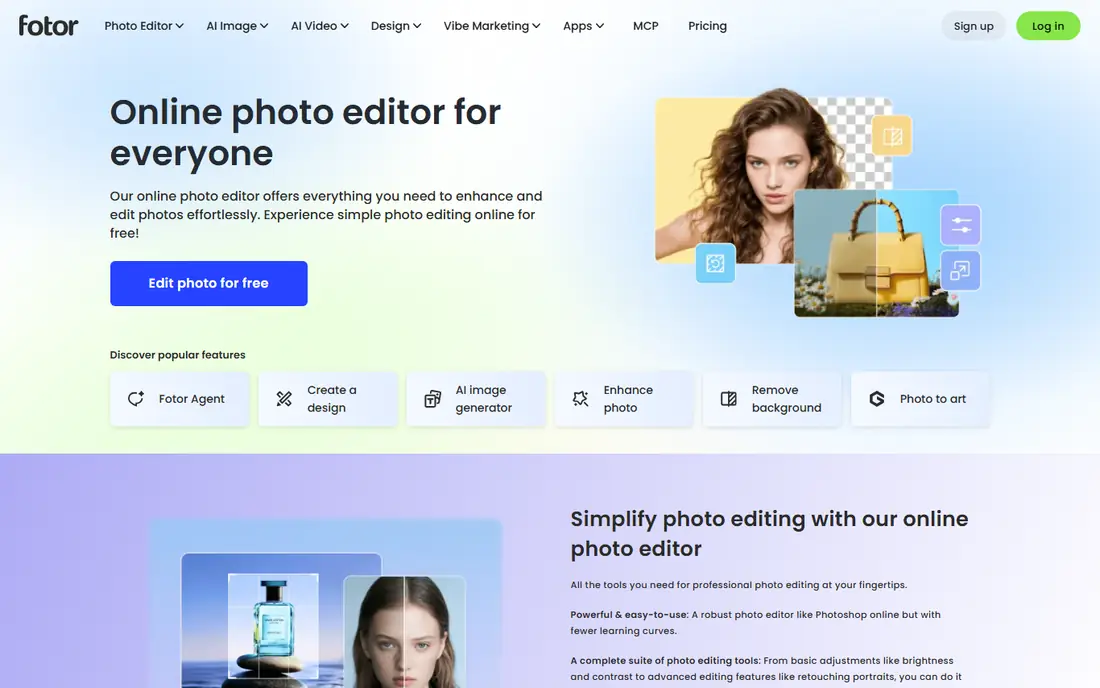
Fotor is the most complete online filter tool for quick, attractive results. Its filter library covers vintage, portrait, outdoor and artistic looks, and one-click enhancement can lift a flat phone photo in seconds. Collage and design tools mean you can finish a social post without switching apps.
Free use has limits. Some exports carry a watermark, and the more advanced AI tools and premium effects need a paid plan. For casual edits and social sharing, the free tier is enough. For client work or large batches, check the paid plan before you rely on it.
- Wide filter and effect library
- AI enhancement tools
- Collage and design features
- Free exports may carry a watermark
- Many AI tools need a paid plan
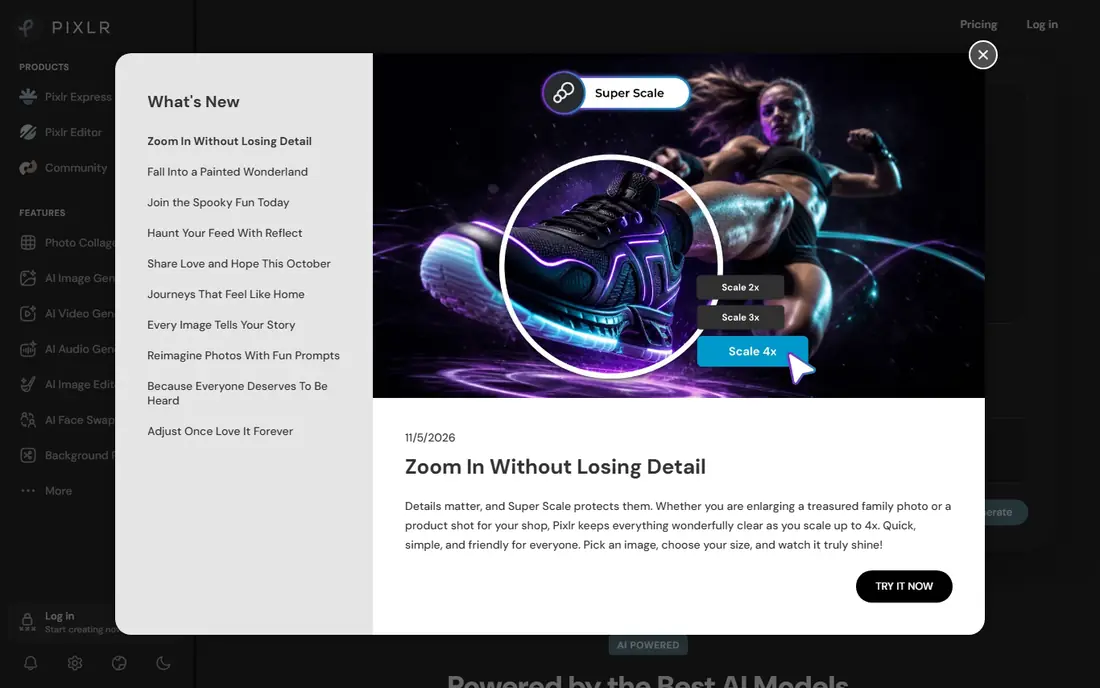
Pixlr suits people who want real editing power in a browser tab. Pixlr Express handles quick filters and fixes, while Pixlr Editor offers layers and finer control for users who want more. Filters, overlays and adjustments are broad, and nothing needs installing.
Two editors can confuse a newcomer who just wants a filter. The interface is busier than a single-purpose filter app, and some assets and advanced features need a subscription. If you want depth without installing software, Pixlr is worth learning. If you want one tap and done, a simpler tool fits better.
- Two browser editors for quick and advanced work
- Many filters and overlays
- No install needed
- Interface can confuse beginners
- Some features and assets need a subscription
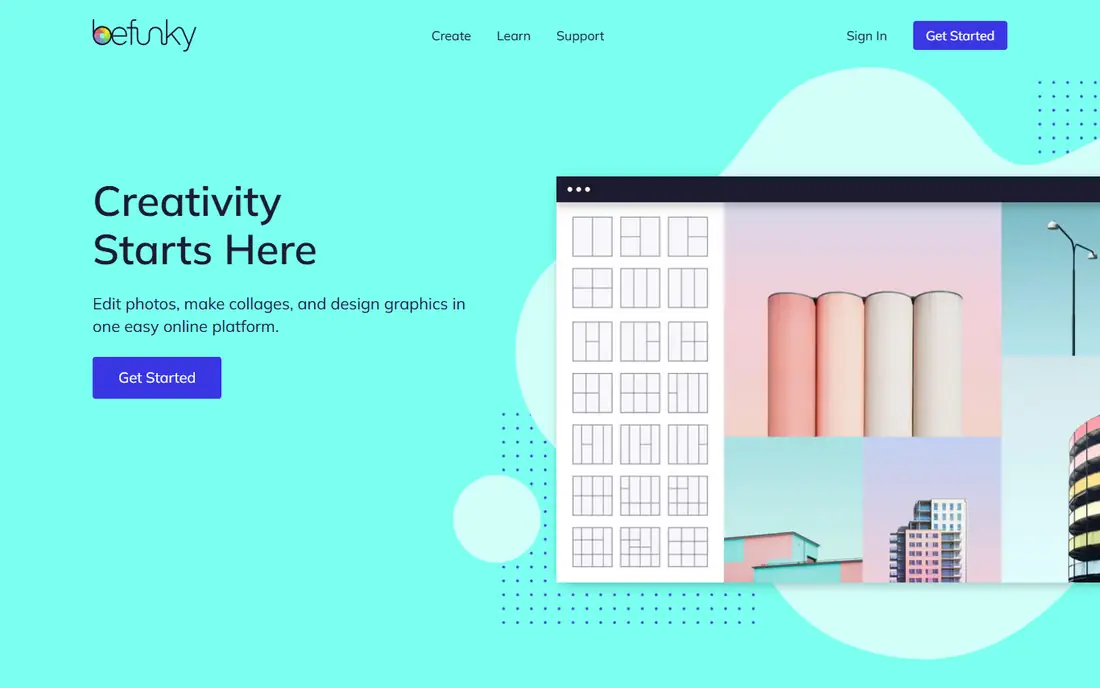
BeFunky is the pick when you want a photo to look like art, not just a slightly better photo. Its Artsy effects turn images into paintings, sketches and cartoons with a distinctive style, and the basic editor handles crop, colour and retouching cleanly. Collage tools add another reason to stay in one app.
The most striking Artsy effects need a paid Plus plan, and batch editing tools sit higher still. Casual users get plenty free, but anyone editing many photos for a shop or blog should check Plus and Pro pricing. For single creative edits, BeFunky is fun and easy.
- Distinctive Artsy painting and sketch effects
- Easy photo editor
- Collage maker
- Premium Artsy effects need Plus
- Batch tools sit on higher tiers
Canva is best when the filtered photo is part of a larger design. Apply a filter, add text, drop the image into a template for Instagram, a flyer or a presentation, and export in one flow. That all-in-one workflow saves time for small businesses and creators who post often.
Filter control is simpler than in Polarr or Pixlr. You get attractive presets and basic adjustments, not fine colour grading or custom filter creation. Canva suits social posts and marketing graphics, while dedicated editors suit photographers who want precise control over the final look.
- Filters plus templates, text and layouts
- Huge template library
- Easy sharing
- Filter control is simpler than dedicated editors
- Premium filters need Pro
Polarr is the filter tool for users who want control. Beyond ready-made filters, it offers detailed adjustments for light, colour and detail, plus masks that let you apply a filter to part of an image. You can create and save custom filters, which helps photographers keep a consistent look across many photos.
That power takes learning. Beginners may find the panels and sliders more than they need for a quick social post, and premium filters and tools need Pro. Polarr rewards users who edit often and care about a consistent style, rather than users who want a single tap.
- Custom filter creation
- Detailed colour and light controls
- Filter masks and overlays
- Premium filters and tools need Pro
- Learning curve for beginners
Adobe Express brings Adobe polish to quick online edits. Filters are clean and modern, templates cover social posts and marketing, and background removal helps product photos and portraits. It fits users who already use Adobe tools or want a trusted brand for business graphics.
Adobe Express is not Lightroom. Filter depth and colour grading are simpler, and the fullest Adobe features need a paid plan. It suits quick, professional-looking social content, while photographers who want deep editing should look at Polarr, Pixlr or a desktop editor instead.
- Polished filters and templates
- Background removal
- Brand and social tools
- Full Adobe features need a subscription
- Filter depth is less than Lightroom
LunaPic is the free, no-fuss option for a quick filter. It runs entirely in a browser, needs no account, and offers a huge range of filters and effects, from vintage looks to artistic distortions. For a one-off edit or a fun effect, it is hard to beat on price, since it costs nothing.
The interface looks older than modern rivals, and the site carries ads. Export options are basic compared with paid editors, so LunaPic suits casual edits and experiments, not polished client work. If you can live with the dated design, the free filter range is generous.
- Completely free browser editing
- Huge effect and filter range
- No account needed
- Older interface
- Ads on the site
- Export and quality options are basic
PicMonkey suits small businesses that want filters plus design in one subscription. Touch-up tools help portraits and product shots, filters give photos a consistent brand look, and templates cover social posts, ads and print. The workflow is friendly for non-designers who still want polished results.
There is no lasting free tier beyond a trial, so PicMonkey is a paid commitment. Casual users who edit a photo now and then will find free rivals enough. It earns its price for businesses that edit and design regularly and want templates, filters and touch-ups in one place.
- Good filter and touch-up tools
- Templates for business and social
- Collage maker
- No lasting free tier
- Subscription needed for full use
VSCO is the filter app for photographers who love a film look. Its presets mimic film stocks and classic photography styles, giving portraits and outdoor scenes a warm, understated finish that stands out from harsh social filters. Mobile editing is strong, with fine controls for exposure, colour and grain.
Many of the best presets need a paid membership, and the web experience is thinner than the mobile app. VSCO suits phone photographers who want a consistent, film-inspired style and enjoy sharing work in its community. For desktop-only editing, a browser tool such as Fotor or Pixlr fits better.
- Film-inspired presets
- Strong mobile editing
- Community for sharing work
- Many presets need a membership
- Web editing is more limited than mobile
How we picked these
We compared official feature pages, pricing pages, privacy policies and app store listings for each option. We kept only products that are still offered in October 2026 and that fit the topic directly. We checked whether a free tier or trial is real, what the paid plan adds, and where each product falls short, so the list reflects trade-offs rather than marketing claims alone.
How to choose an online photo filter tool
Start with where you edit. If you work on a desktop browser, Fotor, Pixlr, BeFunky, Polarr and Canva all work without installs. If you edit on a phone, VSCO and the mobile versions of Canva and Fotor are smoother. A tool that fights your device will not get used, however good its filters look in a review.
Next, test filters on your own photos, not on sample images. Apply the same three photos, a portrait, an outdoor scene and a low-light shot, in each shortlisted tool. Notice skin tones, highlight detail and colour shifts, since a filter that flatters one subject can ruin another. Save your favourites as a preset or custom filter where the tool allows it.
Finally, check export before you commit. Confirm the output size, file format and whether a watermark appears on free exports. A free tool that watermarks client work or shrinks images is not free for that job. For paid tools, test during the trial and cancel if the premium filters do not earn their price.
Frequently asked questions
What is the best online photo filter tool?
Fotor is the best general online pick, with a wide filter range and a usable free tier. Polarr is best for precise control and custom filters, while BeFunky is best for artistic painting and sketch effects.
What are the best online photo filter tools for free?
Fotor, Pixlr, BeFunky, Canva, Polarr, Adobe Express, LunaPic and VSCO all offer a free tier. LunaPic is completely free, while the others limit some filters, exports or AI tools to paid plans, so check export terms.
What are the best photo filter apps for phones?
VSCO leads for film-style presets on mobile, while Canva and Fotor offer strong mobile filtering plus design tools. Polarr also works well on phones for users who want finer colour control.
Do free filter tools add watermarks?
Some do, especially on free exports, while others limit premium filters instead. Fotor free exports may carry a watermark, so check the export preview before editing a batch for business or client use.
Can online filters replace a desktop photo editor?
For social posts and quick edits, yes. For deep colour grading, large print work or batch processing of raw files, a desktop editor still offers more control, higher quality exports and better file handling.
Sources
See where you really rank - block by block
ProMapRanker scans Google Maps across a grid of your service area. Simple monthly plans from $19, white-label on every plan.
Start freeKeep reading
 free alternatives to grok imagine
Free Alternatives to Grok Imagine in 2026
We compared the best free alternatives to grok imagine for image generation, from fast daily credits to design tools, so you can create without paying.
Read → best tools for instagram content creation
Best Tools for Instagram Content Creation in 2026
Compare the best tools for Instagram content creation, from Canva and CapCut to Later and Buffer, on design, video, planning, scheduling, and price in 2026.
Read → best tool to split pdf files
Best Tool to Split PDF Files in 2026
We compared the best tool to split pdf files on split modes, file limits, privacy and price, so you can split a PDF cleanly and keep every page in one go.
Read →