 ProMapRanker
Best Photo Editing Software Recommendations in 2026


Large photo libraries and batch edits · Pricing starts at: $11.99 per month
Key takeaways
- Adobe Lightroom remains our pick for most photographers who need strong organization plus editing in one place.
- Affinity by Canva is now free for its core tools, which makes it the best value pixel editor we compared.
- Capture One and DxO PhotoLab suit photographers who care most about color control and RAW file quality.
- A subscription is not required, since several strong editors here use a one-time purchase or a free plan.
- We compared official feature pages, pricing pages, app store listings, and public reviews for this list.
Quick comparison
| Pick | Great for | Pricing starts at | Free tier | |
|---|---|---|---|---|
| Adobe Lightroom | Large photo libraries and batch edits | $11.99 per month | Free trial | Visit |
 Adobe Photoshop | Deep retouching and compositing | $22.99 per month | Free trial | Visit |
 Capture One | Studio color control and tethered shooting | See website | Free trial | Visit |
 Affinity | Free professional pixel editing | Free | Yes | Visit |
 DxO PhotoLab | RAW quality and noise reduction | See website | Free trial | Visit |
 Luminar Neo | Fast guided edits and creative looks | See website | Free trial | Visit |
 ON1 Photo RAW | All-in-one editing without a subscription | See website | Free trial | Visit |
 GIMP | Free open-source editing | Free | Yes | Visit |
 Pixelmator Pro | Mac photo editing with a one-time purchase | See website | Free trial | Visit |
The best photo editing software recommendations
These nine editors cover the main ways people edit photos, from sorting thousands of RAW files to finishing one image pixel by pixel. Prices and free tiers below come from vendor pages and public listings we checked in October 2026, and we note where pricing was not published clearly.
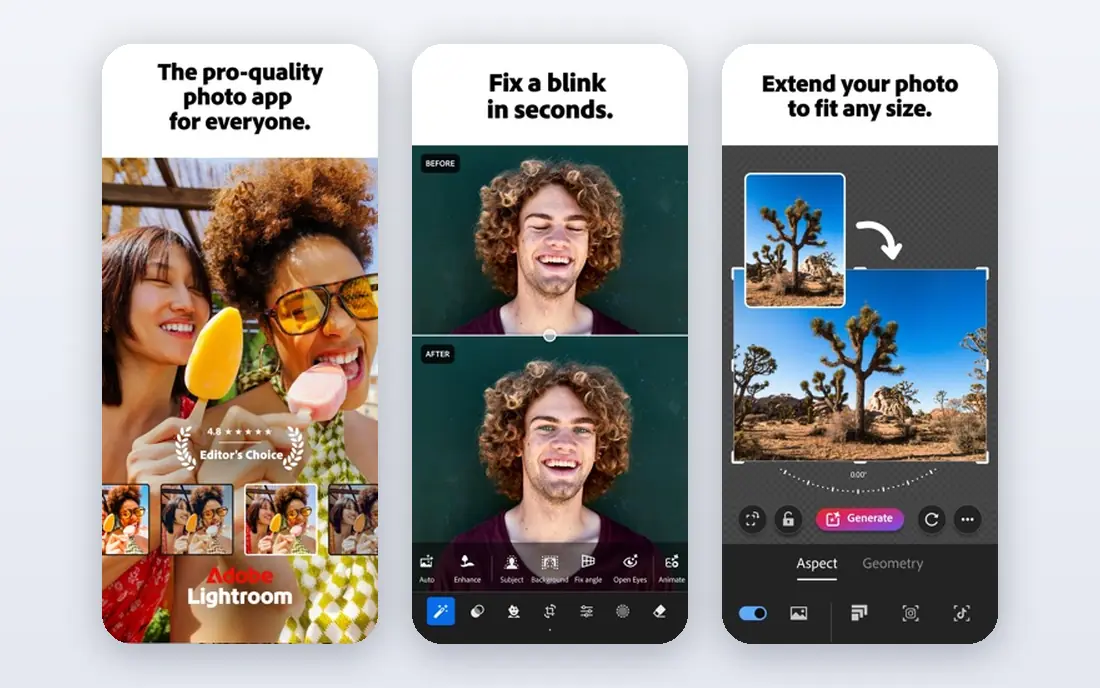
Lightroom is built around volume. A photographer can import a full shoot, cull the weak frames, apply a preset across a batch, and then fine-tune only the keepers. That workflow is why it still leads for people who deliver galleries rather than single hero images.
The catch is the model, not the editing. You rent the software, so editing stops if you stop paying, and the two versions of Lightroom take time to understand. If you shoot often and need your library to stay searchable for years, that trade is usually worth it.
- Strong catalog and keyword tools
- Presets and cloud sync across devices
- Broad camera RAW support
- Subscription only
- The cloud app and Classic app split can confuse new users

Photoshop edits pixels, while Lightroom manages photographs, and that distinction decides which one you need. For detailed retouching, compositing, background work, and design-ready files, Photoshop has no equal in this list. Clients and agencies still expect PSD files, which keeps it central for professional work.
Beginners should expect a slow start. The interface holds years of tools, and many of them stay unused by casual editors. If you only adjust exposure and color, Lightroom or Affinity will serve you better for less money.
- Deepest layer, mask, and selection tools
- Industry-standard PSD files
- Frequent feature updates
- Subscription only
- Steep learning curve for beginners
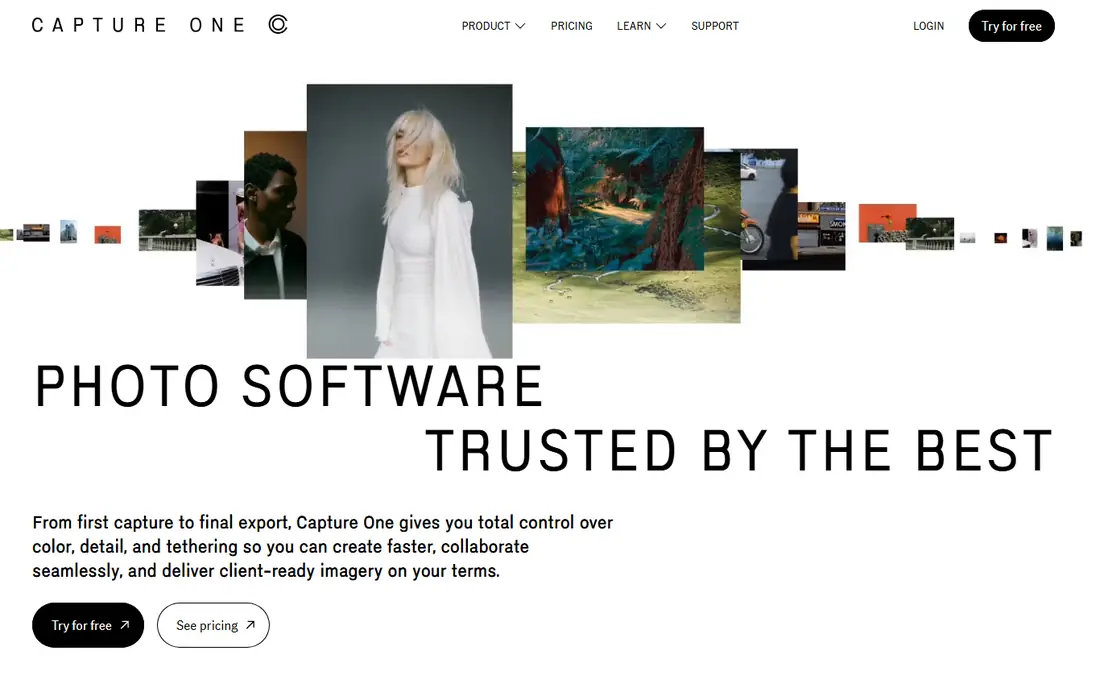
Capture One earns its place in studios. Tethered shooting feels steady, color adjustments respond in fine steps, and skin tones hold up well under controlled light. Photographers who shoot products or portraits on a schedule often value that control over a larger template library.
The downside is cost and familiarity. Tutorials and presets are fewer than for Adobe products, and the full feature set takes study. For studio work, though, the color tools and session workflow justify a closer look.
- Precise color editing tools
- Reliable tethered capture for studio work
- Strong detail rendering
- Higher price than many rivals
- Smaller preset and tutorial ecosystem than Adobe
Affinity changed the value question in this category. Canva now offers the unified Affinity app free with a free Canva account, covering the photo editing tools that once sold as Affinity Photo. Layers, masks, RAW development, and retouching tools are included in the core app.
What it lacks is a Lightroom-style catalog for managing huge libraries. Pair it with a folder system or a separate organizer if you shoot in volume. For single-image editing and compositing at zero cost, it is hard to beat.
- Full layer and masking tools at no cost
- Good PSD compatibility
- One app covers photo, design, and layout tools
- No built-in photo catalog like Lightroom
- Some AI features need a paid Canva plan
DxO PhotoLab starts from the file itself. Its noise reduction and lens corrections are widely praised, and high ISO files often come out cleaner here than in a general editor. Photographers who shoot in low light or with older lenses tend to notice the difference quickly.
It is less appealing as a full library manager. Catalog tools exist, but they do not match Lightroom for searching years of shoots. Use it as your RAW developer, then export finished files elsewhere, and its strengths show clearly.
- Excellent noise reduction
- Automatic lens corrections
- Clean RAW detail
- Weaker library tools than Lightroom
- Interface feels technical at first
Luminar Neo is built for speed over depth. Sliders and guided tools handle sky replacement, portrait touch-ups, and stylized looks without a long manual process. For social posts, prints for family, and quick client previews, that pace matters.
Serious retouchers will hit limits sooner. Fine masking and layered compositing are thinner here than in Photoshop or Affinity. Treat Luminar Neo as a fast finisher, not a full replacement for a pixel editor.
- Guided tools speed up common edits
- Creative presets and sky tools
- Approachable for newer editors
- Can feel slow on older machines
- Less precise than Photoshop for detailed work
ON1 Photo RAW tries to be the whole workflow in one place. It browses folders, develops RAW files, applies effects, and exports, without forcing a catalog import step. That folder-based approach suits photographers who like to keep files where they put them.
The trade is polish. The interface packs in a lot, and some users find it busy compared with Lightroom. If you want one app and no subscription, ON1 is a fair middle path between free tools and Adobe.
- Editing, organizing, and effects in one app
- Perpetual license option
- Useful preset system
- Interface can feel crowded
- Performance varies by machine
GIMP remains the free standard for pixel editing. It handles layers, masks, selections, and detailed retouching, and its plugin community extends it in many directions. For a student, hobbyist, or anyone on a tight budget, it covers a surprising amount of Photoshop ground.
RAW handling needs a plugin or a separate developer, and there is no polished library system. That makes GIMP a better second tool than a sole workflow for high-volume photographers. As a free finisher, it is genuinely capable.
- Free and open source
- Deep layer and retouching tools
- Large plugin community
- No native RAW catalog workflow
- Interface feels dated to some users
Pixelmator Pro is the Mac-first option in this list. It runs fast on Apple silicon, its interface stays tidy, and its editing tools cover most everyday photo work well. For Mac users who want a modern editor without a subscription, it is an easy recommendation.
Windows users need to look elsewhere, since there is no Windows version. The tutorial and preset world is also smaller than Adobe's. Within the Mac world, though, it balances price, speed, and ease better than most rivals.
- Fast on Apple silicon Macs
- Clean, modern interface
- Strong machine learning tools
- Mac only
- Smaller ecosystem than Adobe or Affinity
How we picked these
We compared official feature pages, pricing pages, app store listings, and public reviews for each editor, and we kept only tools that exist and work today. A product stayed on the list only if it clearly fit general photo editing, rather than a narrow niche like video or design alone. Where a vendor did not publish a clear starting price, we wrote See website instead of guessing.
We also weighed the full cost of ownership. A free app with a weak library can cost time, while a subscription with strong organization can save it. That is why this list mixes subscriptions, one-time purchases, and free tools instead of ranking by price alone.
What to decide before you pay
Start with how many photos you handle. High-volume shooters need catalog tools and batch speed, so Lightroom, Capture One, or ON1 deserve the first look. Occasional editors should start free with Affinity or GIMP and only pay if a missing feature keeps slowing them down.
Next, check file compatibility and your computer. If clients send PSD files, Photoshop or Affinity will cause fewer headaches. Mac users can add Pixelmator Pro to the shortlist, while Windows users should test performance on their own machine before buying. Always run the free trial on your own photos, since a demo image hides slowdowns on large RAW files.
Frequently asked questions
What is the best photo editing software for beginners?
Affinity and Luminar Neo are strong starting points, since both keep common edits close at hand without a subscription trap. Lightroom is also friendly once you learn its catalog, and its preset system helps new editors get consistent results fast.
Do I need both Lightroom and Photoshop?
Most photographers do not. Lightroom covers RAW development, organization, and batch work, while Photoshop adds deep retouching and compositing. The Photography plan bundles both, so it makes sense if you regularly finish hero images by hand.
Is free photo editing software good enough?
For many people, yes. Affinity covers professional pixel editing at no cost, and GIMP covers detailed retouching. Free tools fall short mainly on catalog management and guided AI features, so check those gaps against your own workflow.
Which editor is best for RAW files?
DxO PhotoLab and Capture One lead on RAW quality and detail in our comparison, with Lightroom close behind and stronger for libraries. If you shoot high ISO images often, test DxO on your own files before deciding.
Can I edit photos without a subscription?
Yes. Affinity and GIMP are free, and ON1 Photo RAW, DxO PhotoLab, Luminar Neo, and Pixelmator Pro offer purchase options rather than subscription-only access. Always confirm the current license terms on the vendor site, since offers change.
Sources
See where you really rank - block by block
ProMapRanker scans Google Maps across a grid of your service area. Simple monthly plans from $19, white-label on every plan.
Start freeKeep reading
 wpforms alternatives
Best WPForms Alternatives in 2026
We compare 9 wpforms alternatives for WordPress forms, with free and paid options, current pricing notes, and honest limits for small business sites in 2026.
Read → windows task scheduler alternatives
Best Windows Task Scheduler Alternatives in 2026
Looking for Windows Task Scheduler alternatives? We compare 9 schedulers for Windows and cross-platform work, from free tools to enterprise automation.
Read → which ai video service is best
Which AI Video Service Is Best in 2026
which ai video service is best? We compare 10 legitimate AI video services on price, avatars, editing and output quality to help you pick the right tool.
Read →