 ProMapRanker
Best Photo Collage Apps in 2026

Key takeaways
- Canva is the best all round collage maker, because collages come with a full design toolkit and a usable free plan.
- Adobe Express is the strongest pick for branded collages, with clean typography and brand tools.
- PicCollage and Google Photos are the fastest phone options, with PicCollage offering more creative freedom.
- Free exports are not all equal, so check watermarks and resolution before you spend time on a design.
- Paid plans mostly buy premium templates, higher resolution and watermark removal, not a better basic grid.
Quick comparison
| Pick | Great for | Pricing starts at | Free tier | |
|---|---|---|---|---|
 Canva Canva | All round design with collages | See website | Yes | Visit |
 Adobe Express Adobe Express | Branded business collages | $9.99 per month | Yes | Visit |
 Picsart Picsart | Creative and AI assisted collages | See website | Yes | Visit |
 Fotor Fotor | Template heavy quick collages | $39.99 per year | Yes | Visit |
 BeFunky BeFunky | Playful collages with effects | See website | Yes | Visit |
 PicCollage PicCollage | Phone first scrapbook collages | $35.99 per year | Yes | Visit |
 Google Photos Google Photos | Fast free photo grids | Free | Yes | Visit |
 Kapwing Kapwing | Collages plus video and teams | See website | Yes | Visit |
The best photo collage apps
We compared the best photo collage app options on templates, layout control, export quality, free tier limits and price. The best app to make collages depends on whether you want a quick phone grid or a polished design for a business page.
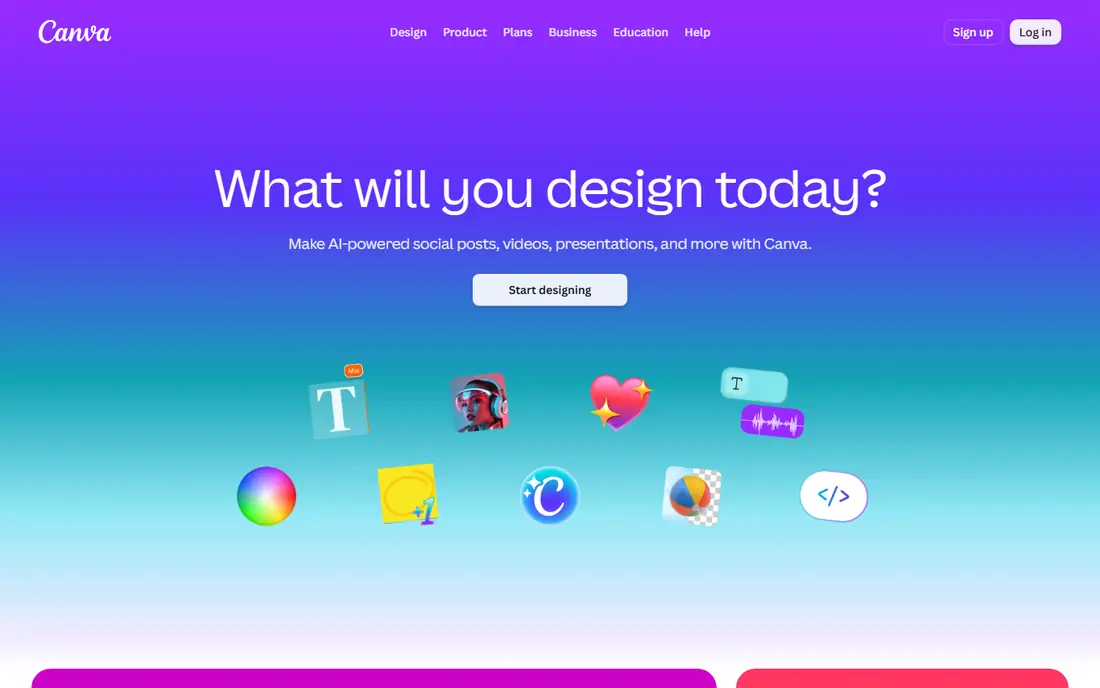
Canva is the best app for collage photos for most people, because a collage is just one part of a much larger design tool. You pick a grid or a template, drop photos into frames, add text and stickers, and export for social media, print or a presentation. The free plan covers most casual needs, including many templates and a wide range of fonts.
The catch is the premium line. Some templates, photos and elements carry a Pro label, and using them in a free design can add a watermark or a payment prompt at export. Check the export preview before you share. If you make collages weekly for a business, Pro is worth pricing, but casual users can stay on free.
- Huge template library
- Drag and drop grids
- Works in any browser and on phone
- Some premium templates and assets require Pro
- Free exports can include premium elements by mistake
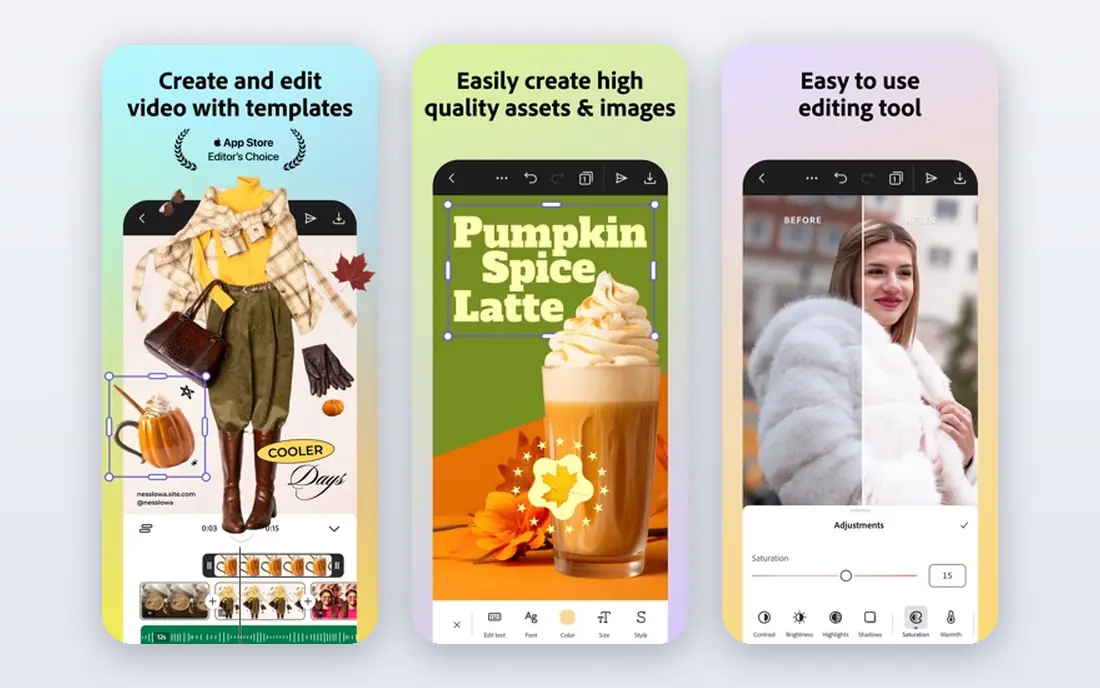
Adobe Express suits collages that need to look consistent with a brand. You can save colours, fonts and logos in a brand kit, then apply them across templates, which keeps a business feed looking tidy. The template quality is high, and Adobe Stock assets give you extra photos and graphics when your own library runs short.
The free plan is usable, but Premium at 9.99 dollars per month opens up more assets, brand tools and premium templates. If you already pay for Creative Cloud, Express may already be included, so check your existing plan first. For one off birthday collages, Canva or Google Photos will be faster and cheaper.
- Clean typography and brand kits
- Adobe Stock assets
- Strong template quality
- Some features need a sign in
- Premium is a subscription, not a one time purchase
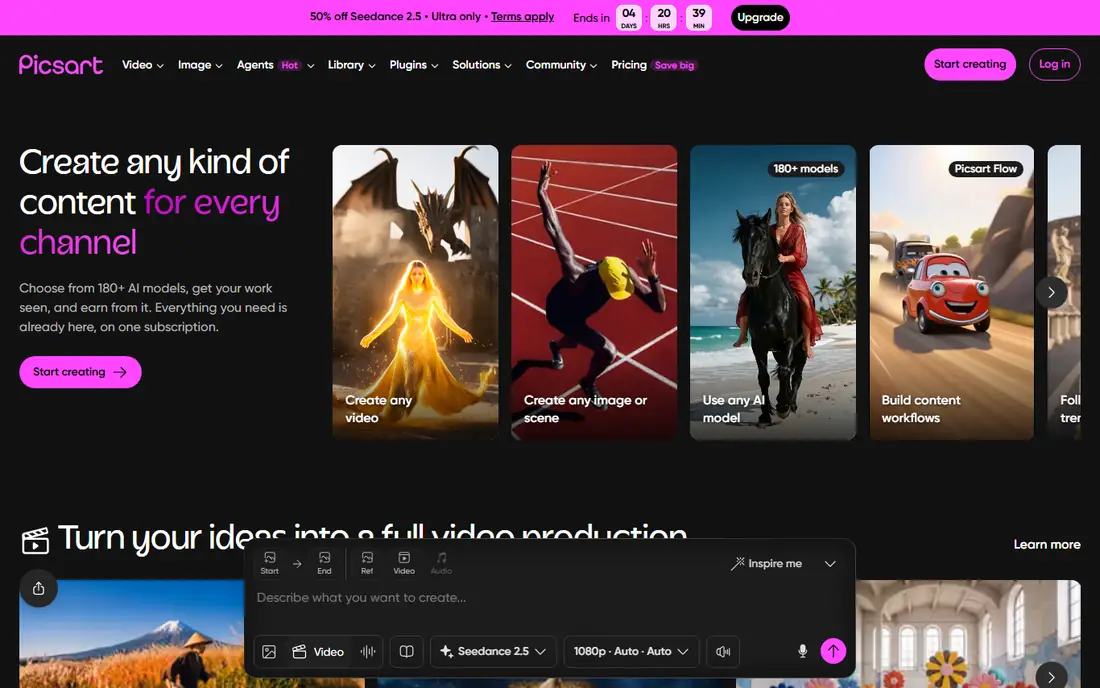
Picsart is the pick for collages that go beyond a simple grid. You can cut out a subject, change a background, add stickers and effects, and build a freestyle layout that looks more like a poster than a photo grid. AI tools help with cutouts and background removal, which saves time on phone edits.
The tradeoff is the subscription push. Many of the most useful tools and assets sit behind the Gold plan, and the app shows frequent upgrade prompts. Check the current Gold price on the vendor site or app store before you subscribe. For playful, creative collages, Picsart offers more room to experiment than Canva or Adobe Express.
- Wide creative tools including cutouts and effects
- Many collage layouts
- Strong mobile editor
- Best features require Gold
- Interface can feel busy with prompts and offers
Fotor is a solid choice for the best apps for photo collage on the web, because it pairs collage templates with photo editing in one place. You can adjust brightness, crop and retouch a photo, then drop it into a grid without switching apps. That combination suits people who want a quick result without learning a full design tool.
The free tier is the catch. Free exports can be watermarked, and Pro templates are locked behind the paid plan at 39.99 dollars per year. If you only need a collage for a single post, test a free export first and check the result closely. For regular use, Pro is reasonably priced compared with Canva Pro and Adobe Express Premium.
- Many collage templates
- Built in photo editing
- Works on web and mobile
- Free exports can carry a watermark
- Some templates require Pro
BeFunky is the best photo collage software for people who want a fast, friendly web editor. You open the collage maker, choose a layout, add photos, and adjust spacing and backgrounds with simple sliders. The playful templates and effects suit birthday posts, family albums and social stories, and the learning curve is very short.
It is not a full design suite, so you will not get Canva style brand kits or Adobe style typography controls. Some premium assets require the Plus plan, so check the current price on the vendor site if you fall in love with a paid template. For quick, cheerful collages without an install, BeFunky is a reliable pick.
- Easy web editor
- Fun layouts and effects
- Exports without a watermark on many free designs
- Fewer advanced design tools than Canva
- Some assets require Plus
PicCollage is the best app to collage photos on a phone when you want a scrapbook feel. You can place photos freely, rotate and layer them, add stickers, doodles and text, and build a page that feels handmade rather than gridded. That freedom is why it remains popular for birthdays, holidays and family posts.
The premium plan costs 35.99 dollars per year and removes watermarks on some exports while opening more templates and stickers. If you only make occasional grids, Google Photos is free and faster. If you enjoy the scrapbook style and make collages often, PicCollage is worth the subscription.
- Scrapbook style freestyle layouts
- Stickers and doodles
- Fast phone workflow
- Premium templates and watermark removal require a subscription
- Web editing is limited
Google Photos is the fastest free option, because your photos are already there if you use Google backup. You select photos, choose the collage option, and Google builds a clean grid in seconds, ready to share or download. There is no subscription, no watermark and no template hunting for a basic result.
The limit is control. You cannot freestyle a layout, add elaborate stickers or build a branded design the way Canva and PicCollage allow. Google Photos suits quick grids for sharing with family, not poster designs. Use it when speed matters, and switch to Canva or Picsart when you want creative control.
- Free collages from photos already backed up
- Very fast
- No extra app needed for basic grids
- Limited layout and design control
- Fewer templates and effects than rivals
Kapwing suits small teams that make collages alongside video clips, memes and social posts. Everything runs in the browser, so a teammate can open a project, edit a layout and export without installing software. Team workspaces and shared assets help when several people publish to the same accounts.
The collage tools themselves are simpler than Canva, with fewer templates and less design depth. Free exports can also carry a watermark, so check the export before you publish. Kapwing earns its place here for teams that value one browser workspace for images and video, not for solo users who only need a photo grid.
- Browser based collage and video tools
- Team workspaces
- Good for social content teams
- Free exports can carry a watermark
- Collage tools are simpler than Canva
How we picked these
We compared official feature pages, pricing pages and app store listings for phone and web collage makers, and we kept only tools that work in October 2026. We weighed template quality, layout control, export quality, free tier limits and price. We favoured tools with a usable free tier, because most collages are casual, and we noted watermark limits where they apply.
We did not claim hands on testing that did not happen, and we did not invent template counts, resolution figures or user numbers. Where a price varies by store or billing term, we wrote See website so you can check the current figure. Always preview an export at full size before you print or post, because a design that looks fine on a phone screen can lose sharpness at poster size.
How to choose the right collage app
Start with the job. For a quick family grid, Google Photos is free and fast. For a scrapbook style phone collage, PicCollage gives you freedom. For social posts and business designs, Canva and Adobe Express offer templates, typography and brand control. For playful web collages, BeFunky and Fotor are easy, while Picsart suits creative edits and Kapwing suits teams.
Check three things before you commit time to a design. First, does the free tier export without a watermark at a resolution you accept. Second, are the templates you like free or paid. Third, does the app work where you work, on phone, web or both. A collage tool that fits your device and your export needs will beat a fancier tool you rarely open.
Frequently asked questions
What is the best photo collage app for iPhone?
PicCollage is our pick for iPhone users who want scrapbook freedom, while Canva is better for template based designs and Google Photos is fastest for simple grids. All three work on iPhone, so choose based on style, not platform. Test the free tier of each with the same photos before you pay.
What is the best app to make collages for Instagram?
Canva is the strongest choice for Instagram, because its templates match common post and story sizes and its text tools are easy to use. PicCollage also works well for square posts and carousels, and Picsart adds creative effects for standout posts. Export at the highest resolution your plan allows.
What is the best free photo collage software?
Google Photos is the best free option for simple grids, with no watermark and no subscription. BeFunky and Canva also offer usable free tiers for more designed collages, though some templates are paid. Always check the free export for watermarks before you share a finished design.
Can I make video collages with these apps?
Yes, PhotoGrid style video grids are available in some mobile apps, and Kapwing handles collages alongside video editing in the browser. Canva and Picsart also support basic video collages, though dedicated video editors give you more control over timing and audio. For a simple multi clip grid, Kapwing is the easiest pick here.
What is the best photo collage app without a watermark?
Google Photos exports basic collages without a watermark, and BeFunky exports many free designs cleanly, though premium assets can change that. Canva, Fotor and Kapwing may watermark free exports that use premium elements, so preview before you publish. Paid plans on most apps remove watermarks.
Do I need to pay for a good collage app?
No, a good collage does not require payment, because Google Photos, Canva free and BeFunky free cover most casual needs. Pay only if you need premium templates, higher resolution exports, watermark removal or brand tools for regular business use. Start free, and upgrade only when a specific limit blocks your work.
Sources
See where you really rank - block by block
ProMapRanker scans Google Maps across a grid of your service area. Simple monthly plans from $19, white-label on every plan.
Start freeKeep reading
 zoom alternatives
Best Zoom Alternatives in 2026
Compare Zoom alternatives in 2026, with free meeting limits and prices, so you can pick the best alternative to Zoom for your team, class, or community.
Read → which software is best for remote work
Which Software Is Best for Remote Work in 2026
Answering which software is best for remote work, we compare Slack, Zoom, Asana, Notion, Teams and more, with pricing and honest tradeoffs in 2026 now.
Read → which ai tool is best for content writing
Which AI Tool Is Best for Content Writing in 2026
Wondering which ai tool is best for content writing? We compare ChatGPT, Claude, Jasper, Grammarly, and more on price, quality, and best use in 2026 now.
Read →