 ProMapRanker
Best Phone Tracking App in 2026

Key takeaways
- Life360 is the most complete family location app, but its best features sit behind paid plans.
- Apple Find My and Google Find Hub are free and are the first tools to use for finding your own lost phone.
- Family tracking only works with consent: every person tracked should know, agree, and be able to pause sharing where the app allows.
- Battery use and location accuracy depend on phone permissions, signal, and background settings, not just the app.
- For employees, use a disclosed work device policy and a work only tracking tool, never a personal family app installed without notice.
Quick comparison
| Pick | Great for | Pricing starts at | Free tier | |
|---|---|---|---|---|
 Life360 | Family location and teen driving safety | Free | Yes | Visit |
 Apple Find My | Finding your own Apple devices | Free | Yes | Visit |
 Google Find Hub | Finding your own Android devices | Free | Yes | Visit |
 Google Family Link | Parents supervising younger children | Free | Yes | Visit |
 iSharing | Simple cross platform family sharing | See website | Yes | Visit |
 GeoZilla | Family location with place alerts | See website | Yes | Visit |
 Glympse | Temporary location sharing | Free | Yes | Visit |
 FamiSafe | Family location plus parental controls | See website | Free trial | Visit |
 Find My Kids | Younger children and GPS watches | See website | Yes | Visit |
The best phone tracking apps
We compared these apps on lawful uses only: finding your own devices, sharing location within a family with consent, and managing work devices with disclosure. We left out apps marketed for covert monitoring of another adult, because tracking someone without consent can break the law and app store rules.
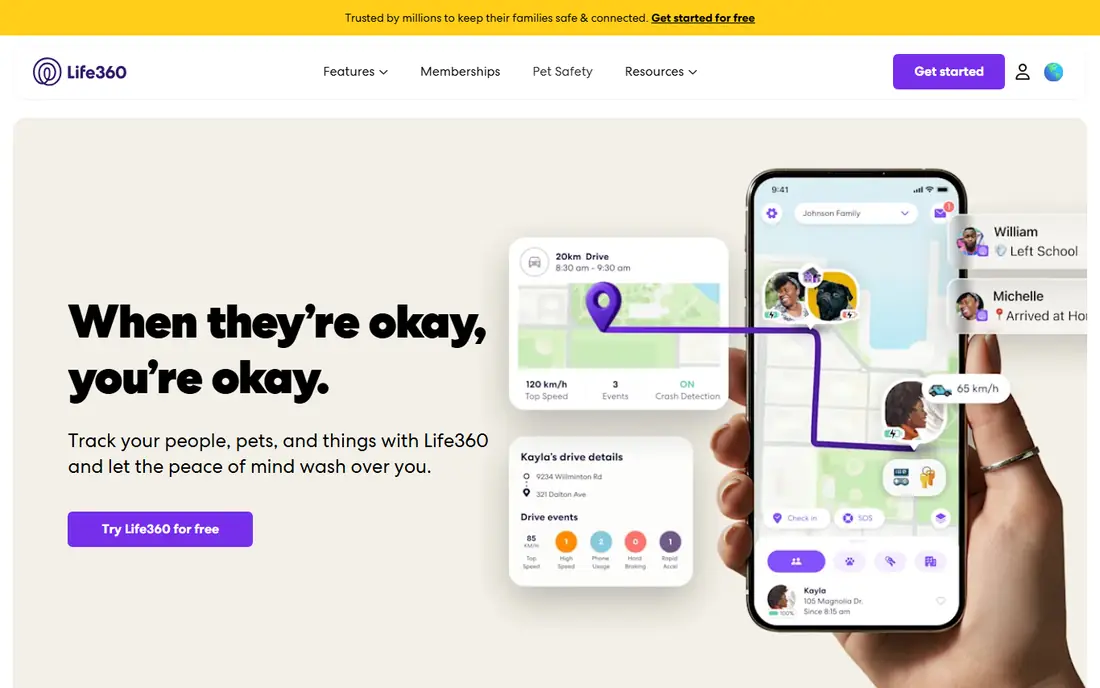
Life360 is the default family tracker for a reason. Each family member joins a Circle, shares location with that group, and can set Place Alerts for home, school, or work. Paid plans add longer location history, driving reports, crash detection, and emergency help, which matter most for households with new drivers.
The free plan covers basic location sharing, but history is short and alerts are limited. Recent pricing roundups list paid plans from about $7.99 to $24.99 per month, with annual billing at a discount, so check the current pricing page before subscribing. Life360 works best when the family agrees on what is shared, who sees driving data, and when location sharing pauses.
- Real-time location sharing in Circles
- Place Alerts and location history
- Crash detection and SOS on paid plans
- Best features require a paid plan
- Continuous tracking can feel intrusive without a family agreement
Find My is the first app to check if you lose an iPhone, because it is built into the device and costs nothing extra. You can see the last known location, play a sound, lock the device, or erase it remotely if recovery looks unlikely. Family sharing lets invited family members see each other, but only after each person accepts.
The limit is the ecosystem. Find My does not track Android phones, and accuracy falls when a device is off, out of battery, or without signal. For a household that uses Apple devices, it covers lost phone recovery and basic family sharing without a subscription. For mixed device homes, pair it with a cross platform app.
- Free for Apple device owners
- Works with iPhone, iPad, Mac, and AirTag
- Can play a sound and mark a device as lost
- Apple devices only
- Location sharing with family needs an explicit invitation and acceptance
Google Find Hub, formerly Find My Device, is the Android equivalent of Find My. Sign in with the Google account on the lost phone, and you can locate it on a map, ring it at full volume, lock it with a message, or erase it as a last step. The web version means you can act from any computer, which helps when the lost phone is the only device you normally use.
Location history and sharing are separate Google features, so Find Hub is best for device recovery rather than ongoing family tracking. Keep location turned on and check that the device is signed in before you need it, because those settings decide whether a lost phone can be found at all.
- Free for Android device owners
- Can ring, lock, or erase a lost device
- Works from any browser
- Android and supported devices only
- Accuracy depends on location settings and battery
Family Link is the right starting point for parents of younger children on Android and Chromebook. A parent creates and supervises a child account, sets location sharing, approves app downloads, and manages screen time limits. Because it is part of Google services, there is no separate tracker subscription to pay.
The scope is narrower than Life360. Family Link is a parental supervision tool, not a general family location app for adults, and older teens may find its controls too restrictive. Use it for younger children, talk with your child about what is shared, and move to a mutual sharing app like Life360 when the child is older and the family agrees on the terms.
- Free supervision for a child Google account
- Location, app, and screen time controls in one place
- No extra subscription
- Designed for children, not adult family sharing
- Features vary by device and country
iSharing suits families that want a simple map and alerts without the driving reports and insurance style extras of Life360. Members join a private group, share location, and can send alerts when they arrive or need help. The cross platform design matters for homes with both iPhone and Android phones, where Apple and Google tools alone leave a gap.
Pricing for iSharing has varied in roundups, with premium plans listed around a few dollars per month, so we list the starting price as See website and recommend checking the app store listing for your country. The free plan covers basic sharing, which is enough to test whether the whole family will actually keep the app running.
- Works on iPhone and Android
- Real-time location and alerts
- Private groups for family and close friends
- Paid features vary by plan
- Some advanced safety features need a subscription
GeoZilla focuses on the core family tracking job: see where family members are, get alerts when they reach a place, and check in without a phone call. The interface stays simple, which helps less technical family members who only want a map and a few alerts. It also supports location history on paid plans, so you can check a recent route without calling around.
The main drawback is scale. GeoZilla is less widely used than Life360, so support articles and community help are thinner. Pricing also varies, so confirm the current plan in the app store before paying. For a family that wants alerts without driving scores, GeoZilla is a credible alternative.
- Real-time family location
- Place alerts and check-ins
- Works on iPhone and Android
- Smaller user base than Life360
- Premium pricing is not always clearly listed
Glympse solves a different problem from the rest of this list, and that is its strength. Instead of permanent tracking, you share your live location for fifteen minutes, an hour, or a chosen trip, and the link works in a browser for people without the app. That makes it ideal for meeting friends, letting family follow a drive home, or coordinating at an event.
Because sharing is temporary by design, Glympse is also the most privacy friendly option here. The person sharing stays in control, and there is no ongoing record to manage. If you need daily family location, pair Glympse with a family app. If you only need to share a trip, Glympse alone is enough, and it is free.
- Share location for a set time with anyone
- No account needed for recipients
- Good for meetups and travel
- Not designed for ongoing family tracking
- Sharing ends when the timer expires
FamiSafe, from Wondershare, combines location tracking with broader parental controls. Parents can set geofences, get alerts when a child enters or leaves a zone, and manage app use and web filtering from the same dashboard. That bundle suits families who want one app for both safety and screen rules, rather than separate tools for each job.
The cost is higher than a simple tracker, and pricing varies by plan length, so check the vendor site for the current monthly or annual price. A free trial lets you test setup on your child devices before paying. As with any parental tool, explain to your child what is monitored and why, and keep the rules age appropriate.
- Location tracking plus app and web controls
- Geofencing alerts
- Works on iPhone, Android, and other devices
- No permanent free plan
- Setup takes more steps than a simple tracker
Find My Kids is built for younger children, including children who carry a GPS watch instead of a phone. Parents get live location, place alerts, and a loud ping that can help a child find a device or get attention, plus school mode settings that limit distractions during class. The watch support is a real advantage for families that do not want to give a young child a full phone yet.
Pricing in roundups has ranged around a few dollars per month, with plan and country differences, so we list See website. Check which features work on your child device, because some options are Android only. For younger children, Find My Kids is one of the most focused options on this list.
- Live GPS with loud ping and geofences
- Works with smartphones and some GPS watches
- School mode options
- Some listening features are Android only
- Watch features depend on the model
How we picked these
We compared official app pages, app store listings, and recent pricing roundups for apps that offer lawful location sharing or device recovery in October 2026. We required a clear consent model: the tracked person must install the app, accept sharing, or be a child under lawful parental supervision. We excluded apps marketed for secret monitoring, and we did not test tracking accuracy ourselves.
Prices change often, and app store prices vary by country, so confirm the current plan in the app store or on the vendor site before subscribing. Battery and accuracy results also vary by phone model and settings.
Lawful use and consent: what to get right
Only track your own devices, children in your care under applicable law, family members who have agreed to share, or employees on disclosed work devices under a written policy. Tell the person what is tracked, who can see it, and how to pause or stop sharing where the app allows it. A family agreement works better than a secret install: it keeps trust intact and keeps you on the right side of app store rules and local law.
For work devices, keep tracking work only. Use a separate work phone or a work profile where possible, limit tracking to work hours, and put the policy in writing before any device is enrolled. If you are unsure whether tracking is lawful in your situation, do not install a tracker until you have checked local rules or sought advice. No app on this list should be used to follow another adult without their knowledge and consent.
Frequently asked questions
What is the best free phone tracking app?
For finding your own phone, Apple Find My and Google Find Hub are free and best. For family sharing, Life360 has a useful free tier, and Glympse is free for temporary sharing. The best free choice depends on whether you need device recovery or ongoing family location.
Can I track a phone without the person knowing?
No, and you should not try. Lawful tracking apps require installation, permissions, and acceptance by the person being tracked, or lawful parental supervision of a child. Covert tracking can break the law and get the app removed from app stores.
Why is my family tracker showing an old location?
Old locations usually come from battery saving settings, poor signal, or location permissions set to only while using the app. Set location to always allow for the tracker, turn off battery optimization for that app, and check signal. Indoor locations are also less precise than outdoor GPS.
Is phone tracking safe for children?
It can help, if it is part of a wider conversation about safety and privacy. Explain what you can see, agree on geofences and check-in times, and reduce monitoring as a child grows older. A tracker should support independence, not replace trust and teaching.
What is the best app to track a lost phone?
Use the built-in tool for your phone: Find My on iPhone and Find Hub on Android. They are free, they can ring, lock, or erase the device, and they work from any browser. Install a family tracker only if you also need ongoing sharing.
Sources
See where you really rank - block by block
ProMapRanker scans Google Maps across a grid of your service area. Simple monthly plans from $19, white-label on every plan.
Start freeKeep reading
 free alternatives to grok imagine
Free Alternatives to Grok Imagine in 2026
We compared the best free alternatives to grok imagine for image generation, from fast daily credits to design tools, so you can create without paying.
Read → best tools for instagram content creation
Best Tools for Instagram Content Creation in 2026
Compare the best tools for Instagram content creation, from Canva and CapCut to Later and Buffer, on design, video, planning, scheduling, and price in 2026.
Read → best tool to split pdf files
Best Tool to Split PDF Files in 2026
We compared the best tool to split pdf files on split modes, file limits, privacy and price, so you can split a PDF cleanly and keep every page in one go.
Read →