 ProMapRanker
Best Phishing Simulation Software in 2026

Key takeaways
- This article covers defensive phishing simulation and security awareness training only, for authorised organisational testing.
- KnowBe4 suits mid-market teams that want a large template and training library with clear reporting.
- Proofpoint and Mimecast suit teams already using those email security platforms, since simulation can draw on real threat data.
- Cofense PhishMe suits response teams that want employee reports to flow into triage and incident handling.
- Hoxhunt and SoSafe suit teams that want adaptive, behaviour-focused training rather than simple completion tracking.
Quick comparison
| Pick | Great for | Pricing starts at | Free tier | |
|---|---|---|---|---|
 KnowBe4 | Large library and reporting | See website | Free trial | Visit |
 Proofpoint Security Awareness | Proofpoint email customers | See website | No | Visit |
 Cofense PhishMe | Report-to-response workflow | See website | Free trial | Visit |
 Infosec IQ | Structured training programmes | See website | Free trial | Visit |
 Mimecast Awareness Training | Mimecast email customers | See website | No | Visit |
 Hoxhunt | Adaptive behaviour change | See website | No | Visit |
 Microsoft Defender Attack Simulation Training | Microsoft 365 customers | See website | Free trial | Visit |
 SoSafe | Behaviour-focused training | See website | No | Visit |
 IRONSCALES | Email security plus training | See website | Free trial | Visit |
The best phishing simulation software
A plain note first: the tools below are defensive simulation and training platforms for authorised organisational testing only. They let an employer send safe, simulated phishing messages to its own staff, teach staff to report them, and track improvement. Using simulation tools against people without authorisation is unlawful and harmful, and it is not what these products are for. Only legitimate simulation and training platforms appear here, never tools marketed for real phishing attacks, credential theft, or impersonation.
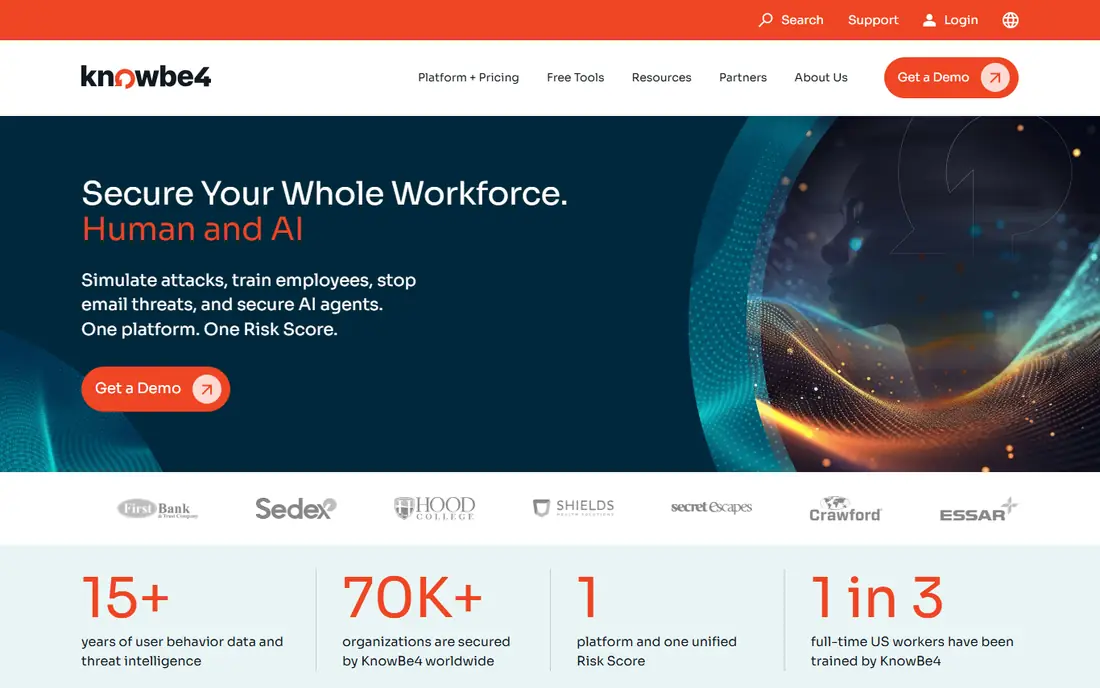
KnowBe4 is the most widely used platform in this list, and its breadth explains why. It offers simulated phishing by email, plus vishing and QR-code simulations, a large training library, and a Phish Alert Button that lets staff report suspicious mail with one click. Reporting tracks click rates, report rates, and risk by group, which helps a security team show progress over time.
The cost and tiering need care. Lower tiers cover core simulation and training, while newer AI features sit on higher plans. Admins should also plan the programme, not just send tests: random, unexplained tests can frustrate staff, while clear communication and coaching after a click build better habits. For mid-market teams that want a proven, broad platform, KnowBe4 is a strong default.
- Very large template and training library
- Phishing, vishing, and QR simulations
- Phish Alert Button for reporting
- Pricing is tiered and needs a quote for many teams
- Full AI features sit on higher tiers
- Admin setup takes time for large firms
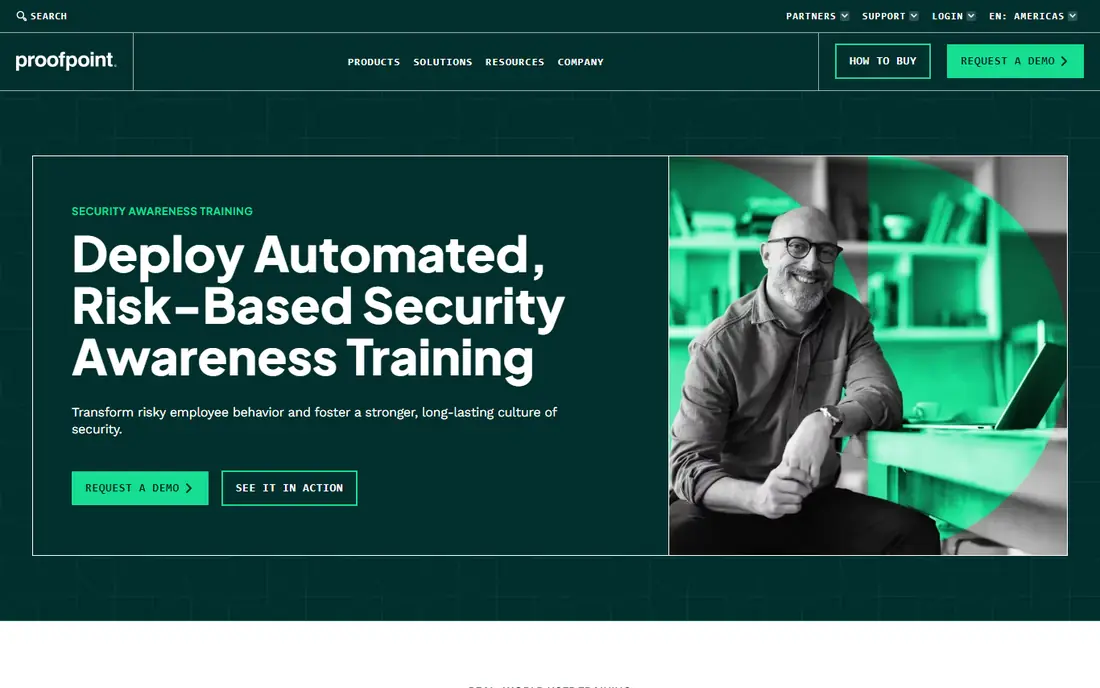
Proofpoint Security Awareness, now sold in part as ZenGuide, suits firms already running Proofpoint email security. Simulations can draw on live threat patterns, so tests reflect attacks staff are actually likely to see. Adaptive groups adjust training by risk, and a report button feeds staff reports back into email security workflows.
Outside Proofpoint, the case is weaker. Pricing is quote-based, and a standalone buyer may find KnowBe4 or Infosec IQ simpler to buy and run. For Proofpoint customers, though, the link between email security, threat data, and training is a real advantage, and it avoids running two separate security systems.
- Threat data can shape simulations
- Adaptive groups and pathways
- Report button links to Proofpoint email security
- Quote-based pricing
- Best value only inside the Proofpoint stack
- Setup suits larger teams
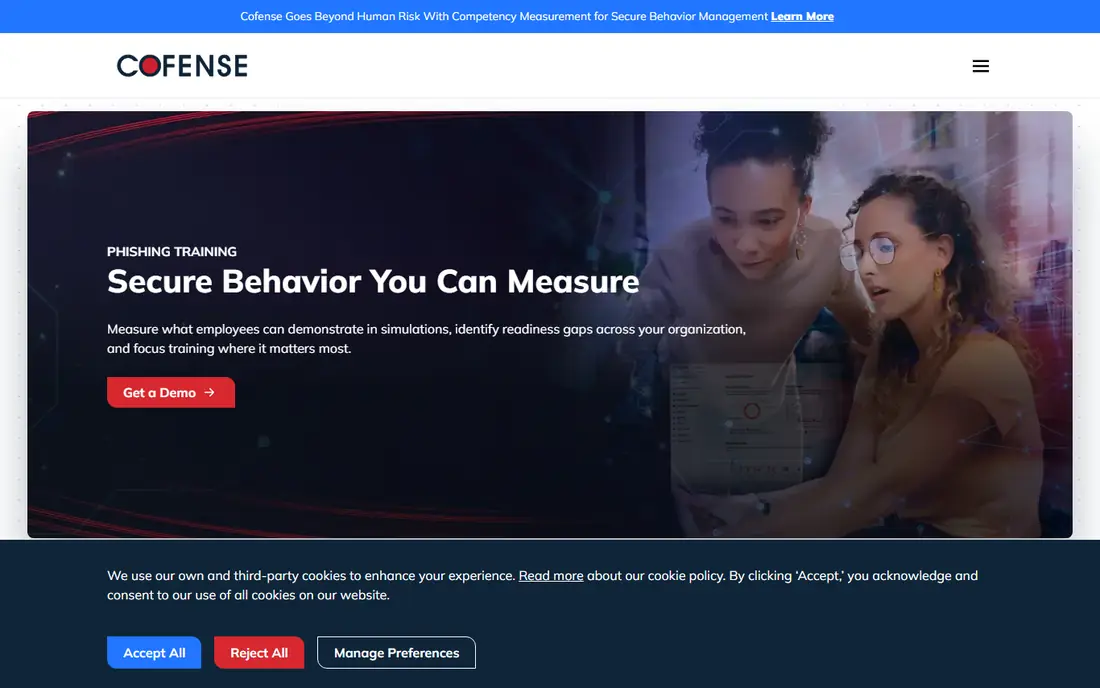
Cofense PhishMe is built for teams that treat staff reports as detection, not just training data. Staff report suspicious mail with the Reporter button, and reports can flow into Cofense Triage for review and response. Simulations cover email, SMS, voice, and QR codes, which reflects how real attacks now arrive.
That strength needs a response process behind it. A team with no triage workflow will get less value than a team that reviews reports daily. Pricing is also quote-based. For mature security teams that want simulation plus a working report pipeline, PhishMe is a strong pick.
- Email, SMS, voice, and QR simulations
- Reporter button for staff
- Triage links reports to incident handling
- Quote-based pricing
- Full value needs a response workflow
- Smaller training library than KnowBe4 for some topics
Infosec IQ suits organisations that want a structured programme, not just occasional tests. It offers training paths by role, realistic phishing simulations, and reporting that tracks progress over a full year. Admins can tailor content by industry and job, which helps finance, health, and other regulated teams.
Admin work is the catch. Managing learner lists and campaigns can feel cumbersome for new admins, and pricing requires a quote. Some advanced users may also find parts of the library basic. For teams building a year-long awareness programme with clear structure, Infosec IQ is a solid choice.
- Structured year-long training paths
- Realistic simulations
- Customisable content by role and industry
- Pricing is quote-based
- Campaign roster management can feel fiddly
- Some content feels basic for advanced users
Mimecast Awareness Training is best understood through its newer Engage plans. Short monthly modules and email simulations keep training regular without long courses, and risk scoring in Engage helps prioritise staff who need more coaching. For Mimecast email customers, the bundled path is convenient.
Buyers should note the product shift: older Awareness Training is end-of-sale, and new purchases use Engage Core or Engage Pro. That change means pricing and feature checks must use current Mimecast pages, not old guides. For Mimecast customers, Engage is the natural training add-on. For others, a standalone platform may be simpler.
- Short monthly training modules
- Email simulations
- Risk scoring in newer Engage plans
- Older Awareness Training is end-of-sale
- New buys go through Engage tiers
- Quote-based pricing
Hoxhunt takes an adaptive approach. Instead of sending the same test to everyone, it adjusts difficulty and cadence per user, and gives instant coaching when a user clicks or reports. Simulations cover email, Teams, SMS, and voice, which matches modern attack channels. The goal is behaviour change over time, not just a completion score.
Pricing is quote-based after a scoping call, which makes quick comparison hard. Its gamified, adaptive style also suits some cultures better than others, so trial it with a real group first. For security-mature teams that want measurable behaviour change, Hoxhunt is a leading option.
- Adaptive difficulty per user
- Simulations across email, Teams, SMS, and voice
- Instant coaching on click or report
- Quote-based pricing
- Needs a scoping call for most deals
- Gamified style may not suit every workplace culture
Microsoft Defender Attack Simulation Training is the natural pick for Microsoft 365 customers who already pay for Defender. It lets admins run phishing simulations from the Defender portal, using Microsoft threat data, and track results beside other security signals. For a Microsoft shop, that integration avoids a separate platform purchase.
The limits are licensing and content. Full simulation features need suitable Defender or Microsoft 365 plans, and the training library is thinner than KnowBe4 or Infosec IQ. Admins also need Microsoft admin skills to run it well. For Microsoft customers who want simulation inside their existing security stack, it is a practical, low-extra-cost choice.
- Built into Microsoft 365 Defender plans
- Simulations use Microsoft threat data
- Reporting inside Defender portal
- Full features need suitable Defender licences
- Less training content than KnowBe4
- Setup suits Microsoft admins
SoSafe focuses on behaviour change through regular simulations, gamified training, and reporting on human risk. It offers multilingual content, which helps global teams, and its approach suits firms that want training to feel engaging rather than like compliance homework. European firms in particular will find its content and data handling familiar.
US buyers should check local support and content fit, since SoSafe has a smaller US presence than KnowBe4. Pricing is quote-based. For global or European teams that want behaviour-focused training with strong engagement, SoSafe is worth a demo.
- Behaviour-focused training and simulations
- Gamified learning
- Multilingual content for European and global teams
- Quote-based pricing
- Smaller US presence than KnowBe4
- Enterprise sales process for larger deals
IRONSCALES combines email security, phishing simulation, and training in one platform. That mix suits small and mid-market teams that want one vendor for mailbox protection and staff training, with automated response options when staff report mail. Some tiers publish per-user pricing, which helps early comparison.
Standalone training buyers may find its library thinner than KnowBe4 or Infosec IQ, and the full value depends on using the email security side as well. For teams that want protection and training together, without managing two vendors, IRONSCALES is a practical pick.
- Combines email security with simulation and training
- Automated incident response options
- Per-user pricing published for some tiers
- Training depth is less than standalone platforms for some buyers
- Full value needs the email security side
- Smaller library than KnowBe4
How we picked these
We compared official product pages and public buyer guides for simulation and training platforms that are still sold in October 2026. We kept only legitimate defensive platforms for authorised organisational testing, and we excluded any tool marketed for real phishing, credential theft, or impersonation. Where pricing was quote-based, we wrote See website rather than repeating a third-party estimate.
How to run authorised simulation well
Authorisation comes first. Get written approval from leadership and legal, tell staff that simulations are part of training, and set clear rules: no real credentials will ever be collected, no punishment for a single click, and coaching follows every test. Simulations should teach, not trap. Staff who fear punishment stop reporting, which makes the firm less safe.
Design tests to match real risk for your firm: invoice fraud for finance, password resets for all staff, and QR codes where staff use phones for work. Vary difficulty, but keep tests fair and relevant. Track report rates beside click rates, since a team that reports fast is safer than a team that merely avoids clicks. Review results monthly, adjust training for groups that struggle, and retire templates that no longer reflect real attacks.
Finally, keep the programme human. Short, regular training beats a long annual course. Celebrate good reporting, share anonymised examples of real attacks, and make reporting easy with a one-click button. A simulation programme that staff trust will do more for security than a programme that only measures clicks.
Frequently asked questions
What is phishing simulation software?
It is defensive software that sends safe, simulated phishing messages to an organisation own staff, with permission, to teach them to spot and report real attacks. It is used for training only, never against people without authorisation.
Is phishing simulation legal?
Authorised simulation inside your own organisation, with leadership and legal approval, is a normal security training practice. Sending deceptive messages to people outside your organisation, or collecting real credentials, is unlawful and harmful and must never be done.
What is the best phishing simulation tool?
KnowBe4 suits broad mid-market needs, Proofpoint and Mimecast suit their existing email customers, and Cofense suits response teams. Hoxhunt and SoSafe suit teams focused on behaviour change. The best pick depends on your email platform, team size, and training goals.
How often should we run phishing simulations?
Monthly simulations are common, with short training after each test. More frequent tests can help high-risk groups, but too many tests without coaching can frustrate staff. Balance frequency with clear communication and support.
Should staff be punished for clicking a simulated phish?
No. Punishment discourages reporting and hides risk. Use a click as a coaching moment, offer short training, and track improvement over time. Report rates and behaviour change matter more than a single click.
Do simulations replace email security tools?
No. Simulations train people, while email security tools block real attacks before they reach inboxes. Use both: strong email filtering plus staff who can spot and report what slips through.
Sources
- https://www.knowbe4.com/
- https://www.proofpoint.com/us/products/security-awareness-training
- https://cofense.com/product-services/phishme/
- https://www.infosecinstitute.com/iq/
- https://www.mimecast.com/products/awareness-training/
- https://hoxhunt.com/
- https://www.microsoft.com/en-us/security/business/microsoft-defender
- https://sosafe-awareness.com/
- https://ironscales.com/
See where you really rank - block by block
ProMapRanker scans Google Maps across a grid of your service area. Simple monthly plans from $19, white-label on every plan.
Start freeKeep reading
 wpforms alternatives
Best WPForms Alternatives in 2026
We compare 9 wpforms alternatives for WordPress forms, with free and paid options, current pricing notes, and honest limits for small business sites in 2026.
Read → windows task scheduler alternatives
Best Windows Task Scheduler Alternatives in 2026
Looking for Windows Task Scheduler alternatives? We compare 9 schedulers for Windows and cross-platform work, from free tools to enterprise automation.
Read → which ai video service is best
Which AI Video Service Is Best in 2026
which ai video service is best? We compare 10 legitimate AI video services on price, avatars, editing and output quality to help you pick the right tool.
Read →