 ProMapRanker
Best PDF Editor Software in 2026


The most complete PDF toolkit · Pricing starts at: $14.99 per month
Key takeaways
- Adobe Acrobat is the most complete PDF toolkit, but Foxit, Nitro and PDFelement cover most daily editing for less money.
- PDF-XChange Editor is the standout value, with a one-time licence and a genuinely useful free version for Windows users.
- PDFgear is fully free with no watermark on its core editing, while Smallpdf and Sejda suit quick browser-based edits.
- Check OCR, form creation and e-signing separately, since a tool that edits text well may charge extra for signatures or scanned document conversion.
Quick comparison
| Pick | Great for | Pricing starts at | Free tier | |
|---|---|---|---|---|
| Adobe Acrobat | The most complete PDF toolkit | $14.99 per month | Free trial | Visit |
 PDFelement | Desktop editing with AI tools | $79.99 per year | Free trial | Visit |
 Foxit PDF Editor | Acrobat-level features for less | $129.99 per year | Free trial | Visit |
 Nitro PDF Pro | Office-style PDF editing for teams | $15 per user per month | Free trial | Visit |
 PDF-XChange Editor | One-time licence with a strong free tier | $62 one-time | Yes | Visit |
 Smallpdf | Simple web tools for occasional use | $10 per month | Yes | Visit |
 Sejda | Browser edits with a desktop option | $7.50 per month | Yes | Visit |
 PDFgear | Fully free desktop and web editor | Free | Yes | Visit |
The best pdf editor software
A good PDF editor lets you change text, add pages, fill forms, convert files, sign documents and, for scanned pages, run OCR to make text searchable. We compared official pricing pages, feature lists and public documentation for tools live in October 2026, and we kept only editors that handle real text editing, not just viewing and annotation.
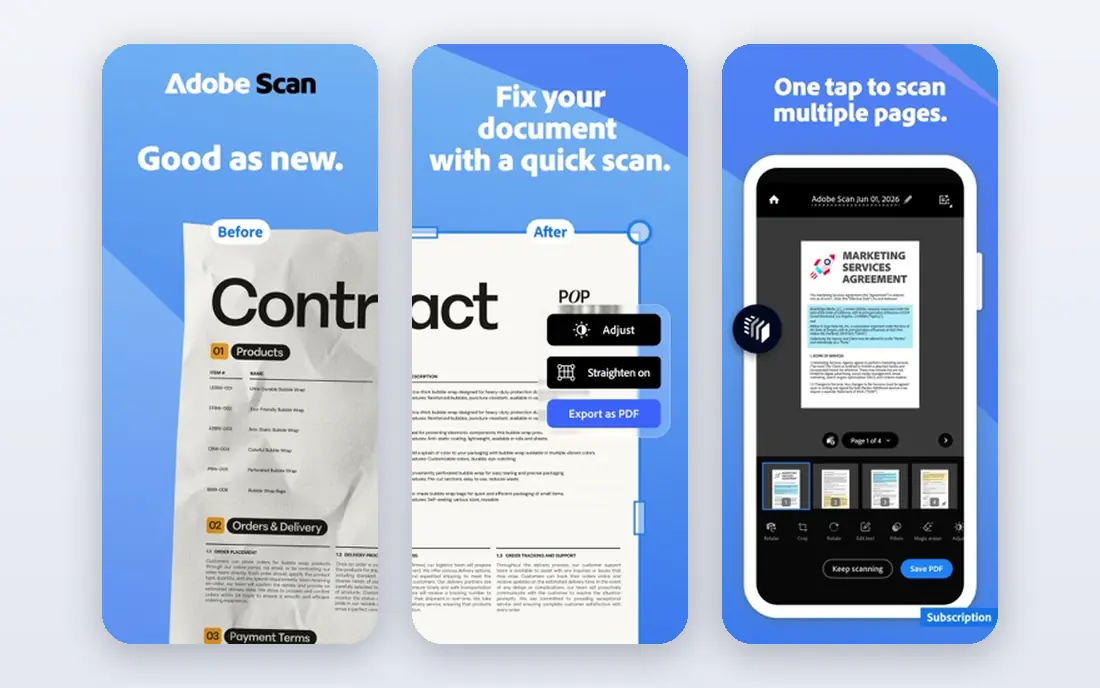
Adobe Acrobat remains the standard other PDF editors are judged against. It edits text and images, creates and fills forms, converts PDFs to Office formats, runs OCR on scanned pages and handles e-signatures, with desktop, web and mobile apps that stay in sync. Compatibility is rarely an issue, since Acrobat defines much of the PDF format in practice.
The cost is the main drawback. The Standard plan starts at 14.99 dollars a month on an annual plan, and Pro costs more, with cancellation terms that deserve a read before you commit. For a professional who edits PDFs daily, Acrobat earns its price. For occasional edits, a cheaper or free tool will do.
- Most complete editing, OCR and signing
- Strong mobile and web apps
- Wide compatibility
- Highest subscription cost
- Cancellation terms need checking
- More than occasional users need
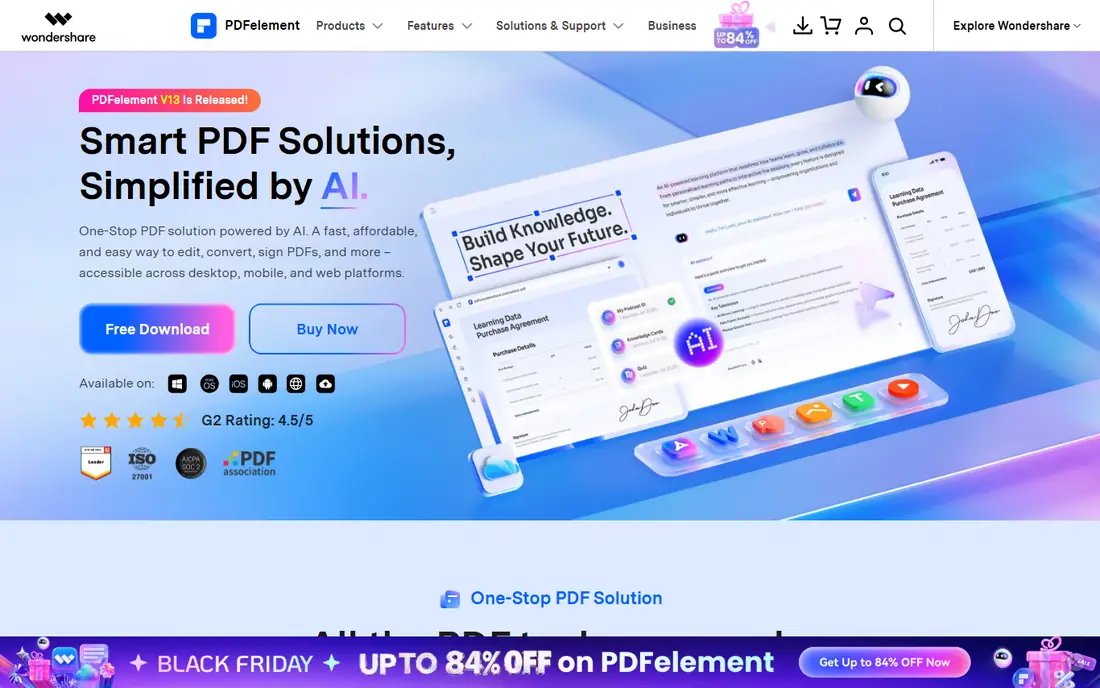
PDFelement from Wondershare is a full desktop PDF editor with text and image editing, form creation, conversion, OCR and e-signing, plus AI tools for summarising and working with documents. The interface is modern and approachable, and the yearly price sits well below Acrobat for a single platform. Cross-platform plans cover Windows, Mac, mobile and web for users who work on several devices.
There is no permanent free plan, only a trial, and the number of signature requests on some plans is limited. AI features also vary by plan, so check what is included before you buy for that reason. For a daily desktop editor at a moderate price, PDFelement is a strong Acrobat alternative.
- Full desktop editing plus AI features
- Form creation and signing
- Windows and Mac versions
- No permanent free plan
- Signing requests are limited on some plans
- AI features vary by plan
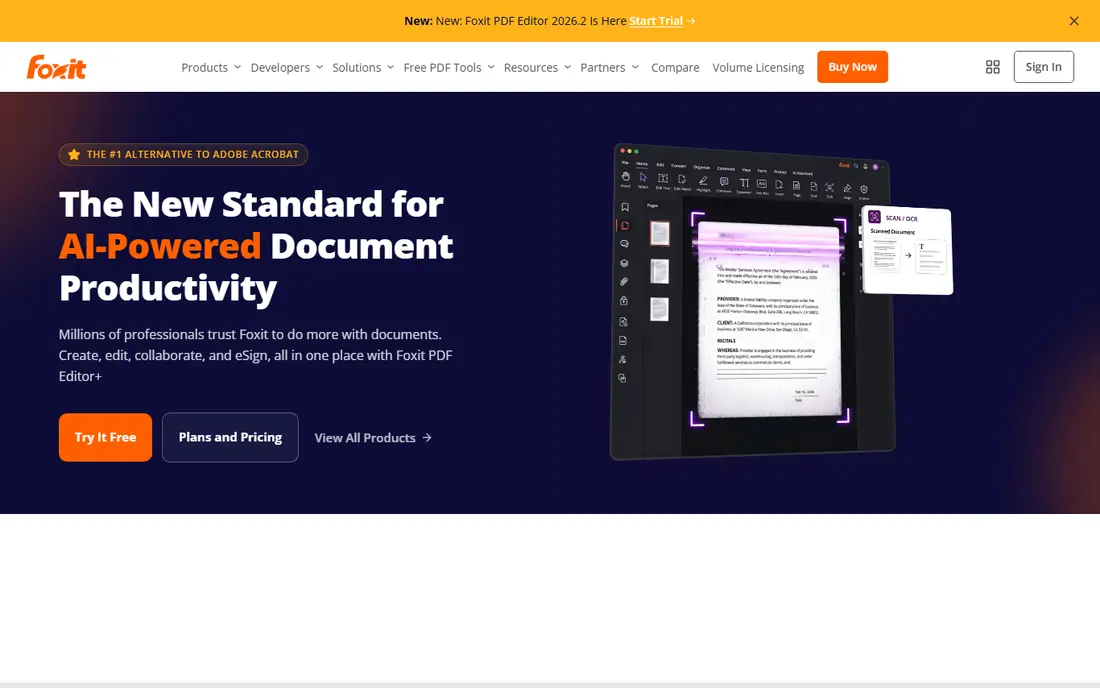
Foxit PDF Editor matches Acrobat on most daily features: text editing, form creation, OCR, conversion and document security, with a familiar Office-style interface. Businesses value its deployment, security and collaboration options, and a perpetual licence option suits teams that prefer a one-time purchase over a subscription. The yearly subscription price is still below Acrobat Pro for many users.
The free option is only a trial, and sending documents for signature at scale needs Editor Plus, which costs more and includes a set number of envelopes a year. For a business or power user who wants Acrobat-level depth without Acrobat pricing, Foxit is a serious contender.
- Deep editing, OCR and form tools
- Perpetual licence option
- Strong business features
- No permanent free plan
- Signing envelopes need the higher Editor Plus tier
- Price varies by licence type
Nitro PDF Pro suits teams that live in Microsoft Office, since its ribbon interface feels familiar from the first hour. It covers text editing, form creation, conversion, OCR and e-signing, with team deployment and management options for IT. The subscription price is competitive with Acrobat for a single user, and a perpetual licence option exists for buyers who prefer it.
There is no permanent free plan, and per-user subscription costs grow with team size. Mac and Windows editions have some differences, so check the feature list for your platform. For an Office-centred team that edits PDFs daily, Nitro is a comfortable, capable choice.
- Familiar Office-style interface
- Strong editing, conversion and signing
- Team deployment options
- No permanent free plan
- Subscription cost adds up for teams
- Mac and Windows editions differ
PDF-XChange Editor is the value pick in this list. The free version covers a large share of daily editing, annotation and conversion, and the paid Editor licence costs 62 dollars one time, with Editor Plus adding more features for a higher one-time price. It is fast and light, even on older Windows machines, which suits users who dislike heavy subscription apps.
It is Windows only, so Mac users need another tool, and the interface is more functional than beautiful. Some advanced features, such as full OCR and certain form tools, need the Plus tier. For a Windows user who wants to pay once and own the tool, PDF-XChange is hard to beat.
- One-time licence
- Genuinely useful free version
- Fast and light on Windows
- Windows only
- Some advanced features need Editor Plus
- Interface is less polished than Acrobat
Smallpdf is the best choice for occasional PDF jobs in a browser. Compress, convert, merge, split, sign and make basic edits without installing software, from any computer. The interface is clean, the tools are fast, and the free tier covers a limited number of tasks for users who only need a PDF fix now and then.
Depth is the limit. Smallpdf does not match a desktop editor for heavy text editing, complex forms or OCR at scale, and regular use needs a paid plan. For a user who edits a PDF a few times a month and values simplicity over power, Smallpdf is an easy recommendation.
- Very simple web tools
- No install needed
- Covers compression, conversion and basic editing
- Free tier is limited
- Editing depth is lower than desktop editors
- Subscription needed for regular use
Sejda offers one of the strongest browser-based PDF editors, with text editing, form filling, signing, merging, splitting and conversion, plus a desktop app for Windows, Mac and Linux. The free tier allows a limited number of tasks per hour, which suits occasional use, and paid plans are affordable, including a weekly option for a short project.
The free limits mean a busy day of edits will need a paid plan, and Sejda has no built-in workflow for requesting signatures from others, though a shareable fill-and-sign link covers simple cases. File size and page limits also apply on some plans. For browser-first editing at a low price, Sejda is a strong pick.
- Strong browser editor
- Desktop app available
- Affordable weekly and monthly options
- Free tier limits tasks per hour
- No signature request workflow
- File size and page limits apply
PDFgear is the only fully free desktop and web editor in this list, with no watermark on core editing. It covers text editing, annotation, form filling, conversion, compression and basic signing, with desktop apps for Windows and Mac plus a web version. For a user who wants a real editor without a subscription, it is the clearest free choice.
Advanced business features, such as large-scale signature workflows and enterprise deployment, are thinner than Acrobat, Foxit or Nitro. The maker has also hinted that the free model may change in future, so enjoy it while it lasts and keep your files in standard PDF format. For free daily editing, PDFgear is our pick.
- Fully free with no watermark on core editing
- Desktop and web versions
- Editing, conversion and signing basics
- Fewer advanced business features
- Signing is basic compared with Acrobat
- Free model may change over time
How we picked these
We compared official pricing pages, feature lists and public documentation for PDF editors live in October 2026. We favoured tools that edit real PDF text, not just annotate, and we mixed desktop, web and free options so different users can find a fit. We did not claim hands-on testing, and we wrote See website where a vendor does not publish a clear price.
Choosing the right PDF editor
Start with how often you edit and where you work. A daily professional benefits from Acrobat, Foxit, Nitro or PDFelement, with full OCR, forms and signing. An occasional user benefits from Smallpdf, Sejda or PDFgear, where the free tier or low monthly price covers the job. A Windows user who dislikes subscriptions should look at PDF-XChange first.
Next, check the three features people often assume are included. OCR for scanned pages, fillable form creation and signature requests are priced differently across tools, and a cheap editor can become expensive when you add them. Test each feature with a real document from your own work, not just a sample file, before you commit.
Privacy for sensitive documents
For contracts, medical forms or financial documents, prefer a desktop editor over uploading files to a web tool, unless the web tool states clear encryption and deletion policies. Desktop tools keep the file on your computer, while web tools process it on a server. Check the privacy policy for any tool you use with sensitive files, and delete uploaded files after the job is done.
Try the free tier first
Most tools in this list offer a free tier or a trial. Edit a real document, fill a real form and sign a real file during the trial, and check that the output looks right when opened in another reader. A PDF that looks fine in one editor can still break fonts or layout elsewhere, so test the file you will actually send.
Frequently asked questions
What is the best PDF editor software?
Adobe Acrobat is the most complete PDF editor, but Foxit, Nitro and PDFelement cover most daily work for less money. PDF-XChange Editor is the best value for Windows users who prefer a one-time licence, while PDFgear is the best fully free editor. The best choice depends on how often you edit and which features you need.
What is the best free PDF editor app?
PDFgear is the best fully free PDF editor, with desktop and web versions and no watermark on core editing. PDF-XChange Editor also offers a genuinely useful free version for Windows, while Smallpdf and Sejda offer limited free tiers for browser edits. Free tools suit occasional and everyday editing, but advanced signing and OCR may need a paid plan.
What is the best PDF editor tool for forms?
Adobe Acrobat, Foxit and PDFelement offer the strongest form creation tools, with fillable fields, validation and data export. Nitro also handles forms well for Office-centred teams. For simple form filling rather than creation, PDFgear, Sejda and Smallpdf cover the job at low or no cost.
Do PDF editors work on scanned documents?
Yes, when they include OCR, which converts a scanned image into searchable and editable text. Acrobat, Foxit, Nitro, PDFelement and PDF-XChange Editor Plus all offer OCR, while basic web tools may not. Test OCR with a real scanned page, since accuracy varies with scan quality and handwriting is rarely recognised well.
What is the best PDF editor app for Mac?
Adobe Acrobat, PDFelement, Foxit and PDFgear all offer Mac versions with full editing. PDF-XChange Editor is Windows only, so Mac users should choose another tool. Smallpdf and Sejda work in any browser on a Mac and suit occasional edits without an install.
Can I edit a PDF for free without a watermark?
Yes, with PDFgear, which offers core editing free with no watermark, and with the free version of PDF-XChange Editor on Windows. Smallpdf and Sejda also offer free tiers, but with task limits. Always check the exported file before you send it, since some free tools add a watermark on certain features.
Sources
See where you really rank - block by block
ProMapRanker scans Google Maps across a grid of your service area. Simple monthly plans from $19, white-label on every plan.
Start freeKeep reading
 best resource management software
Best Resource Management Software in 2026
We compared the best resource management software for scheduling, capacity and utilization, with current pricing and free trials, to help teams choose well.
Read → best reporting tools
Best Reporting Tools in 2026
Compare the best reporting tools for dashboards, scheduled reports, and business insights, from Power BI and Tableau to Looker Studio for every team size.
Read → best remote support software
Best Remote Support Software in 2026
Looking for the best remote support software? We compare 9 tools on price, security, session controls, and fit for helpdesks, MSPs, and small teams in 2026.
Read →