 ProMapRanker
PDF Data Extraction Tools in 2026: Top 6 Compared

AI document processing for transactions · Pricing starts at: $18,000 a year
Direct answer
This list puts Rossum first for AI document processing for transactions. Listed starting prices: Rossum from $18,000 a year, ABBYY FineReader PDF from $16 a month and Docparser from $39 a month. ABBYY FineReader PDF is better for OCR conversion of PDFs to Office formats, and Docparser is better for automatic extraction and app integrations. The remaining 3 options are covered below with prices and limits.
ProMapRanker compared 6 PDF data extraction tools. The goal is a practical shortlist: published prices, free plan facts, best-fit use cases and honest limits for every entry.
Key takeaways
- The list opens with Rossum, aimed at AI document processing for transactions.
- ABBYY FineReader PDF is the lowest-priced starter here at $16 per month.
- Amazon Textract is the one to check for cloud OCR for scanned documents.
- One limit worth knowing about Docparser: setup needed to define extraction rules.
Quick comparison
| Pick | Great for | Pricing starts at | Free tier | |
|---|---|---|---|---|
| Rossum | AI document processing for transactions | $18,000 a year | Free trial | Visit |
 ABBYY FineReader PDF | OCR conversion of PDFs to Office formats | $16 a month | Free trial | Visit |
 Docparser | Automatic extraction and app integrations | $39 a month | Free trial | Visit |
 Adobe Acrobat Pro | All-around PDF editing and extraction | See website | Not stated | Visit |
 Nitro PDF Pro | Editing and signing PDFs in workflows | See website | Not stated | Visit |
 Amazon Textract | Cloud OCR for scanned documents | See website | Not stated | Visit |
The 6 tools in detail
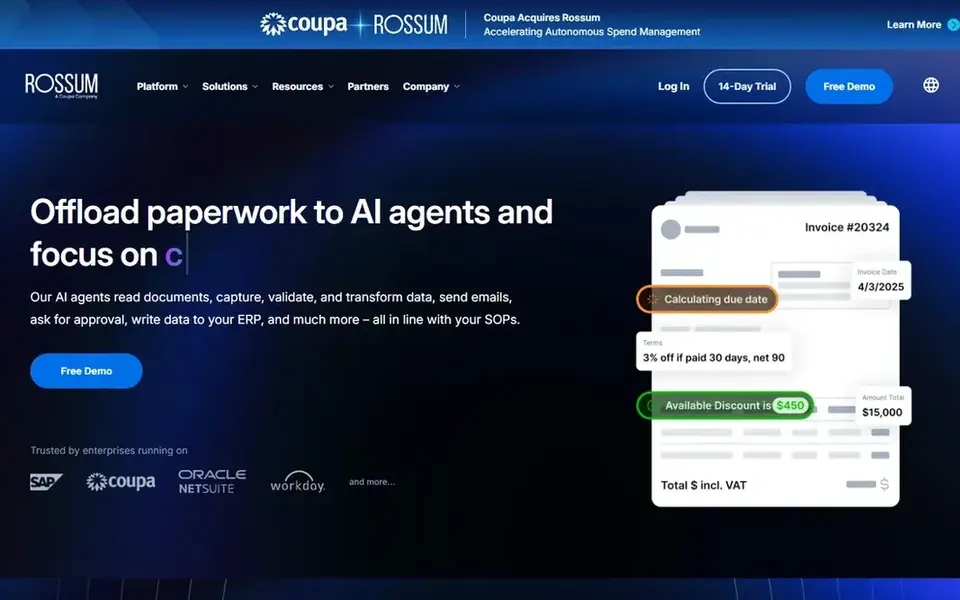
Rossum is designed for AI document processing for transactions. Rossum is oriented toward transactional processes, so it may be more than needed for occasional PDF extraction.
Drawbacks to consider: Needs workflow planning to deploy.
Smaller teams might prefer a more straightforward tool except when they need end-to-end automation. Rossum starts at: $18,000 per year. Free options: Free trial. Where it shines: AI document processing option.
- Focuses on transactional workflows
- Aims to cut manual tasks
- May be complicated for small-scale needs
Pick ABBYY FineReader PDF if this describes you: OCR conversion of PDFs to Office formats. It is built to convert files for example PDFs into Excel or Word, and it also supports editing, sharing, and collaboration.
In practice, results rely on the quality of the source document, and heavily formatted pages may need manual cleanup. ABBYY FineReader PDF cost at the entry level: $16 per month. On free options: Free trial.
Where it is weaker: May need setup for complicated layouts.
- Converts PDFs to Excel and Word
- AI-based OCR technology
- OCR accuracy can vary by document quality
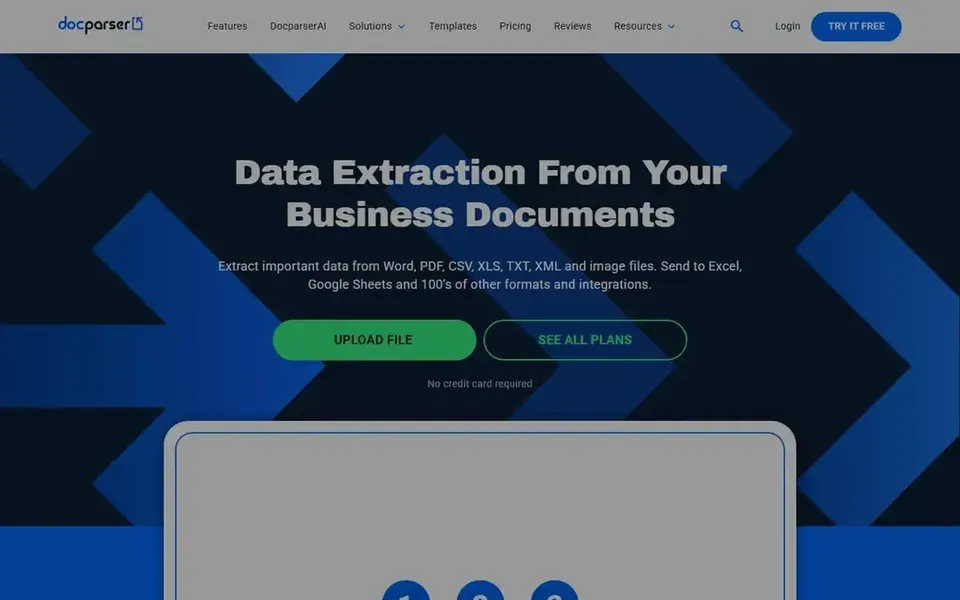
Docparser makes the most sense for automatic extraction and app integrations. It suits teams that require repeatable, rule-based extraction from incoming documents.
Also, Docparser needs configuration to define what to extract, so it is less suited to ad hoc editing or straightforward one-time PDF tasks. Entry price for Docparser: $39 per month. Free access: Free trial.
Downsides: May not suit one-off manual editing.
- Sends data to Excel, Sheets
- Supports several document formats
- Setup needed to define extraction rules
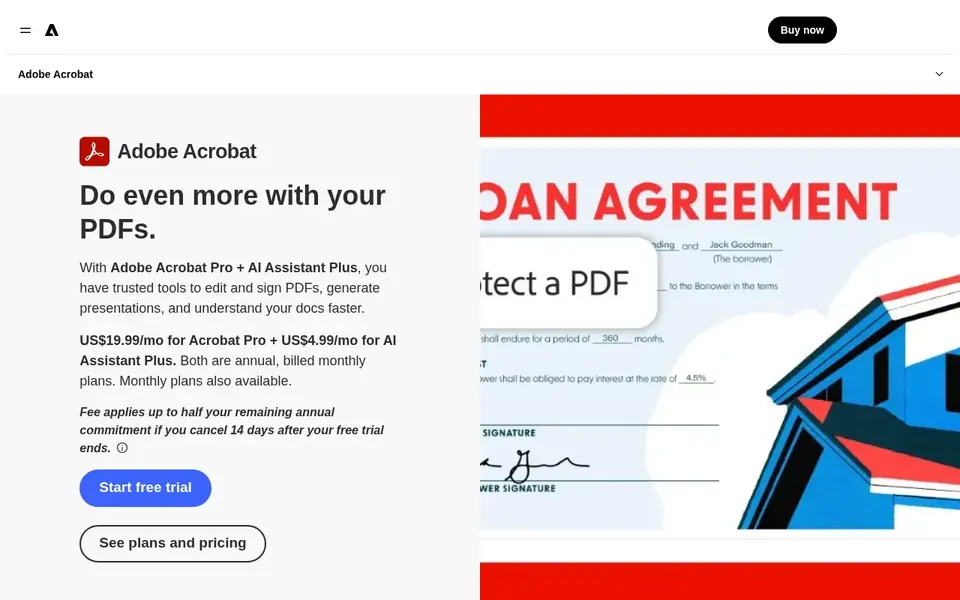
Adobe Acrobat Pro is a good fit for all-around PDF editing and extraction. For high-volume automatic extraction, Acrobat Pro may not be the most efficient choice since it is built around interactive document work.
Pricing for Adobe Acrobat Pro is not stated here, so ask the vendor for current figures. As for free access: Not stated.
Honest limits: May be more than needed for straightforward extraction.
- Edit, convert
- Familiar interface for plenty of users
- Advanced automation needs other tools
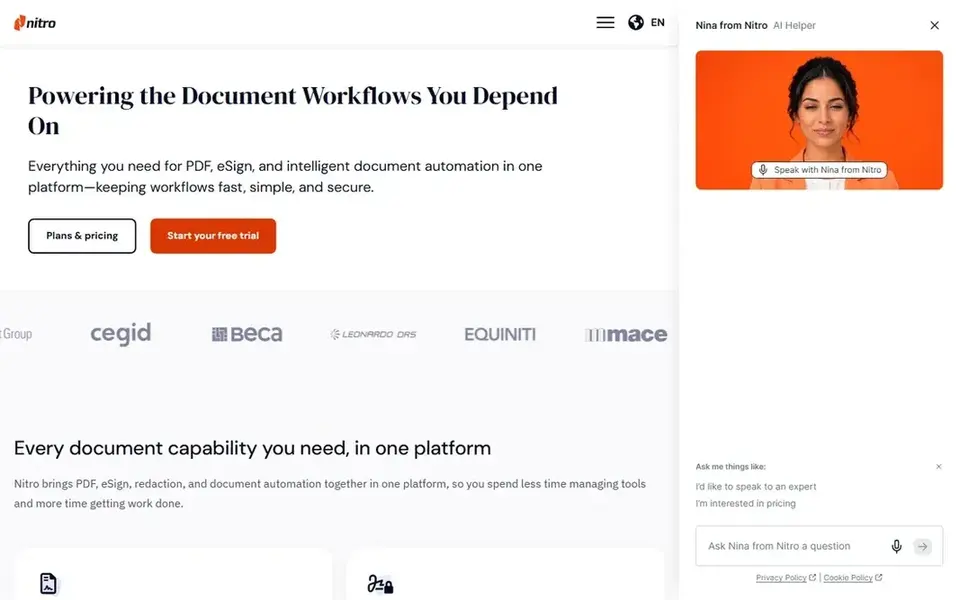
Choose Nitro PDF Pro for editing and signing PDFs in workflows. Nitro is not positioned as a dedicated data extraction system, so complicated or high-volume extraction may need extra tools.
Strengths: Aims to ease document workflows.
Where it falls short: Workflow automation relies on integrations.
Check the vendor site for Nitro PDF Pro pricing; none is listed in this comparison. Free access: Not stated.
- Protect documents
- Edit, convert, sign
- Extraction features may be less specialized
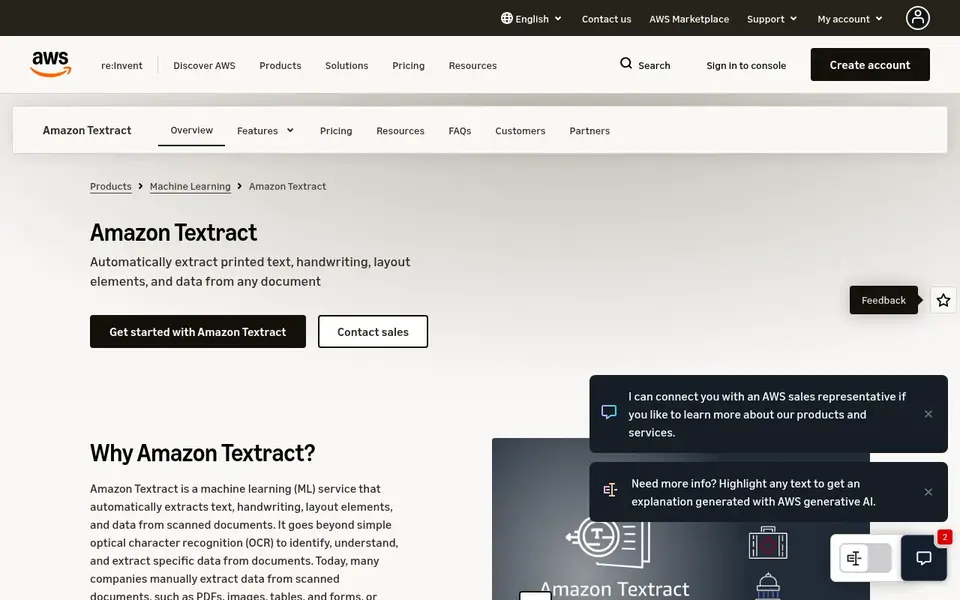
Amazon Textract serves cloud OCR for scanned documents. Amazon Textract is a machine learning service that uses OCR to extract text, handwriting, and data from scanned PDFs, forms, and tables.
In practice, if you need a desktop tool for manual editing and extraction, a PDF editor is a better choice. Textract is an API-based service, so it needs technical integration and is not a point-and-click PDF editor. This comparison lists no price for Amazon Textract; ask the vendor. Trial and free access: Not stated.
Where it falls short: Needs cloud setup and development work.
- Manages forms and tables
- Uses machine learning and OCR
- Not a desktop PDF editor
How these tools were picked
ProMapRanker looked at what each vendor publishes: pricing, plan limits, feature coverage for PDF data extraction tools and stated drawbacks. No hands-on testing is claimed. Where a vendor does not publish a price, the entry says quote. Where a price depends on seats or billing term, the entry says so. We ordered the tools by general fit, then by how clearly pricing is shown, then by free access. A buyer with unusual needs may reorder them.
Questions to settle before buying
- Ask Adobe Acrobat Pro, Nitro PDF Pro and Amazon Textract for a written quote, since no starting price is shown.
- Take the trial from Rossum, ABBYY FineReader PDF and Docparser and push a live task through it before you pay.
- Read the limits listed for Rossum first: may be complicated for small-scale needs.
- Read the plan comparison for Amazon Textract carefully; key features often start on a higher tier.
- Test how quickly Docparser answers a pre-sales question; it hints at how support will feel later.
Frequently asked questions
What is the cheapest option for PDF data extraction tools in this list?
On published monthly entry prices, ABBYY FineReader PDF is the lowest here at $16 per month. Entry price is only part of the cost, because seats, add-ons and billing terms can change the total. Prices, free plan details and limits for all 6 tools in this PDF data Extraction tools roundup sit on the individual cards above.
What should I look for in a PDF data extraction tool?
Consider the document types you manage, whether you need manual editing or automatic extraction, and how results should be delivered to other systems.
How are the tools for PDF data extraction tools ordered?
Rossum sits first and Amazon Textract last because the order follows typical fit for PDF data extraction tools, then price clarity and free access. It is a judgement call, so read each profile for fit and limits.
Do I need OCR for PDF data extraction?
OCR is important when PDFs are scanned images instead of text-based files. Tools like ABBYY FineReader PDF and Amazon Textract bundle OCR to convert images into editable or structured data.
Does any tool for PDF data extraction tools here have a free plan?
No tool in this list, Rossum and Amazon Textract included, has a permanent free plan. Rossum, ABBYY FineReader PDF, Docparser offer a trial. Trials and quotes are the usual route, so plan a short evaluation period.
Do these tools publish their prices?
Not all of them. Adobe Acrobat Pro, Nitro PDF Pro and Amazon Textract publish no starting price, so expect a quote request for those. The rest, Rossum included, show a starting price, though seats and billing terms still change the final cost.
Sources
See where you really rank - block by block
ProMapRanker scans Google Maps across a grid of your service area. Simple monthly plans from $19, white-label on every plan.
Start freeBrowse all guides
← AI-Powered Analytics Platforms: 5 Options Compared in 2026AI Inference Analytics Software in 2026: Top 5 Compared →
 best ai analytics tools
AI Analytics Tools: Best Picks of 2026
5 best AI analytics tools, with entry costs, free tiers and the buyer each one serves. Each listing flags where it falls short. Pricing and limits included.
Read → best agentic analytics software for enterprise
6 Best Agentic Analytics Software for Enterprise in 2026
Best agentic analytics software for enterprise: 6 contenders ranked by fit, with entry costs and free tiers. Each pick lists its main limit. No filler.
Read → top synthetic data generation tools
Synthetic Data Generation Tools in 2026: Top 5 Compared
Compare 5 top synthetic data generation tools, with prices, free plans and who each fits. Each listing flags where it falls short. Current for November 2026.
Read → best embedded analytics platforms
Best Embedded Analytics Platforms in 2026
We compared the best embedded analytics platforms for putting dashboards inside your product, from open source tools to enterprise suites in 2026 today.
Read → best reporting tools
Best Reporting Tools in 2026
Compare the best reporting tools for dashboards, scheduled reports, and business insights, from Power BI and Tableau to Looker Studio for every team size.
Read → best statistical analysis software
Best Statistical Analysis Software in 2026
Compare the best statistical analysis software in 2026, from free R, JASP, and jamovi to SPSS, Stata, and SAS, with honest learning curves for every level.
Read →More in Data & Analytics · All guides A to Z by date · Latest guides