 ProMapRanker
Best Payroll Software With Time Tracking in 2026


Small business payroll and time tracking · Pricing starts at: $49 per month plus $6 per person
Key takeaways
- Gusto Plus and OnPay with its time tracking add-on are the clearest value picks for small US teams.
- Rippling and Paychex Flex suit growing firms that want HR, benefits and payroll in one system.
- Square Payroll is the natural pick for businesses already running Square point of sale and shifts.
- Time tracking is often an add-on or a higher plan, so check whether it is included before comparing prices.
Quick comparison
| Pick | Great for | Pricing starts at | Free tier | |
|---|---|---|---|---|
| Gusto | Small business payroll and time tracking | $49 per month plus $6 per person | No | Visit |
 Rippling | Unified HR, IT and payroll | $40 per month plus $8 per user | No | Visit |
 OnPay | Transparent small business payroll | $49 per month plus $6 per worker | Free trial | Visit |
 Square Payroll | Square point of sale businesses | $35 per month plus $6 per person | No | Visit |
 QuickBooks Payroll | QuickBooks accounting users | $50 per month plus $7 per employee | No | Visit |
 Paychex Flex | Growing and mid-size employers | See website | No | Visit |
 Deel | Global teams and contractors | See website | No | Visit |
 SurePayroll | Simple payroll for small teams | See website | Free trial | Visit |
 Paycor | Mid-size HR and payroll | See website | No | Visit |
The best payroll software with time tracking
The best payroll software with time tracking turns hours worked into correct paychecks without retyping timesheets. These nine tools differ in how tightly time tracking is built in, so the plan you choose matters as much as the brand.
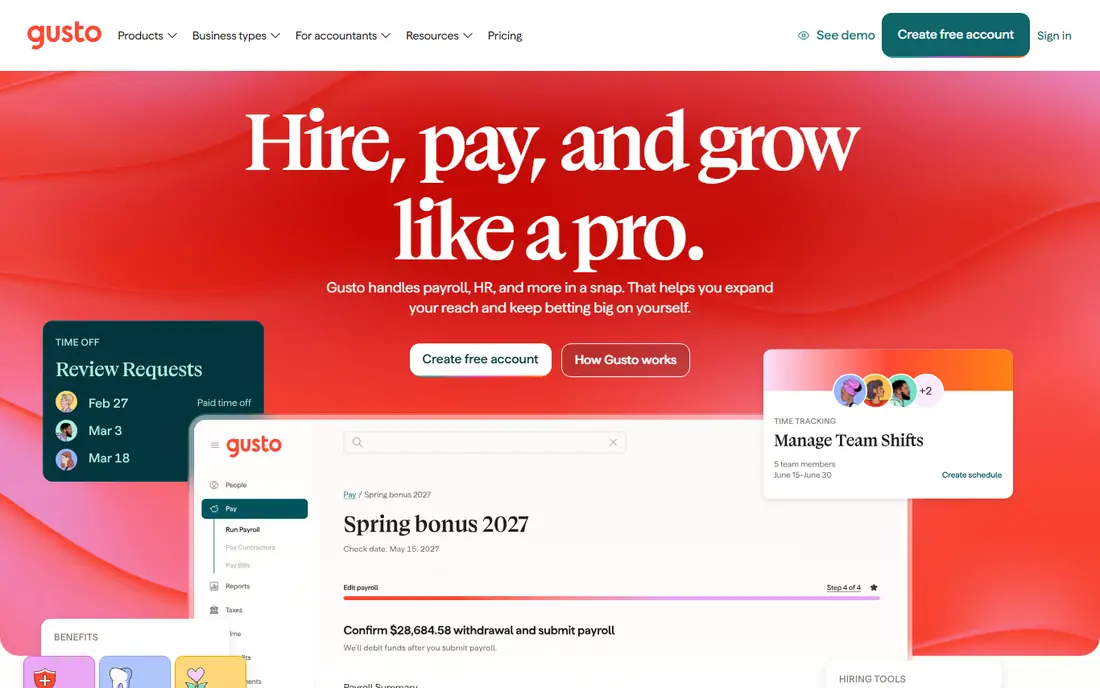
Gusto Simple costs $49 per month plus $6 per person and covers single-state payroll, automatic tax filing and direct deposit. Time tracking arrives on the Plus plan at $80 per month plus $12 per person, which also adds multi-state payroll, next-day pay and PTO management. That ladder is easy to understand, and for a team of ten the Plus plan is a straightforward budget line.
The honest catch is that the cheapest plan does not include the feature this article is about. If your team is hourly, price the Plus plan from the start rather than comparing Simple against rivals that include time tracking. For small US businesses that want a polished setup and a single place for payroll, time and basic HR, Gusto Plus is our pick for most people.
- Clear published pricing
- Time tracking included on Plus
- Automatic tax filing and employee self-service
- Time tracking needs the Plus plan, not Simple
- Single-state payroll on Simple
- Support quality draws mixed feedback
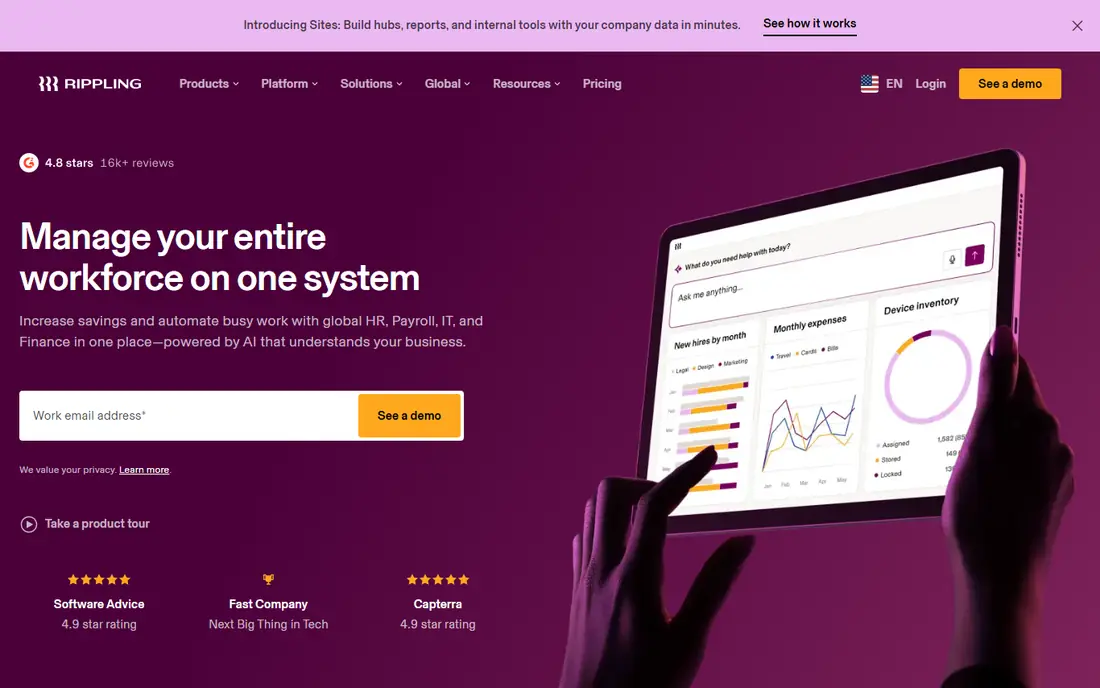
Rippling starts with its Unity platform at $40 per month plus $8 per user in published figures, with US payroll and time and attendance added as modules. Time tracking covers clock-in from computers or mobile devices, geolocation controls, overtime alerts and PTO accruals, and the hours flow into payroll from the same employee record. That single-record design is the main reason larger or faster-growing firms choose Rippling.
Modular pricing is the trade-off. The advertised floor is not the full bill once payroll, benefits and time modules are added, and real quotes vary by team size and modules. Get an all-in quote in writing, including implementation fees, before comparing Rippling with a fixed-tier rival. For firms that also want device management and app access from the same system, the breadth justifies the extra quoting work.
- One employee record across HR, payroll, IT and finance
- Time and attendance module with geofenced clock-in
- Many integrations
- Modular pricing makes totals hard to predict
- No free trial, demo only
- Implementation can take weeks
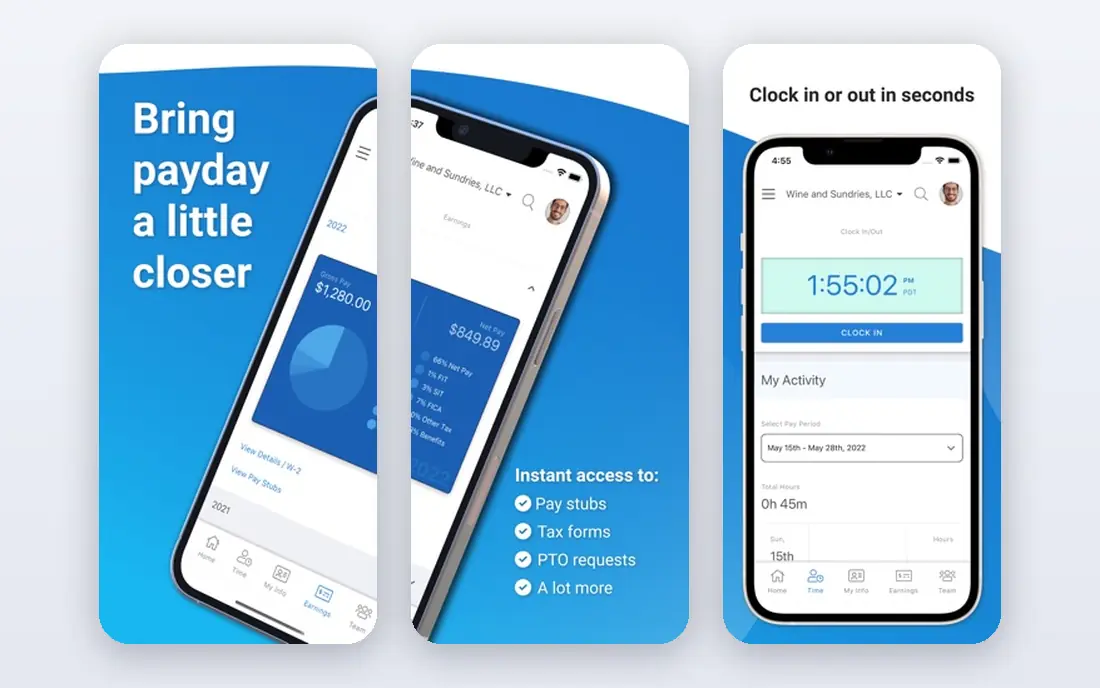
OnPay payroll starts at $49 per month plus $6 per worker, and it includes multi-state payroll at that price, which Gusto reserves for a higher plan. Time tracking is an add-on at $15 base plus $4 per worker per month, with geofenced mobile clock-in, and the HR add-on is $15 base plus $2 per worker. The first month is free, including onboarding and migration help.
OnPay is less flashy than its rivals and lists fewer integrations, with QuickBooks Online and Xero among them. What it offers instead is clarity: every add-on price is published, so a ten-person team can work out the full monthly cost before signing. For owners who value predictable pricing and direct phone support over a large app catalog, OnPay is a strong, low-drama choice.
- Published pricing with no hidden fees
- Multi-state payroll included
- First month free
- Time tracking is a paid add-on
- Fewer integrations than Gusto or Rippling
- Interface feels plain
Square Payroll charges $35 per month plus $6 per person for full-service payroll, with a contractor-only option at $6 per person paid. Time tracking syncs with timecards and point of sale data, and Square Shifts adds scheduling, with a free tier for teams of up to five and a Plus tier at $4.50 per team member per month. For a shop or restaurant already on Square, hours, tips and schedules flow into payroll with little manual work.
Outside the Square ecosystem the case weakens. Integrations center on QuickBooks Online and Xero, and advanced HR features are thinner than Gusto or Rippling. If you already take payments and schedule staff through Square, this is the obvious pick. If you do not, compare Gusto or OnPay first.
- Timecards and tip data sync from Square point of sale
- Low base fee
- Automatic federal and state tax filing
- Best inside the Square ecosystem
- Narrower third-party integrations
- Larger firms may outgrow it
QuickBooks Payroll starts around $50 per month plus $7 per employee for its Workforce plan in published comparisons, with higher tiers adding time tracking, hiring, onboarding and HR workflows. The obvious advantage is accounting: payroll journals, tax payments and reports land in QuickBooks without exports or re-entry, which saves bookkeepers real time each pay run.
As with Gusto, the entry plan is not the whole story for hourly teams. Confirm which tier includes the time tracking features you need, and whether same-day or next-day pay matters for your cash flow. For a business already running QuickBooks Online, the integration alone often settles the choice.
- Payroll data flows into QuickBooks accounting
- Time tracking on higher plans
- Familiar interface for bookkeepers
- Time tracking is not on the cheapest plan
- Pricing varies by plan tier
- Support can be hard to reach at peak times
Paychex Flex is a full human capital platform covering payroll, time and attendance, HR, benefits and compliance, aimed at growing and mid-size employers. Time tracking includes time clocks, scheduling and attendance rules that feed directly into payroll, which helps firms with shift workers, overtime rules and multiple locations. Paychex also brings deep experience with tax and labor compliance across states.
The platform is quote priced, and the sales process reflects its mid-market focus, so a five-person firm may find the setup heavier than a simpler rival. For a company moving past twenty or thirty employees, or one with multi-state compliance headaches, that depth becomes an asset rather than overhead. Ask for a quote that itemizes payroll, time and benefits separately.
- Broad HR, payroll, benefits and time suite
- Time clocks and scheduling options
- Support for complex compliance needs
- Quote-only pricing
- Setup can feel heavy for very small firms
- Add-ons increase the total
Deel is best known for global payroll and employer of record services, but it also serves US teams that employ contractors or staff abroad. Time tracking helps managers capture hours for hourly workers and feed them into pay runs, while Deel handles local tax, benefits and compliance requirements in each country. For a distributed team, that combination removes a lot of cross-border paperwork.
A purely domestic team with ten US employees will find Deel more complex and more expensive than a domestic specialist. The value appears when even a few workers sit outside the US, or when contractor payments span several countries. Price the exact countries and worker types you have, since global pricing is not a single published figure.
- Payroll and contractor payments in many countries
- Built-in compliance support
- Time tracking for global teams
- US-only small teams get features they do not need
- Pricing is quote based
- Support quality varies by country
SurePayroll, part of Paychex, aims at small businesses that want payroll done with a minimum of fuss. It covers pay runs, direct deposit, tax filing and year-end forms, with employee self-service for pay stubs and tax documents. Time tracking is available, though it is simpler than the shift and attendance suites in larger platforms.
That simplicity is the point for a small office with straightforward hours and no complex scheduling rules. Firms with shift differentials, geofenced clock-in or detailed labor costing should look at Gusto Plus, Rippling or Paychex Flex instead. Use the free trial to run a real pay period, including an overtime week, before deciding.
- Straightforward payroll workflow
- Automatic tax filing
- Mobile access for employers and employees
- Time tracking depth is limited next to Rippling or Paychex
- Fewer HR features
- Pricing needs a quote or trial
Paycor combines payroll, time and attendance, HR, benefits and talent tools for mid-size employers. Time tracking feeds payroll directly, and the platform adds scheduling, attendance tracking and reporting that managers can use to spot overtime trends and labor costs. It is a natural step up for a company that has outgrown a small-business payroll tool.
Pricing is quote based and implementation is a project, not a signup, so Paycor suits firms ready to invest setup time in exchange for a single HR system. A team under twenty people will usually get better value from Gusto or OnPay. For a firm heading toward a hundred employees, Paycor is worth a demo against Paychex Flex.
- Payroll, time, HR and recruiting in one platform
- Analytics and reporting depth
- Strong fit for mid-size firms
- Quote-only pricing
- Implementation takes planning
- Smaller firms may find it more than they need
How we picked these
We compared official pricing pages, plan tables and product documentation, plus independent 2026 pricing reviews, and kept only tools that combine payroll with time tracking in October 2026. We favored tools with automatic tax filing, employee self-service and a clear path from hours to paychecks, and we wrote See website where pricing was quote based rather than estimating a figure.
What to check before you buy
Start by listing how your people actually work. Salaried staff need little more than PTO tracking, while hourly, shift and multi-location teams need clock-in methods, overtime rules, break tracking and approval workflows. Test those exact cases in a trial: a missed punch, an overtime week, a shift swap and a retroactive correction. If any of them requires a spreadsheet workaround, the tool is not the right fit.
Then price the whole bundle. Time tracking is frequently an add-on or a higher tier, and state tax registration, benefits administration and workers compensation can add further lines. Ask for the monthly total at your current headcount and at twenty percent more staff, and check the pay schedule: direct deposit timing affects cash flow as surely as the subscription fee. Finally, confirm how hours, deductions and tax filings are audited, and who you call when a pay run goes wrong.
Frequently asked questions
What is the best payroll software with time tracking?
For most small US businesses, Gusto Plus is the best balance of price, polish and built-in time tracking. OnPay is the best value if you want published add-on pricing, and Rippling is the best pick for firms that want HR, IT and payroll in one system. The right answer depends on headcount, locations and how complex your scheduling is.
What is the best time tracking software for payroll?
The best time tracking for payroll is the one built into your payroll tool, since hours flow to paychecks without re-entry. Gusto, Rippling, OnPay, Square Payroll and Paychex Flex all offer that link, with different depth. A standalone time tracker only makes sense if your payroll tool cannot capture hours the way your team works.
Is time tracking included in Gusto?
Time tracking is included on Gusto Plus at $80 per month plus $12 per person, and on Premium, but not on the Simple plan. If you compare Gusto with rivals, compare the Plus price, not Simple, when your team is hourly.
Can payroll software track employee hours automatically?
Yes, most tools here offer mobile clock-in, timecards and manager approvals, and some add geofenced clock-in or point of sale sync. Automatic tracking still needs manager review for missed punches and overtime, so check the approval workflow during your trial.
How much does payroll software with time tracking cost?
Small team pricing commonly starts around $35 to $50 per month plus $6 to $12 per person, before time tracking add-ons where they apply. Mid-size platforms are quote priced and cost more, but they bundle HR, benefits and reporting. Always ask for the all-in monthly total at your headcount.
Do I need separate time tracking software if I use payroll software?
Usually not. Built-in time tracking avoids duplicate entry and reduces payroll errors. Keep a separate tool only if you need specialized features, such as detailed job costing or field service scheduling, that your payroll tool does not offer.
Sources
See where you really rank - block by block
ProMapRanker scans Google Maps across a grid of your service area. Simple monthly plans from $19, white-label on every plan.
Start freeKeep reading
 wpforms alternatives
Best WPForms Alternatives in 2026
We compare 9 wpforms alternatives for WordPress forms, with free and paid options, current pricing notes, and honest limits for small business sites in 2026.
Read → windows task scheduler alternatives
Best Windows Task Scheduler Alternatives in 2026
Looking for Windows Task Scheduler alternatives? We compare 9 schedulers for Windows and cross-platform work, from free tools to enterprise automation.
Read → which ai video service is best
Which AI Video Service Is Best in 2026
which ai video service is best? We compare 10 legitimate AI video services on price, avatars, editing and output quality to help you pick the right tool.
Read →