 ProMapRanker
Best Payroll Software for Compliance in 2026


Small teams and automatic filing · Pricing starts at: $49 per month plus $6 per person
Key takeaways
- Gusto and OnPay suit small teams that want published pricing, automatic tax filing, and simple compliance tools.
- Rippling suits growing teams that want payroll tied to HR and IT records, with compliance alerts in one system.
- ADP Run and Paychex Flex suit multi state and compliance heavy employers that want a large support bench.
- Paylocity suits midsize employers that want HR depth with payroll, while Deel suits global teams.
- Software alone does not make an organisation compliant: you still own registrations, classifications, and records.
Quick comparison
| Pick | Great for | Pricing starts at | Free tier | |
|---|---|---|---|---|
| Gusto | Small teams and automatic filing | $49 per month plus $6 per person | No | Visit |
 Rippling | Payroll in a wider HR system | $40 per month plus $8 per user | No | Visit |
 ADP Run | Multi state compliance | See website | No | Visit |
 Paychex Flex | Compliance heavy industries | See website | No | Visit |
 OnPay | Simple affordable compliance | $40 per month plus $6 per person | No | Visit |
 Paylocity | Midsize HR plus payroll | See website | No | Visit |
 Deel | Global payroll compliance | See website | No | Visit |
 Patriot Software | Budget payroll with filing | $17 per month plus $4 per worker | Free trial | Visit |
The best payroll software for compliance
Payroll compliance means paying staff correctly, filing taxes on time, handling benefits and leave rules, and keeping records that stand up to review. We compared tools on tax filing, multi state coverage, benefits handling, and support, not only on price. This article gives general information only, not tax, legal, or financial advice.
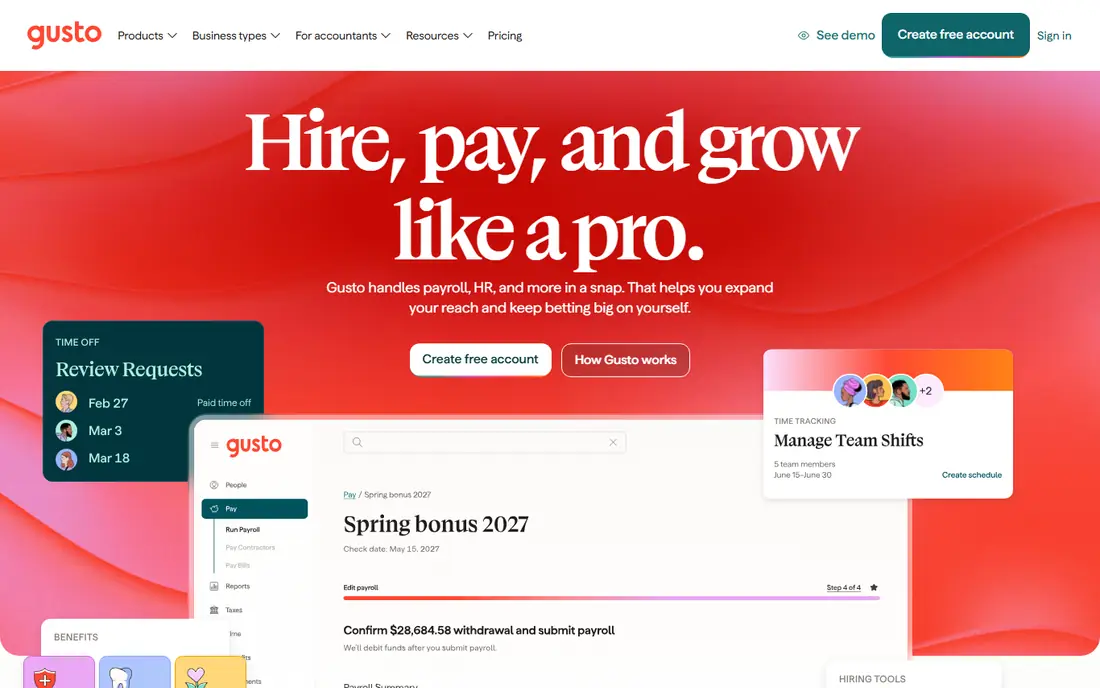
Gusto files payroll taxes automatically at federal, state, and local levels, and it handles W-2s, 1099s, and new hire reporting in the same system. Benefits enrolment flows into deductions, so a change to health coverage or retirement shows up in the next pay run. That automation suits a small team without a dedicated payroll specialist.
The limit is depth. Higher plans add multi state payroll, next day direct deposit, and a compliance resource centre, so a team that grows across states will need to move up a plan. Check which states, benefit carriers, and leave rules are covered for your team before you rely on Gusto alone.
- Automatic federal, state, and local tax filing
- Benefits administration
- Clear published pricing
- Deeper compliance tools sit on higher plans
- Per person fees rise with growth
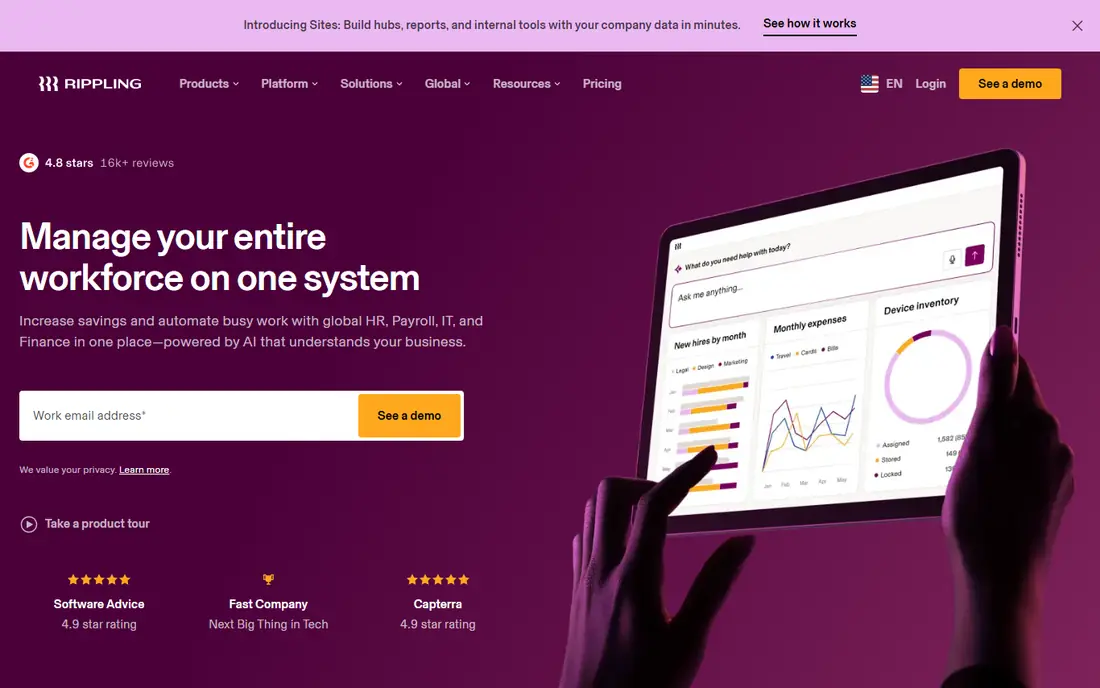
Rippling ties payroll to a single employee record, so hours, time off, benefits, and pay changes flow into the same run. It files payroll taxes automatically, and it can flag changes across pay runs before approval. That visibility helps catch errors, such as a missed deduction or a changed pay rate, before money moves.
Modular pricing is the catch. The base rate covers only part of the system, and benefits, time, and global payroll add cost. Get an itemised quote, and confirm which tax filings, state registrations, and compliance alerts are included in that quote.
- One employee record for HR, payroll, and benefits
- Automated tax filing
- Compliance alerts
- Modular pricing adds up
- Setup needs care for complex pay rules
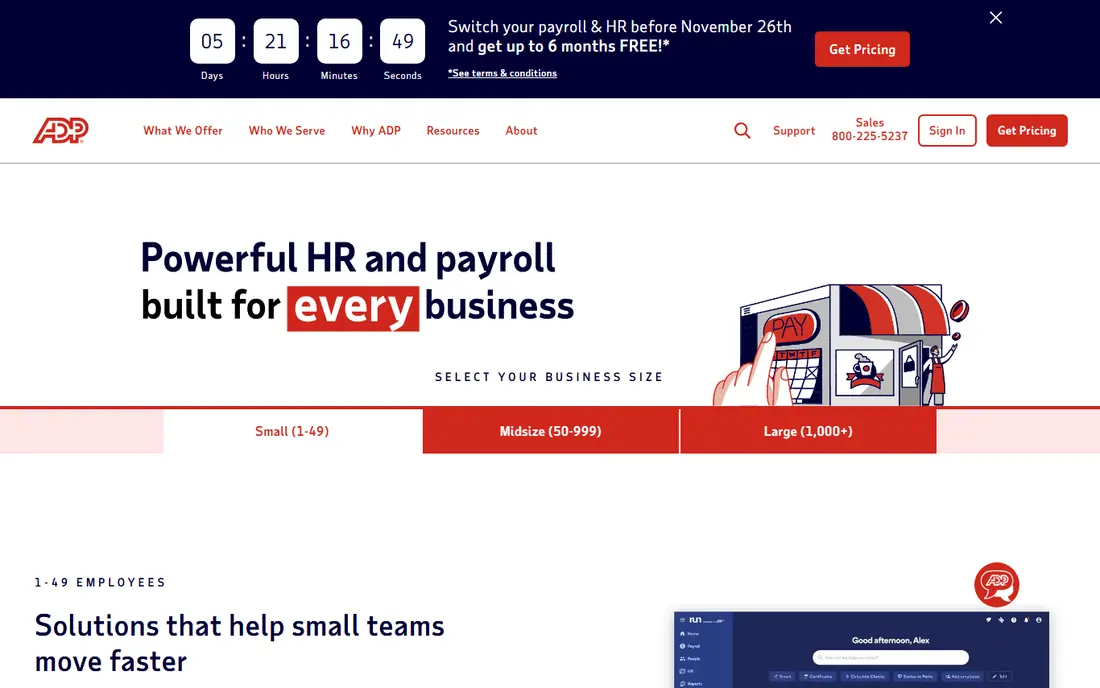
ADP Run is a strong choice for employers in several states, where tax filing, local rules, and benefits vary by location. It bundles payroll with HR, benefits, and time tools, and its support team handles tax notices and filings for many customers. That bench matters when a state notice arrives and needs a fast, correct response.
Pricing is quote based, so compare ADP on a written total, not a web page estimate. Ask which filings are included, how corrections are handled, and what support hours apply. For a single state team of five, ADP may be more than needed.
- Deep multi state tax filing
- Dedicated support
- Room to grow into larger ADP systems
- Quote based pricing
- Enterprise feel for very small teams
Paychex Flex suits employers in regulated work, where payroll, benefits, time, and reporting rules need close attention. Its tiered bundles let a team start with core payroll and add HR, benefits, and retirement as needs grow. Support and compliance tools sit behind the software, which helps when rules change.
Check bundle contents in writing. A higher tier may include services you do not use, while a lower tier may miss a filing or reporting feature you need. Confirm tax filing coverage by state, benefits carrier support, and how the team handles audits and notices.
- Tiered payroll and HR bundles
- Benefits and retirement options
- Compliance support
- Quote based pricing
- Bundles may include unused features
OnPay offers one plan that covers full service payroll, multi state filing, and core HR tools at a published price. That clarity suits owners who want to know the monthly cost without a sales negotiation. It handles W-2 employees and 1099 contractors, and it files taxes in multiple states.
It is not a full HR suite, so advanced reporting, performance tools, and complex pay rules are lighter than ADP or Paychex. If payroll compliance is the main job, and you do not need deep HR, OnPay is a sensible and affordable fit.
- One plan with multi state filing
- Published pricing
- W-2 and 1099 handling
- HR and reporting depth is lighter than enterprise suites
Paylocity combines payroll with HR, time, benefits, and reporting in tiers by company size. It suits midsize employers that want payroll inside a broader HR system, with managers able to approve time, view reports, and track benefits in one place. That breadth helps when HR and payroll teams work closely together.
Smaller teams may find the quote and setup heavier than Gusto or OnPay. Ask for a quote at your real headcount, and confirm which payroll tax filings, benefits carriers, and reporting tools are included. Test the manager and employee self service tools, since daily use matters as much as filing.
- HR and payroll in one suite
- Time, benefits, and reporting tools
- Tiers by company size
- Quote based pricing
- Best fit starts around 100 staff for some tiers
Deel suits teams that pay people in more than one country, where employment law, tax, and benefits differ by location. It offers payroll, benefits, and employer of record options, with local entities and compliance support in many countries. That structure helps a team hire abroad without setting up a local entity in each place.
For a US only team, Deel is often more than needed, and a US focused tool may be cheaper. Ask who files taxes in each country, how benefits are administered, and what happens when local rules change. Keep your own records even when Deel handles filings.
- Payroll and benefits across many countries
- Contractor and employee options
- Local compliance support
- Quote based pricing for many products
- US only teams may not need global depth
Patriot Software suits budget conscious teams that want simple payroll with an option for full service tax filing. Basic payroll starts at $17 per month plus $4 per worker, and the full service plan adds tax filing and related support. A 30 day free trial lets a team test the workflow before paying.
The catch is plan choice. The lowest plan does not include automatic tax filing, so a team that needs compliance help must choose the full service plan and price that, not the base rate. Check which filings are included, and confirm state coverage before you commit.
- Low starting price
- Full service payroll option with tax filing
- 30 day free trial
- Full service filing is on the higher plan
- HR features are basic
How we picked these
We compared official pricing pages, product documentation, and public reviews, and we kept tools that offer payroll tax filing, multi state or global coverage, and benefits handling. We used published prices where vendors publish them, and See website where pricing is quote based. We did not claim hands on testing. This article is general information only, not tax, legal, or financial advice, and software alone does not make an organisation compliant.
What to check before you buy
List every state and country where you have staff, every worker type, and every benefit plan, then ask each vendor to confirm coverage in writing. A tool that files taxes in one state may not file in another, and a tool that handles W-2 staff may handle contractors differently. Run a trial pay run with real worker types before you sign.
Records, notices, and classifications
Keep your own payroll records, even when filing is handled for you. Ask who responds to a tax notice, how corrections are made, and how long records are kept. Check worker classification, overtime rules, and leave rules with a qualified adviser, since software cannot decide those questions for you.
Switching safely
Switching is easiest at a quarter or year boundary, with several weeks allowed for setup. Confirm how year to date data moves in, how benefits enrolments transfer, and how coverage dates are handled, so no employee loses coverage or pay in the move.
Frequently asked questions
What is the best payroll compliance software for small businesses?
For most small US teams, Gusto and OnPay offer published pricing and automatic tax filing at a clear monthly cost. Rippling suits teams that also want wider HR, while Patriot suits teams on a tight budget that choose the full service plan.
Does payroll software make my business compliant?
No, not on its own. Software can file taxes, track deductions, and keep records, but you still own registrations, worker classifications, overtime, leave, and benefits rules. Use a qualified adviser for decisions that affect tax or employment law.
Which tool is best for multi state payroll compliance?
ADP Run and Paychex Flex offer deep multi state filing and support, while Gusto Plus, OnPay, and Rippling also cover multi state payroll at different price points. List every state during the quote process, and confirm filing and local tax coverage.
What is the difference between Gusto and ADP Run?
Gusto publishes starting prices and suits small teams that want a clean setup. ADP Run is quote based, suits growing multi state employers, and offers a larger support bench and a path to larger ADP systems.
How much does payroll compliance software cost?
It ranges from $17 per month plus $4 per worker for Patriot basic payroll, to $49 per month plus $6 per person for Gusto, with ADP, Paychex, Paylocity, and Deel quoted by company. Price the plan that includes tax filing, not the lowest plan.
Sources
See where you really rank - block by block
ProMapRanker scans Google Maps across a grid of your service area. Simple monthly plans from $19, white-label on every plan.
Start freeKeep reading
 wpforms alternatives
Best WPForms Alternatives in 2026
We compare 9 wpforms alternatives for WordPress forms, with free and paid options, current pricing notes, and honest limits for small business sites in 2026.
Read → windows task scheduler alternatives
Best Windows Task Scheduler Alternatives in 2026
Looking for Windows Task Scheduler alternatives? We compare 9 schedulers for Windows and cross-platform work, from free tools to enterprise automation.
Read → which ai video service is best
Which AI Video Service Is Best in 2026
which ai video service is best? We compare 10 legitimate AI video services on price, avatars, editing and output quality to help you pick the right tool.
Read →