 ProMapRanker
Best Payroll Software Comparison in 2026


Simple full service payroll for small teams · Pricing starts at: $49 per month plus $6 per person
Key takeaways
- Gusto and OnPay offer the clearest published pricing for small teams, at $49 per month plus $6 per person in their entry full service plans.
- ADP RUN and Paychex Flex suit teams that want deep compliance support and a named specialist, but both require a quote for accurate pricing.
- QuickBooks Payroll is the natural pick for businesses already on QuickBooks Online, since payroll data flows straight into the books.
- Rippling and Paylocity suit growing teams that want payroll plus HR and IT in one system, though modular pricing needs careful quoting.
- Full service tax filing is the feature that matters most for most owners, since it shifts filing and deposit work to the provider.
Quick comparison
| Pick | Great for | Pricing starts at | Free tier | |
|---|---|---|---|---|
| Gusto | Simple full service payroll for small teams | $49 per month plus $6 per person | No | Visit |
 ADP RUN | Compliance depth and scale | See website | No | Visit |
 Paychex Flex | Dedicated payroll specialist support | See website | No | Visit |
 Rippling | Payroll plus HR and IT in one system | See website | No | Visit |
 QuickBooks Payroll | QuickBooks Online users | $50 per month plus $7 per employee | Free trial | Visit |
 OnPay | One simple price for multi-state teams | $49 per month plus $6 per worker | Free trial | Visit |
 Square Payroll | Square POS users and hourly teams | $35 per month plus $6 per person | No | Visit |
 Patriot Software | Lowest published full service price | $37 per month plus $5 per worker | Free trial | Visit |
 Paylocity | Mid-market payroll plus HR depth | See website | No | Visit |
The best payroll software
Payroll software calculates pay, handles taxes, runs direct deposit, and files forms, but the details differ a lot. Some tools publish clear prices and handle everything in one plan, while others quote by company and add HR modules on top. This top payroll software comparison focuses on price structure, tax filing, benefits, and support, so you can compare total cost rather than headline rates alone.
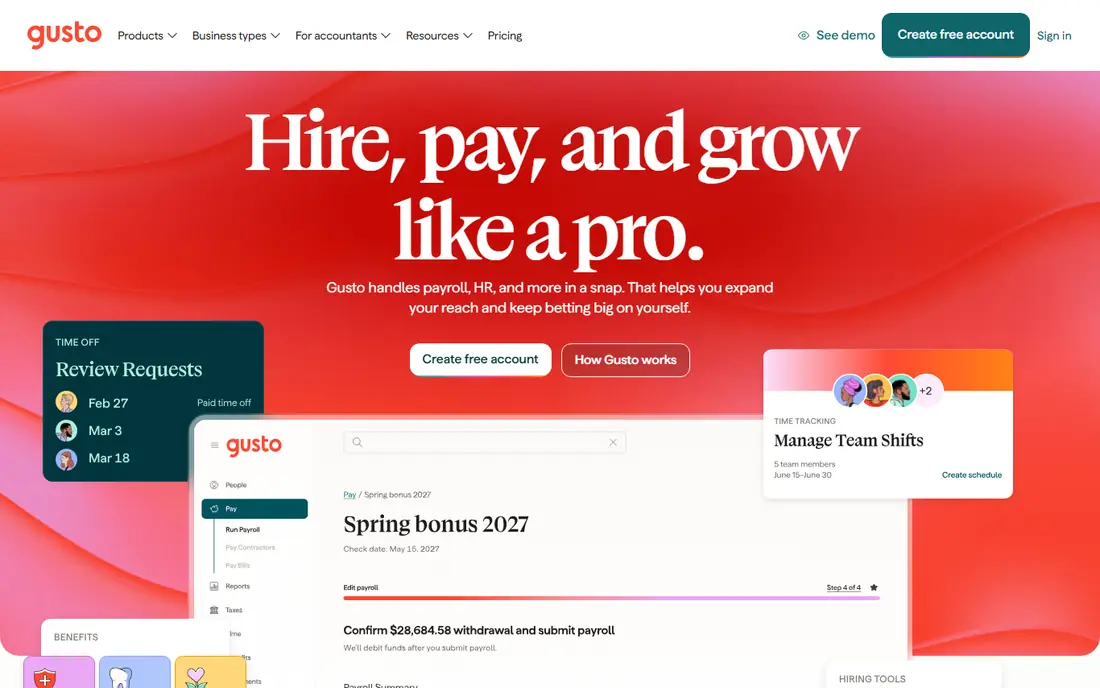
Gusto is our pick for most small teams because pricing is published and payroll is simple to run. The Simple plan covers full service payroll, tax filing, direct deposit, and basic HR tools, with Plus and Premium adding more HR, benefits, and multi-state support. Owners who run payroll themselves often value how quickly Gusto walks through a pay run.
The catch is scale. Per person fees add up as headcount grows, and larger teams may need deeper HR reporting or global payroll that Gusto does not lead on. Benefits administration is available, but complex benefits setups may need more help. For a United States small business that wants predictable payroll, Gusto is a strong default.
- Published pricing
- Full service tax filing
- Simple benefits and onboarding
- Costs rise with headcount
- HR depth is lighter than HCM suites
- United States focus
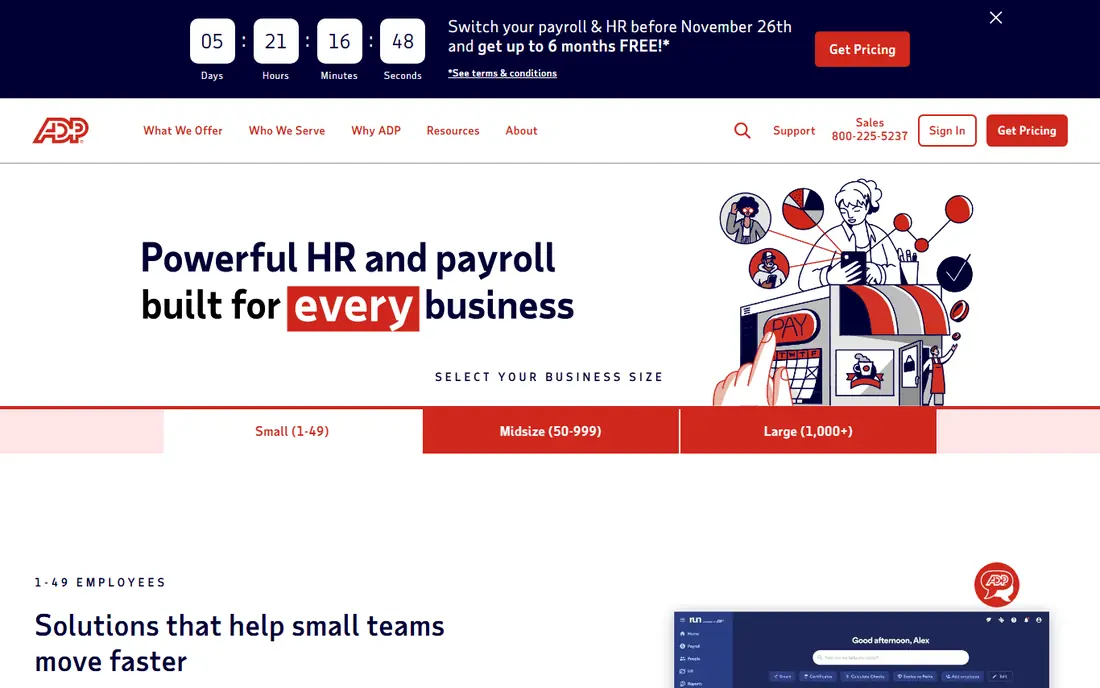
ADP RUN suits businesses that want a proven payroll engine and room to grow into ADP Workforce Now later. It automates federal, state, and local tax filing, offers compliance alerts, and provides HR resources on higher tiers. Accountant Connect also helps accountants manage multiple clients from one dashboard, which matters for firms running payroll for clients.
Pricing is quote based, so budgeting needs a sales quote, and the sales process can feel longer than self serve tools. The interface is less modern than Gusto or Rippling in some areas. For teams where payroll accuracy and compliance depth outweigh a slick interface, ADP RUN is a safe choice.
- Deep tax and compliance expertise
- Scales from small to larger teams
- HR resources included on higher tiers
- Quote based pricing
- Sales process takes time
- Interface can feel dated
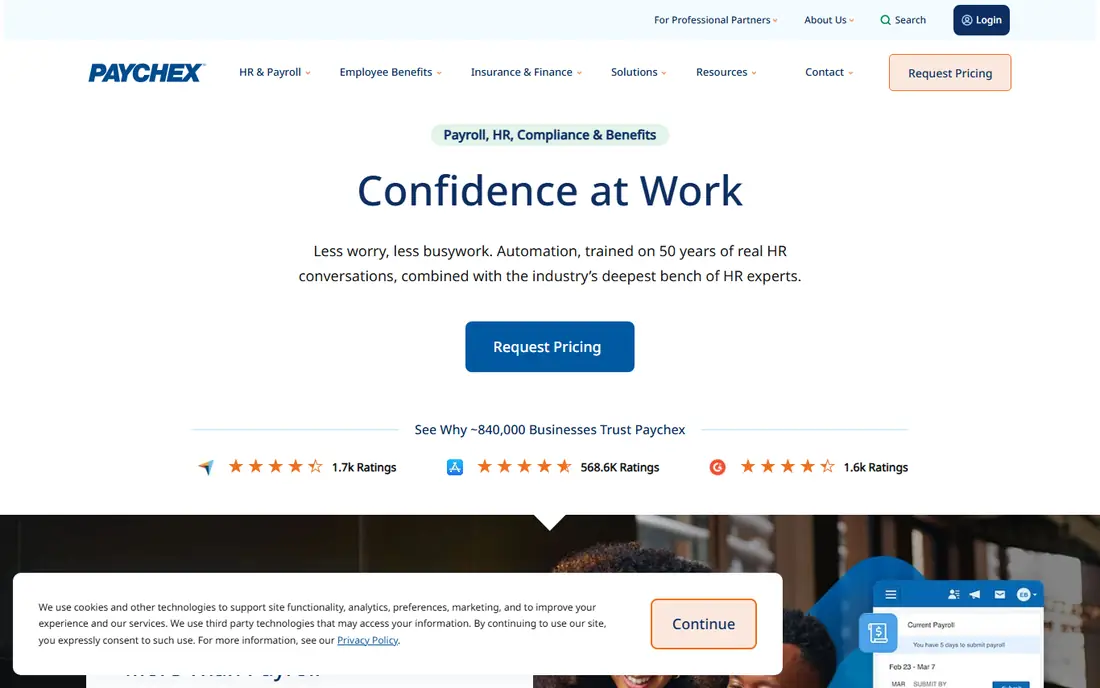
Paychex Flex appeals to owners who want a named payroll specialist rather than only chat support. It covers payroll, tax filing, benefits, time, and HR, with packages that scale from small businesses to mid-market teams. That specialist support helps when payroll questions involve state rules, benefits, or year end forms.
Pricing is quote based and package details vary, so two businesses can pay different amounts for similar headcounts. The platform also offers many modules, which can feel complex at first. For owners who value human support and payroll depth, Paychex Flex is worth a quote.
- Dedicated payroll specialist on many plans
- Deep payroll and HR options
- Strong support hours
- Quote based pricing
- Packages can feel complex
- Costs vary widely by package
Rippling suits growing startups and mid-size teams that want payroll connected to HR and IT. When a hire joins, Rippling can set up payroll, benefits, devices, and app access together, which reduces manual work and errors. Global payroll and contractor payments also help teams with staff in several countries.
The total price depends on modules, so a headline per employee rate is not the full cost. Small teams that only need payroll may pay for breadth they do not use. For teams that will use HR, IT, and payroll together, Rippling can replace several tools and simplify admin.
- Unifies payroll, HR, IT, and finance data
- Strong onboarding automation
- Global payroll options
- Quote based pricing
- Modular costs can climb
- More than small teams may need
QuickBooks Payroll is the natural choice for businesses already running their books on QuickBooks Online. Payroll entries, tax liabilities, and labor costs flow into accounting without manual journals, which saves time at month end. Full service plans handle tax filing, direct deposit, and year end forms, while higher tiers add time tracking and HR tools.
Value drops if you do not use QuickBooks Online, since the integration is the main advantage. HR depth is also lighter than dedicated HCM tools. For QuickBooks users who want payroll and accounting in sync, QuickBooks Payroll is the simplest path.
- Payroll flows into QuickBooks books
- Full service tax filing
- Time tracking on higher tiers
- Needs QuickBooks Online for best value
- HR tools are lighter than HCM suites
- Per employee fees add up
OnPay wins fans with one simple plan price that covers payroll, tax filing, and basic HR tools. Multi-state payroll is included, which helps small teams with staff in several states. Reporting is strong for the price, and the interface is straightforward for owners who run payroll without a dedicated HR team.
HR and time tracking cost extra as add-ons, and the integration list is shorter than Gusto or QuickBooks. Phone support runs on weekday hours, which may matter for weekend payroll questions. For owners who want one clear price and multi-state payroll without package confusion, OnPay is an excellent pick.
- Single plan pricing
- Multi-state payroll
- Good reporting for its price
- HR and time tracking are add-ons
- Integration list is shorter than larger rivals
- Support hours are weekday based
Square Payroll suits restaurants, cafes, and retail shops already using Square for point of sale and time tracking. Hours from Square timecards flow into payroll, which helps hourly teams avoid manual entry. A contractor only option also suits businesses that pay contractors but not employees.
Outside the Square ecosystem, Square Payroll is thinner than Gusto or OnPay, with fewer HR tools and integrations. Benefits support also varies by state and plan. For Square users with hourly staff, it is a convenient, low base fee choice. For other businesses, a broader payroll tool may fit better.
- Low base fee
- Works with Square POS and timecards
- Contractor only plan available
- Thinner outside Square ecosystem
- HR tools are limited
- Benefits support varies by state
Patriot Software offers one of the lowest published full service payroll prices, which helps very small teams and tight budgets. Full Service payroll covers tax filing, direct deposit, and year end forms, while a cheaper Basic plan suits owners who want to file taxes themselves. United States based support and a simple interface appeal to owners who run payroll without HR staff.
The Basic plan does not file taxes, so buyers must read plan details carefully. HR, time, and accounting tools are add-ons or separate products, and integrations are fewer than larger rivals offer. For a small team that wants low cost full service payroll, Patriot is a strong value pick.
- Low full service price
- United States based support
- Simple interface
- Basic payroll plan does not file taxes for you
- HR tools are add-ons
- Fewer integrations than larger rivals
Paylocity suits mid-market teams that want payroll plus HR, engagement, and reporting in one HCM platform. Its payroll engine handles multi-state needs, and its reporting helps HR teams track pay, headcount, and turnover trends. Companies growing past 50 staff often value that depth.
Pricing is quote based, and implementation for payroll, benefits, and time needs careful planning. Very small teams may find Paylocity larger than needed. For mid-market teams that will use HR and reporting tools alongside payroll, Paylocity offers a full, scalable option.
- Strong payroll and HR depth
- Engagement and reporting tools
- Multi-state support
- Quote based pricing
- Implementation needs planning
- More than very small teams need
How we picked these
We compared payroll tools on published pricing, full service tax filing, direct deposit, benefits, multi-state support, integrations, and support. We used vendor pricing pages and comparison guides, and we favored tools that exist and work in 2026 for United States payroll. Where pricing is quote based, we wrote See website rather than publishing a figure we could not verify.
We did not claim hands-on testing. Payroll pricing in this article reflects entry full service plans where stated, and promotions, add-ons, and state fees can change total cost. Always confirm the total monthly cost for your headcount and states before signing.
How to compare payroll software
Compare total cost for your headcount
Calculate base fee plus per person fees for your actual headcount, then add payroll add-ons, time tracking, benefits administration, and multi-state fees. A low base fee can become expensive with per person fees, and a quote based tool can become competitive once all modules are listed. Use the same headcount and states for every quote.
Check tax filing and support carefully
Confirm whether the plan files federal, state, and local taxes for you, handles year end W-2 and 1099 forms, and covers penalties for provider filing errors. Also check support hours and whether you get a named contact or only chat support. Payroll errors are costly, so support quality matters as much as price.
Trial a real pay run
If a trial or demo pay run is offered, use it with real pay types, such as hourly, salaried, overtime, and contractor pay. Check how time, benefits deductions, and state taxes flow through, and how reports look for accounting. A tool that handles your pay types cleanly will save time every pay period.
Frequently asked questions
What is the best payroll software comparison for small businesses?
For small businesses, Gusto, OnPay, and Patriot Software offer the clearest published pricing and full service tax filing. Square Payroll suits Square POS users, while QuickBooks Payroll suits QuickBooks Online users. Compare total cost for your headcount, not just the base fee.
How much does payroll software cost per month?
Published entry full service plans in this guide range from $35 to $50 per month in base fees, plus $5 to $7 per person per month. Quote based tools such as ADP RUN and Paychex Flex vary by headcount and package. Add-ons for time tracking, benefits, and multi-state payroll can raise the total.
What is full service payroll?
Full service payroll means the provider calculates pay, runs direct deposit, deposits payroll taxes, and files federal and state payroll tax forms for you. Self service or basic plans may calculate pay but leave tax filing to the owner. Check plan details carefully, since the label alone does not guarantee filing coverage.
Does payroll software handle benefits?
Many payroll tools offer benefits administration, but depth varies. Gusto, Rippling, ADP, and Paychex offer broader benefits tools, while smaller tools may offer limited benefits support or work through partners. Confirm carrier support and enrollment help for your state before choosing.
Can I switch payroll providers mid-year?
Yes, most providers support mid-year switching and can import year to date payroll data, but the process needs accurate prior pay, tax, and benefits records. Ask the new provider what data it imports, what forms it handles for prior periods, and what deadlines apply. Plan the switch outside a busy pay period if possible.
Sources
See where you really rank - block by block
ProMapRanker scans Google Maps across a grid of your service area. Simple monthly plans from $19, white-label on every plan.
Start freeKeep reading
 wpforms alternatives
Best WPForms Alternatives in 2026
We compare 9 wpforms alternatives for WordPress forms, with free and paid options, current pricing notes, and honest limits for small business sites in 2026.
Read → windows task scheduler alternatives
Best Windows Task Scheduler Alternatives in 2026
Looking for Windows Task Scheduler alternatives? We compare 9 schedulers for Windows and cross-platform work, from free tools to enterprise automation.
Read → which ai video service is best
Which AI Video Service Is Best in 2026
which ai video service is best? We compare 10 legitimate AI video services on price, avatars, editing and output quality to help you pick the right tool.
Read →