 ProMapRanker
Best Organization Apps in 2026

Key takeaways
- Todoist and TickTick suit personal task lists, with Todoist winning on simple capture and TickTick on habits and timers.
- Notion suits people who want tasks, notes and databases in one custom workspace.
- Trello suits visual planners who think in boards and cards.
- ClickUp and Asana suit teams that need shared projects, views and reporting.
- Microsoft To Do suits anyone who wants a free, simple list tied to Outlook.
- Any.do suits households and shared lists, with a calendar view that keeps family plans visible.
Quick comparison
| Pick | Great for | Pricing starts at | Free tier | |
|---|---|---|---|---|
 Notion Notion | All-in-one workspace | $10 per month | Yes | Visit |
 Todoist Todoist | Simple task lists | See website | Yes | Visit |
 TickTick TickTick | Tasks, habits and focus | $49.99 per year | Yes | Visit |
 Trello Trello | Visual boards | $5 per month | Yes | Visit |
 ClickUp ClickUp | Team projects | $7 per month | Yes | Visit |
 Asana Asana | Team work management | $10.99 per month | Yes | Visit |
 Any.do Any.do | Shared and household lists | See website | Yes | Visit |
 Microsoft To Do Microsoft To Do | Free Outlook lists | Free | Yes | Visit |
The best organization apps
We compared the best apps to stay organized on task capture, views, calendar links, collaboration and price. The list below covers personal lists, visual boards, all-in-one workspaces and team tools, so start from how you think, not from feature counts.
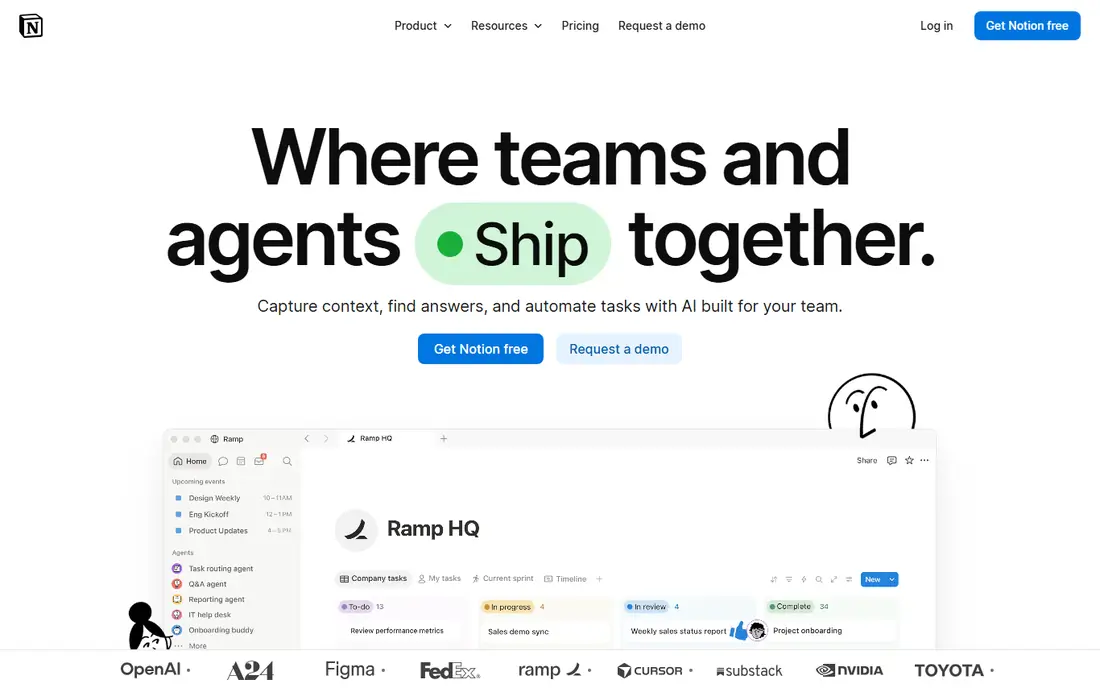
Notion lets you build a personal system from pages, databases, calendars and boards, rather than forcing one fixed list format. You can track tasks, habits, projects, reading and home plans in linked views, and start from templates instead of a blank page. For people who like to design their own system, that flexibility is the main appeal.
The same flexibility is the drawback, since a new user can spend days setting up instead of doing tasks. Start with one simple page and add views only when needed. If you want the best organization app that can grow into a full workspace, Notion is the pick.
- Tasks, notes, databases and calendars in one place
- Very flexible templates and views
- Generous free tier for personal use
- Learning curve before a setup feels settled
- Can feel heavy for a simple daily list
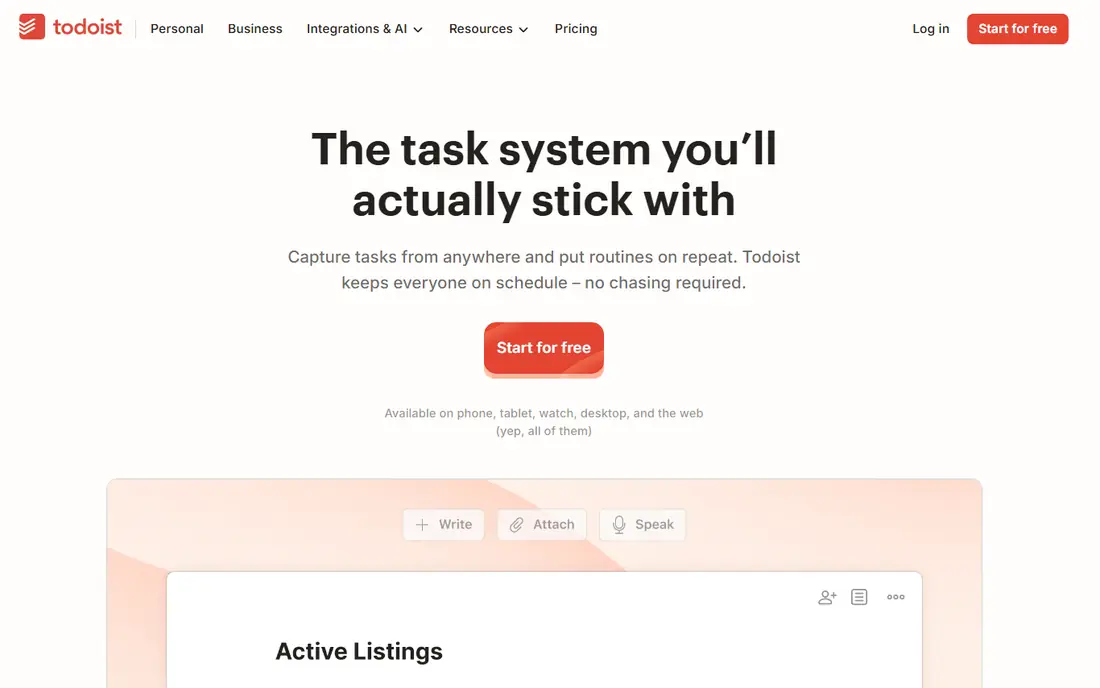
Todoist remains the safest pick for most people who just want tasks done. Type a task in plain language with a date and project, and it parses the details correctly, which makes capture fast on phone or desktop. Projects, labels, filters and priority levels keep a long list manageable without extra complexity.
Reminders require a paid plan, which matters if you rely on timed alerts. The free tier still covers personal use well for many people. If you want the best apps for organizing daily work without a learning curve, Todoist is the first app to try.
- Fast natural language task capture
- Clean lists and projects
- Good widgets and cross-platform apps
- Reminders and some views need a paid plan
- Calendar view is newer than rivals
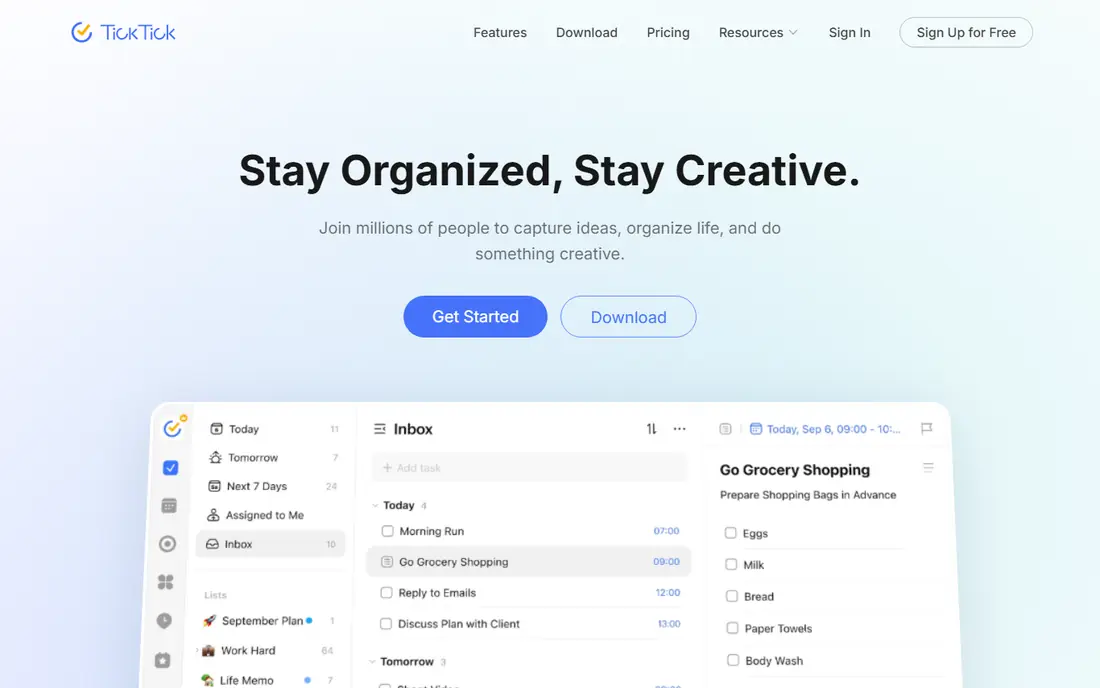
TickTick bundles what other people install several apps for: tasks, a calendar view, habit tracking and a focus timer. That combination suits students, freelancers and anyone who wants daily habits and work sessions in the same place as tasks. The yearly price is lower than many rivals, which helps for a personal subscription.
The interface packs in more options, so it can feel busy at first compared with Todoist. If you want the best organizing apps that also handle habits and focus time, TickTick gives the most features per dollar in this list.
- Tasks, calendar, habits and Pomodoro timer in one app
- Good value yearly price
- Strong widgets and voice input
- Interface is busier than Todoist
- Free tier caps some lists and reminders
Trello suits visual thinkers, since tasks become cards that move across lists on a board. That view works well for home projects, content plans, hiring pipelines and simple team work, where status matters more than detailed reporting. Cards can hold checklists, files, dates and comments, so a whole task lives in one place.
For complex projects with dependencies and reporting, Asana or ClickUp handle more. For a simple, visual system that a whole household or small team can learn in minutes, Trello is one of the best organization apps to start with.
- Simple boards, lists and cards
- Easy for teams and personal projects
- Automation with Butler on paid plans
- Weak for complex reporting
- Power-ups and automation need paid tiers for full use
ClickUp aims to replace several tools, with tasks, docs, goals, time tracking and automations in one workspace. Teams can switch between list, board, calendar and timeline views for the same work, which helps when different people prefer different views. The free tier is generous for small teams testing the system.
That breadth can overwhelm a new team, and a messy setup grows quickly if no one owns the structure. Start with one project and a few views, then expand. If you want the best organization software for a team that needs many views, ClickUp is a strong choice.
- Many views including lists, boards, calendars and Gantt
- Docs, goals and automations in one tool
- Generous free tier
- Feature depth can feel overwhelming
- Setup needs discipline to stay tidy
Asana suits teams that need clear ownership, deadlines and progress views across many projects. Portfolios, goals and workload views help managers see who is overloaded and which projects are at risk, while automation handles routine steps like assigning tasks. Marketing and creative teams in particular find its project templates useful.
The free tier covers basic work for up to ten users, but reporting and advanced features need paid plans. For a team that wants the best apps for organization with strong reporting, Asana is worth the higher price if you will use those views each week.
- Clear project and portfolio views
- Good automation and reporting
- Strong for marketing and creative teams
- Paid plans are pricier than some rivals
- Free tier is basic for larger teams
Any.do keeps daily planning simple, with lists, a calendar view, reminders and shared lists for households or small teams. The daily planning view helps users pick a few tasks for today, rather than staring at a long backlog. Shared grocery, chore and family lists work well, since everyone sees updates in real time.
It is not built for complex team projects with dependencies and reporting, where Asana or ClickUp fit better. If you want the best organizer app for home life and shared daily lists, Any.do is a friendly and practical pick.
- Simple shared lists and calendar view
- Good for households and couples
- Voice and reminder features
- Less depth for complex team projects
- Some premium features need a paid plan
Microsoft To Do is free, clean and tied to Outlook, which makes it the obvious pick if work already runs on Microsoft 365. Flagged emails become tasks, Outlook tasks sync across devices, and the My Day view gives a simple daily planning ritual. There is no upsell to worry about, which is rare in this category.
It lacks natural language date parsing and depth for complex projects, so power users may outgrow it. If you want the best organization app free option that just works with Outlook, Microsoft To Do is hard to beat.
- Completely free with a Microsoft account
- Syncs with Outlook tasks and flagged email
- Simple My Day planning view
- No natural language dates
- Thin for complex projects
How we picked these
We compared official product pages, pricing pages and recent productivity comparisons, and checked each app for task capture, views, calendar links, collaboration and free tier quality. We favoured apps that are widely used in 2026 and offer a usable free tier or trial, and kept team tools only where shared projects are the main use. We did not claim hands-on testing, and prices marked as See website were not published in a verifiable form at the time of writing.
What to check before you choose an organization app
Start with how you capture tasks. If capture is slow, the system fails, no matter how many views it offers. Test adding a task on your phone, with a date, project and reminder, and see how many taps it takes. Todoist wins on speed for many people, while Notion wins for people who want a task inside a larger note or database.
Next, check where your tasks live. A personal list, a shared household list and a team project have different needs, and one app rarely serves all three perfectly. Many people use Todoist or TickTick for personal work, plus Trello, Asana or ClickUp for team work, and that split is fine if each system has a clear job.
Home organization
For home life, shared lists, a calendar view and reminders matter more than reporting. Any.do, Trello and Microsoft To Do all handle shared chores, shopping and family plans well. Pick the app your household will actually open, since the best home organization apps are the ones everyone uses, not the ones with the longest feature list.
Avoiding setup overload
A common mistake is building a complex system before using a simple one for two weeks. Start with one list, one calendar view and one daily review, then add projects, labels or automations only when a real problem appears. Review your lists weekly, archive finished projects and delete tools you stopped opening.
Frequently asked questions
What are the best apps to stay organized for personal use?
Todoist and TickTick suit most personal users, with Todoist for simple capture and TickTick for habits and focus timers. Notion suits users who want notes and tasks together, while Microsoft To Do suits a free, simple list. Try one for two weeks before adding another tool.
What is the best organization app for teams?
Asana and ClickUp suit teams best, with shared projects, views, automation and reporting. Trello suits smaller teams that prefer visual boards, while Notion suits teams that need docs and databases alongside tasks. Choose based on reporting needs and how much setup your team will maintain.
What are the best home organization apps?
Any.do, Trello and Microsoft To Do all work well for home organization, with shared lists for chores, shopping and family plans. Any.do has the simplest shared daily planning view, Trello suits visual household projects, and Microsoft To Do is free for Outlook users. Pick the one your household will use daily.
Is there a best organization app that is free?
Yes, Microsoft To Do is fully free, while Todoist, TickTick, Trello, ClickUp, Asana, Any.do and Notion all offer free tiers. Free tiers cover personal use well, but reminders, advanced views and reporting often need paid plans. Start free and pay only for a feature you use each week.
What is the best app for organizing notes and tasks together?
Notion is the best choice for notes and tasks together, since tasks can live inside pages, databases and calendars in one workspace. ClickUp also combines docs and tasks for teams. If you only need a simple list with notes attached, Todoist and TickTick both support comments and attachments on tasks.
How do I stay organized without too many apps?
Pick one capture app for tasks, one calendar and one notes place, and review them daily. Avoid adding a new app for each project, since switching costs time and tasks get lost. Archive finished work weekly, and delete any tool you have not opened in a month.
Sources
See where you really rank - block by block
ProMapRanker scans Google Maps across a grid of your service area. Simple monthly plans from $19, white-label on every plan.
Start freeKeep reading
 zoom alternatives
Best Zoom Alternatives in 2026
Compare Zoom alternatives in 2026, with free meeting limits and prices, so you can pick the best alternative to Zoom for your team, class, or community.
Read → which software is best for remote work
Which Software Is Best for Remote Work in 2026
Answering which software is best for remote work, we compare Slack, Zoom, Asana, Notion, Teams and more, with pricing and honest tradeoffs in 2026 now.
Read → which ai tool is best for content writing
Which AI Tool Is Best for Content Writing in 2026
Wondering which ai tool is best for content writing? We compare ChatGPT, Claude, Jasper, Grammarly, and more on price, quality, and best use in 2026 now.
Read →