 ProMapRanker
Best Order Flow Software in 2026


Traders who read liquidity on a heatmap · Pricing starts at: See website
Key takeaways
- Bookmap is the clearest pick for visualising resting liquidity, while ATAS and Sierra Chart lead for footprint and volume profile work.
- Sierra Chart offers the lowest monthly platform cost in this list, starting from $26 per month, if you can accept a dense interface.
- Data quality matters as much as the platform, since order flow tools are only as precise as the tick feed behind them.
- This is not financial advice; trading carries risk, and order flow tools do not guarantee profits. Use trials and replay before risking real money.
Quick comparison
| Pick | Great for | Pricing starts at | Free tier | |
|---|---|---|---|---|
| Bookmap | Traders who read liquidity on a heatmap | See website | Yes | Visit |
 ATAS | Footprint and cluster chart traders | See website | Yes | Visit |
 Sierra Chart | Advanced traders wanting speed and value | $26 per month | No | Visit |
 Quantower | Multi-asset traders wanting a modern interface | See website | Yes | Visit |
 NinjaTrader | Futures traders wanting a full platform plus order flow | See website | Yes | Visit |
 Jigsaw daytradr | Futures scalpers focused on DOM and tape reading | See website | No | Visit |
 MotiveWave | Traders combining footprint charts with pattern analysis | See website | No | Visit |
 Volfix | Traders wanting cluster charts and delta analysis | See website | No | Visit |
The best order flow software
We compared software that shows how orders actually trade, not just where price closed. Order flow tools reveal volume at each price, bid and ask activity, and resting orders in the book, which helps short-term traders read supply and demand during a session. The list covers footprint specialists, heatmap tools, and full trading platforms with order flow features.

Bookmap shows the limit order book as a heatmap that scrolls over time, so a trader can see where large resting orders appear, disappear, and get traded through. That visual approach suits traders who think in terms of liquidity: support and resistance formed by real orders, not just lines on a chart. Volume dots add executed trades to the same view, linking aggression to liquidity.
It is a specialist tool rather than an all-in-one platform, so many traders pair it with a charting and execution platform. Live data is an added cost on some plans, and reading a heatmap well takes practice and replay time. For traders who already understand order flow basics, Bookmap is the most direct way to watch liquidity behaviour.
- Clear heatmap of the limit order book over time
- Historical replay
- Volume dots show executed trades against resting liquidity
- Not a full charting platform on its own
- Live data costs extra on some plans
- Learning curve for reading liquidity
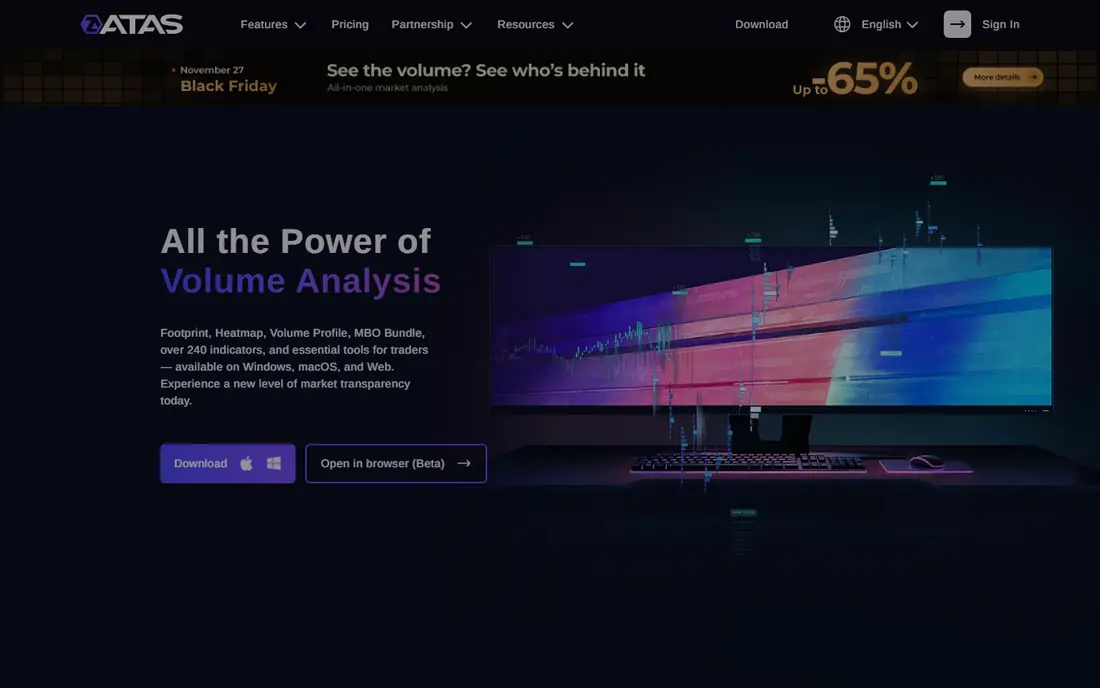
ATAS is built around footprint trading, with cluster charts that show volume, delta, and trade count at each price inside a bar. Its Smart DOM adds depth trading to the same platform, and Smart Tape aggregates prints into a readable flow, so a trader can follow both executed volume and resting orders without switching tools. That combination is why many footprint traders start here.
The platform is Windows-focused, and real-time futures data requires a paid plan above the free starter tier, so the total monthly cost depends on data as well as the licence. The interface is dense at first, and the number of cluster display modes can overwhelm a new user. With replay practice, though, ATAS offers one of the deepest footprint toolkits available.
- Cluster charts with many display modes
- Smart DOM and Smart Tape
- Replay and market replay features
- Windows-focused
- Real-time futures data only on higher plans
- Interface takes time to learn
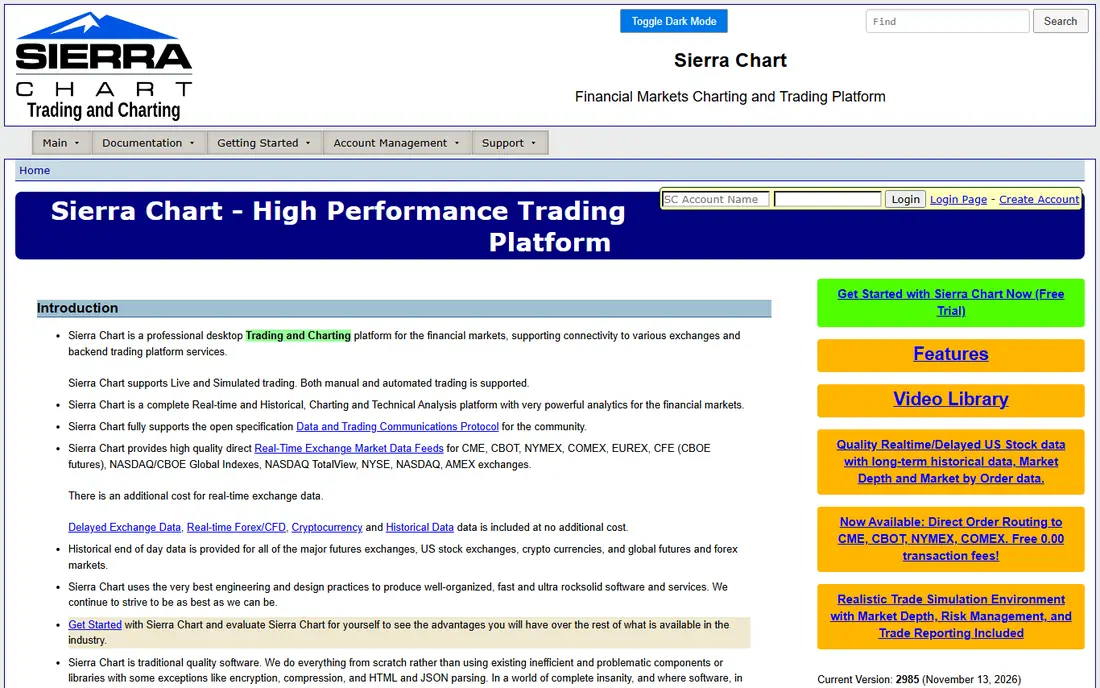
Sierra Chart has a loyal following among professional futures traders because it is fast, stable, and highly customisable, at a platform price starting from $26 per month. Its Numbers Bars show traded volume and delta at each price, and its Chart DOM and Trade DOM cover depth trading, so order flow work is built in rather than added on. For traders who value performance over polish, it is hard to beat on value.
The interface is the trade-off. It looks dated and dense, and new users should expect a learning period before the layout feels natural. Data feeds are an extra cost on top of the platform price, so the total depends on markets traded. Traders willing to invest setup time get a platform that can be shaped precisely to their workflow.
- Fast and stable performance
- Numbers Bars for footprint work
- Very customisable
- Low monthly platform cost
- Dated and dense interface
- Setup needs patience
- Data feeds cost extra
Quantower combines a modern interface with serious order flow tools, including cluster charts and a DOM surface, across futures, stocks, crypto, and forex through supported brokers. That breadth suits traders who move between markets or who want one platform for several accounts. The layout is cleaner than older platforms, which helps new order flow traders get oriented faster.
The free tier is a useful trial, but the full order flow feature set sits on paid plans, so check which features your plan includes before committing. Beginners may still find the range of panels and settings a lot to absorb. For multi-market traders who want modern design without giving up footprint and DOM tools, Quantower is a strong middle ground.
- Modern interface
- Cluster charts and DOM surface
- Multi-broker and multi-asset support
- Free basic tier
- Full order flow features need a paid plan
- Can feel overwhelming for beginners
- Some brokers offer it free with limits
NinjaTrader is a full futures trading platform first, with order flow features such as Volumetric Bars and the SuperDOM built into that platform. That matters for traders who want charting, execution, automation, and order flow in one place rather than stitching tools together. Its ecosystem of indicators and strategies is also larger than most specialist tools offer.
Access to the fuller Order Flow toolset depends on account and plan details, so a trader should confirm what is included before assuming every feature is free. Tick-level data precision also needs attention, since order flow reading depends on clean data. For futures traders who want one platform for the whole job, NinjaTrader remains a leading choice.
- Free platform tier
- Volumetric Bars and SuperDOM
- Large indicator ecosystem
- Replay and automation tools
- Order Flow tools need a funded account or paid plan in some cases
- Data precision needs care for tick-level work
Jigsaw daytradr is built for scalpers who live on the DOM and the tape. Its depth display, reconstructed tape, and trade management tools are designed around short-term reading of orders as they hit the market, rather than around indicators or long-term charting. For a trader whose edge comes from reading the book and the tape, that focus is the appeal.
The focus is also the limit. It is mainly a futures tool, and traders who want broad charting, automation, or multi-asset coverage will need another platform alongside it. Pricing is licence-based plus data costs, so the upfront total should be checked. As a specialist scalping tool, though, it is one of the most respected in this list.
- DOM built for scalping
- Reconstructed tape
- Trade management tools for short-term traders
- Focused mainly on futures
- One-time licence cost plus data
- Narrower charting than full platforms
MotiveWave pairs order flow tools such as Volume Imprint and cumulative delta with a broad charting platform, so a trader can combine footprint reading with pattern and wave analysis in one workspace. That combination suits traders who do not want order flow in isolation, but as one lens alongside their existing chart work. Multiple broker and data connections are supported.
Because order flow is one part of a wider platform, it may not match the depth of a pure footprint specialist for every feature. Pricing varies by edition, so traders should compare editions against the order flow features they actually need. For chart-focused traders adding order flow, MotiveWave is a practical bridge.
- Volume Imprint footprint charts
- Cumulative delta tools
- Broad charting and analysis features
- Pricing varies by edition
- Order flow is one part of a wider platform
- Learning curve for full feature set
Volfix offers cluster charts, delta analysis, and market profile views aimed at traders who read volume structure in detail. Its layout emphasises how volume builds at prices over a session, which helps traders judge whether buyers or sellers are in control at key levels. For volume-focused traders, that depth is the main draw.
Pricing is less transparent than the subscription platforms in this list, so a quote and trial are essential before committing. Setup and learning time should also be factored in, since the toolset is deep. Traders who want a volume-first platform and are willing to learn it will find Volfix a capable, if less common, option.
- Cluster charts and delta analysis
- Institutional-style market data views
- Depth and profile tools
- Pricing is not published as a simple starting price
- Interface and setup need learning time
- Less common in retail broker bundles
How we picked these
We compared official product pages, pricing pages, and documentation, and we checked that each platform currently offers order flow features such as footprint charts, DOM trading, depth heatmaps, or volume profile tools. We favoured tools with live use in futures or stock markets, replay features, and a current offering. We left out general charting tools with no real order flow depth.
Choosing order flow software without overspending
Match the tool to the question you actually trade on. If you trade resting liquidity, start with Bookmap. If you trade executed volume at price, start with ATAS or Sierra Chart. If you trade the DOM and tape, start with Jigsaw daytradr. Trying to learn all three lenses at once usually slows progress, so pick one, learn it with replay, and add a second tool only when you can name the question it answers that the first cannot.
Budget for data, not just the platform. Platform prices in this list range from free tiers to $26 per month for Sierra Chart and higher for specialist tools, but live tick data, exchange fees, and broker costs sit on top. Use free trials and replay modes first, check which markets and data feeds each platform supports, and confirm total monthly cost before funding a live account. This is not financial advice; trading carries risk, and no tool removes that risk.
Frequently asked questions
What is the best order flow software for beginners?
Quantower and NinjaTrader are the friendliest starting points, since both offer free tiers and combine order flow tools with normal charting and execution. Start with one, use replay heavily, and learn footprint or DOM reading before adding a specialist tool such as Bookmap.
What is the best order flow platform for footprint charts?
ATAS is the most complete footprint specialist, with cluster charts, Smart DOM, and Smart Tape in one platform. Sierra Chart is the value alternative, with Numbers Bars and a platform price from $26 per month, if you accept a denser interface.
Do I need Bookmap and ATAS together?
Not at first. Bookmap excels at resting liquidity on a heatmap, while ATAS excels at executed volume on footprint charts, and many professionals use both. A beginner should master one lens first, since two subscriptions and two learning curves can distract from learning to read the market.
How much does order flow software cost in total?
Platform cost is only part of the total. Add live data feeds, exchange fees, and broker costs, and check whether real-time futures data needs a higher plan, as it does with ATAS. Sierra Chart starts from $26 per month for the platform alone, while specialist tools and data can push the monthly total higher.
Is order flow software enough to trade profitably?
No. Order flow tools show volume and liquidity more clearly, but they do not remove risk, and they require practice, risk management, and a tested plan. Use replay and paper trading first, and treat any claim of guaranteed profits with caution.
Sources
See where you really rank - block by block
ProMapRanker scans Google Maps across a grid of your service area. Simple monthly plans from $19, white-label on every plan.
Start freeKeep reading
 wpforms alternatives
Best WPForms Alternatives in 2026
We compare 9 wpforms alternatives for WordPress forms, with free and paid options, current pricing notes, and honest limits for small business sites in 2026.
Read → windows task scheduler alternatives
Best Windows Task Scheduler Alternatives in 2026
Looking for Windows Task Scheduler alternatives? We compare 9 schedulers for Windows and cross-platform work, from free tools to enterprise automation.
Read → which ai video service is best
Which AI Video Service Is Best in 2026
which ai video service is best? We compare 10 legitimate AI video services on price, avatars, editing and output quality to help you pick the right tool.
Read →