 ProMapRanker
Best Open Source Web Scraping Tools in 2026

Key takeaways
- Open source scraping tools are free to use, but they still require code, maintenance, and respect for site terms, robots rules, and applicable law.
- Use a parser such as Beautiful Soup or Cheerio for static pages, a crawler such as Scrapy or Colly for scale, and a browser tool such as Playwright for JavaScript-heavy pages.
- Lawful collection means collecting only data you are allowed to collect, respecting robots rules and terms, and keeping request rates gentle.
- These tools do not include circumvention features as a selling point here, and you should not use them to bypass access controls or login walls you do not own.
Quick comparison
| Pick | Great for | Pricing starts at | Free tier | |
|---|---|---|---|---|
 Scrapy | Large Python crawls | Free | Yes | Visit |
 Beautiful Soup | Simple Python parsing | Free | Yes | Visit |
 Playwright | Modern browser automation | Free | Yes | Visit |
 Puppeteer | Chrome browser automation | Free | Yes | Visit |
 Selenium | Multi-browser automation | Free | Yes | Visit |
 Cheerio | Fast Node parsing | Free | Yes | Visit |
 Crawlee | Managed crawls with retries | Free | Yes | Visit |
 Colly | Fast Go scraping | Free | Yes | Visit |
 Apache Nutch | Large-scale web crawling | Free | Yes | Visit |
The best open source web scraping tools
This list covers only lawful collection: gathering public data you are allowed to collect, at a gentle rate, while respecting site terms, robots rules, and applicable law. We do not give circumvention instructions, and we did not claim hands-on testing we did not do. We compared official documentation and project pages for tools that are live and maintained in October 2026.
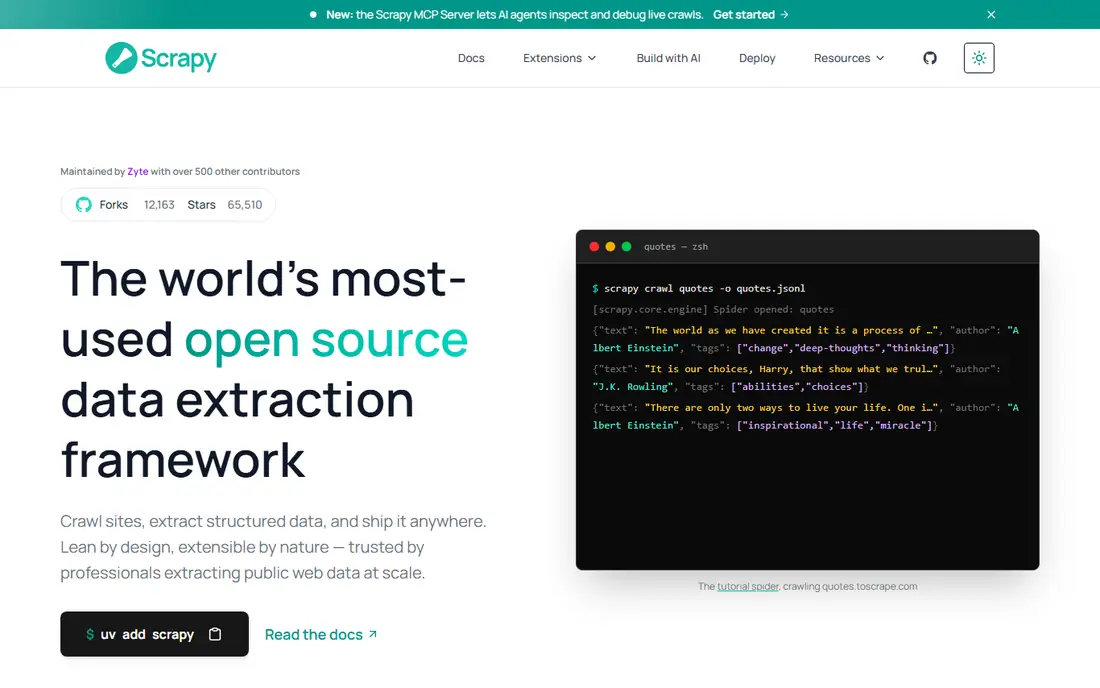
Scrapy is a Python framework for large-scale crawling and structured extraction, with built-in support for requests, scheduling, item pipelines, and export to common formats. That structure matters when a project grows from ten pages to ten thousand, because Scrapy handles queues, retries, and data flow that a hand-written script would need to rebuild. Its documentation and community are mature, which helps when you hit a parsing edge case.
Scrapy on its own does not render JavaScript, so pages that load data in the browser need a browser integration or a different tool. Beginners may also find its project structure heavier than a single parsing script. For a Python team building a real crawler, Scrapy remains the default starting point.
- Full crawling framework with scheduling and pipelines
- Strong documentation
- BSD licensed
- Learning curve for beginners
- JavaScript-heavy pages need a browser add-on
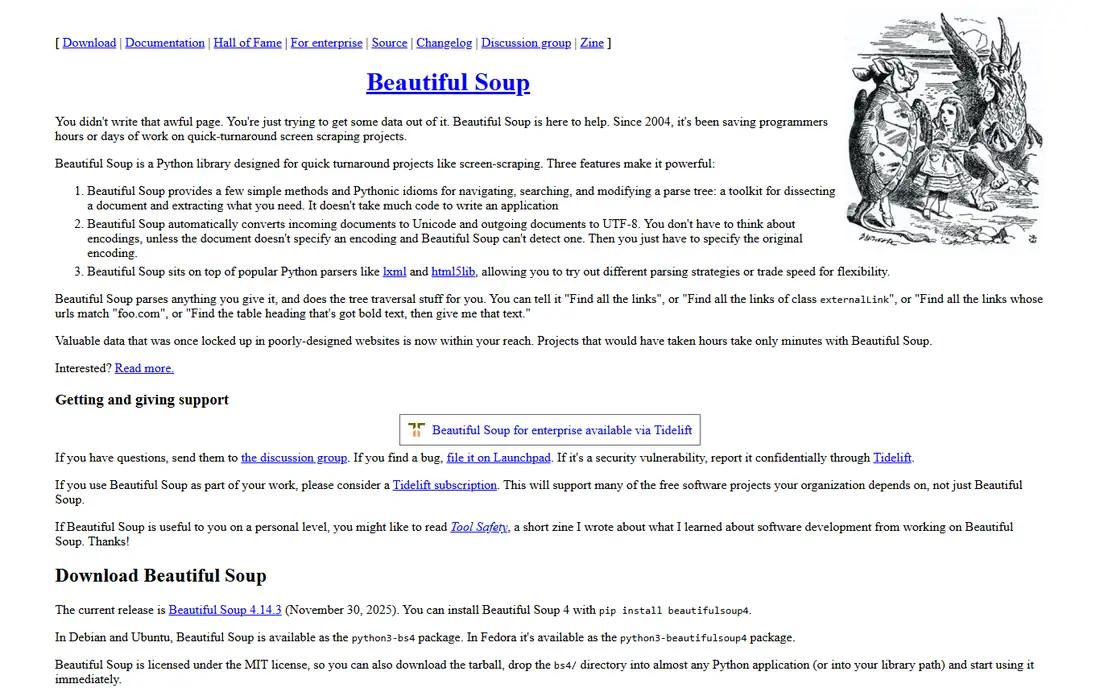
Beautiful Soup is a Python library for parsing HTML and XML, and it is the most-used Python parsing library in many guides because its API is simple and forgiving of messy markup. You fetch a page with another library, hand the HTML to Beautiful Soup, and search by tag, class, or text to pull out the fields you need. For a small, static-page project, that is often all you need.
Beautiful Soup does not crawl, schedule, or render JavaScript on its own, so larger projects pair it with a fetcher, a crawler, or a browser tool. If you are learning scraping, start here for parsing, then add Scrapy or Playwright when the project outgrows a single script.
- Very beginner-friendly
- Tolerant HTML parsing
- MIT licensed
- Parser only, not a crawler
- Needs a fetcher such as Requests for downloading pages
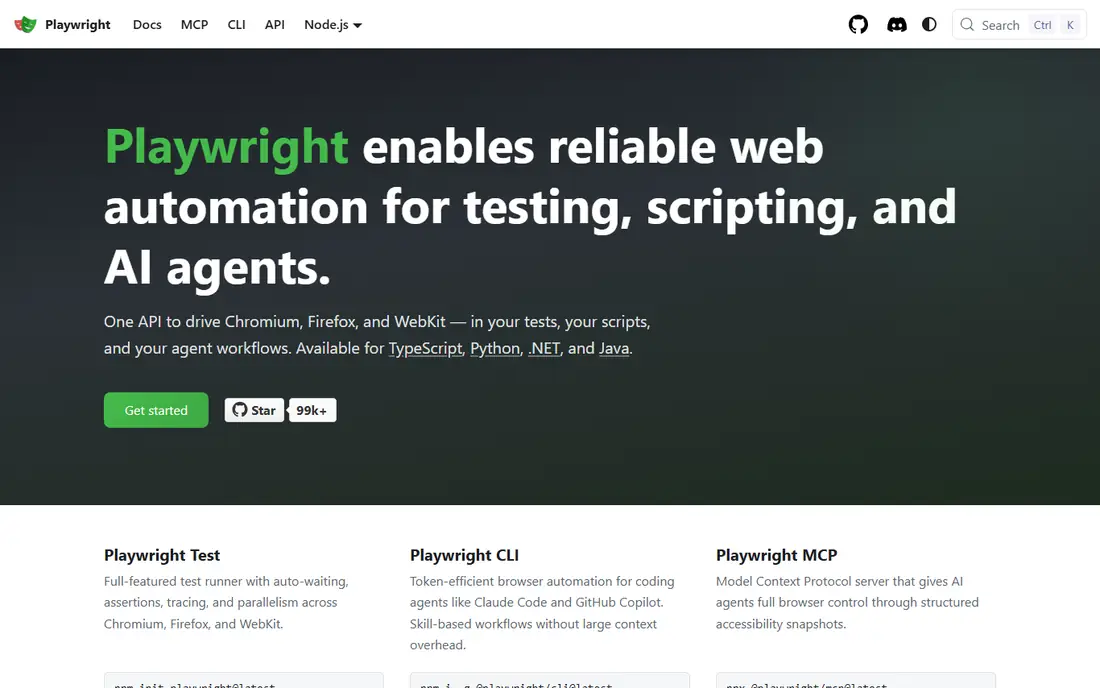
Playwright, from Microsoft, automates real browsers across Chromium, Firefox, and WebKit, with APIs in JavaScript, Python, Java, and .NET. Its auto-waiting features reduce flaky scripts on modern web apps that load content after the first page load, which is why it is a strong pick for JavaScript-heavy pages. You can click, fill forms you own or are allowed to use, scroll, and wait for network activity before extracting data.
Browser automation is heavier than parsing HTML, because each page needs a browser process, memory, and time. Use Playwright only when a page truly needs a browser, and keep request rates gentle so you do not overload the target site. For static pages, a parser will be faster and kinder to the server.
- Chromium, Firefox, and WebKit support
- Auto-waiting and modern APIs
- Apache licensed
- Heavier than a parser
- Browser automation uses more resources per page
Puppeteer, from Google, controls Chrome and Chromium through the DevTools protocol, and it was the original headless Chrome scraping tool for many Node teams. Its documentation and community examples are extensive, which helps when you need to handle a specific browser interaction. For a Node team that works mainly in Chrome, Puppeteer is a familiar and well-supported choice.
Puppeteer is Chrome-focused, while Playwright covers three browser engines, so teams that need Firefox or WebKit testing may prefer Playwright. Puppeteer scripts can also be more verbose for waiting and multi-page flows. For Chrome-only scraping and automation, it remains a solid, free option.
- Mature Chrome automation
- Large community and examples
- Apache licensed
- Chrome and Chromium focused
- Lower-level than Playwright for multi-browser work
Selenium is the original browser automation framework, widely used for testing and for scraping, with support for all major browsers and languages including Python, Java, JavaScript, C#, and Ruby. Its ecosystem is the largest in this list, which means many answered questions, drivers, and integrations exist for common problems. Teams that already use Selenium for testing can reuse that knowledge for scraping.
Selenium is more verbose than Playwright for modern browser automation, and its setup can feel slow for a quick scraping task. It also uses more resources than a parser, so reserve it for pages that need a real browser. For a team with existing Selenium skills, that familiarity may outweigh the newer APIs elsewhere.
- Supports all major browsers and many languages
- Largest ecosystem and Q and A history
- Apache licensed
- More verbose than Playwright
- Slower setup for simple scraping tasks
Cheerio gives Node developers a fast, jQuery-like way to parse HTML on the server, similar to what Beautiful Soup does for Python. You fetch a page, load it into Cheerio, and select elements with familiar CSS-style selectors. That speed and familiarity make it a good pick for Node pipelines that process many static pages.
Cheerio does not render JavaScript or crawl on its own, so dynamic pages and large crawls need a fetcher, a crawler, or a browser tool alongside it. For a Node team building a simple parser or a data-cleaning step, Cheerio is light, fast, and easy to learn.
- Fast server-side parsing
- JQuery-like API for Node developers
- Small footprint
- Parser only, not a browser
- Needs a fetcher for downloading pages
Crawlee, from Apify, is an open source library for building crawlers with built-in queues, retries, and session handling, in JavaScript, TypeScript, and Python. It offers both HTTP crawlers for static pages and browser crawlers for dynamic pages, so a team can start simple and add browser support without switching libraries. Its retry and queue features help a crawl recover from transient failures without losing progress.
Crawlee is newer than Scrapy, so its guide library is smaller, and teams outside JavaScript and Python will find fewer examples. For a team that wants managed crawl behavior without building queues and retries by hand, Crawlee is a strong modern option.
- Crawling with retries, queues, and proxy-aware design
- Browser and HTTP crawlers
- Active maintenance
- Newer than Scrapy, so fewer long-form guides
- JavaScript and Python focus
Colly is a Go framework for scraping and crawling, known for speed and a simple API. Go concurrency suits crawlers that fetch many pages at once, and Colly keeps the setup close to defining collectors, callbacks, and output. For a Go team, it is the natural equivalent of Scrapy in Python.
Colly is Go only, so Python and Node teams will prefer tools in their own language, and it does not render JavaScript on its own. For a Go project that needs a fast, well-structured crawler for static or server-rendered pages, Colly is a practical free choice.
- Very fast Go crawler
- Simple API
- Apache licensed
- Go only
- JavaScript-heavy pages need a separate browser step
Apache Nutch is a Java-based, open source web crawler built for large-scale crawling, with a plugin system and integration with search and storage tools. It suits organizations that need to crawl many sites or a large domain on a regular schedule, with parsing, link handling, and indexing as part of the pipeline. Its Apache license and long history make it a known quantity for enterprise crawling.
Nutch setup is heavy compared with a single script, and it is overkill for a small project that only needs a few hundred pages. Teams should choose Nutch only when crawl scale, scheduling, and integration with a search stack justify the operational cost.
- Built for web-scale crawling
- Plugin system
- Integrates with search and storage tools
- Java and Hadoop-style setup is heavy
- Overkill for a small scraping project
How we picked these
We compared official project documentation and pages for open source tools that are live and maintained in October 2026, and we kept only tools whose core is open source and whose main use is parsing, crawling, or browser automation for lawful collection. We left out hosted scraping APIs and no-code platforms, because the topic asks for open source tools, not paid services. We did not claim hands-on testing we did not do, and we did not include circumvention instructions.
What to check before you buy
There is no purchase here, because every tool in this list is free, but there is still a cost in time and care. Start by checking whether collection is allowed: read the site terms, check robots rules, and confirm that applicable law allows the data you plan to collect. If a site forbids scraping, or if the data is personal, private, or behind a login you do not control, do not collect it.
Next, match the tool to the page type. A parser is fastest for static pages, a crawler is best for many pages, and a browser tool is needed only for JavaScript-heavy pages. Using a browser for every page wastes resources and puts more load on the target site than necessary.
Finally, be gentle with request rates. Add delays between requests, respect crawl-delay guidance where given, cache pages during development, and stop if a site returns errors or blocks you. A scraper that hammers a small site can cause real harm, and a polite crawl is both more lawful and more likely to keep working.
Frequently asked questions
What is the best open source web scraping tool for beginners?
Beautiful Soup is the easiest starting point for Python beginners, because parsing is simple and examples are everywhere. Cheerio plays the same role for Node developers. Once you need crawling at scale, move to Scrapy, and once you need a browser, move to Playwright.
Do I need to know how to code to use these tools?
Yes, for the most part. These are libraries and frameworks, not point-and-click apps, so you will write code in Python, JavaScript, Go, or Java. If you do not code, a no-code scraping platform is a better fit, but it will not be open source in the same way as the tools here.
Which tool is best for JavaScript-heavy websites?
Playwright is the strongest general pick, because it supports three browser engines and handles waiting for dynamic content well. Puppeteer is a good Chrome-only alternative, and Selenium suits teams that already use it for testing. Use a browser tool only when the page truly needs it.
Is web scraping legal?
It depends on the site, the data, and the law that applies, so there is no single yes or no answer. Lawful collection respects site terms, robots rules, and applicable law, avoids personal and private data, and does not bypass access controls. If you are unsure about a specific project, get legal advice before you collect at scale.
How do I avoid overloading a website when scraping?
Keep request rates low, add delays, respect robots guidance, cache pages while you develop, and use a parser instead of a browser when you can. Stop and reassess if you see errors, blocks, or slow responses. Polite crawling protects the target site and keeps your own project running longer.
Sources
See where you really rank - block by block
ProMapRanker scans Google Maps across a grid of your service area. Simple monthly plans from $19, white-label on every plan.
Start freeKeep reading
 wpforms alternatives
Best WPForms Alternatives in 2026
We compare 9 wpforms alternatives for WordPress forms, with free and paid options, current pricing notes, and honest limits for small business sites in 2026.
Read → windows task scheduler alternatives
Best Windows Task Scheduler Alternatives in 2026
Looking for Windows Task Scheduler alternatives? We compare 9 schedulers for Windows and cross-platform work, from free tools to enterprise automation.
Read → which ai video service is best
Which AI Video Service Is Best in 2026
which ai video service is best? We compare 10 legitimate AI video services on price, avatars, editing and output quality to help you pick the right tool.
Read →