 ProMapRanker
Best Open Source Project Management Software in 2026

Key takeaways
- OpenProject is the fullest-featured open source option, with Gantt charts, budgets and time tracking in one tool.
- Taiga and Plane suit agile software teams that want scrum and kanban done well without license fees.
- Redmine, Kanboard and Wekan are the lightest self-hosted choices for teams that value simplicity and control.
- Self-hosting is free in license terms, but you still pay with server time, upgrades and backups.
Quick comparison
| Pick | Great for | Pricing starts at | Free tier | |
|---|---|---|---|---|
 OpenProject | Full-featured planning and budgets | Free | Yes | Visit |
 Taiga | Agile scrum and kanban teams | Free | Yes | Visit |
 Redmine | Lightweight issue tracking | Free | Yes | Visit |
 Plane | Modern Jira alternative | Free | Yes | Visit |
 Leantime | Non-technical teams | Free | Yes | Visit |
 Kanboard | Simple kanban boards | Free | Yes | Visit |
 Wekan | Minimal self-hosted kanban | Free | Yes | Visit |
 ProjectLibre | Desktop Microsoft Project alternative | Free | Yes | Visit |
 Odoo Project | Projects inside an ERP suite | Free | Yes | Visit |
The best open source project management tools
Open source project tools give you the code, the choice to self-host, and freedom from per-user license fees. The trade-off is that you take on hosting and maintenance, so pick the tool that matches both your workflow and your willingness to run a server.
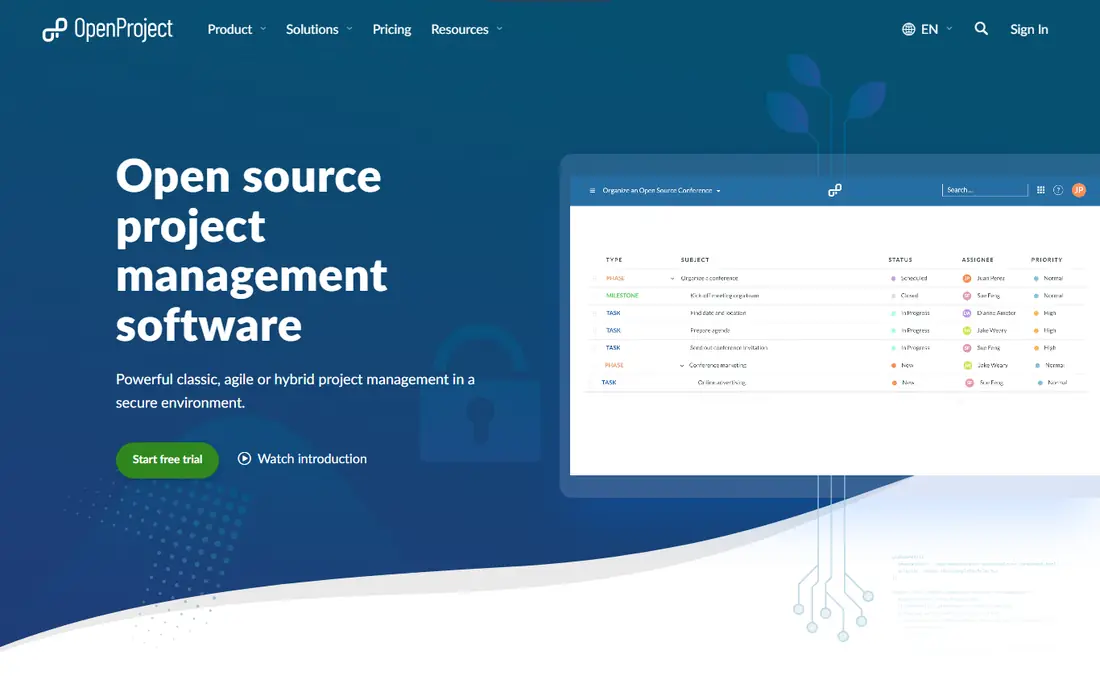
OpenProject is the closest open source match to a full commercial project platform. The Community edition is free and self-hosted, and covers work packages, Gantt charts, agile boards, meetings, wikis, time and cost tracking and budgets. Paid Enterprise cloud plans start at $7.25 per user per month for Basic, but note the minimum user counts, which make the paid cloud route costly for very small teams.
The honest catch is complexity. OpenProject covers a wide surface, and new users can feel lost among its modules and settings. A team that invests a day in setup and naming conventions will get a lot back, while a team that wants a board in ten minutes should look at Kanboard or Wekan instead. For organizations that need planning depth without license fees, OpenProject is our first pick.
- Gantt charts, agile boards, budgets and time tracking included
- Free Community edition
- Active development
- Enterprise cloud plans carry minimum user counts
- Interface feels dense at first
- Self-hosting needs a Linux server
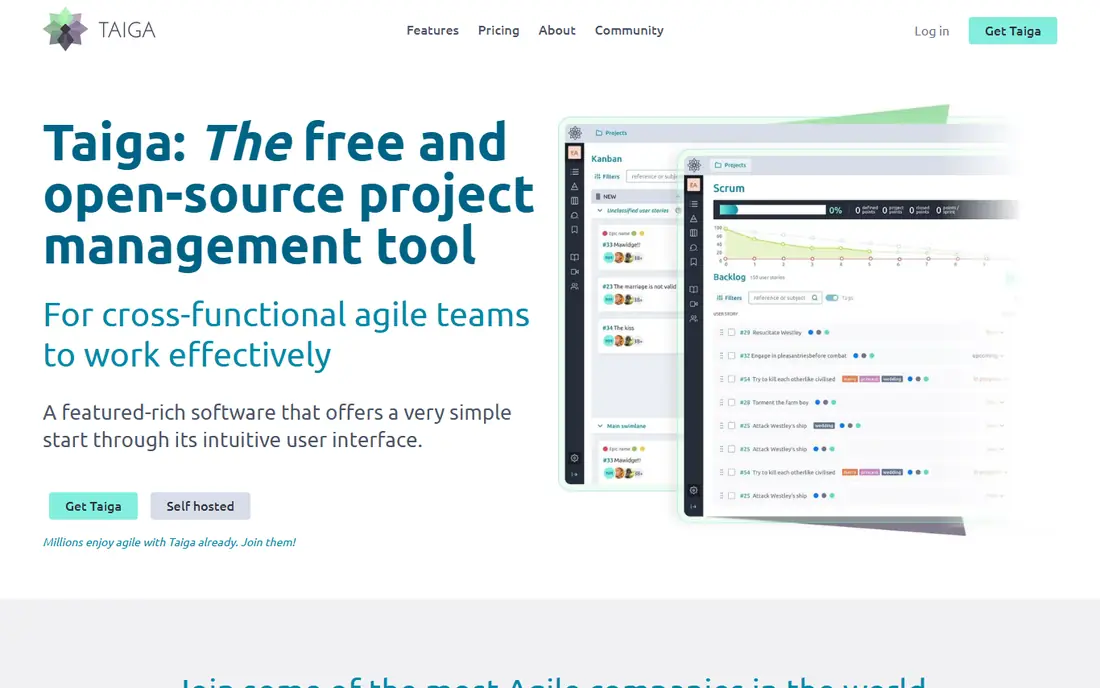
Taiga was designed for cross-functional agile teams, and it shows in the details: backlogs, sprints, user stories, story points, swimlanes and burndown charts are first-class features rather than add-ons. The self-hosted version is free and open source, and the cloud version offers a free Basic tier, with premium support listed at $70 per month. It is available in many languages, which helps distributed teams.
Taiga is less convincing for general business projects that need budgets, dependencies across many workstreams or resource planning. If your team runs scrum properly and wants a tool shaped around that rhythm, Taiga is hard to beat at the price. If your work is a mix of marketing, operations and software, OpenProject or Leantime may fit better.
- Purpose-built scrum and kanban workflows
- Clean interface
- Free self-hosted version with no user limits
- Weaker for general non-software projects
- Resource management is limited
- Cloud premium support costs extra
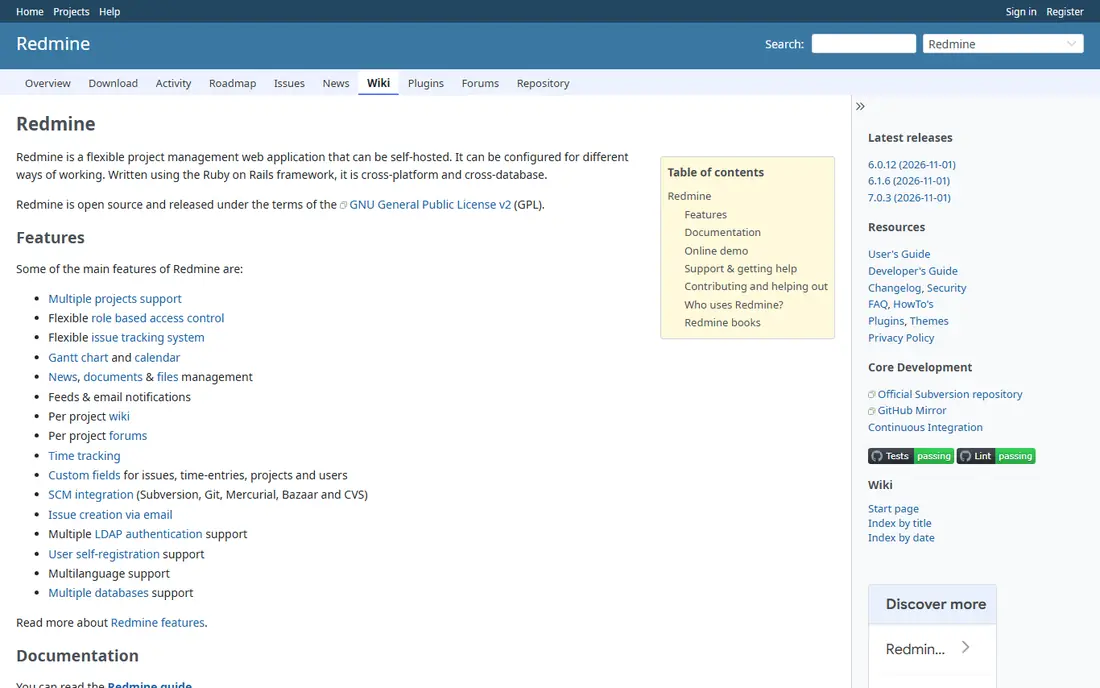
Redmine has been around for many years as an open source project management and issue tracking tool, and that longevity is a real asset. It handles multiple projects, custom issue types, workflows, calendars, documents and time tracking, and a large plugin collection extends it further. It runs well on modest hardware, which makes it a practical choice for small teams and internal IT use.
The interface looks its age, and getting Redmine plus plugins installed and upgraded is a job for someone comfortable with server administration. There is no official cloud version, so hosting falls to you or a third-party host. For teams that value stability, control and a proven issue tracker over modern polish, Redmine remains a sound choice.
- Long track record and plugin ecosystem
- Flexible issue tracking and workflows
- Runs on modest hardware
- Dated interface
- Setup and plugin management take effort
- No official hosted cloud version
Plane is a newer open source issue and project tracker aimed squarely at software teams that find Jira heavy. It offers issues, cycles that work like sprints, modules for grouping work, and multiple views, all in a fast interface that feels closer to a modern commercial tool. The Community edition is free to self-host, and paid cloud tiers exist for teams that prefer hosted service.
Youth is the main risk. Plane is still building out its ecosystem, so teams that depend on a deep plugin catalog or long-established integrations should check the current state before migrating. For a software team starting fresh and willing to self-host, Plane gives a modern experience without license fees, and it is the most pleasant tool on this list to use day to day.
- Fast, modern interface
- Cycles, modules and issues for software teams
- Free self-hosted Community edition
- Younger project with a changing feature set
- Fewer plugins than Redmine
- Paid cloud tiers add cost
Leantime is built for teams where project management is not a specialist skill. It combines goals, ideas, projects, tasks, milestones and timesheets in a layout that reads more like a strategy workspace than an engineering tracker. The Community edition is free to self-host, and a paid cloud version exists for teams that do not want to run servers.
Software teams with strict scrum or release processes may find Leantime too light, and its community is smaller than OpenProject or Redmine. The strength is adoption: non-technical colleagues are more likely to actually update their tasks in Leantime than in a dense engineering tool. If your biggest problem is getting everyone to use the tool at all, that matters more than advanced features.
- Friendly interface for non-engineers
- Goals, ideas, projects and tasks in one place
- Free Community edition
- Less depth for complex software delivery
- Smaller community than OpenProject
- Some features sit in paid cloud plans
Kanboard does one thing and does it well: visual kanban boards for tasks. It is free, open source and famously light on resources, so it can run on a small server or even shared hosting. Boards support swimlanes, categories, tags, due dates, subtasks, comments and simple automatic actions, such as moving a card when a subtask is done.
What Kanboard lacks is everything beyond the board. There are no Gantt charts, resource plans or budget tools, and reporting is basic. That is a fair trade for a team that manages work as a flow of cards and does not want a heavy platform. It is also a good second tool for a team that tracks projects elsewhere but wants a simple board for one workflow.
- Extremely light and fast
- Minimal server requirements
- Simple permissions and automation
- No Gantt charts or budgets
- Basic reporting
- Interface is deliberately plain
Wekan is an open source kanban board in the Trello style, with boards, lists, cards, checklists, labels, attachments and activity tracking. It is free to self-host and offers several installation routes, including Docker, which makes a first install straightforward for teams with basic server skills. There is no official hosted cloud version, so you either self-host or use a third-party host.
Compared with Kanboard, Wekan looks more familiar to Trello users and handles card details a little more richly. Compared with OpenProject or Taiga, it is a board and little else. Pick Wekan when the team wants a private, no-cost board that looks modern, and accept that planning, reporting and time tracking will live somewhere else.
- Free and open source
- Trello-like boards
- Many deployment options including Docker and Snap
- No official cloud service
- Fewer planning features
- Admin and backup work falls to you
ProjectLibre is a free desktop project management application and the best-known open source alternative to Microsoft Project. It covers Gantt charts, task dependencies, resource assignment, baselines and cost views, and it can open and work with Microsoft Project files. For a single planner who needs a proper schedule without a subscription, it is a practical tool.
The limitation is right in the name: it is a desktop app, not a team platform. There is no built-in multi-user collaboration, commenting or cloud sync, so teams must share files through their own storage. Use ProjectLibre for planning and scheduling work, and pair it with a board or tracker for day-to-day team updates.
- Free desktop app
- Gantt charts, network diagrams and resource views
- Opens Microsoft Project files
- Desktop only, no built-in collaboration
- Interface feels dated
- No cloud sync of its own
Odoo Project is the project module of the Odoo business suite, which also covers CRM, sales, invoicing, inventory and HR. The Community edition is free and open source, and it offers kanban and list task views, timesheets, milestones and project planning. For a business already running Odoo, adding projects keeps task, time and billing data in one system.
As a standalone project tool, Odoo Project is less focused than Taiga or OpenProject, and the full suite takes real setup effort. The case for it is integration: time logged on a project can flow into invoicing, and sales or support work can sit beside project work. If you only need project tracking, choose a dedicated tool instead.
- Project tasks, timesheets and planning inside a wider business suite
- Free Community edition
- Many related apps
- Best value only if you use other Odoo apps
- Setup takes time
- Paid Enterprise cloud adds per-user cost
How we picked these
We compared official project pages, licenses, pricing pages and documentation, and kept only tools whose core code is open source and available to self-host in October 2026. We favored tools with active maintenance and a distinct audience, from full planning suites to simple boards, and we excluded proprietary tools that merely offer a free tier. Prices shown are the free self-hosted route unless a paid cloud plan is noted.
What to check before you choose
First, be honest about who will run the server. Self-hosting saves license fees but costs time for installation, upgrades, backups, security patches and user support. If nobody on the team wants that job, a paid cloud plan or a managed host for the same tool may still be cheaper than a proprietary subscription, and it removes the biggest risk.
Second, match the tool to the work, not the feature list. Agile software teams need sprints and backlogs, planners need Gantt charts and dependencies, and general teams need a layout people will actually open each morning. Run a two-week trial with real work, including a task that changes owner, a deadline that slips, and a report the manager actually needs. The tool that survives that trial with the least friction is the right one, even if another tool lists more features.
Frequently asked questions
What is the best open source project management software?
OpenProject is the strongest all-round pick, thanks to Gantt charts, budgets and time tracking in a free Community edition. Taiga is better for pure agile teams, and Kanboard or Wekan are better for simple boards. The best choice depends on planning depth versus a shared board.
What are the best open source project management tools for small teams?
Taiga, Leantime and Kanboard suit small teams because they start quickly and do not demand heavy administration. OpenProject is also viable, but its full feature set can overwhelm a team of three or four. Start with the simplest tool that covers your workflow and grow from there.
Is open source project management software really free?
The license is free, but self-hosting is not costless. You need a server, backups, updates and someone to look after them. Paid cloud plans remove that work for a monthly fee. Even so, the total is often lower than proprietary per-user pricing, especially as team size grows.
Can I migrate from Jira or Trello to an open source tool?
Most tools on this list offer import options or APIs, and Taiga in particular documents imports from Trello, Asana, GitHub and Jira. Expect some cleanup of labels, workflows and custom fields after import, and run the migration on a copy of your data first.
Which open source tool has Gantt charts?
OpenProject and ProjectLibre both offer Gantt charts, and Taiga includes Gantt views for projects. Kanboard and Wekan do not focus on Gantt planning, so they are poor picks if schedule dependencies are central to your work.
Do these tools work on mobile?
Most offer a web interface that works in a mobile browser, and some have community or companion apps. The experience varies, so test the tool on a phone during your trial if field or remote updates matter to your team.
Sources
See where you really rank - block by block
ProMapRanker scans Google Maps across a grid of your service area. Simple monthly plans from $19, white-label on every plan.
Start freeKeep reading
 wpforms alternatives
Best WPForms Alternatives in 2026
We compare 9 wpforms alternatives for WordPress forms, with free and paid options, current pricing notes, and honest limits for small business sites in 2026.
Read → windows task scheduler alternatives
Best Windows Task Scheduler Alternatives in 2026
Looking for Windows Task Scheduler alternatives? We compare 9 schedulers for Windows and cross-platform work, from free tools to enterprise automation.
Read → which ai video service is best
Which AI Video Service Is Best in 2026
which ai video service is best? We compare 10 legitimate AI video services on price, avatars, editing and output quality to help you pick the right tool.
Read →