 ProMapRanker
Best Open Source Deepfake Tools in 2026

Key takeaways
- DeepFaceLab and Faceswap offer the most control for face-swap research and creative work, but both need a strong GPU and technical setup.
- FaceFusion and DeepFaceLive are more accessible routes into face swapping, including live video use with your own footage.
- Wav2Lip, SadTalker, LivePortrait and First Order Motion Model focus on animation and lip sync rather than identity replacement.
- Faces of real people must only be used with their consent, and never for non-consensual imagery of any kind.
- All tools on this list are free and open source, but hardware, setup time and skill are the real costs.
Quick comparison
| Pick | Great for | Pricing starts at | Free tier | |
|---|---|---|---|---|
 DeepFaceLab | Advanced face-swap research | Free | Yes | Visit |
 Faceswap | Community face-swap toolkit | Free | Yes | Visit |
 FaceFusion | One-shot face swap | Free | Yes | Visit |
 DeepFaceLive | Live face swap | Free | Yes | Visit |
 Wav2Lip | Lip sync to audio | Free | Yes | Visit |
 SadTalker | Talking-head animation | Free | Yes | Visit |
 LivePortrait | Portrait animation | Free | Yes | Visit |
 First Order Motion Model | Motion transfer research | Free | Yes | Visit |
The best open source deepfake tools
This list covers only legitimate creative tools for face animation, video synthesis and research. Use them only on your own likeness, on footage you have rights to use, or with explicit consent from the person depicted. Faces of real people must only be used with their consent and never for non-consensual imagery, and creating or sharing non-consensual imagery can be unlawful in many jurisdictions. We do not list tools marketed for undressing people or for non-consensual imagery.
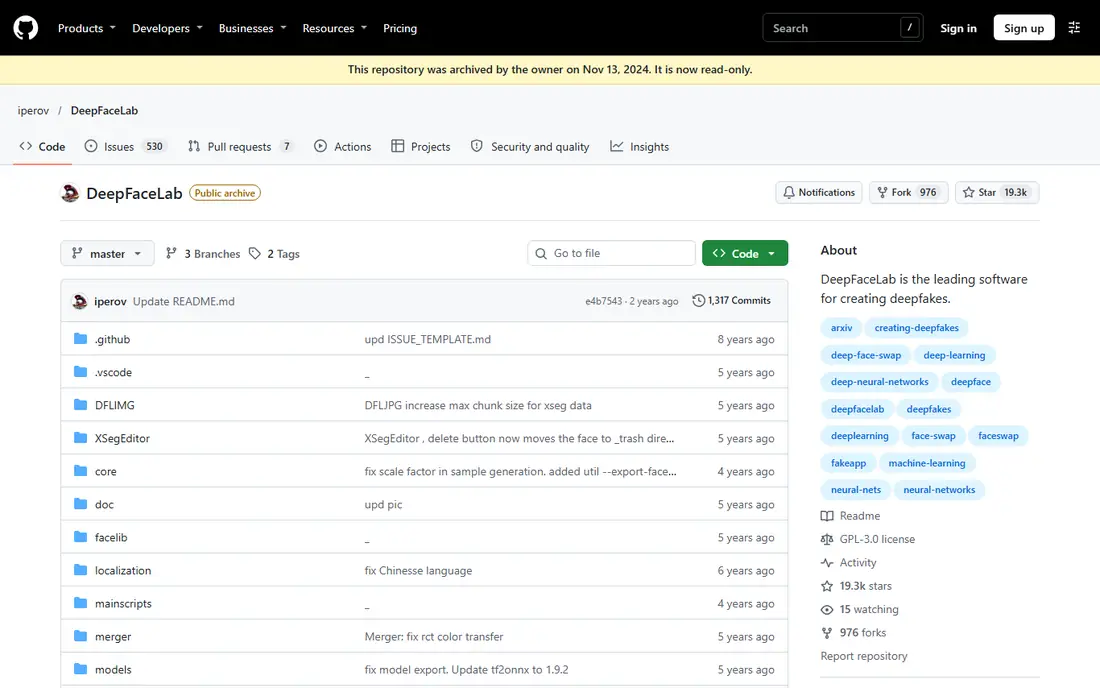
DeepFaceLab is the most powerful open source face-swap tool on this list, and it is widely used for research and educational projects. It offers detailed control over extraction, training, masking and merging, which lets experienced users produce high-quality face replacements from their own footage or consented material. The community provides guides, models and discussion that help new users learn the workflow.
That power comes with a steep setup cost. Training can take hours or days, results depend heavily on dataset quality and GPU power, and most workflows use the command line. DeepFaceLab suits researchers and technical creators who want full control, not casual users who want a one-click swap.
- Deep control over training and masking
- Widely used in research
- Active community resources
- Needs a strong GPU and long training time
- Command-line setup for most workflows
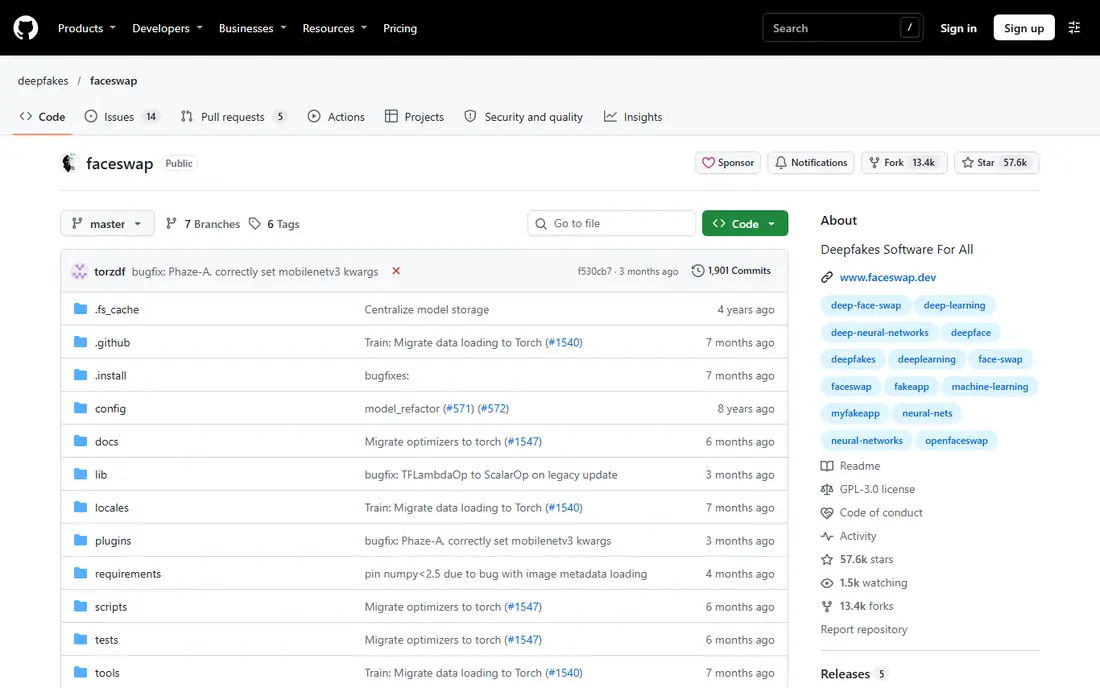
Faceswap is a community-driven open source project that covers the full face-swap pipeline, from extracting faces to training a model and converting video. It offers a graphical interface alongside command-line options, which makes it more approachable than DeepFaceLab for beginners who still want real control. Multiple model types let users trade quality against training time.
The honest limit is hardware. Good results still need a dedicated GPU and patience, and small or poorly lit datasets produce weak swaps. Faceswap suits technical creators who want to learn the full process and who will work only with their own or consented footage.
- Full extraction to conversion pipeline
- Graphical interface option
- Supportive community
- Still needs a GPU for good results
- Training time is long for high quality
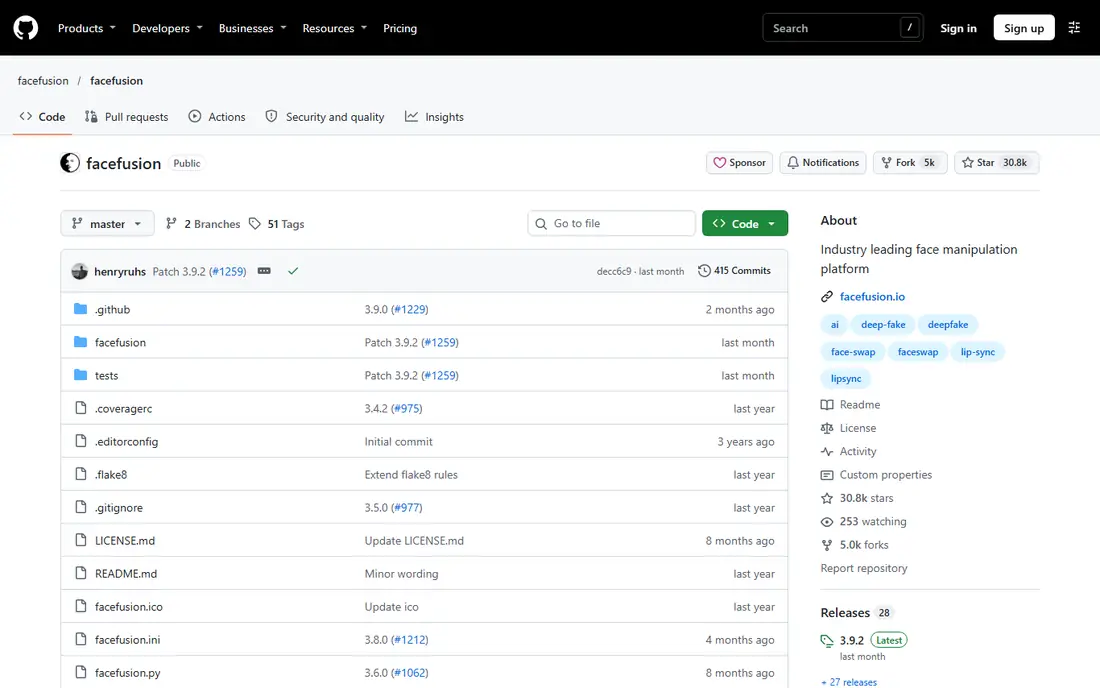
FaceFusion is an actively maintained open source project for face swapping and related workflows, including lip sync work. Its one-shot approach lets users swap a face from a single image rather than training a long model, which makes experimentation faster. Processing runs locally, so footage does not need to be uploaded to a third-party service.
Installation still needs technical skill, and the project itself warns that setup is not a simple one-click process. Local hardware, drivers and model downloads all affect results. FaceFusion suits users who want local control and repeatable workflows, and who are comfortable with technical setup.
- One-shot face swapping
- Local processing
- Active maintenance into 2026
- Installation needs technical skill
- Local hardware still matters
DeepFaceLive extends face swapping to live video, outputting a swapped face through a virtual camera for use in calls, streams and performances. That makes it useful for consented live avatars, virtual presenters and creative performances where the performer controls their own likeness. The real-time focus sets it apart from tools that only process recorded video.
Live use adds its own limits. It needs a trained model, a strong GPU and stable lighting, and fast movement or poor lighting can break the illusion. It also raises consent questions in live settings, so performers should only use their own likeness or a likeness they have clear permission to use, and should disclose the use where appropriate.
- Real-time face swap
- Virtual camera output
- Useful for consented live performance
- Needs a trained model and strong GPU
- Quality varies with lighting and movement
Wav2Lip generates lip movements that match a given audio track, which makes it useful for dubbing, animation and talking-head work. Creators can take a video of a consented performer or an animated character and sync new dialogue to it, without re-shooting the footage. The code is open source and widely used as a research baseline for lip sync.
Setup is research-focused rather than product-polished, so users need Python, GPU access and familiarity with model files. Results also depend on source video quality and audio clarity, and poor inputs produce visible errors. Wav2Lip suits developers and animators who need lip sync as one part of a larger creative pipeline.
- Accurate lip sync from audio
- Useful for dubbing and animation
- Research code available
- Research-focused setup
- Output quality depends on source video and audio
SadTalker turns a single portrait image and an audio clip into a talking-head video, with head motion and expressions driven by the speech. That makes it useful for animating your own portrait, a fictional character or a consented subject for explainers, stories and presentations. The open source code lets developers integrate it into larger animation workflows.
The tool needs GPU setup and model downloads, and results vary by portrait quality and audio length. Some outputs can look stiff, especially on portraits with unusual angles or lighting. SadTalker fits creators who want a talking avatar from a still image without training a full face-swap model.
- Animates a still portrait from audio
- Expressive head motion
- Open source
- Needs GPU setup
- Results can look stiff on some portraits
LivePortrait animates a portrait using motion from a driving video, transferring expressions and head movement to a still image. That makes it a strong choice for creative animation, where a character portrait needs to move naturally without a full 3D rig. Inference is relatively efficient compared with training-heavy face-swap tools, which helps experimentation.
As research code, LivePortrait needs technical setup, including model weights and environment configuration. Output quality depends on the driving video, since jerky or extreme motion transfers those flaws to the portrait. It suits animators and researchers working with their own or consented portraits and fictional characters.
- Animates portraits from a driving video
- Efficient inference
- Strong for creative animation
- Research code setup
- Driving video quality affects output
First Order Motion Model, often called FOMM, transfers motion from a driving video to a still image, animating a face or body without training a model for that specific person. It is widely cited in animation research and remains a useful baseline for understanding motion transfer. Because it does not need identity-specific training, it is faster to experiment with than full face-swap tools.
The code is older research work, so setup can involve outdated dependencies and trial and error. Results also vary with input quality, and extreme poses can produce artefacts. FOMM suits researchers, students and animators who want to learn motion transfer and who work with consented or fictional material.
- Motion transfer from video to image
- Widely cited research code
- No identity training needed
- Older research code
- Setup and results vary by input quality
How we picked these
We compared official GitHub repositories and 2026 published tool lists, and we kept only open source tools that are live and maintained enough to run in October 2026, and that fit legitimate face animation, video synthesis or research. We excluded any tool marketed for undressing people or non-consensual imagery, and we excluded commercial apps that are not open source. We did not claim hands-on testing, and we treated community claims about quality as items to verify with your own consented test material.
What to check before you use any tool
Start with consent and rights, not with the model. Only use your own face, a fictional character you created, or a real person who has given clear, specific consent for that use. Consent for one video does not cover every future use, and consent can be withdrawn. If you cannot confirm consent, do not create or share the output.
Check hardware and setup first
Most tools here need a dedicated GPU, Python setup and model downloads, and training-heavy tools need far more time than one-shot tools. Test with a short clip of your own footage before committing to a long project, and check disk space, driver versions and repository instructions. A tool that runs on a demo may still fail on your hardware.
Disclose synthetic media where it matters
Label synthetic or animated media clearly when it could mislead viewers, especially in news, politics, advertising or any context where identity matters. Disclosure does not fix a lack of consent, but it reduces the risk of misleading an audience. Keep records of consent and source material for any published work, and remove content promptly if consent is withdrawn.
Frequently asked questions
What are the best open source deepfake software options for beginners?
FaceFusion and SadTalker are more approachable starting points than DeepFaceLab, since they need less training time for a first result. Faceswap offers a graphical interface but still needs GPU time for quality. Start with your own portrait or footage, and expect setup work even on the easier tools.
Is it legal to use open source deepfake tools?
Legality depends on jurisdiction, consent and purpose. Using your own likeness or consented material for creative work is very different from using someone face without consent, or creating deceptive or non-consensual imagery, which can be unlawful. Check local law, get clear consent in writing for real people, and seek legal advice if you are unsure.
Do these tools work without a powerful GPU?
Some animation tools can run slowly on a CPU or a modest GPU, but face-swap training and live swapping need a dedicated GPU for usable speed and quality. Cloud GPU rentals are an option for short projects, but they add cost and require care with uploaded footage. Check each repository for hardware guidance before starting.
What is the difference between face swapping and face animation?
Face swapping replaces one identity with another in video, while face animation moves a portrait or character using motion, audio or a driving video without necessarily changing identity. Tools such as LivePortrait, SadTalker and FOMM focus on animation, while DeepFaceLab, Faceswap and FaceFusion focus on swapping. Choose based on whether you need a new identity or just movement.
Can these tools be used for research and education?
Yes, and that is one of their main legitimate uses. Researchers use them to study synthetic media, build detection tools and teach animation techniques, using consented datasets and fictional subjects. Research use still requires consent for real people, careful data handling and clear disclosure of synthetic outputs.
Sources
- https://github.com/iperov/DeepFaceLab
- https://github.com/deepfakes/faceswap
- https://github.com/facefusion/facefusion
- https://github.com/iperov/DeepFaceLive
- https://github.com/Rudrabha/Wav2Lip
- https://github.com/OpenTalker/SadTalker
- https://github.com/KwaiVGI/LivePortrait
- https://github.com/AliaksandrSiarohin/first-order-model
See where you really rank - block by block
ProMapRanker scans Google Maps across a grid of your service area. Simple monthly plans from $19, white-label on every plan.
Start freeKeep reading
 wpforms alternatives
Best WPForms Alternatives in 2026
We compare 9 wpforms alternatives for WordPress forms, with free and paid options, current pricing notes, and honest limits for small business sites in 2026.
Read → windows task scheduler alternatives
Best Windows Task Scheduler Alternatives in 2026
Looking for Windows Task Scheduler alternatives? We compare 9 schedulers for Windows and cross-platform work, from free tools to enterprise automation.
Read → which ai video service is best
Which AI Video Service Is Best in 2026
which ai video service is best? We compare 10 legitimate AI video services on price, avatars, editing and output quality to help you pick the right tool.
Read →