 ProMapRanker
Best Online Service for Signing PDFs in 2026

Key takeaways
- DocuSign is the most widely recognised option, but its envelope limits matter more than its monthly price for frequent senders.
- SignNow, Signeasy and Zoho Sign give small teams strong value, with simpler pricing and generous sending allowances.
- If you already use Adobe Acrobat or Dropbox, the bundled signing tool in that system may cost less than a separate subscription.
- For one-off signing, a free plan or a pay-per-document option can be enough, and recipients usually do not need an account to sign.
- Always check the audit trail, signer authentication options and storage limits before you send a contract that matters.
Quick comparison
| Pick | Great for | Pricing starts at | Free tier | |
|---|---|---|---|---|
 DocuSign | Widely recognised signing | $11 per month | Free trial | Visit |
 Adobe Acrobat Sign | PDF-heavy workflows | See website | No | Visit |
 Dropbox Sign | Simple team signing | $15 per month | Free trial | Visit |
 PandaDoc | Proposals that end in a signature | $19 per month | Yes | Visit |
 SignNow | Budget-conscious small teams | $8 per month | Free trial | Visit |
 Signeasy | Solo users and small teams | $10 per month | Free trial | Visit |
 Zoho Sign | Teams already using Zoho | Free | Yes | Visit |
 SignWell | Occasional senders | Free | Yes | Visit |
 BoldSign | API-first and developer-led teams | $10 per month | Free trial | Visit |
The best online services for signing PDFs
These nine services cover one-off signatures, regular client contracts and larger team workflows, with clear trade-offs on price and limits.
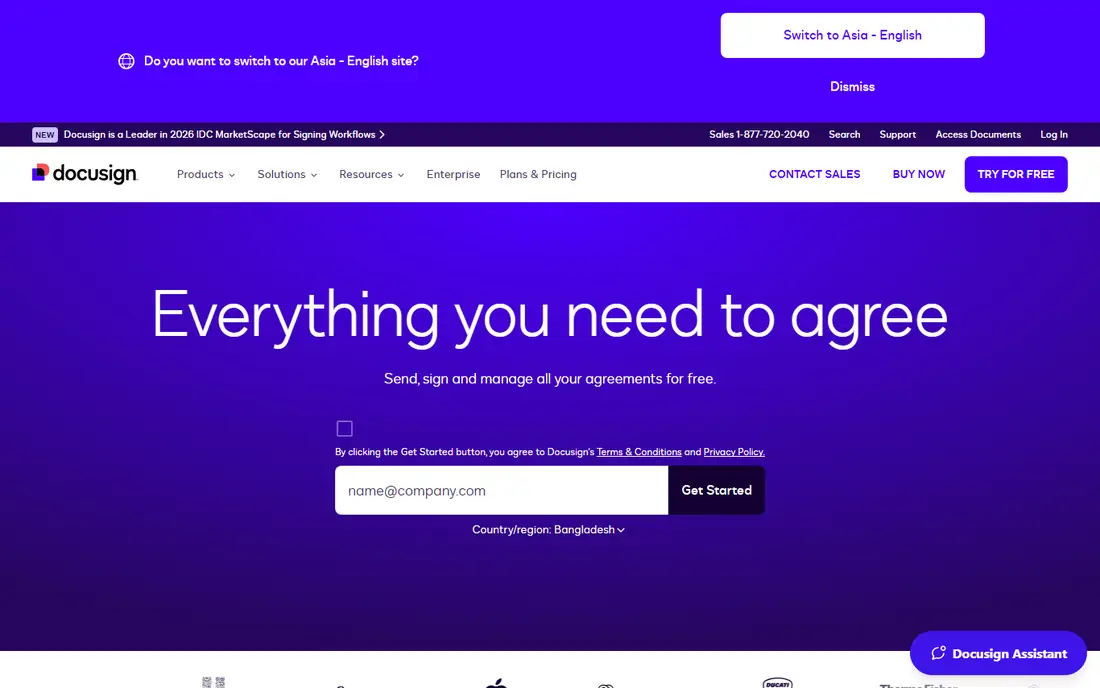
DocuSign is the name most recipients already know, and that familiarity has real value when you send an agreement to a new client. The signer flow is clear, the status tracking is easy to follow, and the completed document comes with a certificate that records the signing steps. For firms that send contracts every week, that consistency can reduce questions and delays.
The catch is the envelope allowance. Personal plans allow a small number of sends per month, and Standard and Business Pro plans include 100 envelopes per user per year on the annual plans described in current pricing guides. If you send more than that, overage charges apply, so a low monthly price can turn into a higher annual bill. DocuSign still makes sense when clients expect it by name, or when your team needs its deeper integrations and compliance controls.
- Widely recognised by recipients
- Detailed audit trails
- Large integration library
- Envelope limits on standard plans
- Cost rises quickly for teams
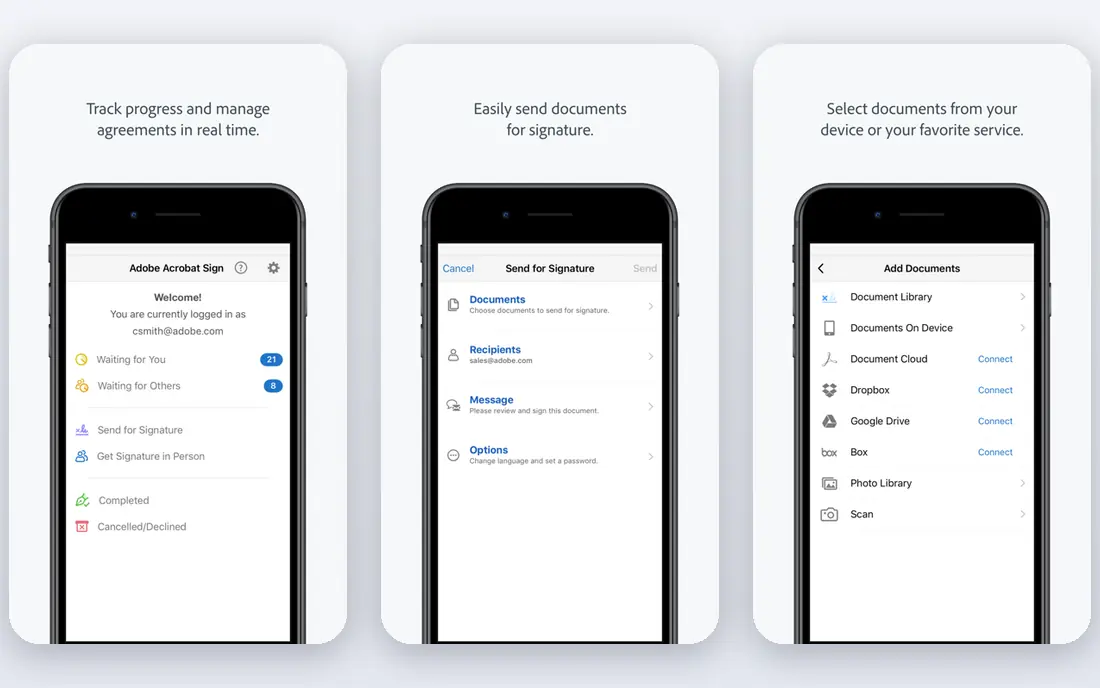
Adobe Acrobat Sign fits naturally into a workflow that already starts and ends in PDF files. You can prepare a document, place signature fields, send it for signature and store the completed version without moving between unrelated tools. Teams that already pay for Acrobat often get signing included, which makes the added cost easy to justify.
As a standalone purchase, the value is less clear-cut. Pricing and transaction allowances vary by plan, so you should confirm the current limits before you commit to a yearly contract. Acrobat Sign is a good pick for PDF-centred teams, and a weaker pick for a sender who only needs a simple signature tool and nothing else.
- Strong PDF editing link
- Familiar Adobe workflow
- Solid compliance features
- Standalone pricing can be confusing
- Transaction limits apply on some plans
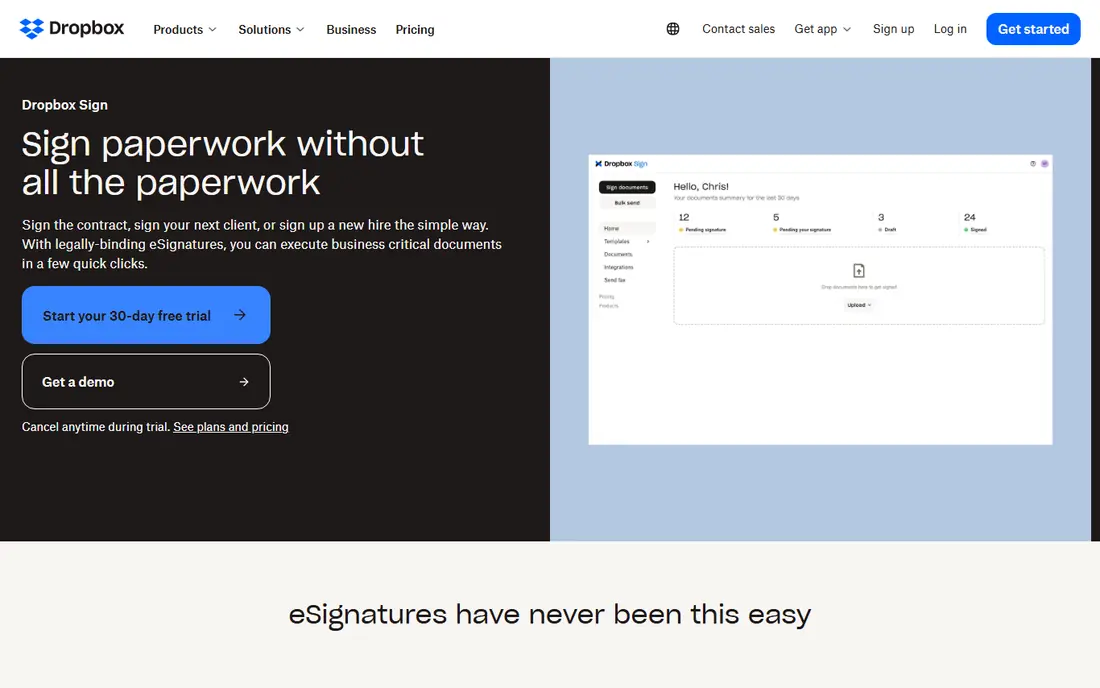
Dropbox Sign keeps the sending process short. Upload a PDF, add signers and fields, send it, and track the result from a simple dashboard. That simplicity suits small teams that do not want to learn a large agreement platform just to get a contract signed. Templates help repeat work, such as standard client agreements or consent forms, stay consistent.
The trade-off is depth. Dropbox Sign does not try to match DocuSign on every enterprise workflow, and some advanced routing or approval features sit on higher plans or are absent. If your main need is clean, reliable signing with Dropbox storage close at hand, it is a strong choice. If you need complex multi-stage approvals, compare the higher tiers carefully.
- Clean and fast signing flow
- Good templates
- Easy Dropbox storage link
- Fewer advanced workflow tools than DocuSign
- Paid plans needed for regular sending
PandaDoc is best viewed as a document tool that includes signing, rather than a signing tool alone. Sales teams can build a proposal, add pricing tables, send it for approval and collect a signature in the same document. That single flow reduces the back-and-forth that often happens when a proposal lives in one tool and the signature lives in another.
For a person who only signs a few PDFs a month, PandaDoc may feel larger than necessary. Its free plan covers a limited number of documents, and paid plans are priced per seat, so a growing team should model the full cost. For proposal-led work, though, the combination of drafting, sending and signing in one place is a genuine time saver.
- Proposal and quote building built in
- Useful document analytics
- Good templates
- More tool than a pure signature sender needs
- Pricing rises with seats
SignNow has long been the value pick in this category, and its entry price remains hard to beat for small teams. You get templates, audit trails, reminders and mobile signing without paying a premium brand price. Business plans that allow unlimited users can also change the maths for a team that would otherwise pay per seat at a rival.
The interface is functional rather than refined, and a few advanced features sit behind higher tiers. That matters less if your daily work is straightforward sending, signing and tracking. For teams that send steadily and want predictable costs, SignNow deserves a close look before you default to the best-known name.
- Low entry price
- Unlimited users on some business plans
- Solid core features
- Interface feels less polished than DocuSign
- Some advanced features need higher plans
Signeasy suits a solo operator or a small team that sends documents regularly and hates envelope caps. Its Essential plan has been listed at $10 per user per month on annual billing with unlimited documents, which removes the counting exercise that comes with capped plans. Mobile signing is a strength here, including in-person signing when you meet a client face to face.
The compromise is scale and integrations. Signeasy does not match the largest platforms on enterprise controls or on the sheer number of third-party connections. For most small businesses, that gap will not matter. If your firm needs deep CRM or HR system links, check the integration list against your actual stack before you switch.
- Unlimited documents on entry paid plan
- Simple mobile signing
- Clear pricing
- Smaller integration library
- Fewer enterprise controls than DocuSign
Zoho Sign is an easy addition for a business that already runs on Zoho CRM, Zoho Books or Zoho Workplace. Documents, contacts and signing status sit inside a familiar system, and the free tier covers light use without a card commitment. Paid plans add more documents, templates and signer authentication options at prices that stay modest for small teams.
Outside the Zoho world, the main drawback is recognition. A recipient may not know the brand, although the signing experience itself is straightforward and recipients do not need a Zoho account to sign. If you already use Zoho, this is often the lowest-friction choice. If you do not, weigh it against SignNow or Signeasy on price and sending volume.
- Free tier for light use
- Good value paid plans
- Fits the Zoho suite
- Less recognised by outside recipients
- Some features need higher plans
SignWell is built for people who sign or send documents a few times a month and do not want a heavy platform. The free tier lets you test the real workflow, and paid plans add senders and documents without a confusing ladder of add-ons. The dashboard stays focused on what matters: what was sent, who has signed, and what is still waiting.
Heavy users may outgrow it. Advanced routing, bulk sending and deep integrations are not its main strengths, and teams with complex approval chains should look at DocuSign, PandaDoc or BoldSign instead. For occasional, honest signing work, SignWell is a calm and affordable option that does not push you into features you will never open.
- Simple free tier
- Flat and clear paid pricing
- Easy audit trails
- Limited advanced workflow features
- Smaller template library
BoldSign stands out for teams that want signing inside their own product or website. Its API and embedding tools let developers add signature requests to an existing workflow, rather than asking staff to jump into a separate dashboard for every document. The core signing experience is clean, and pricing is easy to understand compared with some enterprise rivals.
Non-technical users may find less hand-holding here than in Signeasy or SignWell. BoldSign assumes a certain comfort with settings, templates and, for API use, code. If your team has developer support, that is a strength. If you send documents by hand and want the simplest possible path, one of the simpler tools above will feel friendlier.
- Strong API and embedding options
- Clear pricing
- Good audit trails
- Less suited to non-technical solo users
- Smaller brand recognition
How we picked these
We compared official feature pages, current pricing pages and app store listings, and we favoured services that are live today, accept PDF uploads, give recipients a simple signing path without forcing them to buy an account, and provide an audit trail for completed documents. We also weighed sending limits, because a cheap monthly price means little if an envelope cap forces an upgrade mid-year. Prices change often, so we list See website where a vendor price could not be confirmed from a current public page at the time of writing.
What to check before you choose a signing service
Start with volume. Count how many documents you send in a typical month, then compare that number with the plan allowance, not just the headline price. A capped plan can be fine for five sends a month and painful for fifty. Next, check who signs your documents. If clients are older, less technical or on mobile, test the recipient flow on a phone before you buy.
Audit trails and legal weight
In the United States, electronic signatures are generally valid under the ESIGN Act and state UETA laws for most business agreements, but some documents, such as certain wills or court filings, may need wet ink or a specific process. Look for a tamper-evident audit trail, time stamps, signer identity options and a completed PDF you can store yourself. Keep a copy outside the signing platform, so you are not locked out of your own contracts if you cancel.
Templates, reminders and storage
Templates save time on repeat documents, and automatic reminders save chasing. Check how many templates a plan allows, how long signed documents are stored, and how easy it is to export them. Also confirm data handling: where documents are stored, who can access them, and how long the vendor keeps them after cancellation. A short trial with a real, low-risk document will tell you more than a feature list.
Frequently asked questions
What is the best online service for signing PDFs?
For most people, DocuSign is the safest default because recipients know it, while SignNow and Signeasy offer better value for regular senders. The right pick depends on volume, budget and how much workflow depth you need. Start with a trial and send a real document before you pay for a year.
Are online PDF signatures legally valid?
In most US business cases, yes, under the ESIGN Act and state UETA laws, provided the signer consents and the process records identity and intent. Some documents have special rules, so check requirements for wills, certain real estate papers and court filings. When in doubt, ask a lawyer about the specific document type.
Do recipients need an account to sign a PDF?
Usually no. Most services on this list let a recipient open a link, review the document and sign in a browser without creating an account. The sender needs the paid or free account, while the signer only needs the link and, in some cases, an access code or identity check.
What are the best online PDF signing services for small teams?
SignNow, Signeasy and Zoho Sign stand out for small teams because their entry prices are modest and their sending allowances are easier to manage. Dropbox Sign is a good fit for teams that already store files in Dropbox. Compare per-seat costs at your actual team size, not just the single-user price.
Can I sign a PDF for free?
Yes, for light use. Zoho Sign and SignWell offer free tiers, and several paid services offer free trials. Free tiers usually limit the number of documents per month, so they suit occasional signing rather than daily contract work. Always check the limit before you rely on a free plan for business use.
How do envelope limits work?
An envelope is usually one sending transaction, which may contain one document or several documents for one set of signers. Caps count envelopes sent, not documents signed, and unused allowances often do not roll over. Read the plan terms for overage charges, because exceeding a cap can cost more than moving to the next tier.
Sources
See where you really rank - block by block
ProMapRanker scans Google Maps across a grid of your service area. Simple monthly plans from $19, white-label on every plan.
Start freeKeep reading
 best rank tracking software
Best Rank Tracking Software in 2026
Searching for the best rank tracking software? We compare 8 tools for daily keyword tracking, local rankings, client reports, and competitor checks in 2026.
Read → best platform for ecommerce website
Best Platform for Ecommerce Website in 2026
Find the best platform for ecommerce website builds in 2026. We compare Shopify, WooCommerce, BigCommerce, Wix and more on price, fees and scale for stores.
Read → best math apps
Best Math Apps in 2026: 8 Apps Compared
Find the best math apps for homework, revision, and deeper study in our 2026 comparison of 8 free and paid solvers, courses, and visual tools for students.
Read →