 ProMapRanker
Best Online Data Backup Services in 2026


Unlimited backup for one computer · Pricing starts at: $9 per month
Key takeaways
- Backblaze is the simplest unlimited backup for one computer, at $9 per month with a year of version history.
- IDrive suits multi-device households, with pooled storage across unlimited devices and a 10GB free plan.
- Acronis suits buyers who want backup plus security tools in one agent, from $49.99 per year.
- Carbonite and CrashPlan suit set-and-forget users and small businesses, though pricing is often quote-based for business plans.
- Backup is not the same as sync: a sync folder can spread a deletion or ransomware damage, while a true backup keeps older versions.
Quick comparison
| Pick | Great for | Pricing starts at | Free tier | |
|---|---|---|---|---|
| Backblaze | Unlimited backup for one computer | $9 per month | No | Visit |
 IDrive | Multi-device households | See website | Yes | Visit |
 Carbonite | Set-and-forget simplicity | See website | No | Visit |
 Acronis | Backup plus security tools | $49.99 per year | No | Visit |
 CrashPlan | Small business endpoints | See website | No | Visit |
 pCloud | Fixed storage with lifetime options | See website | Yes | Visit |
 Proton Drive | Privacy-first storage and backup | $4.99 per month | Yes | Visit |
 Google Drive | Google ecosystem users | See website | Yes | Visit |
The best online data backup services
Online data backup services copy your files to the cloud in the background and keep older versions, so a failed drive, stolen laptop or ransomware attack does not mean lost work. We compared official pricing pages and public documentation for services live in October 2026, and we wrote "See website" where pricing depends on plan, term or promotion.
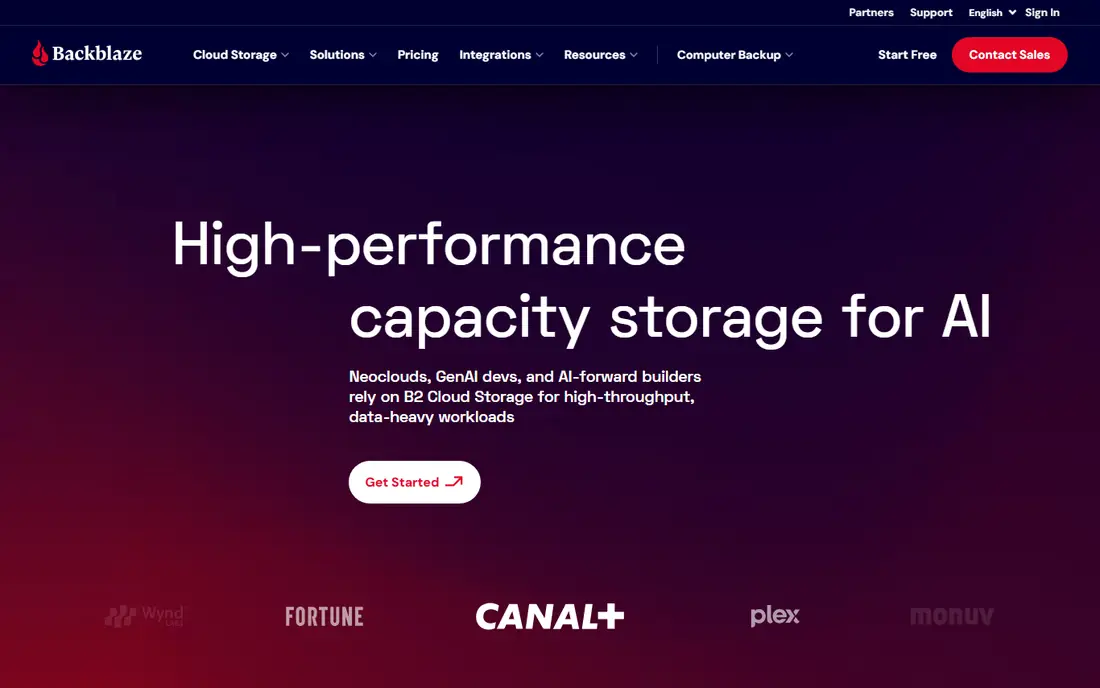
Backblaze is the easiest recommendation for a single computer. It backs up files continuously with unlimited storage for $9 per month, or $99 per year, and includes a year of version history, so an older version of a file can be recovered long after it changed. Setup takes minutes, and restore options include download and courier delivery of a drive for large restores.
The limits are per-computer licensing and external drive rules: each computer needs its own licence, and network drives are not covered in the personal plan. Backblaze also offers no free tier, so the only way to test it is a paid plan. For one laptop or desktop that holds everything important, it remains the simplest unlimited option here.
- Unlimited storage for one computer
- Simple setup with continuous backup
- One year of version history included
- One computer per licence
- External drive handling has limits
- No free plan
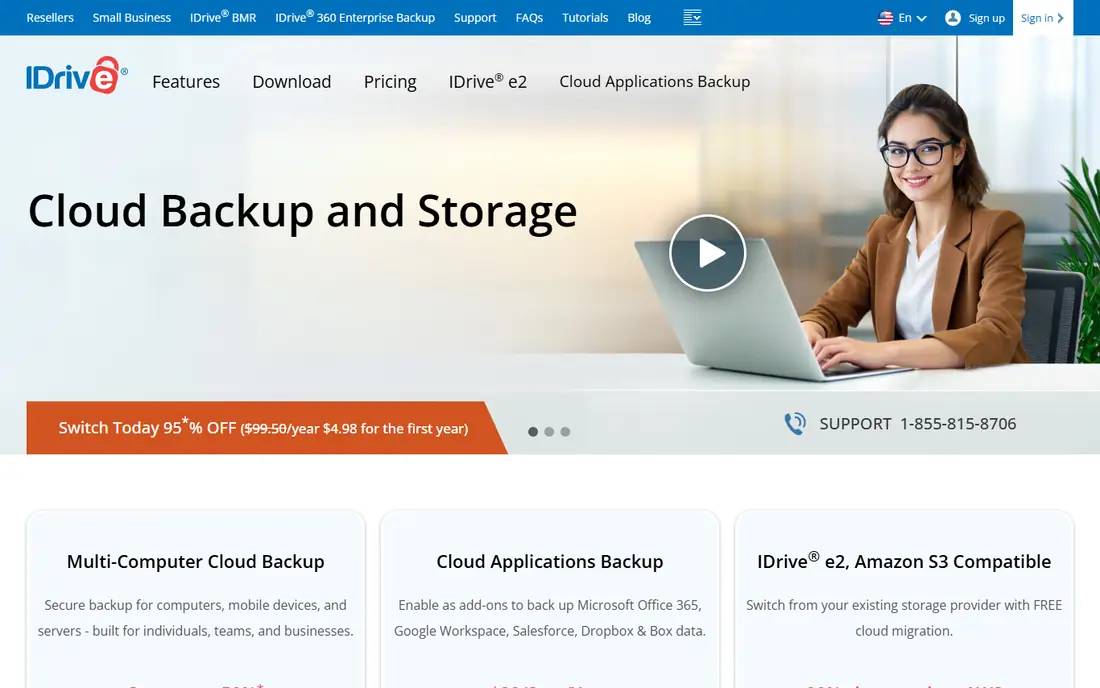
IDrive suits households and small teams with many devices. One pooled storage plan covers unlimited computers, phones and tablets, so a family does not pay per device, and the free plan offers 10GB to test the service. Higher plans add server and NAS backup, disk-image backup and faster restore options, including courier delivery.
The pricing warning matters. IDrive advertises first-year prices that rise at renewal, so budget for the renewal rate, not the headline offer. Storage is also capped by plan, unlike Backblaze unlimited backup, so a household with terabytes of video should check the tier carefully. For most multi-device homes, the pooled model still beats buying a licence per computer.
- Pooled storage across unlimited devices
- 10GB free plan
- Server and NAS backup on higher plans
- First-year promotional pricing can mislead
- Renewal rates are higher than headline prices
- Storage is capped, not unlimited
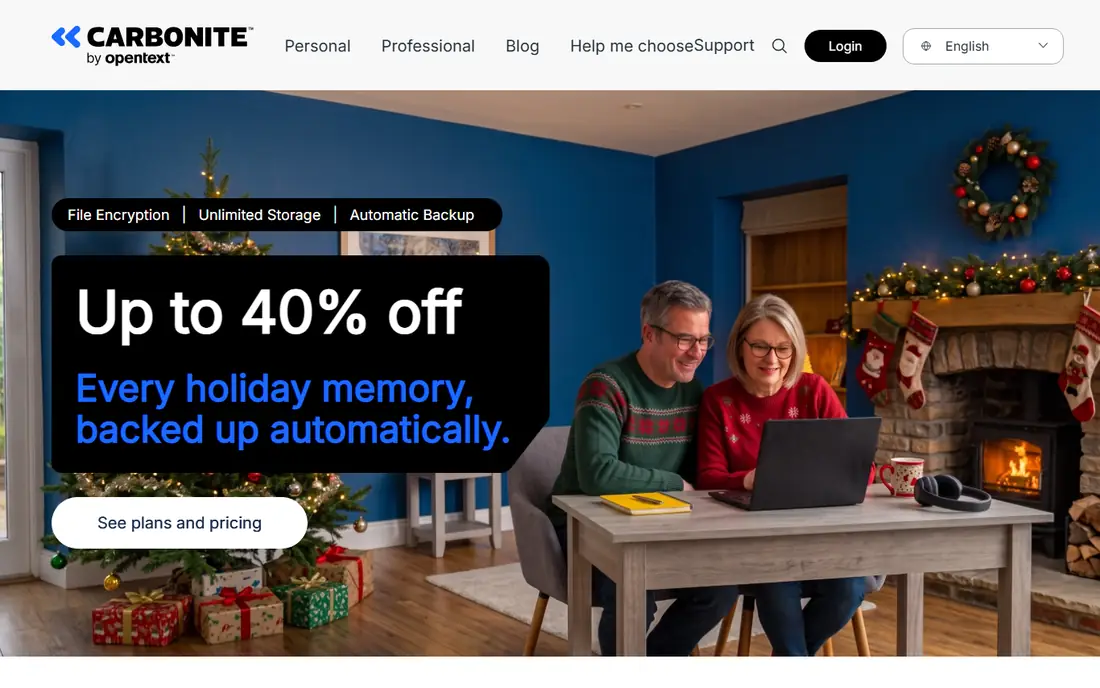
Carbonite is the set-and-forget rival to Backblaze, with unlimited storage for one computer and automatic backup that needs little attention after setup. Its personal tiers separate basic backup from plans that add external drive backup, video backup and courier recovery, so buyers can pay only for the cover they need. Business plans add central management for teams.
Tier differences are the catch: the cheapest personal plan excludes video and external drives, so a photographer or video editor must step up a tier. Carbonite pricing also varies with promotions, and business pricing is often quoted rather than published. For a user who wants quiet, automatic backup and does not need multi-device pooling, Carbonite is a steady choice.
- Unlimited storage for one computer
- Simple automatic backup
- Courier recovery available
- Pricing varies by tier and promotion
- Video and external drive cover depends on tier
Acronis Cyber Protect Home Office, often shortened to Acronis, combines backup with security tools such as malware protection and ransomware defence in one agent, starting from $49.99 per year. That combination appeals to users who want one subscription to cover both backup and device protection, with encryption and versioning included. Cloud storage is tiered, so buyers choose a storage size rather than unlimited backup.
The breadth can feel complex for a user who only wants backup, and sizing the storage tier takes thought: too small a tier means upgrade fees, too large a tier wastes money. Acronis is at its best for a user who values the security layer as much as the backup itself. Pure backup buyers may prefer the simpler Backblaze or IDrive.
- Backup and endpoint security in one agent
- Tiered cloud storage with encryption
- Active protection against ransomware
- Feature range can feel complex
- Storage tiers need careful sizing
CrashPlan now focuses on small businesses and enterprises, offering unlimited backup per user with real-time protection, strong encryption and support for Windows, Mac and Linux. Its admin tools help IT managers protect endpoints across a team, with central reporting and restore controls. For a business with laptops spread across staff, that management layer matters.
Home users should look elsewhere. CrashPlan's current plans are business-oriented and often priced by quote, and its per-user model is less attractive for a single household than IDrive pooled storage. For a small business that needs unlimited endpoint backup with central control, CrashPlan remains a credible and well-regarded option.
- Unlimited storage per user for businesses
- Real-time backup with strong encryption
- Cross-platform support
- Business-focused, with quote-based plans
- Less suited to single home users
pCloud is a cloud storage service with backup features, rather than a dedicated computer backup tool, and that distinction should guide the choice. It offers a 10GB free plan, fixed storage tiers and lifetime purchase options, which appeal to users tired of monthly subscriptions. File versioning, sharing and media playback are strong, and client-side encryption is available as a paid add-on.
pCloud does not automatically back up a whole computer in the way Backblaze or IDrive do; users choose which folders to store. That makes it a good second copy and sharing tool, but a weaker sole backup for a full system. Pair it with a dedicated backup service, or use it alone only if your important files already live in its folders.
- 10GB free plan
- Lifetime purchase options for fixed storage
- File versioning and sharing tools
- Storage is fixed, not unlimited backup
- Crypto encryption costs extra
- Not a full computer backup tool
Proton Drive suits privacy-first users who want end-to-end encryption as standard, not as a paid extra. Plans start from $4.99 per month, with a 5GB free plan, and files are encrypted on the device before upload, so Proton itself cannot read them. That design, plus Proton's wider privacy-focused suite, appeals to users who distrust ad-supported storage providers.
Storage tiers are smaller than dedicated backup rivals, and Proton Drive's backup features are newer and less deep than Backblaze or Acronis. It works best as a secure store for important documents and a backup for key folders, rather than as unlimited whole-computer backup. For sensitive files where privacy is the priority, it is the strongest option here.
- End-to-end encryption built in
- 5GB free plan
- Strong privacy record from Proton
- Storage tiers are smaller than rivals
- Backup features are newer than dedicated tools
Google Drive is the default for many users because it is already there. The free plan includes 15GB shared across Drive, Gmail and Photos, and paid Google One plans add storage from 100GB upward. Sharing, collaboration and Docs integration are excellent, and files are available on every device without extra software.
Google Drive is sync and storage, not dedicated backup. Deleted or encrypted files can sync everywhere, and version history is limited compared with a true backup service. It also lacks client-side encryption by default, so privacy-focused users should look at Proton Drive. Use Google Drive for access and sharing, and pair it with Backblaze or IDrive for real disaster recovery.
- 15GB free storage
- Deep integration with Gmail and Docs
- Easy sharing and collaboration
- Sync, not dedicated backup
- No client-side encryption by default
- Storage fills quickly with photos and mail
How we picked these
We compared official pricing pages and public documentation for online data backup services live in October 2026. We favoured dedicated backup tools with version history and restore options, plus storage services that readers commonly use for backup, and we flagged the difference clearly. We wrote "See website" where pricing depends on promotion, tier or quote, and we did not claim hands-on testing of any restore.
What to check before you buy
Work out what you actually need to protect: whole computers, selected folders, phones, servers or all of them. A single-computer unlimited plan fails a multi-device household, while a pooled plan fails a video editor who needs unlimited storage. Check version history length, restore speed, encryption options and whether external drives and NAS devices are covered.
Test a restore before you trust the service. Pick three files, including one older version and one from an external drive, and restore them to a different folder. Confirm how long the restore takes and whether the files open correctly. Keep a local copy as well: the safest setup is one local backup plus one cloud backup, so a single provider failure never leaves you with nothing.
Frequently asked questions
What is the best online data backup service?
The best online data backup service for one computer is Backblaze, for unlimited storage at $9 per month. IDrive leads for multi-device households, Acronis leads for backup plus security, and Proton Drive leads for privacy-first storage. Match the tool to your device count and storage size.
How much does online backup cost?
Prices here run from $4.99 per month for Proton Drive and $9 per month for Backblaze to $49.99 per year for Acronis entry plans, with IDrive, Carbonite, CrashPlan and pCloud varying by tier and promotion. Always check renewal prices, since first-year offers often rise.
Is cloud storage the same as cloud backup?
No. Cloud storage syncs chosen folders across devices, while cloud backup copies a computer in the background and keeps older versions for recovery. Sync can spread a deletion or ransomware damage, while backup lets you restore a clean older version.
How much storage do I need?
Check your current used space, then add room for growth and version history. A typical household fits in a 5TB pooled plan, while a single laptop often fits unlimited backup more cheaply. Video editors and photographers should size for raw files, not just finished exports.
Is my backed-up data private?
It depends on encryption. Proton Drive encrypts files end to end by default, while Backblaze, IDrive and Acronis offer private-key or client-side encryption options. Read the provider's encryption page and decide whether you want the provider to be able to read your files for support or recovery.
Sources
See where you really rank - block by block
ProMapRanker scans Google Maps across a grid of your service area. Simple monthly plans from $19, white-label on every plan.
Start freeKeep reading
 wpforms alternatives
Best WPForms Alternatives in 2026
We compare 9 wpforms alternatives for WordPress forms, with free and paid options, current pricing notes, and honest limits for small business sites in 2026.
Read → windows task scheduler alternatives
Best Windows Task Scheduler Alternatives in 2026
Looking for Windows Task Scheduler alternatives? We compare 9 schedulers for Windows and cross-platform work, from free tools to enterprise automation.
Read → which ai video service is best
Which AI Video Service Is Best in 2026
which ai video service is best? We compare 10 legitimate AI video services on price, avatars, editing and output quality to help you pick the right tool.
Read →