 ProMapRanker
Best Online Business Card Printing Services in 2026

Key takeaways
- Vistaprint and GotPrint suit budget orders, while MOO suits premium cards where paper and finish matter most.
- Canva suits teams that want design and print in one place, and Zazzle suits buyers who want artist-made designs.
- PrintRunner, UPrinting and PsPrint suit larger or more specific print jobs, with wider stock and finish choices.
- Staples suits urgent orders where local pickup beats waiting for delivery, even if choice is narrower.
Quick comparison
| Pick | Great for | Pricing starts at | Free tier | |
|---|---|---|---|---|
 Vistaprint | Budget bulk printing | See website | No | Visit |
 MOO | Premium feel and finishes | See website | No | Visit |
 Canva Print | Design and print in one place | See website | Yes | Visit |
 GotPrint | Low-cost standard cards | See website | No | Visit |
 Zazzle | Artist-made card designs | See website | No | Visit |
 PrintRunner | Bulk and agency orders | See website | No | Visit |
 UPrinting | Wide print catalog | See website | No | Visit |
 PsPrint | Custom shapes and trade printing | See website | No | Visit |
 Staples | Same-day pickup orders | See website | No | Visit |
The best online business card printing services
A business card still does useful work at events, in shops and in client meetings, but the right printer depends on quantity, paper, finish and deadline. We compared official product pages and current print options for services that design, print and ship cards online in the United States. Prices change with quantity, stock and finish, so we mark starting prices as See website where a single rate would mislead.
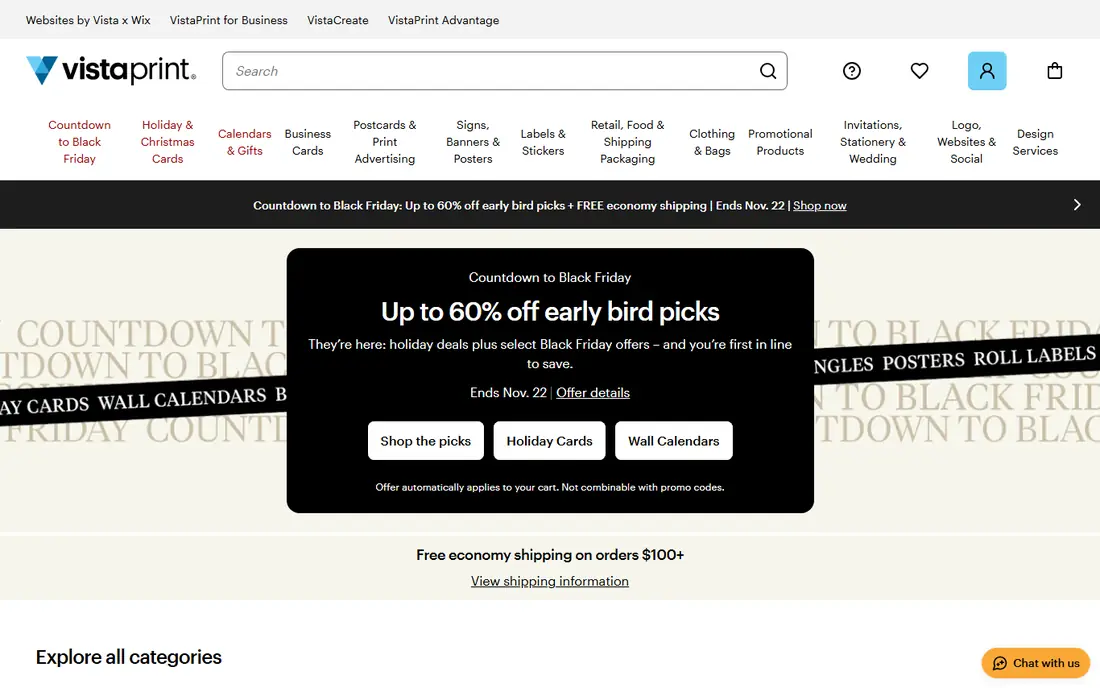
Vistaprint remains the default for many small businesses because it covers the basics well at a low entry price. Thousands of templates, standard and specialty finishes, and recycled paper options make it easy to order a usable card without hiring a designer. Reordering is simple, which helps teams that hire often or attend many events.
The catch is that the cheapest card is plain. Thick stock, foil, rounded corners and other upgrades add cost, so a premium-looking Vistaprint card may not stay cheap. Check the proof carefully, since small text and dark backgrounds can look different in print than on screen.
- Very wide template range
- Many finishes and shapes
- Frequent deals for standard cards
- Premium finishes raise the price fast
- Design help is template-led
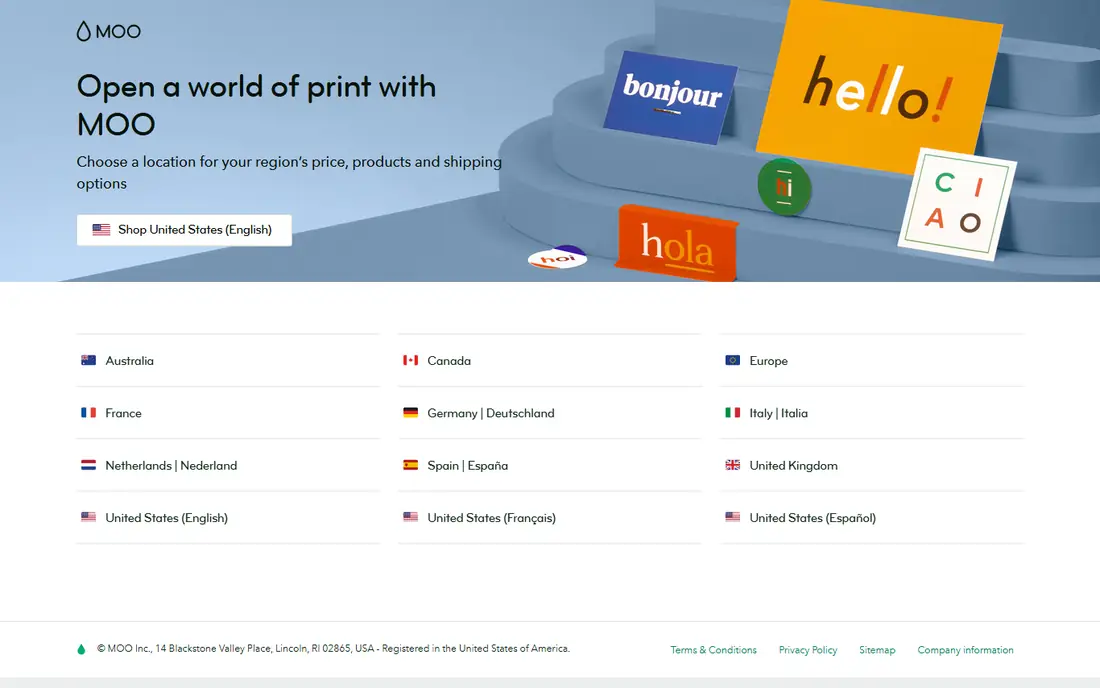
MOO is the pick when the card itself needs to make an impression. Its Original and Luxe stocks feel heavier than standard cards, and Printfinity lets each card in a pack carry a different back design, which suits portfolios and creative work. Finishes and rounded corners add to that premium feel without needing a custom print shop.
Price is the trade-off. MOO costs more than budget services for the same quantity, and standard delivery may take longer than a local pickup option. For a designer, photographer or boutique brand, that extra cost is often worth it. For a team that hands out hundreds of cards at a trade show, a cheaper printer may make more sense.
- Thick Luxe and Original stocks
- Printfinity different backs
- Strong print quality
- Higher price than budget printers
- Standard delivery can be slower
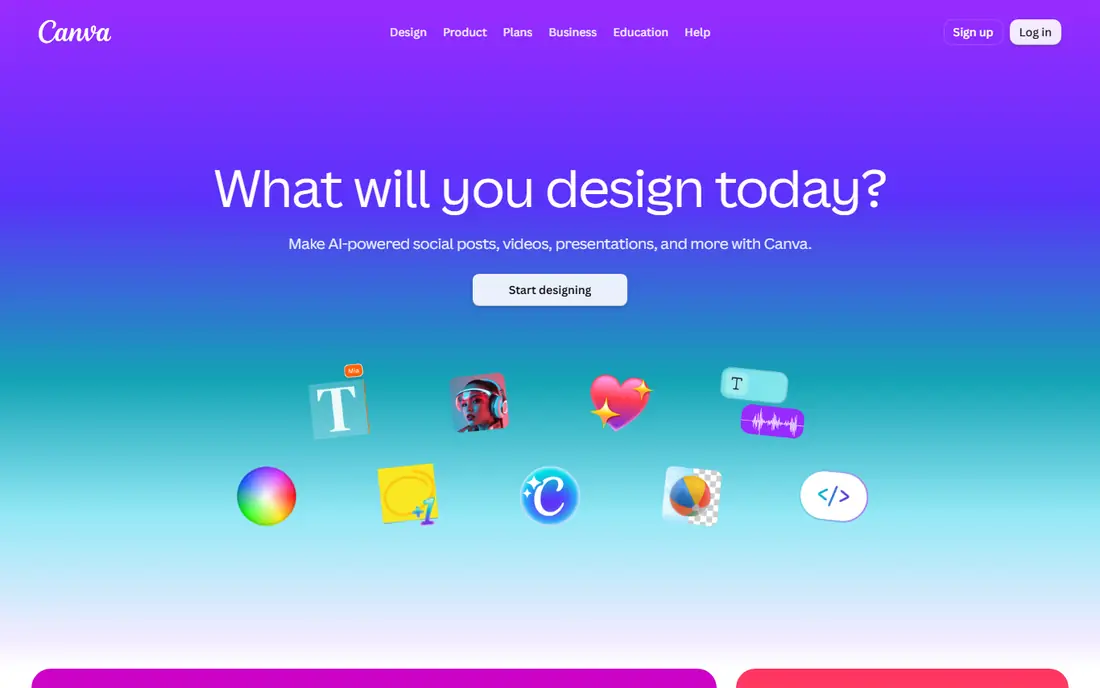
Canva Print suits buyers who want to design and order without switching tools. The editor is friendly for non-designers, templates cover most industries, and brand colors and logos can be reused across cards and other materials. A free Canva plan covers design, while print is paid per order.
Specialist printers offer more stock, shape and finish choices, so Canva may not suit a buyer who wants an unusual paper or a custom die-cut shape. Print quality for standard cards is solid for everyday use. Canva Print is best for small teams that value speed and a single workflow over exotic finishes.
- Huge template library
- Easy editor for non-designers
- Design and print in one workflow
- Print paper and finish range is narrower than specialist printers
- Free plan limits some assets
GotPrint is a budget-first printer that keeps standard card orders simple and cheap. It suits startups, freelancers and small teams that need a clean card without paying for premium paper. Ordering is direct, with clear quantity and stock choices, and reorders are easy once a design is saved.
Design support is thinner than at Vistaprint or Canva, so buyers should arrive with a finished design or use a simple template. Proofing still matters, especially for color and bleed. For a first batch of cards on a tight budget, GotPrint is a practical choice.
- Low prices for standard cards
- Straightforward ordering
- Good for startups
- Design tools are basic
- Premium finishes are more limited
Zazzle works like a marketplace, with independent artists offering card designs across many niches. That range helps buyers who want a distinctive look for a wedding business, a pet service, a band or a seasonal event, without starting from a blank page. Customization covers text, colors and images on most designs.
The marketplace model has a drawback. Design quality and print readiness vary, so a buyer should preview carefully and check paper and finish options for the chosen design. Bulk orders may cost more than at a trade printer. Zazzle fits one-off or small orders where design character matters most.
- Large marketplace of artist designs
- Many niche themes
- Easy customization
- Quality and style vary by design
- Bulk pricing is less competitive
PrintRunner suits agencies and businesses ordering in larger quantities or needing a specific stock and finish. It offers a broad print catalog beyond cards, so a team can order cards, flyers and other materials from one supplier. Quick shipping options help when a deadline is tight.
Entry cost is higher than at the cheapest printers, so a small order of 50 plain cards may not be the best use of PrintRunner. The ordering flow is practical rather than inspiring, which is fine for buyers with a finished design. Choose PrintRunner when quantity, stock choice and speed matter together.
- Wide stock and finish range
- Quick shipping options
- Suits larger orders
- Entry prices are higher than budget printers
- Design tools are functional, not fancy
UPrinting is a trade-style printer with a wide catalog and many paper, coating and size choices. It suits buyers who know what they want and want to order cards alongside other print work. Bulk pricing can be competitive, especially for standard sizes and stocks.
First-time buyers may find the options list long, with terms that assume some print knowledge. That is manageable if you read the proof and check bleed, color mode and paper weight before ordering. UPrinting is a good fit for repeat buyers and businesses with regular print needs.
- Very wide product catalog
- Many paper and coating choices
- Bulk-friendly pricing
- Interface feels trade-focused
- Proofing needs care for first-time buyers
PsPrint stands out for custom shapes and trade-style printing, which suits brands that want a card that does not look standard. Die-cut shapes, folded cards and specialty stocks give a small business a distinctive handout. Design support is available for buyers who need help preparing files.
The trade-off is complexity. Prices depend on shape, stock, coating and quantity, so a simple template order may be cheaper elsewhere. Buyers should confirm die-cut templates and proof details before production. PsPrint fits creative brands that want a card people keep.
- Custom shapes and die-cut options
- Trade-style printing
- Design support available
- Pricing varies by specification
- Less suited to a quick template order
Staples is the practical choice when time beats choice. Many stores offer same-day or next-day pickup for standard business cards, which helps before a meeting, event or job fair. In-store staff can also help with basic design and file issues, which online-only printers cannot.
The range is narrower than specialist online printers, especially for unusual stocks and finishes. Prices also vary by store, quantity and turnaround, so an online quote may not match the in-store total. Choose Staples when you need cards fast and can accept a standard stock and finish.
- Local pickup at many stores
- Same-day options for standard cards
- In-store help
- Paper and finish range is narrower online
- Prices vary by store and turnaround
How we picked these
We compared official product pages, print options and ordering flows for services that print and ship business cards online in the United States. We favoured services with a live homepage, a clear card range and a proofing step, and we used See website for starting prices because card prices depend on quantity, stock, finish and shipping. Check the final checkout total, including shipping and tax, before comparing printers.
What to check before you buy
Paper weight and finish first
Paper weight changes how a card feels in the hand, and finish changes how it looks under light. A matte finish suits readable text, while gloss suits photos. Order a sample pack or a small test batch if you have not used a printer before, since screen previews hide texture.
Proof every detail
Check spelling, phone numbers, email addresses and job titles on the proof, not just the design. Confirm bleed and safe margins, especially for full-bleed backgrounds and text near edges. A second person should read the proof, since your own eye will skip familiar errors.
Match quantity to real use
A low per-card price for 1,000 cards is not a saving if you change jobs, logos or contact details in six months. Start with a smaller batch for a new role or brand, then reorder in bulk once the design is settled. Keep the design file so reorders stay consistent.
Add delivery time to the deadline
Production time and shipping time are separate, and both matter. A printer with fast production but slow shipping may still miss an event. For urgent jobs, choose local pickup or a guaranteed delivery date in writing, and leave a day of slack for a reprint if the proof shows a problem.
Frequently asked questions
What is the best online business card printing service for most small businesses?
Vistaprint is a safe default for budget and choice, while MOO suits premium cards and Canva Print suits design-led teams. The best online business card printing service for you depends on quantity, paper, finish and deadline, not on a single ranking.
What is the best online business card printing service for cheap cards?
GotPrint and Vistaprint usually offer the lowest entry prices for standard cards, though final cost depends on quantity and shipping. Compare checkout totals, not banner prices, since shipping and upgrades change the result.
How many cards should I order first?
For a new design, 100 to 250 cards is a sensible first batch, since it lets you test the design in real use before a bulk reorder. For a settled design and a busy event calendar, 500 cards often gives a better per-card price without a large waste risk.
What paper should I choose for business cards?
A standard 16-point stock suits everyday use, while a thicker Luxe stock suits premium brands. Matte finishes keep text readable, gloss suits photos, and uncoated stock suits a natural, writable feel for notes on the back.
Can I print cards the same day?
Yes, through Staples pickup in many locations, for standard cards and quantities. Specialist online printers usually need production plus shipping time, so same-day service is limited to local pickup or a premium rush option where offered.
Should I design my own card or use a template?
A template works well for a first card, especially in Canva or Vistaprint, while a custom design suits a brand with a clear visual identity. Either way, keep text short, use one clear contact route, and proof the file before production.
Sources
See where you really rank - block by block
ProMapRanker scans Google Maps across a grid of your service area. Simple monthly plans from $19, white-label on every plan.
Start freeKeep reading
 wpforms alternatives
Best WPForms Alternatives in 2026
We compare 9 wpforms alternatives for WordPress forms, with free and paid options, current pricing notes, and honest limits for small business sites in 2026.
Read → windows task scheduler alternatives
Best Windows Task Scheduler Alternatives in 2026
Looking for Windows Task Scheduler alternatives? We compare 9 schedulers for Windows and cross-platform work, from free tools to enterprise automation.
Read → which ai video service is best
Which AI Video Service Is Best in 2026
which ai video service is best? We compare 10 legitimate AI video services on price, avatars, editing and output quality to help you pick the right tool.
Read →