 ProMapRanker
Best Office Hoteling Software in 2026

Key takeaways
- Office hoteling software lets staff reserve desks and rooms in advance, rather than owning a fixed desk.
- Robin, Envoy, and Skedda lead for larger or rule-heavy offices, while deskbird and Officely suit smaller hybrid teams.
- Per-user pricing grows with headcount, while per-space pricing like Skedda suits offices with few desks and many users.
- We compared official feature pages, pricing pages, and public reviews, and used See website where pricing was quote-only.
- Calendar integration matters most: a booking tool that staff ignore will not fix a crowded office.
Quick comparison
| Pick | Great for | Pricing starts at | Free tier | |
|---|---|---|---|---|
 Robin | Enterprise desk and room booking | See website | No | Visit |
 Envoy | Desks plus visitor management | See website | Yes | Visit |
 Skedda | Rule-heavy booking for shared spaces | See website | Free trial | Visit |
 deskbird | Mobile-first hybrid coordination | See website | Free trial | Visit |
 Kadence | Team-day coordination | See website | No | Visit |
 Tactic | Modular booking at low cost | See website | Free trial | Visit |
 YAROOMS | Microsoft 365 native booking | See website | Free trial | Visit |
 OfficeRnD Workplace | Hybrid offices and coworking operators | See website | Free trial | Visit |
 Officely | Slack and Teams native booking | See website | Yes | Visit |
The best office hoteling software
Office hoteling means desks and rooms are shared resources that staff book when they need them, instead of assigned seats that sit empty on remote days. Good hoteling software shows floor plans, prevents double bookings, handles no-shows, and links to calendars staff already use. The nine tools below cover enterprise platforms, mid-market tools, and lighter options for small hybrid teams.
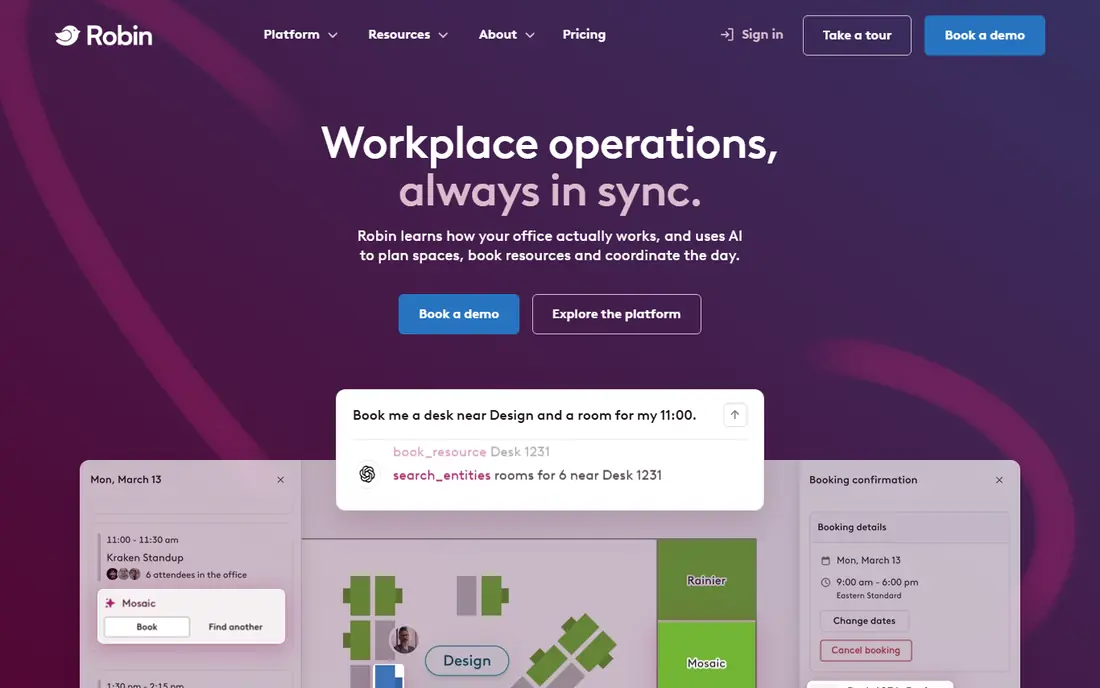
Robin is a workplace platform built around daily desk and room booking. Staff can see floor plans, book a desk near their team, reserve rooms, and check in, while workplace teams gain usage data for space decisions. Its room-first design suits offices where meeting space is as contested as desks.
Smaller teams may find Robin heavy and quote-only pricing hard to budget. It fits best for organizations with hundreds of staff, multiple floors, or a dedicated workplace team managing space.
- Strong room and desk booking tools
- Floor plan and display options
- Analytics for workplace teams
- Quote-only pricing
- Built mainly for larger organizations
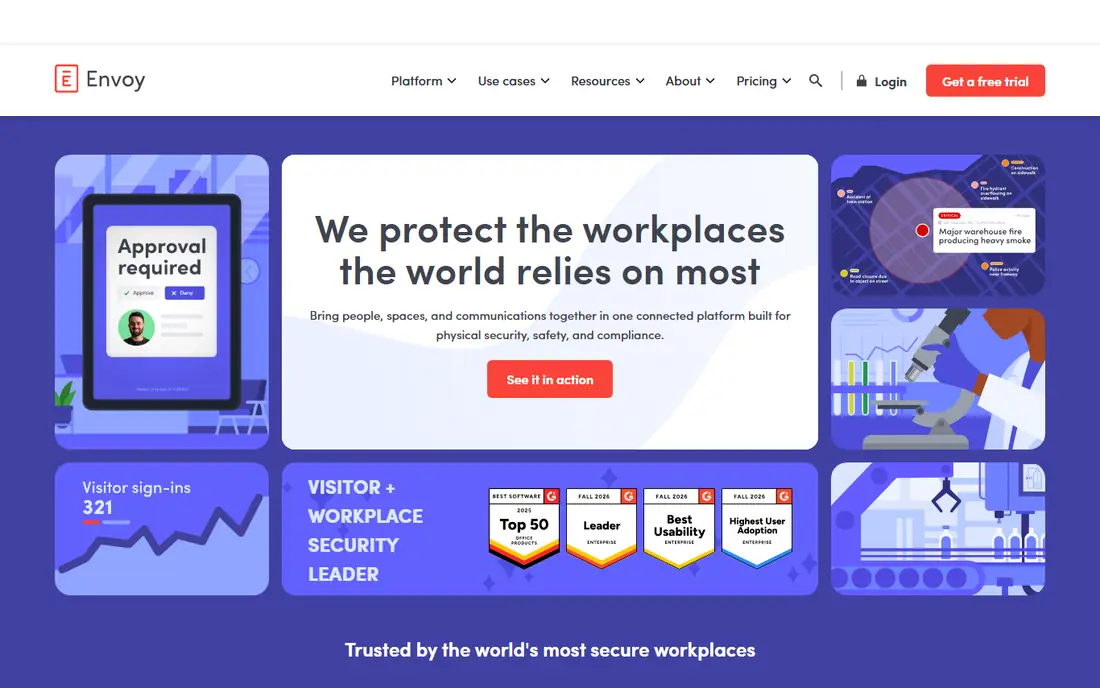
Envoy started with visitors and grew into desks and rooms, which makes it a good fit for offices where guests matter as much as staff. Visitor check-in, desk booking, and room booking can live in one system, with integrations for calendars and workplace tools. Reception teams often prefer that single front door.
Pricing is modular, so the total depends on which pieces you buy. Small offices should price the exact modules they need, not the headline desk rate alone. For visitor-heavy offices, Envoy's breadth is a real advantage.
- Visitor management built in
- Desk and room booking modules
- Broad integrations
- Costs rise as modules are added
- Platform fee details need a sales check
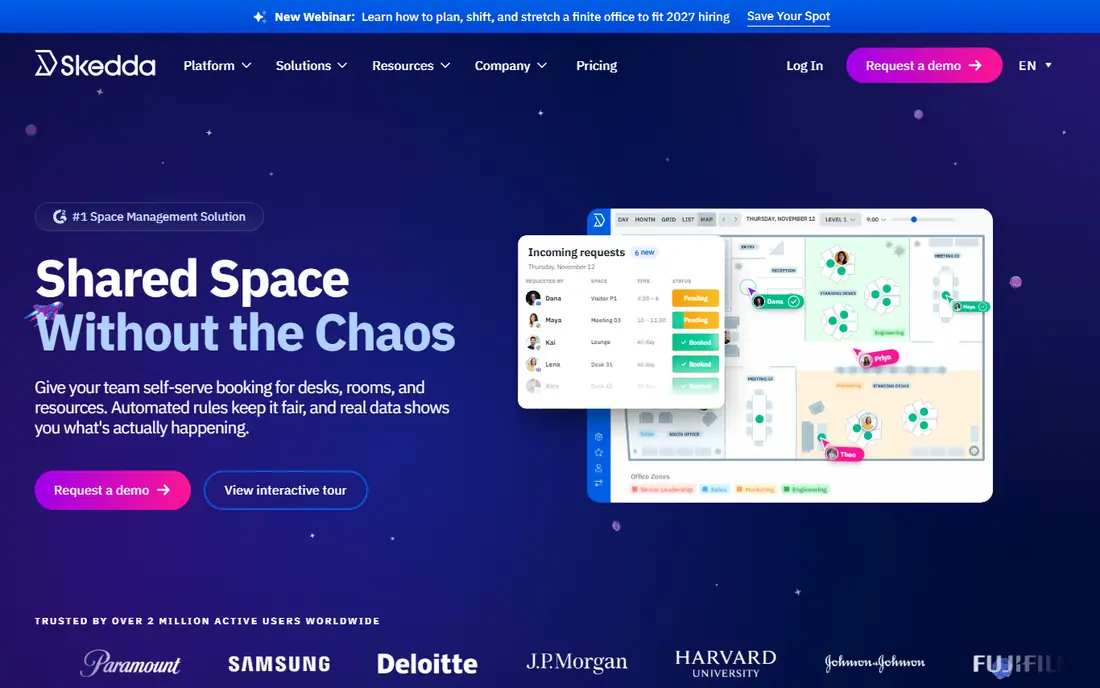
Skedda prices by space rather than by user, which changes the math for shared offices. A university department, studio, or office with many occasional users and few desks can keep costs predictable while everyone books. Its booking rules, approval steps, and access controls handle complex sharing arrangements well.
Visitor management is missing, so offices with heavy guest traffic need another tool for that job. For pure desk and room booking with many users, Skedda's model is hard to beat.
- Per-space pricing with unlimited users
- Strong booking rules and access controls
- Fast self-serve setup
- No visitor management
- No-show tools sit on higher tiers in some regions
deskbird focuses on coordination, not just booking. Staff can see who is in, plan team days, and book desks from a phone, which suits hybrid teams that need to meet in person on purpose. Its mobile experience is one of the strongest in this list.
Per-user pricing means costs rise as the team grows, so large enterprises should model total cost carefully. For mid-size hybrid teams on Microsoft 365 or Google Workspace, deskbird is a strong, practical pick.
- Mobile booking staff actually use
- Team-day coordination tools
- Hybrid work policy features
- Cost grows with headcount
- Visitor tools are still developing
Kadence helps teams coordinate in-office days and book desks around them. Visual floor plans make it easy to sit near teammates, and team scheduling tools help managers plan anchor days. That coordination focus sets it apart from pure booking tools.
Pricing is quote-based, and very small teams may find simpler tools cheaper. For companies trying to make office days useful rather than just booked, Kadence deserves a trial.
- Visual floor plans and team scheduling
- Teams-native booking options
- Analytics for space use
- Quote-only pricing
- Better for mid-size and larger teams
Tactic lets offices buy booking modules as needed, rather than paying for a full workplace suite at once. Desks, rooms, visitors, and parking can be added in stages, which suits teams that want to start small and grow. Its lower entry cost appeals to mid-market offices.
The modular model needs careful budgeting, since adding modules changes the total. Teams should map which modules they need in year one before comparing headline prices. For staged rollouts, Tactic is flexible.
- Buy modules as needed
- Desk, room, and visitor tools
- Lower cost entry than enterprise platforms
- Modular pricing can confuse budgeting
- Map changes may need vendor help
YAROOMS fits offices that live in Microsoft 365. Booking from Teams, Outlook links, and flat monthly tiers make budgeting simpler than per-user models for some teams. Desk, room, and parking booking sit in one place, with analytics for workplace planning.
Higher tiers open the fuller feature set, so check tier details before buying. For Microsoft-centered offices that want predictable tiers, YAROOMS is a solid alternative to the big enterprise platforms.
- Strong Microsoft Teams integration
- Flat tier pricing options
- Desk, room, and parking tools
- Some features need higher tiers
- Smaller ecosystem than Robin or Envoy
OfficeRnD Workplace covers desks, rooms, visitors, and billing for hybrid offices and coworking operators. Per-resource pricing suits operators who charge for spaces, and the platform handles member management alongside booking. Coworking spaces often need that commercial layer, not just a booking calendar.
Small single-office teams may find the breadth more than they need. For operators and multi-site hybrid offices, OfficeRnD's range is a strength rather than a burden.
- Broad workplace platform
- Per-resource pricing
- Coworking and hybrid office tools
- Breadth can overwhelm small teams
- Pricing needs a careful module check
Officely meets staff where they already work. Teams can book desks from Slack or Microsoft Teams without opening another app, which raises adoption in chat-first companies. A free tier makes it easy for small teams to try hoteling without a budget approval.
Larger enterprises may miss deeper analytics and visitor tools. For a small or mid-size team that lives in Slack or Teams, Officely's simplicity is its main selling point.
- Book desks inside Slack or Teams
- Free tier for small teams
- Simple setup
- Works inside one chat tool at a time
- Fewer enterprise analytics than Robin
How we picked these
We compared official feature pages, pricing pages, and public reviews, and we kept only tools that still offer desk and room booking for shared offices. Pure maintenance or pure visitor tools without booking were left out. Where pricing was quote-based or region-dependent, we wrote See website rather than repeating a single third-party figure as fact.
We also weighed pricing model, not just price. Per-user, per-space, per-resource, and flat-tier models suit different offices, so the list mixes them on purpose. An office with 500 staff and 100 desks needs a different model than an office with 50 staff and 50 desks.
What to check before you buy
Count desks, rooms, and users separately. A per-user price looks cheap until headcount grows, while a per-space price looks dear until many users share few desks. Model both for your actual numbers, including part-time and hybrid staff.
Then test adoption, not just features. Ask a pilot group to book for two weeks from their phones and calendars, and watch no-show rates and double bookings. Check calendar sync, check-in rules, and what happens when someone forgets to release a desk. The tool staff use without training is usually the right one.
Frequently asked questions
What is the best office hoteling software for a small team?
Officely and deskbird suit small hybrid teams, since both keep setup light and booking close to daily tools. Skedda also works well when many people share a small number of desks.
What is the top office hoteling software for large companies?
Robin and Envoy lead for larger offices, with Kadence and OfficeRnD Workplace as strong alternatives. Large companies should trial analytics, access controls, and visitor handling, not just desk booking.
How does office hoteling software differ from hot desking software?
The terms overlap, but hoteling usually means booking a desk in advance, while hot desking can mean first-come seating. Most tools here support advance booking, which is what hoteling requires.
Does hoteling software integrate with Outlook and Google Calendar?
Most tools here do, including Robin, Envoy, deskbird, and YAROOMS. Confirm two-way sync during a trial, since one-way calendar links cause double bookings.
Can hoteling software handle meeting rooms too?
Yes. Robin, Envoy, Skedda, Tactic, and YAROOMS all cover rooms alongside desks, though room display hardware and visitor tools vary by plan.
Sources
See where you really rank - block by block
ProMapRanker scans Google Maps across a grid of your service area. Simple monthly plans from $19, white-label on every plan.
Start freeKeep reading
 wpforms alternatives
Best WPForms Alternatives in 2026
We compare 9 wpforms alternatives for WordPress forms, with free and paid options, current pricing notes, and honest limits for small business sites in 2026.
Read → windows task scheduler alternatives
Best Windows Task Scheduler Alternatives in 2026
Looking for Windows Task Scheduler alternatives? We compare 9 schedulers for Windows and cross-platform work, from free tools to enterprise automation.
Read → which ai video service is best
Which AI Video Service Is Best in 2026
which ai video service is best? We compare 10 legitimate AI video services on price, avatars, editing and output quality to help you pick the right tool.
Read →