 ProMapRanker
Best OCR Software for Startups (2026)

Automating transactional document workflows · Pricing starts at: $18,000 a year
Direct answer
Rossum comes first here, mainly for automating transactional document workflows. Listed starting prices: Rossum from $18,000 a year, Docparser from $39 per month and Nanonets from $100 per month. Alternatives: Docparser for extracting data from PDFs and documents, and Nanonets for enterprise-style data processing automation. All 6 tools are compared below on price, free plan and limits.
If you are comparing OCR software for startups, this page covers 6 tools in one place: what each is best for, what it costs to start, whether it has a free plan, and the main limit to know about.
Key takeaways
- Rossum takes the first slot, best suited to automating transactional document workflows.
- ABBYY FineReader PDF has the lowest monthly starting price in this list: $16 per month.
- The main caution on Docparser: needs setup of parsing rules.
- ABBYY FineReader PDF suits AI-based OCR and document conversion.
Quick comparison
| Pick | Great for | Pricing starts at | Free tier | |
|---|---|---|---|---|
| Rossum | Automating transactional document workflows | $18,000 a year | Free trial | Visit |
 Docparser | Extracting data from PDFs and documents | $39 per month | Free trial | Visit |
 Nanonets | Enterprise-style data processing automation | $100 per month | Free trial | Visit |
 Kofax OmniPage | Accurate optical character recognition | $129 one time per license | Free trial | Visit |
 Adobe Acrobat Pro | Everyday PDF editing with built-in OCR | See website | Not stated | Visit |
 ABBYY FineReader PDF | AI-based OCR and document conversion | $16 a month | Free trial | Visit |
The best OCR software for startups
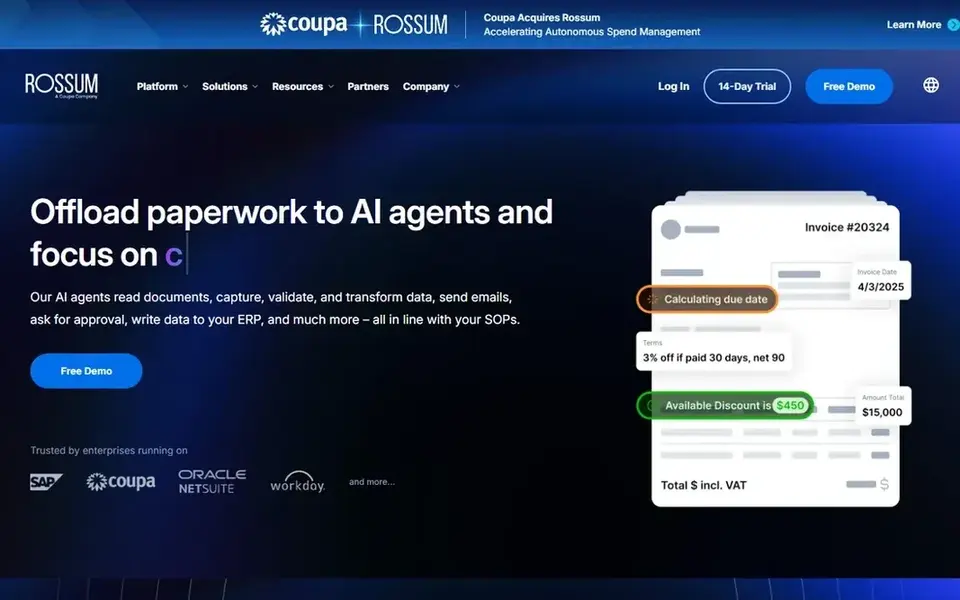
In short, Rossum is for automating transactional document workflows. Rossum provides AI document processing for transactional workflows. It is built to automate complicated document-heavy processes and cut manual tasks while improving accuracy and efficiency.
Downsides: Overkill for straightforward text recognition.
What Rossum does well: AI document processing focus.
In practice, startups with recurring invoices, orders or similar transactional paperwork are the natural fit. Look elsewhere if you only want entry-level text recognition without workflow automation. For plain OCR of a handful of scanned pages, Rossum is more capability than most small teams need. Rossum pricing: $18,000 per year. Free access: Free trial.
- Targets transactional workflows
- Aims to cut manual tasks
- Oriented to structured business documents
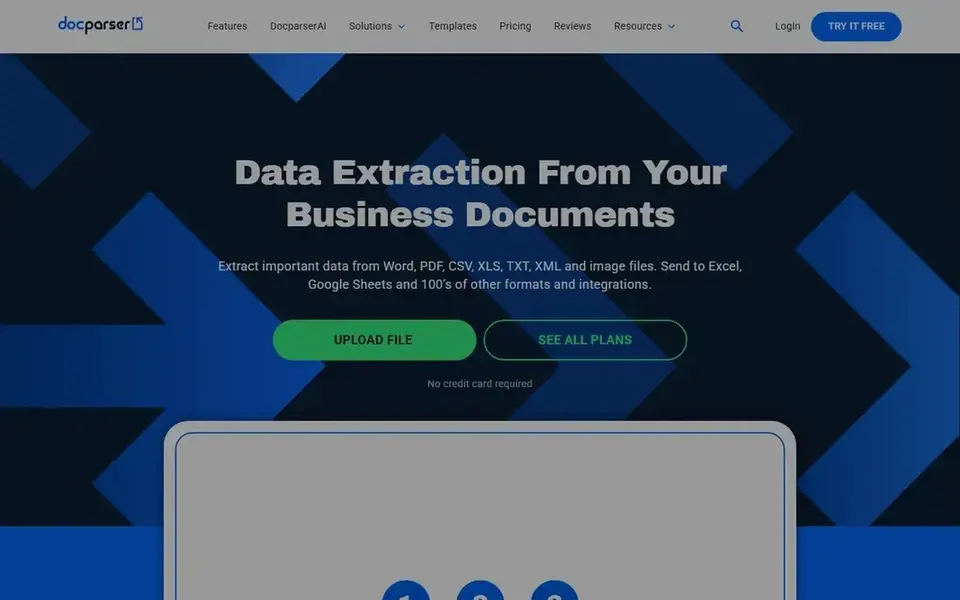
Pick Docparser if this describes you: extracting data from PDFs and documents. Docparser automates data extraction from PDFs and documents, supporting Word, PDF, CSV, XLS, TXT, XML and image files, and sending results to Excel, Sheets and numerous other apps.
It fits startups that receive structured documents and want key fields pulled into their spreadsheets or tools. Docparser starts at: $39 per month. Trial and free access: Free trial.
Watch-outs: Less about editing documents.
- Sends data to spreadsheets and apps
- Concentrated on extraction rules
- Needs setup of parsing rules
For enterprise-style data processing automation, Nanonets is a natural candidate. Nanonets supplies AI agents for enterprise data processing.
Expanding startups with repetitive back-office document work can benefit from that automation approach. The starting price for Nanonets: $100 per month. Free plan details: Free trial.
Drawbacks to consider: Targeted at bigger operational scale.
- Spans accounts payable and claims
- Provides data to systems of record
- Setup assumes defined business processes
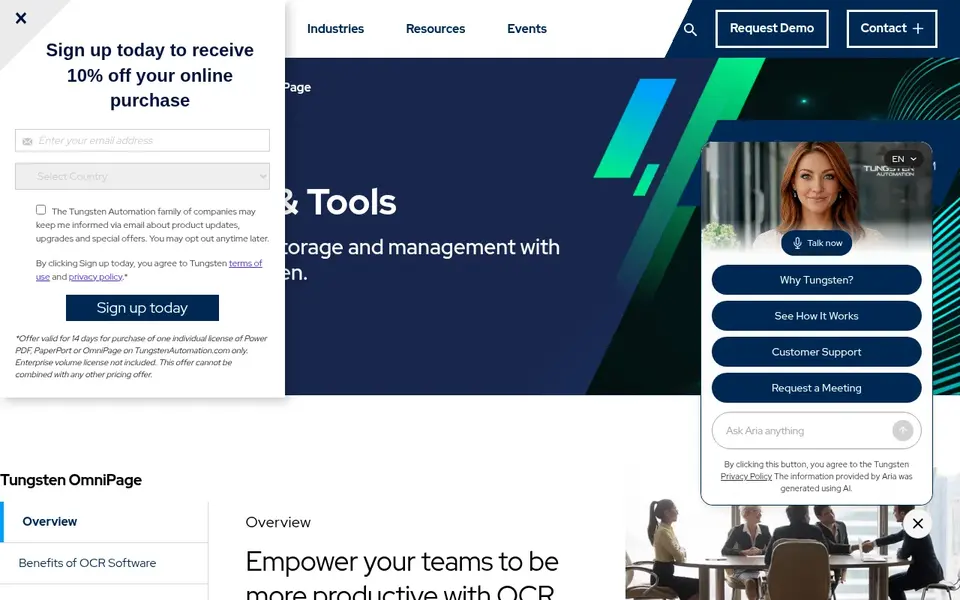
Kofax OmniPage is built with accurate optical character recognition in mind. Kofax OmniPage, part of Tungsten Automation, is OCR software and tools pitched at accurate optical character recognition to support document management.
The main drawbacks: Narrower than full document products.
Starting cost for Kofax OmniPage: $129 one time per license. On free options: Free trial.
- Long-standing OCR specialist
- Concentrated on OCR accuracy
- Less emphasis on workflow automation
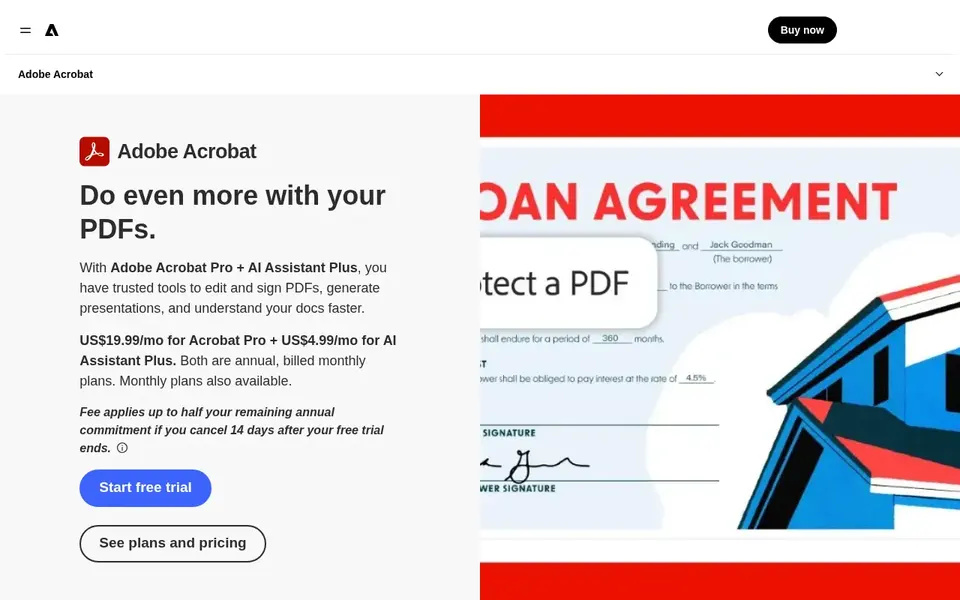
For Everyday PDF editing with built-in OCR, Adobe Acrobat Pro is a natural candidate. Adobe Acrobat Pro is full PDF software that lets teams edit, convert and share documents.
Upsides: Familiar PDF workspace.
Drawbacks to consider: Heavier than light converters. Its OCR capabilities fit startups that already work in PDFs daily and want scanning, text recognition and document editing in a single familiar application instead of juggling separate tools. Check the vendor site for Adobe Acrobat Pro pricing; none is listed in this comparison. Free options: Not stated.
- Takes care of typical office documents
- Edit
- Not a dedicated data-extraction engine
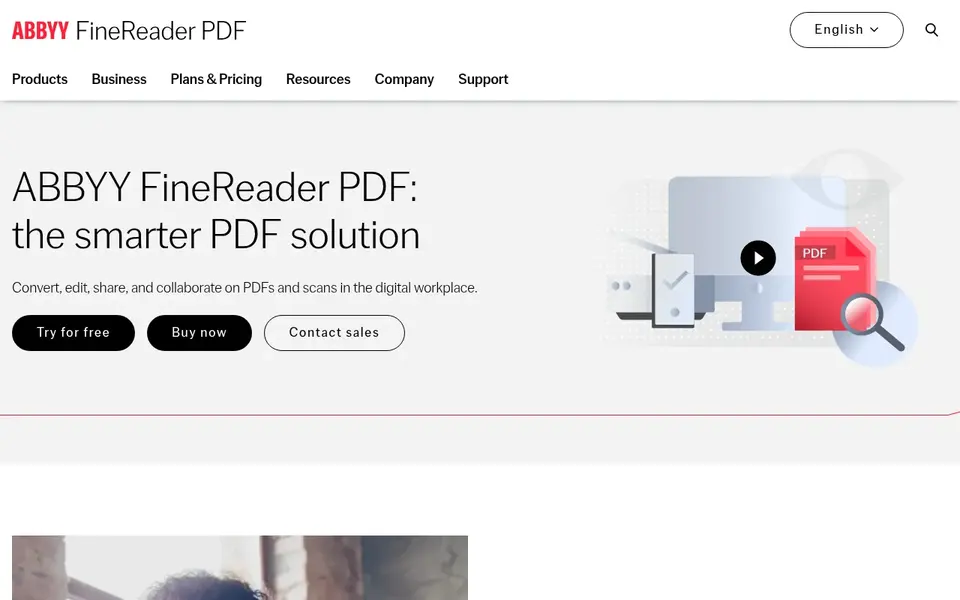
ABBYY FineReader PDF works best for AI-based OCR and document conversion. ABBYY FineReader PDF is a PDF editor powered by ABBYY's AI-based OCR technology.
Downsides: Feature set can feel dense for beginners.
It converts files for example PDF to Excel or Word, and also includes editing, sharing and collaboration. From a buyer's view, the breadth of features can overwhelm occasional users, and it is not designed primarily for automatic transactional pipelines. Price to start with ABBYY FineReader PDF: $16 per month. Free access: Free trial.
- AI-based OCR technology
- Converts PDFs to Word and Excel
- Not concentrated on transactional workflows
How these tools were picked
Selection started from tools commonly considered for OCR software for startups, then narrowed to 6 that have clear pricing information or a clear quote process. Treat prices as a snapshot: vendors change plans often, so check the vendor site for the figure that applies today. We ordered the tools by general fit, then by how clearly pricing is shown, then by free access. A buyer with unusual needs may reorder them.
A buyer's checklist
- Get a written quote from Adobe Acrobat Pro; the list shows no starting price for them.
- Use real work to test the free trial from Rossum, Docparser, Nanonets and others, rather than a demo project.
- Before choosing Rossum, weigh its main limit: overkill for straightforward text recognition.
- Look at the help docs and support options for Kofax OmniPage before you commit.
- Run a one or two week pilot of Nanonets with the people who will use it every day.
Frequently asked questions
Do these tools publish their prices?
Not all of them. Adobe Acrobat Pro publishes no starting price, so expect a quote request for it. The rest, Rossum included, show a starting price, though seats and billing terms still change the final cost.
Is Rossum the right pick for everyone comparing OCR software for startups?
No single tool suits every team. Rossum comes first because it fits automating transactional document workflows, while Docparser suits extracting data from PDFs and documents and Nanonets suits enterprise-style data processing automation. Match the tool to your own size, budget and workflow before deciding.
Does any tool for OCR software for startups here have a free plan?
A permanent free plan is not offered by Rossum, ABBYY FineReader PDF or the other tools here. Rossum, Docparser, Nanonets, Kofax OmniPage, ABBYY FineReader PDF offer a trial. Plan a short evaluation period instead.
What is the cheapest option for OCR software for startups in this list?
On published monthly entry prices, ABBYY FineReader PDF is the lowest here at $16 per month. Entry price is only part of the cost, because seats, add-ons and billing terms can change the total. Each of the 6 options in this OCR software for startups guide has its own card above with the price, free plan and limits.
Is a PDF editor enough, or do I need a dedicated OCR service?
If you process plenty of invoices or forms and need structured data in business systems, a dedicated extraction service for example Rossum or Nanonets is more appropriate.
Sources
See where you really rank - block by block
ProMapRanker scans Google Maps across a grid of your service area. Simple monthly plans from $19, white-label on every plan.
Start freeBrowse all guides
← Article Rewriters and Spinners Software: Best Picks of 2026Text to Speech Services That Export WAV: Best Picks of 2026 →
 best ai tools for analyzing pdfs
Best AI Tools for Analyzing PDFs (2026)
Searching for the best AI tools for analyzing PDFs? Here are 6 options with prices and free plans. Details on cost, catches and fit. Reviewed this month.
Read → best ai e-signature apis software
AI E-Signature Apis Software in 2026: Top 6 Compared
6 tools for the best AI e-signature apis software, compared on pricing, free plans and best-fit use. Fit and flaws are laid out for each entry. Start here.
Read → slidesai alternatives
Top SlidesAI Alternatives for 2026, With Prices
Compare 5 picks for SlidesAI alternatives, with prices, free plans and who each fits. Short, factual notes on every option. Built for quick decisions.
Read → best text messaging service for business
Best Text Messaging Service for Business in 2026
Compare the best text messaging service for business, from SimpleTexting and EZ Texting to Podium and Salesmsg, with pricing, credits and compliance notes.
Read → best screenplay writing software
Best Screenplay Writing Software in 2026
Compare the best screenplay writing software for 2026, from free tools to the industry standard, with prices, collaboration, and honest trade-offs for writers.
Read → best room booking software
5 Room Booking Software, Compared by Cost and Features
Need the best room booking software? We compare 5 tools on cost, free access and who each suits. Each profile ends with a plain caveat. Prices included.
Read →More in Writing, PDFs & Documents · All guides A to Z by date · Latest guides