 ProMapRanker
5 Room Booking Software, Compared by Cost and Features


Small teams wanting straightforward Outlook booking · Pricing starts at: $9/month
Direct answer
This list puts Meeting Room 365 first for small teams wanting straightforward Outlook booking. If your case is different, Skedda suits customizable space scheduling by the space and Envoy suits workplace experience with visitor management. Prices, free plans and limits for all 5 tools follow.
Key takeaways
- The list opens with Meeting Room 365, aimed at small teams wanting straightforward Outlook booking.
- For the cheapest start, look at Meeting Room 365: $9/month.
- OfficeSpace suits space management with utilization reporting.
- Before buying Meeting Room 365, weigh this: entry-level feature set next to the products.
Quick comparison
| Pick | Great for | Pricing starts at | Free tier | |
|---|---|---|---|---|
| Meeting Room 365 | Small teams wanting straightforward Outlook booking | $9/month | Free trial | Visit |
 Skedda | Customizable space scheduling by the space | $249/month (Plus plan) | Free trial | Visit |
 Envoy | Workplace experience with visitor management | See website (custom quote) | No | Visit |
 Robin | Hybrid workplaces with rooms plus desks | See website (custom quote) | Yes | Visit |
 OfficeSpace | Space management with utilization reporting | See website (custom quote) | No | Visit |
Every option for room booking software explained
ProMapRanker put together this guide to room booking software for readers who want a clear shortlist without reading every vendor page. It compares 5 tools on starting price, free plans, who each one suits and where each one falls short.
Meeting Room 365
Great for: Small teams wanting straightforward Outlook booking

Meeting Room 365 serves small teams wanting straightforward Outlook booking. Meeting Room 365 is the minimalist answer: room booking that lives inside Outlook, with tablet displays for the door, at $9 per month.
Trade-offs to know: Restricted analytics and no desk or visitor features.
At $9 a month, Meeting Room 365 stops it. More specifically, for a small team on Microsoft 365 that just needs rooms bookable and visible, it does the job without a product purchase, an annual contract or a sales call. Meeting Room 365 starts at: $9/month. On free options: Free trial.
- Works straight with Outlook and Microsoft 365
- Free status boards for room displays
- Small vendor
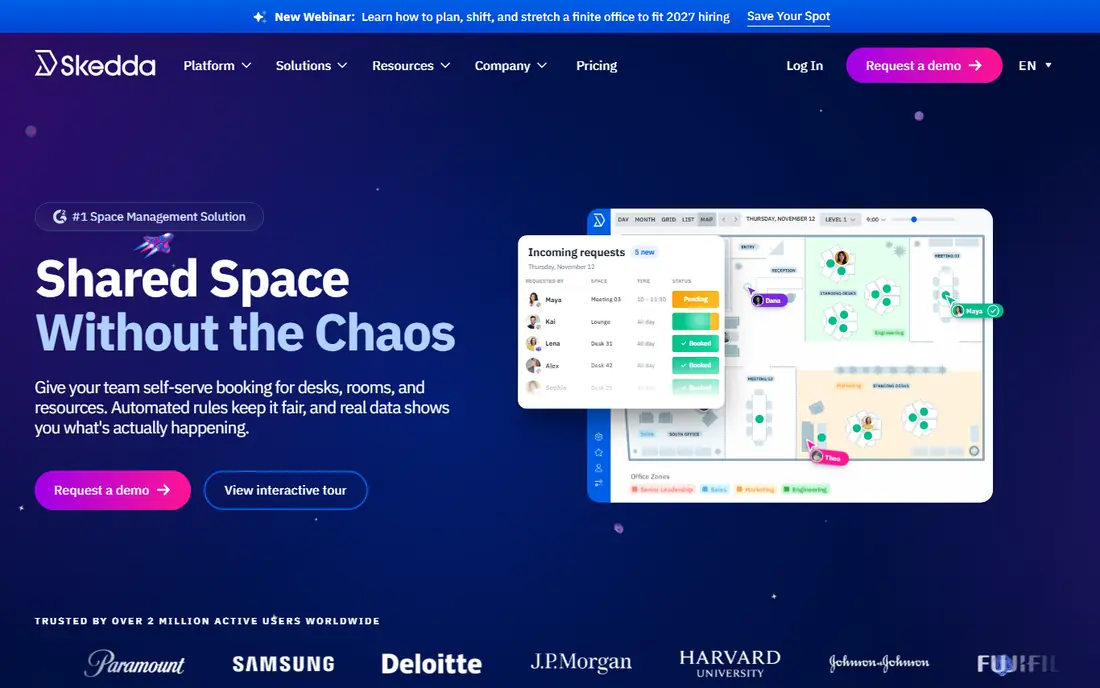
Pick Skedda if this describes you: customizable space scheduling by the space. Skedda prices by spaces rather than people, which suits how offices actually think. In practice, the Plus plan at $249 per month includes 35 bookable spaces, with customizable rules (who can book what, for how long, with what approval), user roles, interactive maps and calendar sync.
Drawbacks to consider: Pricing is space-based, so large offices pay more.
Also, Universities, coworking spaces, studios and hybrid offices use it since the rule engine takes care of complicated sharing arrangements. At $249 per month, Skedda costs more than most small teams need, and space-based pricing means a big office pays accordingly. But the transparency is refreshing in a category full of quotes, and the configurability is genuinely deep. What you pay to start with Skedda: $249/month. Free access: Free trial.
- Roles and permissions
- Not users
- No free level on current plans
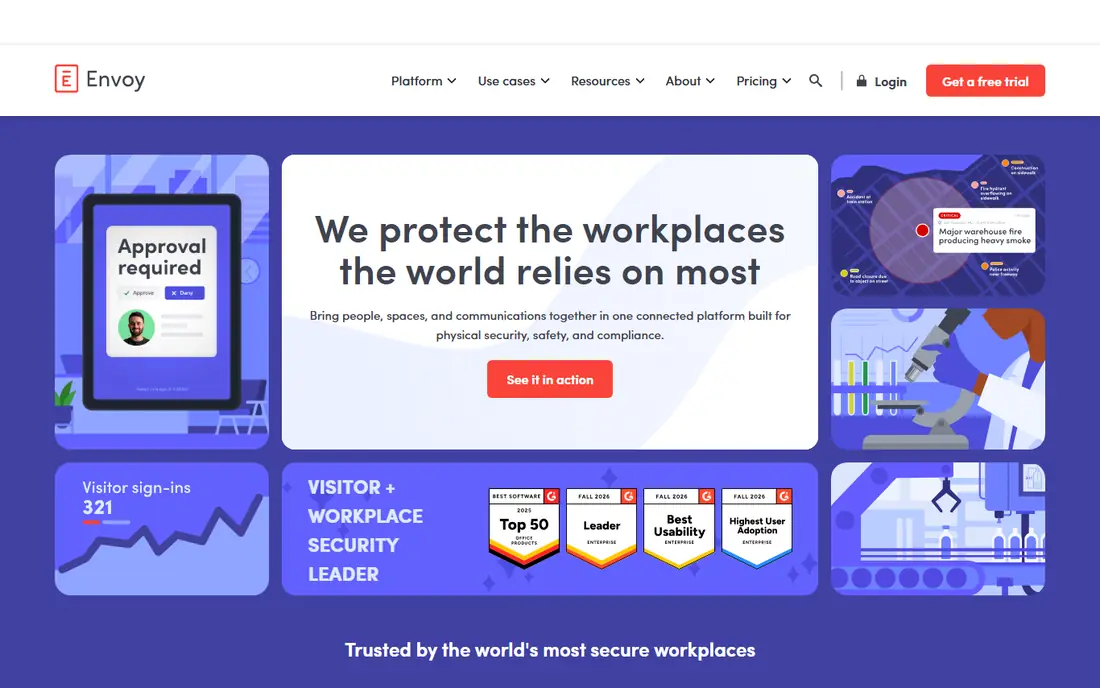
In short, Envoy is for workplace experience with visitor management. The tradeoff is cost structure. In practice, Envoy is the premium pick: the best experience at the highest price.
Trade-offs to know: Modular pricing means rooms; desks and visitors each cost separately.
As for the details, if visitors and workplace polish matter as much as rooms, it earns the premium. In daily use, every module is priced separately (rooms roughly $20 to $60 per room a month in observed deals), there is no free level, and bigger deployments go through enterprise sales. This comparison lists no price for Envoy; ask the vendor. Envoy has no free plan.
- Refined mobile app employees actually use
- Capable access-control and delivery integrations
- Enterprise sales process for bigger deployments
Robin targets hybrid workplaces with rooms plus desks. Premium plans are custom with annual terms, and industry benchmarks put room booking at roughly $15 to $40 per room a month on top of desk costs.
As for the details, Robin is the hybrid-work system that grew up around the return to office. Robin does not show a starting price in this comparison, so check the vendor site for current pricing. You can start on Robin without paying.
Drawbacks to consider: Room booking alone runs $15-$40 per room a month in practice.
- Desk booking and visitor management
- Free Starter plan includes up to 15 users and one floor
- Premium levels are quote-based with annual commitments
OfficeSpace makes the most sense for space management with utilization reporting. OfficeSpace Software approaches from the space-management side: floor plans, seating charts, move management and utilization reporting, with room and desk booking built in.
Limits to weigh: Quote-only pricing.
Check the vendor site for OfficeSpace pricing; none is listed in this comparison. OfficeSpace has no permanent free option.
- Solid space planning and utilization analytics
- Room and desk booking in one workplace system
- No free plan
Our selection method
ProMapRanker used vendor pricing pages and product documentation as the base, then compared plans, free access and documented limits for 5 tools. Prices and plan limits come from vendor pages and can change, so confirm them on the vendor site before you buy. We ordered the tools by general fit, then by how clearly pricing is shown, then by free access. A buyer with unusual needs may reorder them.
What to check before you buy
- Get a written quote from Envoy, Robin and OfficeSpace; the list shows no starting price for them.
- Look at the free plan from Robin closely: its caps decide whether it is usable for real work.
- Use real work to test the free trial from Meeting Room 365 and Skedda, rather than a demo project.
- Before choosing Meeting Room 365, weigh its main limit: entry-level feature set next to the systems.
- Ask OfficeSpace whether prices are locked for the first term and what happens at renewal.
- Check whether the features you need in Envoy sit on the entry plan or only on higher tiers.
Frequently asked questions
How do I stop people booking rooms they do not use?
No-show rates of 20-30% are normal without it. Every product here except the most entry-level supports this; make sure it is turned on, since it is commonly optional.
What is the difference between room booking and desk booking?
Desk booking reserves individual workstations, typically by the day, for hybrid teams. Most systems here do both, but some (Skedda, Meeting Room 365) lean toward rooms whereas others (Robin, Envoy) treat them as equal parts of the workplace system.
What is the cheapest option for room booking software in this list?
On published monthly entry prices, Meeting Room 365 is the lowest here at $9/month. Entry price is only part of the cost, because seats, add-ons and billing terms can change the total.
Should a small business buy room booking software?
Robin's free Starter handles up to 15 users, and Meeting Room 365 is $9 per month. In practice, the enterprise systems only make sense once you have real workplace complexity: hybrid schedules, several floors or visitor flows.
Which options for room booking software have a free plan?
Robin is the only tool in this list with a free plan. Free plans usually cap users, projects or features, so check the limits on the vendor page. Several others offer a trial instead.
Is Meeting Room 365 the right pick for everyone comparing room booking software?
No single tool suits every team. Meeting Room 365 comes first because it fits small teams wanting simple Outlook booking, while Skedda suits configurable space scheduling by the space and Envoy suits workplace experience with visitor management. Match the tool to your own size, budget and workflow before deciding.
Sources
See where you really rank - block by block
ProMapRanker scans Google Maps across a grid of your service area. Simple monthly plans from $19, white-label on every plan.
Start freeKeep reading
 zoho inventory alternatives
6 Alternatives to Zoho Inventory, Compared on Price and Fit
Zoho Inventory alternatives: 6 tools compared on price, free plans and fit. Katana leads the list for manufacturers. Fit and flaws are laid out for each entry.
Read → zoho crm alternatives
Best Zoho CRM Alternatives (2026)
Need Zoho CRM alternatives? We compare 7 tools on cost, free access and who each suits. Every pick gets a straight assessment. Built for quick decisions.
Read → zelle alternatives
Best Zelle Alternatives in 2026
Compare the best Zelle alternatives for sending money to friends, paying sellers and moving funds abroad, with honest notes on fees, speed and safety in 2026.
Read →