 ProMapRanker
Best Screenplay Writing Software in 2026


industry-standard submissions · Pricing starts at: $249.99 one-time
Key takeaways
- Final Draft remains the industry standard for professional submissions, while Fade In offers most of its core features for about a third of the price.
- WriterSolo and Trelby let you write a properly formatted screenplay for free, which is the best start for a first script.
- WriterDuet and Arc Studio Pro lead for real-time co-writing, while Celtx suits teams that also need production planning.
- Highland 2 and KIT Scenarist suit writers who prefer a minimal, plain-text-led workflow on Mac or across platforms.
- Every tool here exports to PDF, and most support FDX or Fountain, which keeps your script portable if you switch tools later.
Quick comparison
| Pick | Great for | Pricing starts at | Free tier | |
|---|---|---|---|---|
| Final Draft | industry-standard submissions | $249.99 one-time | Free trial | Visit |
 Fade In | best value professional tool | $79.95 one-time | Free trial | Visit |
 WriterDuet | real-time co-writing | See website | Yes | Visit |
 Arc Studio Pro | clean cloud writing and outlining | $69 per year | Yes | Visit |
 Celtx | script plus production planning | $14.99 per month | Free trial | Visit |
 Highland 2 | minimal Mac writing | $49.99 one-time | Yes | Visit |
 WriterSolo | free solo desktop writing | Free | Yes | Visit |
 Trelby | free open-source writing | Free | Yes | Visit |
 KIT Scenarist | free cross-platform writing | Free | Yes | Visit |
The best screenplay writing software
We compared formatting quality, exports, collaboration, outlining, platform support, and price, using vendor pages and current screenwriting comparisons. Prices are for the entry paid tier unless stated, and free tiers vary in script limits and export watermarks.
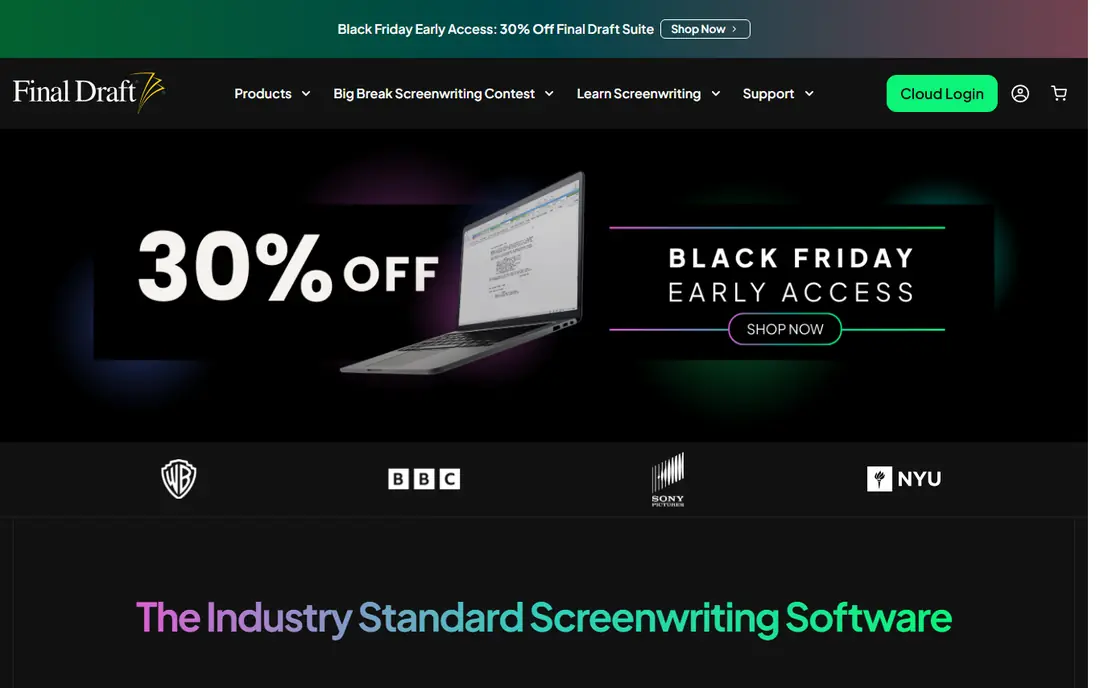
Final Draft 13 is the tool most working screenwriters still name first, and its main advantage is acceptance. Studios, production companies, agents, and competitions expect FDX files, and Final Draft produces them natively, with pagination, formatting, and revision tools built for production drafts. Its Beat Board, Story Map, and Outline Editor also help writers plan a feature or a television episode before drafting pages.
The price is the clear drawback. At $249.99 as a one-time purchase, Final Draft costs three times Fade In, and its collaboration features are less smooth than WriterDuet or Arc Studio Pro. A writer on a first script does not need Final Draft to learn the craft, and a free tool will format just as correctly. Buy Final Draft when you are submitting professionally and want zero doubt about file compatibility.
- Widely accepted by studios, agents, and competitions
- Deep outlining and planning tools
- Native FDX format
- Highest price in this list
- Interface feels dated to some writers
- Collaboration is basic compared with cloud rivals
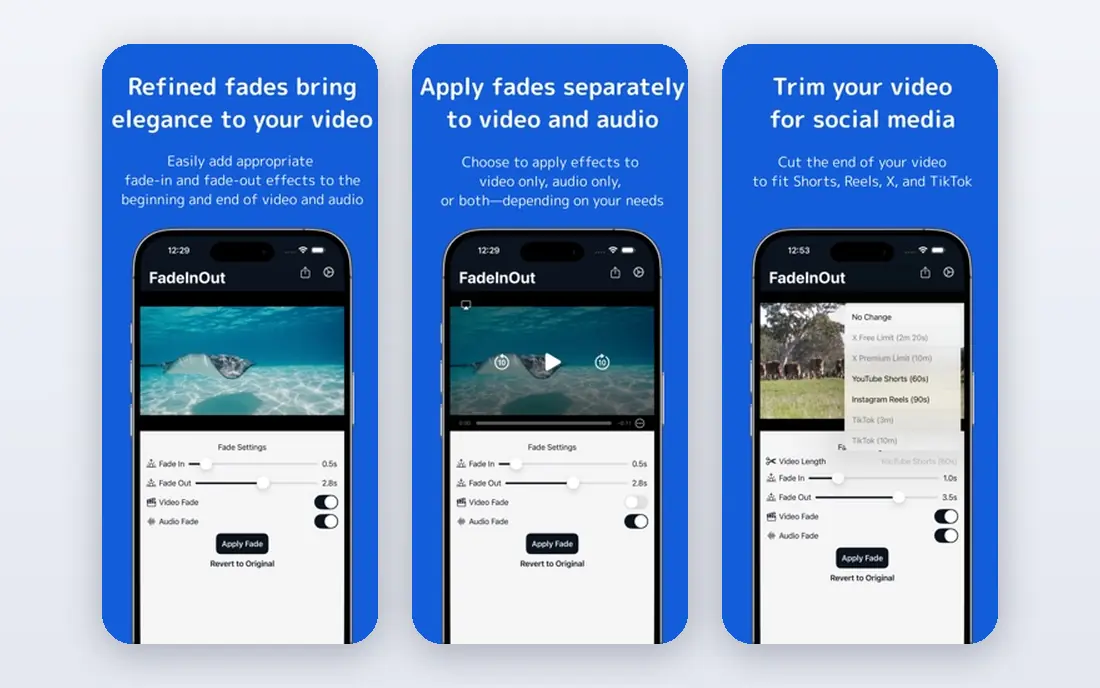
Fade In Professional is the best value paid screenwriting tool for most writers. For $79.95 as a one-time purchase, with free updates for life, you get professional formatting, FDX support, production reports, and a Dialogue Tuner that gathers one character's lines for a focused pass. It runs on Windows, Mac, and Linux, with mobile apps, which makes it the most platform-flexible paid tool here.
Fade In's desktop app does not offer real-time co-writing, and cloud storage, sync, and web access run through an optional Fade In Access subscription at about $9.95 per month. Its interface is also more functional than beautiful. If you write solo, want to own your software outright, and care about file compatibility, Fade In is hard to beat.
- One-time price with free lifetime updates
- Opens and saves FDX files
- Runs on Windows, Mac, Linux, iOS, and Android
- No real-time collaboration in the desktop app
- Cloud sync costs extra
- Interface is plainer than Arc Studio Pro
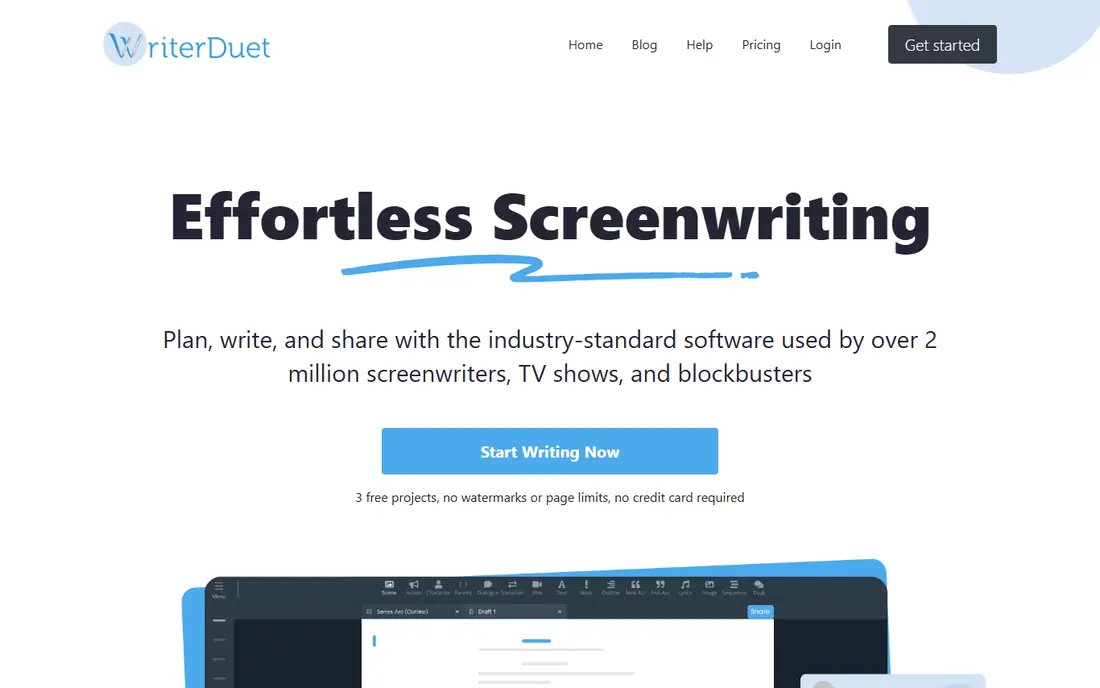
WriterDuet is the top pick for writing partners. Two or more writers can edit the same script at the same time, with comments, chat, and version history built in, and the free tier covers three scripts. It exports to FDX, Fountain, and PDF, imports from common formats, and works in a browser as well as on desktop and mobile, which makes it easy to co-write from different locations.
WriterDuet is a writing tool first, not a production suite, so teams that need scheduling and call sheets should pair it with another tool or choose Celtx. Paid plans start at a low monthly rate with annual billing, and the exact price depends on the plan and billing period, so check the current pricing page. For a writing partnership, or a writers room working remotely, WriterDuet is the most reliable collaboration choice.
- Best real-time collaboration in this list
- Free tier includes three scripts
- Works on web, desktop, and mobile
- Paid pricing varies by billing period
- Production features are limited
- Offline use needs the desktop app
Arc Studio Pro suits writers who want a modern, cloud-first tool with strong outlining. Its interface is clean and distraction-free, its plot and structure views help you shape a story before drafting, and its collaboration tools support co-writing on the Pro plan. The free plan covers two scripts, while Essentials costs $69 per year for unlimited scripts and apps, and Pro costs $99 per year for collaborators, outlining tools, and version history.
The limits are platform and offline use. Arc Studio Pro runs on web, Mac, and iOS, with no native Windows app and no offline mode, which rules it out for some writers. Free-tier PDF exports are also watermarked. If you write on Mac or in a browser, like visual outlining, and co-write occasionally, Arc Studio Pro is a polished choice.
- Clean, modern interface
- Strong outlining and story structure tools
- Free tier for two scripts
- No native Windows app and no offline mode
- Pro features need the higher tier
- PDF exports on the free tier are watermarked
Celtx began as screenwriting software and grew into a pre-production suite, which makes it different from the pure writing tools here. Alongside script formatting, Celtx offers breakdown sheets, scheduling, shot lists, and call sheets, so an indie team can move from script to shoot in one system. That breadth suits film students, short-film teams, and producers who write and plan together.
The subscription, starting at $14.99 per month, costs more over time than a one-time license from Fade In or Final Draft, and Celtx's script exports are narrower than FDX-first tools, which can create friction when sharing with agents or studios. The free tier is also limited. Choose Celtx when production planning matters as much as writing, and choose WriterDuet or Fade In when the script itself is the priority.
- Scriptwriting plus breakdowns, scheduling, and call sheets
- Good for film students and indie teams
- Cloud access
- Subscription cost adds up
- Script export options are narrower than FDX-first tools
- Free tier is limited
Highland 2, from writer John August's company, is a minimalist screenwriting app for Mac that uses Fountain, a plain-text screenplay format. You write in plain text with simple markup, and Highland turns it into a properly formatted script and PDF. The approach suits writers who like writing in text, keeping scripts in version control, or working without a heavy interface. A free version covers basic writing, with a Pro upgrade at about $49.99 as a one-time purchase.
Highland 2 is Mac only, with no Windows, Android, or real-time collaboration support, so it will not suit cross-platform teams. It also lacks the production planning tools of Celtx or Final Draft. For a Mac writer who wants a calm, focused drafting tool and a portable plain-text file, Highland 2 is an excellent, low-cost choice.
- Clean, distraction-free Mac app
- Fountain-native writing
- Focus mode for drafting
- Mac only
- No real-time collaboration
- Less suited to production workflows
WriterSolo uses the WriterDuet writing engine without collaboration, and it is free to use, with an optional payment if you want to support the developer. It formats screenplays correctly, exports to FDX and PDF, and works offline on Windows, Mac, Linux, Chromebook, and iOS, so you can write on a plane or anywhere without internet access. Scripts live on your own machine, which some writers prefer to cloud-only tools.
The absence of collaboration is the main limit, along with the lack of built-in cloud sync. If you later add a writing partner, you can move to WriterDuet without relearning a new editor. For a solo writer on a first script, or for anyone who wants a free desktop tool with no subscription, WriterSolo is the best free start in this list.
- Free with professional formatting
- Works offline on desktop and mobile
- Easy upgrade path to WriterDuet
- No collaboration
- Cloud sync is not built in
- Fewer planning tools than paid rivals
Trelby is a free, open-source screenwriting program for Windows and Linux that covers the core job well: it formats screenplays, tracks characters and locations, and exports to FDX, Fountain, and PDF. It is lightweight, fast, and easy to learn, which makes it a good choice for beginners, students, and writers on older computers. Because it is open source, there is no subscription, no account, and no lock-in.
Trelby's development has slowed compared with actively maintained rivals, and it offers no collaboration, cloud sync, or modern outlining tools. Its interface also looks dated next to Arc Studio Pro. Still, for a writer who wants a free, offline tool that simply formats a script correctly, Trelby remains a solid, honest choice.
- Completely free and open source
- Simple, fast interface
- Exports to FDX, Fountain, and PDF
- No longer actively developed at the same pace
- No collaboration
- Interface looks dated
KIT Scenarist, also known as STARC, is a free screenwriting and story development tool for Windows, Mac, and Linux. Beyond script formatting, it includes tools for research, character work, and story structure, which suit writers who like to plan a project in one place. It supports common script formats and exports to PDF, and a Pro tier adds extra features for writers who want them.
The interface is busier than Highland 2 or WriterSolo, and the English-language community is smaller than those of Final Draft or WriterDuet, so finding tutorials takes a little more effort. For a writer who wants a free, cross-platform tool with story development built in, and who does not mind a learning curve, KIT Scenarist offers more breadth than Trelby at the same price: free.
- Free with cross-platform support
- Includes research and story tools
- Supports many script formats
- Interface can feel busy
- Smaller English-language community
- Paid Pro tier adds features
How we picked these
We compared vendor pages and current screenwriting guides, focusing on formatting accuracy, export formats, collaboration, outlining, platform support, and price. We favored tools that are still available and actively used in 2026, with a distinct fit, from free solo writing to industry submissions. We did not claim hands-on testing with a production script, and we noted where free tiers limit scripts or watermark exports.
How to choose screenplay software
The best tool depends on who reads your script, who writes it with you, and what happens to the file after you finish. Answer those three questions first, and the shortlist narrows quickly.
Formatting and exports
A good tool formats scene headings, action, character names, and dialogue automatically, and exports a clean PDF. For sharing with studios and other writers, FDX and Fountain exports matter more than PDF alone, because they keep scene structure readable by other tools. Check exports before you commit to a long project.
Collaboration and platform
If you co-write in real time, WriterDuet or Arc Studio Pro are the clear leaders. If you write solo on one computer, a desktop tool such as Fade In, WriterSolo, or Trelby may suit you better, especially offline. Check platform support carefully, because Arc Studio Pro has no Windows app and Highland 2 is Mac only.
Budget and longevity
You can write a professional screenplay for free with WriterSolo or Trelby, so do not buy Final Draft before you have a draft. A one-time license from Fade In or Final Draft suits writers who dislike subscriptions, while a subscription from Arc Studio Pro or Celtx suits teams that need cloud collaboration and production tools. Keep your scripts in FDX or Fountain so you can switch tools later without losing work.
Frequently asked questions
What is the best screenwriting software for beginners?
WriterSolo and Trelby are the best free starts for beginners, because both format correctly and cost nothing. Arc Studio Pro is a good paid-friendly start if you want a modern interface and outlining help, with a free tier for two scripts. Start free, finish a draft, and only pay when you hit a real limit.
What is the best scriptwriting software used by professionals?
Final Draft remains the professional standard, thanks to its studio acceptance and native FDX format. Fade In is the closest value alternative, with FDX support and most core features at a lower price. Many working writers use Final Draft for submissions and another tool for drafting, so the two are not mutually exclusive.
What is the best free screenplay writing software?
WriterSolo is our pick for the best free screenplay tool, because it offers professional formatting, FDX export, and offline desktop use at no cost. Trelby is a close alternative for Windows and Linux users who want open-source software. Both beat a word processor, which will not paginate or format a script correctly.
Is there a good best app for screenplay writing on mobile?
Final Draft, Fade In, WriterDuet, and Arc Studio Pro all offer mobile apps or mobile web access, with WriterDuet and Arc Studio Pro working well in a browser on a tablet. Writing a full feature on a phone is possible but slow, so most writers draft on a computer and use mobile apps for notes, revisions, and reading. Check the app for your platform before you buy.
What is the best screenplay writing app for co-writing?
WriterDuet is the best co-writing app, thanks to real-time editing, comments, and version history. Arc Studio Pro is a strong alternative on its Pro plan, with a cleaner interface and outlining tools. If you mostly write in turns rather than at the same time, any tool with FDX export and cloud sync will work.
Do I need paid software to submit a screenplay?
No, as long as your script is formatted correctly and exported as a clean PDF or FDX file. Competitions and agents judge the writing, not the software brand, though Final Draft removes any doubt about compatibility. A script written in WriterSolo or Fade In, formatted to industry standards, is submittable.
Sources
- https://www.finaldraft.com
- https://www.fadeinpro.com
- https://www.writerduet.com
- https://www.arcstudiopro.com
- https://www.celtx.com
- https://www.highland2.app
- https://www.writersolo.com
- https://www.trelby.org
- https://www.kitscenarist.ru
- https://www.screenwritingtool.io/index.html
- https://www.screenwritingtool.io/compare/final-draft-vs-fade-in.html
See where you really rank - block by block
ProMapRanker scans Google Maps across a grid of your service area. Simple monthly plans from $19, white-label on every plan.
Start freeKeep reading
 best tour operator software
Best Tour Operator Software in 2026
Compare the best tour operator software for bookings, channel management, waivers and payments, with pricing models for day tours and multi-day trips.
Read → best time clock app for small business
Best Time Clock App for Small Business in 2026
We compare the best time clock app for small business options, with free plans, GPS clock ins, scheduling and payroll links for hourly teams and payroll help.
Read → best test automation tools
Best Test Automation Tools in 2026
Compare the best test automation tools, from Playwright and Selenium to Cypress, Katalon and BrowserStack, with prices, languages and best uses explained.
Read →