 ProMapRanker
AI E-Signature Apis Software in 2026: Top 6 Compared

European digital transaction needs · Pricing starts at: €9 excl. VAT a month
Direct answer
This list puts Signaturit first for European digital transaction needs. Listed starting prices: Signaturit from €9 excl. VAT a month and Dropbox Sign from $15 USD / mo. For a different need, Adobe Acrobat Sign covers deep PDF and document workflows and DocuSign eSignature covers wide API ecosystem and integrations. All 6 tools are compared below on price, free plan and limits.
If you are comparing AI e-signature apis software, this page covers 6 tools in one place: what each is best for, what it costs to start, whether it has a free plan, and the main limit to know about.
Key takeaways
- Number one here is Signaturit, a fit for European digital transaction needs.
- None of the 6 tools, from Signaturit to OneSpan Sign, has a free plan, so budget for a subscription or use a trial.
- Expect to ask for a quote from Adobe Acrobat Sign, DocuSign eSignature, Conga Sign and OneSpan Sign; the other tools show a starting price.
- A fair warning about Adobe Acrobat Sign: API can be complicated to implement.
- OneSpan Sign suits security and identity assurance.
Quick comparison
| Pick | Great for | Pricing starts at | Free tier | |
|---|---|---|---|---|
| Signaturit | European digital transaction needs | €9 excl. VAT a month | Free trial | Visit |
 Adobe Acrobat Sign | Deep PDF and document workflows | See website | Not stated | Visit |
 DocuSign eSignature | Wide API ecosystem and integrations | See website | Not stated | Visit |
 Dropbox Sign | Straightforward developer-friendly e-signature API | $15 USD / mo | Free trial | Visit |
 Conga Sign | CRM-integrated e-signatures | See website | Not stated | Visit |
 OneSpan Sign | Security and identity assurance | See website | Not stated | Visit |
Tool-by-tool breakdown
Signaturit works best for European digital transaction needs. If you need a widely recognized global API with broad documentation, DocuSign or Adobe Acrobat Sign might be preferable.
The main drawbacks: API documentation may be less broad.
Starting cost for Signaturit: €9 excl. VAT per month. Trial and free access: Free trial. What Signaturit does well: European focus and compliance.
- Part of Signaturit Group
- Archive features
- Less known outside Europe
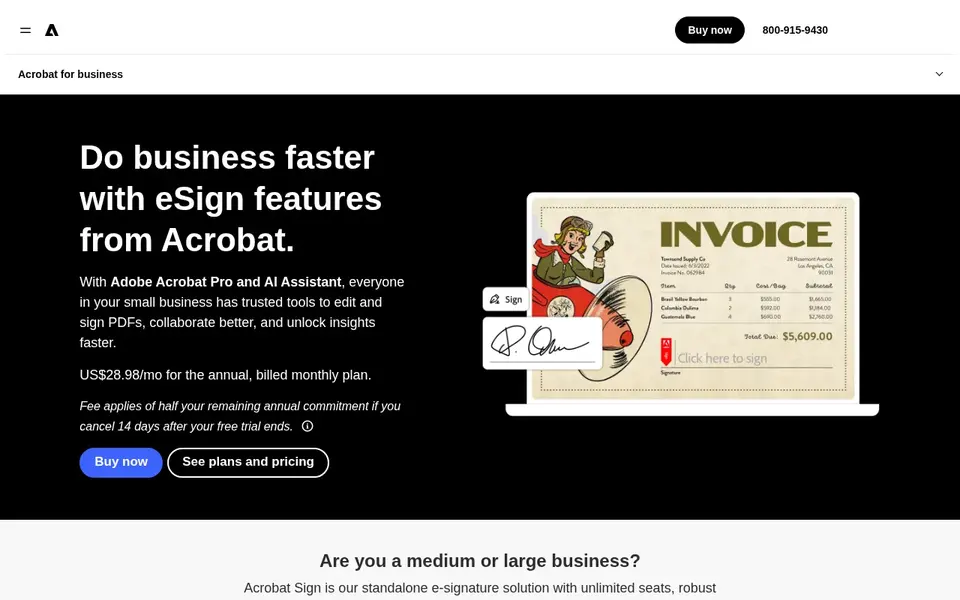
Adobe Acrobat Sign is built with deep PDF and document workflows in mind. Adobe Acrobat Sign is an e-signature service that integrates tightly with Adobe's PDF tools and document cloud. It supports collecting payments, embedding signatures on websites, and automating document workflows.
The API and setup may be more involved than more straightforward alternatives, and the full value emerges when used with other Adobe services. From a buyer's view, if you are not invested in the Adobe ecosystem, a standalone e-signature API might be simpler to adopt. No starting price is listed for Adobe Acrobat Sign here; confirm pricing on the vendor site. As for free access: Not stated.
What to check first: API can be complicated to implement.
- Supports digital payments
- Solid PDF integration
- Best value within Adobe ecosystem
Pick DocuSign eSignature if this describes you: wide API ecosystem and integrations. DocuSign eSignature is a widely adopted electronic signature system with a solid API that supports embedded signing, workflows, and integrations. In daily use, the platform is well suited for enterprises and product teams that need deep customization and compliance features.
Trade-offs to know: Can be complicated for straightforward use cases.
Beyond that, the product's breadth can introduce complexity for small teams or straightforward signing needs. Some advanced capabilities are gated behind higher service levels. As for the details, if you need a light API with minimal setup, consider a more straightforward alternative like Dropbox Sign. This comparison lists no price for DocuSign eSignature; ask the vendor. Trial and free access: Not stated.
- Global compliance support
- Broad API documentation
- Premium features may need higher levels
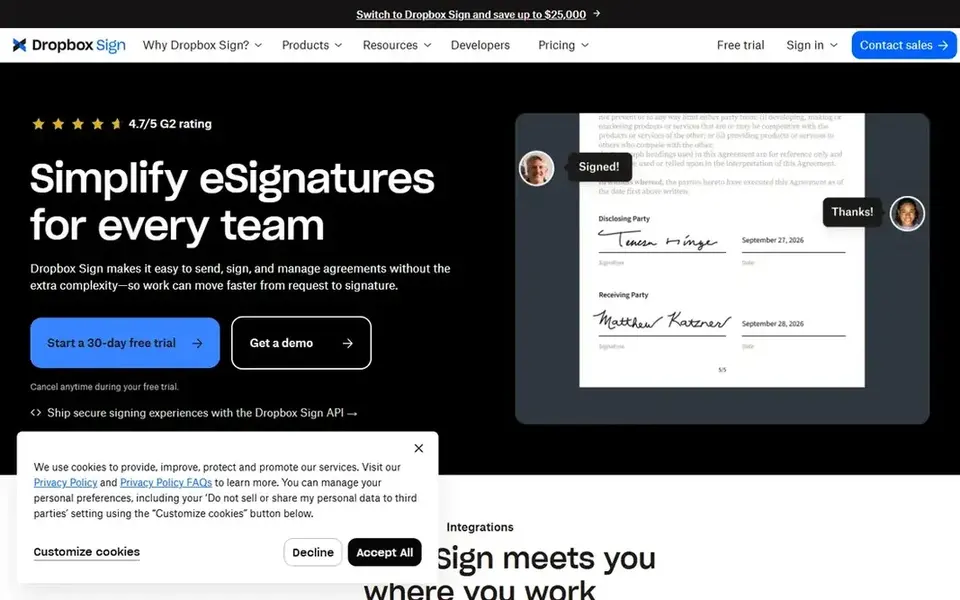
Dropbox Sign is designed for straightforward developer-friendly e-signature API. It is a strong match for developers who want to add signing capabilities without a steep ramp-up time.
Drawbacks to consider: Fewer advanced workflow features.
Beyond that, the product supports templates, reminders, and legally binding signatures. As for the details, if you need complicated routing or deep CRM integration, consider DocuSign or Conga Sign. On cost, Dropbox Sign starts like this: $15 USD / mo. Free options: Free trial. Reasons to shortlist it: Simple template management.
- Legally binding signatures
- Clean and straightforward API
- Restricted customization compared with enterprise tools
In short, Conga Sign is for CRM-integrated e-signatures. The system emphasizes smooth integration with business applications. Its strengths are most apparent when used alongside Conga's other products, and standalone API adaptability may be restricted compared with dedicated e-signature APIs.
Conga Sign is an e-signature option designed to operate within CRM and workflow environments, offering white-label capabilities and compliance features. It is a strong match for teams that want signing embedded straight into their existing CRM or document generation processes. Pricing for Conga Sign is not stated here, so ask the vendor for current figures. Free plan details: Not stated.
Honest limits: Less standalone API flexibility.
- Works inside CRM workflows
- White-label choices
- Best value within Conga ecosystem
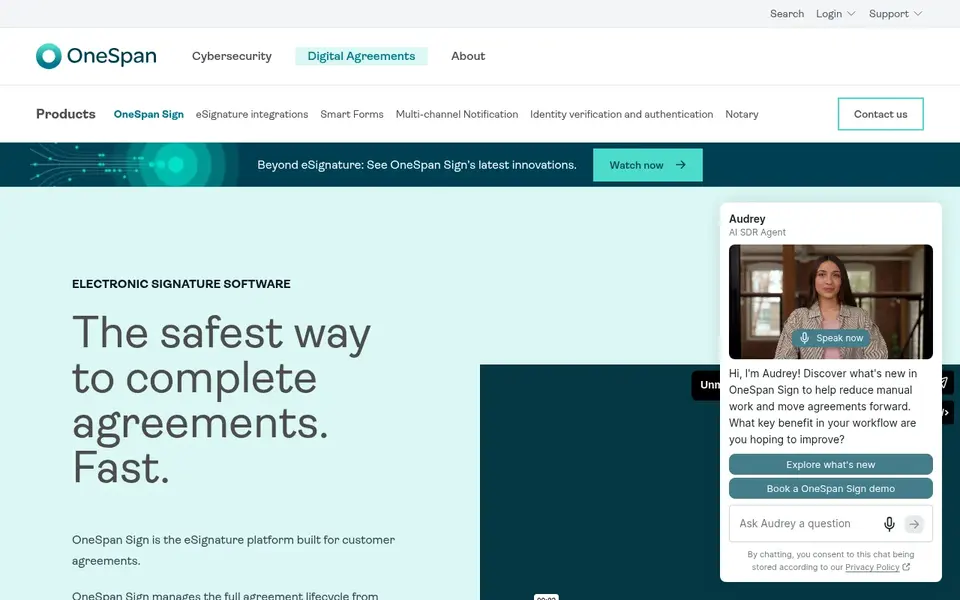
OneSpan Sign was built for security and identity assurance. It suits organizations that prioritize security and compliance in digital transactions.
In practice, if you need a light API without advanced security requirements, a more straightforward tool may be more appropriate. Pricing for OneSpan Sign is not stated here, so ask the vendor for current figures. Free options: Not stated.
Trade-offs to know: May be overkill for small teams.
- Solid identity verification
- Smart forms and automation
- Complicated setup for entry-level needs
How the list was put together
For each of the 6 tools we noted price, free plan or trial, fit for AI e-signature apis software and the main limit, using vendor pages and documentation. Prices and plan limits come from vendor pages and can change, so confirm them on the vendor site before you buy. The sequence is a judgement call: typical use case first, then pricing transparency, then free access. Use the profiles to check fit.
Pre-purchase checklist
- Get a written quote from Adobe Acrobat Sign, DocuSign eSignature, Conga Sign and OneSpan Sign; the list shows no starting price for them.
- Run a trial of Signaturit and Dropbox Sign with real work before paying for a year; your own workflow is the best test.
- Read the limits listed for Signaturit first: less known outside Europe.
- Before you load data into OneSpan Sign, check what an export looks like and who can run it.
- Ask whether Conga Sign integrates with your current software, and whether that comes standard or as an add-on.
Frequently asked questions
How are the tools for AI e-signature apis software ordered?
The order follows typical fit for AI e-signature apis software, with Signaturit first and OneSpan Sign last, then price clarity and free access. It is editorial judgement, not a score, so another team could rank the tools differently.
Can I try these options before paying?
Often, yes. Signaturit and Dropbox Sign offer a free trial. Use your own data and a real task during the test, and check what the free tier or trial limits before you rely on it.
Does any tool for AI e-signature apis software here have a free plan?
No tool in this list, Signaturit and OneSpan Sign included, has a permanent free plan. Signaturit, Dropbox Sign offer a trial. Trials and quotes are the usual route, so plan a short evaluation period.
Which e-signature API is a good match for developers?
Signaturit is the pick this page puts first, mainly for European digital transaction needs. If your situation differs, Adobe Acrobat Sign suits deep PDF and document workflows, and DocuSign eSignature suits wide API ecosystem and integrations. Compare price and limits before you decide.
Is Signaturit the right pick for everyone comparing AI e-signature apis software?
No single tool suits every team. Signaturit comes first because it fits European digital transaction needs, while Adobe Acrobat Sign suits deep PDF and document workflows and DocuSign eSignature suits broad API ecosystem and integrations. Match the tool to your own size, budget and workflow before deciding.
Sources
See where you really rank - block by block
ProMapRanker scans Google Maps across a grid of your service area. Simple monthly plans from $19, white-label on every plan.
Start freeBrowse all guides
← Top SlidesAI Alternatives for 2026, With PricesBest AI Tools for Analyzing PDFs (2026) →
 best ai text-to-speech software for e-learning
5 Best AI Text-to-Speech Software for E-Learning in 2026
Comparing the best AI Text-to-Speech software for E-Learning? 5 contenders, each with entry cost, free tier and best-fit buyer. Each pick lists its main limit.
Read → best medical speech to text software
Medical Speech to Text Software: 7 Options Compared in 2026
7 products for the best medical speech to text software, ranked by fit, with starting costs and free tiers. Every tool lists pros and cons. Details below.
Read → best ai script writing tools
AI Script Writing Tools: 7 Options Compared in 2026
7 products for the best AI script writing tools, ranked by fit, with starting costs and free tiers. Each profile ends with a plain caveat. Compare quickly.
Read → best ai text humanizer tools
6 Strong AI Text Humanizer Tools in 2026
6 best AI text humanizer tools, compared on pricing, free plans and best-fit use. WriteHuman leads the list for natural rewriting quality. Decide faster.
Read → best comic book app
Best Comic Book Apps in 2026: 9 Apps Compared
Find the best comic book app for Marvel, DC, manga and free comics, with subscription prices, library depth and offline reading compared in full today.
Read → best self publishing platforms
Best Self Publishing Platforms in 2026
Compare the best self publishing platforms for ebooks and print, with royalties, distribution, fees, and which service fits each kind of author in 2026.
Read →More in Writing, PDFs & Documents · All guides A to Z by date · Latest guides