 ProMapRanker
OCR Scanner Software in 2026: Top 6 Compared

Everyday document editing and protection · Pricing starts at: See website
Direct answer
Start with Nitro PDF Pro if you need everyday document editing and protection. Listed starting prices: ABBYY FineReader PDF from $16 a month and PDFelement from $6.99 per week. Look at Foxit PDF Editor for AI-assisted PDF editing and signing, and at ABBYY FineReader PDF for converting scanned documents into editable files. Prices, free plans and limits for all 6 tools follow.
If you are comparing OCR scanner software, this page covers 6 tools in one place: what each is best for, what it costs to start, whether it has a free plan, and the main limit to know about.
Key takeaways
- Top of the list is Nitro PDF Pro, which targets everyday document editing and protection.
- Amazon Textract is the one to check for automatic extraction from forms and tables.
- What to know about Foxit PDF Editor first: OCR is one feature among plenty of.
- For the cheapest start, look at ABBYY FineReader PDF: $16 per month.
- None of the 6 tools, from Nitro PDF Pro to Amazon Textract, has a free plan, so budget for a subscription or use a trial.
Quick comparison
| Pick | Great for | Pricing starts at | Free tier | |
|---|---|---|---|---|
| Nitro PDF Pro | Everyday document editing and protection | See website | Not stated | Visit |
 Foxit PDF Editor | AI-assisted PDF editing and signing | See website | Not stated | Visit |
 ABBYY FineReader PDF | Converting scanned documents into editable files | $16 a month | Free trial | Visit |
 Adobe Acrobat Pro | OCR inside a full PDF workflow | See website | Not stated | Visit |
 PDFelement | Accessible editing across desktop, mobile and web | $6.99 per week | Not stated | Visit |
 Amazon Textract | Automatic extraction from forms and tables | See website | Not stated | Visit |
6 options for OCR scanner software in detail
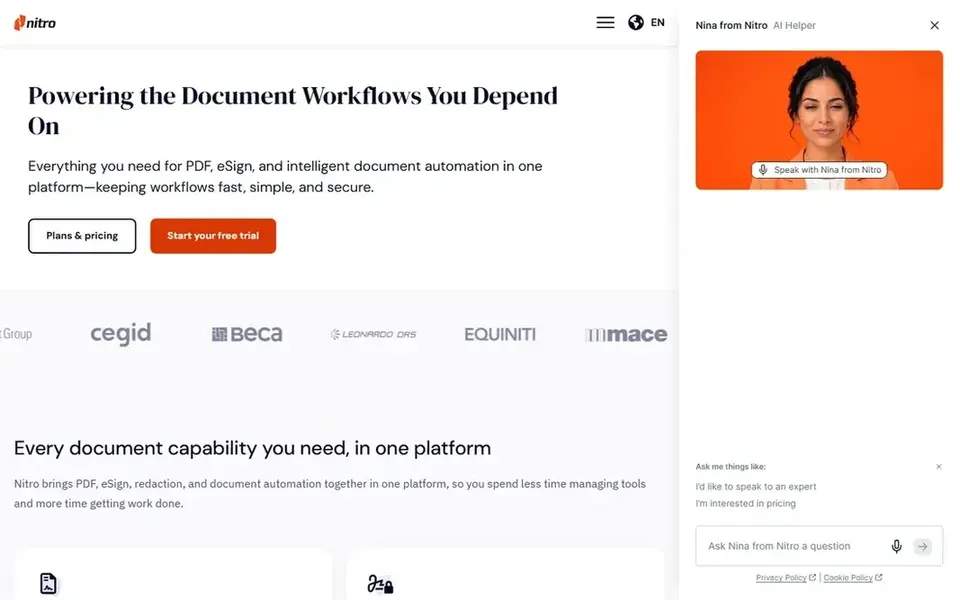
Nitro PDF Pro targets everyday document editing and protection. The vendor frames it around productivity for document-heavy roles.
More specifically, Nitro PDF Pro is a full-featured PDF editor for editing, converting, signing and protecting documents, pitched at simplifying everyday workflows. Nitro PDF Pro shows no starting price here, so confirm the cost on the vendor site. Free plan details: Not stated.
Drawbacks to consider: OCR is not the headline feature. Where Nitro PDF Pro stands out: converting and signing.
- Document protection features
- Workflow-oriented design
- Less suited to developer integration
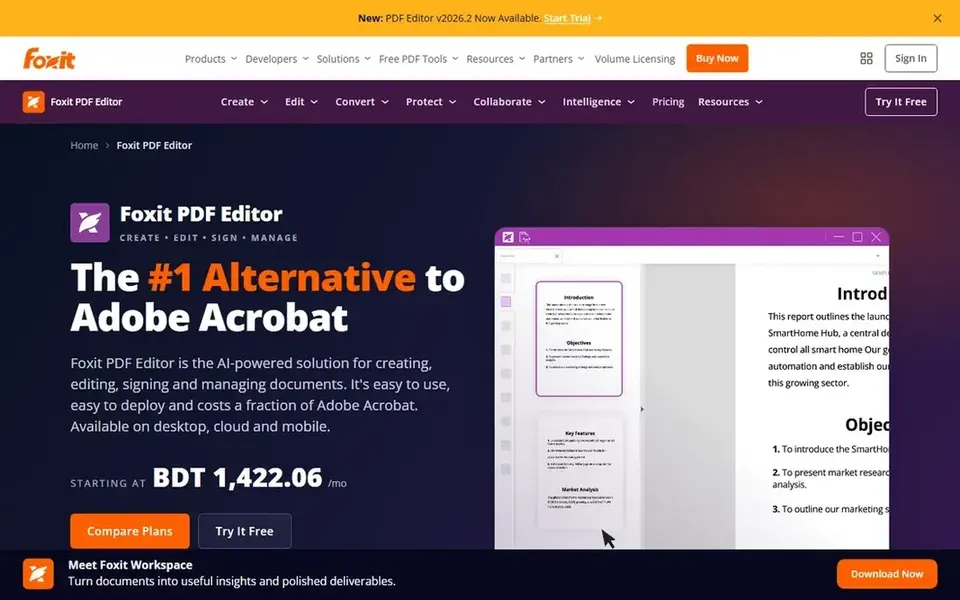
Pick Foxit PDF Editor if this describes you: AI-assisted PDF editing and signing. Foxit PDF Editor is an AI-powered PDF editor for editing, converting and signing documents, positioned by the vendor as an alternative to Adobe.
As for the details, everyday document handling, from scanned input to signed output, stays in one application. Pricing for Foxit PDF Editor is not stated here, so ask the vendor for current figures. On free options: Not stated.
Drawbacks to consider: Advanced automation needs other tools.
- Signing built in
- AI-powered editing and conversion
- OCR is one feature among plenty
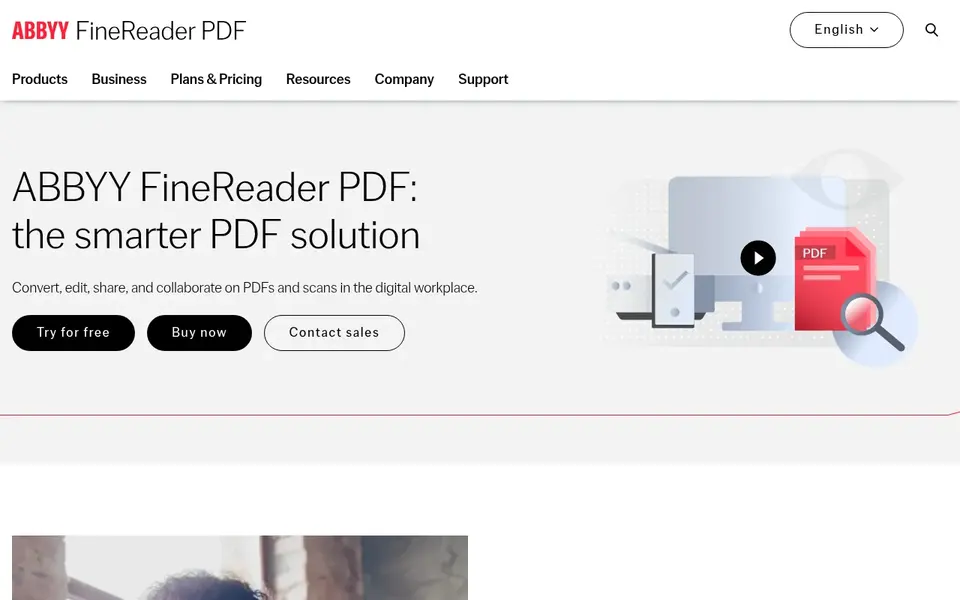
Pick ABBYY FineReader PDF if this describes you: converting scanned documents into editable files. ABBYY FineReader PDF is a PDF editor built around the company's AI-based OCR technology. It is targeted at users who require to turn scans and PDFs into editable formats for example Word or Excel, then edit, share and collaborate on the results.
Downsides: Conversion focus may overlap with your PDF editor.
Users who chiefly want to annotate and sign PDFs, or who require programmatic extraction at scale, may prefer a more straightforward editor or a cloud OCR service. Also, the conversion-first design can overlap with a general PDF editor you already own, so check whether you need both. Price to start with ABBYY FineReader PDF: $16 per month. As for free access: Free trial.
- Editing and collaboration features
- AI-based OCR technology
- Feature depth can take time to learn
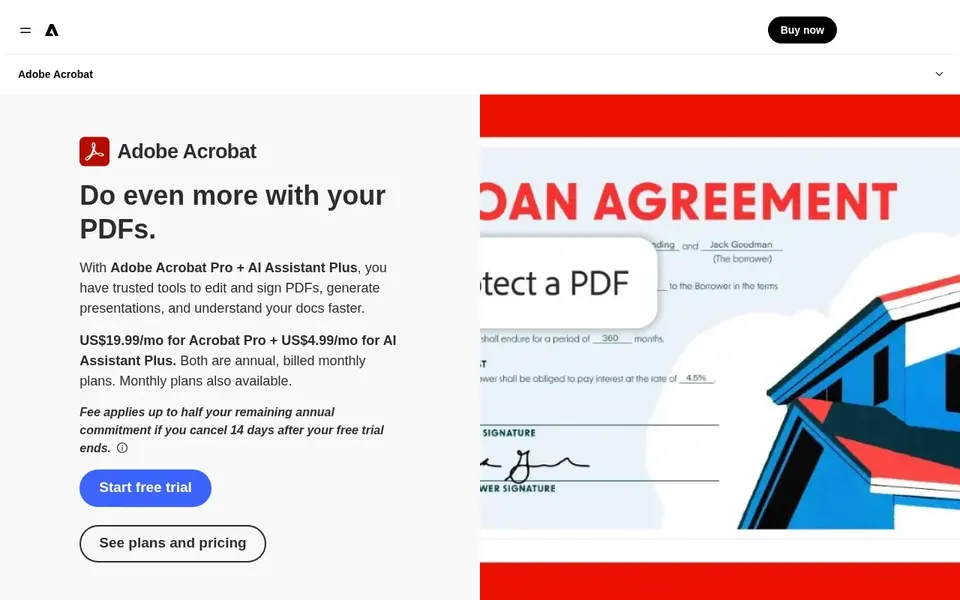
Adobe Acrobat Pro is designed for OCR inside a full PDF workflow. In daily use, teams that standardize on PDF workflows will find it a natural home for scanned documents.
Where Adobe Acrobat Pro stands out: Suits document-centric teams.
Worth adding: if your priority is bulk conversion or automatic extraction through an API, a specialized OCR product or a cloud service may be a better fit than a desktop editor. Adobe Acrobat Pro shows no starting price here, so confirm the cost on the vendor site. Free plan details: Not stated.
Where it falls short: Best value only if you use PDF tools daily.
- Converting and sharing
- Mature PDF feature set
- Heavier than single-purpose OCR tools
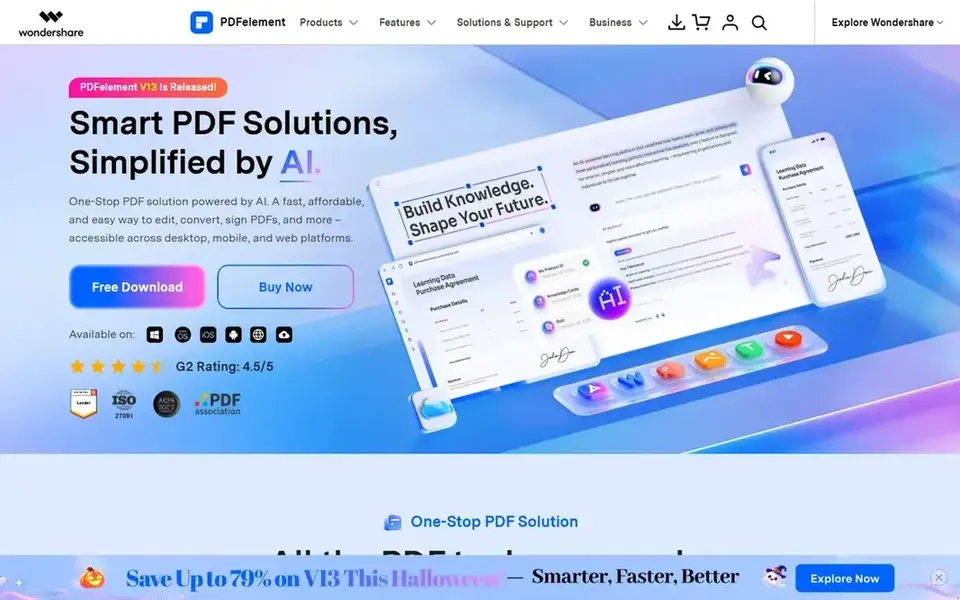
In short, PDFelement is for accessible editing across desktop, mobile and web. It suits users who want an approachable editor with OCR support and the adaptability to work on different devices.
More specifically, users with large-scale or highly structured extraction needs will find a dedicated OCR service more appropriate. On cost, PDFelement starts like this: $6.99 per week. Trial and free access: Not stated.
Upsides: protect and sign.
What to check first: OCR quality varies with scan quality.
- Works on desktop
- Approachable interface
- Cross-device use may fragment workflows
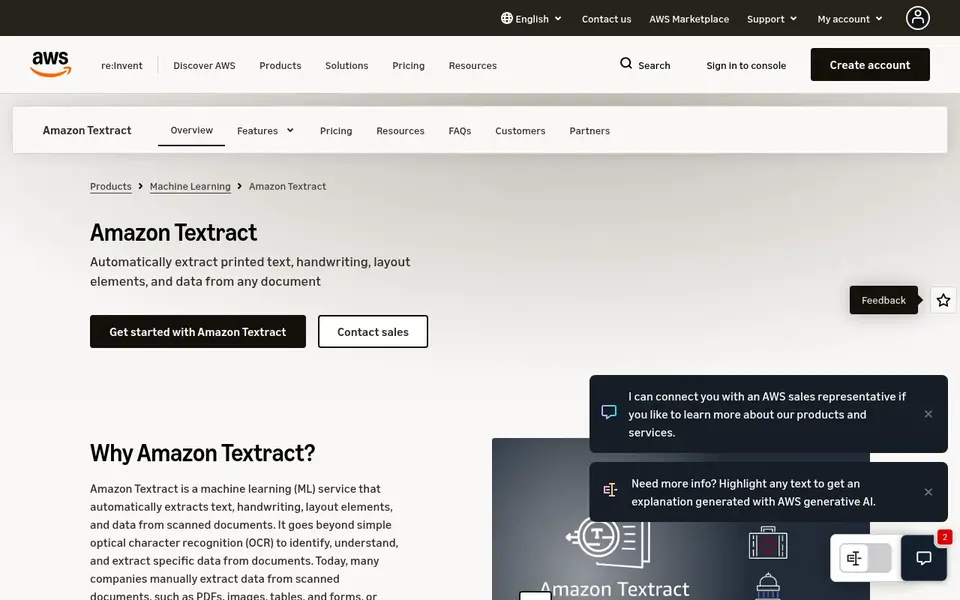
Amazon Textract makes the most sense for automatic extraction from forms and tables. Amazon Textract is a machine learning service that uses OCR to extract text, handwriting and structured data from scanned PDFs, forms and tables. It is aimed at developers and operations teams that require to process documents programmatically at volume instead of edit them by hand.
For everyday use, the service targets automatic intake and data capture workflows. It is an API-based service, not a document editor, so business users cannot open and revise files in it straight. Teams without engineering support, or those that chiefly need manual PDF editing, should choose a desktop suite instead. Pricing for Amazon Textract is not stated here, so ask the vendor for current figures. Free plan details: Not stated.
Watch-outs: Not a desktop editing tool.
Where it shines: Takes care of forms and tables.
- Handwriting and data
- Extracts text
- Needs developer integration
How we chose
Selection started from tools commonly considered for OCR scanner software, then narrowed to 6 that have clear pricing information or a clear quote process. Where a vendor does not publish a price, the entry says quote. Where a price depends on seats or billing term, the entry says so. The sequence is a judgement call: typical use case first, then pricing transparency, then free access. Use the profiles to check fit.
Before you commit
- Confirm the entry price on the vendor page. For Nitro PDF Pro, Foxit PDF Editor, Adobe Acrobat Pro and Amazon Textract that means a quote rather than a fixed price.
- Use real work to test the free trial from ABBYY FineReader PDF, rather than a demo project.
- Read the limits listed for Nitro PDF Pro first: OCR is not the headline feature.
- Confirm minimum seats and billing terms with Nitro PDF Pro before you commit to an annual plan.
- Check the support hours and onboarding help Adobe Acrobat Pro offers; smaller vendors vary a lot here.
Frequently asked questions
Does any tool for OCR scanner software here have a free plan?
A permanent free plan is not offered by Nitro PDF Pro, Amazon Textract or the other tools here. ABBYY FineReader PDF offer a trial. Plan a short evaluation period instead.
What is the cheapest option for OCR scanner software in this list?
On published monthly entry prices, ABBYY FineReader PDF is the lowest here at $16 per month. Entry price is only part of the cost, because seats, add-ons and billing terms can change the total. For the full picture, the cards above cover all 6 entries of this OCR scanner software list, including price, free plan and limits.
Can I try these options before paying?
Often, yes. ABBYY FineReader PDF offers a free trial. Use your own data and a real task during the test, and check what the free tier or trial limits before you rely on it.
What should I look for in OCR scanner software?
Then check output formats, whether you need a desktop editor or an API, and how results will flow into your existing systems.
How are the tools for OCR scanner software ordered?
The order follows typical fit for OCR scanner software, with Nitro PDF Pro first and Amazon Textract last, then price clarity and free access. It is editorial judgement, not a score, so another team could rank the tools differently.
Sources
See where you really rank - block by block
ProMapRanker scans Google Maps across a grid of your service area. Simple monthly plans from $19, white-label on every plan.
Start freeBrowse all guides
← Best AI Writing Assistants Software for Enterprise (2026)Top ProWritingAid Alternatives for 2026, With Prices →
 best ai speech-to-text for journalists on deadline
Best AI Speech-to-Text for Journalists on Deadline Options (2026)
6 tools for the best AI Speech-to-Text for journalists on deadline, compared on pricing, free plans and best-fit use. Cost notes and weak points included.
Read → best ai document management software
AI Document Management Software in 2026: Top 6 Compared
Best AI document management software, compared. 6 tools with published prices, free plans and limits. Weak spots flagged for every entry. Choose faster.
Read → writesonic geo alternatives
Writesonic GEO Alternatives: 5 Tools Compared in 2026
Writesonic GEO alternatives: 5 contenders ranked by fit, with entry costs and free tiers. Strengths and gaps are listed per tool. Skim the table first.
Read → best journal app
Best Journal App in 2026: 9 Options Compared
Best journal app compared for 2026, with Day One, Journey, Daylio, and more for diary writing, mood tracking, and mental health routines for daily use.
Read → best online tool protect pdf
Best Online Tools to Protect PDF Files in 2026
Compare the best online tool protect pdf options with passwords and permissions. See free choices, encryption, privacy, and pricing for each tool here.
Read → best ai content detectors software
Top 8 AI Content Detectors Software for 2026, Compared
Compare 8 picks for the best AI content detectors software, with prices, free plans and who each fits. Fit, price and catches for every tool. No filler.
Read →More in Writing, PDFs & Documents · All guides A to Z by date · Latest guides