 ProMapRanker
Top 8 AI Content Detectors Software for 2026, Compared


Budget OCR and scanned document checks · Pricing starts at: $5/month (billed annually; $9 billed per month)
Direct answer
Winston AI is the first pick on this list for budget OCR and scanned document checks. Pangram is the stronger choice for teams that require the lowest false-positive risk, while Sapling suits support and sales teams checking messages in their workflow. The full list of 8 tools follows, with prices and free plan facts.
Key takeaways
- Winston AI takes the first slot, best suited to budget OCR and scanned document checks.
- Winston AI has the lowest monthly starting price in this list: $5/month.
- Copyleaks is the one to check for multilingual enterprise and education teams.
- 6 out of 8 tools include a free plan, among them Pangram, Sapling, ZeroGPT and QuillBot.
- Check the limits for Winston AI before you commit: plagiarism checking is restricted on lower tiers.
Quick comparison
| Pick | Great for | Pricing starts at | Free tier | |
|---|---|---|---|---|
| Winston AI | Budget OCR and scanned document checks | $5/month (billed annually; $9 billed per month) | Free trial (14 days) | Visit |
 Pangram | Teams that require the lowest false-positive risk | $20/month | Yes | Visit |
 Sapling | Support and sales teams checking messages in their workflow | $15/seat/month (Enterprise, 10-seat minimum) | Yes | Visit |
 ZeroGPT | Fast no-signup spot checks | See website | Yes | Visit |
 QuillBot | Writers who already use QuillBot daily | See website | Yes | Visit |
 Originality.ai | Publishers and agencies scanning freelancer copy | $14.95/month (billed per month; $12.95 billed yearly) | Yes | Visit |
 Turnitin | Institutions with LMS-based workflows | See website | No | Visit |
 Copyleaks | Multilingual enterprise and education teams | $16.99/month ($13.99 billed yearly) | Yes | Visit |
AI Content Detectors Software, one by one
Choosing AI content detectors software usually comes down to price, fit and limits. This ProMapRanker guide sets 8 tools side by side on those three points, with the facts kept short and checkable.
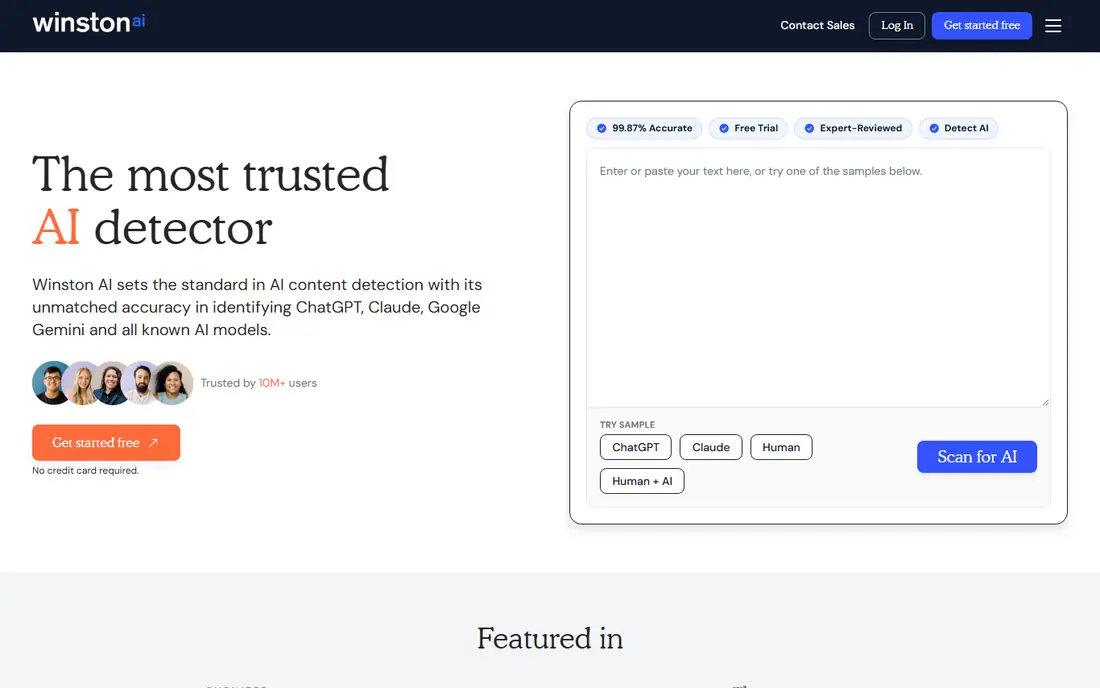
Winston AI is built with budget OCR and scanned document checks in mind. The Essential plan is the cheapest premium entry in this roundup: $9 a month billed monthly, or $5 a month billed yearly. That includes 100,000 credits a month and the plagiarism checker.
Trade-offs to know: Plagiarism checking is restricted on lower tiers.
Where Winston AI stands out: Publishes external validation (RAID, Chicago Booth). Its OCR can pull text from scanned pages, photos, and even handwriting, which matters for schools and publishers dealing with submissions that arrive as images. For everyday use, the vendor publishes its benchmark results, including a top ranking on the RAID benchmark and a Chicago Booth study with zero false positives across 8,697 documents. The free level is a 14-day trial with 2,000 credits, not a permanent free plan. Winston AI starts at: $5/month. Free options: Free trial (14 days).
- OCR extracts text from scans, images, handwriting
- Cheapest premium entry point here
- Brand is less known, so reports carry less weight with clients
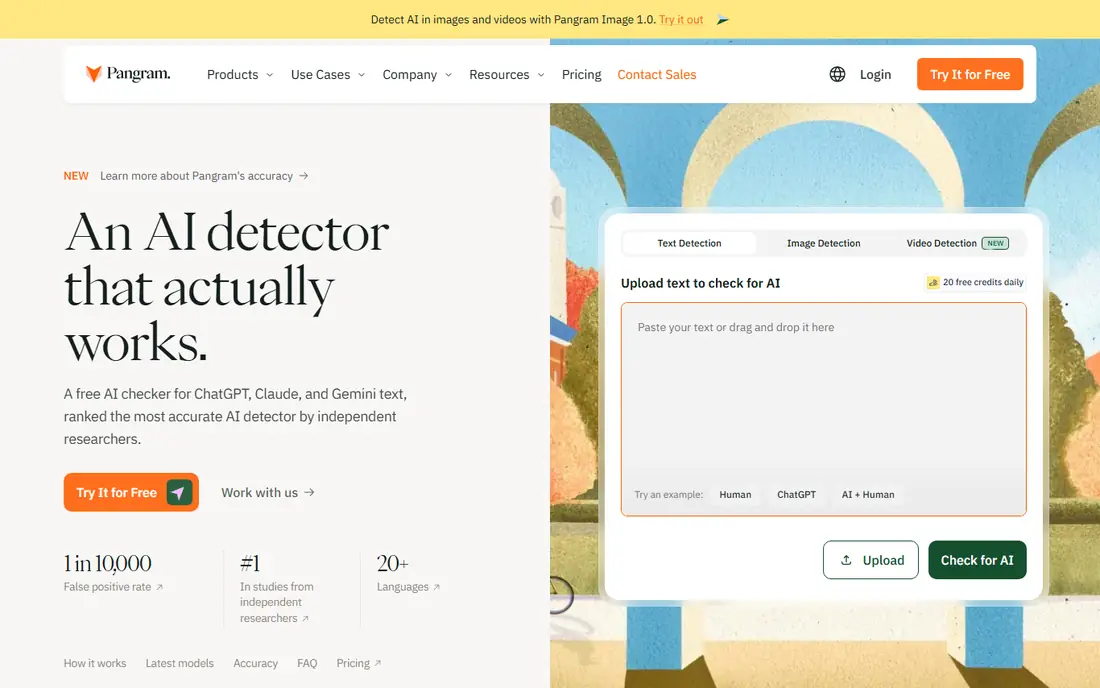
Pangram targets teams that require the lowest false-positive risk. Pangram was founded in Brooklyn by AI researchers from Tesla and Google, and it positions itself as the research-grade choice. Worth adding: the headline number is the false positive rate: 1 in 10,000 human documents, verified by researchers at the University of Chicago and the University of Maryland.
Points against: Fewer workflow integrations than older competitors.
In daily use, when a flag could cost someone a grade or a contract, that number is the reason to pay. More specifically, the honest limitation is ecosystem: fewer LMS and CMS integrations than Copyleaks or Turnitin, so expect to use the API or the web app instead of a native plugin. The free plan permits 20 checks per day, which is ample for evaluation. Pangram starts at: $20/month. Pangram offers a free plan.
- Spots AI-generated images too
- 1-in-10,000 false positive rate
- $20 a month is steep for solo users
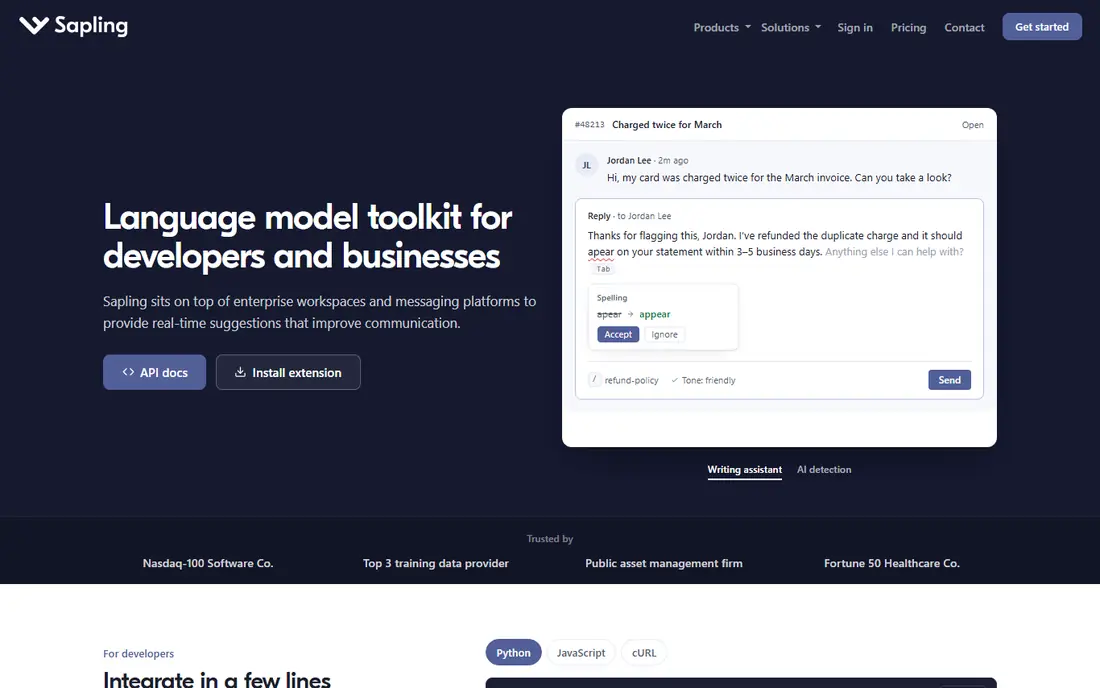
Sapling targets support and sales teams checking messages in their workflow. Sapling is not really a detector company. It is a writing assistant for customer-facing teams that happens to contain AI content detection, delivered inside the tools agents already use: Salesforce, Zendesk, ServiceNow, and a browser extension.
Where it shines: other CRMs.
Limits to weigh: Per-seat enterprise pricing brings up.
That makes it the pick for a specific job: checking whether outbound support replies or sales messages were machine-written, without adding a step to the workflow. From a buyer's view, the free plan includes short checks up to 2,000 characters, and the API is usage-based with a $5 minimum, which developers like. More specifically, if you need a standalone detector for long documents, buy a standalone detector. Entry price for Sapling: $15/seat/month. Free access exists with Sapling.
- AI detection embedded in Salesforce, Zendesk
- Free 1-month Pro trial
- Not the core product
ZeroGPT is a good fit for fast no-signup spot checks. The free allowance of 15,000 characters per check is among the most ample here.
It brings sentence highlighting, PDF reports, and batch uploads that make it handy for a fast pass over multiple documents. No starting price is listed for ZeroGPT here; confirm pricing on the vendor site. You can start on ZeroGPT without paying.
- Batch file uploads
- Free checks up to 15,000 characters with no account
- Ad-heavy site feels less professional for client-facing work
Where QuillBot fits: writers who already use QuillBot daily. The free level scans up to 1,200 words without an account, and Premium removes the limit.
In practice, for a student or freelancer who already lives in QuillBot, running a self-check before submitting is zero additional effort. QuillBot does not show a starting price in this comparison, so check the vendor site for current pricing. QuillBot includes a free tier.
Downsides: Detection is a side feature with moderate accuracy.
- No signup needed for short checks
- Clean
- Longer documents need Premium
Pick Originality.ai if this describes you: publishers and agencies scanning freelancer copy. Originality.ai is aimed at content teams, and it displays. A pay-as-you-go choice ($30 for 3,000 credits, two-year expiry) fits teams with irregular volume.
Beyond that, the main limit is weaker accuracy on heavily edited AI text, and subscription credits do not roll over. On top of that, the Pro plan at $14.95 a month comes with 2,000 credits, which includes roughly 100 articles of 2,000 words. Also, the detector runs on four separate models (Lite, Turbo, Academic, Multilingual) rather than one general model. The Chrome extension records a replay of the writing session inside Google Docs. Originality.ai pricing: $14.95/month. You can start on Originality.ai without paying.
Honest limits: Subscription credits expire monthly with no rollover.
- Four specialized detection models including Turbo and Multilingual
- Full site scans from an URL
- Credit system layers on up quick at high volume
Pick Turnitin if this describes you: institutions with LMS-based workflows. There is no free level and no public pricing; schools buy site licenses and students access it through their LMS. That makes Turnitin irrelevant for a freelancer or a small agency, and essential context for anyone selling to education.
It added detection of humanizer-tool output in 2025, closing one of the widely used workarounds students used. As for the details, more than 16,000 institutions use it. Pricing for Turnitin is not stated here, so ask the vendor for current figures. Turnitin has no permanent free option.
Where it falls short: No public pricing and no free level.
- Deepest plagiarism database in education
- Now spots humanizer-processed text
- Not individuals or small teams
Pick Copyleaks if this describes you: multilingual enterprise and education teams. The free individual tools are genuinely handy for one-off checks.
Worth adding: the weakness is that smaller teams can feel pushed toward the pricey Pro level once they need shared seats and analytics. Copyleaks cost at the entry level: $16.99/month. You can start on Copyleaks without paying.
Limits to weigh: Credit math (1 credit per 250 words) takes a minute to learn.
- AI detection in 30+ languages plus plagiarism in 100+
- LMS integrations for schools
- The handy team features live on the $99.99/month Pro plan
How these tools were picked
We compared the tools on published pricing, free plan or trial availability, feature coverage for AI content detectors software, and the limits each vendor documents. Where a price is missing, the vendor does not list one publicly or ties it to a quote. Always confirm before budgeting. Order on the page follows fit for the typical buyer first, then price transparency and free access. Your own requirements should decide the final pick.
Questions to settle before buying
- Ask ZeroGPT, QuillBot and Turnitin for a written quote, since no starting price is shown.
- Look at free plan limits closely: Pangram, Sapling, ZeroGPT and others have one, and the caps decide whether it is usable for real work.
- Take the trial from Winston AI and push a live task through it before you pay.
- Before choosing Winston AI, weigh its main limit: plagiarism checking is limited on lower levels.
- Look at the help docs and support options for Originality.ai before you commit.
- Before rolling out Copyleaks, verify the integrations your workflow depends on.
Frequently asked questions
How are the tools for AI content detectors software ordered?
Winston AI sits first and Copyleaks last because the order follows typical fit for AI content detectors software, then price clarity and free access. It is a judgement call, so read each profile for fit and limits.
Is Winston AI the right pick for everyone comparing AI content detectors software?
No single tool suits every team. Winston AI comes first because it fits budget OCR and scanned document checks, while Pangram suits teams that need the lowest false-positive risk and Sapling suits support and sales teams checking messages in their workflow. Match the tool to your own size, budget and workflow before deciding.
Do these tools publish their prices?
Not all of them. ZeroGPT, QuillBot and Turnitin publish no starting price, so expect a quote request for those. The rest, Winston AI included, show a starting price, though seats and billing terms still change the final cost.
Is it legal to run someone's writing through a detector?
Running a colleague's private writing through a detector without disclosure is a trust problem even where it is legal. When in doubt, disclose the check upfront.
Can I try these options before paying?
Often, yes. Pangram, Sapling, ZeroGPT and others have a free plan and Winston AI offers a free trial. Use your own data and a real task during the test, and check what the free tier or trial limits before you rely on it.
Sources
See where you really rank - block by block
ProMapRanker scans Google Maps across a grid of your service area. Simple monthly plans from $19, white-label on every plan.
Start freeKeep reading
 zoho inventory alternatives
6 Alternatives to Zoho Inventory, Compared on Price and Fit
Zoho Inventory alternatives: 6 tools compared on price, free plans and fit. Katana leads the list for manufacturers. Fit and flaws are laid out for each entry.
Read → zoho crm alternatives
Best Zoho CRM Alternatives (2026)
Need Zoho CRM alternatives? We compare 7 tools on cost, free access and who each suits. Every pick gets a straight assessment. Built for quick decisions.
Read → zelle alternatives
Best Zelle Alternatives in 2026
Compare the best Zelle alternatives for sending money to friends, paying sellers and moving funds abroad, with honest notes on fees, speed and safety in 2026.
Read →